Atlassian Jira is a project management tool, featuring an interactive timeline for mapping work items, dependencies, and releases, Scrum boards for agile teams, and out-of-the-box reports and dashboards.
$9
per month per user
Creatio
Score 9.1 out of 10
N/A
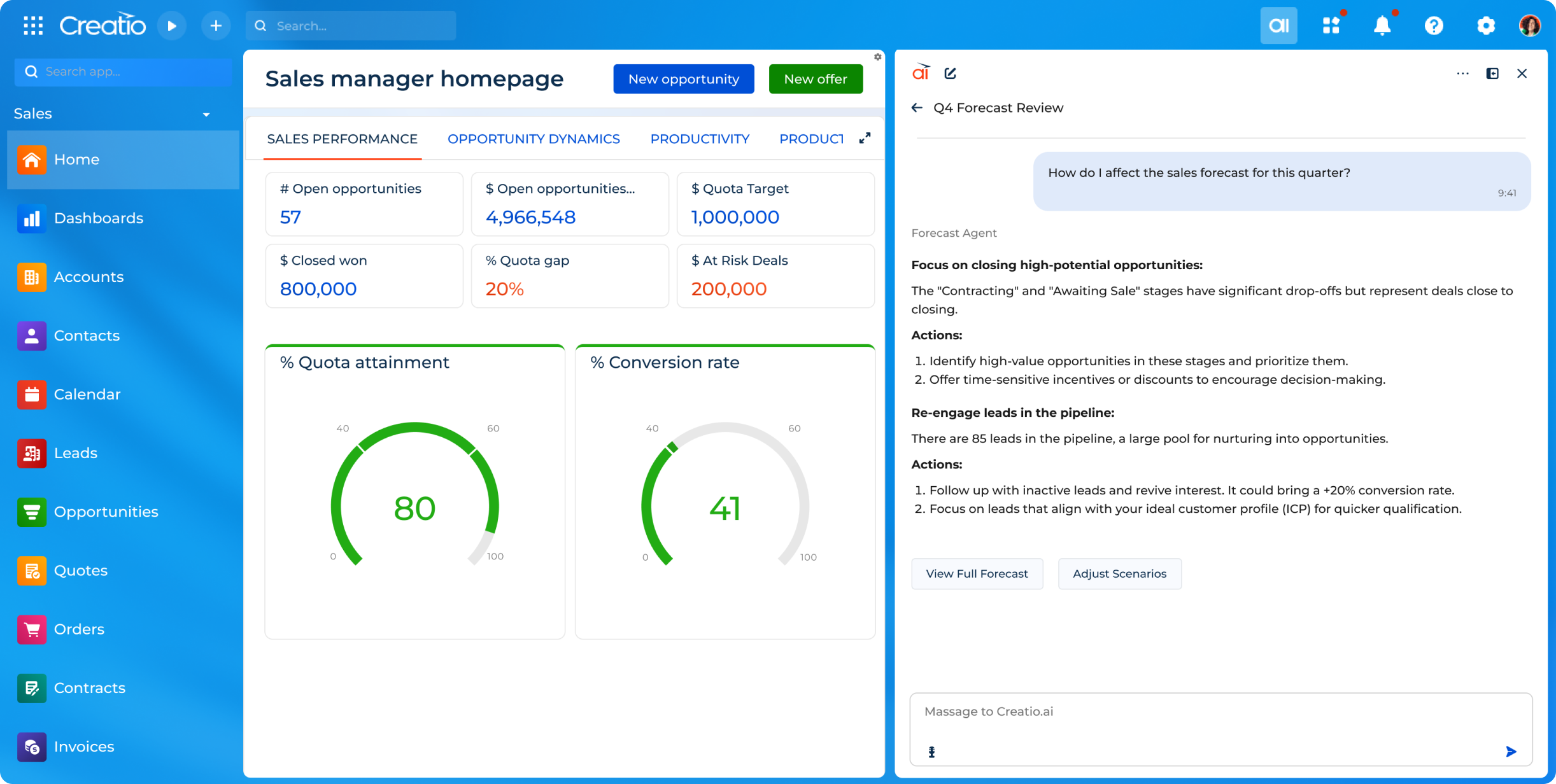
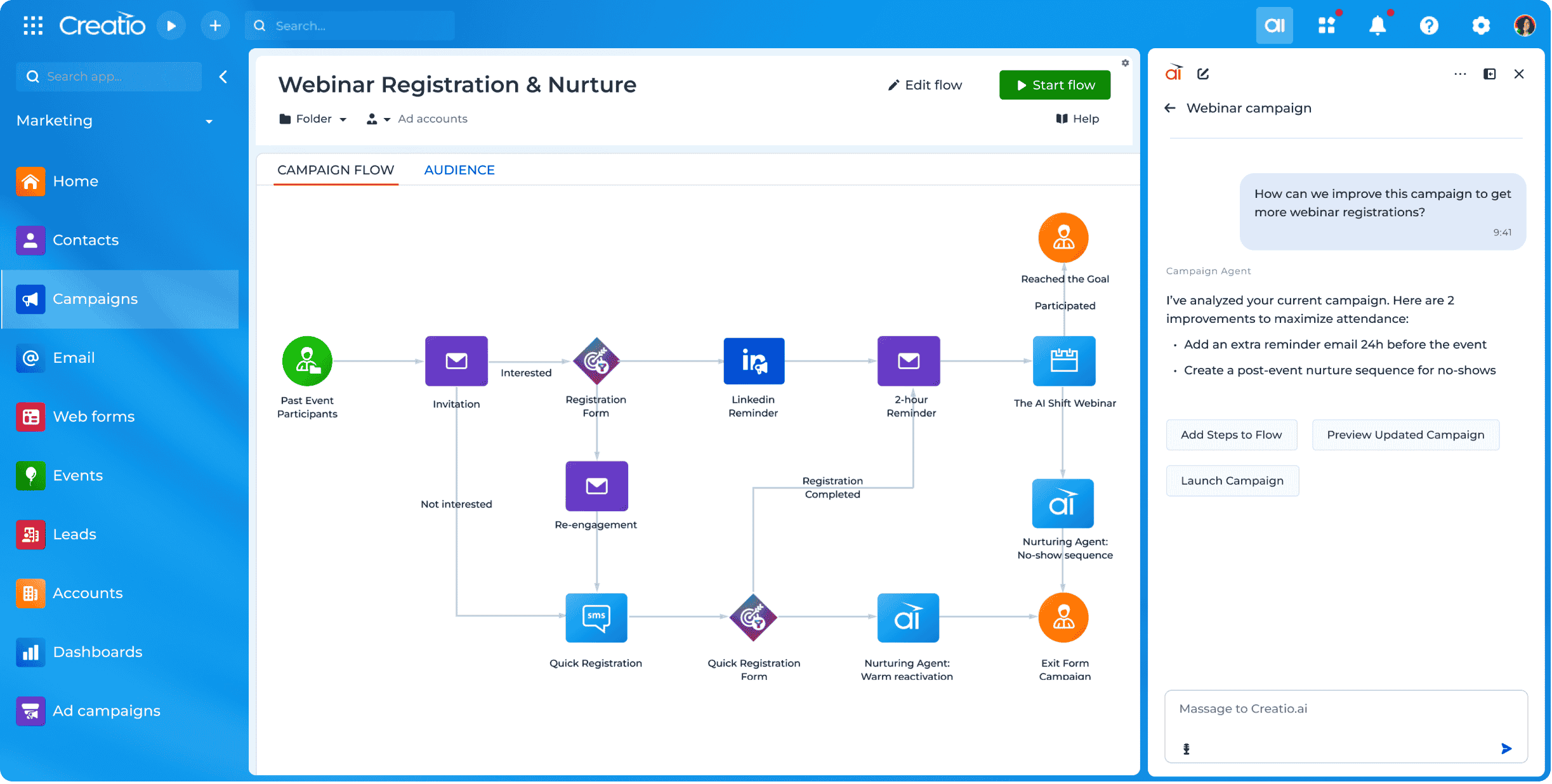
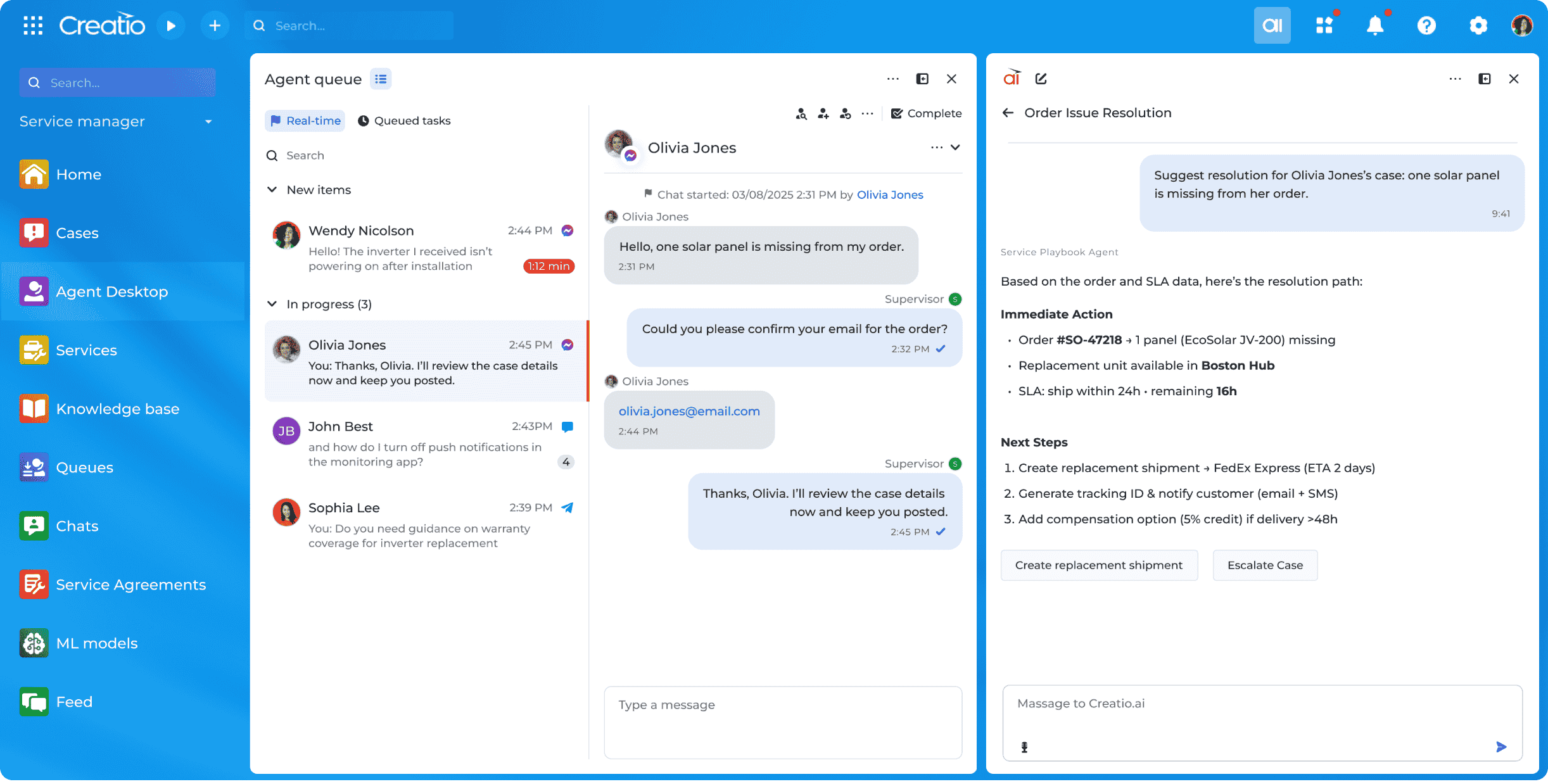
Creatio offers an agentic CRM and workflow platform. Its offerings include Creatio Studio, a no-code agentic platform to build applications and AI agents with natural language and visual designers, and a CRM suite with embedded AI agents across Creatio Marketing, Sales, and Service. The platform also includes industry workflows across 19 verticals and a range of marketplace add-ons. Creatio products can be purchased separately or as a unified CRM solution to…
$10,000
per year (minimum price for new users)
Pricing
Atlassian Jira
Creatio
Editions & Modules
Standard
$9
per month per user
Premium
$17
per month per user
Enterprise
Contact Sales
per year
Growth
$25
per month per user
Enterprise
$55
per month per user
Unlimited
$85
per month per user
Offerings
Pricing Offerings
Atlassian Jira
Creatio
Free Trial
Yes
Yes
Free/Freemium Version
Yes
No
Premium Consulting/Integration Services
No
Yes
Entry-level Setup Fee
No setup fee
No setup fee
Additional Details
Higher volume teams may qualify buyers for a discount.
Creatio Sales, Creatio Marketing, and Creatio Service are available as add-ons for $15 per month, per user. Creatio AI is included in every tier of the Creatio platform (Growth, Enterprise, and Unlimited). Creatio AI starts at $5,000 per year
More Pricing Information
Community Pulse
Atlassian Jira
Creatio
Considered Both Products
Atlassian Jira
No answer on this topic
Creatio
Verified User
Team Lead
Chose Creatio
We selected Creatio because it's the most optimal system for our current business requirements and their further scale [development]. Also, we valued the support of the vendor and the big community of implement teams.
Features
Atlassian Jira
Creatio
Project Management
Comparison of Project Management features of Product A and Product B
Atlassian Jira
7.8
36 Ratings
1% above category average
Creatio
-
Ratings
Task Management
8.835 Ratings
00 Ratings
Resource Management
7.734 Ratings
00 Ratings
Gantt Charts
7.225 Ratings
00 Ratings
Scheduling
7.733 Ratings
00 Ratings
Workflow Automation
8.134 Ratings
00 Ratings
Team Collaboration
8.535 Ratings
00 Ratings
Support for Agile Methodology
8.936 Ratings
00 Ratings
Support for Waterfall Methodology
7.930 Ratings
00 Ratings
Document Management
6.930 Ratings
00 Ratings
Email integration
8.031 Ratings
00 Ratings
Mobile Access
7.126 Ratings
00 Ratings
Timesheet Tracking
7.626 Ratings
00 Ratings
Change request and Case Management
8.027 Ratings
00 Ratings
Budget and Expense Management
7.019 Ratings
00 Ratings
Professional Services Automation
Comparison of Professional Services Automation features of Product A and Product B
Atlassian Jira
7.5
21 Ratings
3% below category average
Creatio
-
Ratings
Quotes/estimates
7.517 Ratings
00 Ratings
Invoicing
7.813 Ratings
00 Ratings
Project & financial reporting
7.219 Ratings
00 Ratings
Integration with accounting software
7.516 Ratings
00 Ratings
Low-Code Development
Comparison of Low-Code Development features of Product A and Product B
Jira facilitates software development, bug tracking, and sprints. It's ideal for structured workflows, issue management, and customer communication. However, more straightforward tools might be more efficient for highly creative, unstructured tasks or tiny, agile teams with quick visual overviews. Jira's complexity can be overkill for basic task lists.
Creatio is well suited in following scenarios: Complex Business process modelling and automation, Low code No code development which is best for efficient timelines, customized reporting and dashboarding, seamless integration with other technologies. Scenarios where Creatio is less appropriate: Solutions which require high cutomizations on the frontend side as this can be done by javascript modifications but it increases the load on the page and slows it down.
Integration of tools like Bitbucket, Github, etc., has made it easier to track the code changes, pull requests, and branches linked to the respective ticket.
The detailed tracking system in JIRA has helped the teams prioritize and understand the project tasks and issues.
JIRA's project tracking board helps you keep track of the project, its flow, and expectations in a structured format.
Creatio's client success team is super. The team is collaborative, solution-oriented, and client-driven. We have weekly meetings with the team. They show up prepared with solutions/ideas to business requests and they are clearly engaged.
Creatio's infrastructure team has been critical to our ability to execute our cloud strategy. They have worked with us to set up our testing and production environments within Azure, assisted in testing, and are responsive and flexible to our unique requirements.
Creatio has been very flexible to requests for customization. We have taken their low-code out-of-the-box solution and "Ringlerized" it. The benefit for us is an application that meets our niche business needs.
When we started using Creatio in 2022 the new user interface had just been released and did not include all the features we needed; however, we used a more classic user interface and were still satisfied with the results.
The ability to capture a digital signature directly within the application was missing in the base system; however, Creatio connected us with a partner that provided a solution for this specific situation.
This is because Jira Software generates a huge profit for an affordable price. Having a tool that makes team management transparent and effective is very valuable.
In addition, the renewal of Jira Software and all Atlassian tools is predictable and clear, as the prices are published on the Atlassian website and there is no pyramid of intermediaries.
We have always used a CRM and Creatio has proven to be much more effective in meeting our needs than our previous provider. Its customizability will allow us to adapt this product as our business may change in the future.
The interface is simple and easy to use if you have some experience with it. Configuration is also logical most of the time. However, less experienced users tend to find themselves lost in some tasks - usually complex project configuration- but sometimes simple things, such as seeing why a user can't move issues in a workflow. Jira configuration requires a good amount of experience - and even experienced users often resort to documentation. It's a tool that's easy to use if you know what you're doing and where to find the proper documentation, but novice users tend to find it challenging.
Because it is so easy to use and navigate through - even the most technophobic people in our company are using it on a regular basis. It is easy to change around and switch through different sections and keep neat and tidy.
Did not face any issues and whenever they plan maintanance they update all of us very well in advance also so in that view we are good with the product stability.
Other than the daily maintenance window where the server may be inaccessible for a few minutes, there have been no issues with accessing our Creatio site. The daily maintenance window is outside normal business hours so it does not affect our Users - just myself when I am looking to implement changes.
Performance is really good though it holds lot of data it loads quickly especially search operation also get the results very quickly as needed hence its good
Some Users have reported slow responses from the server at times which seems to be localized. Users are based across four different time zones and the issue is intermittent.
I have not had a chance to contact JIRA's customer support. It does offer extensive documentation, although it often feels too technical for me. There is also a JIRA training app that lets you take little lessons and quizzes on different areas (e.g., JIRA basics, agile). I did find it a helpful way to teach myself.
The people at the Creatio offices world wide are very friendly, patience and always happy to help. I have a huge respect for them, especially the people that were based in the Ukraine. Still in these strange times they always keep the focus on the customer, where we would have totaly understanded it if it was any different. So huge compliments to the whole team, keep up the energy and the good work
Had received training from our own internal user so it was good and also very easy to understand topics and many tasks in the UI are self explanatory and we can do by our own
One of their strong points i stheir documentation. Almost all of the basic set up needed within JIRA is available online through atlassian and its easy to find and very precise. The more critical issues need to be addressed as well and hence the rating of 8 instead of a 9.
Most of the roadblocks to learning were not discovered until the users were actually in the system using it on a day to day basis. Our Customer Success Manager has offered to setup additional training sessions as needed to close the gaps in our learning. Some areas which required some additional training are setting up filters, dashboards, and generating reports.
Take your time implementing Jira. Make sure you understand how you want to handle your projects and workflows. Investing more time in the implementation can pay off in a long run. It basically took us 5 days to define and implement correctly, but that meant smooth sailing later on.
The project manager for our implementation was great to work with and took the time to understand our business. We felt very comfortable going into the project with a reasonable scope of work to provide us with a functional version of Creatio to meet our needs. Unfortunately, we came across multiple challenges with this partner in their deliverables and timelines. Thankfully Creatio was able to provide support resources to ensure we were able to launch. We have since changed partners for our third-party support.
monday.com cannot be integrated with CI/CD tools, whereas Atlassian Jira integrates with CI/CD tools seamlessly. Atlassian Jira has strong Agile and Scrum support. Coming to monday.com, it has basic agile functionality. But Atlassian Jira has a complex UI, and monday.com has an intuitive, drag-and-drop interface. Overall, Atlassian Jira provides features like Agile project management, DevOps integration, and customizable workflows.
The user-friendliness of Creatio was a big selling point along with the low-code initiatives, both of which were important to our business. With Salesforce, unlimited wasn't really unlimited. You couldn't deploy an on-site instance and the overall cost of the system far outweighed the ROI. These are all things Creatio offers, out-of-the-box.
Atlassian Jira's robust workflow automation has boosted team efficiency, shortening delivery cycles and driving a positive ROI through improved project management.
Its advanced reporting and integration capabilities have enabled data-driven decisions, aligning operations with key business objectives.
However, the steep learning curve can delay adoption, potentially hindering short-term ROI.
We went from manually processing Work Orders into Invoices once a day - representing significant impact to turn around speeds - to submitting automatically in real time, eliminating a great deal of human transcription errors and freeing up a great deal of operations time
Custom Implementation automation in Creatio has eliminated 4-6 hours of configuration work per sale in comparison to our old manual methods