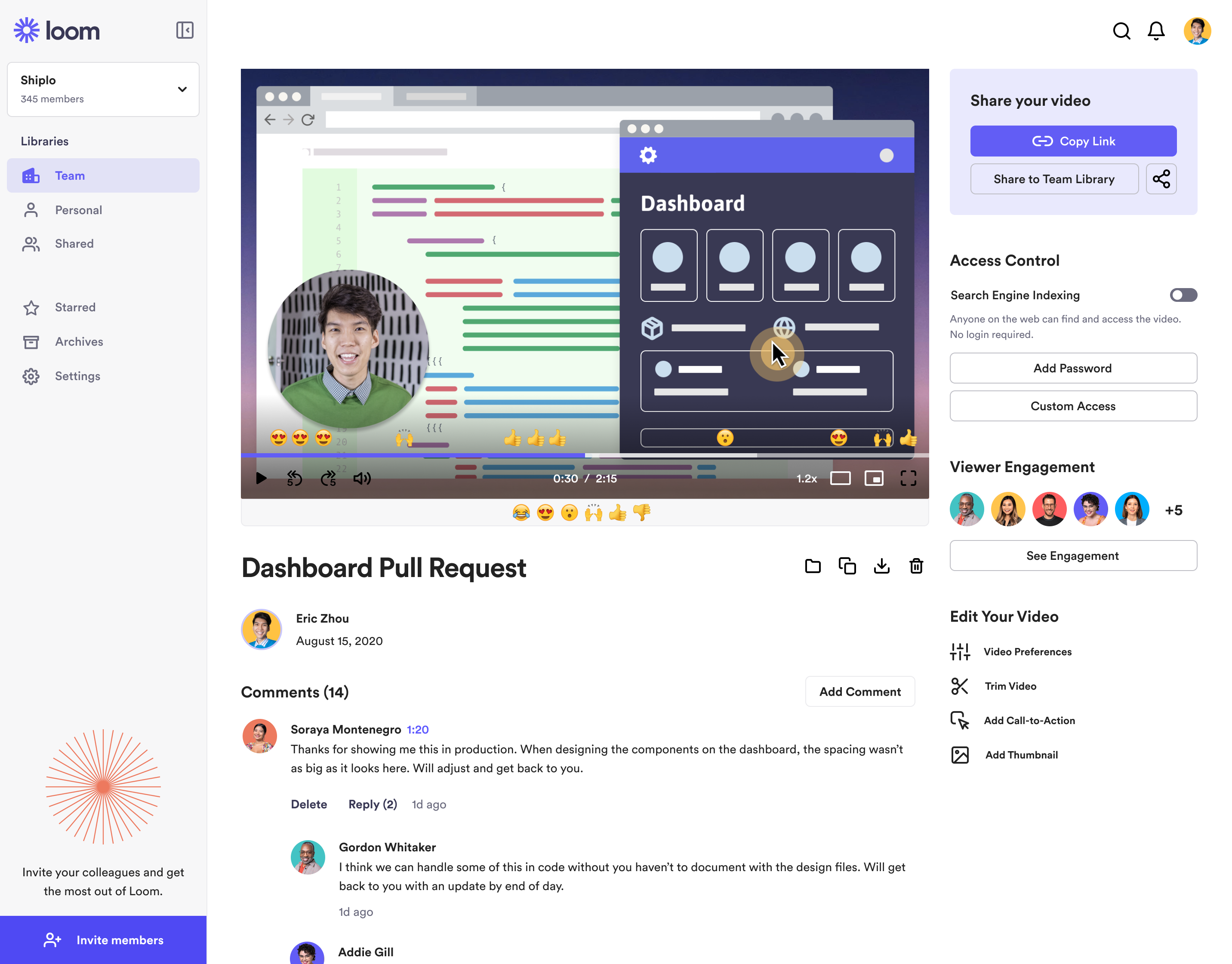
Loom is a screen recorder for Chrome, Mac, Windows, and iOS from Atlassian, presented as quick to install, easy to use, and boasting a functional free edition.
$8
per month
Zoom Workplace
Score8.6 out of 10
N/A
Zoom Workplace, Zoom’s open collaboration platform with an AI Companion, empowers teams to be more productive, and strengthen customer relationships throughout the customer lifecycle with Zoom’s Business Services for sales, marketing, and customer experience teams, including Zoom Contact Center.
Account Executive - Waterparks and Attractions in Sales at Liftopia, Inc. (Information Technology & Services, 51-200 employees)
Chose Atlassian Loom
Zoom's recording feature has been helpful before Loom, but I appreciate that with Loom I can go back and re-record something if I made a mistake. It's much easier.
A de minimis incentive was given to thank the reviewer for their time. The incentive was not used to bias or drive a particular response, nor was the incentive contingent on a positive endorsement. More Info
Marketing Technologist in Marketing at Full Cycle Marketing (Marketing and Advertising, 1-10 employees)
Chose Atlassian Loom
Loom is the best video screen sharer that we have come across. Its ease of use and relative value in its free product make it an easy stand out when we went looking for a platform to use. Though there are different video recording platforms out there that can do similar things …
A de minimis incentive was given to thank the reviewer for their time. The incentive was not used to bias or drive a particular response, nor was the incentive contingent on a positive endorsement. More Info
A de minimis incentive was given to thank the reviewer for their time. The incentive was not used to bias or drive a particular response, nor was the incentive contingent on a positive endorsement. More Info
Director of Customer Success in Customer Service at Followup CRM (Computer Software, 11-50 employees)
Chose Zoom Workplace
Zoom Workplace is superior in my opinion. It is the best for training clients and allows for annotation. Teams does not allow you to annotate and that makes it VERY hard to direct someone where to go on a screen.
A de minimis incentive was given to thank the reviewer for their time. The incentive was not used to bias or drive a particular response, nor was the incentive contingent on a positive endorsement. More Info
Verified User
Chose Zoom Workplace
With Five9, there may be a disadvantage in terms of prices, which is why we're switching to them for the phone service, but Zoom Phone is actually much better. The integration it offers with other tools allows for data collection and call recording. In the Admin service, you …
A de minimis incentive was given to thank the reviewer for their time. The incentive was not used to bias or drive a particular response, nor was the incentive contingent on a positive endorsement. More Info
Verified User
Chose Zoom Workplace
Zoom is equal in parity to all of the tools mentioned above at a bare minimum, and for some of them it goes above and beyond - for video conferencing, Zoom is well past Meet and Teams. It's less obtrusive than Teams on a PC, and it doesn't strain older hardware like Meet does.
A de minimis incentive was given to thank the reviewer for their time. The incentive was not used to bias or drive a particular response, nor was the incentive contingent on a positive endorsement. More Info
Creative Director & Owner in Corporate at Creative Nomads (Marketing & Advertising, 1-10 employees)
Chose Zoom Workplace
Zoom is much more reliable, and the call quality on Google Meet has been less than great for any meeting more than 1-on-1. I chose Zoom because I could try that it would work and that I could hear the other person. It's easier and simpler to use. Zoom wins.
A de minimis incentive was given to thank the reviewer for their time. The incentive was not used to bias or drive a particular response, nor was the incentive contingent on a positive endorsement. More Info
Loom is a must, I am not sure how many other tools like this one there are but Loom really becomes a key player in a team collaboration, specially if that team collaborates remotely or internationally. You can use the video links to embedded these in other places or downloadthem for editing
In most cases, and I mean almost all, Zoom is vastly superior to Teams in terms of functionality and ease of use. Case in point: I recently tried to join a Teams meeting in the web browser, and it took me multiple attempts to access it. This NEVER happens with a Zoom link.
A de minimis incentive was given to thank the reviewer for their time. The incentive was not used to bias or drive a particular response, nor was the incentive contingent on a positive endorsement. TR verified that a representative sample of customers was invited. More Info
Loom is valuable for creating video tutorials and onboarding materials.
It allows trainers to record step-by-step instructions, share best practices, and provide visual demonstrations, facilitating the learning process for new employees or team members.
Sales teams can create personalized video pitches or product demonstrations to engage prospects effectively.
Collaborating between timezones and replacing meetings/ emails with quick videos.
A de minimis incentive was given to thank the reviewer for their time. The incentive was not used to bias or drive a particular response, nor was the incentive contingent on a positive endorsement. More Info
Audio quality of phone calls is spot on. Calls are clear and crisp.
Video quality of video meetings are clear and there aren't any pixelization artifacts that some systems can have.
Having AI summaries have been life changing for us. We no longer have to concentrate on note taking, like we did in the past. The summaries are accurate and enable us to put our efforts in the meeting or conversation. Plus, we can save them into our practice management system as required.
A de minimis incentive was given to thank the reviewer for their time. The incentive was not used to bias or drive a particular response, nor was the incentive contingent on a positive endorsement. More Info
The still screenshot feature should let us edit/mark up the images.
I work on 3 X monitors and the desktop version of Loom still can't seem to know that I always want to record on the screen from which I open the app. Short of that, it should ask us what screen we want to record on instead of making us catch the fact that it's set to record on some other screen. This causes me to have to stop the recording and restart because it was recording the wrong screen.
You can't yet transfer a video seamlessly between workspaces. This causes you to have to download and then re-upload to the other workspace if you happen to work for numerous companies using Loom.
A de minimis incentive was given to thank the reviewer for their time. The incentive was not used to bias or drive a particular response, nor was the incentive contingent on a positive endorsement. More Info
Allow a way to group individual people chats - not channels just individual peeps into groups for ease of finding - like how you can group shared calendars into sections in Outlook
A de minimis incentive was given to thank the reviewer for their time. The incentive was not used to bias or drive a particular response, nor was the incentive contingent on a positive endorsement. More Info
We're sticking with Zoom for the foreseeable future--given its compelling feature set, ease of use, and advanced technology, there's just no other competition to be excited about. Plus it's a Gartner-recognized industry leader, so it's a rather easy choice.
It's dirt easy for the one thing it does exceptionally well. If you think, "hmmm, I should make a quick screen capture of this thing on screen, you can start recording in seconds with almost no additional effort." Once you're done, the recording is automatically uploaded to your account site, and automatically creates a URL you can copy and share with your target audience. From IDEA to EXECUTION to DISTRIBUTION is literally seconds.
A de minimis incentive was given to thank the reviewer for their time. The incentive was not used to bias or drive a particular response, nor was the incentive contingent on a positive endorsement. More Info
Zoom is made for the non tech office. It has features that can be made to do what you need to run things on a day to day basis. Immediately we we able to get meetings going with remote employees. The ability to be able to add smartphone connected people was a big plus. Zoom met our needs at the time.
There have been less than a handful of outages during our two years with Zoom, and whenever there was one, an email informing us of the outage went out immediately, and they had the issue resolved shortly thereafter.
Loom is one of my favorite solutions and I've been a raving fan since they first launched. The value of quickly sharing videos in seconds is amazing. Our customers love it so much that they have even downloaded the Loom Chrome extension for their own use with their clients! It's so simple, and nothing else compares or competes.
A de minimis incentive was given to thank the reviewer for their time. The incentive was not used to bias or drive a particular response, nor was the incentive contingent on a positive endorsement. More Info
Zoom has among the best performance of any video conference platform, as I've mentioned several times. Besides that, their Chat platform works great, and their back end always runs smooth. It's unfortunate that reporting can now only be done by one month at a time, but nonetheless, it only takes a second to run any kind of Zoom report, whether it's an attendee report, Poll results, a user report, a list of meetings from the past month, etc.
I use Loom for simple tasks. Never used customer support really. It's so simple to use. I haven't had any real issue with Loom which would require customer support to help me out. So I just put 5 because I don't know if the customer support is good or bad since I never used, so I'm kind of neutral.
A de minimis incentive was given to thank the reviewer for their time. The incentive was not used to bias or drive a particular response, nor was the incentive contingent on a positive endorsement. More Info
Because I got a response right away, and was assigned one specific individual to work with me from the beginning to the resolution. I had an actual email address and direct contact with this person without having to start over and over every time I contacted Zoom - this singular individual remained attentive and was well informed on the subject matter and quite able to resolve my needs.
A de minimis incentive was given to thank the reviewer for their time. The incentive was not used to bias or drive a particular response, nor was the incentive contingent on a positive endorsement. More Info
If you receive any pushback from higher ups, point to any of the various positive reviews like this one. Or show Zoom's excellent Gartner report, or articles describing Zoom's partnership with Sequoia capital. It's not difficult to show how Zoom is a trustworthy industry leader with best-in-class technology.
When we evaluated the alternatives, Loom was by far the most advanced tool, with multiple types of integrations. Additionally, Loom also provided a Free plan, which made it easy to consider as an alternative. Vidyard and similar tools integrated better with certain other tools (Vidyard + HubSpot), but Loom had better overall integrations with most tools we use.
A de minimis incentive was given to thank the reviewer for their time. The incentive was not used to bias or drive a particular response, nor was the incentive contingent on a positive endorsement. More Info
Zoom Workplace is typically on the more expensive end against other options, but it's the industry leader for a reason. It has the most brand credibility by far, but that doesn't mean it's perfect. There are limitations when it comes to technical performance, customization and video/audio quality. I prefer Slack myself for communication apps, but Zoom Workplace is a good alternative.
A de minimis incentive was given to thank the reviewer for their time. The incentive was not used to bias or drive a particular response, nor was the incentive contingent on a positive endorsement. TR verified that a representative sample of customers was invited. More Info
The billing and price model is really fair for so many functions that they offer, our remote work requires each of the features that Zoom offers, so accepting payment for a tool like this is the least we can do. I like that billing arrives on time and that they offer opportunities and payment times.
Because the Basic licenses are completely free, and because it's very easy to configure and install Zoom, and because anyone can join Zoom from a link without needing an account, scaling is a Breeze. There are absolutely no roadblocks. My company keeps adding more Zoom Pro license every week since it's so in demand. We were able to convert users from several different platforms onto Zoom with no trouble at all.
Zoom is perfect for our business. We use it to video chat with prospective clients. The name recognition alone gives us credibility and it is very easy to screen share and send content out.
Loom has increased my efficiency and value to clients so much. I save a ton of time by being able to send them video recordings walking through their website rough drafts and final tutorials.
Loom is incredibly affordable. I am satisfied with their subscription cost.
Loom has helped me communicate clearly to clients, so there's less room for error/misunderstanding (especially when talking about design decisions).
A de minimis incentive was given to thank the reviewer for their time. The incentive was not used to bias or drive a particular response, nor was the incentive contingent on a positive endorsement. More Info
We have not lost much productivity in our teamwork during the pandemic because of the ability to have Zoom video calls and keep everyone in touch. This is definitely a positive.
We are able to have more people participate in coaching sessions (described earlier) because we don't have room space limitations. This is a big positive.
Being able to start a meeting instantly is great when we are doing support and/or training with a client over the phone and need to be able to share a visible
A de minimis incentive was given to thank the reviewer for their time. The incentive was not used to bias or drive a particular response, nor was the incentive contingent on a positive endorsement. More Info