
Chose Automox
Automox vs. ManageEngine Patch Manager Plus vs. Tanium
Automox vs. ManageEngine Patch Manager Plus vs. Tanium
| Product | Rating | Most Used By | Product Summary | Starting Price |
|---|---|---|---|---|
 Automox | N/A | Automox is an endpoint management platform built for the era of autonomous operations. It provides a cloud-native foundation that unifies automation, speed, visibility, and trust. | $1 per month per endpoint | |
 ManageEngine Patch Manager Plus | N/A | Patch Manager Plus is an automated patch management software that provides enterprises with a single interface for all patch management tasks. The vendor claims it works across platforms, helping users patch Windows, Mac, Linux & 300+ third-party applications. With Automated Patch Deployments, users can automate the entire process of patch management:… | $245 50 endpoints | |
 Tanium | N/A | Tanium delivers Autonomous Endpoint Management (AEM) with the goal of allowing security-conscious organizations to break down silos between IT and Security operations that results in reduced complexity, cost, and risk. | $8.99 one-time fee per subscription license |
| Automox | ManageEngine Patch Manager Plus | Tanium | ||||||||||||||||||||||
|---|---|---|---|---|---|---|---|---|---|---|---|---|---|---|---|---|---|---|---|---|---|---|---|---|
| Editions & Modules | No answers on this topic |
|
| |||||||||||||||||||||
| Offerings |
| |||||||||||||||||||||||
| Entry-level Setup Fee | No setup fee | Optional | No setup fee | |||||||||||||||||||||
| Additional Details | Automox can patch macOS, Windows, and Linux endpoints with PatchOS, an offering at $1 per endpoint/ month with an annual commitment. The Automate Essentials or Automate Enterprise packages are for scaling IT automation, endpoint configuration, and software updates. Modules are available with Automox Assist, a one-on-one remote endpoint control and assistance for helpdesk technicians. | — | — | |||||||||||||||||||||
| More Pricing Information | ||||||||||||||||||||||||
| Automox | ManageEngine Patch Manager Plus | Tanium | |
|---|---|---|---|
| Considered Multiple Products | Automox  Cory John Wagner Senior System Engineer Chose Automox Price and ease of use of the product Automox hands down beat them. But those products also had a monitoring component to consider. But when looking at the monitoring component it wasn't intuitive and hard to implement. | ManageEngine Patch Manager Plus No answer on this topic |  Tanium No answer on this topic |
| Automox | ManageEngine Patch Manager Plus | Tanium | |
|---|---|---|---|
| Small Businesses |  Avast CloudCare Score 10.0 out of 10 |  Action1 Score 9.5 out of 10 | Avast CloudCare Score 10.0 out of 10 |
| Medium-sized Companies |  KACE Systems Management Appliance Score 7.9 out of 10 | Action1 Score 9.5 out of 10 | KACE Systems Management Appliance Score 7.9 out of 10 |
| Enterprises | KACE Systems Management Appliance Score 7.9 out of 10 |  CrowdStrike Falcon Score 9.1 out of 10 | KACE Systems Management Appliance Score 7.9 out of 10 |
| All Alternatives | View all alternatives | View all alternatives | View all alternatives |
| Automox | ManageEngine Patch Manager Plus | Tanium | |
|---|---|---|---|
| Likelihood to Recommend | 8.7 (150 ratings) | 8.6 (15 ratings) | 8.0 (3 ratings) |
| Likelihood to Renew | 8.6 (7 ratings) | - (0 ratings) | - (0 ratings) |
| Usability | 9.1 (116 ratings) | 8.8 (9 ratings) | - (0 ratings) |
| Availability | 5.5 (1 ratings) | - (0 ratings) | - (0 ratings) |
| Performance | 1.0 (1 ratings) | - (0 ratings) | - (0 ratings) |
| Support Rating | 8.3 (10 ratings) | 9.0 (1 ratings) | - (0 ratings) |
| Implementation Rating | 9.1 (4 ratings) | - (0 ratings) | - (0 ratings) |
| Product Scalability | 6.4 (1 ratings) | - (0 ratings) | - (0 ratings) |
| Automox | ManageEngine Patch Manager Plus | Tanium | |
|---|---|---|---|
| Likelihood to Recommend | Automox
| ManageEngine, A Div of Zoho Corporation Pvt Ltd
 Alexei Karam Senior Systems Analyst | Tanium
 Bimal Subedi Web Developer |
| Pros | Automox
| ManageEngine, A Div of Zoho Corporation Pvt Ltd
| Tanium
|
| Cons | Automox
| ManageEngine, A Div of Zoho Corporation Pvt Ltd
| Tanium
|
| Likelihood to Renew | Automox
| ManageEngine, A Div of Zoho Corporation Pvt Ltd No answers on this topic | Tanium No answers on this topic |
| Usability | Automox
| ManageEngine, A Div of Zoho Corporation Pvt Ltd
| Tanium No answers on this topic |
| Support Rating | Automox
 John J. Rice Manager of IT and IS | ManageEngine, A Div of Zoho Corporation Pvt Ltd
| Tanium No answers on this topic |
| Implementation Rating | Automox
| ManageEngine, A Div of Zoho Corporation Pvt Ltd No answers on this topic | Tanium No answers on this topic |
| Alternatives Considered | Automox
 Nathan Briggs ICT Manager | ManageEngine, A Div of Zoho Corporation Pvt Ltd
 Adriano Pereira Junior Infosec Analyst | Tanium
|
| Return on Investment | Automox
 Austin Franchino Senior Data and Security Engineer | ManageEngine, A Div of Zoho Corporation Pvt Ltd
| Tanium
Bimal Subedi Web Developer |
| ScreenShots | ManageEngine Patch Manager Plus Screenshots 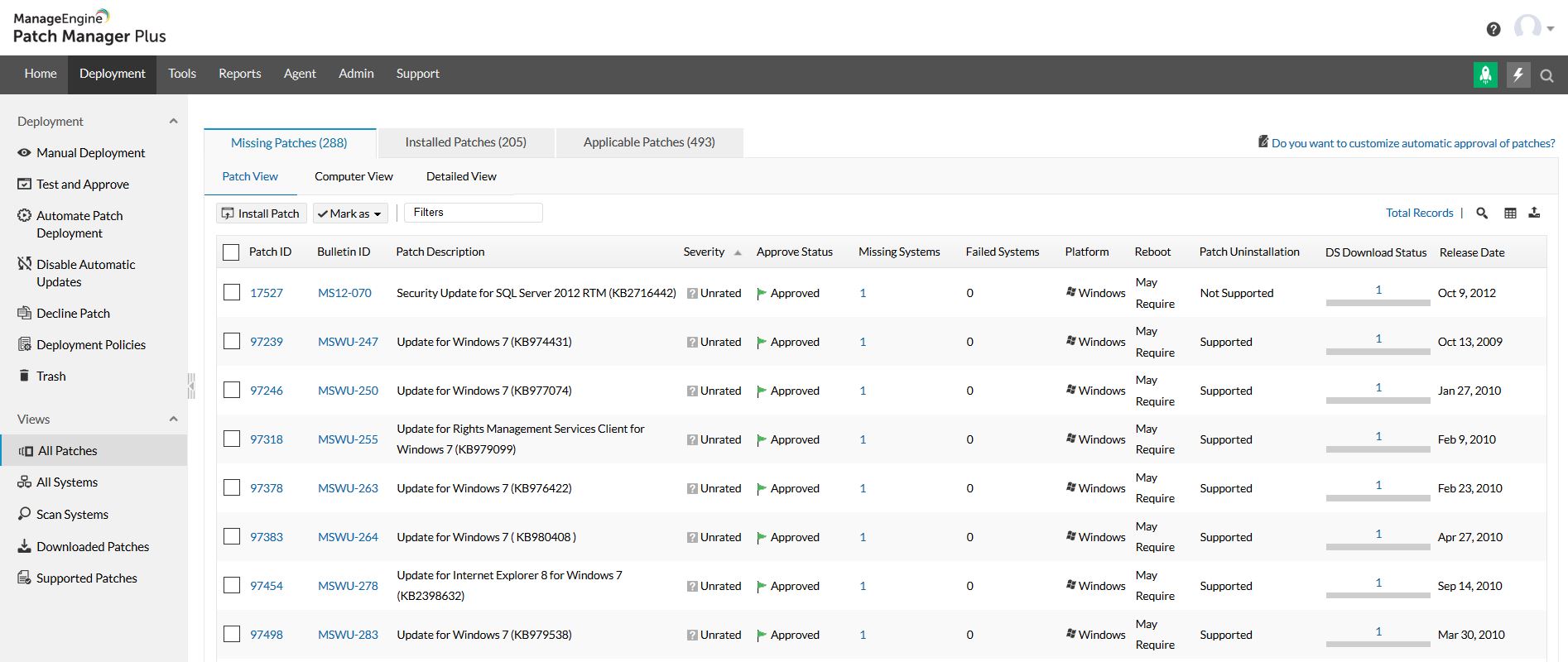  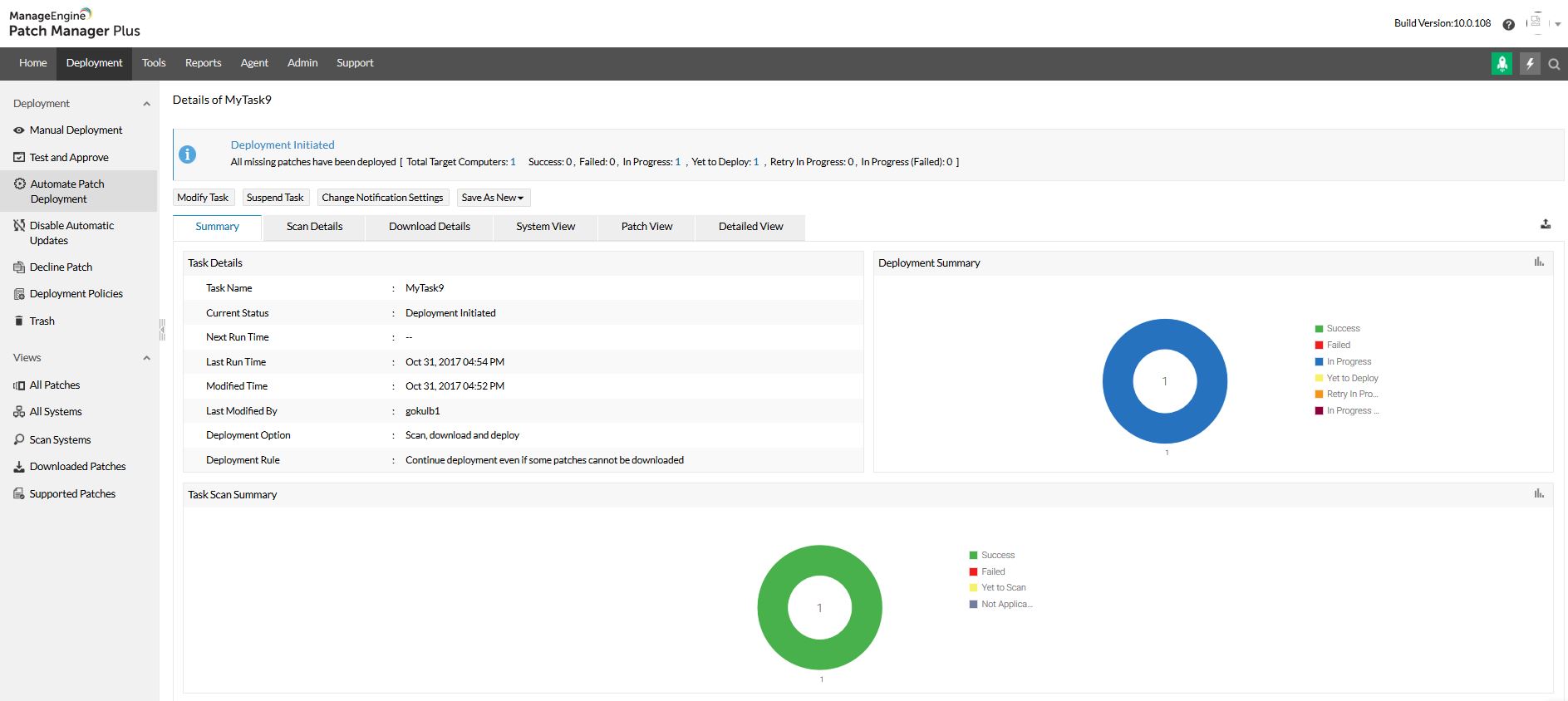   |