Azure DevOps Server (formerly Team Foundation Server, or TFS) is the on-premise version of Azure DevOps. To license Azure DevOps Server an Azure DevOps license and a Windows operating system license (e.g. Windows Server) for each machine running Azure DevOps Server.
N/A
LiquidPlanner
Score 8.3 out of 10
Mid-Size Companies (51-1,000 employees)
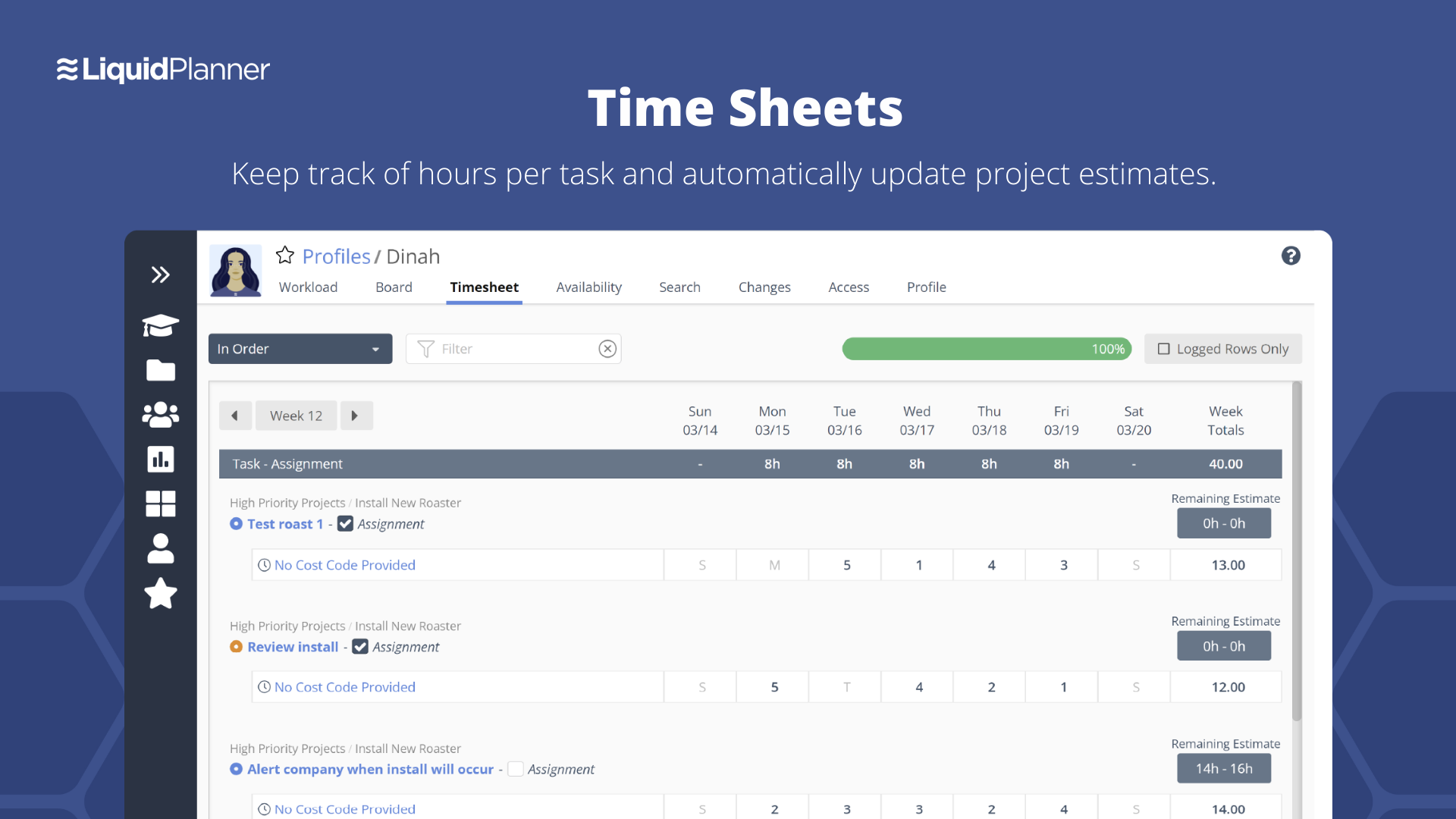
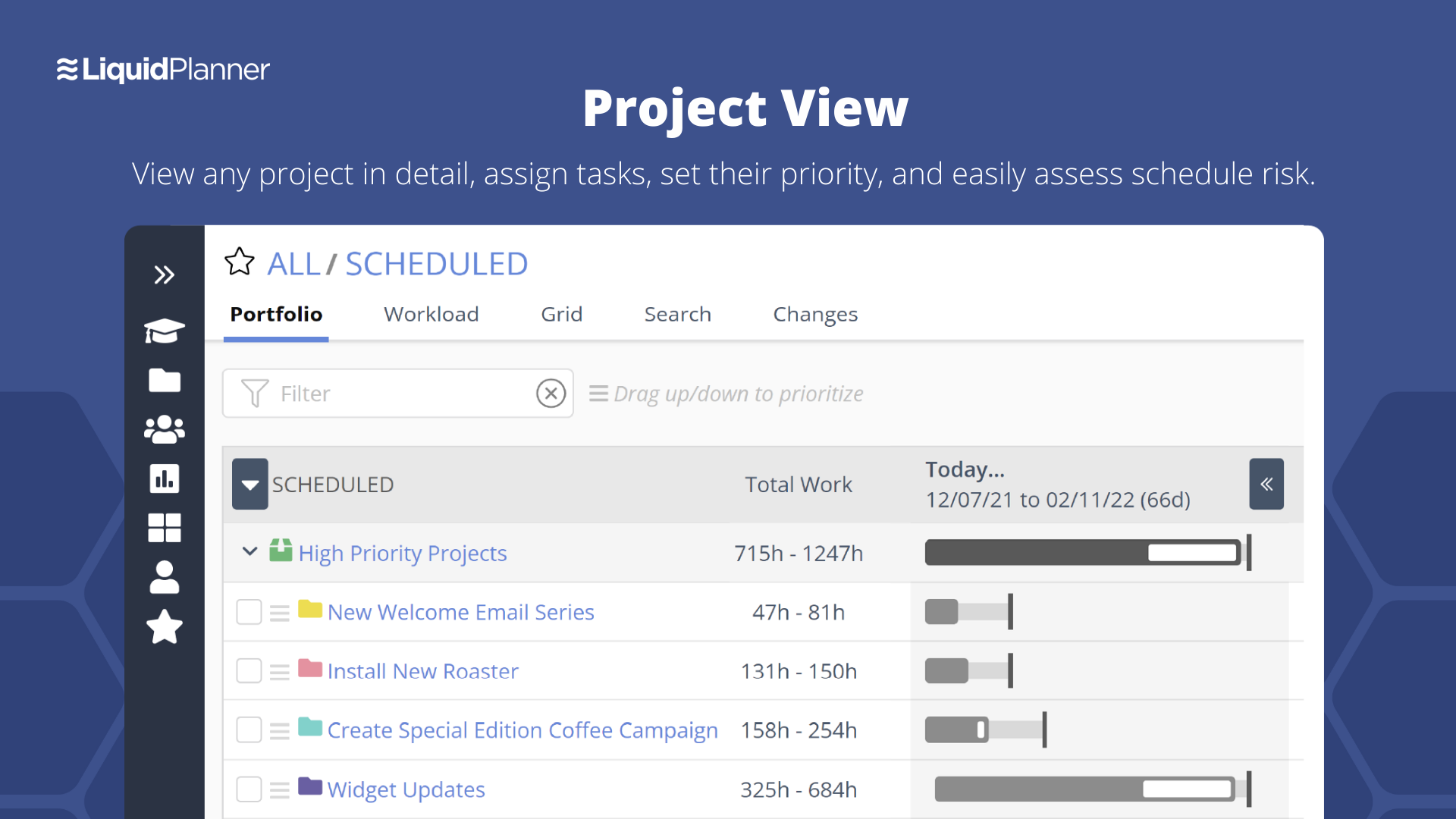
LiquidPlanner is a cloud based predictive project management solution. Some key features include: Dynamic Timeline View, Workload View, and Real-Time Activity Stream.
$0
per month per user
Smartsheet
Score 8.3 out of 10
N/A
Smartsheet is an online project management and collaboration tool. It includes automated alerts, instantaneous updating and sharing across team members, resource management, nested tasks organized in a hierarchy, a Gantt chart view, exportable and automated reports, and integration with email.
Smartsheet offers the best blend of features from its direct and indirect competitors. It is intuitive and collaborative, like Asana. It provides entry-level features from DevOps in regards to Agile, it offers traceability and integrations better than both Teams and Liquid …
I was attempting to do all I've described with Google Sheets & SharePoint. Google Sheets didn't have all the functionality we needed. SharePoint was too difficult to set up and doesn't work well with Mac users. None of the solutions I listed could match Smartsheet's versatility …
Features
Azure DevOps Server
LiquidPlanner
Smartsheet
Project Management
Comparison of Project Management features of Product A and Product B
Azure DevOps Server
-
Ratings
LiquidPlanner
8.1
15 Ratings
4% above category average
Smartsheet
9.1
129 Ratings
16% above category average
Task Management
00 Ratings
8.711 Ratings
9.8126 Ratings
Resource Management
00 Ratings
8.69 Ratings
9.9108 Ratings
Gantt Charts
00 Ratings
8.68 Ratings
9.0109 Ratings
Scheduling
00 Ratings
8.810 Ratings
9.8111 Ratings
Workflow Automation
00 Ratings
8.47 Ratings
9.1100 Ratings
Team Collaboration
00 Ratings
8.911 Ratings
10.0122 Ratings
Support for Agile Methodology
00 Ratings
7.76 Ratings
8.781 Ratings
Support for Waterfall Methodology
00 Ratings
8.46 Ratings
9.079 Ratings
Document Management
00 Ratings
9.93 Ratings
9.2101 Ratings
Email integration
00 Ratings
7.914 Ratings
9.1100 Ratings
Mobile Access
00 Ratings
4.89 Ratings
8.096 Ratings
Timesheet Tracking
00 Ratings
7.210 Ratings
9.762 Ratings
Budget and Expense Management
00 Ratings
7.66 Ratings
8.175 Ratings
Change request and Case Management
00 Ratings
00 Ratings
8.169 Ratings
Professional Services Automation
Comparison of Professional Services Automation features of Product A and Product B
Azure DevOps is good to use if you are all-in on the Microsoft Azure stack. It's fully integrated across Azure so it is a point-and-click for most of what you will need to achieve. If you are new to Azure make sure you get some outside experience to help you otherwise it is very easy to overcomplicate things and go down the wrong track, or for you to manually create things that come out of the box.
LiquidPlanner is amazing for any time of project management scenario where you have to manage several teams and details. Running a project through LiquidPlanner is so easy because it lets you break down the project into sections and folders and small tasks that you can assign to specific people. With a small to medium size team-- LiquidPlanner is amazing for organizing and tracking details. If you have a huge team or not a ton of details to track LiquidPlanner might not be right for you because it is a software that requires some good training to learn and has tons of functions that can be utilized so it seems better suited to be used by a smaller group looking to coordinate or for people who have lots of details that can be difficult to track.
Smartsheet shines for collaboration. When you have multiple people involved with planning events Smartsheet makes it easy to share and collaborate. For instance, multiple people can be in Smartsheet working at the same time. Also setting permissions for exactly those who need to know is quite easy with Smartsheet. For data analytics and general spreadsheet purposes Excel is better but for project management and event planning Smartsheet is superior
Priority based planning. Every other planning software we've used relies on dates and therefore needs constant attention. Priority based planning means that the plan is always up to date.
Ease of use. LiquidPlanner has a very short learning curve. This is critical to getting team members to use it.
Forecasting. LiquidPlanner makes it very easy to run scenarios by simply dragging and dropping projects and reassigning resources.
Awesome Support. I get personal responses very fast. Usually within a couple hours. And, they listen and ask for more information.
Its hard to overstate the value of familiarity. Being able to use a tool that has some familiarity takes away the time needed to train and orient employees on a new tool and allows an organization to hit the ground running.
Smartsheet covers most of the basics of a project management tool, the usual tasks, milestones and project viewing options.
For data viewing, you get multiple data viewing options including a calendar view (good for marketing teams and those who work around scheduling), Kanban, Gaant etc
The interface is messy and cluttered. The best way to find things and see what you actually want to see is the main Projects view which is also the most cluttered and hardest to maneuver in.
Clicking an external link someone posted in a comment or task description doesn't open in a new window by default, so we are constantly having to go back to get to LiquidPlanner again.
The way that the interface saves your state globally (rather than per tab instance) means that if you click a link from someone else to a task that's not yours, then it adjusts your filters on the Projects page. Then if you refresh another LiquidPlanner window where you were on the Projects tab, suddenly all of its filters are updated and what you were looking at may no longer be there.
It might just be the way that we use the system, but the Home and My Work tabs are fairly useless for us. They typically don't show the tasks we're actually looking for.
Smartsheet set up is similar to Excel, yet when you upload an Excel file, things like conditional formatting are lost. Smartsheet has its own conditional formatting, and you have to reinstate the rules. It would be great if those would apply automatically once a file is uploaded
Some Smartsheet management and access rules can take some tweaking to work properly. This may be a case of offering more info to admins so they can apply these better and with more efficiency
Because we are a Microsoft Gold Partner we utilize most of their software and we have so much invested in Team Foundation Server now it would take a catastrophic amount of time and resources to switch to a different product.
We may not renew LiquidPlanner's contract, but only because my company has recently been acquired and we'll be adopting some of the software that they're using to standardize process. LiquidPlanner's development team releases new features pretty often, so it seems like the gaps and inefficiencies are slowly getting smaller/less frequent
It definitely meets our needs as far as organizing and archiving our tasks and files. As we train more staff to view it, I see opportunities for more improvement, which I am sure this program can handle. I look forward to seeing continued improvement from Smartsheet on their capabilities and functionality.
For standard users the interface is friendly. but if you are a manager some tools are a little confusing to use, like the query system that you always need to create from scratch. Templates should be more helpful for queries and for standard procedures that you need to duplicate PBIs over time. The search history of Work Items is a little painful to use.
Smartsheet is very easy to learn. However, while I have been able to pick it easily, Microsoft Excel and Project super users that I have trained on Smartsheet get bogged down in the differences and can find it frustrating. Explaining the differences ahead of time and why Smartsheet is being chosen instead of a different software seems to counteract those reactions
I have not had to use the support for Azure DevOps Server. There have never been any issues where I was not able to figure it out or quickly resolve. Our Scrum Master has used support before though, and the service has always been prompt and clear with a customer-focus
They have been great in trying to come up with creative solutions to help us do what we want to do with the platform. I would say their support has been exceptional because we have hit them with some complex requests.
I give this rating because it fills a niche in the market. MS Project scares many away from proper task management but there are limited tools our there, especially cloud-based that are mobile-friendly. Smartsheet fills this market gap, especially for small to medium-sized businesses. IT is not fair to compare it to MS Project, but fairer to see what gaps it fills.
It's absolutely paramount to take a few minutes to actually play with the software. It's nearly impossible to do anything wrong or make a mistake which cannot be fixed easily. Under the help menu is Live Training option. After you familiarize yourself with the commands, watch the live training for some in depth understanding of how to make the software fit your needs perfectly.
In my opinion, DevOps covers the development process end to end way better than Jira or GitHub. Both competitors are nice in their specific fields but DevOps provides a more comprehensive package in my opinion. It is still crazy to see that the whole suite can be used for free. The productivity increase we realized with DevOps is worth real money!
Miro is a more versatile tool, but not quite made for planning and organizing. LiquidPlanner is very intuitive, fast to learn and easy to communicate. The added value of prioritizing tasks, personalized boards and gantt charts are really important during the planning and design thinking in the business. LiquidPlanner is simplified yet more helpful.
Jira and Redmine are much more robust and technologically advanced project management solutions. I enjoy using either when managing a very large project. However, I prefer to use Smartsheet for my smaller to medium sized projects. As for Google Drive - I would say that Google sheets and Smartsheet are almost identical in my opinion when it comes to functionality. Personally I prefer to manage smaller projects via Google Drive, but it is a personal preference!
It has streamlined the pipeline and project management for our agile effort.
It has helped our agile team get organized since that is a new methodology being leveraged within the Enterprise.
The calendar has improved visibility into different OOOs across the project team since we all come from different departments across the larger organization.
LiquidPlanner really forces you to map out your workflow. For me, honing into a template that I can later adjust as needed has been huge, as there is less time at the beginning of a project trying to assign and figure out what needs to happen when usually it never changes.
Communication between employees, especially ones not immediately available in the office has been very welcomed. It helps having conversations documented in a public, logical place that is easy to find and refer to as the project continues.
Our productivity has definitely skyrocketed as we've really gotten a feel and committed to using LiquidPlanner daily. As we move forward, we continually try to add more and more ways for us to use the service.