BigTime IQ is time and expense tracking software from Chicago-based BigTime Software.
$20
User per Month
Paychex
Score 6.8 out of 10
N/A
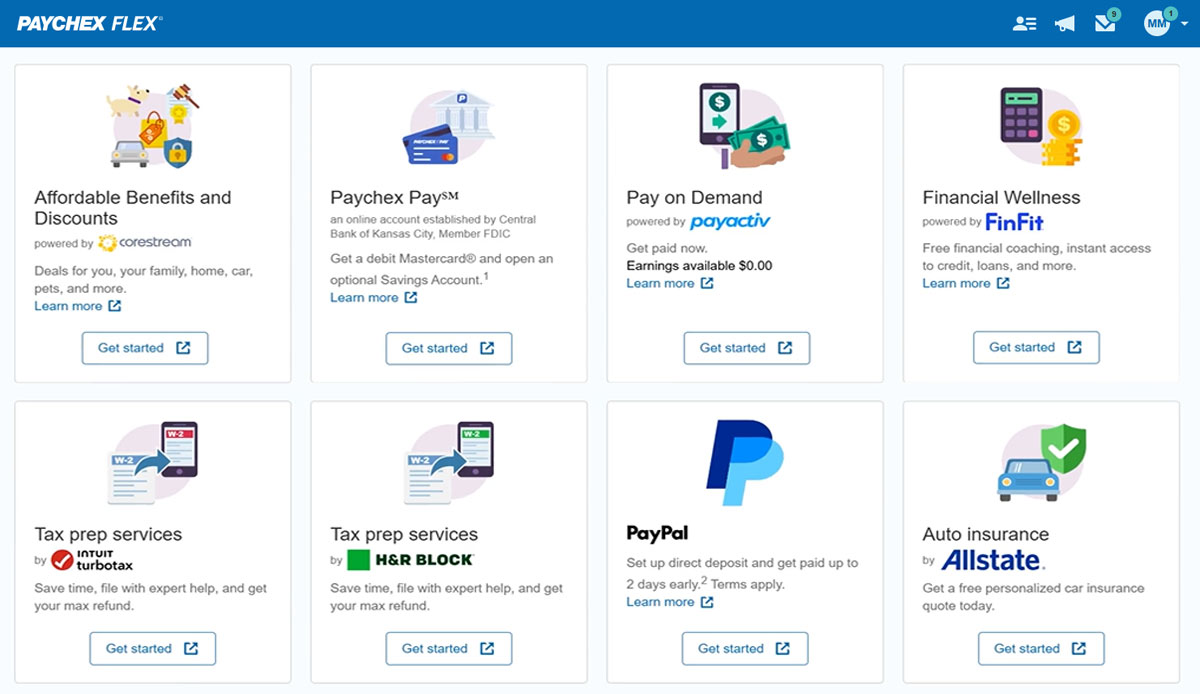
Paychex Flex, of Paychex' Online Payroll Services, is a cloud-based human resource management and payroll platform. Paychex offers core and specialized services, and scales to meet the needs of small businesses, SMBs, and large enterprises.
I'd like to start by saying, I rarely give 10's on anything, almost always 9's, the main reason for my 10 rating is the support I've received from this team/company. BigTime Software has been well suited for our company b/c it's giving a window into the project budget and time frames to our Project Managers to proactively manage their projects and look for areas to improve and celebrate with support staff. I would say efficiency in time management. BigTime Software is not an accounting software and I love that about it. We were looking for a tool for staff to manage their projects and stay on budget and track time and generate invoices all in one place and we've found that with BigTime Software.
Paychex is great option for smaller employers as the site offers perk benefits to employees at no cost to the employer. I don't see anything like this being offered at competitors such as ADP RUN/Total Source, Bamboo, Trinet, Justworks or Gusto. Also, the initial set up is relatively easy and the dedicated support for set up is great along with our regular dedicated payroll support.
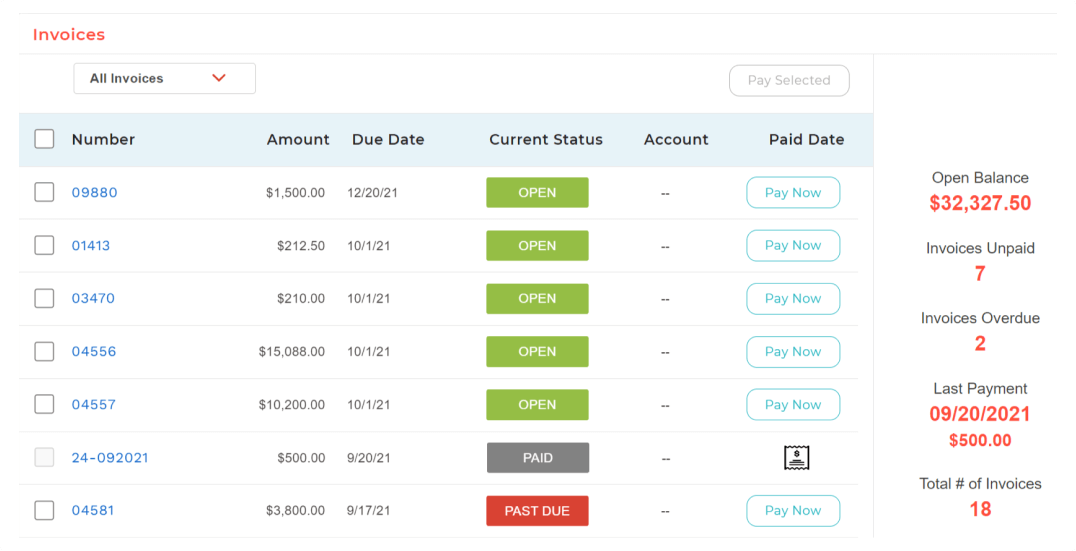
For some types of projects, we are unable to use BigTime's invoicing feature. It would be nice if we could further customize invoices to fit our needs. We still have to use Quickbooks to complete certain invoices.
Being able to create Purchase Orders in BigTime would be extremely useful to us. We currently use Quickbooks for this.
I understand logging you out is a security function, but I'd prefer it not to log you out so soon.
The training we received for the team's meeting was subpar, in my opinion. Probably better geared for people with little to no computer experience. Very slow pace; we could have easily received all of this from some tutorials in a few minutes.
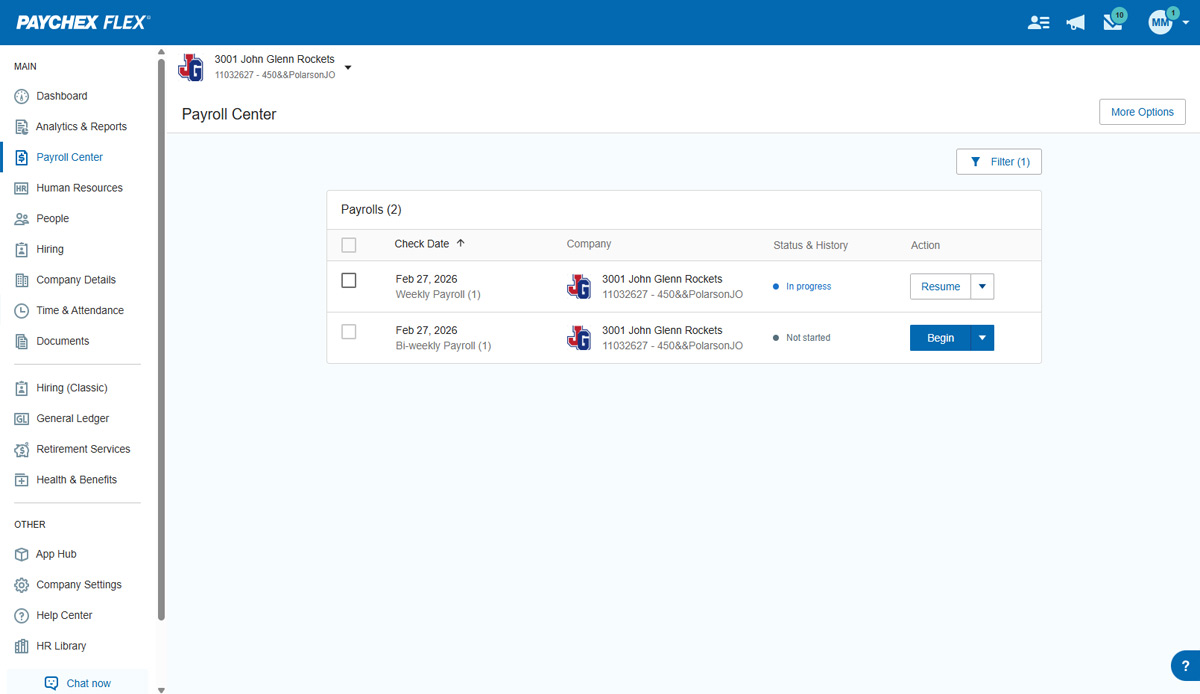
Overall I like the features that Paychex Flex offers. I am sure that there are other features that I am unaware of, so I am excited to see if there is more that Flex is capable of to make my job easier. The basic features are really user friendly and easy to access. If there ever is an issue customer service is great
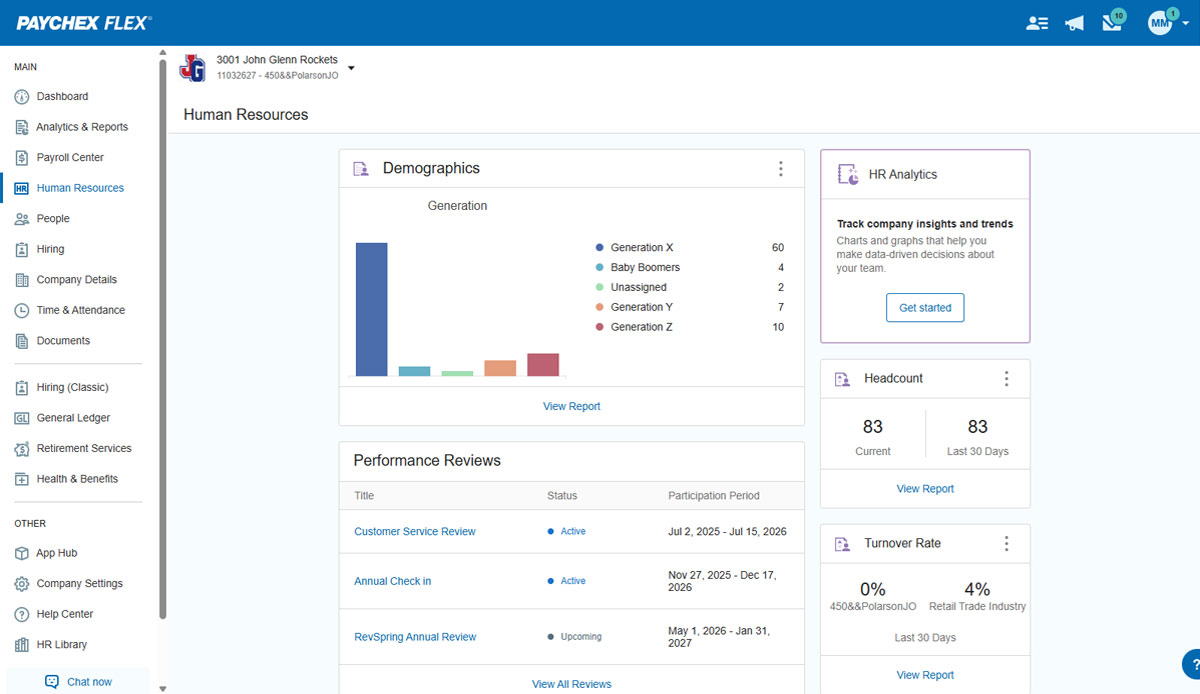
Overall most areas of the software are easy to use. I tend to spend a lot of time in analytics and reports. Those are not as user friendly, in my opinion, and could use some improvements. I think it just takes time to get familiar with where items are stored in the program and what changes affect what.
Employee usability is very good and user-friendly. For the most part, the employer usability is good, but for complicated rules and policies, it requires technical assistance, which in our case, was clunky and slow in implementation. Once is place, everything works as it should
We have not experienced any difficulties with unplanned outages. Notifications are always made for outages, and they do not effect normal business operations.
Unless there is lag time within the internet, the Paychex Flex website loads exceptional fast, pages load quickly and reports that I need to print or download load quickly. If I need to create a specialized report, once I complete it I receive an e-mail telling me my report is ready to be downloaded. Changing between web pages is fast as well.
The support is amazing! They are always available through the chat interface in the program. Each support person has fully answered my questions the first time. I have had a positive experience with each inquiry. It is very important to me that I am able to get instant access to help so that I can make the most of the software and all of its capabilities.
Chat has been helpful but the person I chat with isn't always able to help me with my questions. Phone support is ok, depending on your payroll specialist. We have a great one currently, but the few before that were never available and did not return calls.
It was easy to understand and follow along. I do like the informational videos that we can utilize before we opt to call in for customer service support. It has made a difference since sometimes that resolves the issue I may have had and saved myself a phone call to Paychex support.
I touched on this briefly, in another survey section, but my implementation manager, Kevin, was exceptional. The actual implementation process took 3 months, not 1 before I was comfortable rolling it out to staff. We also had to wait/schedule time and coordinate for our custom xml. invoice to be generated and in a place we felt comfortable sending it out to clients. In the end I was very satisfied, but during the first few months it was challenging.
Implementation was very smooth. The most cumbersome task was entering the current employees into the system during initial set up, but Paychex staff handled most of that and verified against prior system reports as well as internal reports provided to ensure 100% accuracy.
I liked the client management, but it didn't do time tracking, billing or syncing with quickbooks. It was too robust for my needs. I tried it for the client management and thought I might use it along with bigtime, but it was too cumbersome and would involve too much double entry. And it didn't track time or bill which are necessary functions
We still use QB Desktop Pro to maintain a Check Register / Overall Balance for the company, but once having tried QB Payroll Online for about 3 months prior to finding Paychex Flex I can tell you that there's just no comparison. QB online is VERY EXPENSIVE and not so user-friendly. I hated every minute of those 6 payrolls we ran through QB online.
The product is useful for faster billing and efficient timesheet logs. I do like the report features however there are many options and can be overwhelming for the user. It is most helpful to set up reports speaking to an agent to ensure the right fields are set, etc.
I generally do payroll at the office, however I have had to go remote due to internet issues and also had to take payroll on vacation with me. Very easy to log in wherever you are and manage your TAA and payroll
Before BigTime, we were using Excel to track everything, creating invoices, and run reports. Getting on BigTime has saved us tons of time and effort which equates to dollars saved on labor.
From a legal standpoint, BigTime has allowed us to be organized and prepared in the event we would need to present financial details to anyone.