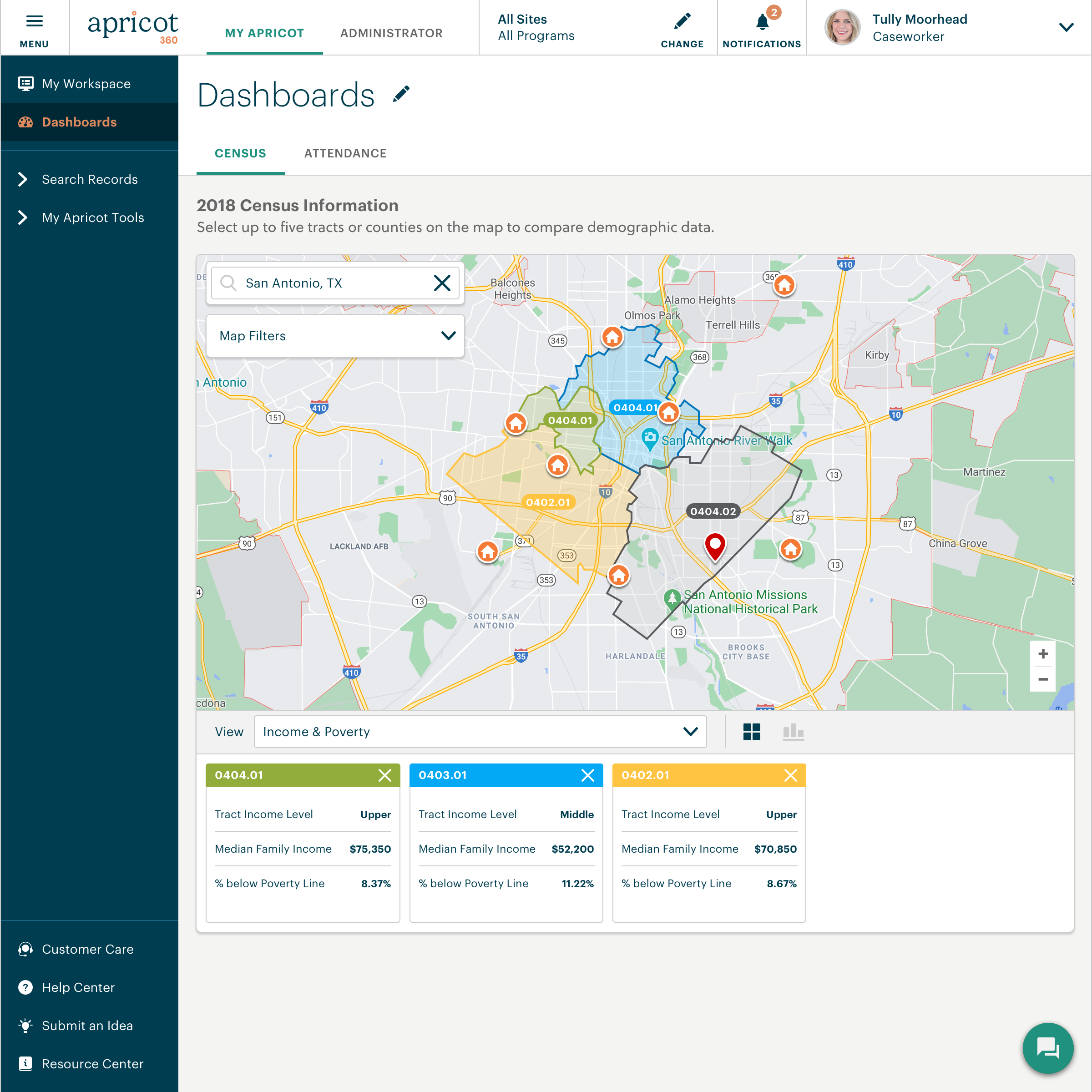
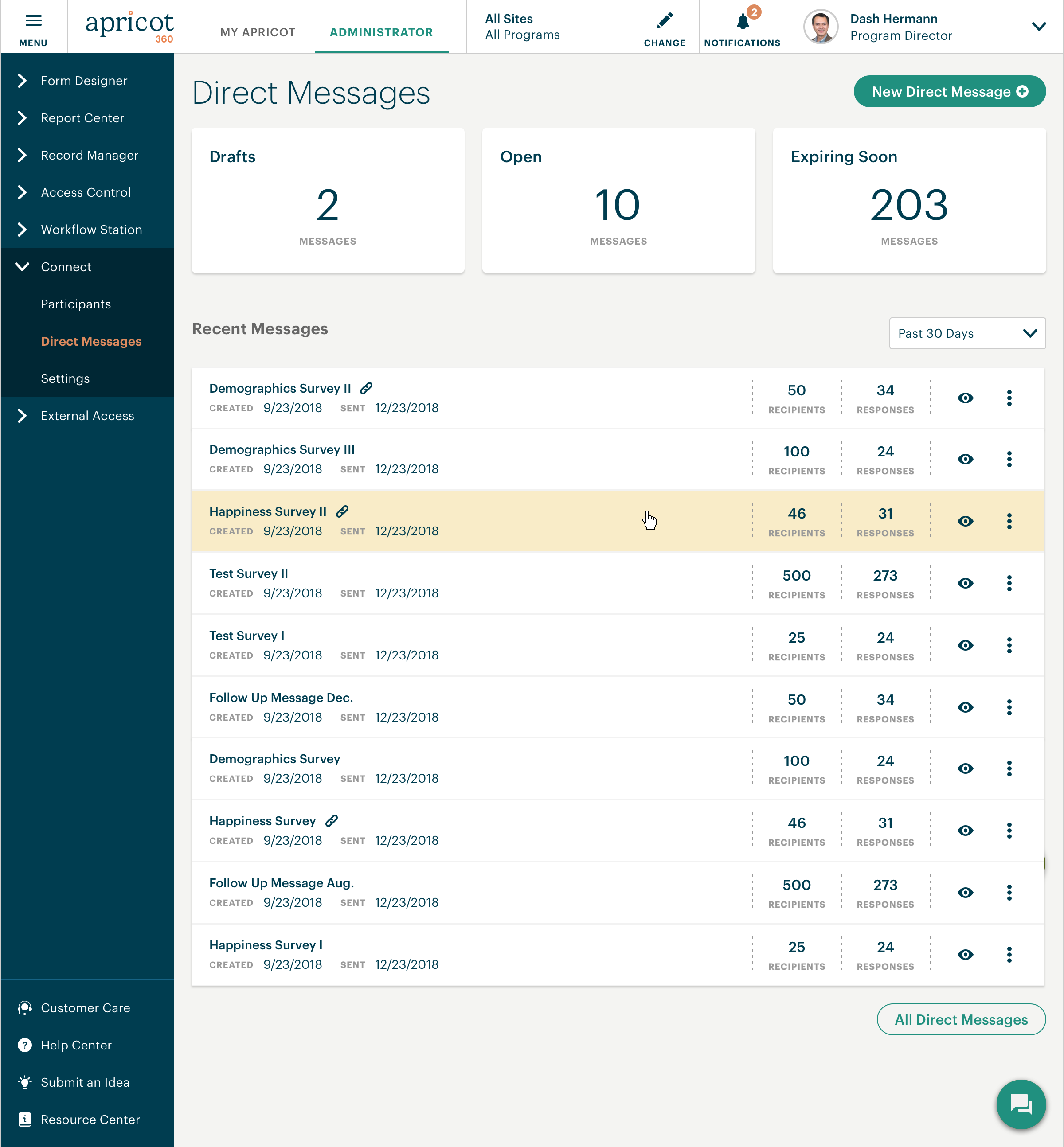
Bonterra Apricot is a cloud-based solution for nonprofits of all sizes. It's designed to bring data to the forefront in order to bolster a nonprofit organization’s impact. Apricot helps organizations to save time and resources because the tool makes managing data more efficient, so that users increase the time spent delivering the mission. Apricot offers configurable forms and fields so organizations can customize their experience to their clients and mission. It allows…
N/A
OnBase
Score 8.9 out of 10
N/A
OnBase by Hyland is an enterprise content management platform with business process and case management capabilities. It is modular by design and allows users to tailor the solution to their specific requirements.
N/A
Pricing
Bonterra Apricot
OnBase
Editions & Modules
No answers on this topic
No answers on this topic
Offerings
Pricing Offerings
Bonterra Apricot
OnBase
Free Trial
Yes
No
Free/Freemium Version
No
No
Premium Consulting/Integration Services
Yes
No
Entry-level Setup Fee
Required
No setup fee
Additional Details
Pricing for Bonterra Case Management is driven by individual usage and needs of the nonprofit.
Organizations aren't one-size fits all, so neither is Bonterra's pricing.
Secure case note documentation: It is well-suited for organizations like the NAMI Living Room that need a secure, reliable system for storing sensitive client information and maintaining confidentiality. Also, it allows for continuity of care as staff can easily access past notes and track progress.
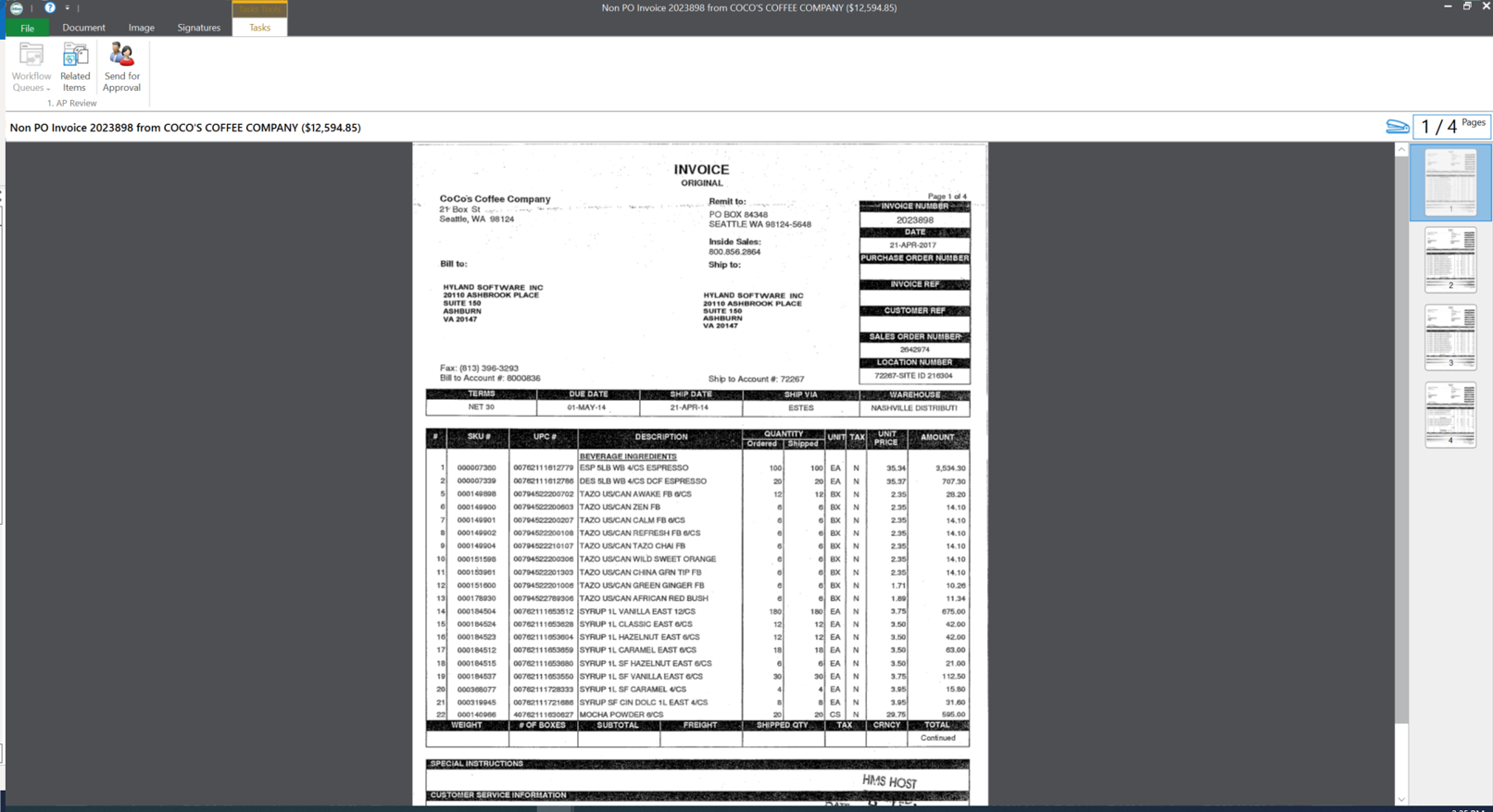
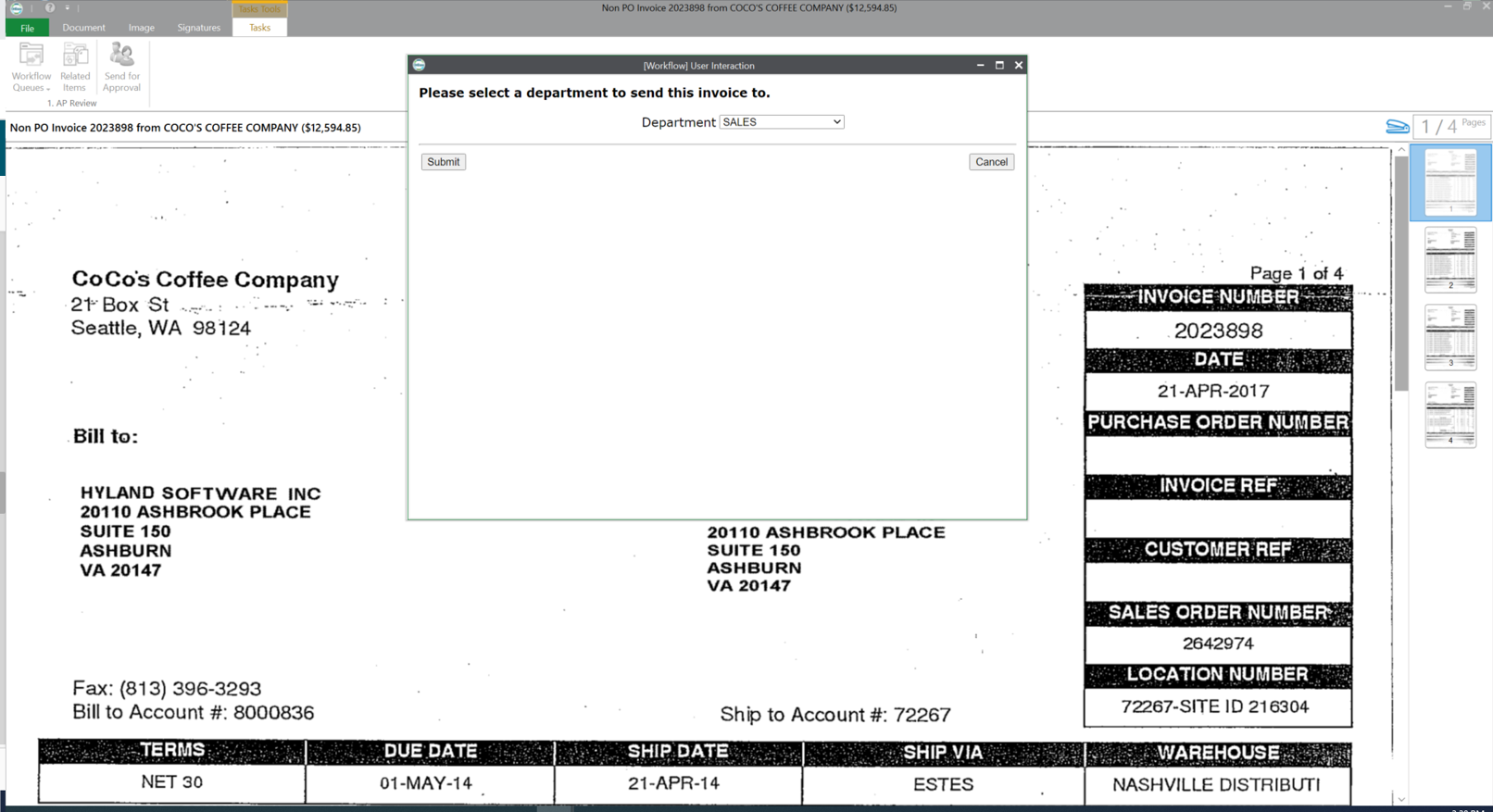
OnBase is a content services solution for organizations that need high visibility to documents or information across multiple teams or departments. It supports users' access control, workflow functionality with transaction history, electronic document retention, and destruction documentation. Hyland can support the organization for implementations or solutions, or the organization can utilize the education services and build out the solution themselves.
The Connect feature is poor. We were hoping to use it to send resources to families geographically, but the system does not have that function to filter at this time. A way to filter the people you want to message without having to do it manually is needed
Apricot can run very slow in general and I have to hit the refresh button multiple times
I personally find the user inferface to be obnoxious and obtuse.
When we have issues it is often hard to resolve the problem as there are many variables such as file types, DPI, and scanner setting that combine to make it hard to pinpoint trouble spots.
The upgrade process has always been a nightmare for our team. We are not on the latest version now due to this issue.
I went to the Summit a few weeks ago to learn about the future expansion and vision of Social Solutions. I already been with Apricot for 5 years and researched other products I still come back to Apricot and where it can grow with us.
OnBase has become a core part of our enterprise solutions toolkit due to its ever-growing integration capabilities. Any business process that produces or tracks documents or object entities can be modeled and managed within OnBase and used to supplement almost any line-of-business system that we use.
Without any formal IT education, I was able to utilize their articles and videos to teach myself how to configure and customize the software to our organization (although I do recommend their Apricot Admin training to polish your skills). The majority of users are able to adapt immediately with minimal training.Staff that have challenges with technology in general do adapt to using the system once you can create buy in and engagement (although it does take time and training)
You get out of something what you put into it. You reap what you sow! If an organization will spend time setting the solution up, dedicating staff to its development and ongoing support, and always keep the end-user in mind during development, you will have one of the most well-received solutions in your organization. So many organizations that I speak with stand up a solution but don't commit someone to its upkeep and development. It is vital that you have the staff to work within the solution on a daily basis.
This is a difficult question to answer because when I hear the word "support" I think of this in multiple levels. The customer service on the front end, with my account manager is pretty good. There was a time for about a year and a half where I didn't even want to get to know this persons name because they wouldn't be there there long enough for me to get to know them. For the past 8-9 months we've had the same account manager, and this is helpful as a way to grow our trust in Apricot social solutions as well as the account manager understanding the needs of our organization. The technical support is also fine. The issues we most have problems with is how the technical support is calculated and the lack of roll-over of technical support time. If our account has 1 hour of technical support per month, but we don't need any technical support for 4 months, it would be great to have the ability to use those 4 hours (as time allows per the IT calendar) when we need them, even if it falls within one month. We've also had instances of working with IT persons who didn't seem to care at all about our issues, and seemed eager to put our call behind them and get onto the next without much thought as to why we were calling them in the first place. We've also had instances where the IT person didn't seem to really be listening to what it is we needed, and was heck bent on what they THOUGHT we needed rather than listening to what we actually did need. While we also have had experiences of working with IT persons who were absolutely great at working through issues. They were patient and understanding and would explain why a solution (c)would or (c)would not work. We even worked through those options in real time if they were unsure whether a data solution would work or not. That was great because we felt heard.
This rating is a compromise because I technically have 2 tiers of support. I go through a re-seller that I give a (10). I send an email and receive acknowledgment within minutes. For the few times we need to contact Hyland for assistance, it sometimes takes a couple of days to receive a response - and then the first tier might go back and forth a dozen times through email instead of initiating a phone call. And for an advanced issue, they take too long before they forward to an evangelist or someone more knowledgeable that is able to assist. I give that process an (8).
The trainer was very knowledgeable and was a Hyland employee. The training was at their corporate headquarters, so it allowed our team to become familiar with organization and culture.
There need to be specialists who know how to best work with an organization developing a new program, not just transferring existing forms to a digital format.
Using Hyland professional services to assist with the implementation made things much easier. They have the knowledge and experience to get the system live as users are expecting
We also use a state database called ETO that tracks case notes for our families, but doesn't give us the ability to analyze things like gross annual income growth for our families during their time in the program, # of housing applications completed, etc. It is solely used to track case notes regarding case management meeting content. Apricot allows us to generate statistics we can use to source funding and prove our efficiency as an organization as we continue to market our coaching model. ETO does not have this benefit.
The version of SharePoint we were utilizing was not very practical. We oftentimes had issues with archived documents, where they could be found or opening them all together. It seemed the older the document the harder it was to access when logged into SharePoint. This is critical in our business as we need to behave full access to documentation sent and received for an owner's account.
OnBase provides a very reliable ECM platform for the company.
OnBase helped to remove the dependency on paper files and file folders. This saved real estate cost as well as facilitated the ability to work from anywhere.
OnBase made same day processing of all incoming and outgoing documents a reality.