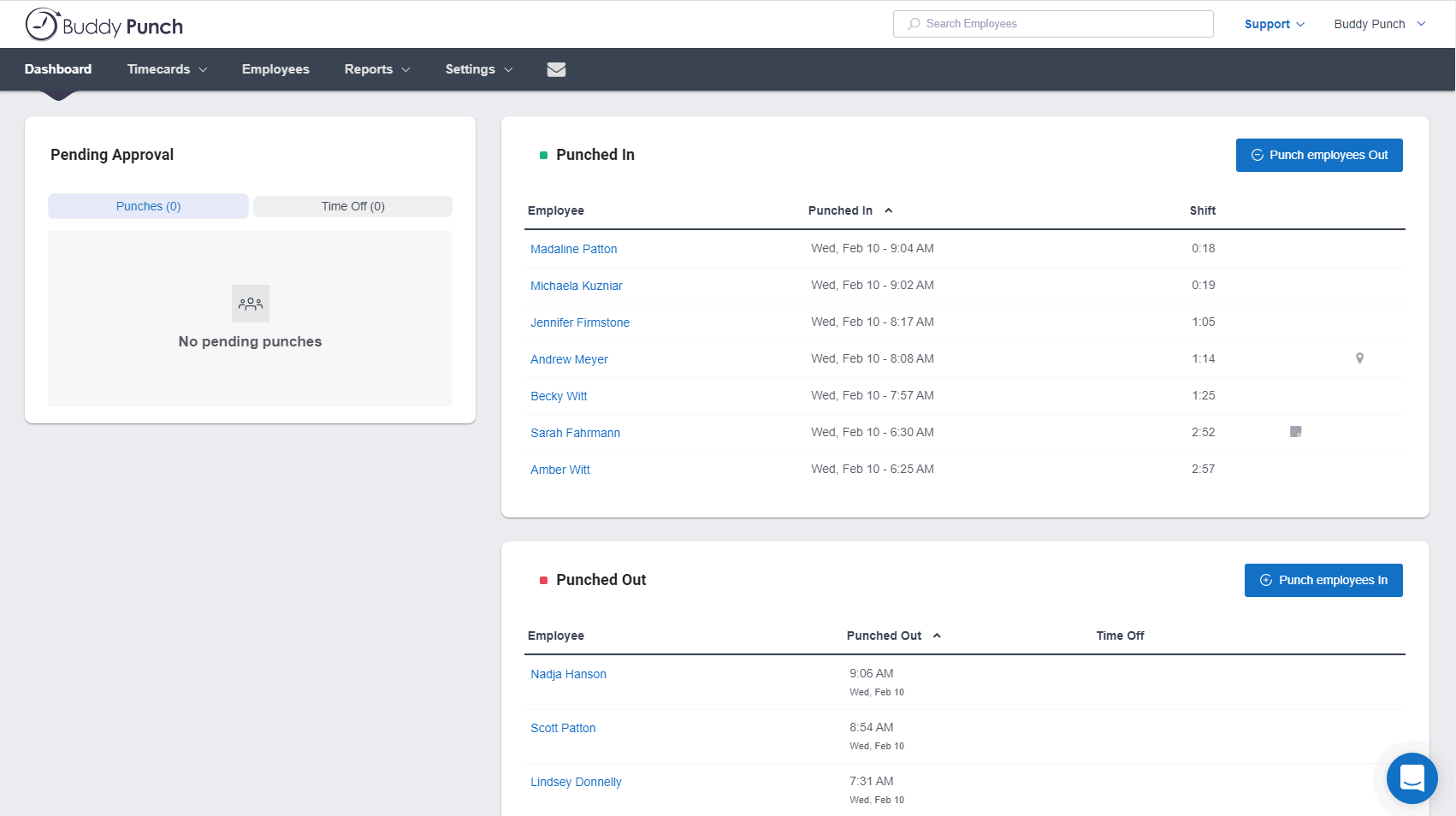
Buddy Punch is an online time tracking, scheduling, and payroll application. Track time, time off, locations, and jobs. The solution aims to help make punching in and out intuitive for employees and easy for users to view and export time. Employees can clock in using a browser or the Buddy Punch Google, iOS, and Android apps. Users can view who's working, their GPS position, or even limit where they can punch. The solution integrates with QuickBooks, ADP, Paychex, and SurePayroll, to name a…
$5.49
per month per user
Paypro Workforce Management
Score 9.1 out of 10
N/A
Paypro is offered as an all-in-one HR solution that makes the day-to-day better for a company's people. Paypro support teams average 5+ years at Paypro and 10+ years in the industry creating an industry-leading service experience that has led to a 95% client retention rate and an unheard of average customer relationship approaching a decade. • Paypro aims to help organizations become a great place to work by building people-centric, life-work technology that meets every employee where…
N/A
Zoho Projects
Score 9.5 out of 10
N/A
Zoho Project is online project management and planning software that provides project teams with a web-based collaborative environment. Zoho Projects can also include a bug tracking module specifically design to support software development project. It is integrated with other Zoho products including Zoho CRM.
$0
Pricing
Buddy Punch
Paypro Workforce Management
Zoho Projects
Editions & Modules
Starter
$5.49
per month per user
Pro
$6.99
per month per user
Enterprise
$11.99
per month per user
No answers on this topic
Free
$0
Premium
$5
per month per user
Enterprise
$10
per month per user
Project Plus
Contact Sales
Offerings
Pricing Offerings
Buddy Punch
Paypro Workforce Management
Zoho Projects
Free Trial
Yes
No
Yes
Free/Freemium Version
No
No
Yes
Premium Consulting/Integration Services
No
No
No
Entry-level Setup Fee
No setup fee
No setup fee
Optional
Additional Details
Three plans are available via a monthly or annual payment option. Each plan has a per user price and a base fee of $19. There are no startup, cancellation, support, or additional fees of any kind. A discount is available for the annual payment option.
—
Discount offered for annual billing.
More Pricing Information
Community Pulse
Buddy Punch
Paypro Workforce Management
Zoho Projects
Considered Multiple Products
Buddy Punch
Verified User
Anonymous
Chose Buddy Punch
More economical and more user friendly than Quickbooks Time.
Frank Crum isn’t the same as Buddy Punch, but it would be the closest to Buddy Punch I’ve used. Frank Crum was extremely annoying and hard to use. It almost seemed as if they were trying to hide information from the user, and finding tax documents and year-to-date information …
Way easier to learn and use. I looked into using the QuickBooks time tracking program, but their system seemed a lot more complex and would’ve taken a lot more time and effort to learn. Buddy Punch set up was definitely way easier to learn and set up for my employees.
It's been over 15 years where I had to punch in for work. I did this with two different companies. Prior to this, both of those companies had their own personal punching system. It was much harder to use than this when it came to editing or entering in PTO. Even though I …
going from Paychex Flex to Buddy Punch has been a huge improvement! For peace of mind and time management. As a manager, it's streamlined for me with the website being easy to use and navigate. I am very thankful for the move.
When we decided to try Buddy Punch we were using a normal time clock and needed to have a better way to track time. I reviewed a few products, but went with Buddy Punch and have been happy ever since.
Buddy Punch was chosen for it's security. In the past service we used had a breach in their user base, i.e., it was hacked. We found Buddy Punch easy to access and edit.
I have not used any other product that I can remember. I used whatever system the retail stores had when I worked there short term and part time 6,7, 8 years ago.
I have not reviewed or evaluated any other similar products and this is the first time I am using this type of product. I have been a salaried employee for 25 years and this is my first contract position, but Buddy Punch has made the time tracking very simple and efficient.
We originally scheduled and ran payroll through Homebase, but in the last few months the software became very buggy, customer service was slow and when they did respond, was not helpful. When we cancelled our account they didn't even try to make things right. We are so happy …
Payroll was a horror with ADP. There was never a smooth processing of data. It was almost impossible to get a rep on the phone and when I did - it took no less than an hour (or more) to get the issue resolved. Paypro is a smooth process from beginning to end. If I have a …
We looked at a number of solutions. To us, Paypro simply had everything we needed at a fair price, and they've been easy to deal with from the sale, implementation and customer service.
We have used in-house systems, ADP Total Source, and Valiant Services. This system, in my opinion, is more user-friendly and faster than others. We have more control on our end to process with flexibility that other systems just did not offer.
PayPro is very good at customer service. I love the one to one relationship I have with PayPro. When it comes to dealing with Vendors relationships are tricky. Customer service is a HUGE factor and PayPro excels at that! Previous Vendors could care less about our needs. We …
Used ADP TotalSource prior to Workforce. Customer service was not ideal and nickle and dimed everything. I used Paychex Flex at my previous location. Report writing was much easier and less cumbersome with Paychex.
Paypro is a million times better in every way than Paychex. I think ADP is more widely used. I had only ever used it for payroll and timesheets, so I think Paypro is equal to ADP in regards to those components. The positive of using Paypro over ADP, I think, would be the …
I won't say that Zoho Projects is the best in comparison to its competitors, however, it does exactly what we need it to do and we are saving on the monthly fees we are paying for its competitors. The pros outweigh the cons. I would say that it's also not the fastest in terms …
We decided on Zoho Projects since the integration with Google Workspace is easier to perform. Also, the way to create our project templates was faster to perform, and we could integrate our final customers on all of their tasks that need focus. Finally, the principal point is …
We use other project management tools in other departments, I personally like Zoho Projects best because of the customization in terms of automation and customized reports in Zoho Analytics. The dashboards and data that can be used for decision making, tracking and management …
I would choose Hubspot & Asana over Zoho because of their intuitive UIs and functionality. I would choose Zoho over Basecamp only when you are managing hundreds of projects.
I found it easier to work with Zoho Projects. While working with WorkZone, my system got stuck between my work, and it cost us time to restart all of it. I couldn't switch between my work on WorkZone and my teammate; we're also having the same problem as I did. So we switch to …
MSP - Windows based. Not collaborative. Complex UI. Cannot be shared with people outside the organization easily. Cannot set security levels for users to access projects based on the rights granted to them. Trello and Asana - Expensive subscription plan. Limited …
Zoho Projects is far superior as a project management tool compared to the simple ones we investigated. The pricing was very competitive to the market and the free trial helped out with our proof of concept. Compared to Workfront, you get similar functionality but at a …
We were testing out ASANA at the time we moved on to Zoho. Zoho seemed to have more features that met our needs. Asana was not quite developed to the point of our liking. Zoho has an awesome calendar function that I loved, which Asana did not.
Zoho Projects provides a more limited set of functionality and customization options than other task/bug trackers on the market, but what it lacks in functionality it makes up for in ease of use. It probably has 80-90% of the features of its competitors but takes about a third …
I used Zoho projects initially because it was easy to setup and gets going for FREE. The best thing you can get out of Zoho projects is that it needs zero setup time. It is also a great tool for manage projects, however not that suitable for product management, I believe. Jira …
I have tried other task management products before I signed up for Zoho. The primary difference is Zoho projects goes beyond tasking. And the second factor is the operational mechanism you have behind it. If your operational framework is right, Zoho project will be the single …
We haven't used any other PM type projects so I can't say how Zoho Projects is vs some others but we've always had lists of things to do on ruled pads and white boards and while it functioned, using Zoho Projects significantly made a huge difference to our entire team. Plus, if …
SmartSheet is less user-friendly and more like a spreadsheet tool. Community Building (in the case of SmartSheet) is not encouraged within a millennial staffed company.
The interface of Zoho Projects is so clean and modern compared to the others. The functions and abilities of this product outshone it competitors and the price is very reasonable and competitive. Finding and adding information in Zoho Projects is very easy even for a novice. …
Verified User
Anonymous
Chose Zoho Projects
We have also evaluated Clarizen and although it's a good product, we are not quite ready to scale up to this yet.
Features
Buddy Punch
Paypro Workforce Management
Zoho Projects
Project Management
Comparison of Project Management features of Product A and Product B
Buddy Punch
-
Ratings
Paypro Workforce Management
-
Ratings
Zoho Projects
6.6
Ratings
15% below category average
Task Management
00 Ratings
00 Ratings
7.50 Ratings
Resource Management
00 Ratings
00 Ratings
7.00 Ratings
Gantt Charts
00 Ratings
00 Ratings
6.50 Ratings
Scheduling
00 Ratings
00 Ratings
5.50 Ratings
Workflow Automation
00 Ratings
00 Ratings
6.00 Ratings
Team Collaboration
00 Ratings
00 Ratings
7.50 Ratings
Support for Agile Methodology
00 Ratings
00 Ratings
6.30 Ratings
Support for Waterfall Methodology
00 Ratings
00 Ratings
8.00 Ratings
Document Management
00 Ratings
00 Ratings
6.00 Ratings
Email integration
00 Ratings
00 Ratings
6.00 Ratings
Mobile Access
00 Ratings
00 Ratings
5.00 Ratings
Timesheet Tracking
00 Ratings
00 Ratings
7.50 Ratings
Change request and Case Management
00 Ratings
00 Ratings
6.90 Ratings
Budget and Expense Management
00 Ratings
00 Ratings
6.00 Ratings
Professional Services Automation
Comparison of Professional Services Automation features of Product A and Product B
I think that is very convenient as far as tracking your employees when they are punching in or out to ensure they are physically at the location they are supposed to be for that shift. I also think that the option to download this app to your personal phone is amazing, it makes it more convenient to punch in or out when you aren't near a laptop or a residence to use one. The feature of being able to attach a note with your punches explaining possible late punchers or absences is very beneficial to the employee allows show proof if needed.
Paypro Workforce Management has custom report building that is easy to use and manipulate for data you need to pull. The onboarding system is overly complicated and not user friendly. Workflows are overly complicated and a workflow for PAFs is non-existent, causing our company to have to use paper PAF forms.
My work involves projects of 5-15 people with numerous projects running simultaneously. Prior to Zoho, I did not have a central location from which to view all project statuses at once. Zoho looks to provide this and also looks like it will deliver. I am anxious to see how our organization's use of it develops. At this time, I feel I am likely to recommend Zoho Projects because my organization has made great software decisions in the past so I have a level of trust already that the research has been done that Zoho is the best solution for our line of work.
Customer service is the best we've seen! Their knowledge base is clear, and when we do have a question it can't answer, we get a quick, informed solution.
The software allows us to schedule our staff seamlessly for work in more than one department in a day, so tracking how many payroll hours are being used in each department is easy.
Swiss Army Knife: The suite of Zoho projects can be tailored to fit the needs of any business. It's great to have a bunch of different software offerings that will work together seamlessly.
Task Customization: Zoho allows you to customize your tasks more than other platforms (add start dates, due dates, dependencies, subtasks...)
Report Writing: Canned reports are antiquated like a dinosaur. Users should be able to design their own reports like all other systems. Click and it's there. Currently, it's not at all what it can be.
Very rigid with contract: meaning when a rule change and/or policy has changed the company is charged in order to make the change.
Integration within the system. There are times when you change the information in the system then it randomly changes another section.
More flexibility on making the user interface more compact (like Excel or MSP). Current interface is well spaced, but some users may like a more compact view.
More simplified Gantt Charts that help us understand progress and dependencies.
Ability to export projects to Excel for sharing with others we can't/don't want to bring on to Zoho projects
We are very happy with the product, our experiences using the product, and the continued support that we have received from the Paypro staff. We fully intend to keep our relationship with Paypro on solid ground. We are not considering replacing this product.
Zoho has been able to fit the needs of our Engineering organization. The employees and management that are using it have not found a 'catastrophic' reason to discontinue use. Although certain features and better support mechanisms would be much better, it has been able to keep with both basic needs and more advanced ones. A majority of the company has enjoyed the basic interface it offers, the apps it has for iPhone and Blackberry, the mobility of updating a project without needing to be connected to any type of server. There are still improvements that can be made in future releases but as the person who originally purchased the solution for our company, I have found it to be an excellently priced solution in the functionality it offers.
Most of my employees have figured it out pretty quickly, even the ones who are a little less technically savvy. If you have a phone, then you have the ability to use this app. There are a few quirky things with notes and punches that happen, but this may just be the employees
The system is very thorough, has an efficient layout, and is very user-friendly. It can handle massive amounts of data and spit it out in manageable and useful chunks. We obtain tons of workable data from the various reports that the system can provide us. When it comes to payroll and HR, it can handle everything that you need.
Zoho Projects is an easy project management tool to use. It provides all the functionality that we required for handling projects. We can easily create personal forms for projects and tasks, allowing us to add and report on our own desire. Apart from this we can create and edit documents in real time which saves our time. This allows us to share text docs, presentations, tables with the whole team and we can work on them together
Support has been amazing from day one! As an organization, we have challenged PayPro with some unique requests and every time they have figured out how to accommodate the request and make it work. Not to say they get it right on the first try but they work any issues all the way through until they get it right.
Although it might lack intuitiveness, once you get a hang of how Zoho Projects works, you can do a LOT. The impact good project management has on profitability is huge, and it has helped not only improve communication and coordination when working on a project, but more importantly have adequate tracking of time, due dates and potential bottle necks
The Paypro team was organized, professional, kept you on the budgeted timeline, followed up, was patient, experienced and truly cared. You would never think there were understaffed!
I have not reviewed or evaluated any other similar products and this is the first time I am using this type of product. I have been a salaried employee for 25 years and this is my first contract position, but Buddy Punch has made the time tracking very simple and efficient.
Payroll was a horror with ADP. There was never a smooth processing of data. It was almost impossible to get a rep on the phone and when I did - it took no less than an hour (or more) to get the issue resolved. Paypro is a smooth process from beginning to end. If I have a problem I send an email or call a member from out dedicated team and the issue is taken care of quickly.
Zoho Projects provides a more limited set of functionality and customization options than other task/bug trackers on the market, but what it lacks in functionality it makes up for in ease of use. It probably has 80-90% of the features of its competitors but takes about a third of the time to get up and running and realizing value.
Workforce save time in processing . The company can manage the payroll , process by one employee. The company used to have two employees to split the whole company dept; now one employee can manage the whole process.
Unfortunately, prior to creating Project Task Templates we'd occasionally miss a step and something that was necessary would be overlooked.
The creation of the Project Templates was a team collaborative effort to make sure that everyone had some input as different people was integral to specific projects.
It took a little while to learn some of the more tricked out features like task dependency but even starting out with the most basic of features was very significant.