CallFire is a VoIP and messaging solution designed for both external B2C interactions and internal company use. It includes features such as text messaging, call tracking, voice broadcasting, and an interactive voice response (IVR) system. Subscription pricing starts at $99 per month.
$99
per month
CallRail
Score 9.4 out of 10
N/A
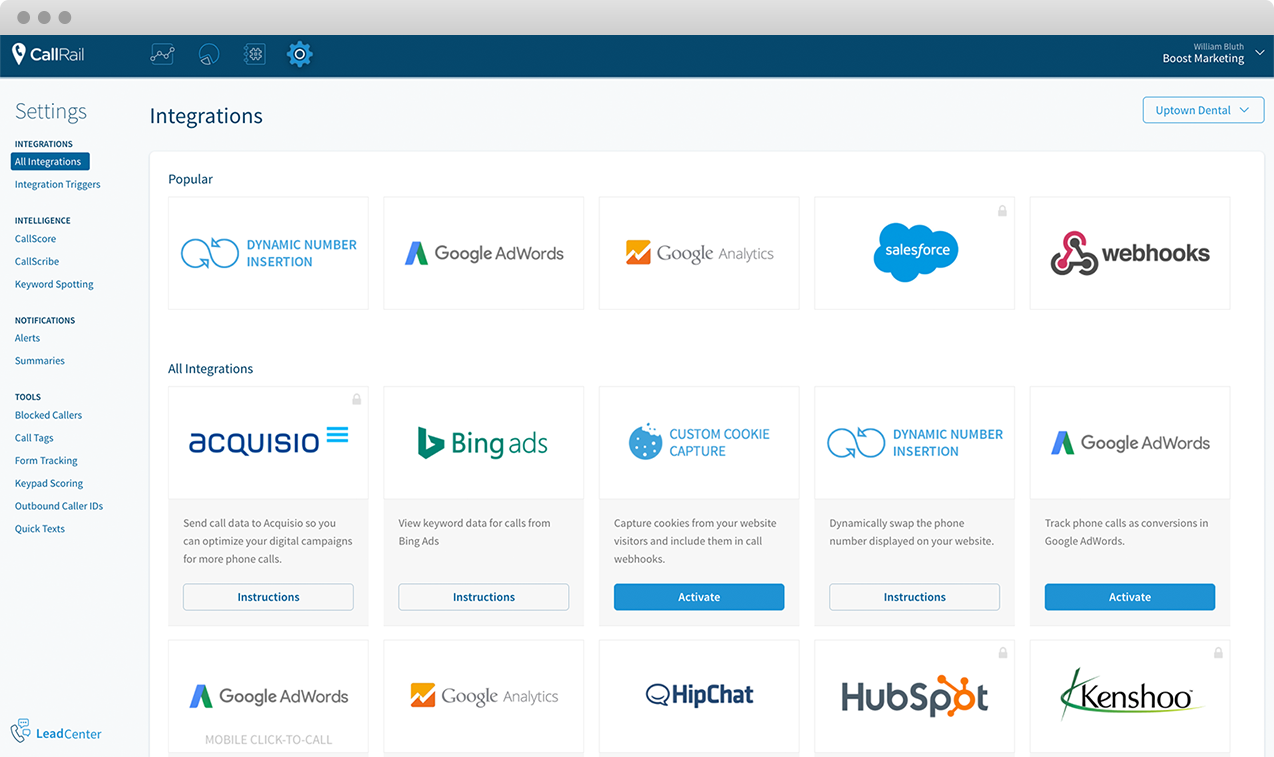
CallRail offers phone call tracking, recording and analytics.
$50
per month
Talkdesk
Score 8.1 out of 10
N/A
Talkdesk® supports CX with Customer Experience Automation (CXA), using AI agents to replace manual workflows. Powered by the Talkdesk Data Cloud, CXA delivers real-time context and fast deployment—to transform CX without a rip-and-replace.
$85
per month per user
Pricing
CallFire
CallRail
Talkdesk
Editions & Modules
Lite
$99.00
per month
Startup
$199.00
per month
Grow
$299.00
per month
Pro
$599.00
per month
Call Tracking
$50
per month
Call Tracking + Conversation Intelligence®
$100
per month
Call Tracking + Form Tracking
$100
per month
Call Tracking Complete
$150
per month
Digital Essentials
$85
per month per user
Voice Essentials
$105
per month per user
Elite
$165
per month per user
Elite
$165
per month per user
Industry Experience Clouds
$225
per month per user
Offerings
Pricing Offerings
CallFire
CallRail
Talkdesk
Free Trial
No
Yes
Yes
Free/Freemium Version
No
No
No
Premium Consulting/Integration Services
No
No
Yes
Entry-level Setup Fee
No setup fee
No setup fee
Optional
Additional Details
—
—
*Talkdesk also offers per hour login consumption pricing and concurrent pricing. Prices are based on a minimum 3 year commitment to these Editions. Additional telco and usage fees not included. Due to foreign exchange rate approximation, list price is not the exact price that will be quoted.
CallFire has a pricing structure that is attractive to us as a small business. The "pay as you use" options helps us keep our overhead low, especially with so many softwares already in our tech stack. It's a tremendous value for the cost!
Besides being cheaper - Talkdesk starting from 45$ a month - compared to the starting 99$ it offers several options that CallFire doesn't offer at all: Activity Dashboard, Activity Tracking Call monitoring, Desktop Notifications Realtime data reporting and statistics, routing …
Features
CallFire
CallRail
Talkdesk
Cloud PBX
Comparison of Cloud PBX features of Product A and Product B
CallFire
7.6
11 Ratings
5% below category average
CallRail
-
Ratings
Talkdesk
-
Ratings
Hosted PBX
6.02 Ratings
00 Ratings
00 Ratings
Multi-level Interactive Voice Response (IVR)
9.07 Ratings
00 Ratings
00 Ratings
User templates
7.04 Ratings
00 Ratings
00 Ratings
Call reports
7.210 Ratings
00 Ratings
00 Ratings
Directory of employee names
9.05 Ratings
00 Ratings
00 Ratings
Call Management
Comparison of Call Management features of Product A and Product B
CallFire
9.3
10 Ratings
11% above category average
CallRail
-
Ratings
Talkdesk
-
Ratings
Answering rules
8.07 Ratings
00 Ratings
00 Ratings
Call recording
10.010 Ratings
00 Ratings
00 Ratings
Call park
8.53 Ratings
00 Ratings
00 Ratings
Call screening
10.04 Ratings
00 Ratings
00 Ratings
Message alerts
10.05 Ratings
00 Ratings
00 Ratings
VoIP system collaboration
Comparison of VoIP system collaboration features of Product A and Product B
CallFire
10.0
1 Ratings
22% above category average
CallRail
-
Ratings
Talkdesk
-
Ratings
Video conferencing
10.01 Ratings
00 Ratings
00 Ratings
Audio conferencing
10.01 Ratings
00 Ratings
00 Ratings
Mobile apps
Comparison of Mobile apps features of Product A and Product B
CallFire
8.3
2 Ratings
3% above category average
CallRail
-
Ratings
Talkdesk
-
Ratings
Mobile app for iOS
8.52 Ratings
00 Ratings
00 Ratings
Mobile app for Android
8.01 Ratings
00 Ratings
00 Ratings
Contact Center Software
Comparison of Contact Center Software features of Product A and Product B
CallFire
-
Ratings
CallRail
-
Ratings
Talkdesk
7.8
489 Ratings
7% below category average
Agent dashboard
00 Ratings
00 Ratings
7.3468 Ratings
Validate callers
00 Ratings
00 Ratings
7.9411 Ratings
Outbound response
00 Ratings
00 Ratings
8.0428 Ratings
Call forwarding
00 Ratings
00 Ratings
8.0421 Ratings
Click-to-call (CTC)
00 Ratings
00 Ratings
8.3388 Ratings
Warm transfer
00 Ratings
00 Ratings
8.6443 Ratings
Predictive dialing
00 Ratings
00 Ratings
8.9226 Ratings
Interactive voice response
00 Ratings
00 Ratings
8.5313 Ratings
REST APIs
00 Ratings
00 Ratings
6.5248 Ratings
Call scripts
00 Ratings
00 Ratings
7.5222 Ratings
Call tracking
00 Ratings
00 Ratings
8.3436 Ratings
Multichannel integration
00 Ratings
00 Ratings
6.3321 Ratings
CRM software integration
00 Ratings
00 Ratings
7.9374 Ratings
Workforce Optimization (WFO)
Comparison of Workforce Optimization (WFO) features of Product A and Product B
If you need to find a test candidate for your client quickly, this is one of the best ways. Pull yourself a hot list of a couple hundred potential candidates and load them in to CallFire. Then get ready to hit about 50-60 calls per hour. You should have a great test candidate for your client in about 24 hours! It's amazing how quickly you can show your clients the true speed of your company.
This is great software for differentiating where phone traffic is coming from. Whether it's paid/organic search, you can see exactly where the calls are coming in from. I'd love to see them add text/SMS features in the future, but it does what it claims. I'd also like to see more CRM integrations, but not sure that other users share the same sentiment
Talkdesk is a very innovative company. They truly want to be at the forefront of emerging technologies. That was shown when they developed the current platform. But, its also being shown with the rapid growth and change brought on by AI today. Talkdesk wants to be an innovative solution that not only leverages emerging technologies but also wants to develop their own to be a leader in this space. While Talkdesk has a lot of resources available to their clients, if you do not have IT resources available to admin the system and continue to leverage the technologies Talkdesk offers, then this solution may not be for you. We have not identified a managed services service offered by Talkdesk. So, you have to manage the solution yourself or outsource to a vendor to help ensure your system is optimal and continues to be developed.
CallFire provides detailed analytics that show what/when callers select within the phone system
The text message broadcast feature is a game changer. This allows a company to dispatch text campaigns with specific calls-to-action, with tracking analytics.
The voice broadcast feature allows a mass automated message to be sent to client phones. This saves a lot of time when the same notification needs to go out to multiple clients.
Tracking phone calls first & foremost! Being able to have a running tally of the phone calls made and listening to the recorded calls throughout the month and providing that information back to our clients is vital!
Their UI is exceptionally easy to use & navigate. This is important when we have many clients running at the same time and we are able to always determine what report is for which client.
The ease of setting up a brand new client & their tracking phone number is fantastic! Saves a lot of time when it walks you through everything you need to know & do step by step.
Talkdesk excels at reporting. It offers a wide range of reports, such as Aux, AHT, and productivity reports, which are great for monitoring performance.
Talkdesk has speech-to-text analytics. This is an AI transcript system. The AI detects speech and transcribes it.
Talkdesk is easy to integrate with other apps. Such as Calabrio and Zendesk.
The services are easy to use and robust, but there is room for improvement. Unfortunately, not much has changed over the last 2 years of use. There haven't been any new features or innovations in that time.
API integration and automation is not easy for most folks to jump into and there is very little technical support or documentation to take advantage of such features.
The standard reports are generally sufficient, but there isn't any customization or intelligence available.
The integration with Hubspot is not as seemless as I would have liked. We had an issue where a person who was already in Hubspot called in, and their contact information was not matched to the caller ID correctly which created some duplicate entries. A little bit of a bummer, but from what I understand they may have fixed this. We had to stop using them for a little while because our outsourced sales team was more confused by adding CallRail, so we'll be re-implementing this once our new sales team is fully trained. Hopefully the record miss-match issue gets fixed.
From experience, customer service is terrible, we've had 5 account executives over 18 months, extremely difficult to get timely answers to pressing issues.
Integration with other tools, such as ServiceNow, is not truly integration (in my opinion). There was a marked difference between what the salesperson communicated during the evaluation period and what we actually got once we purchased and implemented the product.
We continue to have stability issues which force our agents to restart the Talkdesk client. I frequently receive vague error messages ('something went wrong') that can be frustrating as there's no actual detail to what happened. To be fair, it has improved since we implemented the tool, but if you were to ask our agents what frustrated them, Talkdesk would be at the top of their list.
Being a multi-channel platform was one of the things that drew us to Talkdesk; however, the chat channel lags way behind voice in customization and reporting.
Lack of training resources. The 'Talkdesk Academy' is often very out-of-date. Would be nice to have actual webinars or online training (even paid training) for various functions of the tool like reporting, WFM, IVR, etc.
One of the best tools our there to tackle alot of our needs or issues within the organisation's and is value for money as you find alot of the features already in bedded and the Ai features are user friendly no need for additional training and Talk desk support when any issues arise is amazing
The platform is easy to use and we really don't have any complaints with using it so far. The information is invaluable for clients that rely on phone calls to drive more business. Not much negative to say about it at this point. We're actually really happy with it so far and the cost is manageable.
Talkdesk is helpful because we use it to receive calls in our BPO. Not only do we track live ques and statuses from agents, but we also receive feedback from our assessors through the talk desk as well as coaching, and it also stores customer contact data; I can track all my calls, and It records all the calls so we can come back to review them. You can also listen live and track your daily productivity. You can change your aux statuses very quickly, and there was an update talk desk that allows you to queue another status while you are on a call or after-call work, which is a great feature.
Talkdesk is very handy but, sometimes we do face issues were the system can just kick you out and not be able to do calls or receive calls but, what I like about the system once you start refreshing or troubleshooting, everything becomes normal it is a unique system and very modern we don't usually have system issues with Talkdesk.
reports are good until a report is a big one in size then the wait is longer and some call reports delay by an hour or so which is not ideal as we pull these hourly and need them from Work force management perspective and Quality reports are perfectly fine
CallRail support normally gets back to us pretty quickly when we submit a ticket and they have a good knowledge base for common questions. I've heard mixed reviews from other local marketing agencies that use this tool, but overall in my experience, support has been knowledgeable and quick working through our problems.
If Talkdesk had a dedicated phone support line I would have given this rating an overall 10. Their knowledge base is absolutely HUGE and at times very helpful. It's easy to search through and their customer support chat system works perfectly fine, but there are just some times that you need to speak to a human on the phone to ensure you are always on the same page.
The training that was given to us was very smooth and professional. I give my trainer 10/ 10 rate the training was so smooth and very helpful she would make sure we also watch videos of how to use the system which made it very easier for us and what was interesting it is because, the system is also easy.
Nothing is perfect!! Needing the ability to repeat the training so everyone was on board was important. Not real sure how many people had to repeat the training as they trained on their own and given 30 minutes at a time.
We were very satisfied with the implementation of Talkdesk. The team was able to gather all the data and information about the system we had in place at the moment and delivered us a Talkdesk plan that suited our needs. We had a few calls after implementation where our questions were answered and gave us the confidence to continue using the system.
CallFire has a pricing structure that is attractive to us as a small business. The "pay as you use" options helps us keep our overhead low, especially with so many softwares already in our tech stack. It's a tremendous value for the cost!
Callrail has a very seamless and easy to use Dynamic Number Swap function. In other call tracking that we looked into the integration was either not as easy to use or required much more work to implement. Setting up CallRail has been so easy even our entry-level employees need very little training to master the platform.
Talkdesk is used to take inbound and outbound calls, which helps improve customer experience. It also provides evaluations through quality management. Talk desk scores are sometimes behind, but they still work well regarding taking and receiving calls. Some agents blame the Talk Desk because they lack knowledge of how to use it.
talk desk has helped us massively with flexibility of one system giving us all the relevant information we need to be able to drive improvement and also good service from work force management to quality improvement to the reporting of the work and inputs going in and assess outputs to determine the success of our work and remaining development areas
It is useful to monitor our calls weekly. We can give our employees feedback on the quality of the calls which helps our overall sales and conversions.
By knowing which campaigns perform best, we can shift our budget to target those campaigns specifically which saves us revenue and increases sales.
Reduced hold times with callback feature = better CX
Easy transfer option between teams where we can talk rep-rep first before bringing the caller in = less repeated information the customer has to provide = better CX
Modified call dispositions allows for better call management & organization = less work on our end!