
Blake Cohen
Sr. Customer Success Manager
Chose Cirrus Insight

| Product | Rating | Most Used By | Product Summary | Starting Price |
|---|---|---|---|---|
 Cirrus Insight | Mid-Size Companies (51-1,000 employees) | Cirrus Insight integrates Salesforce with Gmail, Google Calendar, and Google Contacts. Instantly View Contextual Salesforce Information in Your Inbox. Save Emails & Attachments to Salesforce with a Click. Sync Your Google & Salesforce Calendars. Create & Edit Salesforce Records on the Fly. Customize Your Salesforce Workflow in Gmail. Add Google Contacts to Salesforce. Salesforce Tasks Integration. Salesforce Templates Integrated with Gmail. | $15 per month | |
 Copper | N/A | Copper is a customer relationship management (CRM) built as an integration into Google Apps. | $12 per month per user | |
 Yesware | N/A | Yesware, from Vendasta since the October 2022 acquisition, is a service for salespeople that helps them close deals faster. An email service tracks email, templates responses and syncs to CRM. | $19 per month |
| Cirrus Insight | Copper CRM | Yesware | ||||||||||||||||||||||
|---|---|---|---|---|---|---|---|---|---|---|---|---|---|---|---|---|---|---|---|---|---|---|---|---|
| Editions & Modules |
|
|
| |||||||||||||||||||||
| Offerings |
| |||||||||||||||||||||||
| Entry-level Setup Fee | $500 per installation | No setup fee | No setup fee | |||||||||||||||||||||
| Additional Details | Pricing based on annual billing. | Up to 15% discount for annual pricing. | Annual plans save up to 23%. | |||||||||||||||||||||
| More Pricing Information | ||||||||||||||||||||||||
| Cirrus Insight | Copper CRM | Yesware | |
|---|---|---|---|
| Considered Multiple Products | Cirrus Insight Blake Cohen Sr. Customer Success Manager Chose Cirrus Insight  Dailius Wilson Director - BD Chose Cirrus Insight Cirrus Insight is a light-weight affordable tool that offers reasonable bang for your buck. However it does not have the reliability of other more enterprise-like platforms nor does it have the advanced features that are becoming of an email support tool - such as more advanced …  Chad Griffeth President Chose Cirrus Insight While I really liked Toutapp's social integration, it left a lot to be desired with the SFDC integration, which was a higher priority for me. It does what both Boomerang and Yesware do IMO for my purposes in one, easy to use app that doesn't dominate my screen. |  Copper No answer on this topic |  Yesware  Pablo Povarchik CEO & Co-founder Chose Yesware I think Yesware uniqueness is about being easy to implement for solo users and small teams. You can get up to speed fast.  Daniel Brigham Director of SMB Chose Yesware We switched from Cirrus Insight which had similar features but was not great at logging emails to Salesforce. It slowed down every email because I had to check and make sure that it actually logged every time. I've also used Outreach but we found that we didn't need all of the … |
| Cirrus Insight | Copper CRM | Yesware | |||||||||||||||||||||||||||||||||||||||
|---|---|---|---|---|---|---|---|---|---|---|---|---|---|---|---|---|---|---|---|---|---|---|---|---|---|---|---|---|---|---|---|---|---|---|---|---|---|---|---|---|---|
| Sales Force Automation |
| ||||||||||||||||||||||||||||||||||||||||
| Customer Service & Support |
| ||||||||||||||||||||||||||||||||||||||||
| Marketing Automation |
| ||||||||||||||||||||||||||||||||||||||||
| CRM Project Management |
| ||||||||||||||||||||||||||||||||||||||||
| CRM Reporting & Analytics |
| ||||||||||||||||||||||||||||||||||||||||
| Customization |
| ||||||||||||||||||||||||||||||||||||||||
| Security |
| ||||||||||||||||||||||||||||||||||||||||
| Social CRM |
| ||||||||||||||||||||||||||||||||||||||||
| Integrations with 3rd-party Software |
| ||||||||||||||||||||||||||||||||||||||||
| Platform |
|
| Cirrus Insight | Copper CRM | Yesware | |
|---|---|---|---|
| Small Businesses |  Salesflare Score 10.0 out of 10 |  Salesmate Score 10.0 out of 10 | Salesflare Score 10.0 out of 10 |
| Medium-sized Companies |  Mailtrack Score 9.6 out of 10 |  Creatio Score 9.0 out of 10 | Mailtrack Score 9.6 out of 10 |
| Enterprises |  Groove by Clari Score 7.2 out of 10 | Creatio Score 9.0 out of 10 | Groove by Clari Score 7.2 out of 10 |
| All Alternatives | View all alternatives | View all alternatives | View all alternatives |
| Cirrus Insight | Copper CRM | Yesware | |
|---|---|---|---|
| Likelihood to Recommend | 5.0 (22 ratings) | 7.9 (39 ratings) | 8.3 (62 ratings) |
| Likelihood to Renew | 9.1 (1 ratings) | - (0 ratings) | 9.0 (6 ratings) |
| Usability | 9.1 (1 ratings) | 7.9 (29 ratings) | 7.0 (1 ratings) |
| Availability | 9.1 (1 ratings) | - (0 ratings) | - (0 ratings) |
| Performance | 9.1 (1 ratings) | - (0 ratings) | - (0 ratings) |
| Support Rating | - (0 ratings) | 1.9 (11 ratings) | 8.2 (12 ratings) |
| Implementation Rating | 9.1 (1 ratings) | - (0 ratings) | - (0 ratings) |
| Cirrus Insight | Copper CRM | Yesware | |
|---|---|---|---|
| Likelihood to Recommend | Cirrus Insight
| Copper
| Vendasta
|
| Pros | Cirrus Insight
| Copper
| Vendasta
 Jillian Straw Marketing Associate |
| Cons | Cirrus Insight
 Kelsie Hamilton Program Associate | Copper
| Vendasta
|
| Likelihood to Renew | Cirrus Insight
 Craig Grella Co-Founder | Copper No answers on this topic | Vendasta
|
| Usability | Cirrus Insight
Craig Grella Co-Founder | Copper
| Vendasta
|
| Reliability and Availability | Cirrus Insight
Craig Grella Co-Founder | Copper No answers on this topic | Vendasta No answers on this topic |
| Performance | Cirrus Insight
Craig Grella Co-Founder | Copper No answers on this topic | Vendasta No answers on this topic |
| Support Rating | Cirrus Insight No answers on this topic | Copper
| Vendasta
|
| Implementation Rating | Cirrus Insight
Craig Grella Co-Founder | Copper No answers on this topic | Vendasta No answers on this topic |
| Alternatives Considered | Cirrus Insight
Blake Cohen Sr. Customer Success Manager | Copper
| Vendasta
|
| Return on Investment | Cirrus Insight
 Jason Miller Director of Business Development | Copper
 Erik Viager Manager, Business Development | Vendasta
 George Bakalis Account Executive |
| ScreenShots | Cirrus Insight Screenshots 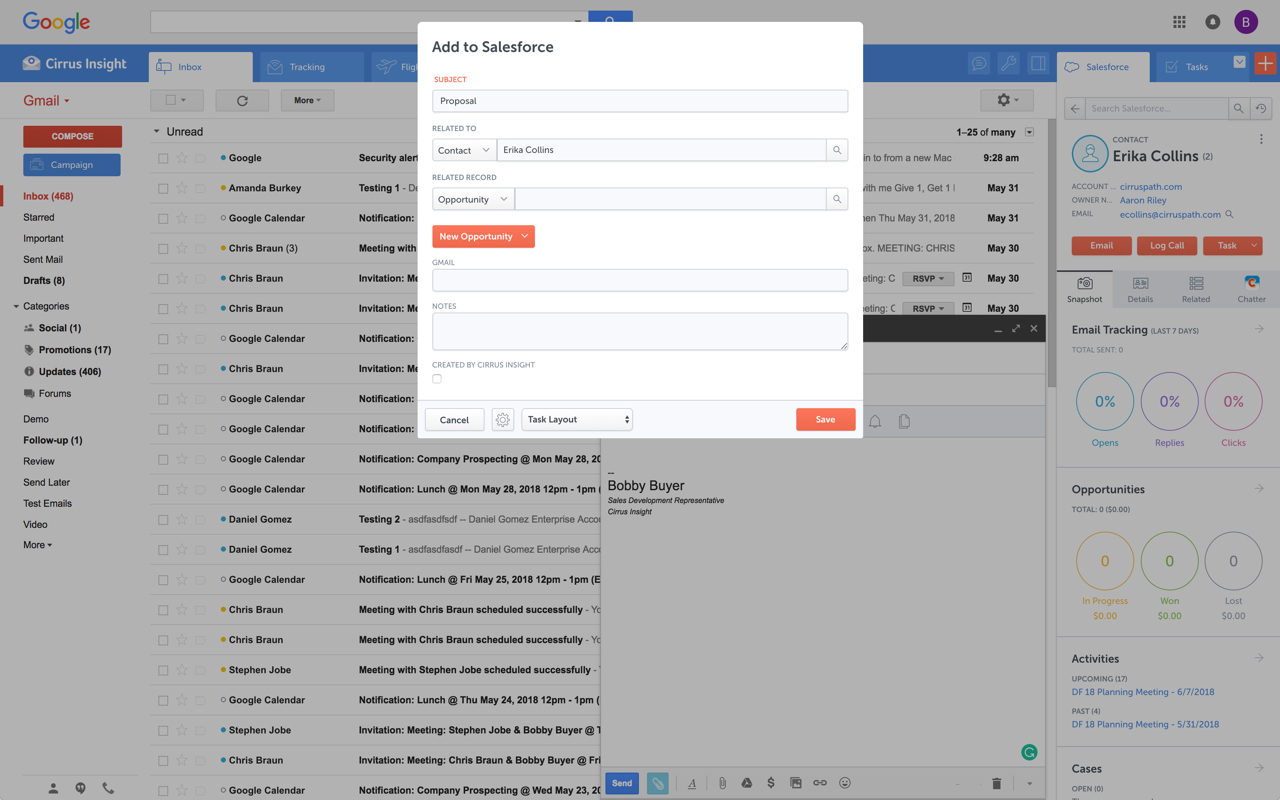   | Yesware Screenshots 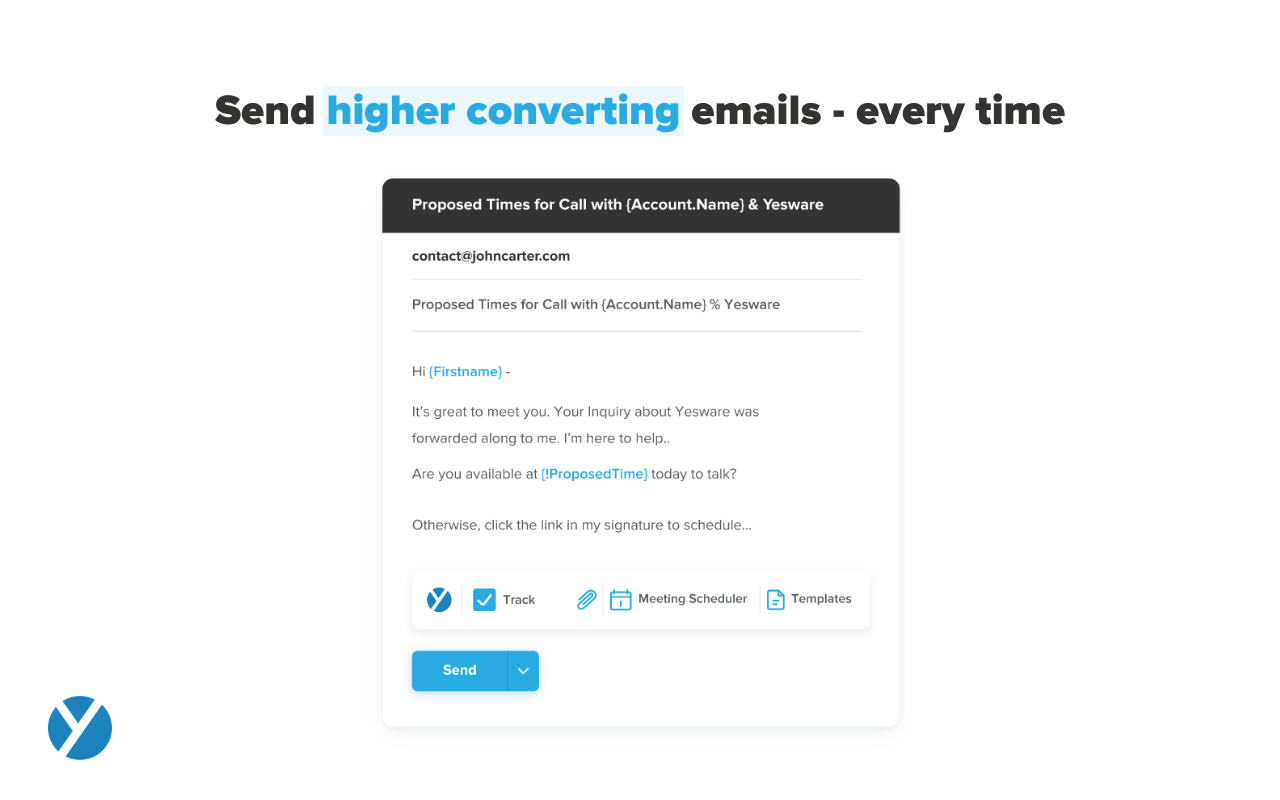 |