Cisco ThousandEyes empowers organizations to assure every digital experience across every network, everywhere, every time.
N/A
Google Analytics
Score 8.2 out of 10
N/A
Google Analytics is perhaps the best-known web analytics product and, as a free product, it has massive adoption. Although it lacks some enterprise-level features compared to its competitors in the space, the launch of the paid Google Analytics Premium edition seems likely to close the gap.
$0
per month
Piwik PRO
Score 8.6 out of 10
N/A
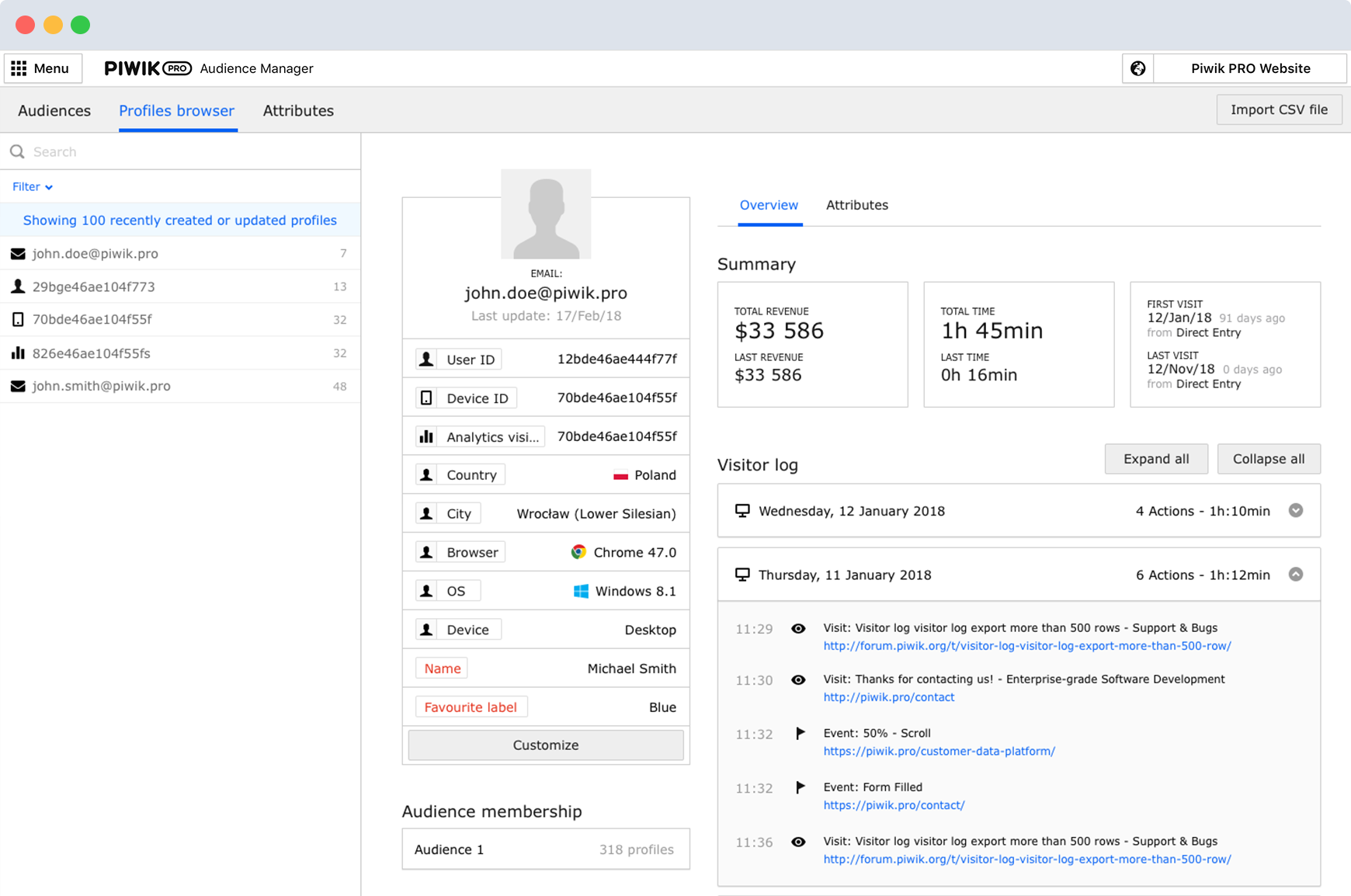
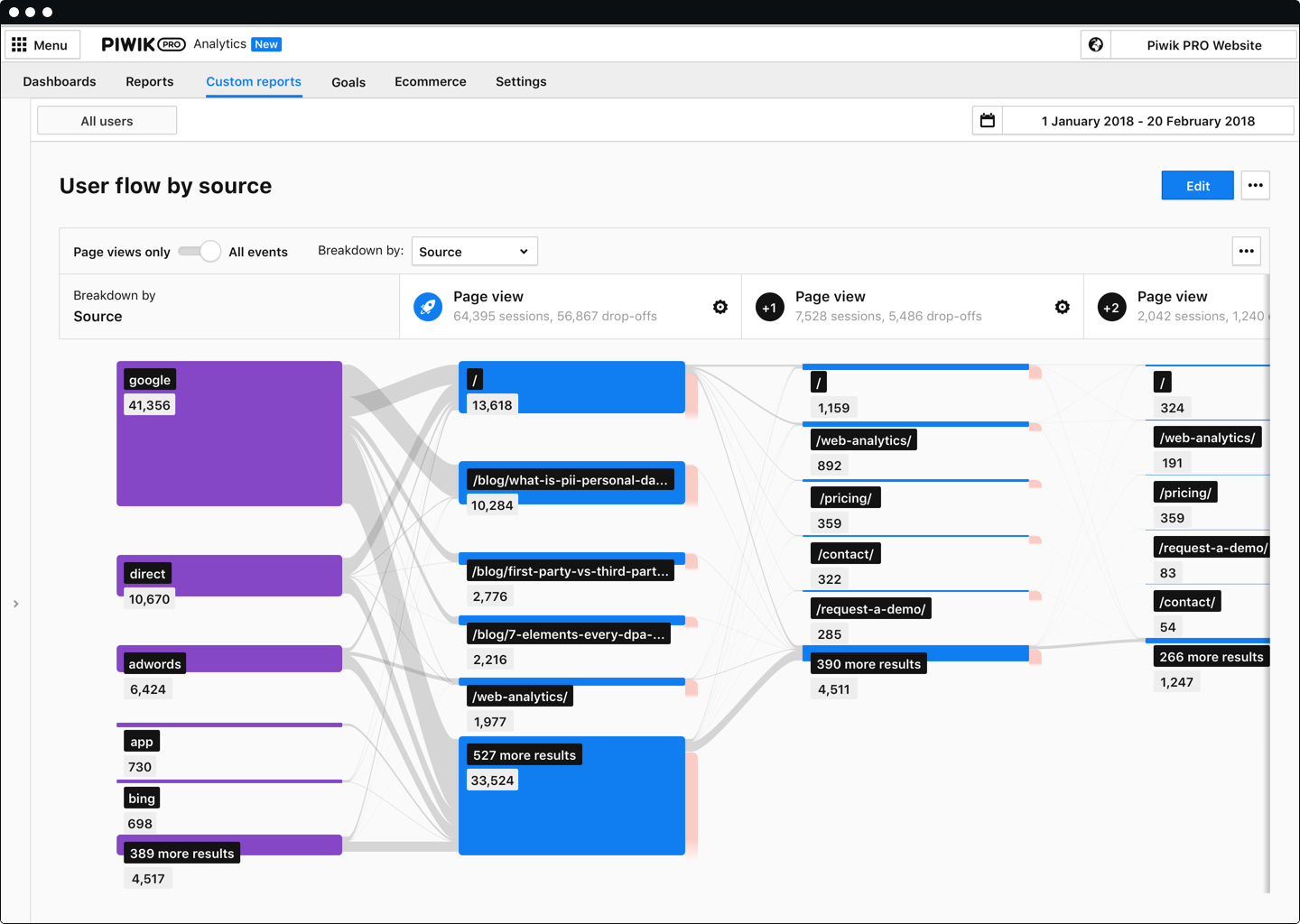
Piwik PRO Analytics Suite is an advanced platform providing a suite of modules centered around analytics that connects with other parts of the client’s tech stack. Piwik PRO Analytics Suite unifies marketing insights, provides a comprehensive view of performance, and facilitates data-driven actions to achieve better results. It offers multiple flexible hosting options and ensures compliance with strict data protection laws, including the GDPR, CCPA, PIPEDA, and…
Data owned and detailed tracking possibility compared to free Google Analytics and cost advantage and CDP possibilities compared to Google Analytics 360
One of the tools that we have used that has a great similarity to Piwik is Google Analytics. The great difference that exists is that Piwik provides us with security in our database, our organization changed to it. It was precisely for that reason Google Analytics Security is …
Piwik Pro stacks up with privacy and protecting your information and the data of our customers. The main problem with Piwik pro is that Google owns a lot of features that work better with Google Analytics, also the cloud version is paid. There are other things, like the …
I can sum it up quite easy: - GA isn't that privacy friendly, something we do require on our jobboard. - Matomo is a great program with some unique features compared to Piwik, but the lay-out is - in my eyes - more cluttered. Also the different type of database makes it a bit …
Piwik Pro's support for multiple sites saved me a lot of time. To view reports from numerous client sites, I'll have to access a single dashboard. Its digest reports save time and are simple enough for non-technical executives to understand. It gives us access to information …
Unified communications real-time analysis is one of the biggest points of the solution. You can see your traffic path and find issues before, during and after the calls. This is very useful for analyzing VoIP and video conferencing problems like in WebEx, Microsoft Teams and Zoom. It helps to see network issues like packet loss, jitter, or latency that can make call quality bad. Another good use case is checking cloud apps and SaaS services. Many companies use external platforms like Microsoft Azure, 365, Salesforce, or AWS. It lets Networking teams see the network path from users to these services so they can find if problems come from the company network, the internet provider, or the cloud service. Also, it is good for companies using mix of on-prem and cloud. It shows how traffic moves between different parts of the network, so IT teams can see where a problem happens and fix it faster. There are different types of agents that we can use in Cisco ThousandEyes. Enterprise agents can be use for a relative big amount of synthetic test. Endpoint agents are install in user PC or MAC laptops to check network quality from the client side. WebEx devices also have built-in agents that help to see performance problems in meetings, making it easy to find what is causing a bad call. Maybe it's not the best solution if what you want to measure is not HTTPs based or hasn't an API. Also if your scenario is Zoom Rooms, you won't have the same level of integration that it has for WebEx and Microsoft solutions.
Google Analytics is particularly well suited for tracking and analyzing customer behavior on a grocery e-commerce platform. It provides a wealth of information about customer behavior, including what products are most popular, what pages are visited the most, and where customers are coming from. This information can help the platform optimize its website for better customer engagement and conversion rates. However, Google Analytics may not be the best tool for more advanced, granular analysis of customer behavior, such as tracking individual customer journeys or understanding customer motivations. In these cases, it may be more appropriate to use additional tools or solutions that provide deeper insights into customer behavior.
Piwik Pro Core is especially perfect for smaller businesses that want to have an alternative to Google's ecosystem. You can do a lot of the great stuff you can do with GA UA and GA4. But it still needs some tweaking. Especially for some bigger companies who have a lot of events, it would be great to have some smaller payment steps, as of right now it can be quite steep for some companies to pay the bill if you go above 500.000 events per month. Nevertheless, I believe this is one of the better options available when data ownership and privacy come to mind.
Cisco ThousandEyes does the holistic discovery of the end components, the network components, and it's really fast at identifying where the issue is, which is not normally identified by the classic monitoring tools. So it's quite a fast identifying the issue of the networks and Cisco ThousandEyes also provides a very good real user end user monitoring experience for the end customers. So those are the two real life and also very good examples for Cisco ThousandEyes.
The elephant in the room is going to be cost. ThousandEyes is a great tool, but you will pay for it. There are other services that do a good job at providing a smaller subset of features compared to ThousandEyes. If all you need is that particular subset of features, ThousandEyes may not make fiscal sense for your organization.
As a subset of the cost issue, within the last 18 months or so the pricing on enterprise (local) agents has been modified in a way that seems not to benefit the customer. Previously enterprise agents had a flat monthly cost associated with them with unlimited test usage (the only limit on test usage was based on concurrent tests running at any given point in time). This meant that instead of using a cloud agent and paying per-test, you had the option of spinning up an cheap Digital Ocean droplet and creating your own cloud agent for external testing without using Cloud Agents. When the change was made they eliminated the flat per-agent cost and instead treated the pricing the same as that of the cloud agents but cutting the number of "cloud units" per test in half for tests run from enterprise agents. For organizations with under-utilized enterprise agents, this may be helpful financially, but for organizations that push their local agents to the limit, the cost skyrocketed.
BGP monitor peering sessions have been less than reliable. The data doesn't seem to be an issue, but the sessions seem to bounce or fail altogether on a fairly consistent basis. The routers or servers with which your routers peer sit behind some firewalls that have caused issues in the past.
The software does it's job extremely well and the system makes it very user friendly to get into. When looking for software I prefer to not need a PHD to operate it. Having a great UI and simple setup makes it easy to include more members of our team to get more value out of the platform.
We will continue to use Google Analytics for several reasons. It is free, which is a huge selling point. It houses all of our ecommerce stores' data, and though it can't account for refunds or fraud orders, gives us and our clients directional, real time information on individual and group store performance.
There is definitely a learning curve to ThousandEyes, but once you understand how the client deployment works and how to set up monitoring, things go pretty smoothly. I think the initial setting up of clients on endpoints can be a little tricky though.
Google Analytics provides a wealth of data, down to minute levels. That is it's greatest detriment: find the right information when you need it can be a cumbersome task. You are able to create shortcuts, however, so it can mitigate some of this problem. Google is continually refining Analytics, so I do not doubt there will be improvements
We all know Google is at top when it comes to availability. We have never faced any such instances where I can suggest otherwise. All you need is a Google account, a device and internet connection to use this super powerful tool for reporting and visualising your site data, traffic, events, etc. that too in real time.
This has been a catalyst for improving our site's traffic handling capabilities. We were able to identify exit% from our sites through it and we used recommendations to handle and implement the same in our sites. We have been increasing the usage of Google Analytics in our sites and never had any performance related issues if we used Analytics
You have online support from the tool itself 24/7 and they are very responsive. We also have a specific account manager and specific engineer assigned to help us with very specific questions for our environment. The level of response to our requirements is always super high. We have requested specific features to be added and these have been developed and introduced very quick tot he product (within weeks). Their DevOps and agile approach seems to pay off.
The Google reps respond very quickly. However, sometimes they can overly call you to set up an apportionment. I'm very proficient and sometimes when I talk to reps, they give beginner tutorials and insights that are a waste of time. I wish Google would understand my level of expertise and assign me to a rep (long-term) that doesn't have to walk me through the basics.
We had to contact the support several times in the beginning and they really took their time to explain the different functions in detail. So in terms of support I can definitely recommend Piwik PRO.
Our Cisco reps actually had someone teach us a few things about the functionality of ThousandEyes, and it helped a lot. The training was good and we had follow-up assistance as well when we had questions about the monitoring and reporting functions. Overall, we were satisfied with the training and support.
love the product and training they provide for businesses of all sizes. The following list of links will help you get started with Google Analytics from setup to understanding what data is being presented by Google Analytics.
Our implementation was pretty straightforward, with some issues loading clients on endpoints. We didn't have any notable issues, and I don't really have any additional insights.
I think my biggest take away from the Google Analytics implementation was that there needs to be a clear understanding of what you want to achieve and how you want to achieve it before you start. Originally the analytics were added to track visitors, but as we became more savvy with the product, we began adding more and more functionality, and defining guidelines as we went along. While not detrimental to our success, this lack of an overarching goal resulted in some minor setbacks in implementation and the collection of some messy data that is unusable.
No one is better than the other. I can get different data and sometimes similar data, it's important to compare values and verify the data between the tools. Additionally, there are other functionalities that ThousandEyes has that the others don't, but it is also the other way around. I will always recommend to have available not 1 or 2, all possible available for your job.
I have not used Adobe Analytics as much, but I know they offer something called customer journey analytics, which we are evaluating now. I have used Semrush, and I find them much better than Google Analytics. I feel a fairly nontechnical person could learn Semrush in about a month. They also offer features like competitive analysis (on content, keywords, traffic, etc.), which is very useful. If you have to choose one among Semrush and Google Analytics, I would say go for Semrush.
Piwik Pro's support for multiple sites saved me a lot of time. To view reports from numerous client sites, I'll have to access a single dashboard. Its digest reports save time and are simple enough for non-technical executives to understand. It gives us access to information about individual users that Google doesn't allow us to see as a whole. It will allow users to express their desires more clearly. As a result, this one is significantly more useful compared to other tools.
I think this product would be infinitely scalable since it's all cloud hosted and can support thousands of endpoints if needed. We are only using it for a limited number of endpoints, so we never really considered scalability.
Google Analytics is currently handling the reporting and tracking of near about 80 sites in our project. And I am not talking about the sites from different projects. They may have way more accounts than that. Never ever felt a performance issue from Google's end while generating or customising reports or tracking custom events or creating custom dimensions
Building the trust from our Merchants is core when you come to renewal time. Trust builds partnerships, builds stickiness and allows for easier upsells or contract renewals.
Having a champion in IT that touts your service is important to the business, it removes a large portion of friction in the business to get services implemented and working to its peak.
Flexibility in pricing can be better. How they measure the number of agents being used can get thorny. When you build and tear down virtual servers a lot it can appear there are more agents running than there are. Once we understood how they measure we were able to better utilize the product efficiently.
We have obtained a good impact both economically and in data integration.
It has allowed us to collect and analyze all the data of our clients, and to create groups that allow us to divide potential clients and make personalized messages.
We use the Enterprise plan because it provides us with the necessary tools and unlimited features.