Cisco Webex Support was a remote access and support tool that has been discontinued and is no longer available.
N/A
ISL Light
Score 8.9 out of 10
Small Businesses (1-50 employees)
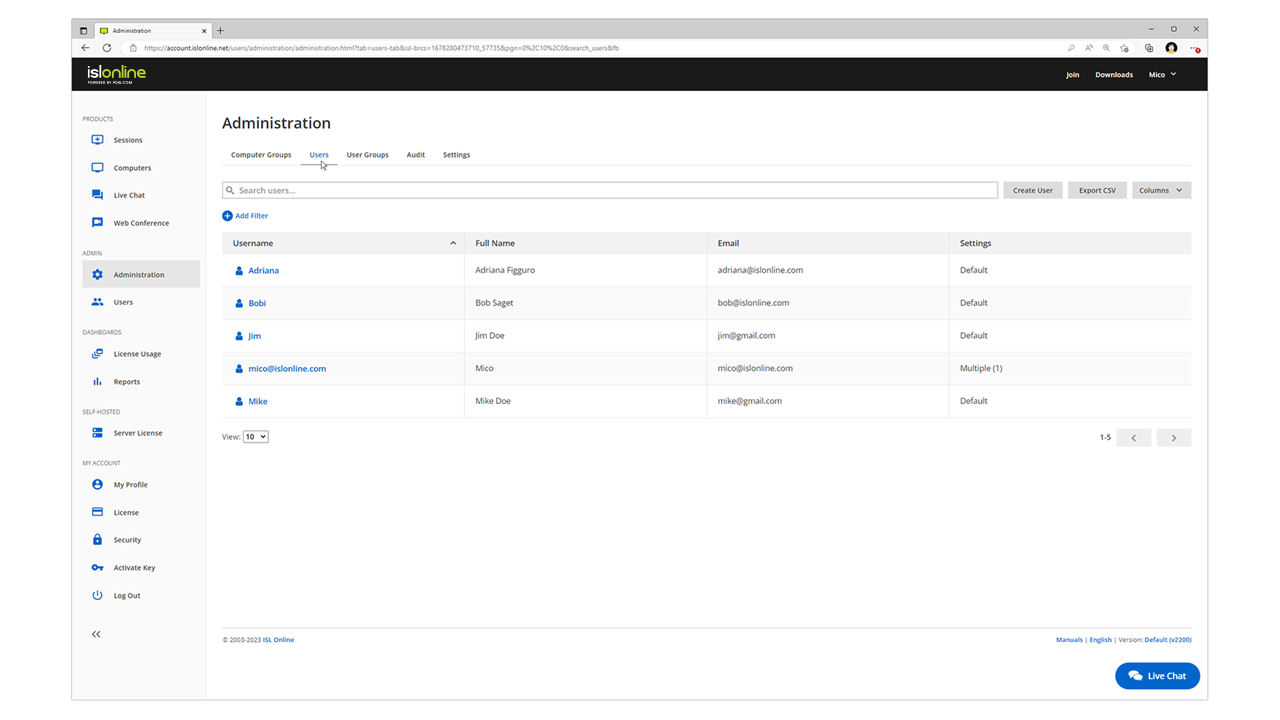
ISL Light is remote support and remote access software that enables SMBs and large enterprises to offer fast and efficient support and maintenance for Windows, Mac and Linux computers as well as mobile device support for Android and iOS.
$16.90
per month (1 concurrent user)
Parallels Desktop for Mac
Score 8.8 out of 10
N/A
Parallels® Desktop for Mac is used to run Windows on Intel or Apple silicon. Users can switch between Mac and Windows applications, while retaining the macOS appearance, or use the familiar Windows desktop aesthetic.
$99.99
per year
Pricing
Cisco Webex Support (discontinued)
ISL Light
Parallels Desktop for Mac
Editions & Modules
No answers on this topic
Starter
$16.90
per month
Standard
$34.90
per month
Self-Hosted
$44.90
per month
Premium
$54.90
per month
Parallels Desktop Standard Edition
$99.99
per year
Mac App Store
$99.99
per year
Parallels Desktop Pro Edition
$119.99
per year
Parallels Desktop Business Edition
$149.99
per year
Offerings
Pricing Offerings
Cisco Webex Support
ISL Light
Parallels Desktop for Mac
Free Trial
No
Yes
Yes
Free/Freemium Version
No
No
No
Premium Consulting/Integration Services
No
Yes
No
Entry-level Setup Fee
No setup fee
No setup fee
No setup fee
Additional Details
—
ISL Online's pricing model considers the number of licenses purchased, which determines the maximum number of concurrent users within the organization. A concurrent user is defined as anyone running one or more sessions simultaneously from any device. There are no restrictions on the number of ISL Light users within a company or the remote devices managed.
For example, with three licenses, an unlimited number of people in a company can use ISL Light and can access an unlimited number of remote devices, but only three users can use it concurrently. When one of these three users ends their session, a fourth user can begin their session, and so on.
We use WebEx Support Center in the IT department to support users as well as work with vendors remotely. This applies to physical desktops, laptops, and Virtual Desktops. We have around 200 employees. Most employees work in one of our offices, but we do have at least 5-10 users who are more frequently remote than they are in the office. It helps us remotely access machines we wouldn't otherwise have access to, due to lack of physical access. It's excellent for troubleshooting access problems from users' personal machines, as well.
ISL light is suitable for anyone who plans to provide remote assistance services on a medium to large scale. Due to the high entry price, it is less suitable for consultants with a smaller number of clients or remote stations that need management. Their smallest package in which minutes are rented does not seem suitable for most cases.
Parallels is great for an end user that is primarily a macOS user, but occasionally needs Windows access to a specific application or service that is Windows only, or Windows primarily. It obviates the need for multiple desktop units or remote VMs where spin up time is an issue. It is not quite perfect due to the ARM version of Windows requirement, but that particular case is common to all ARM use of Windows.
Simple Remote Access - WebEx Support Center works with either a permanent install or temporary executable, so you don't have to worry about users being particularly comfortable or knowledgeable about software installation. It also doesn't matter if the user is on an account without admin rights, you can still connect and see what's going on using the temporary executable.
Robust Access Options - You can take see the user's screen, take control of their screen, send files, and retrieve files. It's a great tool for troubleshooting issues that users might be experiencing and doesn't depend on them being able to find the files that you need to properly troubleshoot their issues.
Great performance - Even when users don't have a particularly great internet connection, you can still typically get good results and help them quickly. You're not going to do it over dial-up (if that even still exists for anyone), but it works acceptably well even over very modest DSL or satellite internet connections.
During initial setups it can be a little confusing.
The look and feel is a little rigid. It feels like it is in need of a smoother UI update.
When a new user is introduced to webex and they are asked to share their desktop, it maybe a little difficult for the user to navigate to the correct buttons.
Need a control toggle at least on AlwaysOn. User moves the mouse and you lose all control instantly.
Clipboard features are a bit wonky still, and your clipboard seems to get emptied a lot. So if you're trying to copy and paste you might lose something
Passwords for the systems are saved per machine, so if you work from multiple devices it can be tricky if you have complex passwords
The Enterprise package we purchased (Event Center, Remote Support, Meeting Center, and Training Center) for 100 users is the same annual price as GoToMeeting for 25 users. We will renew as it is a package deal. If it were just WebEx Remote Support, we would not renew at all.
Users are familiar with the application which will keep us going for a little while. However since we are seeing a decline for a need for the software, I wouldn't be surprised to find that this answer changes dramatically in the near future. We would probably keep it to some extent, but we would probably reduce our licensing count.
Honestly, there are people available. But none of them will help you with your issues. They just keep assigning new service engineers who are often clueless.
Everything works well and quickly, and that's all we need. ISL Light always works, and we've never had a situation where the server was inaccessible or the website was down. It simply gives us a 100% guarantee that we can always log in to our customers' systems. We can install the ISL Light client at our customers' sites without any problems, even though security is high.
It has a good integration, including the connection of peripherals. Taking files back and forth works well and I can attach my Home drive as a network drive in Windows. There is even integration with iCloud and other macOS services. There are also a few different display modes which are useful and fleixible (coherence, windowed, full-screen with multiple screens)
We had issues with mouse skipping on mobile devices. Support is immediatly availabe, they examined our case and in one of the new versions of the app this problem was gone.
The Parallels documentation and support websites are great. I have not had much use for them, but a cursory check shows richly documented features aimed at both the layperson and the power user or software developer. Their website is well-designed and information is easy to find, and their list of known issues as well as bugfixes on point releases is clear and transparent. They aren't trying to hide any of the limitations of their software, and seem to be regularly updating it to fix new bugs that arise with Mac OS X updates.
I would say that Cisco Webex Support stacks up pretty evenly in capability, but in some regards (video clarity, toll-free access, etc.) they were even better. Where they did provide a better solution for toll-free access on audio bridges, their audio quality was worse for those that wanted to use VoIP for the audio conference bridge.
The main reason was price initially, after TeamViewer jacked up the price 3 fold come covid in start of 2020, told them to get stuffed and went elsewhere, back then they had a good reliable product, then after I switched to another provider, the came crawling back and offer me the same price I was paying before the COVID tax (3 times increase in price) like I said, told them to get stuffed, ISL on the other hand didn’t increase their price when covid started, so have been with them ever since.
Main two features that made the balance decission go to the Parallels Desktop were the possibility to pause the Windows partition easily (allowing to consume less resources in Mac and save battery) and the other one is the user interface feature called "Coherence" with allows you to show the Windows application windows as if they were native to the macOS, allowing for a better user experience.
WebEx Support Center works pretty excellently for us as we are a small shop. We are experienced and have pretty good skill sets. WebEx Support Center is an excellent product for our use cases with our users and client to troubleshoot issues.
WebEx Support Center is more expensive than our previous product MXIE or Logmein. It has a more user-friendly UI, and overall performance is better and reliable.
Saves money on having to buy a Windows and MacBook, as the MacBook can run almost 99% of all Windows software and usually run it faster and share between your MacBook transparently.
Gives employers the most flexibility with regards to which OS to adopt across an enterprise
We are a media company and everyone uses Macs in our industry, Fortune 500 companies also use Windows and MS Project, Parallels gives you the most flexibility for almost all of these use cases
Improves efficiency as the MacBook Pro M3 systems are much faster than some of the fastest corporate issued Windows laptops. What takes me 3-10 seconds for a video export can take 5 minutes on a similar Windows laptop