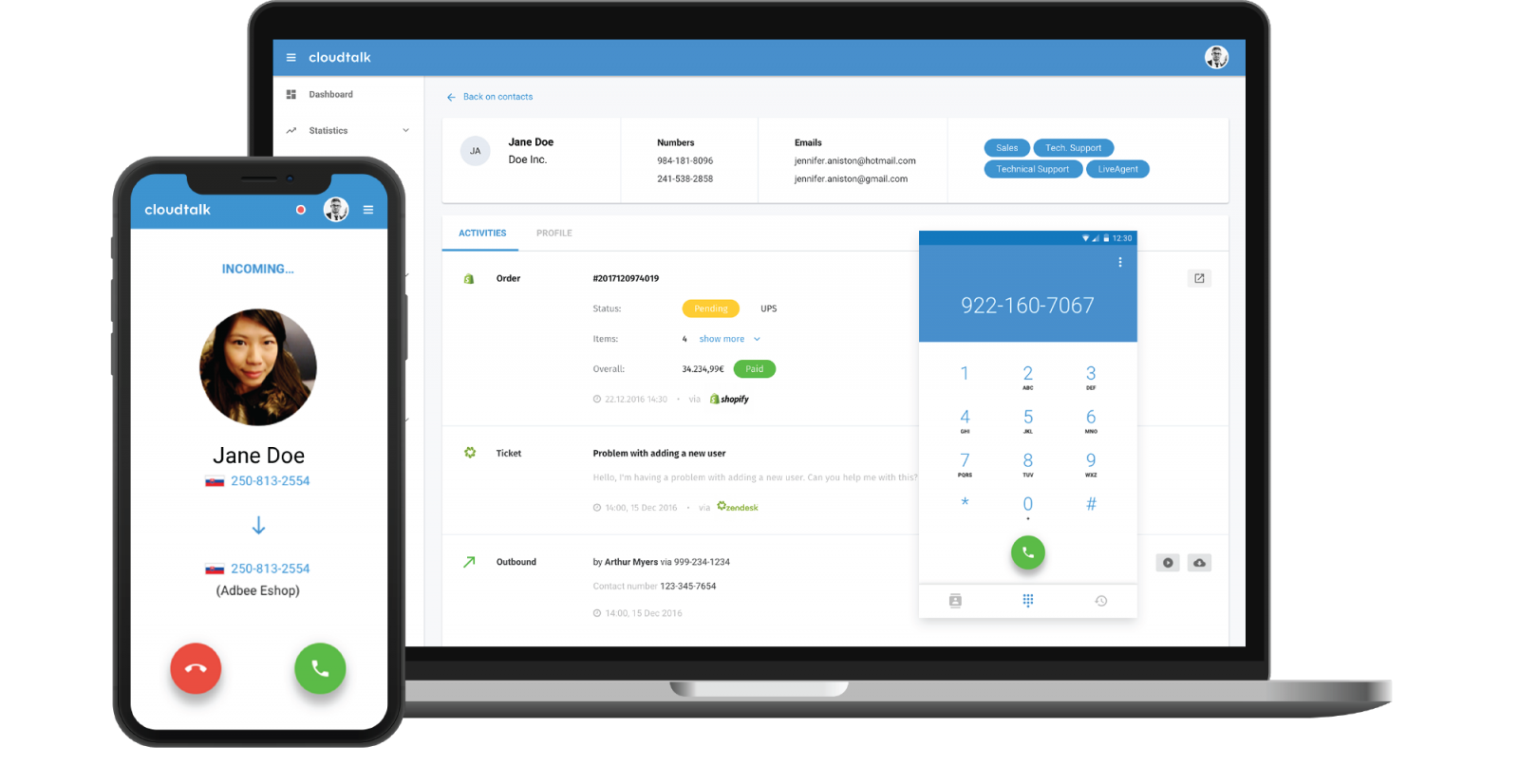
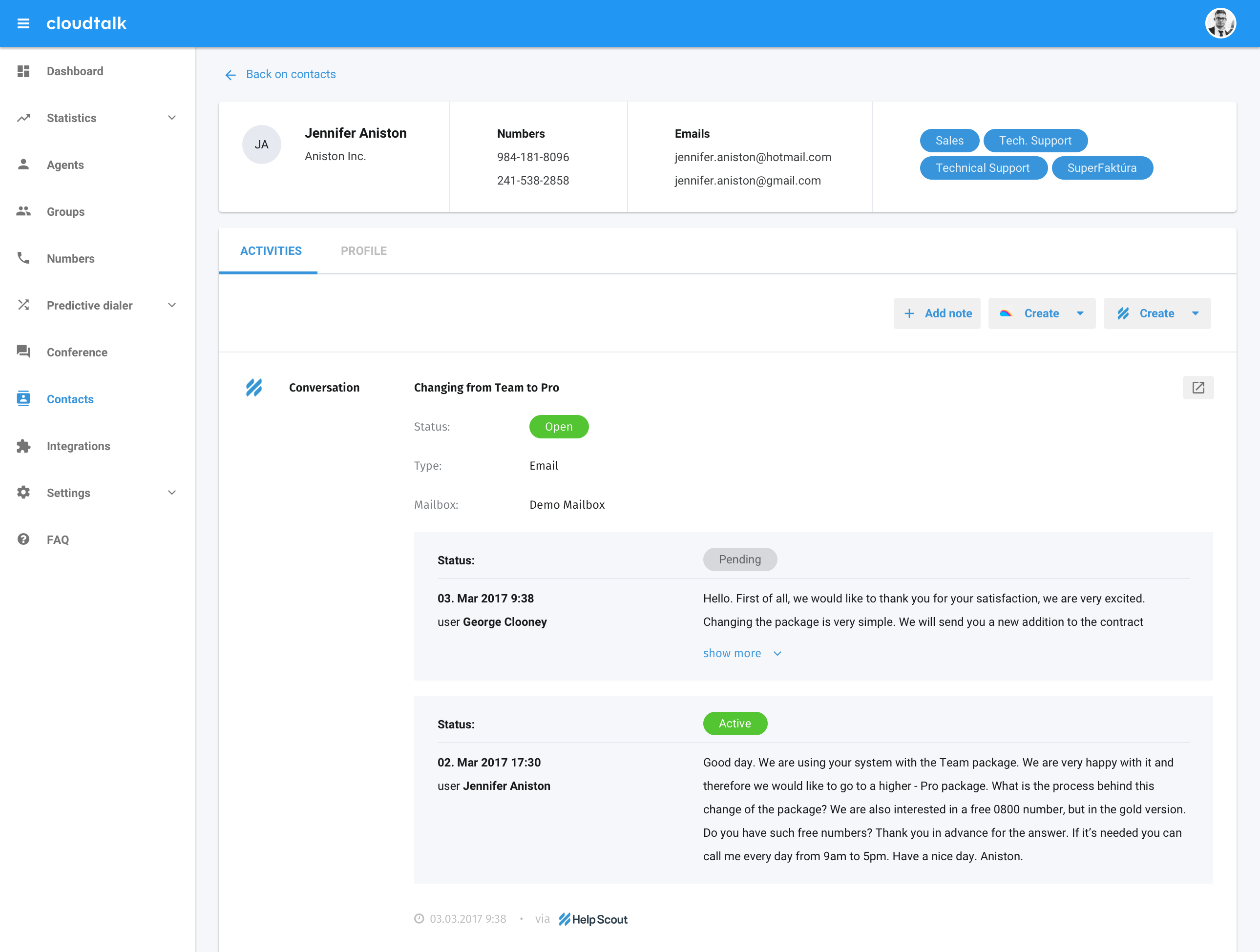
CloudTalk is cloud-based call center software for sales and support teams of all sizes, looking to improve customer experiences through more personalized, data-driven customer interactions. The vendor aims to help teams communicate clearly and efficiently. With CloudTalk users can get local, mobile or toll-free numbers from more than 140+ countries across the world. The vendor says they offer integration with important tools (such a CRM, Helpdesk, or…
$27
per month per user
Google Meet
Score 8.3 out of 10
N/A
Google Meet, formerly Hangouts Meet, replaces the former Google Hangouts as the company's G Suite integrated web conferencing tool, allowing users to join meetings directly from a Calendar event or email invite from a computer, phone, or conference room. G Suite's Enterprise edition also creates a dial-in phone number for each meeting, as an additional convenience.
$6
per month
Skype (discontinued)
Score 7.0 out of 10
N/A
Skype (the personal edition or Skype free) was a web meeting, video conferencing, and VoIP software, now superseded by Microsoft Teams' free edition and unsupported from May 2025.
$2.99
per month
Pricing
CloudTalk
Google Meet
Skype (discontinued)
Editions & Modules
CloudTalk Lite
$27
per month per user
CloudTalk Essential
$39
per month per user
CloudTalk Expert
$69
per month per user
CloudTalk Custom
Custom Pricing
per user or company/month (invoiced annually)
Google Workspace - Business Starter
$6
per month
Google Workspace - Business Standard
$12
per month
Google Workspace - Business Plus
$18
per month
United States Subscription
$2.99
per month
North America Subscription
$6.99
per month
India Subscription
$7.99
per month
Offerings
Pricing Offerings
CloudTalk
Google Meet
Skype (discontinued)
Free Trial
Yes
Yes
No
Free/Freemium Version
No
Yes
No
Premium Consulting/Integration Services
Yes
No
No
Entry-level Setup Fee
No setup fee
No setup fee
No setup fee
Additional Details
A discount is offered for annual billing.
—
—
More Pricing Information
Community Pulse
CloudTalk
Google Meet
Skype (discontinued)
Considered Multiple Products
CloudTalk
No answer on this topic
Google Meet
Verified User
Technician
Chose Google Meet
It is better integrated for business and education. It is much more professional than both Skype and zoom and it is the best option for professional discussions. It is minimalistic and easy to understand and it works on computer and mobile devices. Joining calls is very easy …
Verified User
Supervisor
Chose Google Meet
Google Meet is about the same level of convenience and I use it like Skype and BlueJeans for my needs and my subscription levels. Zoom and Microsoft Teams (which we subscribe to as well) have much better features for our educational use cases like classrooms.
Hangouts Meet is better than Skype for a few reasons: (1) quality of audio and image is better, (2) ability to have more than one caller on the meeting in Hangouts Meet (very hard on Skype), (3) Hangouts Meet is easier to use, (4) Hangouts Meet allows someone to connect using …
The decision was easy to make, although Google Hangouts Meet, Skype and Zoom met the initial objective, we were inclined to choose Google Hangouts Meet because it not only does a much better job, it is easy to use, it's secure, and guarantees confidentiality in all connections, …
If I was to choose, I would go for MS Teams or Skype as it helps me to keep minutes or other notes and get back to them whenever I need. I am not a huge fan of Zoom however depends on how the organiser sets it up it allows downloading chat/minutes that I personally find very …
Google Meet has almost all the same features that other applications offer, basically you dot need to worry about missing features since you're at the same level. Google meet has a modern design, light application with a very easy UI.
Verified User
Analyst
Chose Google Meet
The benefit for google hangouts meet is its seamless integration with Gmail and since most of the users have a Gmail account, it becomes a fast and reliable experience. Nevertheless, other tools have a better UI and feature list as compared to google hangouts meet. The UI for …
Google Hangout is the company choice for secure mobile communications. It is a wonderful platform to connect with colleagues. For team meetings, Zoom is the ideal choice. It is easy to use, and its packaging is reasonably priced. Overall, Zoom screen sharing and screen …
Zoom has an advantage over Google, as it has better audio and video quality. The host has more authority over attendees. Zoom also has an advantage that it can used in any web browser while Google Meet can only be used in Chrome browsers. When it comes to the free version, …
When compared to alternative video conferencing and meeting software options, Skype is effective in the sense that it is easy to use for individuals uncomfortable with technology or unfamiliar with video meeting to jump into and use immediately with minimal confusion or issue. …
Skype used to be the go-to for everyone we worked with about 5 years ago but Google Meet and Zoom have quickly overcame the service. I'm not sure why though as the services are fairly interchangeable.
On our Windows computers Skype runs better than Zoom and Google Meet but on …
Skype is inexpensive and easy to use, and all of us may access it through the internet. Because of concerns about privacy and security, I value Skype's longevity much. With this system, we can deal with people in distant locations since it is more dependable regularly. The …
Skype overall is easier to use than a lot of comparable collaboration tools on the market. It really doesn't require formal training to use, and most users get used to all the features of the platform pretty quick overall. Some other collaboration tools may offer more …
Lee's functionality than Zoom, more glitches and log in complications than Google, but affordable and familiar for most of our clients and staff, which makes it an easy tool for a nonprofit. In general, we use Zoom and Google more but Skype is still a useful tool.
Skype works better than Google Hangouts simply because everyone in the organization has a skype address that comes from being an employee here. Not everyone has a google account, so it's hard to meet or use Google tools. The university has also worked with Zoom so that we can …
The advantage of Skype over other programs is the quality of video calls. Another positive point is that Skype concentrates several functionalities in the same program and works in a very intuitive way. If we compare it with other applications, the disadvantage of Skype in …
Skype is just a robust system that almost everyone I've ever interacted with within a business setting has some experience with. So, for us, it was a decision based on convenience and reliability. Skype is [an] application that has been around for a long time and has many …
Even though Zoom has familiar features to Skype, it is more costly. In order to have unlimited minutes to video conference with Zoom without being disconnected, you have to pay for that service, whilst Skype is totally free and you are allowed to video conference as long as you …
Since it has been longer out there it does not make mistakes that “newbie” tools can make. It is stable and trusted so both my team and my clients enjoy using it. It is simple and quick to hop on a call or have a short chat with Skype, and manage contacts.
Cloudtalk is by far the best value-for-price software out there for call center solutions. Packed with features, very accessible, kind and accessible customer support, and cheap, especially when compared with their competitors for the same range of features. Easy entry-level software, especially if you're a startup that doesn't want to make big initial commitments but needs a solution that scales with the business.
If you have a small team, use Google Meet. If you want to have a weekly check-up, use Google Meet. If you want to do a small hosting of conferences — kind of like a webinar, I would say to be very specific — Google Meet is really, really good. So that’s what my recommendations are.
Having interacted with a new replacement tool, Microsoft Teams, it is challenging to recommend Skype, as it lacks some essential features, such as being less equipped with the latest updates, and it is not platform-independent, causing issues on PCs and phones, as well as during calls that might hinder work.
The instant chat function is great. Very straightforward, easy to use, easy to learn, no technical issues.
Video calls are pretty easy also, user friendly and a mostly stable connection with no issues.
Voice calls are easy also, eliminates the need for an external landline or the need to use your cell phone. Clear connections, not really any dropped calls.
One of the challenges that I see is that whenever we have in a meeting, we won't be able to drop some of the documents that we have. That's one of the big challenges which I see in Google Meet. At that point of time, we either have to Slack or we have to share an email. We cannot do that, like sending that particular document in the Google meet chat.
This app is still having a lot of redundant features as compared to other industry apps such as Zoom and Webex which offers much more on the functionality side along with the option to have greater user access control to the admin/host of the meetings. A sense of interaction is always found to be missing in Google meet which can be easily adopted in the Zoom
CloudTalk is super easy to use and has a great quality. It helps to communicate with the clients easily and we can feel that the sound quality is high, while speaking to the client and while listening to the recordings. This is for our department essential in our day to day work.
Google Meet is very easy and simple to use. I can schedule a meeting right on my calendar - it literally takes a few seconds. There is no additional app I have to open to schedule anything. Guests can click on the link easily to join any meetings. 10/10!
Skype is not as good as Facetime in terms of ease to glance at it and figure out how it works. I think that's a result of Skype trying to be too many things at once. A lot of the menu and UI could be streamlined, and I would jettison some of the additional functions that have been tacked on over the years to simplify. That being said, while some options are slightly hard to find, they all work flawlessly once found.
They are skilled, experienced, and anytime I need something and contact the support time, I get the right person who understands my needs and reacts to them accordingly. So far I was only pleasantly surprised by the level of support these guys provide and coming from a customer service oriented background myself, I can only say keep it up guys, you are doing a fantastic job!
Google does a great job of providing tech support for this product, as it does many others. Similarly, Google has FAQs that cover a large amount of issues faced by users. Problems have not persisted in our use of this product. Problems are resolved quickly and easily, with or without personal Google support.
I am not aware of the current support level for Skype for business, as I have never used even though I have the product. However, the support for Skype's personal paid users is not where it could be. Users who pay for Skype features do not have a clear path to reach out to support. So, rating 6, can be better as soon as I need to use Skype for business support and get a good experience. I will say that I will renew Skype for Business subscription, which is a significant inconsistency on my end. The explanation is that Skype for Business comes bundled with Office for Business, with no additional cost, so why not.
It was a gamble if I'm being honest, plus this is a very nuanced and intricate topic. We didn't necessarily substitute one for the other, it was a much needed state of affairs where we needed the call monitoring and agent tracking pros of CloudTalk more so than ever before.
The main positive feature in Google Meet over Zoom to me is the fact that Google meet can be seamlessly deployed in the browser with its full functionality. Unlike Zoom for which you need to download an extra application to use. This consequently makes workflow smooth when transitioning between something like emails and taking part in a meeting.
We use Skype in combination with Grasshopper. While Grasshopper acts as a routing toll free number with extensions, if we are making calls directly, we do it through Skype. Skype's desktop and mobile apps are easier to use, and provide unlimited local calls at a flat, affordable rate. Allowing our team to use their existing mobile or desktop devices without additional hardware for business office phone calls is important, and Skype makes that possible
I wasn't involved in the unit pricing factor. So far I used Google meet in the office where I got access to all these Google applications including the Google Meet feature. So I wasn't involved much in this pricing factor of Google Meet and also regarding the contact terms of the product.
This is very good in the professional services as I started using this first for the professional service only. While using this Google Meet itself gives a professional feel as the UI works in a professional way. The video background modification, multi-screen feature, and some other features help in professional service.
Negative: on each webinar someone from our team had to write manually the people that were participating and after that matching it with the registered people list. We wasted time. It could be easily resolved by adding the export list feature
Positive: Collaboration and internal meetings. Calendar integration helps us save time.