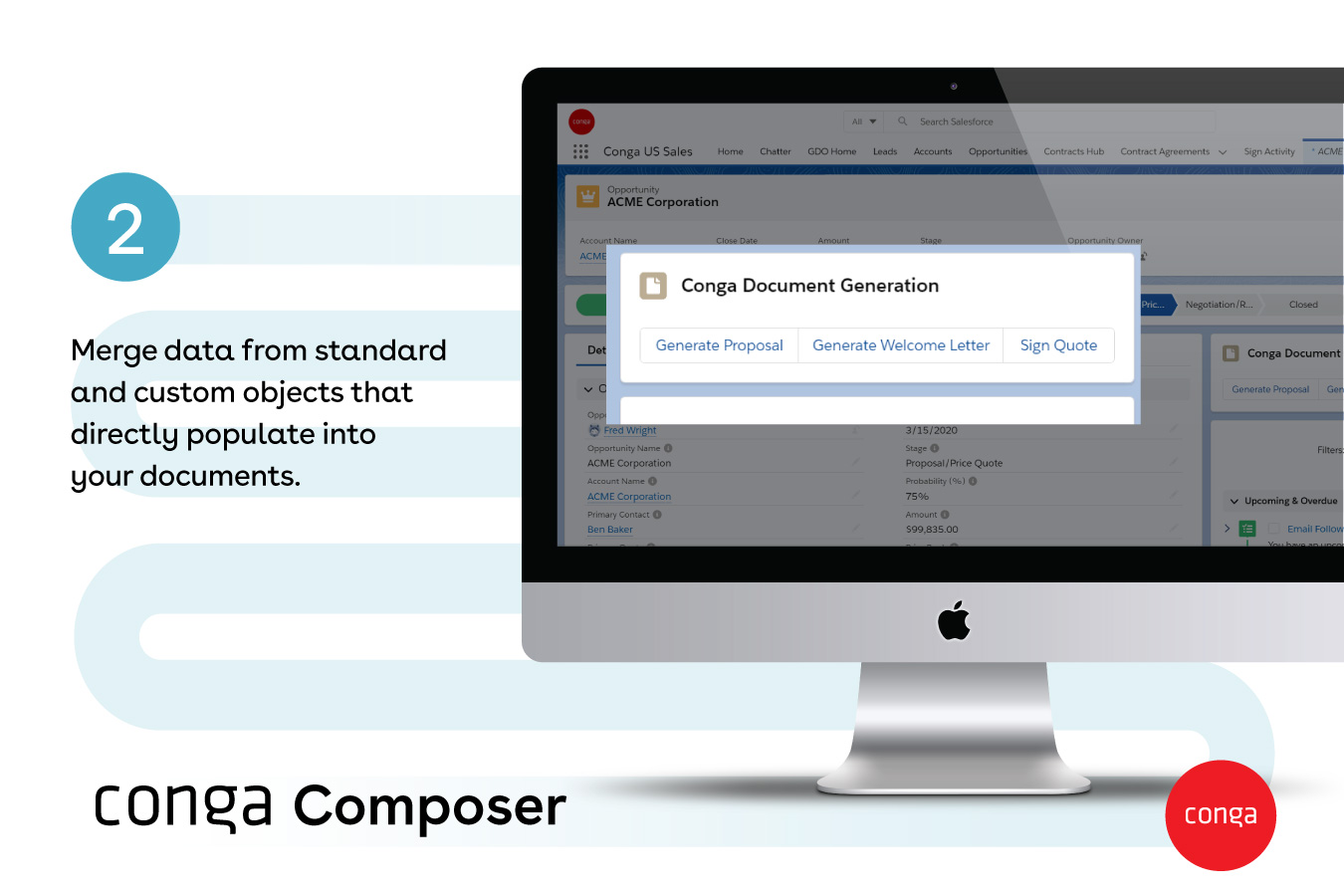
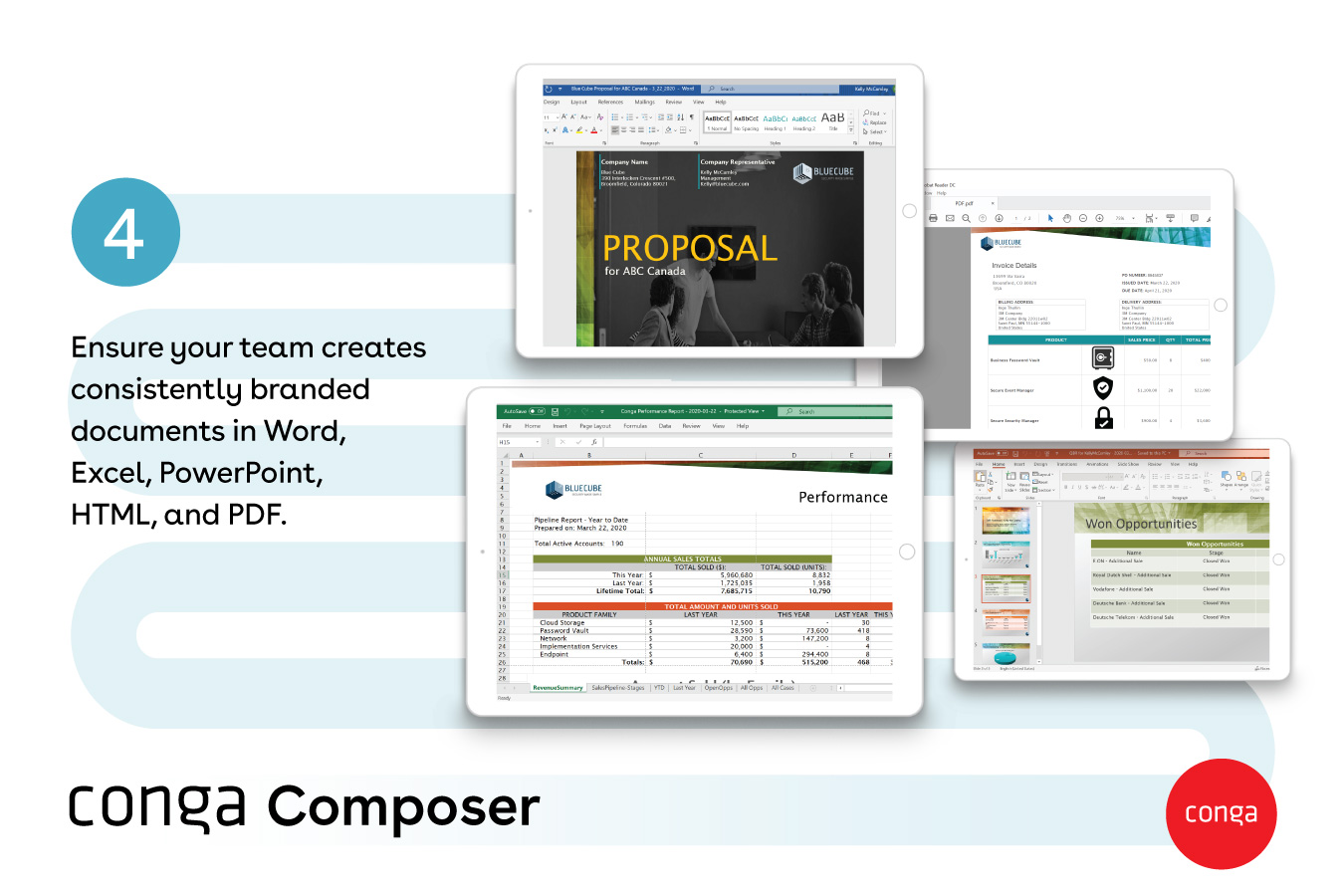
Conga Composer is a document generation and automation tool designed to simplify and streamline the process of creating and distributing customized documents, presentations, and reports.
$30
per month per user
Formstack for Salesforce
Score 6.9 out of 10
N/A
Formstack for Salesforce helps users create dynamically prefilled forms, automating document generation and streamlining digital signature collection without leaving Salesforce. In this way, the solution helps companies ensure customers never fill the the same information twice, with no manual data entry and uploads required.
N/A
Zoho Survey
Score 10.0 out of 10
N/A
Zoho Surveys is a survey and form building platform with an intuitive interface able to build branched, logic-based surveys with collaborative capabilities.
$9
per month
Pricing
Conga Composer
Formstack for Salesforce
Zoho Survey
Editions & Modules
No answers on this topic
No answers on this topic
Basic
$9
per month
PLUS
$25
per month
Plus
$35
per month
Pro
$49
per month
ENTERPRISE
$75
per month
ENTERPRISE
$75
per month
ENTERPRISE
$75
per month
Enterprise
$109
per month
Offerings
Pricing Offerings
Conga Composer
Formstack for Salesforce
Zoho Survey
Free Trial
Yes
No
Yes
Free/Freemium Version
No
No
Yes
Premium Consulting/Integration Services
Yes
No
No
Entry-level Setup Fee
Optional
No setup fee
No setup fee
Additional Details
—
—
Up to a 30% discount available for annual pricing.
Conga Composer is highly versatile as this can be easily integrated with Salesforce and other Conga products. Other products either lack integration or lack user experience but Conga Composer has provided both along with great integration which reduces manual tasks which was …
From my experience, Conga Composer is particularly well-suited for generating documents, such as quotes and contracts, directly from Salesforce. It saves us a great deal of time, which is remarkably beneficial for companies with sales teams. Not suitable for companies lacking significant Salesforce expertise or administrative support.
- Formstack for Salesforce excels in scenarios where organizations need to capture leads seamlessly. The platform's ability to create customized and branded lead generation forms, coupled with its direct integration with Salesforce, facilitates the smooth transfer of lead data into the CRM system. This is particularly beneficial for marketing teams running campaigns and events.- In scenarios where the primary goal is to collect basic contact information without the need for complex workflows or integrations, the comprehensive features of Formstack may be more than what is required. Simpler tools or solutions might be more appropriate for straightforward contact form needs.
Zoho Survey is everything you need in a survey platform. If you already have the Zoho One suite, it makes a complete replacement for Survey Monkey. I don't think anyone would need this app on a standalone basis, however, mainly because Zoho has a full suite of other apps you should be using on top of Survey.
Zoho Survey comes with a simple UI and the builder offers many different question types. Its strength may be in simpler or more basic surveys, but it is definitely intuitive enough to design a very in-depth survey. Publishing surveys is again a straightforward process and is easy to do.
The piping and logic features provide a better user experience for survey respondents, and are easy to configure within Zoho Survey. New features are always being added to Survey and the resources pages offer great detailed info on how to use the features of Zoho Survey.
The integration with other Zoho apps (Zoho CRM, Zoho Analytics, etc.) is a real strength. Zoho has ingeniously created an entire "operating system" for business that integrates all their apps so perfectly. For example, if you send a project survey to a contact you can view their response contextually within the CRM system. So basically, project managers can stay in the CRM and see all Zoho Survey responses from their customers.
mastering the more advanced features of Formstack, especially those related to complex form configurations and workflow automation, can be challenging.
we need a broader range of pre-built templates within Formstack
Improvements in the mobile app experience, such as a more intuitive design and additional features comparable to the web version, would enhance the usability of Formstack
Though I love how easily Conga Composer ties into Salesforce and its given analytics, it takes a lot of data entry to get up and running. I don't love that sometimes queries can take a long time to pull. I like keeping our marketing templates consistent via templates in the system. Pulling multiple objects into one report is fantastic too.
It's a fairly simple tool to integrate into your current business structure. When we've had issues, we were able to resolve them extremely quickly. The users click a button and it can bring in all the quote lines, and our credit application seamlessly into our tool. I'd definitely recommend it to other colleagues
It's been hit and miss depending on the issue. We use javascript to generate the urls which has confused many techs even though it generates a clean url - they are overwhelmed by the concept of code and can't understand that the url is all that matters.
I think Nintex is the primary competitor for Conga Composer, but I have not personally used it. I was not present for the decision to purchase Conga but I would recommend it in future document automation vendor selection processes because I have seen how well it works! We are especially fond of complementary features in Conga Composer, including Conga Email Templates and Conga Global Merge.
Formstack has a lot of work to do to get up to Jotform standards. Jotform has more payment integration options which is a HUGE selling factor for us as far as which program to choose. They also offer more discounts for non-profits which we work with often. Formstack has some pros but Jotform is more elaborate
We went with Zoho Survey largely because we use other Zoho products. I did try SurveyMonkey and actually found it a little overwhelming in terms of how much customization you could do with it. Once back with Zoho Survey, having used other Zoho products, I was more comfortable with the way it worked (although Zoho's UI does have its quirks to get used to). Recommended for Zoho Users especially.
Could really use better error handling on the product when the document doesn't generate. Zero notifications are provided right now and have no idea where in a 20 page template the error is. Need to keep cutting the template into pieces to find the error.
The report generates 90% of the time so far.
Getting easier to generate templates when knowing how the JSON will be structured to add to merged fields.
Use Work Plan Template Entries and Work Steps to dynamically generate many deliverables.