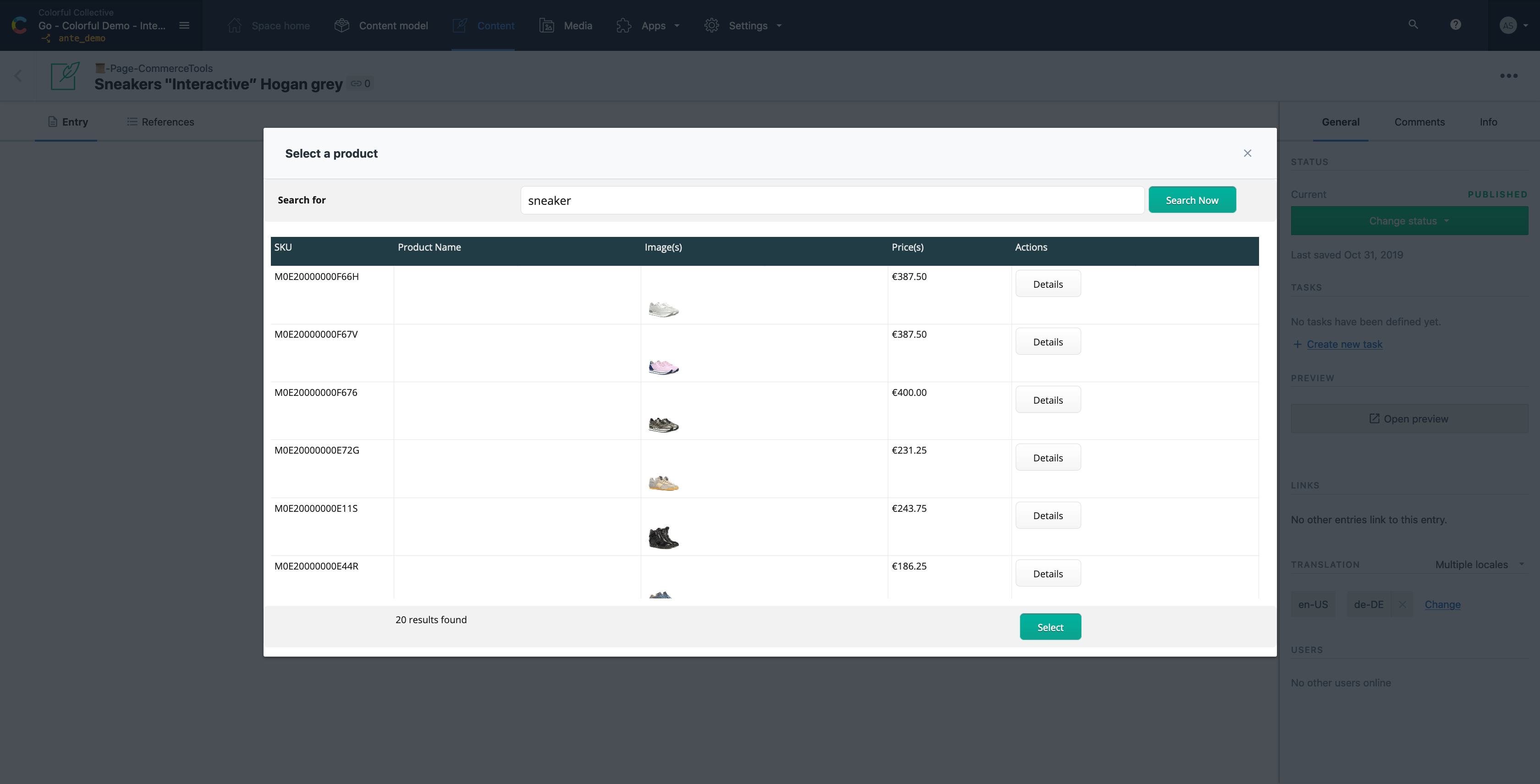
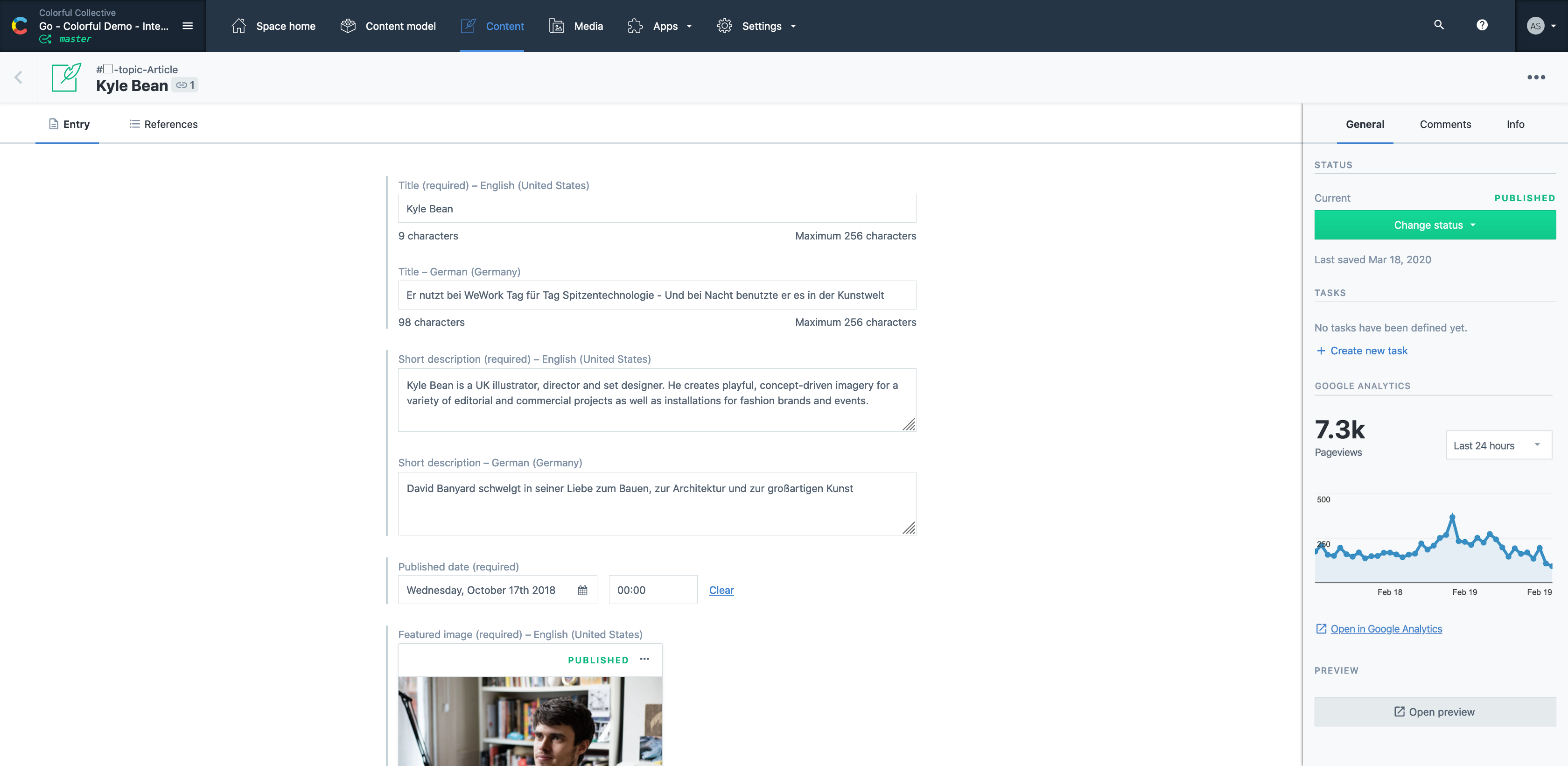
Contentful is a cloud based CMS solution that provides the ability to manage content across multiple platforms.The editing interface allows for managing content interactively and provides developers the ability to deliver the content with the programming language and template framework of their choice.
$0
Salesforce Experience Cloud
Score 8.2 out of 10
N/A
Salesforce Marketing Cloud Engagement (formerly Salesforce Experience Cloud or Salesforce Community Cloud) is an online forum powered by Salesforce that enables businesses to connect with their employees, customers, partner organizations, and prospects. Designed to help facilitate communication and information sharing, customers can ask questions and request help, administrators can integrate data from third-party apps, and employees can collaborate across projects and…
N/A
Webflow
Score 8.7 out of 10
N/A
Webflow is a Website Experience Platform for modern marketing teams, used to visually build, manage, and optimize websites that offer both the consumer experience teams expect and enterprise-grade performance and scale.
$18
per month
Pricing
Contentful
Salesforce Experience Cloud
Webflow
Editions & Modules
Lite
$300
per month
Community
Free
Enterprise
Custom
No answers on this topic
Basic
$18
per month
CMS
$29
per month
Ecommerce - Standard
$42
per month
Business
$49
per month
Ecommerce - Plus
$84
per month
Ecommerce - Advanced
$235
per month
Offerings
Pricing Offerings
Contentful
Salesforce Experience Cloud
Webflow
Free Trial
Yes
No
Yes
Free/Freemium Version
Yes
No
Yes
Premium Consulting/Integration Services
Yes
No
No
Entry-level Setup Fee
Optional
No setup fee
No setup fee
Additional Details
—
—
Up to a 22% discount available for annual pricing.
Webflow is stronger in terms of being a WYSIWYG platform. Contentful however is easier for us to integrate with our many other services that need to be orchestrated by a single application, which we accomplish by creating and referencing Contentful components and entries. Webflo…
It's a great all rounder for content projects. It's easy in the basics and powerful in the complex, data heavy scenarios. Extending the platform is straightforward and the SDK gives you everything you need. If you have many many varying content types , it gets expensive and perhaps not the best choice .
For well-suited, this product is great for your external clientele groups that you would not necessarily want to have a high user fee rate for. So basically general public or a group that will be authorized to come in and just do a few things here and there, but you don't necessarily want them access to all of your systems and your data points for groups that it would not be a great use for. I'd say probably your high level internal staff, they're going to be using a lot of the backend functionality automations, evaluating data, managing data, and doing custom inputs. That's just not what's intended for.
Since the purpose in my case is to build a small professional looking site to present project outcomes and other research, I can create custom fields and design experimentations. Webflow builds sites that are super professional, with many amazing templates that don't look cheap. Additionally, I can test responsive layouts. Apart from this, I used 1-2 static pages to illustrate key findings for example what a multilingual site could look like with screenshots without needing CMS in free version, which are all the valuable skills to acquire. Compared to WordPress, Webflow is expensive with limited free features, although it has really cool additional features that will make the site I build stand out.
Easy to use, just like Salesforce's other products. Many users can sit down and figure it out in no time, and with a little training become power users.
Fast and secure - Salesforce is a leader in the cloud world so you get consistently fast results and security that is top notch in the industry.
Accessible from anywhere - if you use cloud CMS already this is a no-brainer, but for those that do in-house CMS still, this is a major difference. Mobile access from anywhere on the planet without a VPN is something you just can't do without the cloud.
Saves time- because I don't have to do double entry of content.
It saves money. I like that it is an all-in-one system, so I don't have to host elsewhere.
Flexibility - Webflow provides me with a lot of flexibility in my webpage design, allowing me to adjust pages as needed, depending on the content types.
Contentful uses "references" to allow you to build very modular content. If I have a "slider" content type, I can create a "slide" content type which references a "button" content type, and so forth. This works well, but I occasionally wish there was a better solution for one-off content, like a settings page. Currently, this is done for creating an entire content type called "settings" with a single entry. Not a big deal, but not ideal, either.
There are a few quirks with GatsbyJS integration, etc, but these issues are being fixed and improved upon very quickly.
A minor gripe, but Contentful does not have a way to organize fields within an entry. Entries with many fields are somewhat tiresome to scroll through.
Unlike other CMS platforms like Wordpress and Adobe Experience Manager, Salesforce does not provide a fully featured editor with a drag-and-drop design tool.
Our content creators and marketing team often struggle with permissions and how to distribute content across different experience cloud sites.
Also, there is no side-to-side comparison view for content editors to update the content easily.
Brand recognition is still behind WordPress, which can make it a challenging sell for clients looking to play it safe in their CMS decision.
The CMS is ideal for smaller datasets, but higher content sites introduce some minor challenges.
Alignment between designers and developers is key prior to implementation. The flexibility of the platform requires careful planning to avoid over-engineering.
It is a very easy to use and configure application. I find that it is on the user to manage the content after the models have been created, yet I still do not encounter issues finding or creating new components for our site. It is easy to set up and easy to navigate.
Strengths: - Intuitive for Salesforce Users – If you’re already working within the Salesforce ecosystem, the Salesforce CMS is easy to navigate, with a clean UI, drag-and-drop content management, and reusable assets for quick updates. - Seamless Integration – Since it connects natively with Experience Cloud, Marketing Cloud, and CRM, it allows for efficient multi-channel content distribution without needing extra third-party tools. - AI-Powered Personalization – The ability to deliver dynamic content based on user profiles and engagement data is a huge plus, making content delivery more relevant and impactful. Challenges: - Learning Curve for New Users – If you're not already familiar with Salesforce, the interface can feel overwhelming, requiring training to fully leverage all features. - Limited Customization & Workflow Automation – While it works well for structured content, advanced approval workflows and deep editorial customization are limited compared to enterprise CMS platforms like Adobe Experience Manager. - Media & Design Limitations – Salesforce CMS is not as robust for managing rich media-heavy content, which can be frustrating for teams needing more flexibility in multimedia presentation.
Webflow is very easy for a beginner to get started with and achieve good results, but to achieve an expert level of understanding requires experience and some web development knowledge. HTML5, CSS3 and JavaScript knowledge aren't required to use Webflow, but an expert will know BEM class naming patterns, be able to create reusable elements and design systems, and add 3rd party integrations that require custom code.
In my experience, their customer service is an absolute joke, I tried reaching out to them they took forever. I had to keep following up with them as if they never received it in the first place. It’s a new platform, so guidance is needed. Tried the university they offer, in my opinion, it is completely useless, I would just completely move on from this website.
Again, since we provide and recommend solutions, I can't speak to every client's individual experience, but can offer general reflections as to keep their collaborations private, that they are satisfied with the experience. We hear a lot about how this system helps to encourage collaborations between their own business partners, customers, and internal members, and enables quality integrations with other products that help drive revenue.
In my opinion, it is horrible, the rendering takes forever. I have the newest MacBook and the platform will still lag and slow down on me. I’m not a developer, I am a designer which makes it worst because I am using the features they are providing not extra coding features. In my opinion, it is a horrible platform really, stay away.
Although support from Salesforce itself can be quite unresponsive sometimes, the community hub is incredibly helpful. The large user base of Salesforce products contribute to troubleshooting and the forums are a powerful tool for finding solutions and possible bugs and response times can be quite fast compared to your regular support channels.
I haven't had to engage them from a support perspective; however, there is a considerable user community for tips/ideas/troubleshooting and the like. I believe the Pro plan supports additional resources but we didn't find that the cost justified the outcome. Overall the need for support has been relatively minor.
Easy to use and much more organized as a single platform versus multi. The layout is clean and easy to read and we don’t have to worry about certain users safe guarding data or content then losing it when they leave the company. It’s a one stop shop for imagery
Salesforce Experience Cloud was selected due to its tight integration with our existing Salesforce CRM platform. Customization of the portal was much, much simpler compared to Sharepoint - especially with role-based security parameters that are ultimately inherited based on attributes within the Salesforce CRM platform. Salesforce Experience Cloud was a natural fit for this customer-facing purpose.
A lot more design control and easier to create a custom site, and then also to scale that site going forward. There's a lot about WordPress I miss, though, when it comes to managing a blog—user permissions, SEO control, edit HTML version of posts.
I feel it doesn’t perform the way it’s supposed to and it doesn’t have any beneficial factors to it. In my opinion, there is no reason to use a platform like this when Wix and Shopify, and WordPress exist. I believe Webflow is a platform that shouldn’t exist and it’s only popular because of the hype it received. I tried it and hate it completely.
Contentful has saved us valuable development time that was previously spent doing deploys for minor content updates.
Contentful has helped us maintain consistent documentation, reducing time needed to review for consistency.
Can't say we've really experienced any negative ROI impacts from using Contentful, but we've run into some limitations in adding too many content models and the next pricing tier is substantially more expensive.