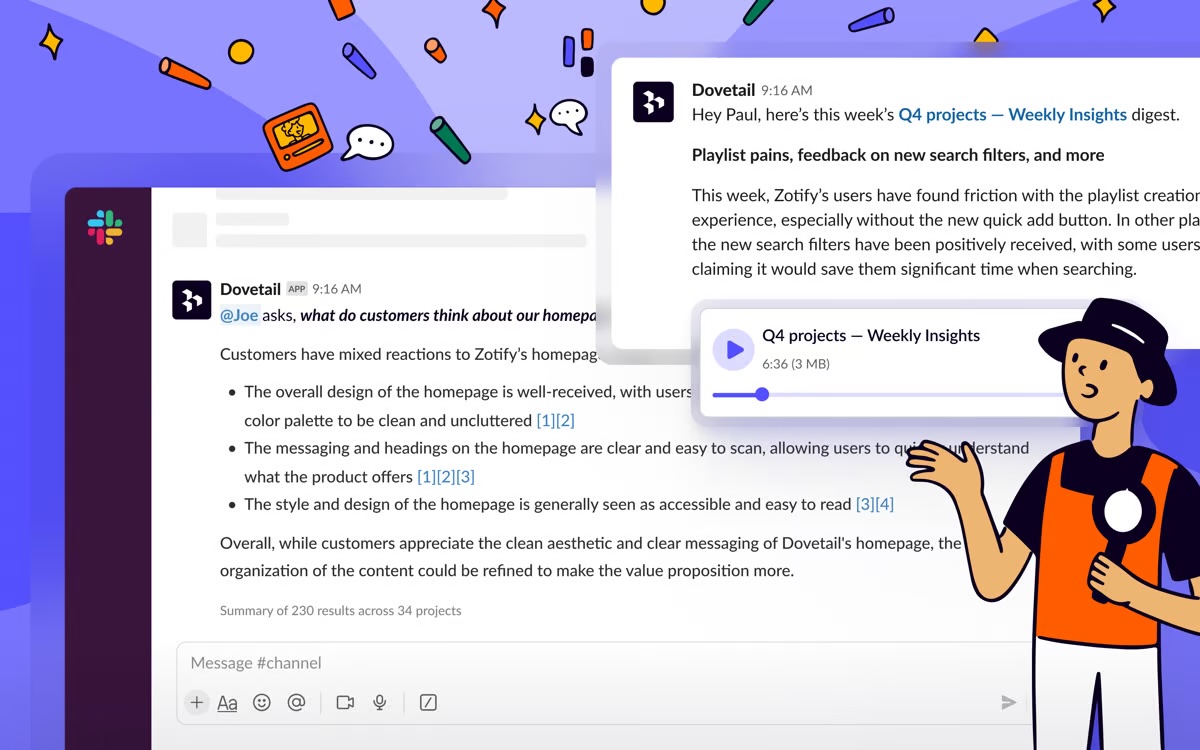
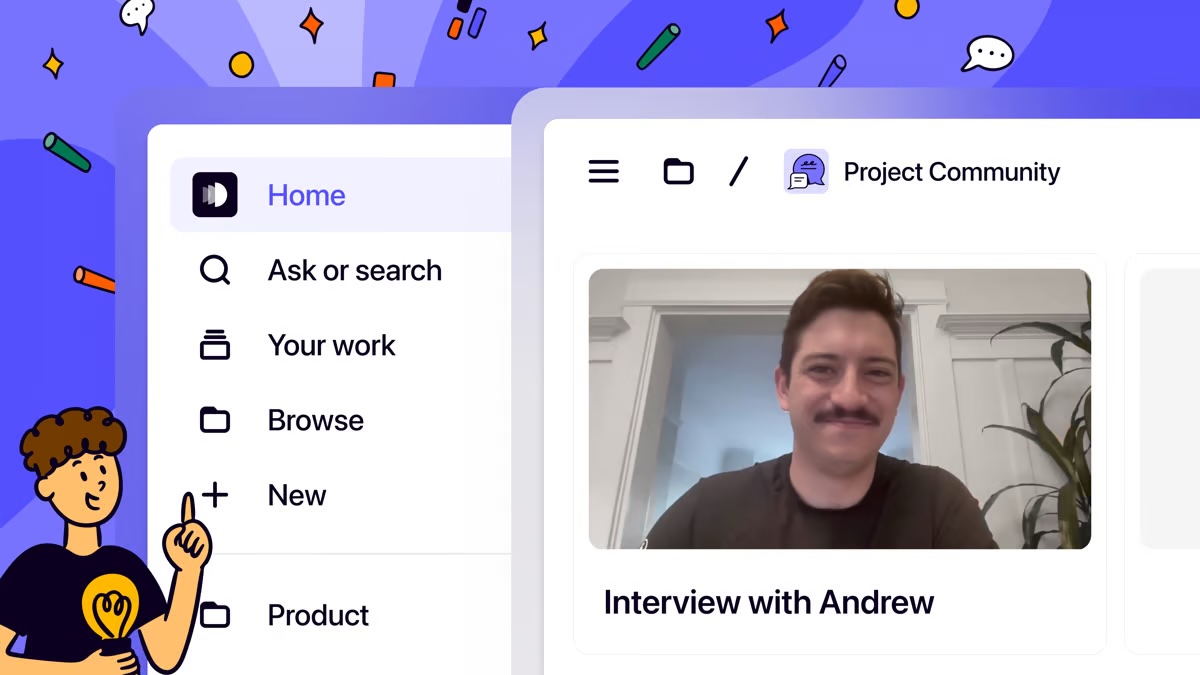
Dovetail, headquartered in Sydney, aims to enable the world to create better products and services through deep customer understanding. Dovetail states they empower 45,000+ people, from agencies to universities to Fortune 100 companies, to make sense of their customer research in one collaborative research platform.
$0
per month
Lyssna
Score 7.7 out of 10
N/A
Lyssna (formerly UsabilityHub) is a user research platform used to test digital products with real users and gain insights into their audience. Its tools and features help Lyssna to optimize users' designs and create more engaging user-friendly experiences. Lyssna is a research platform, offering a broad range of testing features including: Five Second Testing - Used to quickly test the effectiveness of landing pages, messaging and designs by showing users a…
$0
per month (3 seats included)
Userlytics
Score 6.2 out of 10
N/A
Userlytics headquartered in San Francisco provides their suite of usablity testing tools for UI or website developers (or deliverers of similar digital assets) on a pay-as-you-go / per participant basis, or a subscription basis.
$3,450
per year
Pricing
Dovetail
Lyssna
Userlytics
Editions & Modules
Free
$0
Professional
$15
per month
Enterprise
Contact Sales
per year
Free
$0
3 seats included
Starter
$99
per month 5 seats included
Growth
$199
per month 15 seats included
Enterprise
Contact Sales
custom seats
No answers on this topic
Offerings
Pricing Offerings
Dovetail
Lyssna
Userlytics
Free Trial
Yes
Yes
Yes
Free/Freemium Version
Yes
Yes
Yes
Premium Consulting/Integration Services
No
No
Yes
Entry-level Setup Fee
Optional
No setup fee
No setup fee
Additional Details
Discount available for annual billing on the Professional plan.
Discount available for annual plan. Panel responses are priced seperately.
As a qualitative researcher who conducts client interviews, I find that Dovetail's ability to accurately transcribe the conversations (which, many times, include technical jargon that Dovetail is able to pick up on), synthesize the relevant information, pull highlights and insights, and create shareable reports is much better than other programs I've used in the past.
UsabilityHub is well suited for remote unmoderated testing. Responses are captured very quickly and live updates allow the user to keep track of how the test is performing. The types of testing that make the most sense to use on UsabilityHub are preference test, first click test, navigational, and design surveys. It is less appropriate for one-on-one testing and lengthy questionnaires.
Userlytics would be appropriate to use if you were investigating UX on your website, or wanted to identify any pain points which could be causing lower conversion rates. Not only will it be a way to gain direct user feedback, but it enhances your visual ability to see how a user progresses through your website. It is well suited if you have less time to conduct moderated user research at a facility or a client doesn't quite have the budget for that. It may be less appropriate if a client wants a bigger project with larger budgets and more time. In this case, moderated, face-to-face research may be more appropriate.
I really like the User Interface, how easy it is to have all your research data in one project and how visual it is to understand where are things. It does have a good User Experience.
I like how nice and easy it is to create categories or use the ones auto generated as a starting point. It is very easy to create a color coded set of categories that help make sense of the data.
I like how easy it is to see the video snippet of a specific highlight.
I think one of Dovetail's biggest challenges is discoverability. They are constantly shipping new features and adding more functionality, but I find the help articles and videos do not go deep enough or even provide enough help to get started. I'm sure I'm not utilizing the platform to its full potential, and I think better training or onboarding across all tiers would help us get more out of Dovetail. Its hard to even know what you're not using or what you don't know.
On the Enterprise plan, you get a dedicated account manager who can handle your onboarding. That's the only plan with an account manager. And it's a little unfortunate. When you write into the help center, they direct you to a help article, which again does not go deep enough. I wish there were more opportunities for training and enablement for lower tiers.
I think Dovetail is amazing for qualitative research, but I find it very frustrating and lacking for quantitative research. I don't think it makes survey analysis very easy. I would be looking for something closer to a Sheets or Excel for quant analysis, but Dovetail is pretty crude in what it allows you to do with survey results.
Add additional demographic sorting options for the audience to better meet the needs of B2B users - for example include industry type, functional area, etc.
Because we are really happy with the tool and it’s capabilities at the moment. The price increase is the main issue we can have but the features are getting better and better. It really saves a lot of time for our team and allow us to collaborate more efficiently with certain stakeholders that often did not réalise how much research we conduct. Now they can just have a look to it by themself!
As I said, since the navigation changed, I’m a bit lost. The previous structure felt more intuitive, and I could quickly access the sections I needed. Now, some areas seem reorganized in a way that’s less predictable, which slows me down. I sometimes have to click through multiple menus to find specific features or content
Due to its simplicity and design it is really easy to navigate. You can clearly understand which sections you have completed and which are still left to be done. It is also really easy to change ordering of content etc, which I have found hasn’t been an option in other tools which means it is a really lengthy task of rewriting all of the tasks or questions to get them in the correct order that is desired.
I think it's very user friendly. I think it gives you a chance to get a feel for websites you may not previously have experience with nor have otherwise experienced. It's also a great way to give input and help shape functionality of business you may enjoy or have further interest in
Regarding performance, I would say it’s satisfactory. Adding data and transcriptions is really fast and efficient, and can be done in the background, so I’m never hindered by these aspects. However, all the new AI-generated features are still somewhat slow to run. It’s nothing major, but it should improve in the future.
Support was good, especially when it comes to the capability of your support agents and engineers. But as i am located in Europe, the difference in the time zone made it hard to communicate with your offices and kept my work way back
The training went very well, and we co-built it to really address our needs. I also think it was beneficial to have feedback coming from someone other than myself (since I manage the tool), as it helped reinforce the points I wanted to highlight. The team’s feedback on the training was very positive.
I have used Condens for qualitative analysis in the past, and I really like that product. I think that Dovetail is more powerful in its ability to analyze with AI and organization. One feature I really liked about Condens was the ability to clip and tag quotes directly from the video, as if it were a movie-editing tool.
UsabilityHub provides very fast, short responses to specific questions about a static image of a website. This is useful for checking what is most prominent on a page, what they would click on, what they see/read within the first 5 seconds of landing etc. WhatUsersDo is a broader tool, that records the screen and audio as a user navigates the website. You can set tasks and ask questions, but it much more about the user journey experience and their opinion, rather than testing a particular feature. Feedback also takes a bit longer. Hotjar is a combination of both, its a screen recording which helps you to see where users click and move to, but there is no audio or text feedback, just heatmaps/click maps for watching user behaviour.
We used WhatUsersDo. However, the tool currently got bought out by a bigger company and were removing the remote research tool. We chose to use Userlytics as it stacked up well against competitors.
Management is quite straightforward; it’s easy to change access if certain stakeholders need to use it. The repository features are accessible to all teams, making it a good entry point into the tool. The more people use it, the more powerful the tool becomes, so it seems truly scalable to me. The limits are more financial, in terms of accessing additional features.
Having a centralized research space is a game changer. Makes it so much easier to hand over research if working with new people and have system in place (using the templates). Saves so much time. We don't have hard numbers on the hours saved but we are much more efficient using Dovetail than without.
The tagging system in general is amazing and allows for consistency in topic marking. This was non-existent for our team before Dovetail and now we can do much more granule reports with exact # of times something was said with accuracy.