Expensify automates the entire spend management process. Scan receipts, track mileage, submit and approve expenses, manage corporate cards, reimburse employees, pay bills, send invoices, and book travel. Built for individuals and companies of all sizes, anywhere in the world.
$5
per month per user
QuickBooks Time
Score 8.7 out of 10
N/A
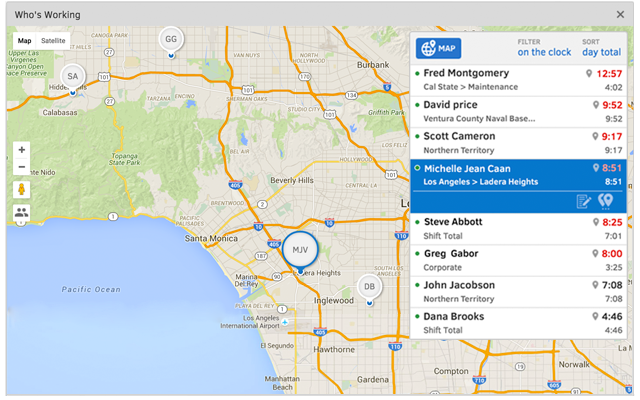
QuickBooks Time (formerly TSheets) is a cloud-based time tracking and scheduling app that allows employees to clock in and out from the job site with the devices they’ve already got in their pockets. The vendor aims to help companies replace paper timesheets with accurate, electronic time data as well as make payroll and invoicing faster and less costly. QuickBooks Time also accurately tracks time and GPS points (even without cell or internet service) then automatically syncs when back…
$0
1 user, unlimited projects
Rydoo
Score 10.0 out of 10
Mid-Size Companies (51-1,000 employees)
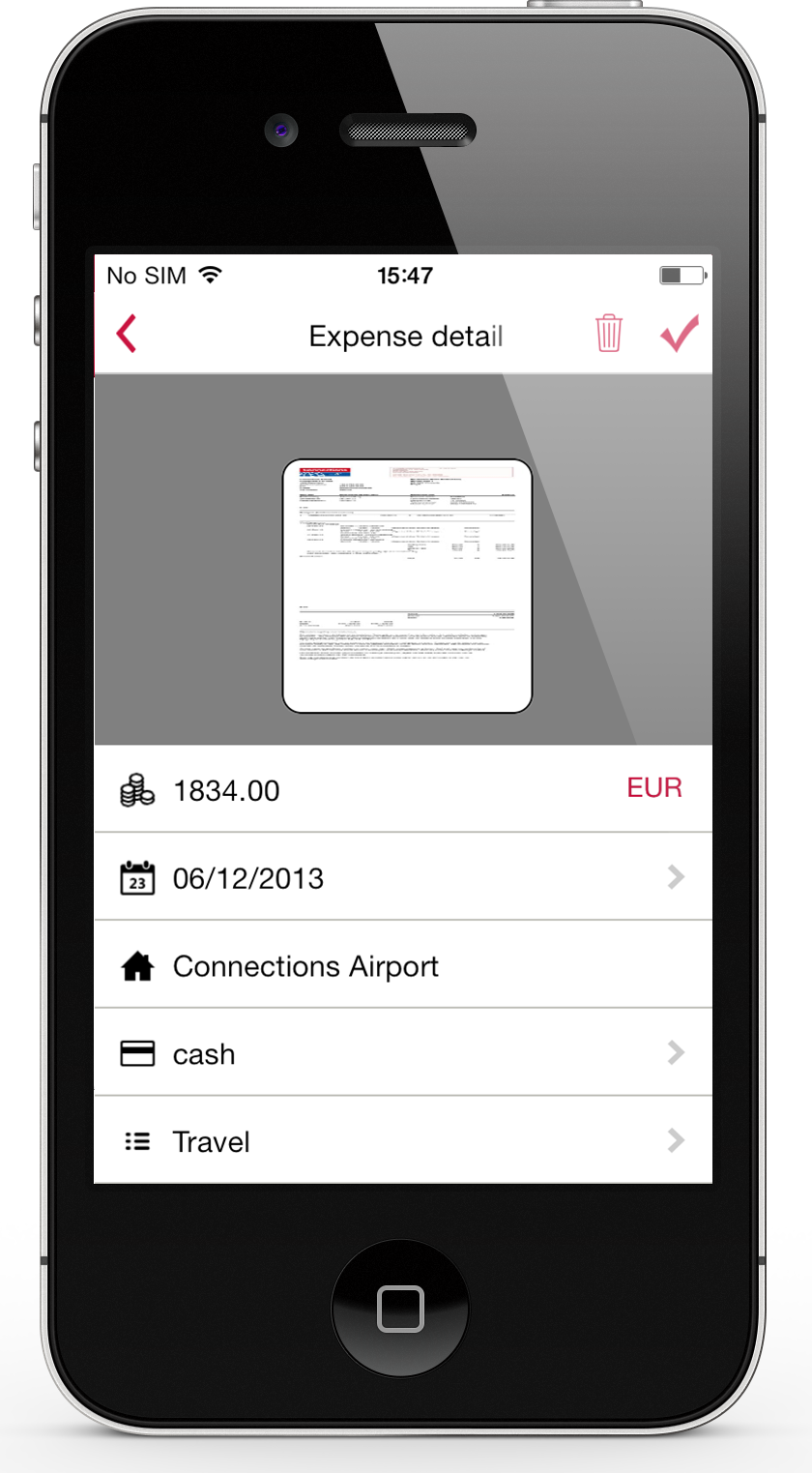
Rydoo (formerly Xpenditure) is a cloud based travel management solution that also handles the expense management process from receipt to accounting. After taking a picture of a receipt, Rydoo will extract all relevant data, and make it ready to be exported to the accounting software of your choice.
$10
per month per user (starting at 5 users)
Pricing
Expensify
QuickBooks Time
Rydoo
Editions & Modules
Collect
$5
per month per user
Control
$9
per month per user
Free
$0
1 user, unlimited projects
Premium
$8
per user/month + $20 base fee/month (paid annually)
Elite
$10
per user/month + $40 base fee/month (paid annually)
Essentials
€10
per month per user (starting at 5 users)
Pro
€12
per month per user (starting at 5 users)
Business
Custom Pricing
Starting at 30 active users.
Enterprise
Custom Pricing
Starting at 30 active users
Offerings
Pricing Offerings
Expensify
QuickBooks Time
Rydoo
Free Trial
Yes
Yes
Yes
Free/Freemium Version
No
Yes
No
Premium Consulting/Integration Services
No
No
Yes
Entry-level Setup Fee
No setup fee
No setup fee
No setup fee
Additional Details
—
—
Discount available for annual pricing.
More Pricing Information
Community Pulse
Expensify
QuickBooks Time
Rydoo
Considered Multiple Products
Expensify
Verified User
Employee
Chose Expensify
Very similar to Expensify in terms of functionality, Xpenditure is a solid product, one of the best in terms of expense tracking and reporting. However, I think Expensify has a better interface (more intuitive). Also, this might be a minor detail but I love the rotating …
This is solely based on support, as TSheets support blows these other two out of the water. I HATE online chats from a support standpoint, but TSheets has surprised me each time with the clarity and timeliness of response.
Employees can manually enter their time in QBO and basically claim hours that they did not work. This is why I selected TSheets!
Rydoo
Verified User
Account Manager
Chose Rydoo
Expensify was easy to use too but I feel like Rydoo does a better job of capturing receipt info with less work on the users end. Also with Rydoo you don't have to create a report, you can just submit expenses as you go. With Expensify you had to create a report first which …
I prefer Expensify over Rydoo. It is easier to work with both corporate cards and reimbursed expenses in Expensify, and it is much easier to reimburse the expenses directly through Expensify than having to work with a 3rd party outside of Rydoo. I have not used Expensify with …
Rydoo is very different in terms of how it approaches expense management thematically. It is entirely line-item based, and a lot of users had to take some time to adjust to this, but once we'd gotten past that, things have gone quite smoothly.
I think it's really good for small businesses. At least in the way we use it. It's very good for keeping an eye on employee spending in nearly real time. I'm not sure how it works for larger companies when there is a larger number of people to keep track of.
It would be very useful for certain remote jobs that require a high level of presence, as in the case of web development, or remote maintenance sessions, so that when reviewing the work data it is possible to ensure that there will be no failures. By being able to include files in the management, from the equipment tab, it is possible to fully control the hours in which each change in these files were made.
I would recommend it for someone who wanted to track reimbursed expenses or credit card expenses, but there is not enough in Rydoo to work with these two distinct categories of items separately. It is not a good fit for someone looking to have their expenses seamlessly reimbursed (like Expensify). I do recommend it if you need to work with multiple currencies, because it makes that easy.
Support (their help desk team is incredibly helpful and always quick to respond).
Ease of access and use (the app is user-friendly an intuitive, and the desktop version is equally as approachable).
Manager functionality (it's useful to be able to clock employees in and out at multiple events on the same day by sorting them into different groups by manager/event).
I wish that I could sync accounts on the back end kind of like with banking software, so that Expensify would automatically port over receipts for recurring expenses as soon as they're available
It would be nice to one-click submit an expense all the way through instead of having to attach it to a report
Wackier profile icons? :) Not a big deal. This software is pretty much amazing as it is now, and typically the urge to update and modify very good software leads to poor outcomes!
The desktop version of the TSheets schedule does not have a search feature. This makes it challenging to find things you are looking for without extra work
The app can be a bit buggy. Though it is a great app, there are many reasons that the app will stop syncing and can cause problems with staff scheduling
We like using the tool and we receive positive feedback from employees and management who use the tool. It saves time and helps us concentrate on the value adding activities so we are very likely to keep using Expensify in the future
TSheets tech support people, like Shawn Sommer, from Tsheets. She has been instrumental, after terminating the person in charge of TSheets I was left with a learning curve too high to climb but after 10 mins of her instructions I was able to make payroll in no time. She cleared all errors that nobody had fixed before. TSheets is not a vendor for me, TSheets is my partner in business. Thank you TSheets.
My rating of 8 out of 10 for Expensify's overall usability reflects its strong performance in empowering individual users and streamlining core expense processes, while acknowledging that there are specific areas, particularly on the administrative or enterprise side, where the user experience could be further refined. Exceptional End-User Experience (for basic tasks).Automation & Time-Saving Features.Clear Workflow for Approvers. Why it's not a perfect 10 (areas for improvement that dock points): Limited corporate bank to choose from, limited multi-currency to pay to ( for instance, as a foreign corporatio,n i cannot pay with my US account to Israeli employees, or pay to our UK employees)
Our employees find TSheets easy to use and spend minimal time at reporting hours using it. As an administrator and user of the TSheets "data and information" I am extremely positive on the functionality and reporting that it has provided me. From its ease of set-up to training to reporting, TSheets has made us so much more efficient from an administration standpoint
Our rep has been amazing. He has built custom reports for us that have been very time consuming and difficult. Our reps are also currently looking into new submission solutions for us that we are excited about. They came up with this and recommended it on their own without me complaining about an issue. They are about our success and are very excited about the product they offer.
I have never failed to have an issue resolved within minutes of contacting Support. Jen D recently assisted my with an export issue and I was back on track in less the 10 minutes. She was knowledgable and thought about the current and future contexts of the issue and assured there would be no recurrence next payroll.
When Rydoo is responsive, support is just fine, but there have been times when our requests for support have gone unanswered for more than a day when their queue has indicated response times much shorter than that.
The implementation process went rather smoothly, linking it to the bank and cards was handled easily. without too many unnecessary steps. Getting the accounts setup did take some time, but that would be true with any organization. All in all things went smoothly and I was very pleased with the setup and implementation process
It is definitely 10 times better than using an Excel spreadsheet. We are talking a digitized with AI type capabilities to do the work for you. It’s honestly a lifesaver. This beats manual calculations and data entry any day. Scanning 100 receipts and saving them to pdf files not only takes space on your storage but it is an extra unnecessary step
Besides Intuit Payroll (Sage), the only program I've used is WorkBrain through Menards, and it's more as a scheduling guideline for management, employees don't use it to punch in or out or record hours. However, WorkBrain does show scheduling and it matches with a punch clock to record those hours. Every other place I've used has used either punch clocks or handwritten time cards. I think the TSheets is modern, user-friendly, convenient, accessible, and cost-effective for the owners. It also streamlines payroll for the Accountant instead of manually entering all hours for multiple employees by hand into a software program like Sage.
Expensify was easy to use too but I feel like Rydoo does a better job of capturing receipt info with less work on the users end. Also with Rydoo you don't have to create a report, you can just submit expenses as you go. With Expensify you had to create a report first which added extra unnecessary work with no benefits.
We went from paying credit card fees with no approval process to a no fees and complex approval processes.
I personally save time in not having to develop a spend report I just have my admin assistent fill in the details of the auto generated report and it is done. Went from an hour long process to 5- 10 minutes max to prepare a high quality audit ready report.