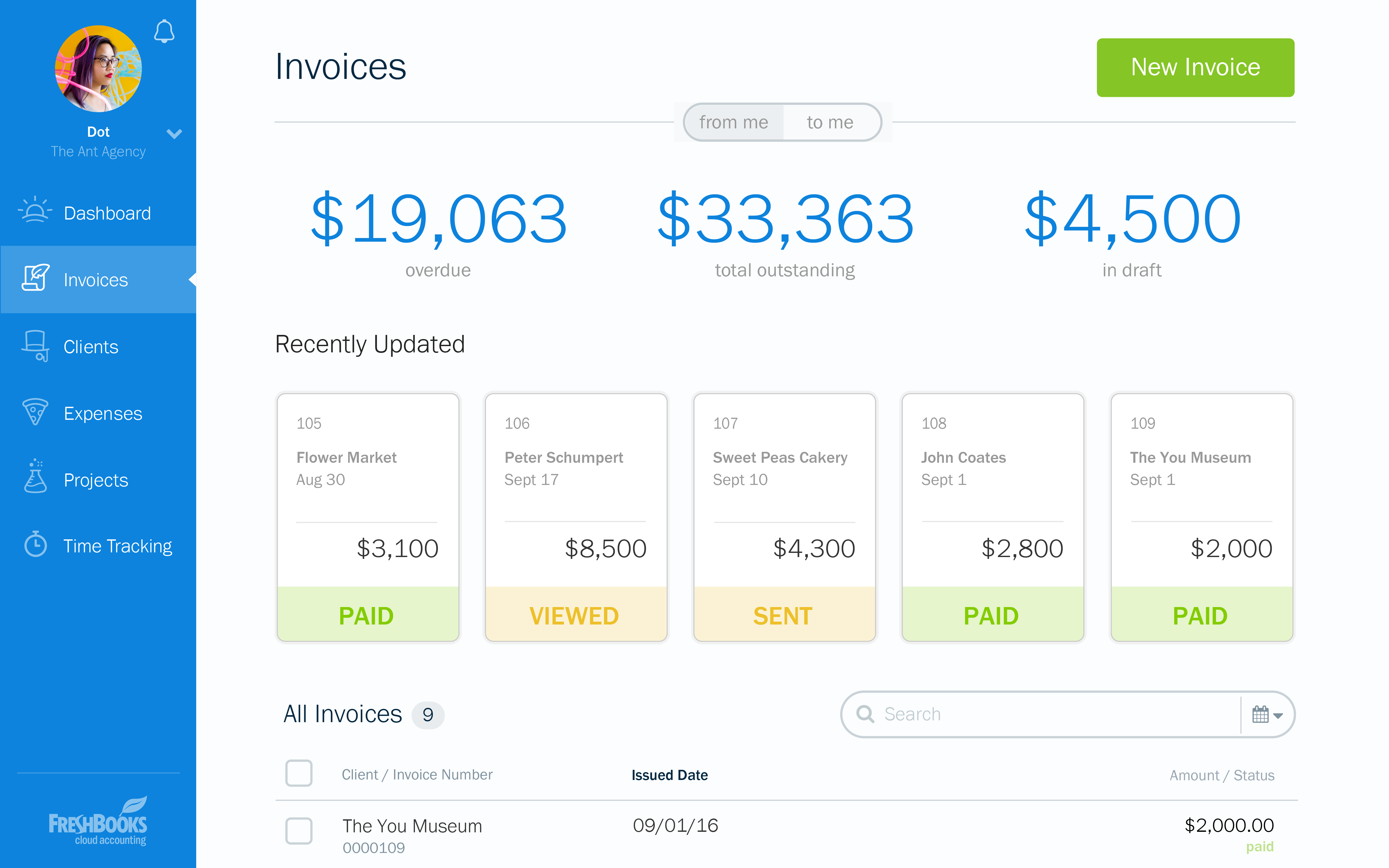
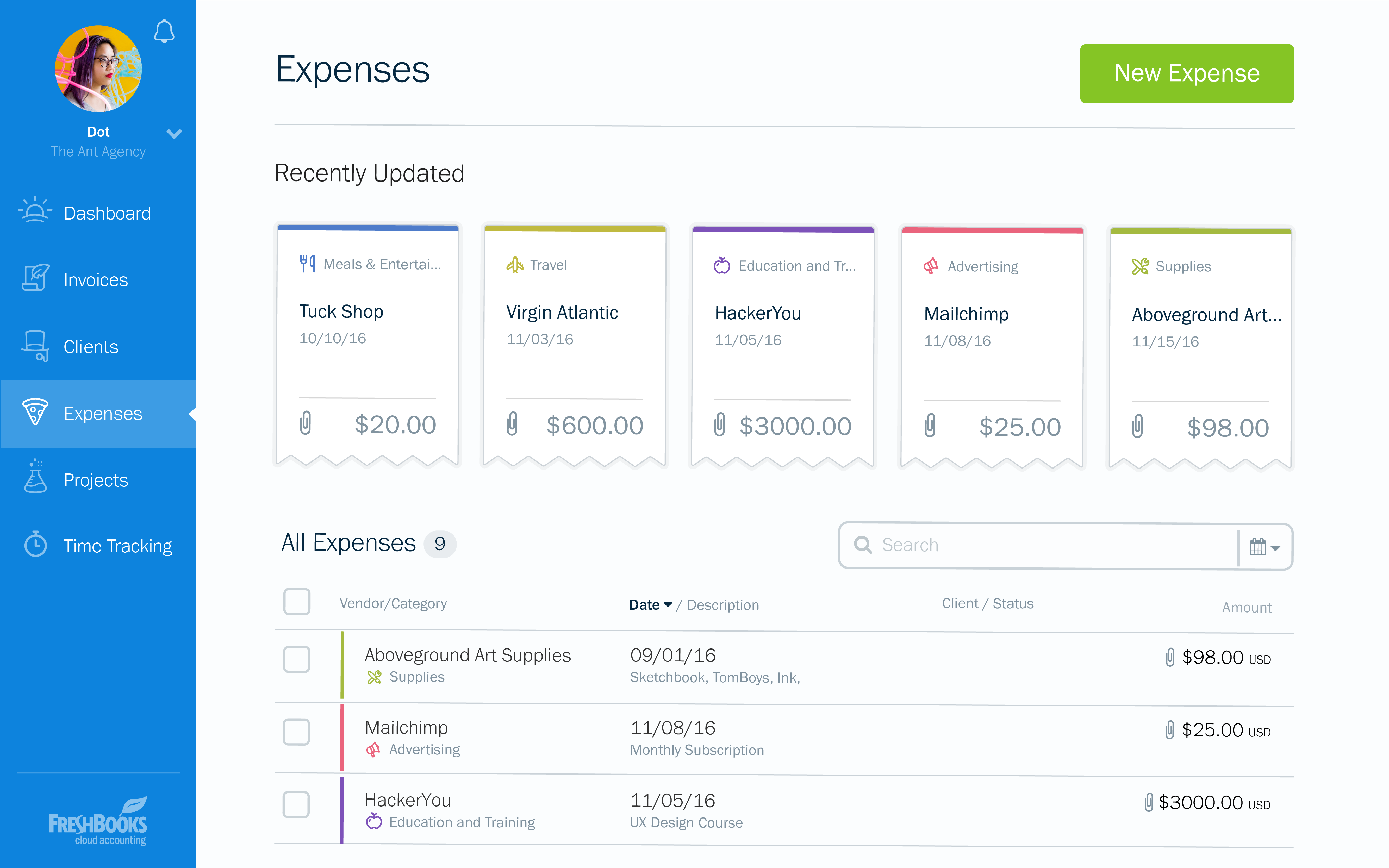
FreshBooks is an accounting service for small businesses. The solution enables users to send and manage invoices, track billable time and collect online payments. The vendor’s value proposition this that their solution provides a straightforward service that simplifies the billing process.
$21
per month
Zoho Books
Score 9.1 out of 10
N/A
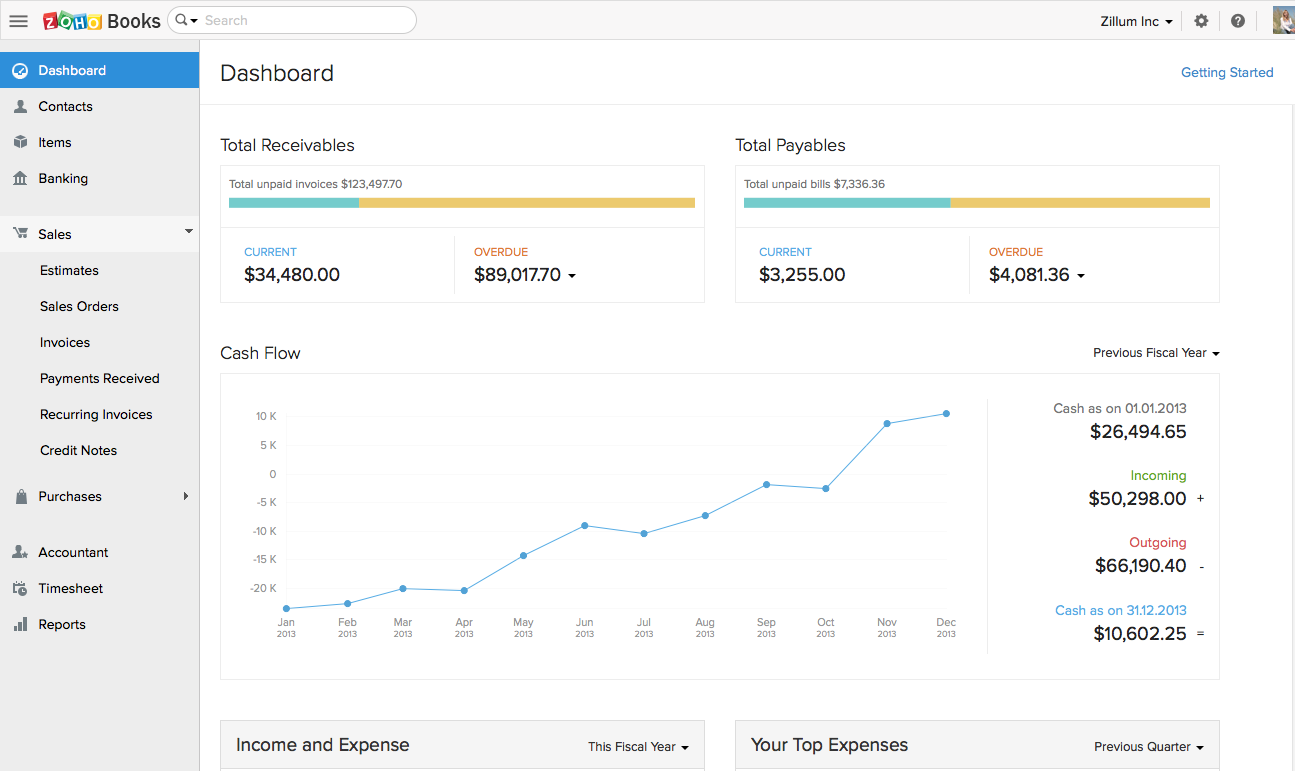
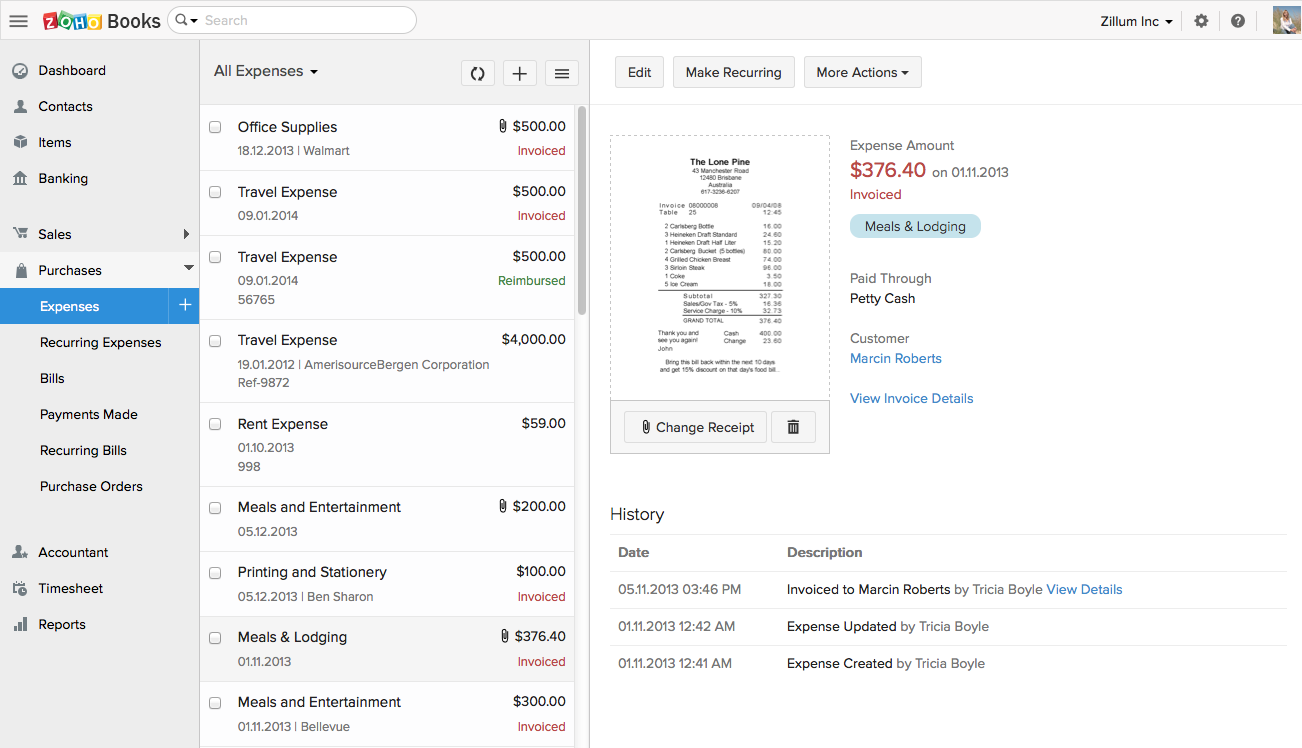
Zoho Books is an accounting solution that is designed to help small businesses manage their finances. This solution includes dashboards and a wide variety of reports. Business users can automate tasks and set up custom workflows.
Zoho offers a 14 day free trial.
$20
per month
Zoho CRM
Score 8.5 out of 10
N/A
Zoho CRM is a simple, very low-cost CRM option for the smaller end of the SMB segment.
The product has several useful integrations with other products, including QuickBooks, and Google Apps and Google Docs.
The product also has an integrated project management module.
$14
per month
Pricing
FreshBooks
Zoho Books
Zoho CRM
Editions & Modules
Lite
$21
per month
Plus
$38
per month
Premium
$65
per month
Select
Custom Pricing
Free
$0
For businesses with turnover <50K USD per annum
Standard
$20
per month per org
Professional
$50
per month per org
Premium
$70
per month per org
Standard
$14.00
Per User/Per Month
Professional
$23.00
Per User/Per Month
Enterprise
$40.00
Per User/Per Month
Ultimate
$52.00
Per User/Per Month
Plus
$57.00
Per User/Per Month
Offerings
Pricing Offerings
FreshBooks
Zoho Books
Zoho CRM
Free Trial
Yes
Yes
Yes
Free/Freemium Version
Yes
Yes
Yes
Premium Consulting/Integration Services
No
No
Yes
Entry-level Setup Fee
No setup fee
No setup fee
$14 /user/month
Additional Details
10% discount for annual pricing.
Zoho Books is available for both monthly and yearly plans. Users who sign up for the annual plan get a discount.
—
More Pricing Information
Community Pulse
FreshBooks
Zoho Books
Zoho CRM
Considered Multiple Products
FreshBooks
Verified User
Engineer
Chose FreshBooks
FreshBooks is easy to implement and the onboarding process is straightforward. It has great user interface to navigate and any user can easily start using it. It also offers customization of the modules/reports. Most importantly invoice tracking is a great module. It is offered …
FreshBooks is more simple to implement and very fast to adapt into a small business operation that is looking for an international operation market. About this direction, we are not a large enough company to get SAP Business and have a complicated implementation operation. And …
Zoho Books has a much simpler GUI and the reason we selected Zoho is because of the integration of Zoho Books across other applications and especially into Zoho products. One of the other reasons is the time log feature we can easily pair up with a client service ticket to show …
Verified User
Administrator
Chose Zoho Books
Cloud vs. desktop, this and the fact that Zoho Books syncs with our other Zoho apps were the most pressing reasons for switching to Zoho Books. As mentioned previously, we consider our accounting software to be an integral part of doing business efficiently, and we can now do …
Zoho Books is significantly inferior to the competition. The listings offered here would not allow me to choose QB or MYOB.
Verified User
Manager
Chose Zoho Books
I believe it is way easier to use, has more robust features, seamless integration with other Zoho apps like CRM, Projects, etc. is super useful and has saved a lot of time. Streamlining this process has been easy, and the end result is better reporting, improved decision making …
Easier to integrate with other Zoho apps. It’s also customized for mobile use making it easy to use wherever I am. I can get real-time updates on payments while in the field via the mobile app. The software is customizable and adaptable so I can easily make it fit various …
[QuickBooks and Zoho] are very comparable until you open your wallet. While they are both neck-and-neck with one another in features, QuickBooks does have the integration advantage. There are many more platforms that integrate with QB than Zoho Books. But Zoho has so many …
The very easy to read dashboard, the clear categorization, the customization features, the easy learning curve and the seamless integration with other Zoho products (that we use a lot and frequently) are for our company the reasons why we favored Zoho books over other …
Quickbooks is the standard. ZOHO Books will give it a run for its money. Your accountant may not like the fact that you switch over to Zoho Books, but since it's completely web-based, you are able to give them access to your account easily.
In comparison, Zoho is about the same price but comes with a lot more customizable fields. There are other solutions that feed right in and make it so there is only one place you need to go to get a full picture of your business and what you need to do to keep it running …
It's cloud based and AccountEdge wasn't at the time we needed it, a cloud based app. Zoho Books updates come automatically which makes it real convenient. Pricing was comparable and with AccountEdge it seems we were having frequent networking issues when being used by …
I loved Daylite and hated to leave it as it was great but it didn't have a cloud-based solution and that was paramount to me at the time. I tried about 7 different CRMs and found that most of them had some really great features but each one seemed to be lacking some integration …
To be honest this tool was already implemented at the company when I started with them. But what I can tell, is that I've worked with multiple CRM tools in the past and Zoho is the best one. It's a piece of cake to work with the tool, it's really flexible, the learning curve is …
Zoho CRM has the best capabilities and features for the price. It is incredibly versatile and unbelievable value for money. Some things need to be "extended" with add-ons or other feature-specific apps from Zoho that connect pretty well. It is also very scalable, so we could …
Zoho CRM is a web software that has all business included, it's not a complementary part of software that has to be bought at different prices to get the job done. It's very frustrating having a computer software, and with the high cost per user we cannot have the complete …
Zoho is cheaper than Salesforce and Sugar, and more robust than Nimble. It's also probably easier to use than Salesforce and Sugar for most people, and there is monthly billing rather than a year contract if that is what you are looking for.
Features
FreshBooks
Zoho Books
Zoho CRM
Customization
Comparison of Customization features of Product A and Product B
FreshBooks
9.1
35 Ratings
18% above category average
Zoho Books
8.2
18 Ratings
8% above category average
Zoho CRM
8.1
276 Ratings
5% above category average
API for custom integration
9.330 Ratings
8.218 Ratings
8.2202 Ratings
Plug-ins
9.026 Ratings
00 Ratings
00 Ratings
Custom fields
00 Ratings
00 Ratings
8.3274 Ratings
Custom objects
00 Ratings
00 Ratings
8.1221 Ratings
Scripting environment
00 Ratings
00 Ratings
7.9177 Ratings
Security
Comparison of Security features of Product A and Product B
FreshBooks
10.0
41 Ratings
20% above category average
Zoho Books
8.7
28 Ratings
6% above category average
Zoho CRM
8.3
265 Ratings
1% below category average
Single sign-on capability
10.01 Ratings
8.522 Ratings
8.3230 Ratings
Role-based user permissions
10.041 Ratings
8.826 Ratings
8.3260 Ratings
Reporting & Analytics
Comparison of Reporting & Analytics features of Product A and Product B
FreshBooks
7.5
57 Ratings
4% below category average
Zoho Books
8.9
27 Ratings
13% above category average
Zoho CRM
-
Ratings
Dashboards
9.057 Ratings
8.627 Ratings
00 Ratings
Standard reports
8.855 Ratings
9.025 Ratings
00 Ratings
Custom reports
4.82 Ratings
9.01 Ratings
00 Ratings
General Ledger and Configurable Accounting
Comparison of General Ledger and Configurable Accounting features of Product A and Product B
FreshBooks
7.5
56 Ratings
1% below category average
Zoho Books
8.1
28 Ratings
6% above category average
Zoho CRM
-
Ratings
Accounts payable
8.041 Ratings
8.326 Ratings
00 Ratings
Accounts receivable
9.455 Ratings
9.127 Ratings
00 Ratings
Cash management
7.03 Ratings
7.625 Ratings
00 Ratings
Bank reconciliation
7.02 Ratings
7.425 Ratings
00 Ratings
Expense management
6.651 Ratings
8.026 Ratings
00 Ratings
Time tracking
7.642 Ratings
8.318 Ratings
00 Ratings
Multi-currency support
7.01 Ratings
8.317 Ratings
00 Ratings
Regulations compliance
6.021 Ratings
7.815 Ratings
00 Ratings
Self-service portal
9.13 Ratings
8.619 Ratings
00 Ratings
Order Management
Comparison of Order Management features of Product A and Product B
FreshBooks
9.5
49 Ratings
24% above category average
Zoho Books
8.7
25 Ratings
15% above category average
Zoho CRM
-
Ratings
Pricing
8.839 Ratings
8.421 Ratings
00 Ratings
Order entry
9.337 Ratings
9.320 Ratings
00 Ratings
Credit card processing
9.741 Ratings
8.020 Ratings
00 Ratings
Cost of goods sold
10.01 Ratings
9.020 Ratings
00 Ratings
Inventory Management
Comparison of Inventory Management features of Product A and Product B
FreshBooks
-
Ratings
Zoho Books
7.8
16 Ratings
6% above category average
Zoho CRM
-
Ratings
Inventory tracking
00 Ratings
8.416 Ratings
00 Ratings
Automatic reordering
00 Ratings
7.210 Ratings
00 Ratings
Sales Force Automation
Comparison of Sales Force Automation features of Product A and Product B
FreshBooks
-
Ratings
Zoho Books
-
Ratings
Zoho CRM
8.3
287 Ratings
6% above category average
Customer data management / contact management
00 Ratings
00 Ratings
8.4278 Ratings
Workflow management
00 Ratings
00 Ratings
8.2265 Ratings
Territory management
00 Ratings
00 Ratings
8.6195 Ratings
Opportunity management
00 Ratings
00 Ratings
8.6252 Ratings
Integration with email client (e.g., Outlook or Gmail)
00 Ratings
00 Ratings
8.6247 Ratings
Contract management
00 Ratings
00 Ratings
8.6202 Ratings
Quote & order management
00 Ratings
00 Ratings
8.0202 Ratings
Interaction tracking
00 Ratings
00 Ratings
8.0248 Ratings
Channel / partner relationship management
00 Ratings
00 Ratings
8.2191 Ratings
Customer Service & Support
Comparison of Customer Service & Support features of Product A and Product B
FreshBooks
-
Ratings
Zoho Books
-
Ratings
Zoho CRM
8.2
220 Ratings
7% above category average
Case management
00 Ratings
00 Ratings
8.3212 Ratings
Call center management
00 Ratings
00 Ratings
7.8171 Ratings
Help desk management
00 Ratings
00 Ratings
8.4188 Ratings
Marketing Automation
Comparison of Marketing Automation features of Product A and Product B
FreshBooks
-
Ratings
Zoho Books
-
Ratings
Zoho CRM
8.4
265 Ratings
8% above category average
Lead management
00 Ratings
00 Ratings
8.4260 Ratings
Email marketing
00 Ratings
00 Ratings
8.3218 Ratings
CRM Project Management
Comparison of CRM Project Management features of Product A and Product B
FreshBooks
-
Ratings
Zoho Books
-
Ratings
Zoho CRM
8.3
262 Ratings
8% above category average
Task management
00 Ratings
00 Ratings
8.4247 Ratings
Billing and invoicing management
00 Ratings
00 Ratings
8.2179 Ratings
Reporting
00 Ratings
00 Ratings
8.4241 Ratings
CRM Reporting & Analytics
Comparison of CRM Reporting & Analytics features of Product A and Product B
FreshBooks
-
Ratings
Zoho Books
-
Ratings
Zoho CRM
8.3
257 Ratings
8% above category average
Forecasting
00 Ratings
00 Ratings
8.3215 Ratings
Pipeline visualization
00 Ratings
00 Ratings
8.2234 Ratings
Customizable reports
00 Ratings
00 Ratings
8.5248 Ratings
Social CRM
Comparison of Social CRM features of Product A and Product B
FreshBooks
-
Ratings
Zoho Books
-
Ratings
Zoho CRM
8.1
164 Ratings
8% above category average
Social data
00 Ratings
00 Ratings
8.1163 Ratings
Social engagement
00 Ratings
00 Ratings
8.1156 Ratings
Integrations with 3rd-party Software
Comparison of Integrations with 3rd-party Software features of Product A and Product B
FreshBooks
-
Ratings
Zoho Books
-
Ratings
Zoho CRM
8.5
209 Ratings
13% above category average
Marketing automation
00 Ratings
00 Ratings
8.6206 Ratings
Compensation management
00 Ratings
00 Ratings
8.3137 Ratings
Platform
Comparison of Platform features of Product A and Product B
I recommend FreshBooks to anyone running a service-based business that needs invoicing, time reporting, and accounting tools. FB is adept in all three of these scenarios and isn't overly complicated like similar accounting packages I have used. I love how I can write estimates and proposals, manage the business development process from the software, and quickly convert prospects to invoiced clients.
If using other cloud applications and you wish to create Zoho Books transactions via APIs, Zoho Books is great. The overall UI and flow of the application are great. If you need a detailed job cost accounting solution and robust reporting there is some room for improvement here.
Interfacing with our target clients at the correct minute is crucial in today's society. Another valuable include is its capacity to coordinated with other programs. It helps me in keeping track of the every day work emails I send to my colleagues or get. Zoho CRM makes it straightforward to consequence or send out information agreeing to our needs. Zoho makes a difference keep in mind individuals by means of e-mail and pop-ups, which dispenses with the issue of overlooking follow-ups and reminders. This not as it were helps within the organization of this incredible instrument but moreover within the execution of data.
Invoicing - FreshBooks basically ensures our accountants spend less time on invoices via its automated invoicing system, which sends invoices to our customers and clients alike and also send them regular reminders for them to pay up their bills.
Collecting business insights - FreshBooks enable our company analysts measure our business performances via data reports provided by FreshBooks' intuitive dashboard. Allowing us do a comparative analysis of key business metrics of a current month against past months and determine if the business is growing.
Expense tracker - We have recently embraced FreshBooks as an expense tracker for teams at our company branch. Thusfar, FreshBooks has performed very well, making our expense management a perfect operation; ensuring teams do not exceed their planned budget and also eliminating the need for tracking expenses on excel spreadsheets.
Zoho Books invoicing and receipting features are second to none. We find it easy to quickly invoice clients and add items to their bills and also for our own receipting internally.
The accounting features are great for our accounting team to be able to see where we are financially and how the business is doing.
The ability to add contacts and run a mini CRM channel with clients within Zoho is invaluable. Since we use this in conjunction with our other CRM channels, it helps to have a centralized place to follow up and see through a sales funnel.
Zoho Books allows us to take payments from clients around the globe a feature we didn't have when we used another accounting system.
The pricing for Zoho Books is fairly reasonable for an SME organization which is a great for us as it pays itself back many times over every month.
I can brand invoices with my business logo, but I might like to change colours of the invoices themselves to match the rest of my business documents. That isn't a major point at all, but it's something that I'd like to see.
Freshbooks doesn't remember the categories that similar expenses were previously assigned to. It would be nice if Freshbooks would suggest a category for an already saved vendor, to ensure the consistency of expense reporting.
The home page of a Freshbooks account has a great graph display of expenses and income, but it only shows the last 6 months. This is still very useful, but I'd like to be able to see this kind of graph for different periods of time.
Zoho Books is only available in Texas and California. There is no integration allowed for paying employee expenses. The absolute worst aspect is the fact that if you make even the slightest error in data input there is no backing up. You cannot undo an error.
The system does not allow change once implemented, so you must get every one of your beginning balances perfect. The practice of Journal Entries is cumbersome. When reconciling, Zoho Books has adopted a number of required steps that significantly overcomplicate reconciliation using practices that are not consistent with general accounting principles in the US.
On the customer side, you must look in two places to see the beginning balance and the current receivables that might exist for current invoicing.
The way the system works, you must avoid having much trust with the balances depicted. So far, it appears that Zoho Books uses what we called in school "that new math."
It would be terrifying to rely on this bookkeeping system to support an IRS Audit. The system violates too many fundamental accounting principles.
The software is used by so few people that there is concern that we might never find a skilled bookkeeper.
Need some way to switch a field type without losing the pre-existing data.
The settings controls should be broken out differently - I don't like that I can't keep some users from exporting all contact records (i.e., the entire Contacts module) because if the export function is turned off, the export function of Reports for those same modules is also blocked.
Frustrating that only 3 custom lookup fields are allowed per module in our license.
At the current needs of our business, FreshBooks suits us perfectly - it allows online access by our accountant to the system for GST purposes, easy input of expenses and tracking of Profit and Loss statements. FreshBooks customer service is great as well - very understanding and accommodating.
i have already renewed my subscription twice. I am in the 3rd Year now. I have been using it for a while and have been recommending to my friends as well.. have attended ZOHOLICs the annual program of zoho and it gave me new insights of managing the crm solutoin.
FreshBooks is very easy to use even for novices. If you're looking for an online accounting software that is full of features, has great aesthetics and is user-friendly, then this is definitely the software for you. I've been using it for several years now and despite being tempted to switch by other vendors, I like the feel of FreshBooks and it's mobile features.
Customization is the biggest struggle for us and most of the time we need to involve a tech person. The chat support is a great feature and very helpful. It would be great to be able to customize and create invoices and correspondence (templates) such are reminders in multiple languages within one organization. The currency (USD) would be the same. We have clients in different countries that don't speak English but pay in USD.
The methodology of the 'out of the box' user interface is fairly easy to learn. In some cases however, the interface is not consistent throughout the software. Upgrades to the interface has certainly improved some of this--- but now we are seeing the same kinds of inconsistencies across Zoho apps, particularly those more recently added to their platform. This issue is not major in that everybody on staff seems able to learn how to work the programs--- it's just annoying and less than efficient when inconsistent user interfaces or inconsistent terms are used in the programs and/or the requisite documentation.
In my many years using Zoho, I think there were only 1 or 2 days when there was something happening and I was not able to log in. Sure, it wasn't fun and we all panicked a bit, but right after that, all was well and work-life continued. Being cloud based, I'm never worried about losing my iPhone, iPad or Laptop as I know I can log in anywhere on any device and workflow won't stop.
I don't recall every having any issues with a page not loading due to it being a Zoho issue. Anytime I've had any issues with something being wonky, I clear cache and that has always solved the problem. Or a simply computer reboot and we're back, hard at work. Look, I don't expect any product to delivery 100%, 100% of the time but if I had any consistent ongoing issues, I would have left many years ago. I still keep my eyes open to what is new but after a quick evaluation, I know Zoho will long be my home.
I think the support level for FreshBooks is on par with a 6 because the folks behind this application do a fairly good job at providing support for their customer base. I still don't think they are at an elite level when it comes to supporting but are getting there although too slow in my opinion.
The support team feels very disjointed. We have filtered through a number of "lead" contacts and are frequently spammed by other Zoho members. Once getting an appropriate support contact on the phone - the team is very helpful, it just takes a lot of hoop jumping to get there. We actually unsubscribed from their support package as we were not getting the value we were looking for.
We did the training and that was a huge waste of money. The information provided was basic and the instructor was sloppy (he even forgot to turn off his mic when he used the restroom - no one should ever hear what we heard). I offered up a 9 because we were able to find what we needed on your website.
I attended a Zoho-Holics event in Austin, TX, several years ago, and it blew my mind. So many industries were represented using Zoho in so many different ways. It was unbelievable all that I learned from that experience, as there were features that I wasn't aware of that I immediately started using. Best of all, the trainers were patient and knowledgeable
There is an endless supply of YouTube videos from Zoho and the many Zoho partners/consultants. Plus, Zoho has it's own library of training videos and webinars to learn from plus an entire community at the ready to answer any questions. While Zoho has been available for many years, there are constantly new training videos and webinars available for the novice and the experienced users.
When you switch CRMs, you can automatically assume everything isn’t going to match up correctly. We had used Salesforce for 10+ years and had a ton of data and customizations. It was not a clean transfer, but we were able to sort it all out. The only issue that really bothered me was Zoho support. Even simple questions couldn’t be answered over chat, and we would have some team members try for hours to find the right answer
FreshBooks does very well in comparison, especially since it is free software for Barclays bank users. Sage software is much worse than FreshBooks. However, Xero and QuickBooks, the market leaders, are still ahead with usability, additional features, reporting, and connection with third-party software providers. We chose FreshBooks as it does everything we require from this type of software.
We had a lot of problems with Exact Online, support-wise and price-wise. So Zoho Books wins on every point there. While Exact offers way more options, it tends to be really slow... and complex. Again Zoho Books wins. If you want an easy-to-use tool and not pay a lot of money, or if you are a small administration office with a few clients, this tool will be perfect for you.
Free user access was one reason to use it more than any other software. Also, for a mid-size organization, the Salesforce cost was a little higher, and Pipedrive was almost similar to Zoho. As we were already using Zoho, we found no urgency to switch.
I think Zoho CRM is priced at a reasonable amount. Simply put, you get what you pay for and Zoho does not disappoint. My organization is comfortable with what we pay and pleased with continually renewing the software. The billing frequency is just right. There are no complaints on our end
We're still in the early stages of scaling this across departments. We have high aspirations of doing this, but it takes time to migrate to the new system and to help people get acquainted of doing their work in a different way thru Zoho.
In addition to being a user of Zoho CRM, we are a reseller as well. Often, at times our Partners request for on-boarding the platform configuration for them. During such requirements, we have utilized the Professional services team directly from the Zoho CRM team. Our partner feedback was quite positive, throughout.
In reality, we do not implement all of its use at the moment in order to determine an adequate ROI.
In our approach to the use of the system, it seems to us a considerable time saving by achieving the integration of the Mexican subsidiary with its parent located in the US.
Financial reports meet the necessary USGAAP requirements.
Integration: Zoho Books offers out of the box integrations to extend the functionality and connect with the applications you love like MailChimp, Microsoft Outlook, PandaDoc, and Quickbooks, etc.
Flexibility makes Zoho Books great!
Since I can use forecast reports, I can create customizable sales forecast data from the dashboard to accurately measure revenue forecasts and establish sales quotas.