
Sandy Hinding
Systems Administrator iOS/OSX (Casper Suite)
Chose Google Workspace
G Suite provides a device neutral experience for staff and students, including our BYOD program with open choice of devices, and also our iPad 1 to 1 program.

| Product | Rating | Most Used By | Product Summary | Starting Price |
|---|---|---|---|---|
 Google Workspace | N/A | Google Workspace enables teams of all sizes to connect, create and collaborate. It includes productivity and collaboration tools for work: Gmail for custom business email, Drive for cloud storage, Docs for word processing, Meet for video and voice conferencing, Chat for team messaging, Slides for presentation building, and shared Calendars. | $6 per month per user | |
 Jamf Now | N/A | Jamf Now, formerly Bushel, is a cloud-based Mobile Device Management (MDM) solution for iPads, iPhones, and Macs in the workplace. According to the vendor, Jamf Now makes device management accessible and affordable for everyone, so businesses can support their users without help from IT. Jamf Now helps configure settings on all Apple devices quickly and consistently over the air and allows users to manage their devices by centrally deploying apps anytime from anywhere. Jamf Now can be… | N/A | |
 Jamf Pro | N/A | Jamf Pro (formerly Casper Suite) is designed to automate device management for users while driving end-user productivity and creativity. According to the vendor, it is the EMM tool that delights IT pros and the users they support by delivering on the promise of unified endpoint management for Apple devices. | N/A |
| Google Workspace | Jamf Now | Jamf Pro | ||||||||||||||||||||||
|---|---|---|---|---|---|---|---|---|---|---|---|---|---|---|---|---|---|---|---|---|---|---|---|---|
| Editions & Modules |
| No answers on this topic | No answers on this topic | |||||||||||||||||||||
| Offerings |
| |||||||||||||||||||||||
| Entry-level Setup Fee | No setup fee | No setup fee | No setup fee | |||||||||||||||||||||
| Additional Details | — | $2 per month per Mac or iOS device. First 3 devices are free. Price per month per device, billed monthly. No minimum. Cancel at any time; no questions asked. As your needs change, add or remove devices. We bill you based on current number of managed devices. | $3.33 per month per iOS device $6.25 per month per Mac Education and volume discounts available. Onboarding 3-Day for Mac + iOS: $7,500 2-Day for Mac only: $6,000 4hr Remote for iOS only: $750 Billed Annually | |||||||||||||||||||||
| More Pricing Information | ||||||||||||||||||||||||
| Google Workspace | Jamf Now | Jamf Pro | |
|---|---|---|---|
| Considered Multiple Products | Google Workspace Sandy Hinding Systems Administrator iOS/OSX (Casper Suite) Chose Google Workspace G Suite provides a device neutral experience for staff and students, including our BYOD program with open choice of devices, and also our iPad 1 to 1 program. | Jamf Now  Ricky Jordan Senior Computer Systems Admin Chose Jamf Now Airwatch seemed like it was years behind Jamf's easy to use dashboard interface. The Google Mobile/MDM tools were confusing to set up and weren't very friendly, as Google doesn't want to play nice with Apple's ecosystem and the Google options were lacking. MDM is a very … | Jamf Pro  Ryne Haley Apple Service Engineer Chose Jamf Pro Jamf Pro has the most mature, best supported product.  Justin Reeves MDM Systems Administrator Chose Jamf Pro I have used Apple's profile manager, it does a few of the things that Jamf Pro does but barely even compares. With Jamf Pro's superior UI and functionality, you can run circles around profile manager. The main differences are the addition of policies, app catalogs, smart … Sandy Hinding Systems Administrator iOS/OSX (JamfPro) Chose Jamf Pro There really are no other products in the space that provide the services and quality of the Jamf Pro solution. jamf software alo happily is a local company which brings added value to us, including their annual user conference, as well as the company's generous support of … |
| Google Workspace | Jamf Now | Jamf Pro | |
|---|---|---|---|
| Small Businesses |  Microsoft 365 Business Premium Score 8.9 out of 10 |  NinjaOne Score 9.1 out of 10 | NinjaOne Score 9.1 out of 10 |
| Medium-sized Companies | Microsoft 365 Business Premium Score 8.9 out of 10 |  Cisco Meraki SM Score 9.7 out of 10 | Cisco Meraki SM Score 9.7 out of 10 |
| Enterprises | Microsoft 365 Business Premium Score 8.9 out of 10 | Cisco Meraki SM Score 9.7 out of 10 | Cisco Meraki SM Score 9.7 out of 10 |
| All Alternatives | View all alternatives | View all alternatives | View all alternatives |
| Google Workspace | Jamf Now | Jamf Pro | |
|---|---|---|---|
| Likelihood to Recommend | 8.5 (120 ratings) | 8.0 (5 ratings) | 10.0 (184 ratings) |
| Likelihood to Renew | 10.0 (5 ratings) | - (0 ratings) | 10.0 (9 ratings) |
| Usability | 8.5 (11 ratings) | 8.0 (1 ratings) | 8.0 (15 ratings) |
| Availability | - (0 ratings) | - (0 ratings) | 9.1 (2 ratings) |
| Performance | - (0 ratings) | - (0 ratings) | 9.1 (2 ratings) |
| Support Rating | 2.2 (12 ratings) | 8.9 (2 ratings) | 8.0 (53 ratings) |
| In-Person Training | - (0 ratings) | - (0 ratings) | 9.1 (2 ratings) |
| Online Training | - (0 ratings) | - (0 ratings) | 9.1 (1 ratings) |
| Implementation Rating | 9.1 (1 ratings) | - (0 ratings) | 8.0 (6 ratings) |
| Configurability | - (0 ratings) | - (0 ratings) | 9.1 (2 ratings) |
| Ease of integration | - (0 ratings) | - (0 ratings) | 9.1 (2 ratings) |
| Product Scalability | - (0 ratings) | - (0 ratings) | 9.1 (2 ratings) |
| Vendor post-sale | - (0 ratings) | - (0 ratings) | 9.1 (2 ratings) |
| Vendor pre-sale | - (0 ratings) | - (0 ratings) | 9.1 (2 ratings) |
| Google Workspace | Jamf Now | Jamf Pro | |
|---|---|---|---|
| Likelihood to Recommend | Google
 Micah King Sr. IT Security Administrator | Jamf Software, LLC
 Logan Wiser IT Director | Jamf Software, LLC
|
| Pros | Google
| Jamf Software, LLC
 Steven Nielsen Senior Project Manager | Jamf Software, LLC
|
| Cons | Google
| Jamf Software, LLC
Ricky Jordan Senior Computer Systems Admin | Jamf Software, LLC
|
| Likelihood to Renew | Google
| Jamf Software, LLC No answers on this topic | Jamf Software, LLC
 Laurance J. Specht Manager of Personalized Learning and Dean of Instruction |
| Usability | Google
| Jamf Software, LLC
 Ryan Meza Systems Engineer | Jamf Software, LLC
 John Hathcock Help Desk & Server Support |
| Support Rating | Google
| Jamf Software, LLC
Steven Nielsen Senior Project Manager | Jamf Software, LLC
|
| In-Person Training | Google No answers on this topic | Jamf Software, LLC No answers on this topic | Jamf Software, LLC
|
| Online Training | Google No answers on this topic | Jamf Software, LLC No answers on this topic | Jamf Software, LLC
|
| Implementation Rating | Google
 Russ Michaels Jedi Master | Jamf Software, LLC No answers on this topic | Jamf Software, LLC
|
| Alternatives Considered | Google
 Kristi Porter Chief Do-Gooder | Jamf Software, LLC
| Jamf Software, LLC
|
| Return on Investment | Google
| Jamf Software, LLC
Logan Wiser IT Director | Jamf Software, LLC
|
| ScreenShots | Jamf Now Screenshots 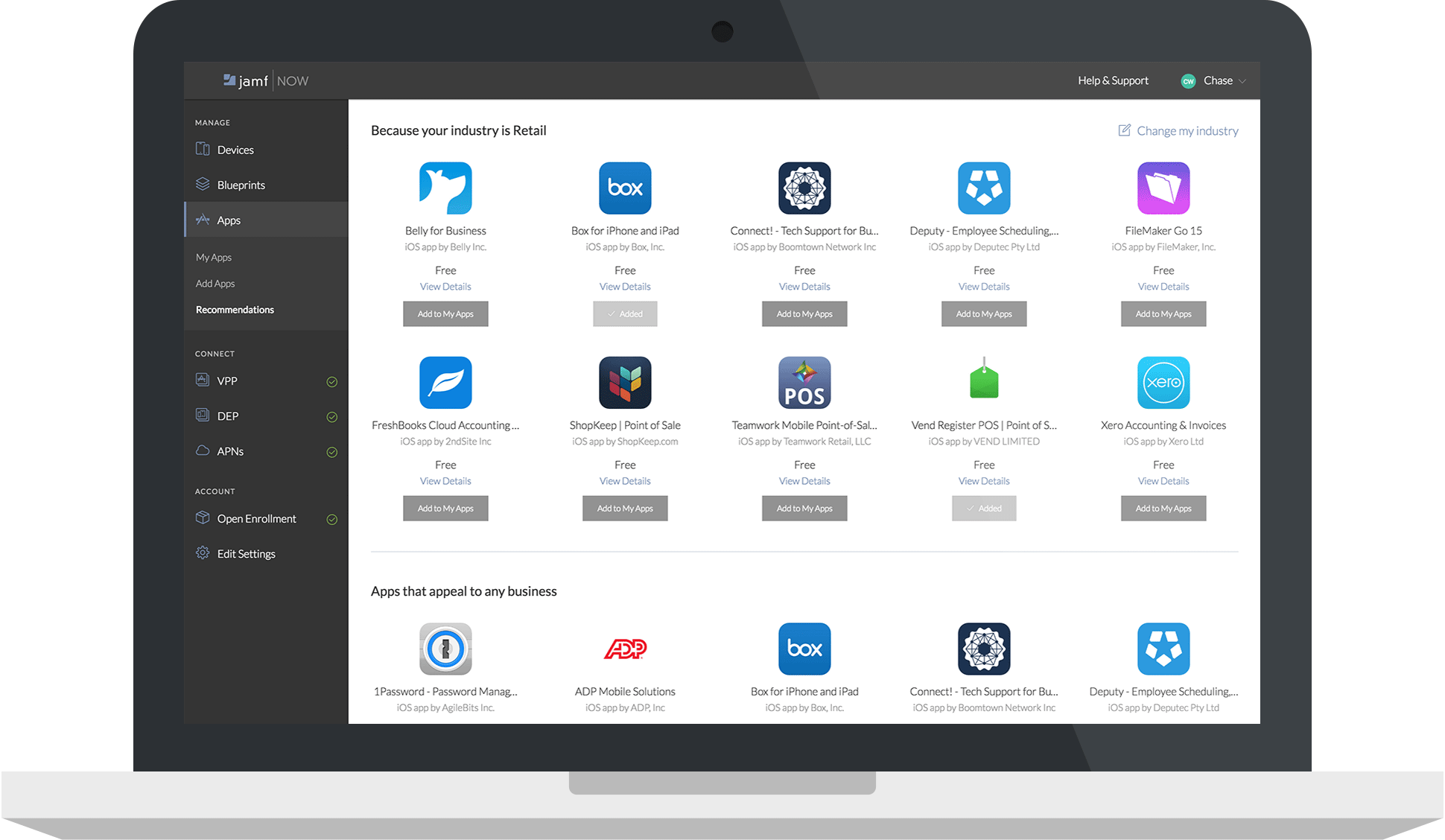  | Jamf Pro Screenshots |