iContact is an email marketing solution that was acquired by Vocus in 2012. The product is integrated with Facebook and Twitter and is aimed at SMBs with unlimited sending as a key feature.
$14
per month
Leadpages
Score5.8 out of 10
Small Businesses (1-50 employees)
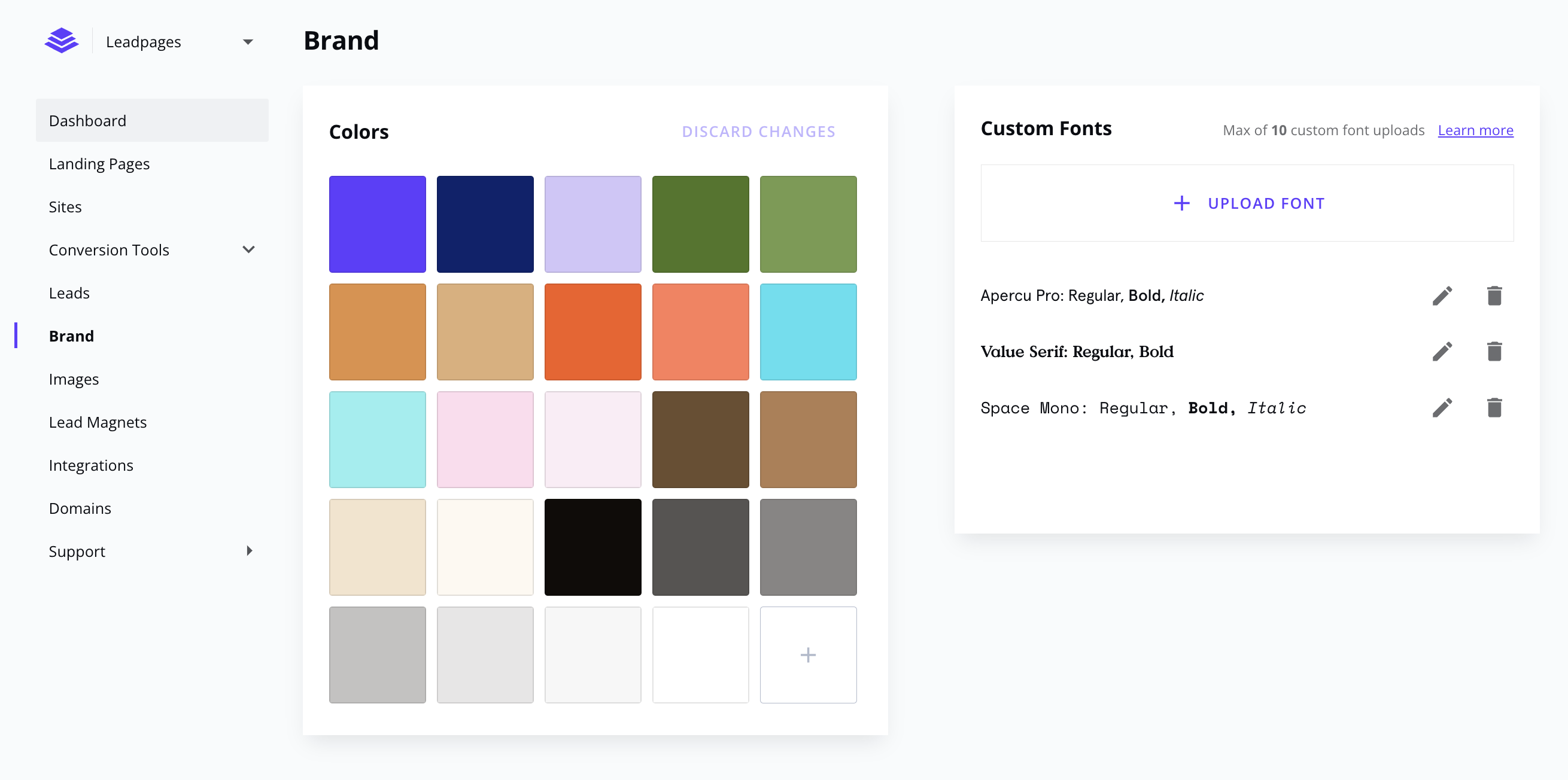
Leadpages is a landing page software that helps to grow small businesses without tech headaches. Leadpages can be used with or without WordPress, on Leadpages' servers or on the user's own. Leadpages aims to eliminate the high cost of website developers and freelancers when creating a company's most important marketing web pages. Included in all plans: Unlimited landing pages, pop-ups, and alert bars for lead generation and sales Website builder for a…
$49
per month
Pricing
iContact
Leadpages
Editions & Modules
1500 Users
$15.00
per month
2500 Users
$25.00
per month
5000 Users
$45.00
per month
Standard
$49
per month
Pro
$99
per month
Advanced
$399
per month
Standard Annual
$444
per year
Pro Annual
$888
per year
Offerings
Pricing Offerings
iContact
Leadpages
Free Trial
No
Yes
Free/Freemium Version
Yes
No
Premium Consulting/Integration Services
No
Yes
Entry-level Setup Fee
No setup fee
No setup fee
Additional Details
—
Save 25% by choosing an annual plan (3 months free). Standard ($444), Pro ($888), Advanced (Call Us)
I would only recommend it if someone was a small business. I think they are the best suited for companies who will send out a coupon or offer here and there. The most recent updates made it more complicated to use for more complicated processes. It is easy to train someone on the program, and so quick to learn. But I would also only stick to the simpler things. I also think the colorful templates are great, and show great creativity. But again, it is hard to justify recommending the program when it isn't WYSIWYG.
A de minimis incentive was given to thank the reviewer for their time. The incentive was not used to bias or drive a particular response, nor was the incentive contingent on a positive endorsement. More Info
It's great if you want an easy-to-use but extremely robust tool for producing effective online marketing pages since it makes production work enjoyable and inspires fresh creativity. It also offers wonderful split-testing capabilities which can enhance marketing results. But if you're looking for an out-of-the-box collection of standardized, one-size-fits-all marketing resources, you really might want to consider looking elsewhere.
A de minimis incentive was given to thank the reviewer for their time. The incentive was not used to bias or drive a particular response, nor was the incentive contingent on a positive endorsement. More Info
Contact management. iContact is really great for entering all your contact. You are able to put them onto different lists, and let them choose which lists they would like to be a part of as well. There are many data fields provided to fill in information.
Emailing. We use the email feature at least once a month. They are always improving and adding new features, which is very helpful in presenting content in a new and exciting way to our readers. There are many options with remade templates and themes, or you can add your own.
Insights. It is really helpful being able to have the data to see what is working and what isn't. It is nice to be able to go back and see how things went in the past compared to now. Opens, clicks, shares, etc.
A de minimis incentive was given to thank the reviewer for their time. The incentive was not used to bias or drive a particular response, nor was the incentive contingent on a positive endorsement. More Info
Leadpages integrates well with many of the main software that businesses use like Infusionsoft, Hubspot, Marketo, Mailchimp, GoToWebinar, and Wordpress. This allows your landing pages to be integrated well into the other processes you have with your business.
Leadpages makes it easy to build professional looking landing pages without having to hire someone else or have coding skills. Their drag and drop builder makes it easy enough to use and get the hang of. I particularly love the hundreds of templates they provide for you to help give you ideas and get you going faster.
They also have a Leadbox function that has also been super useful in being able to get other types of forms up on our website. These forms provide some functionality that our website wouldn't have had without them.
A de minimis incentive was given to thank the reviewer for their time. The incentive was not used to bias or drive a particular response, nor was the incentive contingent on a positive endorsement. More Info
A de minimis incentive was given to thank the reviewer for their time. The incentive was not used to bias or drive a particular response, nor was the incentive contingent on a positive endorsement. More Info
While most of the editing functions are easy to figure out, some of the finer details to get spacing, sizing, alignment and layout just right can take some trial and error if you don't have formal training in the tool. A lot of the editing tools are collapsed into sections, and finding just what you're looking for can sometimes be a challenge.
I don't believe the version we used had a page optimizer or optimization score, which I have seen on other landing page builders. This may be a feature of a more premium version of the tool or may have been turned off by the product manager, but it would be a helpful feature.
A de minimis incentive was given to thank the reviewer for their time. The incentive was not used to bias or drive a particular response, nor was the incentive contingent on a positive endorsement. More Info
iContact has been a quick and easy way to send any announcements and news directly to email and social media subscribers. Its tracking and reporting capabilities turn a simple email into a marketing campaign that can be used as a tool to efficiently gauge reader response and customer satisfaction, and ultimately to reach potential customers. The consistency and excellent customer service is what makes this program a pleasant experience.
I rate iContact as an easy to use program due to its user friendly dashboard and user interface. Most companies of small to medium size do not have a dedicated marketer, therefore it is someone multitasking who may or may not have this kind of experience. iContact makes it relatively simple and can actually expand one's knowledge in the area of business promotion.
A de minimis incentive was given to thank the reviewer for their time. The incentive was not used to bias or drive a particular response, nor was the incentive contingent on a positive endorsement. More Info
I would give it a 10, for me, I love all the features. For the average person, the number of choices on a landing page could create a decision paradox. Thankfully the pre-designed landing page templates do not require a lot of decisions for a landing page newbie.
A de minimis incentive was given to thank the reviewer for their time. The incentive was not used to bias or drive a particular response, nor was the incentive contingent on a positive endorsement. More Info
iContact is regularly up and running. Only once has it been unavailable for maintenance, which is to be expected and even desired for optimal performance when needed.
They have always been responsive to any issues or concerns that have arisen with our account. Our customer account manager participates in our monthly county-wide communicators meetings via telephone to ensure that we are getting the most from the service. He also analyzes our lists to help us weed out inactive contacts.
A de minimis incentive was given to thank the reviewer for their time. The incentive was not used to bias or drive a particular response, nor was the incentive contingent on a positive endorsement. More Info
Leadpages support is helpful, they also created many resources to help people create good funnels and learn about small things that matter when doing marketing. The affiliate program is good and could be something which pays for your subscription. People like Leadpages because its been recommended by many influencers participating in affiliate program and also because it just works without problems and does the job. But right now alternatives should be taken in consideration, as there are many other projects that could do it better and cheaper.
A de minimis incentive was given to thank the reviewer for their time. The incentive was not used to bias or drive a particular response, nor was the incentive contingent on a positive endorsement. More Info
I didn't have a say in the decision because I wasn't with the company at the time. I listed HubSpot here because I know we used it in conjunction with iContact for email automation, but HubSpot Email was only recently built-out to the point where it is today. Now, iContact and HubSpot are no longer integrated.
I have used Mailchimp for clients, and use ActiveCampaign personally for my email marketing and have used it for clients, but prefer Leadpages for the frontend of the opt-in process because of its analytics and performance metrics. Leadpages makes it super easy to see what's performing well, without having to dive into Google Analytics or aggregate any other data. Leadpages also integrates really well with WordPress, my primary platform, with opt-in forms (wayyyy better than Mailchimp).
A de minimis incentive was given to thank the reviewer for their time. The incentive was not used to bias or drive a particular response, nor was the incentive contingent on a positive endorsement. More Info
iContact stays the same with the number of users added or taken away. It certainly remains reliable despite increased usage, and so, can be considered scaleable in that aspect.
A de minimis incentive was given to thank the reviewer for their time. The incentive was not used to bias or drive a particular response, nor was the incentive contingent on a positive endorsement. More Info
Leadpages, as long as you have it set up properly, will have a quick ROI within days of your first campaign.
For those that are not familiar, it is probably best to hire someone to take over this part and still your ROI will be very quick, including the cost of this professional.
Overall, Leadpages has a very fast ROI if used and implemented in a timely manner, and used to constantly evolve what you are doing with new fresh content.
A de minimis incentive was given to thank the reviewer for their time. The incentive was not used to bias or drive a particular response, nor was the incentive contingent on a positive endorsement. More Info