Intuit Online Payroll was a small business payroll option available as a standalone SaaS solution, that Intuit announced it was discontinuing in favor of Quickbooks Online Payroll, available via Quickbooks.
$22.50
per month
SimplePay
Score 5.2 out of 10
N/A
N/A
N/A
UKG Pro
Score 8.2 out of 10
N/A
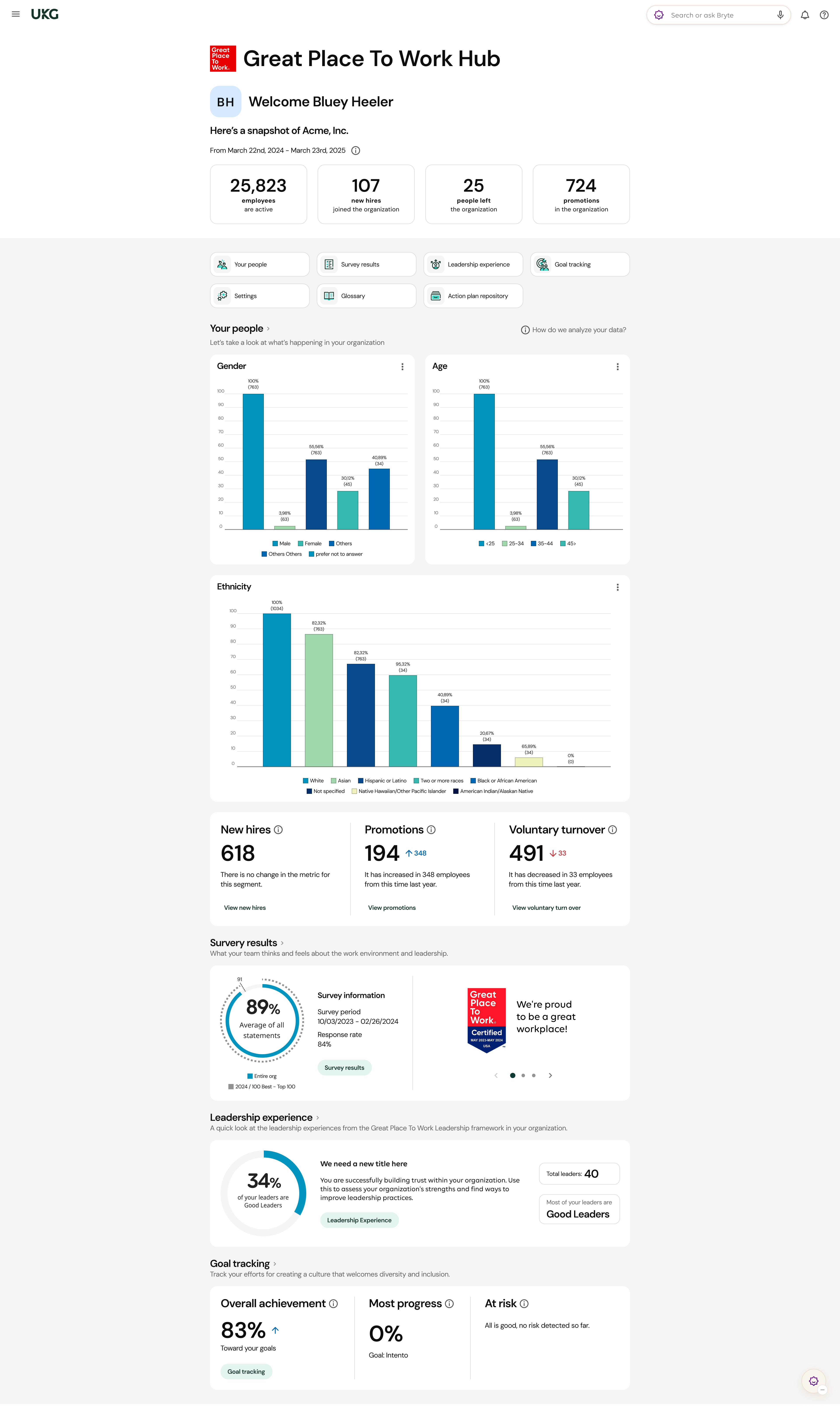
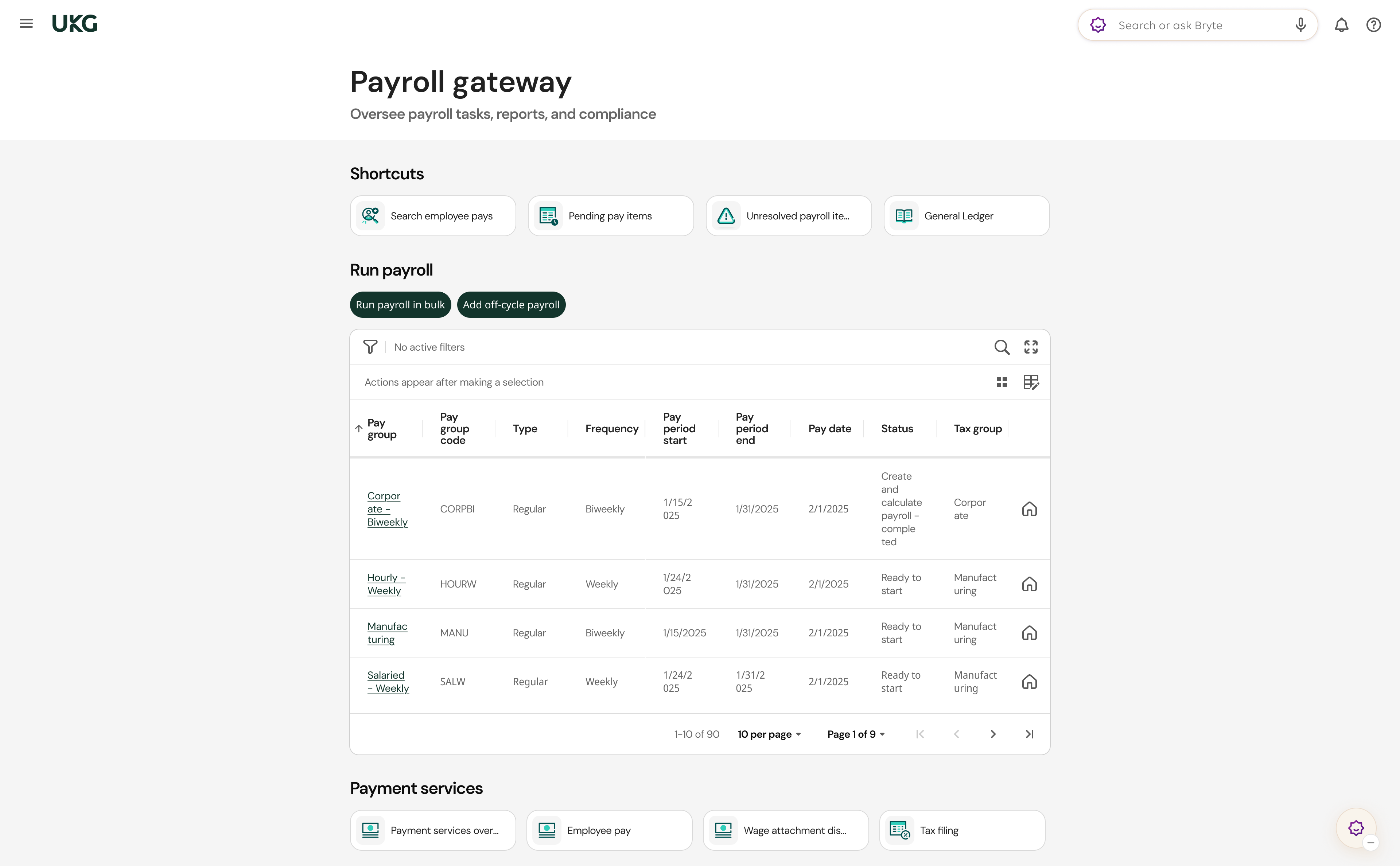
UKG delivers cloud-based HCM solutions including UKG Pro that help businesses simplify payroll computations, accelerate talent acquisition, manage time and attendance, and support proactive, strategic talent management on a global level.
I believe the ideal scenario is when you are already using the Intuit family of products and the payroll bolts on to your existing QuickBooks infrastructure. Payroll software products have been around a long time, and this is a very competitive niche. Most of the companies do a good job of filing taxes promptly, reporting W-2 items properly, providing good reports, etc. Where you might really get some extra efficiency and benefit is the fact that the payroll is woven into the accounting system, creating one seamless enterprise solution. Also, where it might be less appropriate is in a really simple use case such as a one person company where there aren't complex fringe benefits to deal with. In that scenario, you can set up the ACH debits directly with the state agency and the IRS and possibly file your own 941, 940, W-2/W-3 and state equivalent forms. Of course, if you're willing to do this and are good with details, you can save yourself some money.
I would say, well, I don't want to focus on less appropriate. I want to be well suited. I really feel like if the transparency with our count rep and then just diving in onto how to problem solve and how to troubleshoot, I think that's most important with that.
Integration with QuickBooks Desktop. This is the key strength of IP... it is a complete, native integration and let's you maintain all employee records and time keeping in QuickBooks
Job Costing. Another key differentiation -- some payroll outsources say they do true job costing (by work or item code). Don't believe them. If its' not integrated with your accounting system, you will not get "TRUE" job costing. You can get costs ASSIGNED to jobs (which may be fine), but you won't get item level detail in QuickBooks from anyone but Intuit.
Variety of Payment options. Use Direct Deposit or manual checks... or whatever you want. Since its in QB, you can make payments any way you want.
Cash Flow. This is both good and bad, but IP will not take taxes out of your bank account until they are due. That's different than some other providers that want assurance that you have the tax payments available at the moment you push "SUBMIT."
UKG has an amazing support team to reach out to if assistance is needed
All add-ons of UKG Pro integrate seamlessly making it a powerful software program
UKG Pro is very configurable to meet the specific needs of companies
It is easy to use and navigate
The mobile app is loved by all employees and provides on-demand access
The Ultimate Community is amazing!! On-demand information on all products and how they are used. Connect with other companies that use UKG Pro and learn from each other.
The Learning Centre is also amazing!! Learning right at your fingertips anytime, anywhere.
My biggest issue is that they do continue to raise their prices on a regular basis and it makes people feel stuck when there are so many clients already using the system.
They do not support roaming employees, so employees that cross over into various tax jurisdictions in one pay period pose a challenge for calculating taxes and pay.
The setup can be a bit daunting still if you are not familiar with the system or the various taxes and requirements for reporting.
Onboarding and recruiting need an environment that is more stable and dependable.
Core Benefits could be enhanced to allow OE and LE events via the mobile app.
Service and support need to be increased; days and weeks now, when we first went live, it was minutes and hours.
Adapting all version of time management into one or two versions, at no cost to the customer would allow the resources from UTA, UTM and WFM Classic to be directed to future enhancements and would allow support services to be increased for the 2 remaining platforms.
We have been a customer since 2015, we have gone to market and find that UKG Pro product is both user friendly for administrators as well as the employee. The qualify of support and service of UKG team is valued and we trust the product.
I would rate it a 0. It gets worse and worse all the time. It seems like every time I go into IOP to run a payroll for one of my clients, I have one more problem.
It gets the job done, but not with a few deep sighs. Once you know where stuff lives, it's manageable, but the first learning curve is steep, some menus feel buried. However, it's consistent, reliable and doesn't crash on me, which counts for a lot. With a little UI glow up it could push into a 9 zone.
For the most part UltiPro has been reliable, but it could definitely be better. There have been several notable server issues where we were unable to access the product or unable to utilize some of the features. Customer support is usually quick to respond to questions about these issues, but they do not proactively reach out to customers whose environments have been effected by outages
Normally UKG Pro loads quickly. We had been having major issues with reports running in a timely manner but recently they broke out our virtual server to another instance where is wasn't sharing resources and that seems to have helped reporting run more efficiently.
The customer support personnel have always walked me through the steps they need to take to assist me. Never rushed through anything. Always exceptionally thorough, answering all my questions and even sharing my screen visually (I have control, not them). It actually helps me to resolve future issues and questions, if they should arise.
The quality of UKG Support is related directly to the UKG rep. who handles the issue. In some cases you get someone who really is good at supporting the product and others may not have as much experience and it shows
I've been to a few in-person (hands on) training sessions and it is very similar to the online classes. You have the same reference material to look back on after the training. So regardless of in person training or online you really get the same thing.
Most of the online training was very generic (to be expected) but we had specific requirements for configuration that could have been better addressed with more individual sessions earlier on from our project team. However, we did finally begin booking training sessions with our implementation team which were recorded, and so provided additional information for how to correctly configure and test the system.
Make sure you have all of your tax account information with all the states you are registered in available and that you are knowledgeable about the filing status, frequency, etc. We had some unique challenges with our state unemployment tax set up that I was not aware of and needed to be addressed prior to going live. Working with the state unemployment office can be a challenge.
It's a payroll software with decent customer support readily available and direct integration with my accounting tools. This made it a prime fit for me, and made payment and tax reporting relatively simple, and errors readily correctable. It does not have time tracking, and I still believe that this software is overpriced, but it's the best fit for me right now.
We used ADP WFN prior to switching to UKG. We interviewed three different payroll companies to see what our options were. UKG stood out and aligned with our company values. The sales team was very helpful and asked questions about what we were currently doing and how they could assist with simplifying things. I personally had a side meeting with them to see if there were options for a process that we manually process and if UKG could actually eliminate the process. We came to the conclusion that we weren't able to get it 100%, but we could pull 80% of what we needed from UKG, and then we would only need to manipulate 20% of the information. It was also determined from that meeting that we wouldn't need to pay extra to have a special report built. The customer service is what we were sold on. The other companies that we looked at didn't give us the confidence that their customer service would be any better than what we previously had.
Positive: Less of a learning curve to train payroll accountants, as they are already familiar with using Intuit. Also, in general there are a larger pool of candidates who know this system than many of the other "niche" lesser known payroll products.
Positive: More options to choose from depending on the level of service needed. For example, there is a Full Service offering if needed. This might apply to an organization that doesn't have the resources available or an internal person who has the time/bandwidth to handle the entire company's payroll. Thus, it is possible to cherry pick the level of service needed depending on the type of company/situation.
Positive: Good audit trail. This can be extremely important and cost efficient when a business is going through an external audit by an outside CPA firm and the payroll accounting function is undergoing testing (ie. less time required by the external auditor would likely lower their bill for their services).
Personally as a veteran user of UKG Pro, in past employers I have seen many amazing increases in employee engagement and ROI.
With QuVa, we are still very new to the UKG Pro platform and are just now beginning to get out of the implementation phase where we can start measuring the change. I will be looking for changes in Overtime spending to reduce as a result of more informative and actionable dashboards for managers to monitor overtime and timeclock abuses in real time. I am also expecting employees to engage more with new features being pushed out to the mobile app.