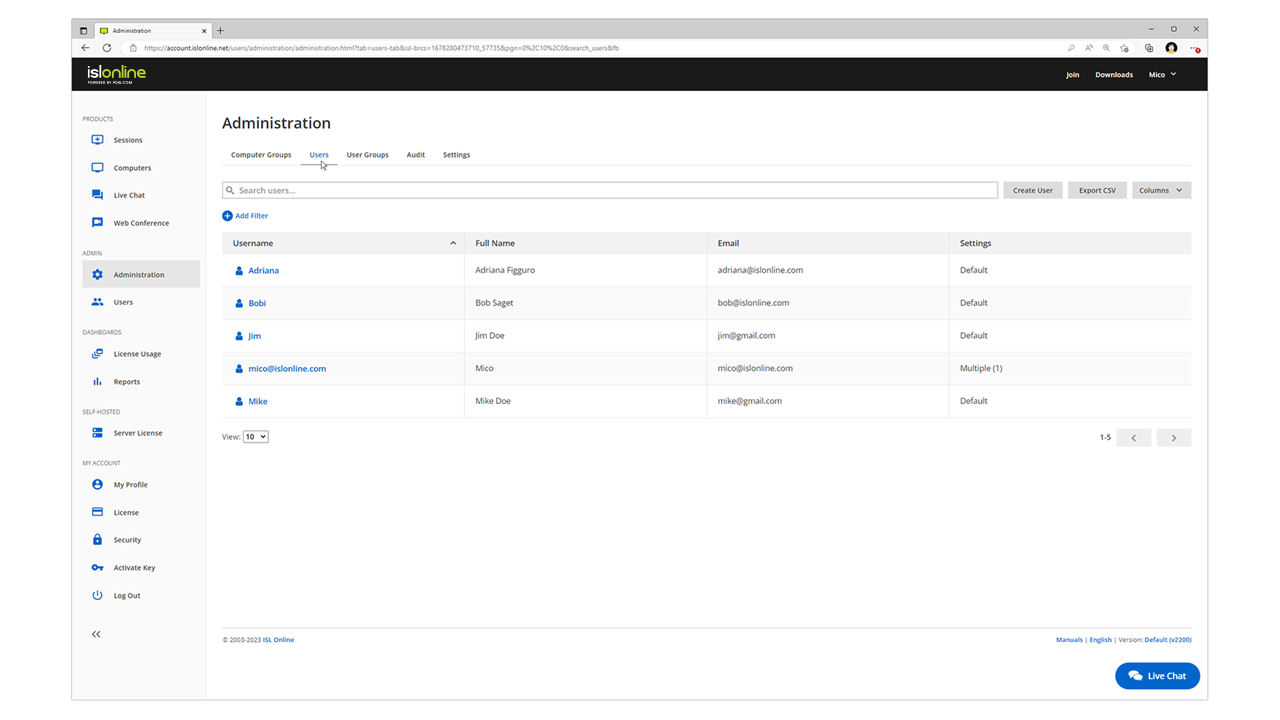
ISL Light is remote support and remote access software that enables SMBs and large enterprises to offer fast and efficient support and maintenance for Windows, Mac and Linux computers as well as mobile device support for Android and iOS.
$16.90
per month (1 concurrent user)
Parallels Desktop for Mac
Score 8.8 out of 10
N/A
Parallels® Desktop for Mac is used to run Windows on Intel or Apple silicon. Users can switch between Mac and Windows applications, while retaining the macOS appearance, or use the familiar Windows desktop aesthetic.
$99.99
per year
RealVNC Connect
Score 8.4 out of 10
N/A
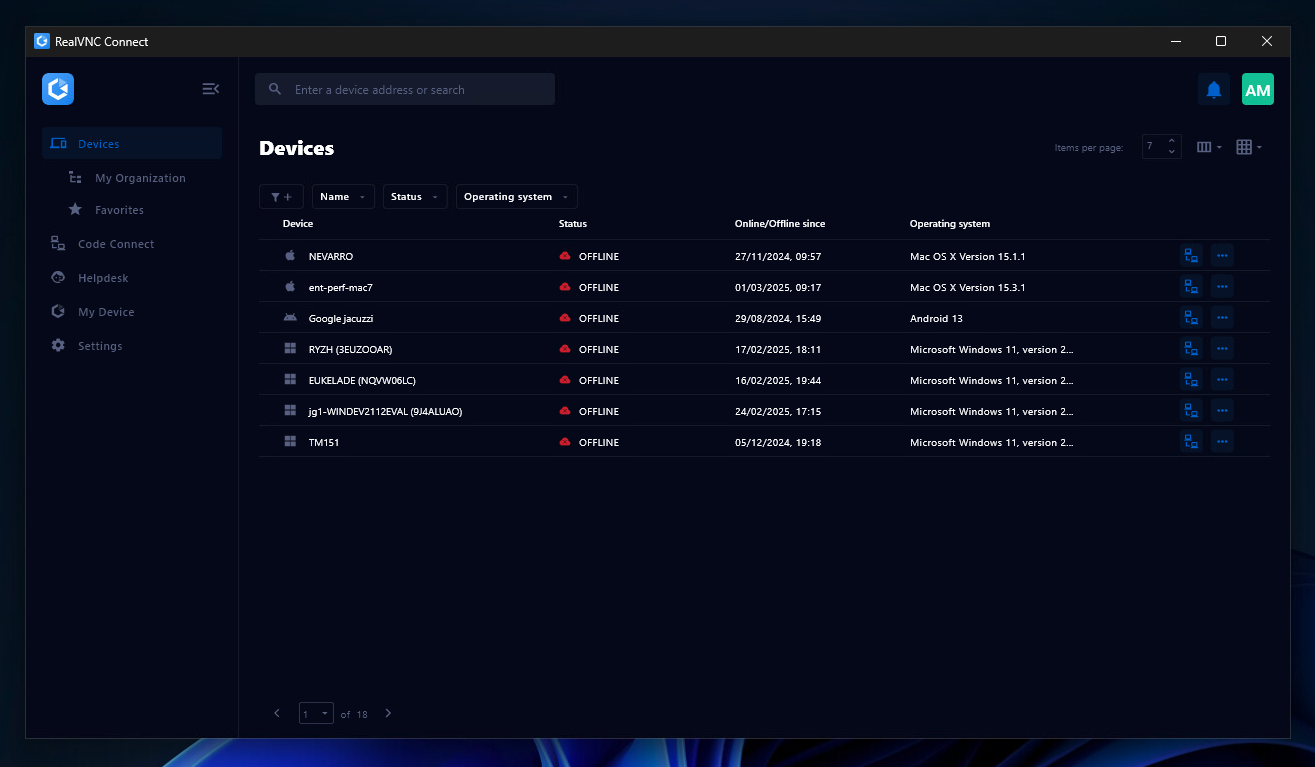
RealVNC® Connect is a secure remote access solution from RealVNC. It can be used to connect to a remote device anywhere in the world to view its desktop in real-time and take control as though sitting in front of it.
$99
per year (one concurrent session)
Pricing
ISL Light
Parallels Desktop for Mac
RealVNC Connect
Editions & Modules
Starter
$16.90
per month
Standard
$34.90
per month
Self-Hosted
$44.90
per month
Premium
$54.90
per month
Parallels Desktop Standard Edition
$99.99
per year
Mac App Store
$99.99
per year
Parallels Desktop Pro Edition
$119.99
per year
Parallels Desktop Business Edition
$149.99
per year
Essentials
$8.25
per month (billed annually) per concurrent session
Plus
$16.50
per month (billed annually) per concurrent session (add up to 3)
Premium
$29.75
per month (billed annually) per concurrent session (add up to 5)
Enterprise
Custom Pricing
per year
Enterprise
Custom Pricing
Offerings
Pricing Offerings
ISL Light
Parallels Desktop for Mac
RealVNC Connect
Free Trial
Yes
Yes
Yes
Free/Freemium Version
No
No
Yes
Premium Consulting/Integration Services
Yes
No
No
Entry-level Setup Fee
No setup fee
No setup fee
No setup fee
Additional Details
ISL Online's pricing model considers the number of licenses purchased, which determines the maximum number of concurrent users within the organization. A concurrent user is defined as anyone running one or more sessions simultaneously from any device. There are no restrictions on the number of ISL Light users within a company or the remote devices managed.
For example, with three licenses, an unlimited number of people in a company can use ISL Light and can access an unlimited number of remote devices, but only three users can use it concurrently. When one of these three users ends their session, a fourth user can begin their session, and so on.
—
Plans work on a Per Concurrent Session basis. Each plan gives access to a bundled number of devices, but limits apply to the amount of devices that can be connected at any given time.
The Premium plan includes On-Demand Assist, a useful tool for providing just-in-time remote support to end-users without them needing RealVNC Connect installed on their device.
Simple UI with ease of use for the end user. ISL Light compability with a range of Windows OS's. Cost effective in relation to number of licenses versus active remote control techs. Great tech support and aftersale service puts ISL Light at the front of the line above the rest.
ISL light is a corporate tool that takes security into account first and foremost and that is something that these tools do not really take into account. The control of users, the reports and the roles that can be assigned definitely led us to make the decision.
Parallels Desktop for Mac
No answer on this topic
RealVNC Connect
No answer on this topic
Features
ISL Light
Parallels Desktop for Mac
RealVNC Connect
Remote Administration
Comparison of Remote Administration features of Product A and Product B
ISL Light
8.2
108 Ratings
4% above category average
Parallels Desktop for Mac
-
Ratings
RealVNC Connect
7.3
32 Ratings
8% below category average
Screen sharing
8.7102 Ratings
00 Ratings
9.128 Ratings
File transfer
8.6102 Ratings
00 Ratings
8.015 Ratings
Instant message
8.083 Ratings
00 Ratings
6.119 Ratings
Secure remote access with Smart Card authentication
8.125 Ratings
00 Ratings
7.05 Ratings
Access to sleeping/powered-off computers
6.378 Ratings
00 Ratings
6.09 Ratings
Over-the-Internet remote session
8.799 Ratings
00 Ratings
9.030 Ratings
Initiate remote control from mobile
8.264 Ratings
00 Ratings
8.919 Ratings
Remote management of servers & workstations
8.787 Ratings
00 Ratings
4.76 Ratings
Remote Active Directory® management
8.832 Ratings
00 Ratings
00 Ratings
Centralized management dashboard
8.364 Ratings
00 Ratings
7.116 Ratings
Session record
7.771 Ratings
00 Ratings
8.02 Ratings
Annotations
8.456 Ratings
00 Ratings
5.36 Ratings
Monitoring and Alerts
7.947 Ratings
00 Ratings
7.03 Ratings
Multi-platform remote control
8.379 Ratings
00 Ratings
9.011 Ratings
Application Virtualization
Comparison of Application Virtualization features of Product A and Product B
ISL light is suitable for anyone who plans to provide remote assistance services on a medium to large scale. Due to the high entry price, it is less suitable for consultants with a smaller number of clients or remote stations that need management. Their smallest package in which minutes are rented does not seem suitable for most cases.
Parallels is great for an end user that is primarily a macOS user, but occasionally needs Windows access to a specific application or service that is Windows only, or Windows primarily. It obviates the need for multiple desktop units or remote VMs where spin up time is an issue. It is not quite perfect due to the ARM version of Windows requirement, but that particular case is common to all ARM use of Windows.
It is very easy to use if the remote device is already set up to receive connections, so if you are setting up devices before deploying them, it is a great tool to have. It is well-suited to use when shadowing users or using it as a teaching tool. There are other products that are better if you are trying to help someone on a one-use basis.
VNC Connect does an excellent job in remotely connecting to a computer through either your local area network or even another computer on the internet. As long as the VNC Connect services is installed and the client is running in the background.
VNC Connect provides password protection to prevent unauthorized users from attempting to remotely access your computer. There's an option to have a separate password to remotely view vs view & access a computer. You can even add an additional level of security by turning on the feature to require Windows login credentials.
VNC Connect provides an additional set of controls after a remote connection has been established with another computer. You can have special keystrokes like Ctrl+Alt+Del sent as a command sequence to the other computer as well as access more than a single screen when in use at the remote computer location.
Need a control toggle at least on AlwaysOn. User moves the mouse and you lose all control instantly.
Clipboard features are a bit wonky still, and your clipboard seems to get emptied a lot. So if you're trying to copy and paste you might lose something
Passwords for the systems are saved per machine, so if you work from multiple devices it can be tricky if you have complex passwords
Users are familiar with the application which will keep us going for a little while. However since we are seeing a decline for a need for the software, I wouldn't be surprised to find that this answer changes dramatically in the near future. We would probably keep it to some extent, but we would probably reduce our licensing count.
VNC is a solid product for the price. It simply works and its reliable across different platforms. Some products state they work well in the Mac environment but don't deliver. This one does what it says. Connections are reliable, but of course, this depends on internet connections. The product works well over wireless connections as well. It delivers on what a remote tool should deliver on. My technicians are happy with the product and customers appreciate the ease of use when letting us connect to their systems. Some also appreciate the remote support while they are multi-task.
Everything works well and quickly, and that's all we need. ISL Light always works, and we've never had a situation where the server was inaccessible or the website was down. It simply gives us a 100% guarantee that we can always log in to our customers' systems. We can install the ISL Light client at our customers' sites without any problems, even though security is high.
It has a good integration, including the connection of peripherals. Taking files back and forth works well and I can attach my Home drive as a network drive in Windows. There is even integration with iCloud and other macOS services. There are also a few different display modes which are useful and fleixible (coherence, windowed, full-screen with multiple screens)
It's a niche product and in that niche they try to cater to as many use cases as they can. Other as a TCO aspect i don't see many use cases where you can't use this product as the one tool for all remote session use cases in your company
We had issues with mouse skipping on mobile devices. Support is immediatly availabe, they examined our case and in one of the new versions of the app this problem was gone.
The Parallels documentation and support websites are great. I have not had much use for them, but a cursory check shows richly documented features aimed at both the layperson and the power user or software developer. Their website is well-designed and information is easy to find, and their list of known issues as well as bugfixes on point releases is clear and transparent. They aren't trying to hide any of the limitations of their software, and seem to be regularly updating it to fix new bugs that arise with Mac OS X updates.
VNC Connect is a reliable product that has been around for a long time. It is reasonably priced and works well in the Mac & PC environment. When you have a small team that supports many users we need tools that we can rely upon and that will get the job done on the first try. Many customers appreciate the quick assistance and can multi-task while our team works on their computer issues remotely. From a customer service point of view, this tool gives us transparency and efficient effectiveness.
The training is very informative, quick and to the point. All of the details one would need are present so the user doesn't have to go searching for additional information just to use the application. The layout of the training was also neat and concise, some of the other training sessions for other companies I've done in the past were confusing and not well thought out, this one is much more superior
The main reason was price initially, after TeamViewer jacked up the price 3 fold come covid in start of 2020, told them to get stuffed and went elsewhere, back then they had a good reliable product, then after I switched to another provider, the came crawling back and offer me the same price I was paying before the COVID tax (3 times increase in price) like I said, told them to get stuffed, ISL on the other hand didn’t increase their price when covid started, so have been with them ever since.
Main two features that made the balance decission go to the Parallels Desktop were the possibility to pause the Windows partition easily (allowing to consume less resources in Mac and save battery) and the other one is the user interface feature called "Coherence" with allows you to show the Windows application windows as if they were native to the macOS, allowing for a better user experience.
VNC is light and sleek with the quick setup, was impressed with the quick setup despite poor Internet connection outdoor. TeamViewer is good, but the pricing is not as good as VNC. Both do the basic job, but VNC still outperform TeamViewer in terms of performance and ease of use.
Saves money on having to buy a Windows and MacBook, as the MacBook can run almost 99% of all Windows software and usually run it faster and share between your MacBook transparently.
Gives employers the most flexibility with regards to which OS to adopt across an enterprise
We are a media company and everyone uses Macs in our industry, Fortune 500 companies also use Windows and MS Project, Parallels gives you the most flexibility for almost all of these use cases
Improves efficiency as the MacBook Pro M3 systems are much faster than some of the fastest corporate issued Windows laptops. What takes me 3-10 seconds for a video export can take 5 minutes on a similar Windows laptop
I have just used the software for about 1 month and so far so god. I am saving time whenever I can access my client's computers from my desk as opposed to having to leave my office to go to their offices. Saves me time and the client money.