Chose Jira Service Management
1- budget
2- easy to implement and maintain
3- system is stable
2- easy to implement and maintain
3- system is stable

| Product | Rating | Most Used By | Product Summary | Starting Price |
|---|---|---|---|---|
 Jira Service Management | N/A | Jira Service Management (formerly Jira Service Desk, now including features from the former Mindville Insight, acquired by Atlassian in June 2020) is a service desk software that is purpose-built for IT, service, and support teams. The software provides everything IT and support teams need out-of-the-box for service request, incident, problem and change management. Jira Service Management integrates seamlessly with Jira Software so that IT and development teams can work better together. Users… | $0 per month | |
 NinjaOne | N/A | The NinjaOne Unified IT Operations Platform delivers endpoint management, autonomous patching, backup, and remote access. NinjaOne aims to give organizations' employees a great technology experience to work faster, smarter, and easier while IT teams modernize and improve efficiency. | N/A | |
 OpenText Service Manager | N/A | OpenText™ Service Manager (formerly from Micro Focus) is scalable service desk software powered by machine learning, analytics, and automation. It provides an ITSM platform for standardizing service delivery and support across the enterprise. | N/A |
| Jira Service Management | NinjaOne | OpenText Service Manager | ||||||||||||||||||||||
|---|---|---|---|---|---|---|---|---|---|---|---|---|---|---|---|---|---|---|---|---|---|---|---|---|
| Editions & Modules |
| No answers on this topic | No answers on this topic | |||||||||||||||||||||
| Offerings |
| |||||||||||||||||||||||
| Entry-level Setup Fee | No setup fee | No setup fee | No setup fee | |||||||||||||||||||||
| Additional Details | — | NinjaOne is a subscription typically billed annually and sold through channel partners. Monthly billing is nonstandard but billed on a case by case basis. | — | |||||||||||||||||||||
| More Pricing Information | ||||||||||||||||||||||||
| Jira Service Management | NinjaOne | OpenText Service Manager | |
|---|---|---|---|
| Considered Multiple Products |  Jira Service Management | NinjaOne |  OpenText Service Manager No answer on this topic |
| Jira Service Management | NinjaOne | OpenText Service Manager | |||||||||||||||||||||||||||||||
|---|---|---|---|---|---|---|---|---|---|---|---|---|---|---|---|---|---|---|---|---|---|---|---|---|---|---|---|---|---|---|---|---|---|
| Incident and problem management |
| ||||||||||||||||||||||||||||||||
| ITSM asset management |
| ||||||||||||||||||||||||||||||||
| Change management |
| ||||||||||||||||||||||||||||||||
| Monitoring Tasks |
| ||||||||||||||||||||||||||||||||
| Management Tasks |
|
| Jira Service Management | NinjaOne | OpenText Service Manager | |
|---|---|---|---|
| Small Businesses |  Agiloft Service Desk (discontinued) Score 9.0 out of 10 |  Panda Systems Management Score 7.8 out of 10 | Agiloft Service Desk (discontinued) Score 9.0 out of 10 |
| Medium-sized Companies | Agiloft Service Desk (discontinued) Score 9.0 out of 10 |  Action1 Score 9.5 out of 10 | Agiloft Service Desk (discontinued) Score 9.0 out of 10 |
| Enterprises |  ManageEngine ServiceDesk Plus Score 9.3 out of 10 |  TeamViewer Score 8.5 out of 10 | ManageEngine ServiceDesk Plus Score 9.3 out of 10 |
| All Alternatives | View all alternatives | View all alternatives | View all alternatives |
| Jira Service Management | NinjaOne | OpenText Service Manager | |
|---|---|---|---|
| Likelihood to Recommend | 7.9 (85 ratings) | 9.3 (68 ratings) | 9.6 (2 ratings) |
| Likelihood to Renew | 10.0 (1 ratings) | 9.9 (3 ratings) | - (0 ratings) |
| Usability | 8.3 (10 ratings) | 9.3 (10 ratings) | - (0 ratings) |
| Availability | - (0 ratings) | 8.0 (1 ratings) | - (0 ratings) |
| Performance | - (0 ratings) | 8.0 (1 ratings) | - (0 ratings) |
| Support Rating | 9.1 (25 ratings) | 1.0 (6 ratings) | - (0 ratings) |
| In-Person Training | - (0 ratings) | 10.0 (1 ratings) | - (0 ratings) |
| Online Training | - (0 ratings) | 10.0 (1 ratings) | - (0 ratings) |
| Implementation Rating | - (0 ratings) | 1.0 (1 ratings) | - (0 ratings) |
| Configurability | - (0 ratings) | 1.0 (1 ratings) | - (0 ratings) |
| Ease of integration | - (0 ratings) | 1.0 (1 ratings) | - (0 ratings) |
| Product Scalability | - (0 ratings) | 8.0 (1 ratings) | - (0 ratings) |
| Jira Service Management | NinjaOne | OpenText Service Manager | |
|---|---|---|---|
| Likelihood to Recommend | Atlassian
| NinjaOne
| OpenText
 Sebastian Torres Senior Field Help Desk Technician |
| Pros | Atlassian
| NinjaOne
 Michael Kerzner Service Delivery manager | OpenText
|
| Cons | Atlassian
| NinjaOne
 Brett Carson Director of IT | OpenText
Sebastian Torres Senior Field Help Desk Technician |
| Likelihood to Renew | Atlassian
 Chinthaka Jayawardane Head-Senior Manager - Global IT Operations | NinjaOne
 Scott Brewster Chief Technology Officer | OpenText No answers on this topic |
| Usability | Atlassian
| NinjaOne
| OpenText No answers on this topic |
| Reliability and Availability | Atlassian No answers on this topic | NinjaOne
 Kevin Brant Service Desk Engineer | OpenText No answers on this topic |
| Performance | Atlassian No answers on this topic | NinjaOne
Kevin Brant Service Desk Engineer | OpenText No answers on this topic |
| Support Rating | Atlassian
| NinjaOne
 Steve Ricketts Director Of Technical Services | OpenText No answers on this topic |
| In-Person Training | Atlassian No answers on this topic | NinjaOne
Kevin Brant Service Desk Engineer | OpenText No answers on this topic |
| Online Training | Atlassian No answers on this topic | NinjaOne
Kevin Brant Service Desk Engineer | OpenText No answers on this topic |
| Implementation Rating | Atlassian No answers on this topic | NinjaOne
| OpenText No answers on this topic |
| Alternatives Considered | Atlassian
 Gary Smolyak Development Operations Systems Administrator | NinjaOne
| OpenText
|
| Scalability | Atlassian No answers on this topic | NinjaOne
Kevin Brant Service Desk Engineer | OpenText No answers on this topic |
| Return on Investment | Atlassian
| NinjaOne
| OpenText
Sebastian Torres Senior Field Help Desk Technician |
| ScreenShots | Jira Service Management Screenshots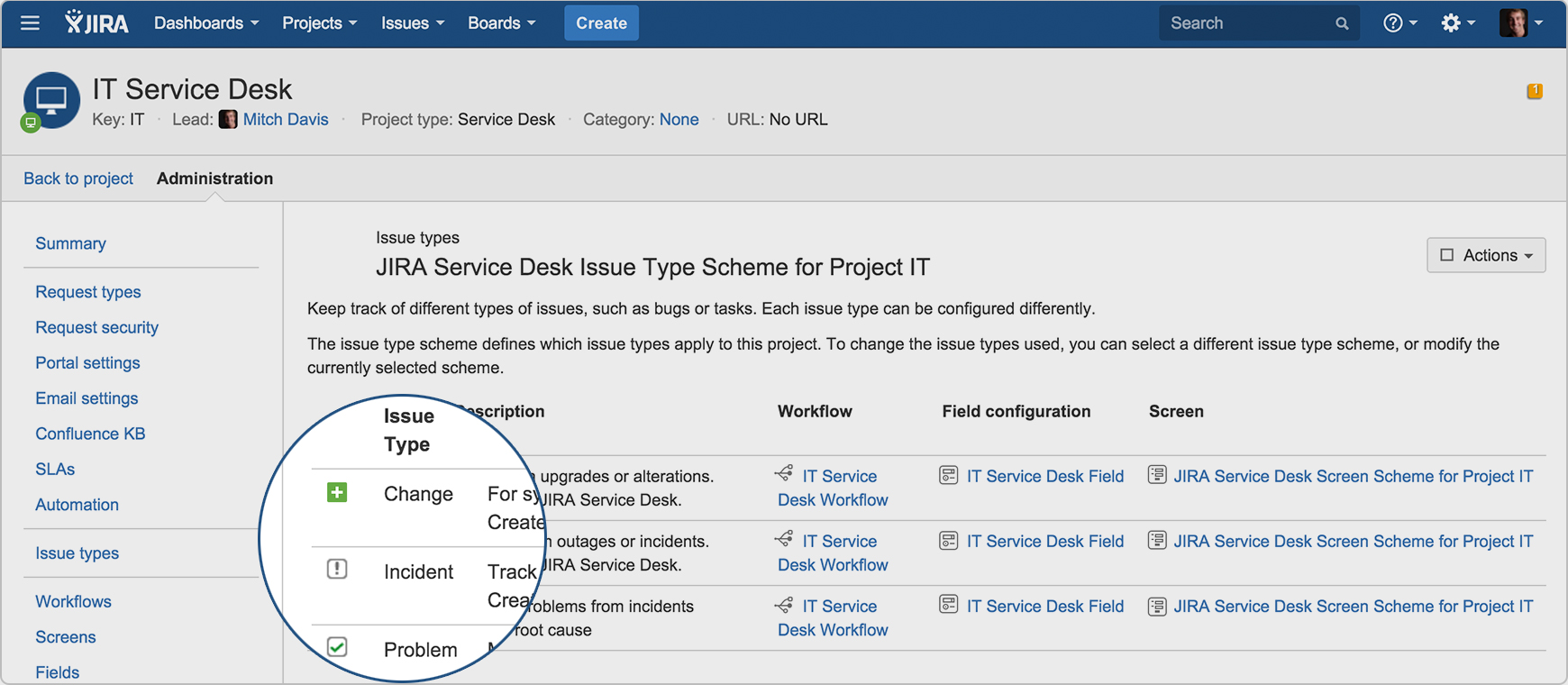  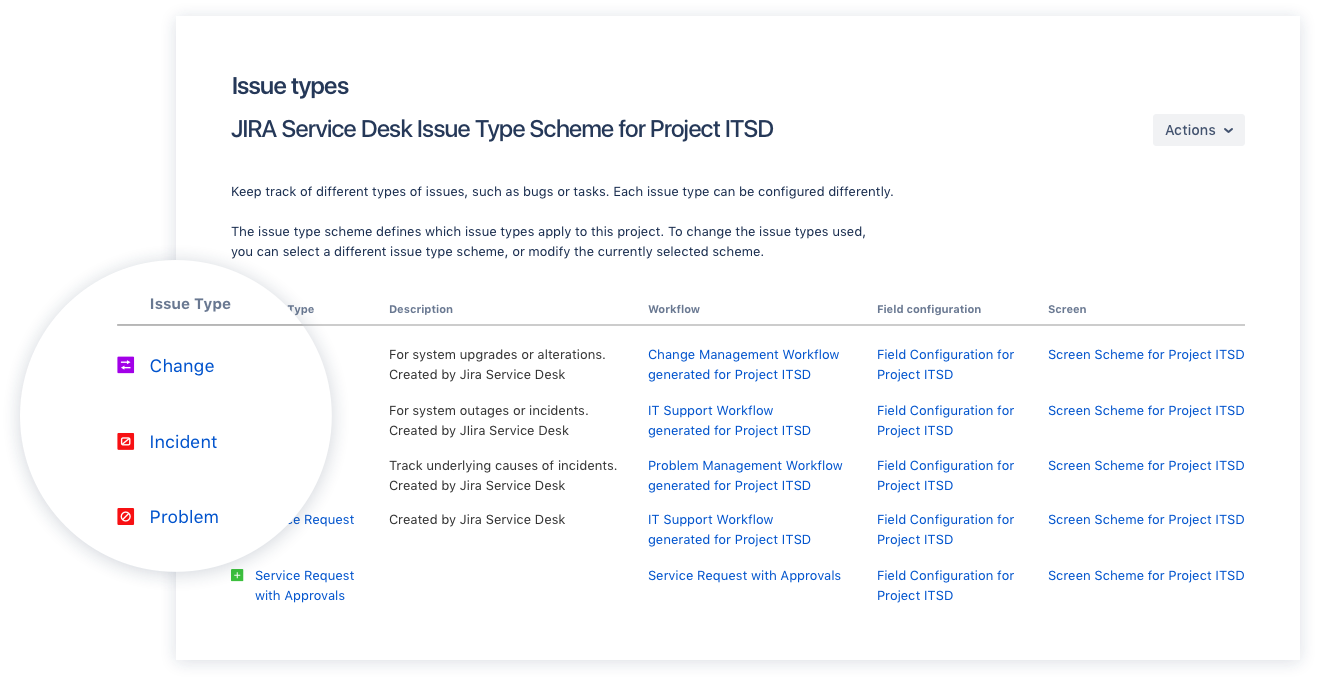  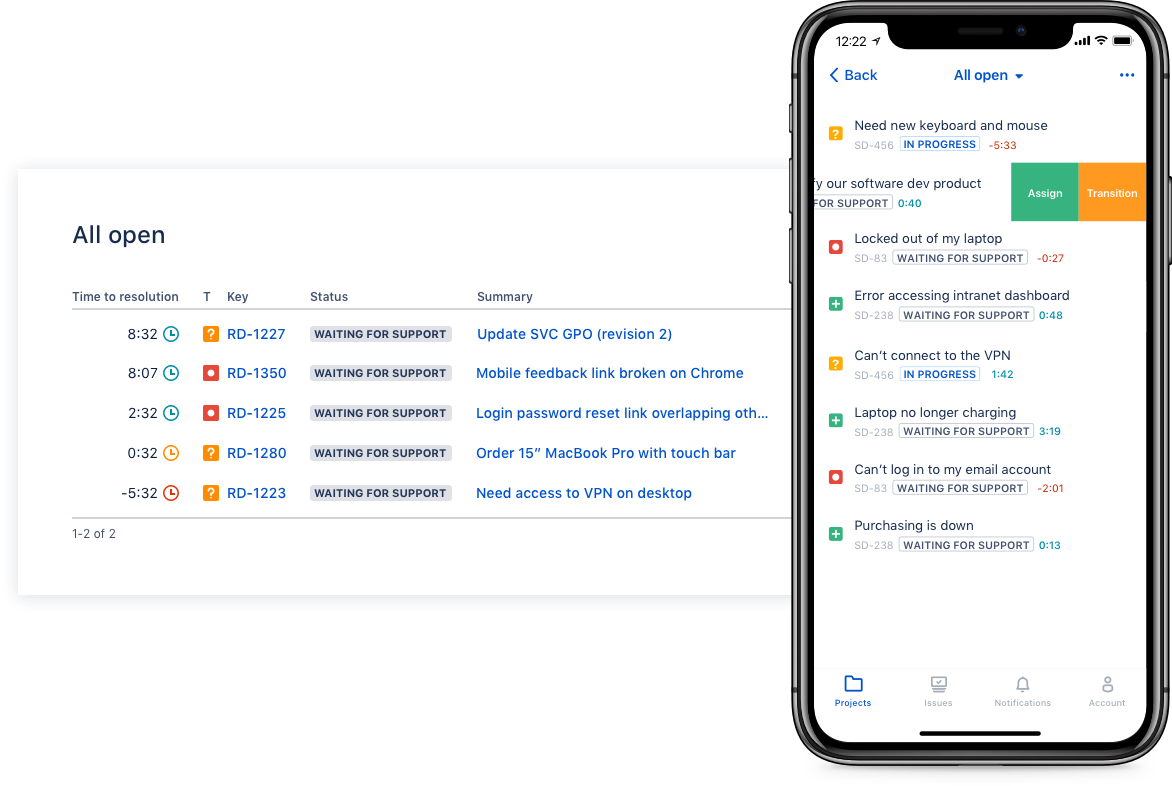  | NinjaOne Screenshots      |