
Laserfiche vs. SmartSuite
Laserfiche vs. SmartSuite
| Product | Rating | Most Used By | Product Summary | Starting Price |
|---|---|---|---|---|
 Laserfiche | N/A | Laserfiche has two main editions: Rio and Avante: Laserfiche Rio is designed to meet the needs of large organizations that have more than 100 users. It combines content management functionality with business process management (BPM), security and auditing, unlimited servers and a thin-client interface. Add-ons include records management functionality, public Web portals and production-level document capture and processing. Laserfiche Avante is an ECM suite for small to medium organizations with… | $540 per year per user | |
 SmartSuite | N/A | SmartSuite provides a collaborative Work Management platform that enables teams to plan, track and manage workflows - whether it be a project, an ongoing process or routine everyday tasks. SmartSuite helps coordinate people and work across all levels of an organization to ensure that team members have the information they need to accomplish the work that matters most. Team members can create a workflow, or choose from over 200 templates that can be tailored to their exact needs. | $10 per month per user |
| Laserfiche | SmartSuite | |||||||||||||||
|---|---|---|---|---|---|---|---|---|---|---|---|---|---|---|---|---|
| Editions & Modules |
| No answers on this topic | ||||||||||||||
| Offerings |
| |||||||||||||||
| Entry-level Setup Fee | No setup fee | No setup fee | ||||||||||||||
| Additional Details | — | — | ||||||||||||||
| More Pricing Information | ||||||||||||||||
| Laserfiche | SmartSuite |
|---|
| Laserfiche | SmartSuite | ||||||||||||||||||||||||||||||||||||||||||
|---|---|---|---|---|---|---|---|---|---|---|---|---|---|---|---|---|---|---|---|---|---|---|---|---|---|---|---|---|---|---|---|---|---|---|---|---|---|---|---|---|---|---|---|
| Enterprise Content Management |
| ||||||||||||||||||||||||||||||||||||||||||
| Project Management |
| ||||||||||||||||||||||||||||||||||||||||||
| Professional Services Automation |
|
| Laserfiche | SmartSuite | |
|---|---|---|
| Small Businesses |  Square 9 Softworks Score 9.7 out of 10 |  Stackby Score 8.9 out of 10 |
| Medium-sized Companies |  MediaValet Score 9.0 out of 10 |  InEight Score 8.4 out of 10 |
| Enterprises | MediaValet Score 9.0 out of 10 | InEight Score 8.4 out of 10 |
| All Alternatives | View all alternatives | View all alternatives |
| Laserfiche | SmartSuite | |
|---|---|---|
| Likelihood to Recommend | 9.0 (48 ratings) | 9.2 (18 ratings) |
| Likelihood to Renew | 8.6 (16 ratings) | 9.1 (1 ratings) |
| Usability | 9.0 (9 ratings) | 9.1 (1 ratings) |
| Availability | 10.0 (2 ratings) | - (0 ratings) |
| Performance | 9.0 (1 ratings) | - (0 ratings) |
| Support Rating | 9.4 (9 ratings) | 9.1 (1 ratings) |
| Online Training | 10.0 (1 ratings) | - (0 ratings) |
| Implementation Rating | - (0 ratings) | 9.1 (1 ratings) |
| Ease of integration | 8.0 (1 ratings) | - (0 ratings) |
| Laserfiche | SmartSuite | |
|---|---|---|
| Likelihood to Recommend |  Laserfiche
 Stephen Green Accreditation Manager | SmartSuite
 Greg Buckner Partner & COO |
| Pros | Laserfiche
 Angela Jordan Dept. Head Secretary for Building & Planning | SmartSuite
 Тарас Коломиец QA Engineer |
| Cons | Laserfiche
| SmartSuite
 Uros Mikic CEO & Webflow Expert |
| Likelihood to Renew | Laserfiche
 Judy Nie Finance Clerk | SmartSuite
 Olena Gavryliuk QA Engineer |
| Usability | Laserfiche
 Ramsey Oklah Lead Solutions Architect | SmartSuite
Olena Gavryliuk QA Engineer |
| Reliability and Availability | Laserfiche
 Tim Nolan Sr Application Manager | SmartSuite No answers on this topic |
| Performance | Laserfiche
| SmartSuite No answers on this topic |
| Support Rating | Laserfiche
 Alexa Siebert Records Management Technician, Public Works and Utilities | SmartSuite
Olena Gavryliuk QA Engineer |
| Online Training | Laserfiche
 Sheree Montgomery Facilities Plans Coordinator/Laserfiche Administrator | SmartSuite No answers on this topic |
| Implementation Rating | Laserfiche No answers on this topic | SmartSuite
Olena Gavryliuk QA Engineer |
| Alternatives Considered | Laserfiche
 Glen Murie Laserfiche Application Specialist | SmartSuite  Vladimir Kalyuzhny Senior Web Developer |
| Return on Investment | Laserfiche
 Mark Ellickson Senior Account Manager | SmartSuite
Uros Mikic CEO & Webflow Expert |
| ScreenShots | Laserfiche Screenshots   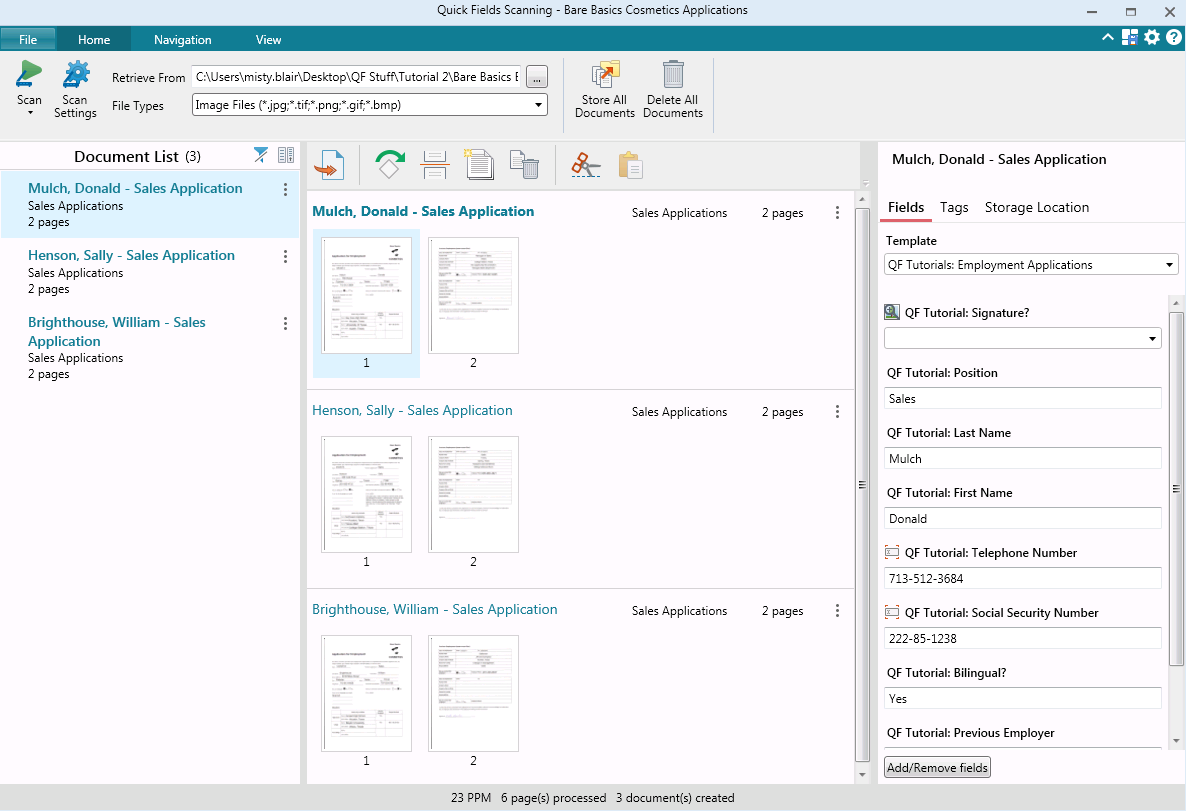  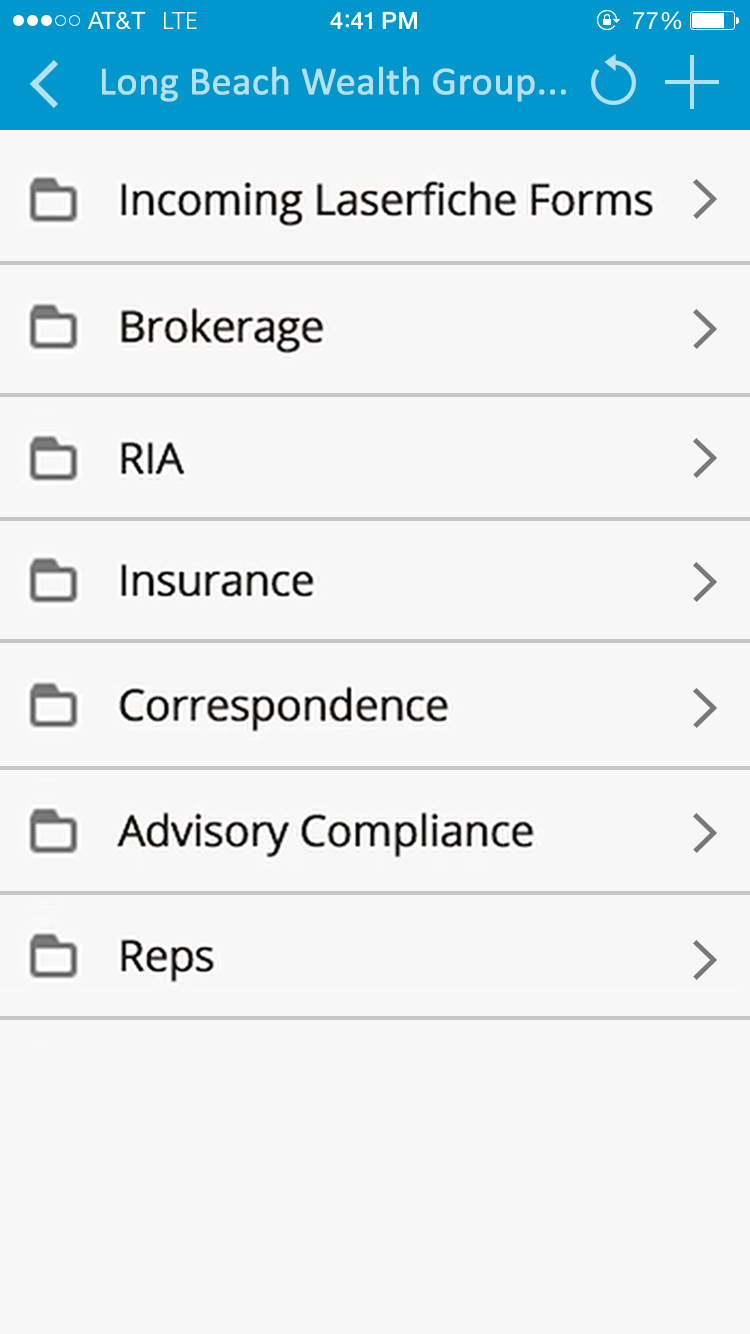 | SmartSuite Screenshots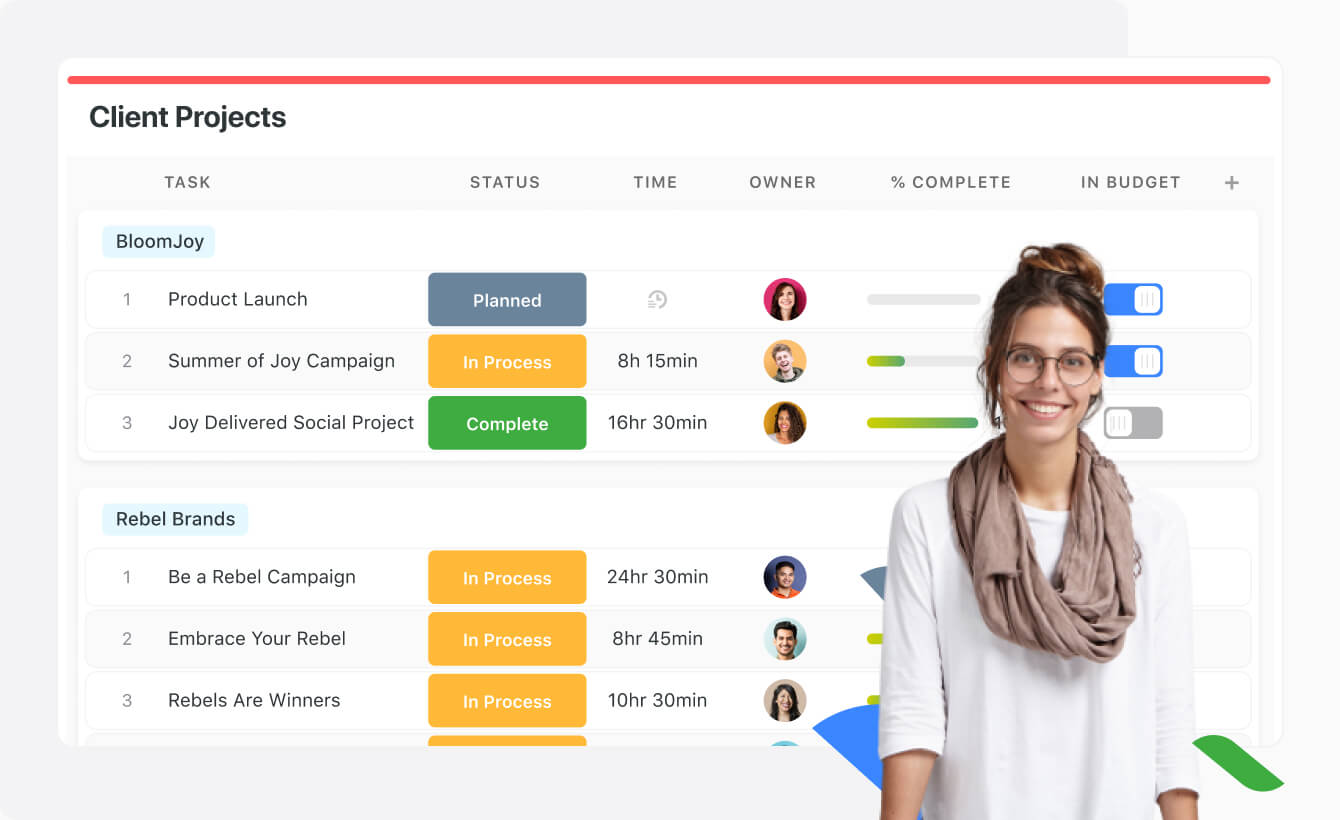    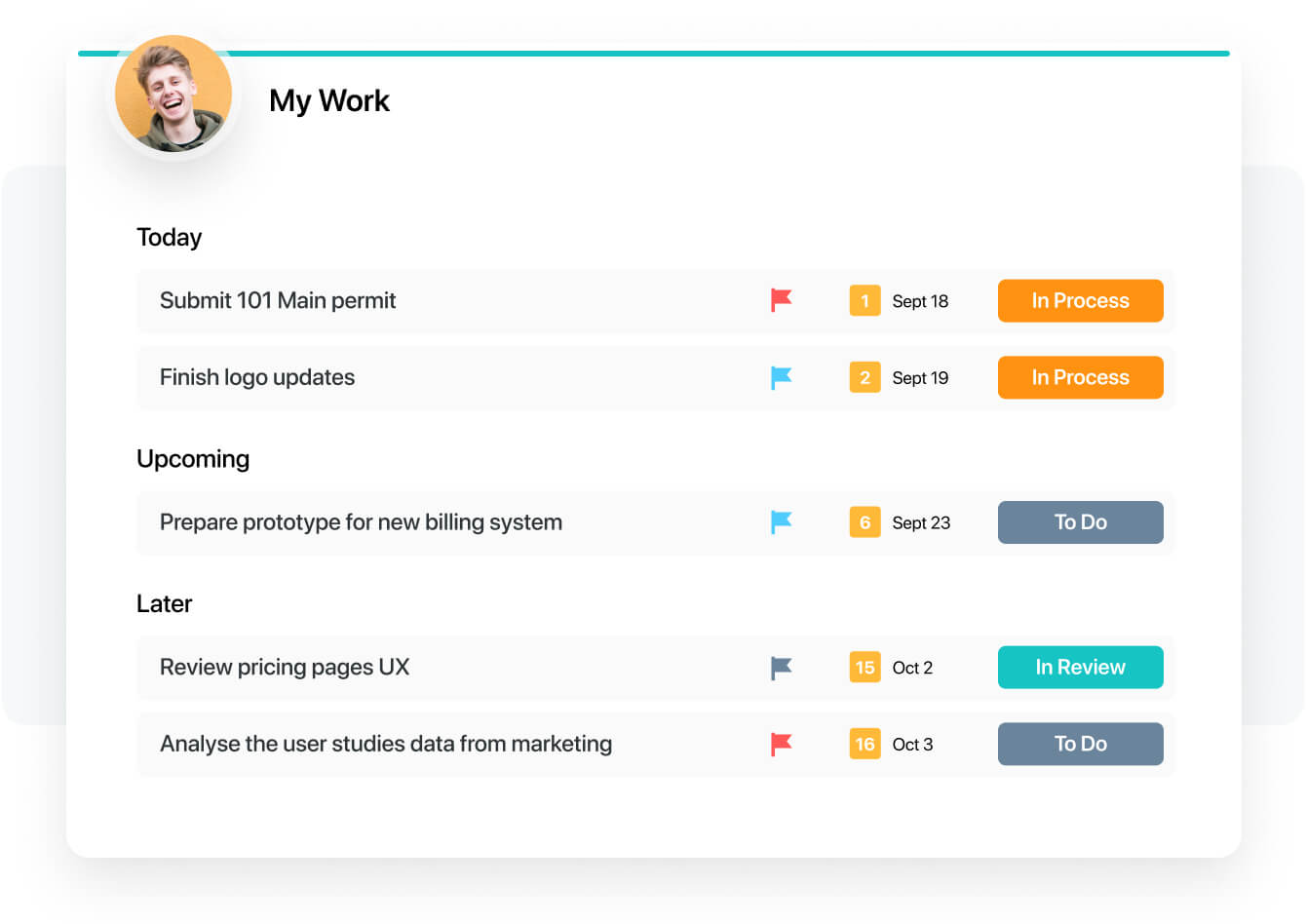  |