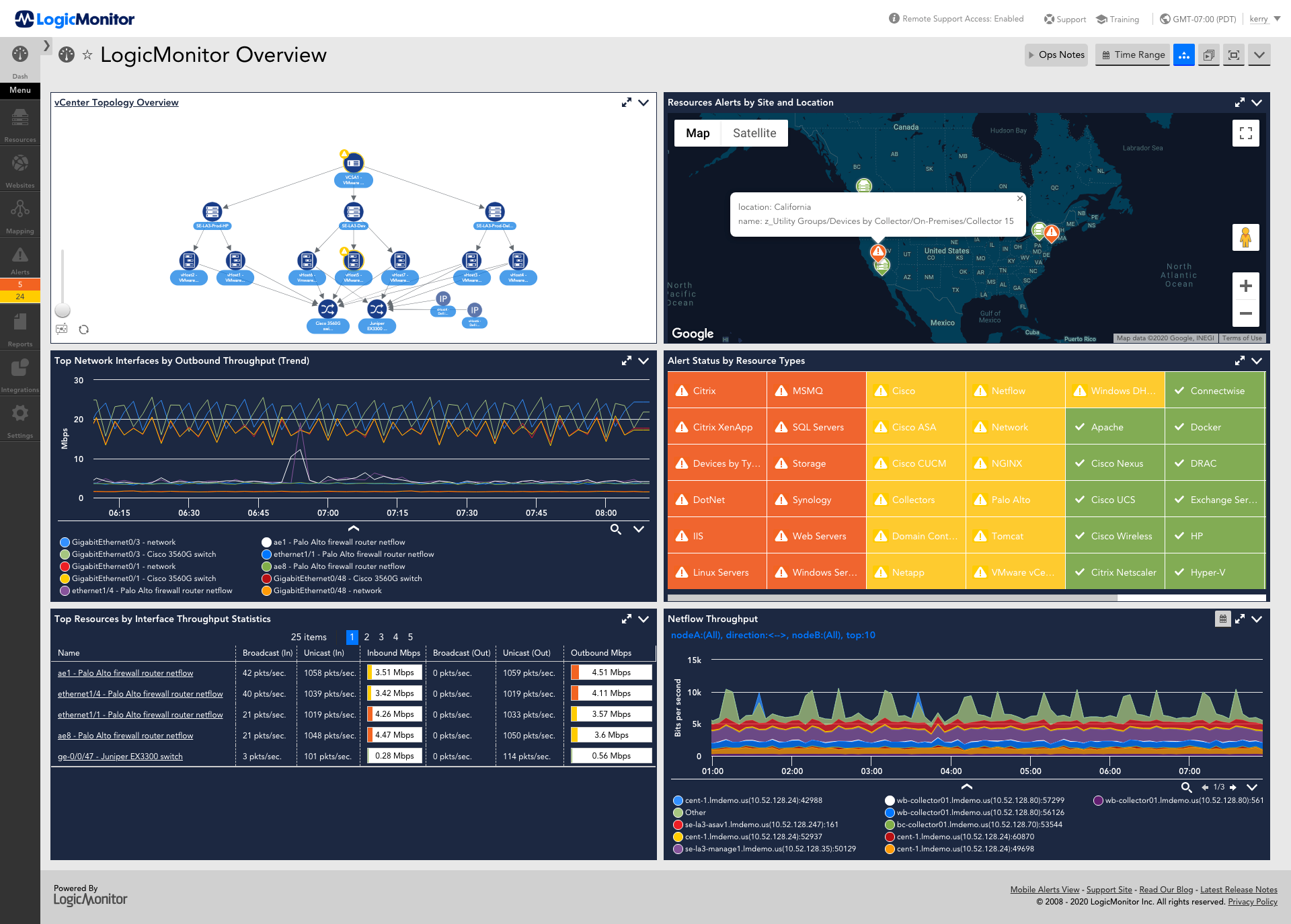
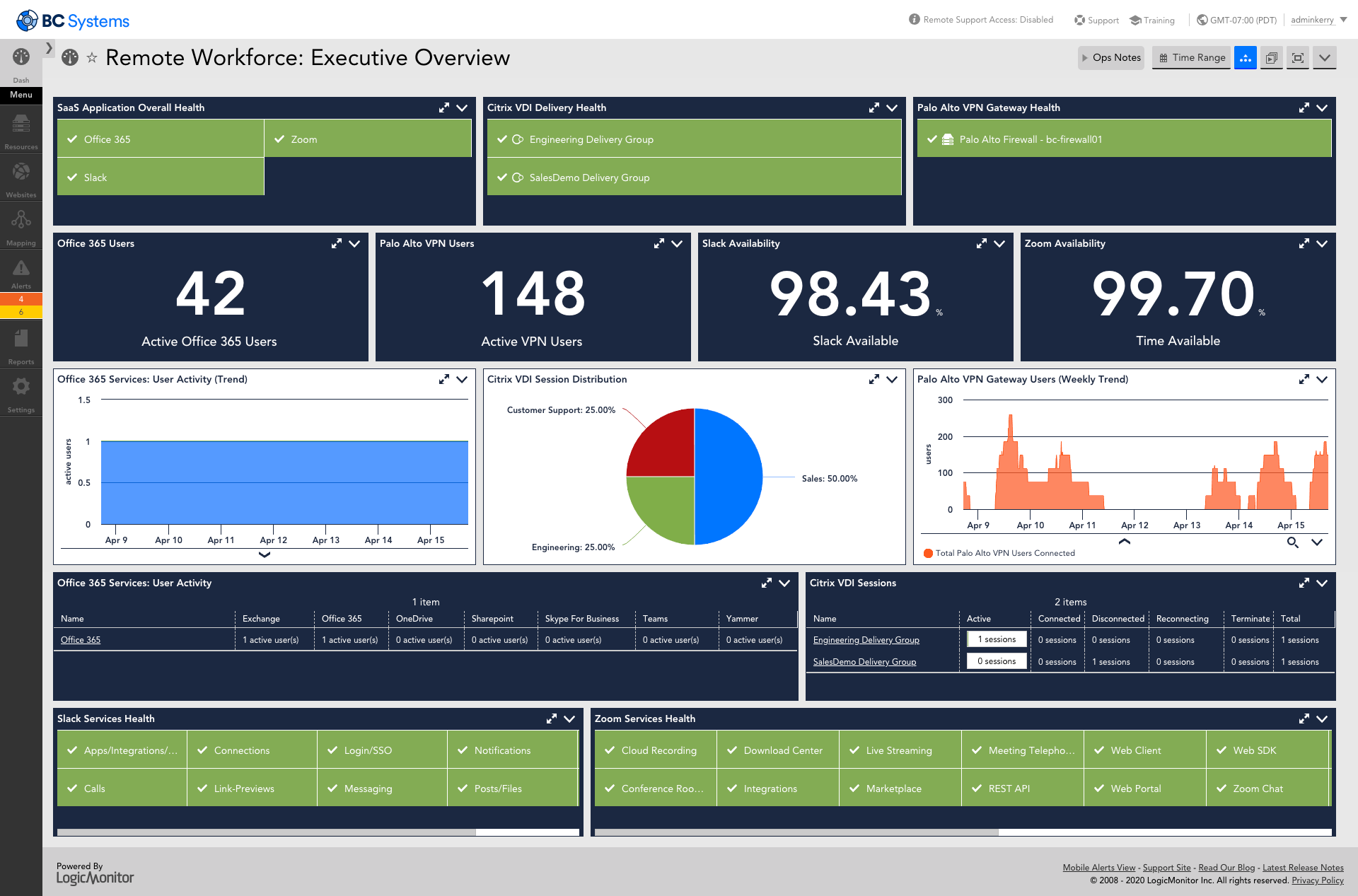
LogicMonitor’s SaaS-based platform, LM Envision, enables observability across on-prem and multi-cloud environments. It provides IT and business teams operational visibility and predictability across their technologies and applications.
N/A
Nagios Core
Score7.7 out of 10
N/A
Nagios provides monitoring of all mission-critical infrastructure components. Multiple APIs and community-build add-ons enable integration and monitoring with in-house and third-party applications for optimized scaling.
N/A
Pricing
LogicMonitor
Nagios Core
Editions & Modules
Enterprise
Contact sales team
Website Monitoring
Contact sales team
Single License
Free
Offerings
Pricing Offerings
LogicMonitor
Nagios Core
Free Trial
Yes
Yes
Free/Freemium Version
No
Yes
Premium Consulting/Integration Services
Yes
Yes
Entry-level Setup Fee
No setup fee
No setup fee
Additional Details
Our platform is broken down into Pro and Enterprise Pricing. Pro includes monitoring for all of your cloud, hybrid, and on-premises infrastructure. Our Enterprise package includes all of this, plus our AIOps and Machine Learning functionality that provides dynamic thresholds, root cause analysis, anomaly detection and more!
LogicMonitor only charges by the device. What is considered a device? A device is anything with an IP address that you want to monitor, including a physical device or a cloud resource. This means multiple data sources under the same IP address can be monitored for the same price. Unlike some monitoring platforms. we don’t charge per node, interface, or metric.
Project Engineer in Manufacturing at APEX Companies (Transportation/Trucking/Railroad, 51-200 employees)
Chose LogicMonitor
It was a fantastic product, but I used it in my previous company. After I changed jobs, I became familiar with LogicMonitor because my current employer was considering it. I must say I have not faced any issue within my career since the time I started using it, and we are happy …
A de minimis incentive was given to thank the reviewer for their time. The incentive was not used to bias or drive a particular response, nor was the incentive contingent on a positive endorsement. More Info
Verified User
Chose LogicMonitor
Because LogicMonitor is easy to use and not as expensive as Nagios. LogicMonitor has more functions and is more intuitive to resolve the issues raised.
A de minimis incentive was given to thank the reviewer for their time. The incentive was not used to bias or drive a particular response, nor was the incentive contingent on a positive endorsement. More Info
Verified User
Chose LogicMonitor
The main advantage I see on LogicMonitor among the three is its web user interface, easy installation and setup, huge number of devices that can be monitored from single source, agentless monitoring, custom report generation in seamless manner, customized dashboard of key areas …
A de minimis incentive was given to thank the reviewer for their time. The incentive was not used to bias or drive a particular response, nor was the incentive contingent on a positive endorsement. More Info
Verified User
Chose LogicMonitor
We are only in a POC with LogicMonitor but what really makes this tool stand out in our opinion is its excellent discovery capabilities. I'd put this on a par with Dynatrace (which uses AI to discover and map out application and associated infrastructure) for sure. Of course, …
A de minimis incentive was given to thank the reviewer for their time. The incentive was not used to bias or drive a particular response, nor was the incentive contingent on a positive endorsement. More Info
Verified User
Chose LogicMonitor
Overall, excellent support and compatibility with mostly every device.
A de minimis incentive was given to thank the reviewer for their time. The incentive was not used to bias or drive a particular response, nor was the incentive contingent on a positive endorsement. More Info
CEO in Information Technology at Be Structured Technology Group, Inc. (Information Technology and Services, 11-50 employees)
Chose LogicMonitor
Nagios and Zabbix, while extremely powerful, flexible, and free/Open Source, are extremely complex to administrator especially in an MSP environment. They aren't so bad as an in-house tool, but for an MSP the amount of resources you'll throw at them to make them function for …
A de minimis incentive was given to thank the reviewer for their time. The incentive was not used to bias or drive a particular response, nor was the incentive contingent on a positive endorsement. More Info
Operations Team Lead in Information Technology at Health Care Logistics (Hospital & Health Care, 201-500 employees)
Chose LogicMonitor
Out of the ones we looked at, LogicMonitor was a lot easier to use. We also felt it was at a good price point for our business needs. It was not free but some of those free programs also did not do everything we needed.
A de minimis incentive was given to thank the reviewer for their time. The incentive was not used to bias or drive a particular response, nor was the incentive contingent on a positive endorsement. More Info
Verified User
Chose LogicMonitor
LogicMonitor was the fastest to deploy and is the easiest to understand and manage of any of the previous platforms that I've used for monitoring, in part because it is cloud-based. It also does a good job at managing a wide range of devices. For our organization that has …
A de minimis incentive was given to thank the reviewer for their time. The incentive was not used to bias or drive a particular response, nor was the incentive contingent on a positive endorsement. More Info
For environments that mostly use VMs and baremetal devices, LogicMonitor is a fantastic choice. It lends itself especially well to situations where you want individual teams to be able to manage the monitoring and observability of their own domains, and if you take the time to customize it to your environment in the frontend, you can get to the point where your LogicMonitor platform administrators are very rarely needed.
A de minimis incentive was given to thank the reviewer for their time. The incentive was not used to bias or drive a particular response, nor was the incentive contingent on a positive endorsement. More Info
Nagios monitoring is well suited for any mission critical application that requires per/second (or minute) monitoring. This would probably include even a shuttle launch. As Nagios was built around Linux, most (85%) plugins are Linux based, therefore its more suitable for a Linux environment.
As Nagios (and dependent components) requires complex configurations & compilations, an experienced Linux engineer would be needed to install all relevant components.
Any company that has hundreds (or thousands) of servers & services to monitor would require a stable monitoring solution like Nagios. I have seen Nagios used in extremely mediocre ways, but the core power lies when its fully configured with all remaining open-source components (i.e. MySQL, Grafana, NRDP etc). Nagios in the hands of an experienced Linux engineer can transform the organizations monitoring by taking preventative measures before a disaster strikes.
A de minimis incentive was given to thank the reviewer for their time. The incentive was not used to bias or drive a particular response, nor was the incentive contingent on a positive endorsement. More Info
A de minimis incentive was given to thank the reviewer for their time. The incentive was not used to bias or drive a particular response, nor was the incentive contingent on a positive endorsement. TR verified that a representative sample of customers was invited. More Info
A de minimis incentive was given to thank the reviewer for their time. The incentive was not used to bias or drive a particular response, nor was the incentive contingent on a positive endorsement. More Info
A de minimis incentive was given to thank the reviewer for their time. The incentive was not used to bias or drive a particular response, nor was the incentive contingent on a positive endorsement. More Info
Nagios could use core improvements in HA, though, Nagios itself recommends monitoring itself with just another Nagios installation, which has worked fine for us. Given its stability, and this work-around, a minor need.
Nagios could also use improvements, feature wise, to the web gui. There is a lot in Nagios XI which I felt were almost excluded intentionally from the core project. Given the core functionality, a minor need. We have moved admin facing alerts to appear as though they originate from a different service to make interacting with alerts more practical.
A de minimis incentive was given to thank the reviewer for their time. The incentive was not used to bias or drive a particular response, nor was the incentive contingent on a positive endorsement. More Info
This product has met virtually all of our needs. It was easy to implement and has been simple to support. Customization has been intuitive with many options available. They keep adding features and expanding available options. The future of LogicMonitor looks even better than it is today which is very promising. The management and support teams at LogicMonitor are always helpful
A de minimis incentive was given to thank the reviewer for their time. The incentive was not used to bias or drive a particular response, nor was the incentive contingent on a positive endorsement. More Info
We're currently looking to combine a bunch of our network montioring solutions into a single platform. Running multiple unique solutions for monitoring, data collection, compliance reporting etc has become a lot to manage.
A de minimis incentive was given to thank the reviewer for their time. The incentive was not used to bias or drive a particular response, nor was the incentive contingent on a positive endorsement. More Info
Set up is super easy. Just stand up a small Linux or Windows server to act as a collector. There are no agents to install on monitored devices and all you need is SNMP or WMI access. When creating dashboards, all you have to do is find the widget on the device you want to show up and choose the menu option to add it.
A de minimis incentive was given to thank the reviewer for their time. The incentive was not used to bias or drive a particular response, nor was the incentive contingent on a positive endorsement. More Info
The Nagios UI is in need of a complete overhaul. Nice graphics and trendy fonts are easy on the eyes, but the menu system is dated, the lack of built in graphing support is confusing, and the learning curve for a new user is too steep.
A de minimis incentive was given to thank the reviewer for their time. The incentive was not used to bias or drive a particular response, nor was the incentive contingent on a positive endorsement. More Info
The sales team support we received was top notch. They worked hand in hand to make sure the product met all expectations. So far we have not really had to work with support that much; we have worked with setup team after purchase to deploy product fully. No issues so far and we are four weeks in.
A de minimis incentive was given to thank the reviewer for their time. The incentive was not used to bias or drive a particular response, nor was the incentive contingent on a positive endorsement. More Info
I haven't had to use support very often, but when I have, it has been effective in helping to accomplish our goals. Since Nagios has been very popular for a long time, there is also a very large user base from which to learn from and help you get your questions answered.
A de minimis incentive was given to thank the reviewer for their time. The incentive was not used to bias or drive a particular response, nor was the incentive contingent on a positive endorsement. More Info
A de minimis incentive was given to thank the reviewer for their time. The incentive was not used to bias or drive a particular response, nor was the incentive contingent on a positive endorsement. More Info
A de minimis incentive was given to thank the reviewer for their time. The incentive was not used to bias or drive a particular response, nor was the incentive contingent on a positive endorsement. More Info
The implementation experience was awesome for me, as the LogicMonitor team was really helpful to us. They installed everything on our primary server and provided clear, intelligible explanations. They even trained our non-tech team on it as well. Therefore, my team and I had a very simple and pleasurable implementation experience.
A de minimis incentive was given to thank the reviewer for their time. The incentive was not used to bias or drive a particular response, nor was the incentive contingent on a positive endorsement. More Info
Our business used the trial period they provided on one of our systems and conducted sessions with all of this software. Our team tested all of these software options before deciding on LogicMonitor, as our business is expanding daily and we needed a system that could accommodate our growing workforce and automatically add systems to our network, which LogicMonitor alone provided.
A de minimis incentive was given to thank the reviewer for their time. The incentive was not used to bias or drive a particular response, nor was the incentive contingent on a positive endorsement. TR verified that a representative sample of customers was invited. More Info
Because we get all we required in Nagios [Core] and for npm, we have to do lots of configuration as it is not as easy as Comair to Nagios [Core]. On npm UI, there is lots of data, so we are not able to track exact data for analysis, which is why we use Nagios [Core].
Pricing seems to be getting more and more aggressive, I worry that it's going to turn into ServiceNow or SAP and everything minor feature will be an extreme cost that prices out us and our customers
A de minimis incentive was given to thank the reviewer for their time. The incentive was not used to bias or drive a particular response, nor was the incentive contingent on a positive endorsement. More Info
Haven't really used it but our initial onboarding PS was disappointing. Felt like we were being told what we needed to cover as opposed to what we wanted to cover. In addition, we were pushed into using the PS in tight time frames and we were not ready to do so.
A de minimis incentive was given to thank the reviewer for their time. The incentive was not used to bias or drive a particular response, nor was the incentive contingent on a positive endorsement. More Info
A de minimis incentive was given to thank the reviewer for their time. The incentive was not used to bias or drive a particular response, nor was the incentive contingent on a positive endorsement. TR verified that a representative sample of customers was invited. More Info
With it being a free tool, there is no cost associated with it, so it's very valuable to an organization to get something that is so great and widely used for free.
You can set up as many alerts as you want without incurring any fees.
A de minimis incentive was given to thank the reviewer for their time. The incentive was not used to bias or drive a particular response, nor was the incentive contingent on a positive endorsement. More Info