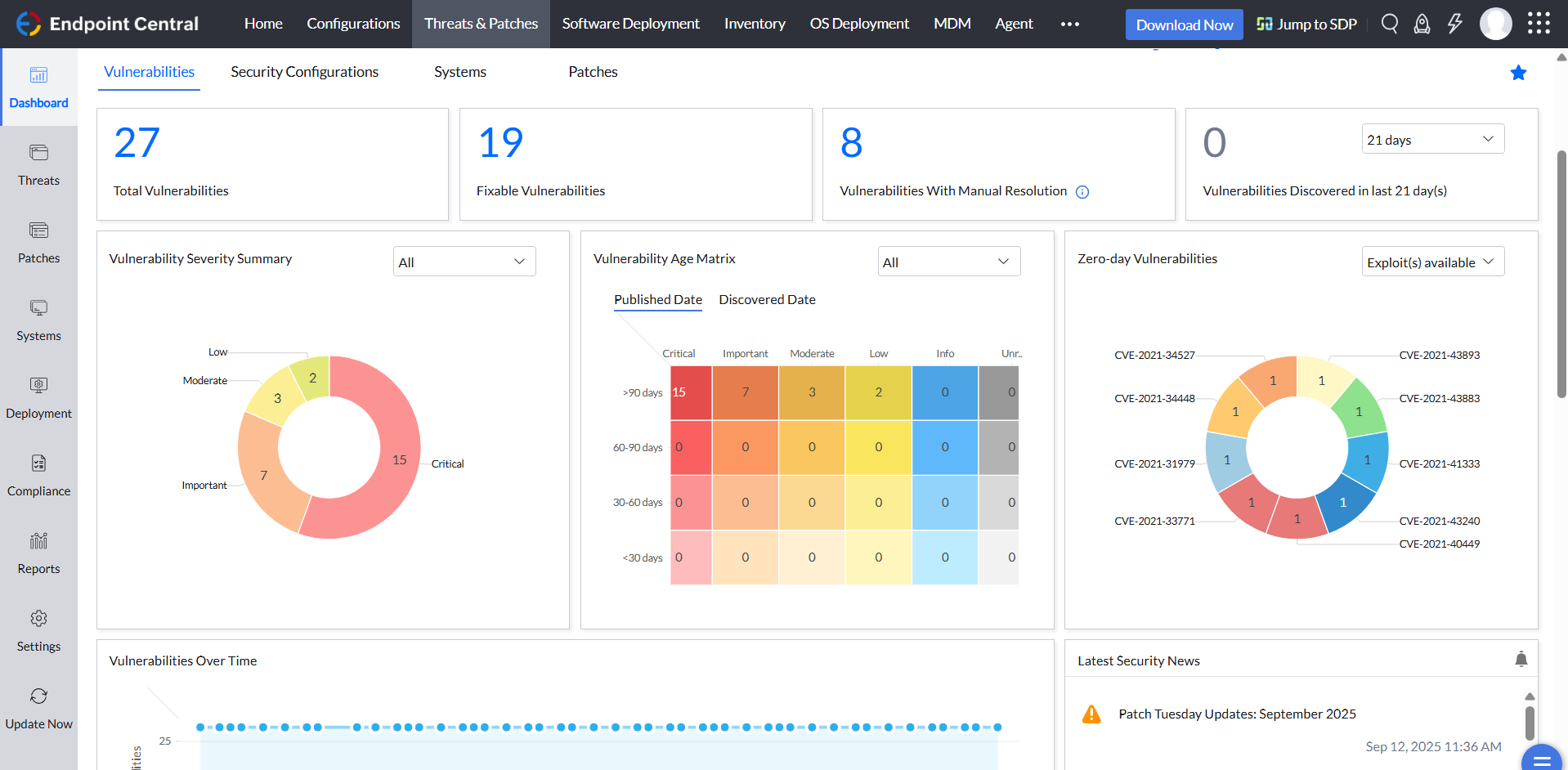
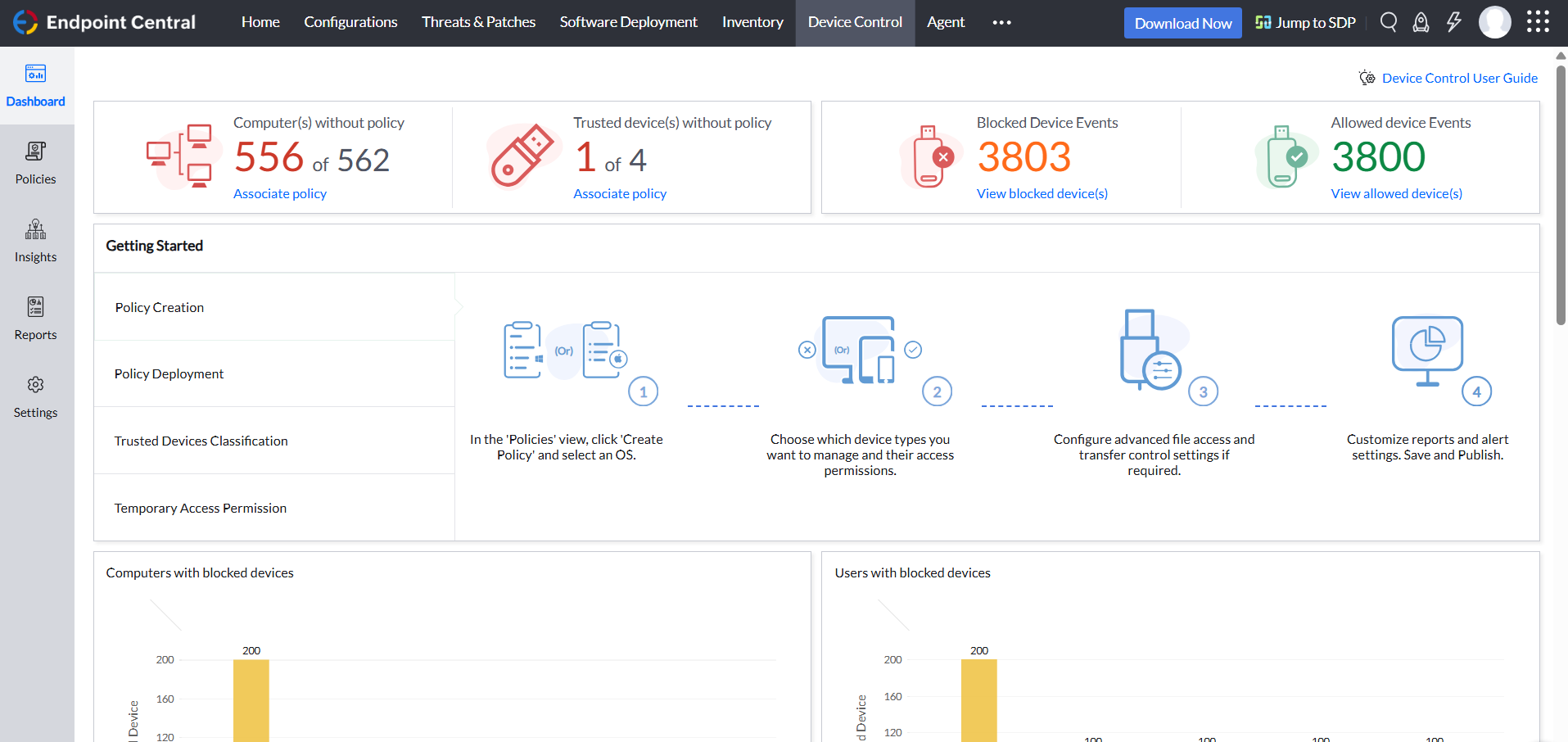
Desktop Central from ManageEngine is a client desktop management with patching, remote control, and configuration.
$795
per year per user
Workspace ONE UEM
Score7.2 out of 10
N/A
VMware acquired Airwatch in 2014. Now from Omnissa, Workspace ONE is a Unified Endpoint Management (UEM) solution and is available in Standard, Advanced, Enterprise, and Advanced for VDI editions.
Application Administrator in Information Technology at Fiberhost S.A. (Telecommunications, 201-500 employees)
Chose ManageEngine Endpoint Central
For me, Endpoint Central belongs to the big three (WS1, Intune, Endpoint Central), so it's better in its own third-party app repo, Vulnerabilities report, Script deployment, OS Management, and Communication between the server and the endpoint. Is no worse than WS1 in Endpoint …
A de minimis incentive was given to thank the reviewer for their time. The incentive was not used to bias or drive a particular response, nor was the incentive contingent on a positive endorsement. More Info
Verified User
Chose ManageEngine Endpoint Central
I came into the company while the already had ManageEngine Endpoint Central. Frankly, I have attempted to switch our company to a different platform due to its confusing interface, lack of quality support when I have connected support, and lack of features then I have used in …
A de minimis incentive was given to thank the reviewer for their time. The incentive was not used to bias or drive a particular response, nor was the incentive contingent on a positive endorsement. More Info
A de minimis incentive was given to thank the reviewer for their time. The incentive was not used to bias or drive a particular response, nor was the incentive contingent on a positive endorsement. More Info
For small businesses, it is also free, which, for what it offers, is really helpful. It works better than similar products, such as SCCM, both within and outside the internal network. I do not see scenarios in which it could be less appropriate.
Workspace ONE Unified Endpoint Management is best suited for mid to large-size companies that require all the functions that it presents. It is a plus if you are well known with the VMWare "Horizon" ecosystem and use some of these solutions. It's to hard and resource intensive to setup and manage for small companies. Next to that it is to costly for only basic functionality compared to other solutions
A de minimis incentive was given to thank the reviewer for their time. The incentive was not used to bias or drive a particular response, nor was the incentive contingent on a positive endorsement. More Info
We set alerts when a devices gets low on disk space. That is automatic and creates a ticket in ME SDP. We are then able to Add space to a VM Desktop, and then go thru ManageEngine Endpoint Central to extend the drives so the entire process can be done without interruption to the end user.
Using the patch scans we can easily see what patches have been installed for all manufacturers not just Microsoft, without having to physically go to the device. It also allows us to choose which patches we want to push out and automate the process so we can be hands off, freeing up out time for other things.
Remote access to devices. This allows us to remotely make changes, not just via remote control but also make registry changes and clean up space without going to the device and without interruption to the end user.
Alerts. We have set up to get email alerts when new hardware is plugged into any computers. This lets us know if someone is bringing in un-authorized equipment (thumb drives, hubs, etc) to better manage what is/is not on our network.
A de minimis incentive was given to thank the reviewer for their time. The incentive was not used to bias or drive a particular response, nor was the incentive contingent on a positive endorsement. TR verified that a representative sample of customers was invited. More Info
Enrollment is a snap with many different options. This allows organizations with corporately owned or BYOD programs to bring devices under management in a flexible and scalable solution.
Deployment of apps-AirWatch makes deploying apps across your organization simple a quick.
AirWatch is usually close to "Zero Day" ready with major hardware manufacturers updated features. Many of the Android and iOS updated features are incorporated into the environments almost as soon as they are released.
AirWatch has great customer service. This was not always the case but as the company has grown over the last year in particular, I have been receiving better customer service compared to other MDMs.
A de minimis incentive was given to thank the reviewer for their time. The incentive was not used to bias or drive a particular response, nor was the incentive contingent on a positive endorsement. More Info
A de minimis incentive was given to thank the reviewer for their time. The incentive was not used to bias or drive a particular response, nor was the incentive contingent on a positive endorsement. More Info
On-Premises solution is very slow compared to SAS and which is causing many issues while accessing emails on a device, server management, contacts sync issues, Reporting issue
AirWatch Inbox application was very buggy and created a lot of issue in our organization and it seems no one is happy with the performance AirWatch Inbox is giving.
It is very costly as per analysis provided by Gartner quadrant and for a small organization or for small user base it is not that much suitable.
ManageEngine is considered an excellent product due to its comprehensive suite of solutions for IT management, with ManageEngine Endpoint Central specifically excelling in endpoint management. The platform stands out for its user-friendly interface, robust features, and versatility in addressing diverse IT needs. It offers organizations a centralized solution for endpoint security, patch management, software deployment, and asset management
We've used it for 3 years and our contract is up later this year. We own the licenses, but we would have to either renew cloud services or bring the services in-house and install on servers here. We may want to see what's new in the marketplace that could be just as useful and cost effective.
A de minimis incentive was given to thank the reviewer for their time. The incentive was not used to bias or drive a particular response, nor was the incentive contingent on a positive endorsement. More Info
Not using WNS to communicate with the endpoint console is a big plus. We now use Workspace One, and WNS can be really annoying at times. After deployment, it cleans itself, which is important for us because our current solution leaves the package on the computer and requires maintenance. The remotely script command is a lifesaver.
A de minimis incentive was given to thank the reviewer for their time. The incentive was not used to bias or drive a particular response, nor was the incentive contingent on a positive endorsement. More Info
It works well for our environment and what we're using it for. It actually does more than we're currently utilizing, but I believe our needs will change in the near future and we could utilize more features.
A de minimis incentive was given to thank the reviewer for their time. The incentive was not used to bias or drive a particular response, nor was the incentive contingent on a positive endorsement. More Info
Just in the past few weeks our staff has had several issues with the website. It is either taking a long time to load anything or we are not able to get in at all. This is very frustrating when you are trying to manage and enroll users. It was down 2 days in a row just this past week. Not good!
A de minimis incentive was given to thank the reviewer for their time. The incentive was not used to bias or drive a particular response, nor was the incentive contingent on a positive endorsement. More Info
Went over the availability just a minute ago on the last rating. Don't use the reporting too much but will likely begin that soon. Integration with Active Directory doesn't seem to bog either system down.
A de minimis incentive was given to thank the reviewer for their time. The incentive was not used to bias or drive a particular response, nor was the incentive contingent on a positive endorsement. More Info
The immediate chat support is great and very helpful. However, if you need escalated support or have a deeper need that the chat tool can't help with, you will experience significant wait times and slow responses. The time zone difference becomes painful to the point of often just giving up.
There is a separate portal for Workspace One + Chat function. The support is fast but sometime you need a little but luck that the right person is supporting your case. Case escalation is not really working.
A de minimis incentive was given to thank the reviewer for their time. The incentive was not used to bias or drive a particular response, nor was the incentive contingent on a positive endorsement. More Info
It seems that the services offered with the purchase change from what is covered to what is an additional cost. Somethings I thought we had ended up requiring an additional purchase if we wanted to continue using the feature.
A de minimis incentive was given to thank the reviewer for their time. The incentive was not used to bias or drive a particular response, nor was the incentive contingent on a positive endorsement. More Info
AirWatch support was included and helped with every step of the implementation. They have their "university" with helpful documents and phone support 24x7.
A de minimis incentive was given to thank the reviewer for their time. The incentive was not used to bias or drive a particular response, nor was the incentive contingent on a positive endorsement. More Info
I was not a part of the initial selection process, but I understand the issue was related to cost per endpoint. As a user of the other solutions I would say that the other solutions do have other strengths that ManageEngine is missing. The remote access tools are superior but at the end of the day you get what you pay for.
A de minimis incentive was given to thank the reviewer for their time. The incentive was not used to bias or drive a particular response, nor was the incentive contingent on a positive endorsement. More Info
Airwatch remains a leader in Gartner's Magic Quadrant and meets the data mobility needs of our organization. We are looking at moving to the cloud with Office365 and are evaluating the Intune/EMS/MAM/Rights Management suite. We have set up both Airwatch and Intune/EMS/MAM/Rights Management in a lab environment and have compiled some good comparison data and are looking to further evaluate these products. From our testing Airwatch has good integration with Office365 and is more feature rich and has more robust controls in both the MDM and Data Management/Security space. If someone is looking for a more simple solution without MDM and they are considering providing email and calendar access only Intune/MAM may be the way to go.
A de minimis incentive was given to thank the reviewer for their time. The incentive was not used to bias or drive a particular response, nor was the incentive contingent on a positive endorsement. More Info
A de minimis incentive was given to thank the reviewer for their time. The incentive was not used to bias or drive a particular response, nor was the incentive contingent on a positive endorsement. More Info
A de minimis incentive was given to thank the reviewer for their time. The incentive was not used to bias or drive a particular response, nor was the incentive contingent on a positive endorsement. TR verified that a representative sample of customers was invited. More Info
Visibility of all support team, their location, apps installed on devices and security level, which guarantees information is secure.
Users don't have the time to be spending their telecom plans on apps that are not accepted for corporate use. So, this plans can be controlled and money saved.
Cost happens to be an OpEx one, and even though it is not visible in ROI, when you calculate how much money represents data leak, information lost, users not arriving to attend customers, and more. The cost is giving you a return on customer satisfaction and continuity.
A de minimis incentive was given to thank the reviewer for their time. The incentive was not used to bias or drive a particular response, nor was the incentive contingent on a positive endorsement. More Info