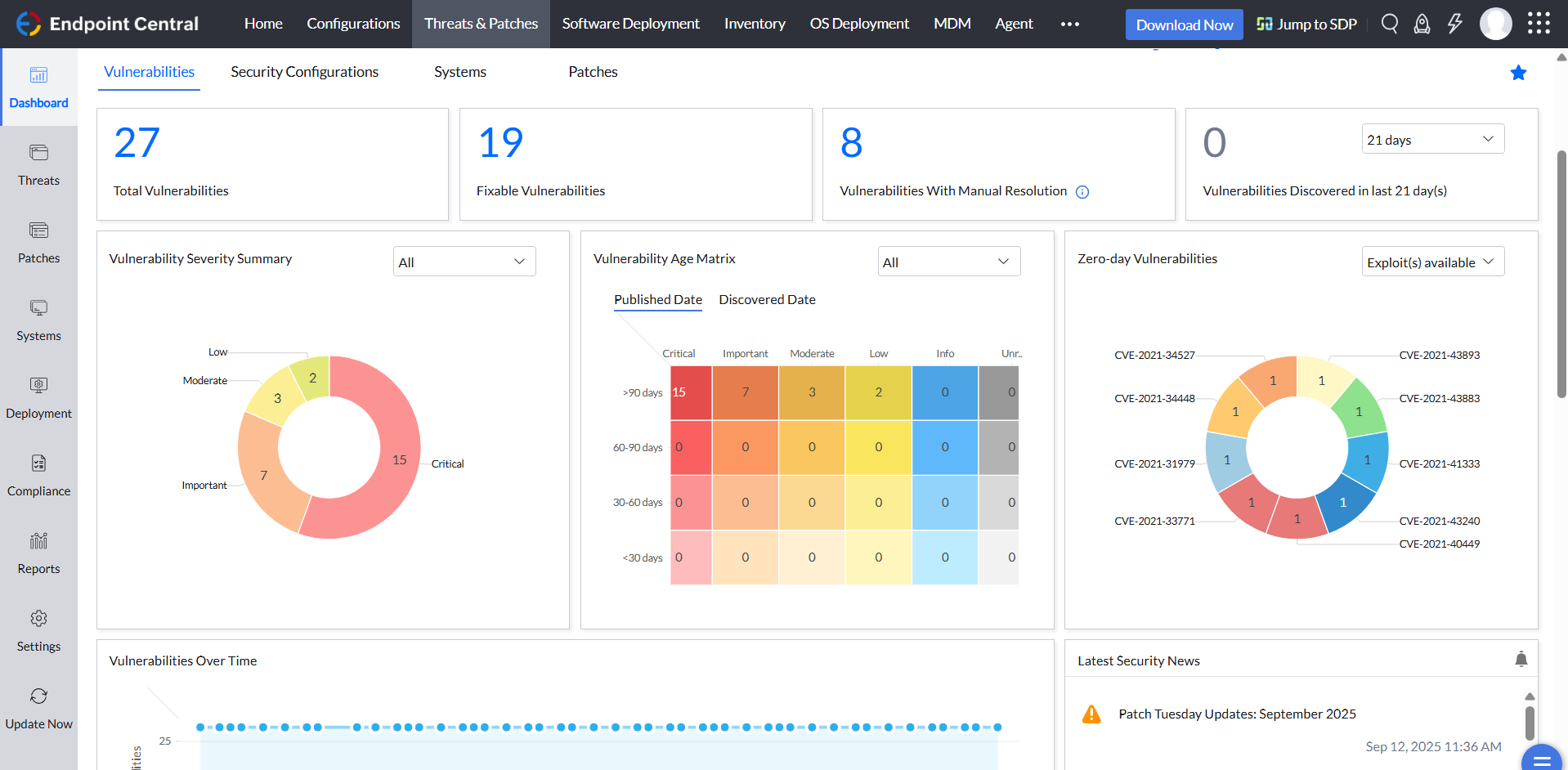
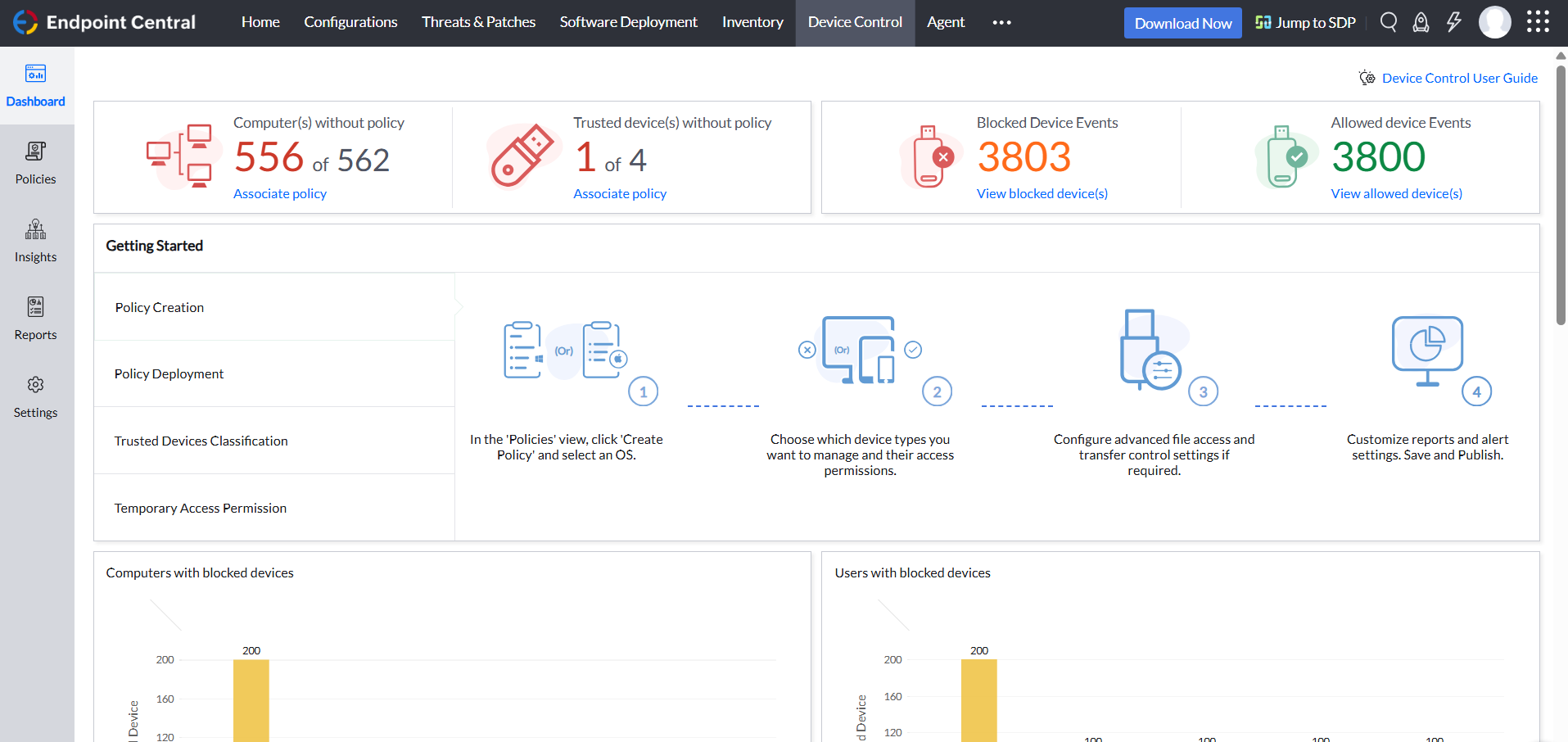
Desktop Central from ManageEngine is a client desktop management with patching, remote control, and configuration.
$795
per year per user
Snow License Manager
Score4.3 out of 10
N/A
Snow License Manager enables organizations to gain an accurate view of software usage and entitlements. Organizations can then dynamically reconcile these findings against license entitlements to optimize their IT environments and be audit-ready. HOW IT WORKS Snow License Manager is the central hub for the Snow Software Asset Management platform, providing a unified view of installed software, SaaS, cloud resources and hardware. With Snow License Manager, usage data is…
For small businesses, it is also free, which, for what it offers, is really helpful. It works better than similar products, such as SCCM, both within and outside the internal network. I do not see scenarios in which it could be less appropriate.
I have said at a number of events that I have attended, where other suppliers have shown their latest and greatest new thing, it is the fundamentals that need to work, and need to work well, and this is what Snow License Manager does. It does not take a team of 100 staff to get the tool working or to keep the tool functioning, it works and is stable out of the box. We have learnt that putting the right processes in at the start means that Snow License Manager can do what it has been designed to do and what we have paid for it to do. Audits from vendors now days are relatively simple actions, with the Snow License Manager doing it's job we can quickly run a report and know exactly what our position is and then act accordingly, quick, simple and accurate data at your finger tips, as long as you put the work in to enter the license details etc. If Snow License Manager could invent a robot to go around the business and find all these bits of paper for us then that would be perfect.
A de minimis incentive was given to thank the reviewer for their time. The incentive was not used to bias or drive a particular response, nor was the incentive contingent on a positive endorsement. TR verified that a representative sample of customers was invited. More Info
We set alerts when a devices gets low on disk space. That is automatic and creates a ticket in ME SDP. We are then able to Add space to a VM Desktop, and then go thru ManageEngine Endpoint Central to extend the drives so the entire process can be done without interruption to the end user.
Using the patch scans we can easily see what patches have been installed for all manufacturers not just Microsoft, without having to physically go to the device. It also allows us to choose which patches we want to push out and automate the process so we can be hands off, freeing up out time for other things.
Remote access to devices. This allows us to remotely make changes, not just via remote control but also make registry changes and clean up space without going to the device and without interruption to the end user.
Alerts. We have set up to get email alerts when new hardware is plugged into any computers. This lets us know if someone is bringing in un-authorized equipment (thumb drives, hubs, etc) to better manage what is/is not on our network.
A de minimis incentive was given to thank the reviewer for their time. The incentive was not used to bias or drive a particular response, nor was the incentive contingent on a positive endorsement. TR verified that a representative sample of customers was invited. More Info
A de minimis incentive was given to thank the reviewer for their time. The incentive was not used to bias or drive a particular response, nor was the incentive contingent on a positive endorsement. More Info
A de minimis incentive was given to thank the reviewer for their time. The incentive was not used to bias or drive a particular response, nor was the incentive contingent on a positive endorsement. More Info
A de minimis incentive was given to thank the reviewer for their time. The incentive was not used to bias or drive a particular response, nor was the incentive contingent on a positive endorsement. More Info
ManageEngine is considered an excellent product due to its comprehensive suite of solutions for IT management, with ManageEngine Endpoint Central specifically excelling in endpoint management. The platform stands out for its user-friendly interface, robust features, and versatility in addressing diverse IT needs. It offers organizations a centralized solution for endpoint security, patch management, software deployment, and asset management
Snow License Manager is an integrated part of our Licensing Compliance software solution. It does help us manage current license needs and actual license usage, as well as inventory shadow IT usage. The nice side effect of being able to see hardware specifications and keeping track of hardware usage by users is a bonus!
A de minimis incentive was given to thank the reviewer for their time. The incentive was not used to bias or drive a particular response, nor was the incentive contingent on a positive endorsement. More Info
Not using WNS to communicate with the endpoint console is a big plus. We now use Workspace One, and WNS can be really annoying at times. After deployment, it cleans itself, which is important for us because our current solution leaves the package on the computer and requires maintenance. The remotely script command is a lifesaver.
A de minimis incentive was given to thank the reviewer for their time. The incentive was not used to bias or drive a particular response, nor was the incentive contingent on a positive endorsement. More Info
We currently have the on-premise solution, which is very good indeed. If we were starting working with Snow now, we'd probably select the Atlas (SaaS) managed platform. This would reduce/remove work required to keep the Snow servers up-to-date with Windows and software updates.
A de minimis incentive was given to thank the reviewer for their time. The incentive was not used to bias or drive a particular response, nor was the incentive contingent on a positive endorsement. More Info
A de minimis incentive was given to thank the reviewer for their time. The incentive was not used to bias or drive a particular response, nor was the incentive contingent on a positive endorsement. More Info
A de minimis incentive was given to thank the reviewer for their time. The incentive was not used to bias or drive a particular response, nor was the incentive contingent on a positive endorsement. More Info
The immediate chat support is great and very helpful. However, if you need escalated support or have a deeper need that the chat tool can't help with, you will experience significant wait times and slow responses. The time zone difference becomes painful to the point of often just giving up.
Is is easy to find information on their support site or to enter a support ticket. The response times are usually under a day and they don't hesitate to get into direct contact with you to solve the current issue.
A de minimis incentive was given to thank the reviewer for their time. The incentive was not used to bias or drive a particular response, nor was the incentive contingent on a positive endorsement. More Info
A de minimis incentive was given to thank the reviewer for their time. The incentive was not used to bias or drive a particular response, nor was the incentive contingent on a positive endorsement. More Info
It seems that the services offered with the purchase change from what is covered to what is an additional cost. Somethings I thought we had ended up requiring an additional purchase if we wanted to continue using the feature.
A de minimis incentive was given to thank the reviewer for their time. The incentive was not used to bias or drive a particular response, nor was the incentive contingent on a positive endorsement. More Info
A de minimis incentive was given to thank the reviewer for their time. The incentive was not used to bias or drive a particular response, nor was the incentive contingent on a positive endorsement. More Info
I was not a part of the initial selection process, but I understand the issue was related to cost per endpoint. As a user of the other solutions I would say that the other solutions do have other strengths that ManageEngine is missing. The remote access tools are superior but at the end of the day you get what you pay for.
A de minimis incentive was given to thank the reviewer for their time. The incentive was not used to bias or drive a particular response, nor was the incentive contingent on a positive endorsement. More Info
The deciding factor for the decision makers was the combination of license management and utilization statistics. Our desktop people wanted the utilization and reporting to be very granular and close to real time. Snow was purchased because they promoted their real time utilization in addition to the license management, alerting and reporting. To my knowledge, only Snow was given a proof of concept before the decision was made.
A de minimis incentive was given to thank the reviewer for their time. The incentive was not used to bias or drive a particular response, nor was the incentive contingent on a positive endorsement. More Info
A de minimis incentive was given to thank the reviewer for their time. The incentive was not used to bias or drive a particular response, nor was the incentive contingent on a positive endorsement. More Info
A de minimis incentive was given to thank the reviewer for their time. The incentive was not used to bias or drive a particular response, nor was the incentive contingent on a positive endorsement. More Info
A de minimis incentive was given to thank the reviewer for their time. The incentive was not used to bias or drive a particular response, nor was the incentive contingent on a positive endorsement. TR verified that a representative sample of customers was invited. More Info
A de minimis incentive was given to thank the reviewer for their time. The incentive was not used to bias or drive a particular response, nor was the incentive contingent on a positive endorsement. More Info