PTC offers Windchill, the company's Product Lifecycle Management (PLM) platform that includes BOM (a digital bill of materials) for cost and product quality control via parts-centric source of truth, dynamic and updated product change and configuration management to ensure up-to-date product information, industry standards and requirements validation and control, and role-based data access among other features.
N/A
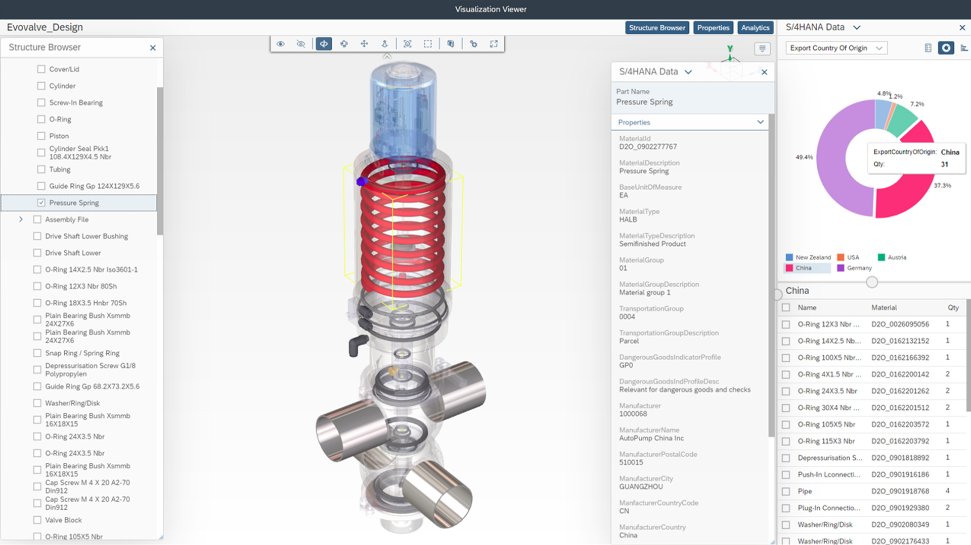
SAP Integrated Product Development
Score 9.0 out of 10
N/A
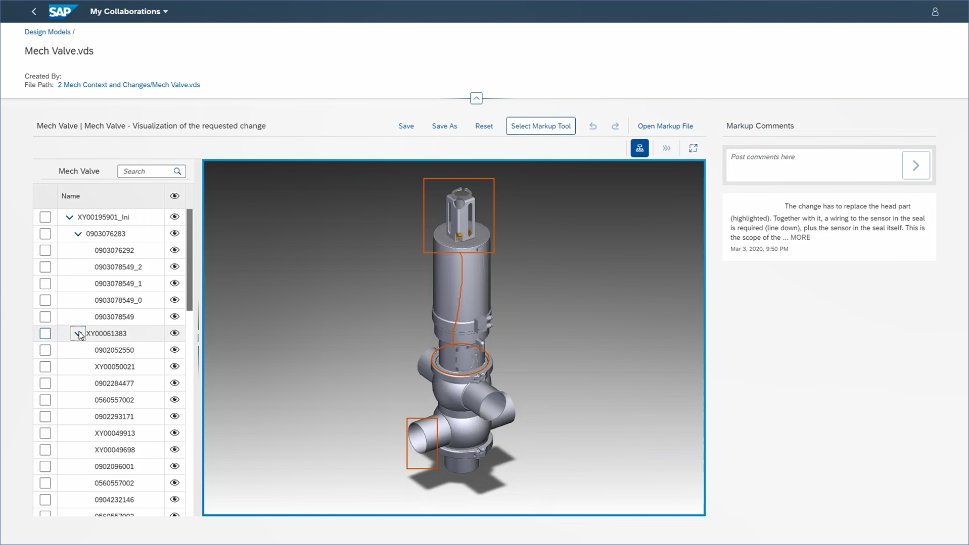
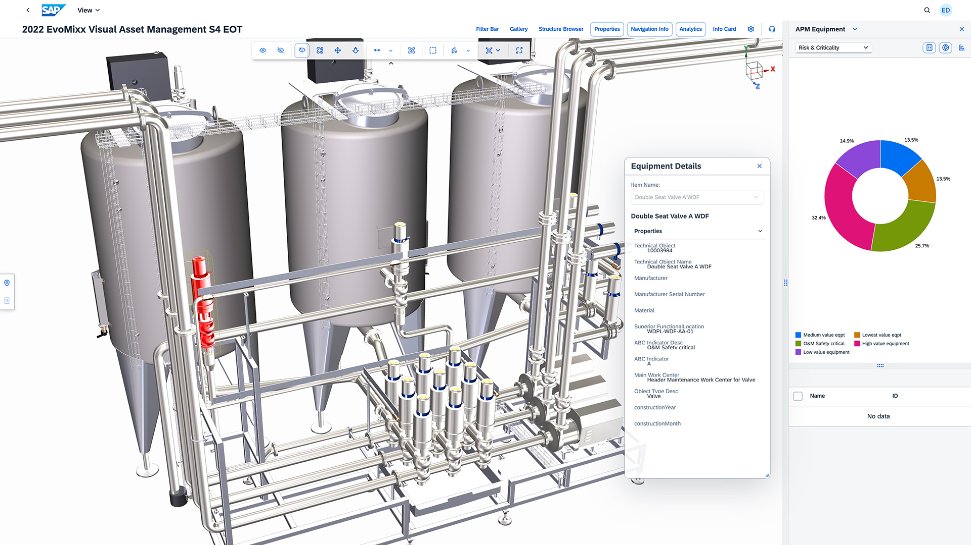
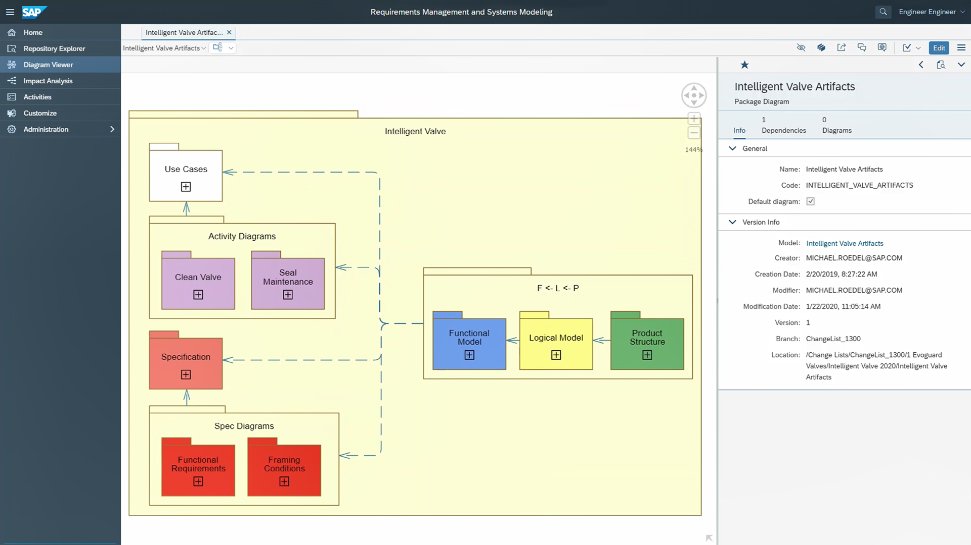
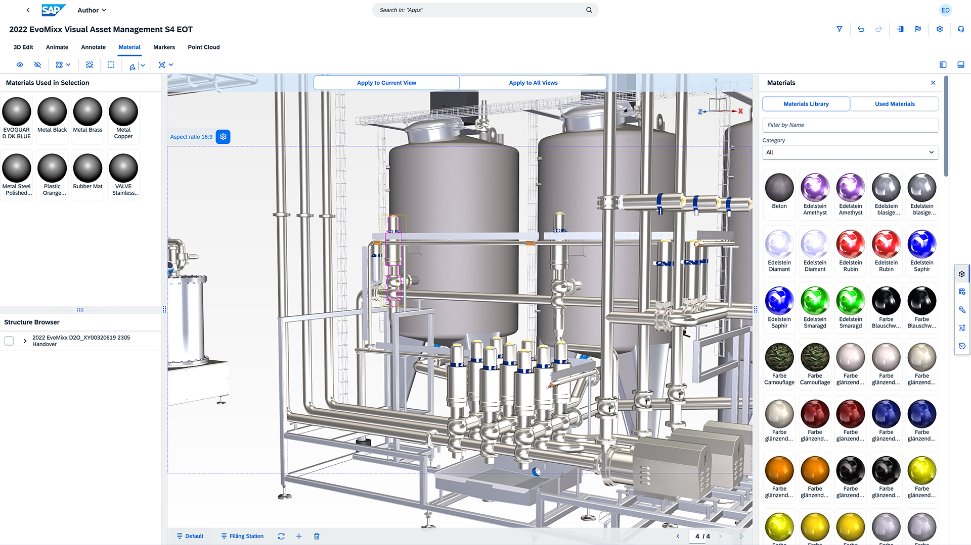
SAP Integrated Product Development is a product lifecycle management solution used to define, develop, and deliver innovative and sustainable products faster by connecting insights, processes, and people.
N/A
TeamViewer
Score 8.6 out of 10
N/A
Teamviewer offers secure remote access, IT support and device management on a scalable platform. It speeds up problem resolution, reduces downtime and enhances control through automation, unattended access and complete visibility of every device and location.
It can be compared directly to any CMS at the base level. Sharepoint/Drupal are in this category and support document versioning, search, collections. Furthermore, certainly in Sharepoint you can build flows and manage system logic through power automate, sharepoint lists and …
It has wonderful features and excellent customised facilities. It has wonderful integration with CREO and ERP. These features make this software my choice.
Windchill is having a great market share & its UI is simple & neat, integration with Creo & ERP system. These are the main reasons of considering Windchill by our organization.
PTC Windchill is a PLM complete system for a larger company. You can connect all areas of your company to a single source data system. It helps solve the age-old question, what is the best way to get the most important information into the hands that need it. It helps organize …
Unified ecosystem with existing SAP ERP clients, which is the major advantage for us. Also backend support from BTP integration for technical reporting, which indeed uses HANA database and improves performance. Plus point of being to be integrated inside SAP Integration suite …
The "One Version of the Truth" Mandate: Most organizations select SAP IPD not because it has the best CAD tools, but because it eliminates the "wall" between engineering and the rest of the company. If you need to know the real-time cost of a design change or its impact on your …
SAP PLM encompasses SAP BW and SAP PRD. We tend to focus more on the SAP PRD portion as it directly involves more closely to production. We selected SAP PLM because it gives us a great visibility in the life cycle of materials, products and overall costs. SAP PLM compliments …
TeamViewer does as much, if not more, for client connectivity. Both allow copious notes for each support connection. Client-based MDM would be a valuable addition for our specific needs.
TeamViewer offers more advanced features than AnyDesk e.g. TeamViewer Dex which automatically tracks user's system performance and provides proactive issue resolution. This feature helps to fix common IT issues automatically and reduces manual intervention.
I have used Anydesk for little over an year and currently using TeamViewer. AnyDesk is a very light software which doesn't require heavy RAM to run also its very stable than TeamViewer most importantly its cheaper than TeamViewer.
Although it is the most expensive on the market, it has many built-in features and, above all, resilience and security. It is much more practical to work with when there is a need to provide constant support to many users.On the downside, I see that it is very dependent on a …
1. AnyDesk stops working in between. And not many users use AnyDesk. It has a complex permission section where users are not able to give remote permissions easily, which consumes time. 2. Zoom Meetings is slow in remote access response and it's time bounded when it comes to a …
TeamViewer is a go-to product for almost all newbies and smaller organizations, allowing multiple simultaneous connections and the ability to transfer files, letting you serve multiple clients at once.
Apple Remote Desktop requires a VPN connection to the LAN to be useful, but it is still necessary to use it when TeamViewer will not connect. Datto RMM seems very solid, and I like it, though I only have access to it from our MPS. It can often connect when the TV cannot. …
TeamViewer is easier to use, has a better UI that I can control more easily than others, is faster, and I think it uses less bandwidth than others. Also, 5 stars for me, it has a better chat display that can be shown or hidden according to our needs during the remote session. …
Compared to the RMM features of NinjaOne, Datto RMM, and N-Able, TeamViewer's RMM toolkit is thinner and less automated. The TeamViewer RMM features are not as robust as those of dedicated RMM platforms, like the ones I mentioned above. This is an important point to keep in …
MS Teams is good, but not on all our devices. We also experience more latency issues with MS Teams. TeamViewer has a small footprint on the devices and just seems to work.
For mobile, TeamViewer was much better, especially since some of them don't support mobile devices at all. Performance seems to be generally better than AnyDesk and on par with ScreenConnect in both performance and the feature set. One system not in the list above is RustDesk. …
TeamViewer is superior with remote assistance when our user is at statile site where there is no VPN tunnel implemented. All we have to do instead is just send users an email with the invitation for remote access, and we can assist those who have trouble. Highly recommended …
TeamViewer is a little more robust than many of the other options that we have compared it to. The patching and package deployment option alone sets it apart. The ability to conduct file transfers from machine to machine also gives it an edge where other options have come up …
Pricing wise, the TeamViewer license is a lot more costly, but makes up for it in feature-richness and reliability. Pulseway has the benefit of having the possibility to keep an eye the IT infrastructure so you can catch things before they go wrong but our main focus was a …
Anydesk is a great tool but TeamViewer is already established at our organization and switch would require software re-installation for each managed computer.
Found TeamViewer expensive compared to other services, but it does work efficiently. LogMeIn has become incredibly expensive, hence moving away from them. Splashtop is more cost-effective but perhaps not quite so reliable.
End-to-end and transport encryption, Multi-factor authentication, Secure transfer of patches, logs, configuration files, and backups during support sessions or deployments.
TeamViewer's cost is much lower than that of other solutions, and its security is far superior to RemotePC's. TeamViewer is also a request-based remote session manager, unlike other software that allows indefinite connection time. TeamViewer's free version makes it even better …
It provides in-depth product information such as Technical Data, CAD model, 2D drawing, ECR document, ECN document. Integration between windchill and creo is seamless. In addition to it, it provides necessary tools for data transfer, distribution, reviewing, and publishing of product data. Moreover, one can manage the complete product life cycle just on the web.
Pros: Global collaboration and cloud based solutions in once place. As this suits the environment we are in with more presence in different countries. Cons: Its difficult in for integrations to third party tools and also not recommended when implemented smaller levels (like single country or product line based)
Helpful for organized IT teams supporting multiple manufacturing warehouse zones. Useful for training, auditing, and meeting ISO/quality or compliance documentation requirements. False positives can lock users out unexpectedly, particularly common when supporting remote home users. Session connections can be interrupted, which is painful when configuring warehouse automation systems and printers that require a restart.
As long as I continue to provide remote support for my clients, it's a no brainier. For what I pay out, I probably make it back tenfold in the ability to provide remote support from wherever and whenever. Not to mention the saved gas money for a fix that only takes 5 minutes but it takes you 20 minutes to get there. As my business continues to grow, and I support more and more clients, my need for TeamViewer will only grow.
Windchill is an extremely verbose and unintuitive system, with masses of unnecessary duplication of fields, convoluted workflows, unclear roles and terrible search capabilities. It is one of the worst software products I have ever seen to propose solving something that is actually factors quicker to do with manual writing and paper work
We just need to think about where we were back in the past and where we are at now! We used to have total chaos where everyone was working their own way. Now all involved groups work together as one team. This has increased the overall efficiency and the results are really astonishing!
Compared to other products I've used (ConnectWise Control), TeamViewer is harder to set up and get connected. It is especially difficult to set up "permanent" unattended remote access, where you want to be able to connect to and control a remote computer without having to exchange codes and passwords every time you connect.
The support from the Teamviewer team has always been top notch. Any support ticket that we have submitted has been handled very quickly and with the best possible resolution. We find in most cases, contacting for a support ticket is not even necessary, as the knowledge base is more than adequate.
As expected without any problem! Alternate in-person training is another efficient way to learn how a product works. There are many third party supporters for TeamViewer courses available that can give additional ideas how to use TeamViewer for specific functions and features as we did require in respect of our usage.
I have never used the online training either. I have watched a few informational videos that were helpful when learning how to do a specific procedure within TeamViewer and get the most out of the software by utilizing one of the many features that are available with the software. Again, 5 if for neutral.
TeamViewer installation and deployment to other devices is pretty straightforward and does not require much technical know-how. This makes ease of use attractive when supporting both new and existing clients with limited technical knowledge. I think ease of use is a huge factor in getting new clients. TeamViewer handles that extremely well.
It can be compared directly to any CMS at the base level. SharePoint/Drupal are in this category and support document versioning, search, collections. Furthermore, certainly in SharePoint you can build flows and manage system logic through power automate, SharePoint lists and power apps. Furthermore, it is possible to assign a multitude of roles/groups to SharePoint. SharePoint can present documents in-frame, it can search and so on. Where Windchill proposes to improve upon the CMS is in providing the roles and flows, in this case, specific to a QMS. Unfortunately it does not include the grass roots level build of something like SimplerQMS which incorporates even the generation of the required documents in phase through templates and suggestions. Windchill proposes to address the niche problem of an eQMS, without really providing anything that is implied by the "e" for electronic, meaning faster and more efficient. No, everything in Windchill is manual, intensive and convoluted. I don't have a good word to say about it.
Unified ecosystem with existing SAP ERP clients, which is the major advantage for us. Also backend support from BTP integration for technical reporting, which indeed uses HANA database and improves performance. Plus point of being to be integrated inside SAP Integration suite with other third party software as well.
Apple Remote Desktop requires a VPN connection to the LAN to be useful, but it is still necessary to use it when TeamViewer will not connect. Datto RMM seems very solid, and I like it, though I only have access to it from our MPS. It can often connect when the TV cannot. ScreenConnect was not a good fit for us and did not seem to work well.
Saves time as all of our drawings and business instructions and procedures are housed in a central location with check-in/out capability and version control.
Accurately able to order raw materials which are necessary for the current production run, thus reducing overhead.
The negative impact would be the initial cost of the software and how long it would take to ROI that cost.
It has allowed us to control batches of product creation much more closer and have the ability to cut some erroneous costs which were found in large batches.