Active Collab is a project management solution built around features such as task management, collaboration, time tracking, and invoicing.
$8
per member/per month
Basecamp
Score 8.7 out of 10
N/A
Basecamp is a web-based project-management tool. Basecamp offers features standard to project management platforms, as well as mobile accessibility, unlimited users, and 3rd party integrations. Basecamp is priced by space requirements and concurrent projects.
$15
per month per user
Kintone
Score 9.4 out of 10
N/A
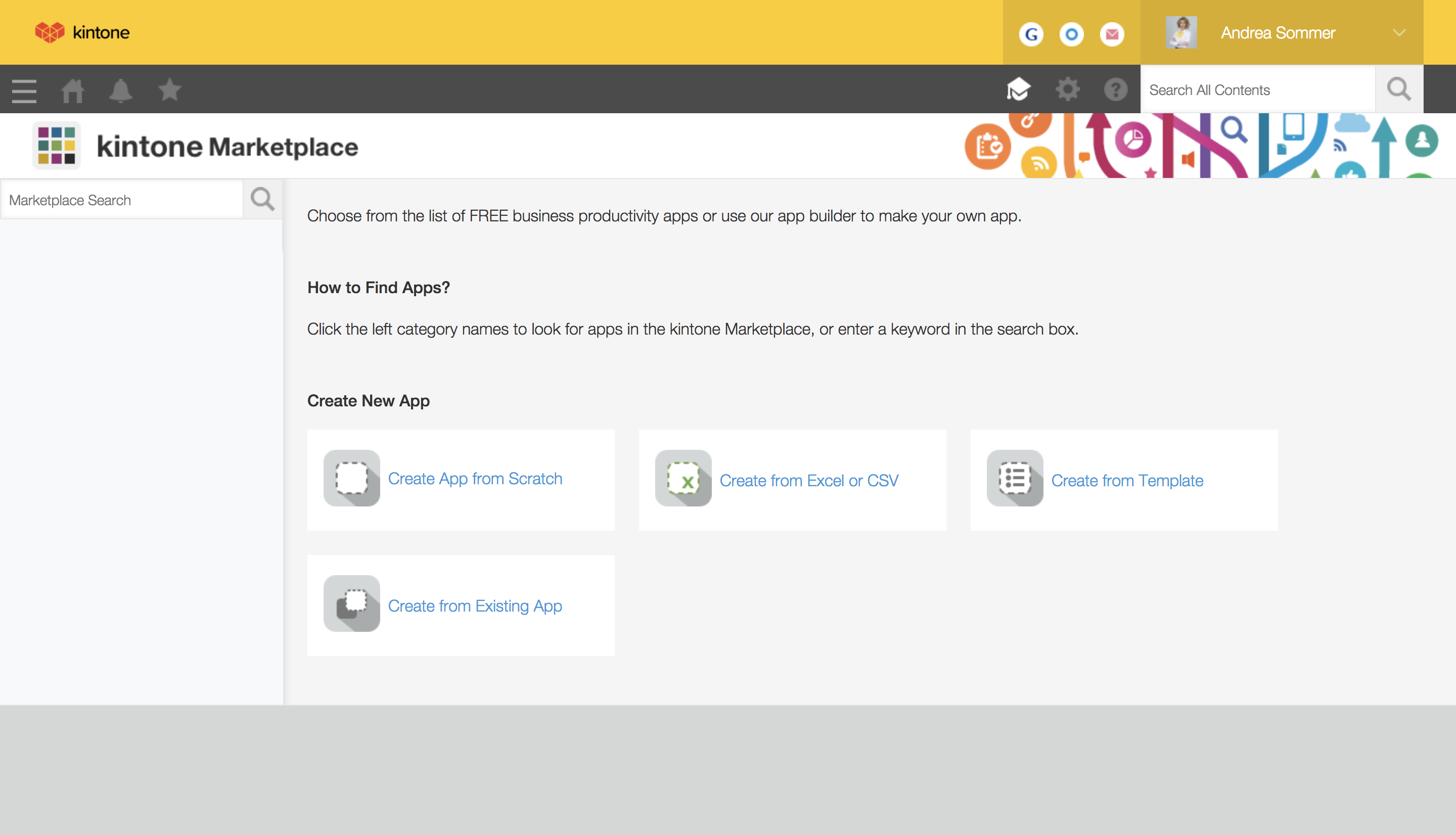
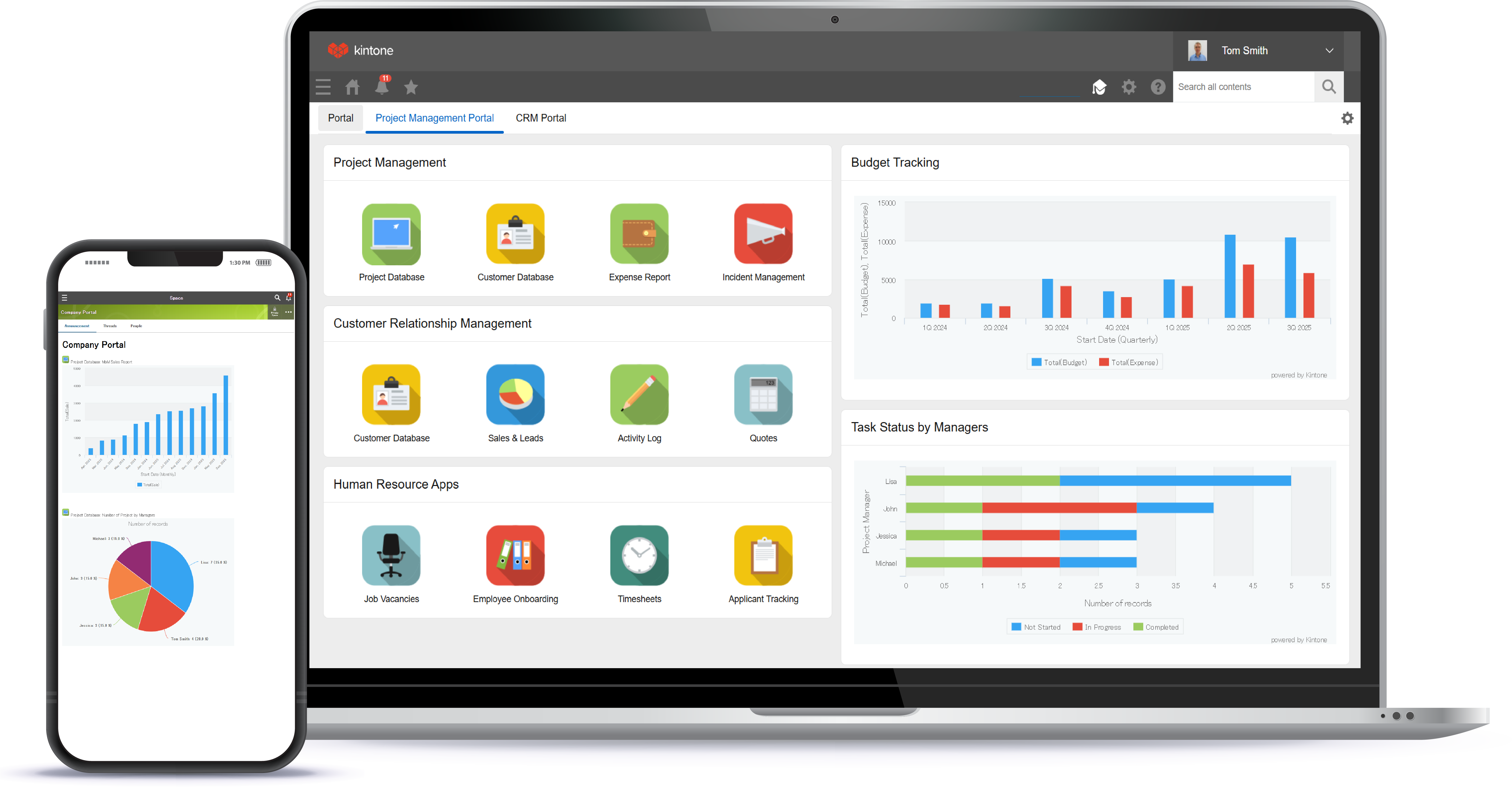
Kintone is a customizable digital workplace platform used to manage data, tasks, and communication. The no-code drag-and-drop interface can be used to create custom applications.
$120
per month for 5 users (minimum)
Pricing
ActiveCollab
Basecamp
Kintone
Editions & Modules
ActiveCollab Project Management
$8
per member/per month
Self-Hosted Plan
$999.00
license
Basecamp Plus
$15
per month per user
Basecamp Pro Unlimited
$299
per month (billed annually)
Basecamp Free
Free
Limited Capabilities
Professional Subscription
$24
per month per user
Offerings
Pricing Offerings
ActiveCollab
Basecamp
Kintone
Free Trial
Yes
Yes
Yes
Free/Freemium Version
Yes
Yes
No
Premium Consulting/Integration Services
Yes
No
Yes
Entry-level Setup Fee
$6.25 per member, per month, annual billing
No setup fee
Optional
Additional Details
—
—
Minimum requirement of 5 users. Kintone offers a free prototype to build with using existing process.
We chose Active Collab overall because we liked its easy to use user interface, project management suite and agency/vendor/client interaction capabilities. We also chose it primarily because it was offered as a web-based platform that offered very clean and easy mobile access …
ActiveCollab has similar features to Basecamp for both project management and communication purposes. However, Basecamp has a better interface for organization of projects within clients and allows for linking to specific comments. However, ActiveCollab is more affordable than B…
ActiveCollab is easier to use and simpler in its setup. It has the right mix of features and simplicity. It's also project-oriented which is important for our workflow. Other tools are often too task-oriented, making it hard to track projects. Overall, ActiveCollab has a great …
Scenarios where ActiveCollab works well 1) ActiveCollab works well for small teams specifically T&M teams.Its invoicing feature is unique & can make your life easy. 2) It is very easy to use & posses good range of filters like on the task list, we can drag/drop tasks, Filter by assignee's, tasks lists, due dates, or completed tasks. 3) It has some simple but awesome features like when you're in the middle of writing something i.e a comment on story and get interrupted, it retains what you wrote. 4) It allows you to tag team members in threads of comments to grab their attention, its really needed when teams are distributed. Thus helping team members to collaborate easily & stay on same page. 5) It integrates pretty well with other web apps like quickbooks , Slack, Trello, HubSpot, Zapier etc Scenarios where ActiveCollab did not work well 1) Tasks can not have multiple assignee's here so if two members are working on same task it did not allow you to reflect that. 2) Sorting capability is not their under invoicing 3) It did not work well for larger teams 4) Search option is not very detailed & you may end up wasting lot of time searching one particular bug or issue.
Basecamp is a wonderful tool for teams of varying degrees of technical knowledge, teams managing lots of different types of "agifall" and waterfall projects, and teams that are remotely distributed. It's probably less useful for more strictly agile-focused development teams, compared to other more flexible software applications like Jira and Asana.
Kintone is great if you want a software that will help you in managing your data, and keep track of which tasks are assigned to whom. It also helps to streamline communication and information in one central place. However, it is not for you if you are looking for something complex that has to manage a lot of data.
Task management - It is very easy to add, organize and discuss tasks within Basecamp's interface.
The "Campfire" function is great for communicating when you just have a quick question for someone on the team.
Notifications - Basecamp lets you decide how often and about what you'd like to be notified. The ability to respond to messages in Basecamp directly via email saves a lot of time.
It isn't possible to set members of staff as part time, so if someone is unavailable on certain days you must manually enter them as OOO every single day that they are not in, that other teammates work. Hours also can't be edited individually - everyone is treated as working the same hours in a day, rendering capacity planner useless for flexi working teams
Subtasks cannot be assigned their own hours and deadlines, meaning the To Do list view can't be seen in actual date order and capacity planner does not reflect all time allocated to an individual's schedule unless every task is set up as a separate task rather than subtask
There is no way to see all tasks of a certain type across multiple campaigns (e.g all copywriting tasks vs all technical tasks) - support team suggested exporting data and making spreadsheets
Kanban view isn't available for people's own task lists ('board' view here shows a list)
Not possible to have one task be assigned to more than one person
Notifications are not sent when tasks are updated, so you have to leave comments and tag people each time
High Learning Curve. It's true that it can be easy to use, but to use well and effectively takes some time to learn. It's recommended to have an agreed-upon system in your team of what tools to use and when.
Notification Overload. If people aren't careful they could send a notification to everyone when only a couple people were meant to be prompted. And since emails are sent by default, you could have your mailbox overloaded with unnecessary updates. This is where it takes a bit of training in your team to have an agreed-upon system.
Lack of organization with Archived Projects. I will often need to reference an archived project to make a new one, but there is only a list of archived projects in alphabetical order, with no way to organize by archive date, or even search.
I feel that Kintone is not well enough known yet. This means that other apps/APIs are not necessarily easy to connect with Kintone. Yes, you can use Zapier though for interfacing with other apps.
It would be great if it could give more customized options to change the look and format of certain things. You can make price quote apps, for example, but have to rely on 3rd party apps or programming skills to customize the look and fields.
If you make a table as an input field, it cannot connect to other internal Kintone apps for lookups and such.
I think there is more potential to make more customized data graphs.
When I bring new people onto a project, it's immediately obvious how to use Basecamp. I don't have to worry about teaching them the features or walking them through it, it's just incredibly user-friendly. For this reason, I'll continue to renew my subscription even as new people are brought onto production jobs or the client changes.
I still think that there's a room for Kintone's future, and high expectations for them in additional features and innovative tools and supports. Truly hope that they will support email features, and standardized supports for various plug-ins with the 3rd party software and apps. In the meantime, we will have to consider our ways of doing our work in all aspects
It is easy to use, even for clients who have no experience with the platform. It can only get a little cumbersome to ensure that a client can't see certain documents you might want to keep in the Docs & Files folders. And sometimes, getting a client to actually use an unfamiliar platform can be a challenge.
While, we have been quite happy with out choice to use Kintone, there are a couple of things (mentioned previously) that would make the experience better. Overall, it has been the best fit for our organisation. We are still in the process of building out a needed API and integrating that, so we have yet to reach full functionality with one of our apps in Kintone. Once we have that completed, I think we'll have a better idea of how well it truly works for us
I've never experienced downtime while using Basecamp, or been unable to access it when I needed it. That's not to say they've never had downtime, but I've been lucky enough not to encounter any, and I work odd hours, including late nights when maintenance is often undertaken.
We have not required support for ActiveCollab as it works pretty seamlessly. We didn't have any issues with using the platform or with any billing issues. The self-service aspect of the platform is robust and easy to navigate so we have not encountered any errors that required assistance from the support team.
For the many reasons I've given, Basecamp is a very strong program. There are a few features I can imagine that might make it even better, but I don't have a basis for comparison to be able to say that there is definitely a better one out there. I've noticed that Basecamp has evolved a bit from the time I started using it until now, so that makes me think that the producer of this program values it and believes in continuous improvement. If you could use the features offered by Basecamp, I would think you could use it with confidence.
I have had very specific questions about different aspects of the software, and I have always been able to get a hold of someone who could help. If my sales rep didn’t know the answer, he would get me in touch with someone who did know the answer. The whole team is very ready to help. It definitely feels like they view my success as their success, which is so important with this type of software.
Decide the process before implementation - i.e. when it's due 8/9 does that mean 8am, noon, 5pm, 11:59pm? Check your to-do list frequently Set-up templates - just not with the dates (they can be funky)
Everyone has their own tastes of things and way they want to work. Asking them to adapt to the changes with the new tools or apps is always difficult. We would want to start with a very small but best example within the organization, which in our case was that the employees will not be bothered by the bosses by being asked to find the documents, status of the progresses, or major things/requests/projects.
ActiveCollab is easier to use and simpler in its setup. It has the right mix of features and simplicity. It's also project-oriented which is important for our workflow. Other tools are often too task-oriented, making it hard to track projects. Overall, ActiveCollab has a great mix of simplicity with good features.
Pretty good, but [Basecamp] has its drawbacks. Honestly I find the interface non-intuitive and sometimes have trouble figuring out how to change the status of a task. Perhaps it has something to do with the way it was originally set up by the admin, but I'm not sure. I liked Jira's drag and drop obvious functionality, but the project management side of the software was lacking. Smartsheet has excellent project management functionality, but the task management isn't as good.
Kintone is the easiest product to create from and the cost is the lowest I believe. In addition, reconfigurability and extendability are great. If you look for a low code tool, you can try Kintone. But as same as another low code tool, don't expect too much.
It has saved me time when having to get the same message out to multiple restaurants
It has helped us make smarter operational decisions because we can all collaborate on an answer in a shorter amount of time (instead of calling a meeting!!!)
The calendar function allows us to plot out our marketing agenda for the month and add/change it together as needed. The chef will post his recipe, the managers will cost it out, the social media manager will post pictures on it, and ultimately we will get that information out on an info sheet to the staff by printing the page.