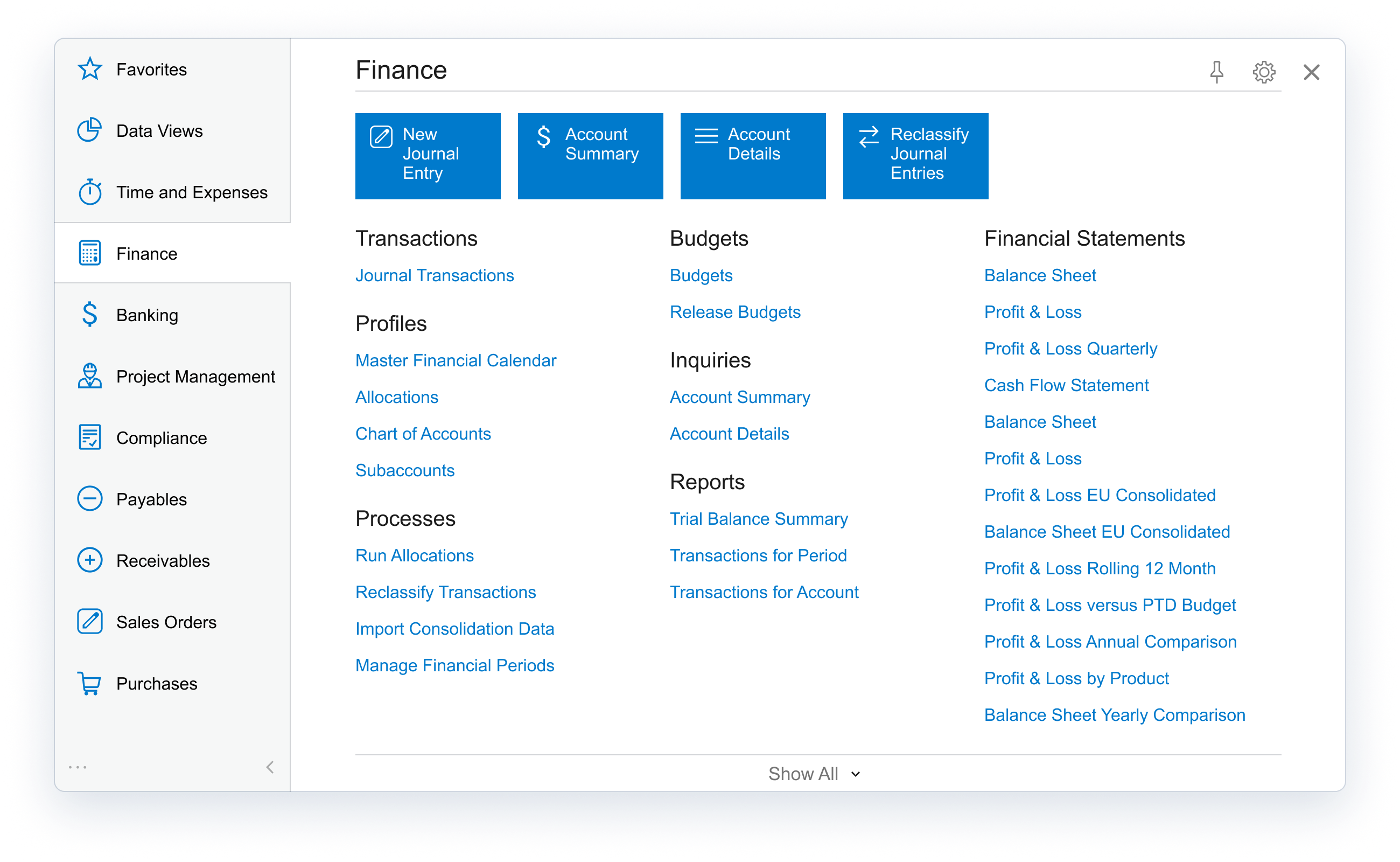
Acumatica delivers a set of cloud-based business software applications with dashboards, reporting tools, integrated document management, centralized security, and customization tools.
$1,000
per year
Google Workspace
Score 9.1 out of 10
N/A
Google Workspace enables teams of all sizes to connect, create and collaborate. It includes productivity and collaboration tools for work: Gmail for custom business email, Drive for cloud storage, Docs for word processing, Meet for video and voice conferencing, Chat for team messaging, Slides for presentation building, and shared Calendars.
$6
per month per user
Pricing
Acumatica
Google Workspace
Editions & Modules
No answers on this topic
Business Starter
$6
per user/per month
Business Standard
$12
per user/per month
Business Plus
$18
per user/per month
Enterprise
Contact sales team
Offerings
Pricing Offerings
Acumatica
Google Workspace
Free Trial
No
No
Free/Freemium Version
No
No
Premium Consulting/Integration Services
Yes
No
Entry-level Setup Fee
No setup fee
No setup fee
Additional Details
Pricing is always consumption-based with no five-year lock-ins or termination penalties.
The Acumatica ERP pricing structure allows adding casual users, suppliers, and customers without paying for additional licenses.
The cost is based on the features and resources utilized, not on the number of users who access the system. An Acumatica partner works with users to understand specific requirements, determine the proper resources and modules for the company, and presents a price for the license.
The licensing is much better on Acumatica because it uses a consumption model rather than a user seat or license model. This allows for everyone in the organization to be on the system, to have the same access, visibility and tools needed to do their job well and provide …
I think it’s a great product. I think it’s very customizable, which is a big plus. For manufacturing, it’s excellent because of creating the inventory, turning it into an actual product to sell, and also tracking the status of each process within that system. I can’t think of any areas where it’s not suited, because otherwise we would be looking for something else or making changes, and at this time, we’re just growing with the system.
Google Workspace does offer several different plans that can match well with the stage of your business. As your business grows, the higher plans can provide the better tooling or expanded features/products to scale with your needs. It would probably become very complicated to swap over to, if you are deeply embedded with another competitor. But, it could be a nice platform to consolidate several disconnected systems under one roof.
Particularly well is just the ease of it being able to be used. We're coming from Sage, that's the product that we used before. Sage was limited, five people could get into the system at a time. Acumatica is unlimited.
The amount of information that's so easily accessible has made us more efficient, more productive, and it just makes for an easier workday when everybody can see the same information real time.
Google Calendar...amazing. I don't need to ask team members when they're busy anymore and play this game of bouncing times back and forth. All I need to do is enter their email address and it shows my calendar and theirs side by side and then select the day and time I find that works best for the both of us.
I actually prefer Google Meet over Zoom. Zoom bogs down my computer and I find their UI overcomplicated for what it actually does. Google Meet is simple and does practically everything Zoom does without needing to pay any extra money.
Sheets integrates with our CRM (Copper) so it's perfect for us. Being able to export information out of our CRM into sheets and then create pivot tables from that data makes our lives a million times better.
Acumatica's open API is very powerful but doesn't get integrated cleanly across every external system, challenge arises with integration of legacy systems
Some of the platform feature's requires third-party add-ons or custom developments like advance finance report & BI.
Sometimes it gets glitch in the system leading slower processing speed
Pricing is a little bit higher than other services
The cost of each email inbox costs the same whether you want just email or all of the features. For example, we wanted a support email address that we could setup our support desk with. The cost of that added account is the same as the account I use with all of the features.
They removed their free tier for small organizations like mine and restricted the free tier from adding new domain names. This was likely due to abuse, but everyone lost the privilege of the free service.
We are highly likely to renew because Acumatica has become the foundation of our ERP strategy replacing another ERP system with a more flexible, scalable platform while improving governance, planning, and operational visibility. Ongoing stabilization, roadmap investment in IBP and automation, and strong alignment across Finance and Operations give us long‑term confidence in the platform.
There is no better solution for cloud storage and real time collaboration. The amount of features included in G Suite is unmatched and out of other things we’ve tried over the years, nothing comes close to being as great of a tool.
The processes are very intuitive and easy to use. Whether you are entering AP bills, timecards for payroll, or AR invoices, the processes are similar and easy to use. The drill-down capability is also a huge plus as you can easily toggle between different modules without having to leave the screen you are in and navigating through a menu to get the information you need. We found that the standard reports out of the box are lacking. Our implementation did not go so well and when we were finally ready to run financial reports, it was both disappointing and frustrating to discover that the P&L was highly summarized and to get a detailed report required having to do a lot of formatting myself. I was able to figure it out on my own, but when our financials were already delayed getting published, I did not really have the time to spend trying to figure out how to build my own P&L.
Google Workspace is incredibly intuitive and user friendly. It's easy to adopt through simple features, for example the prompts to enable Gemini on each call for note taking is reliable, and helps to stop you forgetting to use the feature. The main reason for a strong rating is the consistency and reliability, whilst there's definitely areas for improvement, for example additional calendar features (sharing), or deeper functionality in sheets. The level that it provides means that anyone adopting it will be able to take full use of features within a day or two. Gmail, calendar and the documentation suite contain all the basic features for a small / medium business to run at a high level day to day, with minimal downtime or learning curves.
I would rate the overall support for Acumatica an 8 out of 10. The support team is generally responsive, knowledgeable, and helpful when resolving issues or answering questions. Documentation and community resources are also useful. However, response times can occasionally vary depending on the complexity of the issue or support queue, which slightly affects the overall experience.
My experiences of getting support have been positive. Calling in is not overly difficult, but it does require getting a PIN. The knowledge of those responding to the calls has been impressive. I have managed to work with them to fix two Google bugs that I had identified. These bugs required a some technical expertise and the support staff were able to understand the issue and forward the concerns to the appropriate persons. The first bug was fixed with 24 hours. The second bug took a little longer, but it was also more complicated to reproduce.
I'd say the partner selection is critically important. I think the software is very easy to implement. It's very customizable to your business. Finding a partner that will work with you to understand your business and your needs is the critical piece to make sure that the system goes along with it.
Having used Pastel for a long time in the business, it lacked certain features, or the system was not probably setup for our business needs and requirements at the time. It was also not 100% cloud based and needed to be used through remote desktop which had its limitations. Zero just had 10% of what our business needed.
There are lots of competitors to various tools in Workspace, like Meet versus Zoom. However, Microsoft is the other big competitor I can think of for Google Workspace as a whole. To me, at least, the strength of Workspace is how easy it is to share and collaborate with others. For items that I only need for myself and can keep on my own computer, I typically rely on Microsoft Word, Excel, etc. For items that I need to share, I turn to Workspace a lot. Being able to collaborate in real-time and not having to send documents back and forth is so amazing, and such a time saver. And I love that Workspace is also a built-in tool with Dropbox now.
From my understanding, the P.O. module is not very robust, at least the last time I inquired about it. At the time, it had a one-to-one match, with one invoice for one P.O. and that isn't practical for many businesses. I don't believe it would be an easy system to use for sending out invoices, if we had thousands of retail utility customers. We do a small number of invoices because we sell wholesale power, not retail, so we only Invoice the municipality. Not each utility customer.
They are very responsive and knowledgeable about the product. If the rep doesn't have the ability to solve the issue, they quickly get someone else involved to assist us.
We are able to send automated notifications through business Events, which ensures that information travels seamlessly and without the possibility of someone forgetting an email.
We save time being able to read our demand and level it against our current inventory qty on hand and our supply to make better strategic decisions when purchasing.
Better our business and see our pitfalls that were once hidden in our factory by establishing an On-Time Delivery system within a generic inquiry that uses data that is readily available in Acumatica.