Chose ScreenConnect
Very inexpensive for agent licences annual, no costs per device and no on-site hardware to maintain.

| Product | Rating | Most Used By | Product Summary | Starting Price |
|---|---|---|---|---|
 Addigy | N/A | Addigy in Miami provides a cloud-based IT management platform for managing an Apple ecosystem (all Macs and iOS devices). The Addigy platform provides the user with the ability to manage assets from anywhere in the world and deliver: Asset Management, Monitoring, Automated Remediation, Maintenance, Software Deployment, and Profile/Configuration Management. | N/A | |
 ScreenConnect | N/A | ConnectWise ScreenConnect is a remote support, access, and meeting solution. With it, users can utilize remote support and access to repair computers, provide updates, and manage machines. Users can also conduct online seminars and presentations using remote meetings. | $39 per month | |
 Jamf Pro | N/A | Jamf Pro (formerly Casper Suite) is designed to automate device management for users while driving end-user productivity and creativity. According to the vendor, it is the EMM tool that delights IT pros and the users they support by delivering on the promise of unified endpoint management for Apple devices. | N/A |
| Addigy | ScreenConnect | Jamf Pro | ||||||||||||||||||||||
|---|---|---|---|---|---|---|---|---|---|---|---|---|---|---|---|---|---|---|---|---|---|---|---|---|
| Editions & Modules | No answers on this topic |
| No answers on this topic | |||||||||||||||||||||
| Offerings |
| |||||||||||||||||||||||
| Entry-level Setup Fee | No setup fee | No setup fee | No setup fee | |||||||||||||||||||||
| Additional Details | — | — | $3.33 per month per iOS device $6.25 per month per Mac Education and volume discounts available. Onboarding 3-Day for Mac + iOS: $7,500 2-Day for Mac only: $6,000 4hr Remote for iOS only: $750 Billed Annually | |||||||||||||||||||||
| More Pricing Information | ||||||||||||||||||||||||
| Addigy | ScreenConnect | Jamf Pro | |
|---|---|---|---|
| Considered Multiple Products |  Addigy No answer on this topic |  ScreenConnect | Jamf Pro  Isidoro "Roy" Jovero IT Support Engineer Chose Jamf Pro Jamf is still the defacto standard for Apple MDM. MobileIron has proven to fall on its face when it comes to computer management, and my experience with Addigy, however short, showed me that they had a lot of catching up to do.  Laurance J. Specht Manager of Personalized Learning and Dean of Instruction Chose Jamf Pro I inherited Jamf Pro when I took the position. I had used Fleetsmith prior, and it worked better for package and patch distribution. Jamf Pro has better pricing overall. Fleetsmith had a better UI and flowed easier, in my opinion. The language and where to find things fit … |
| Addigy | ScreenConnect | Jamf Pro | |||||||||||||||||||||||||||||||||||||||||||||||||||||||||||
|---|---|---|---|---|---|---|---|---|---|---|---|---|---|---|---|---|---|---|---|---|---|---|---|---|---|---|---|---|---|---|---|---|---|---|---|---|---|---|---|---|---|---|---|---|---|---|---|---|---|---|---|---|---|---|---|---|---|---|---|---|---|
| Remote Administration |
|
| Addigy | ScreenConnect | Jamf Pro | |
|---|---|---|---|
| Small Businesses |  NinjaOne Score 9.1 out of 10 |  Getscreen.me Score 9.6 out of 10 | NinjaOne Score 9.1 out of 10 |
| Medium-sized Companies |  Cisco Meraki SM Score 9.7 out of 10 |  Remote Desktop Manager Score 9.5 out of 10 | Cisco Meraki SM Score 9.7 out of 10 |
| Enterprises | Cisco Meraki SM Score 9.7 out of 10 | Remote Desktop Manager Score 9.5 out of 10 | Cisco Meraki SM Score 9.7 out of 10 |
| All Alternatives | View all alternatives | View all alternatives | View all alternatives |
| Addigy | ScreenConnect | Jamf Pro | |
|---|---|---|---|
| Likelihood to Recommend | 7.1 (5 ratings) | 8.8 (626 ratings) | 10.0 (184 ratings) |
| Likelihood to Renew | - (0 ratings) | 10.0 (40 ratings) | 10.0 (9 ratings) |
| Usability | - (0 ratings) | 8.9 (55 ratings) | 8.0 (15 ratings) |
| Availability | - (0 ratings) | 10.0 (5 ratings) | 9.1 (2 ratings) |
| Performance | - (0 ratings) | 10.0 (9 ratings) | 9.1 (2 ratings) |
| Support Rating | - (0 ratings) | 8.2 (63 ratings) | 8.0 (53 ratings) |
| In-Person Training | - (0 ratings) | - (0 ratings) | 9.1 (2 ratings) |
| Online Training | - (0 ratings) | 7.5 (24 ratings) | 9.1 (1 ratings) |
| Implementation Rating | - (0 ratings) | 10.0 (20 ratings) | 8.0 (6 ratings) |
| Configurability | - (0 ratings) | 10.0 (5 ratings) | 9.1 (2 ratings) |
| Ease of integration | - (0 ratings) | - (0 ratings) | 9.1 (2 ratings) |
| Product Scalability | - (0 ratings) | 10.0 (16 ratings) | 9.1 (2 ratings) |
| Vendor post-sale | - (0 ratings) | 10.0 (4 ratings) | 9.1 (2 ratings) |
| Vendor pre-sale | - (0 ratings) | 5.0 (4 ratings) | 9.1 (2 ratings) |
| Addigy | ScreenConnect | Jamf Pro | |
|---|---|---|---|
| Likelihood to Recommend | Addigy
| ConnectWise
| Jamf Software, LLC
|
| Pros | Addigy
 Justin Esgar CEO/President - 360° IT Consulting, Server Management, IT Security | ConnectWise
 Adam Friedli Level 2 Support Analyst | Jamf Software, LLC
|
| Cons | Addigy
| ConnectWise
| Jamf Software, LLC
|
| Likelihood to Renew | Addigy No answers on this topic | ConnectWise
| Jamf Software, LLC
Laurance J. Specht Manager of Personalized Learning and Dean of Instruction |
| Usability | Addigy No answers on this topic | ConnectWise
 Sam Segura IT Services | Jamf Software, LLC
 John Hathcock Help Desk & Server Support |
| Reliability and Availability | Addigy No answers on this topic | ConnectWise
| Jamf Software, LLC No answers on this topic |
| Performance | Addigy No answers on this topic | ConnectWise
 Tresha Ivey Project Manager | Jamf Software, LLC No answers on this topic |
| Support Rating | Addigy No answers on this topic | ConnectWise
 Bradley Jones Co-Owner | Jamf Software, LLC
|
| In-Person Training | Addigy No answers on this topic | ConnectWise No answers on this topic | Jamf Software, LLC
|
| Online Training | Addigy No answers on this topic | ConnectWise
 Michael Dodd Support Resource and Community Manager | Jamf Software, LLC
|
| Implementation Rating | Addigy No answers on this topic | ConnectWise
| Jamf Software, LLC
|
| Alternatives Considered | Addigy
| ConnectWise
| Jamf Software, LLC
|
| Scalability | Addigy No answers on this topic | ConnectWise
 David McCoy Provisioning Engineer | Jamf Software, LLC No answers on this topic |
| Return on Investment | Addigy
| ConnectWise
 Mike Vaughan AWS Infrastructure Architect - Contractor | Jamf Software, LLC
|
| ScreenShots | ScreenConnect Screenshots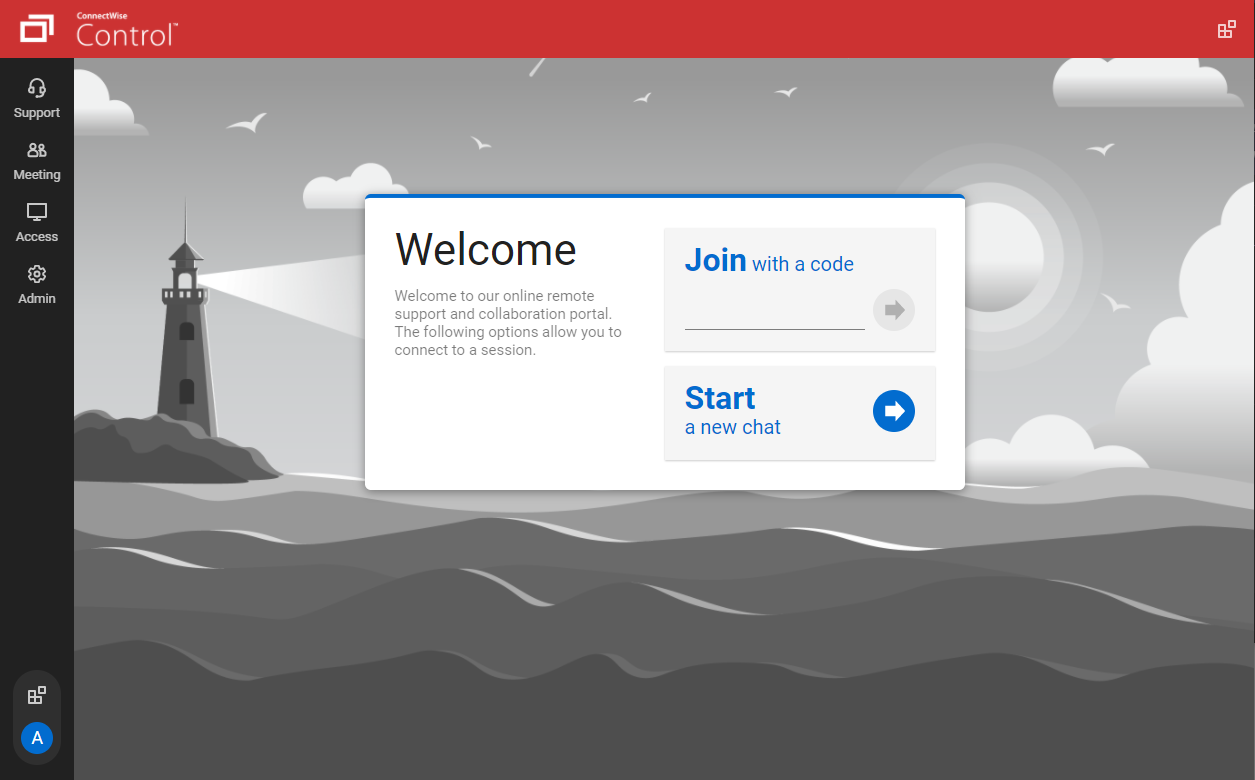   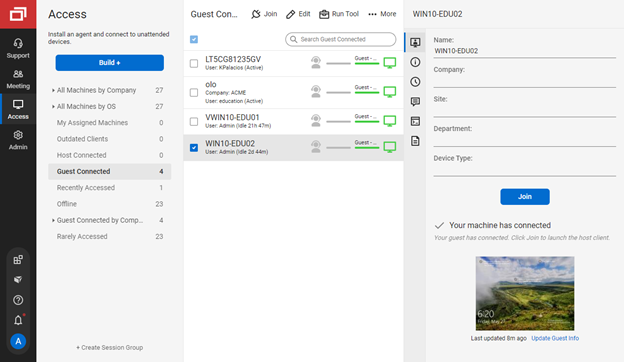   | Jamf Pro Screenshots |