Barracuda RMM (based on the former Managed Workplace product acquired by Barracuda from Avast in 2019) is a Remote Monitoring and Management platform. Managed Workplace serves as an agentless tool that MSP’s can use for clients with an emphasis on security assessment and reporting. It also provides other system monitoring functionalities, including patch management, asset management and tracking, and task automation with a library of prebuilt and user-designed scripts. It also offers…
N/A
LogicMonitor
Score 9.1 out of 10
Mid-Size Companies (51-1,000 employees)
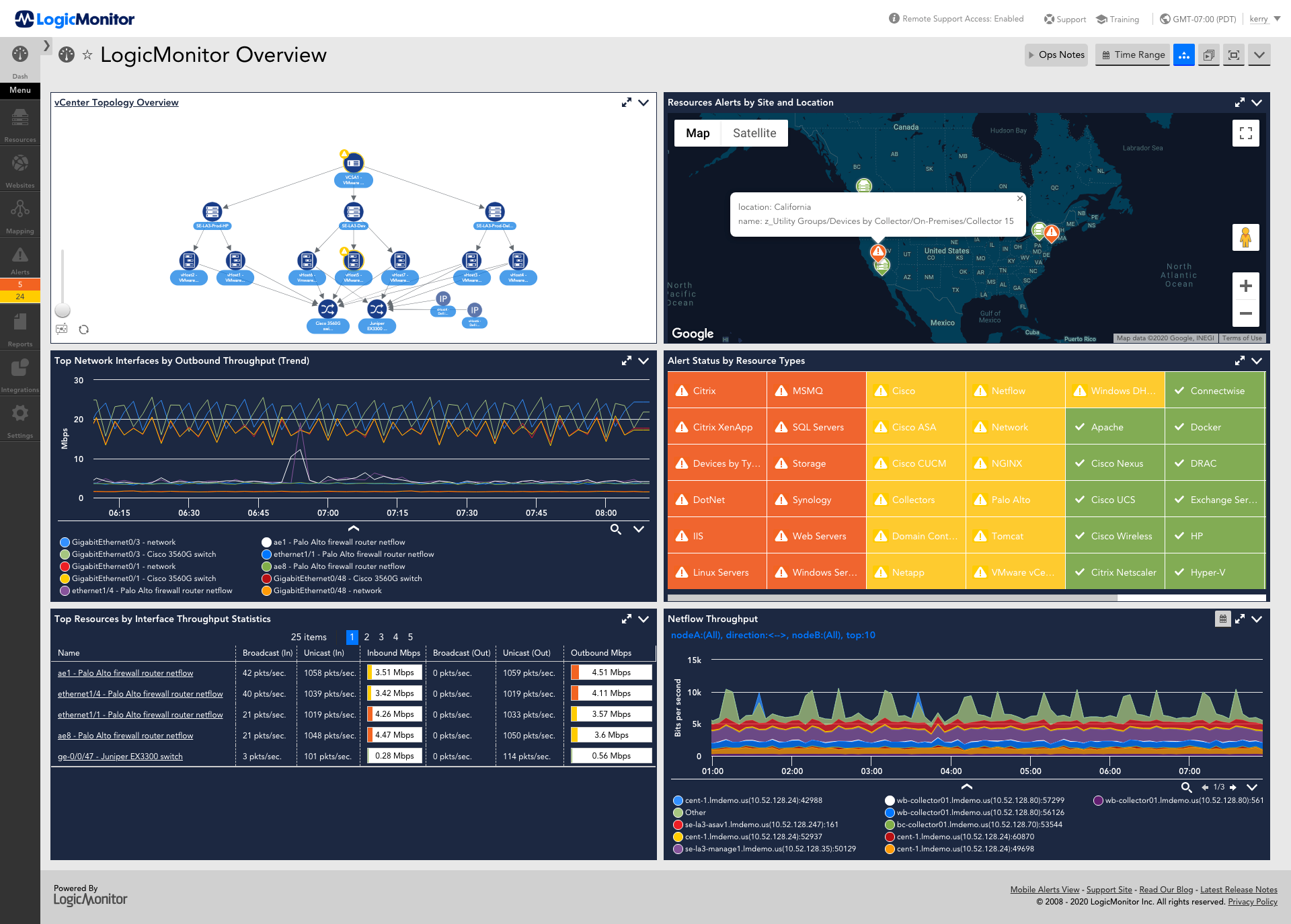
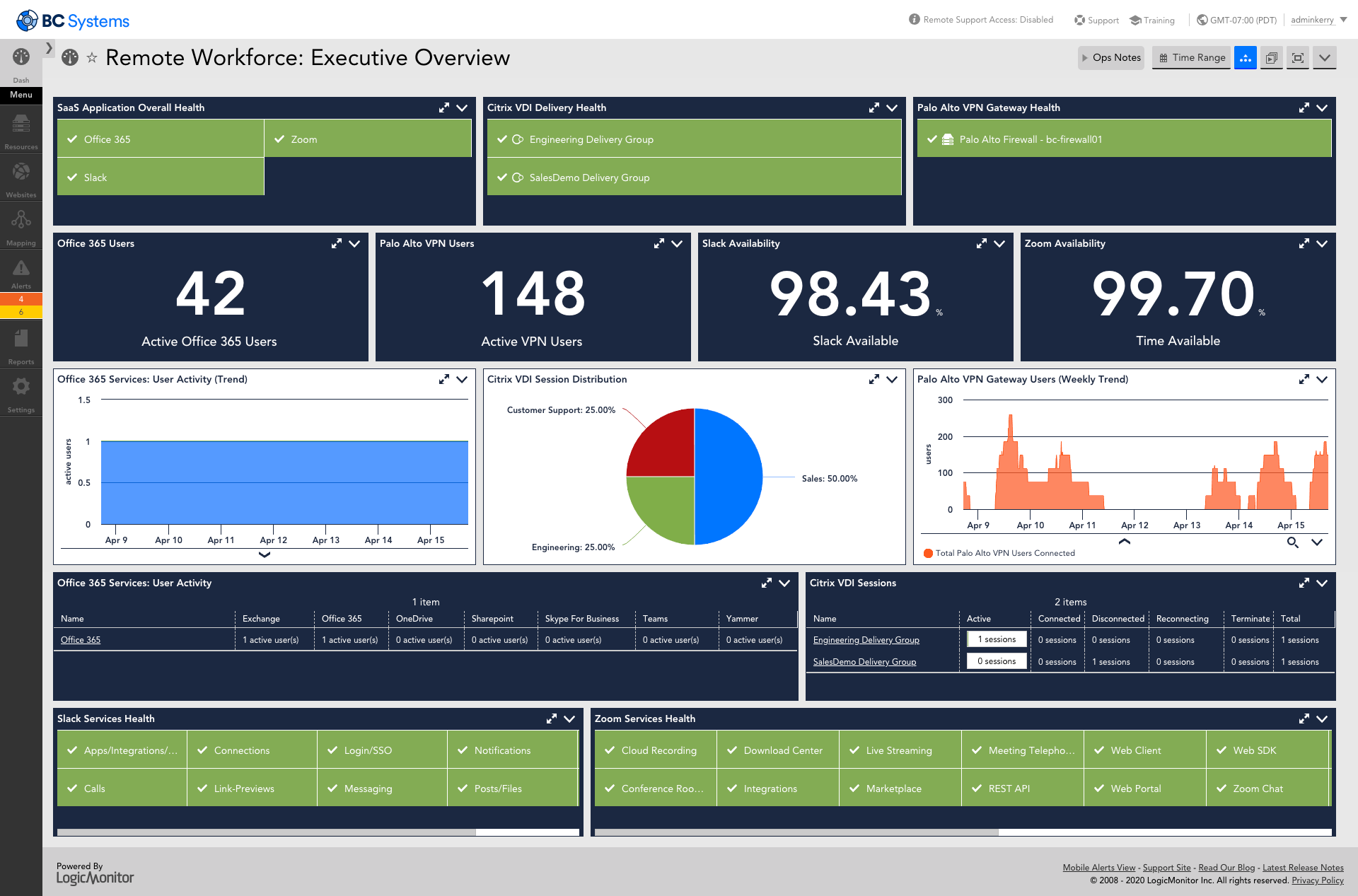
LogicMonitor’s SaaS-based platform, LM Envision, enables observability across on-prem and multi-cloud environments. It provides IT and business teams operational visibility and predictability across their technologies and applications.
N/A
Pricing
Barracuda RMM
LogicMonitor
Editions & Modules
No answers on this topic
Enterprise
Contact sales team
Website Monitoring
Contact sales team
Offerings
Pricing Offerings
Barracuda RMM
LogicMonitor
Free Trial
No
Yes
Free/Freemium Version
No
No
Premium Consulting/Integration Services
No
Yes
Entry-level Setup Fee
No setup fee
No setup fee
Additional Details
—
Our platform is broken down into Pro and Enterprise Pricing. Pro includes monitoring for all of your cloud, hybrid, and on-premises infrastructure. Our Enterprise package includes all of this, plus our AIOps and Machine Learning functionality that provides dynamic thresholds, root cause analysis, anomaly detection and more!
LogicMonitor only charges by the device. What is considered a device? A device is anything with an IP address that you want to monitor, including a physical device or a cloud resource. This means multiple data sources under the same IP address can be monitored for the same price. Unlike some monitoring platforms. we don’t charge per node, interface, or metric.
LogicMonitor is much easier to configure and use than the other solutions we looked at. Very easy to customize and fit our environment. The others felt more rigid. LogicMonitor also fully integrates into our ticketing system so that was a very big plus. It has the ability to …
With a lot of fine-tuning, it works very well to keep the Tier 2 team aware of almost any variable of interest of notification from your servers. You can automate scripts to deploy based on these events. It's cut down the amount of time spent digging around for answers or sifting through logs. Software deployment could use a lot of work for simplicity. We opted for other apps to accomplish this. The helpdesk function may work for those needing something basic, but again, we opted for a full ITSM based on ITIL. It works well for Remote Desktop Support, even for support on the fly for those who don't have the Premium Desktop app installed.
The example I will give will explain my rating for it. One employee left our company due to a personal issue, and at that time, our team was working on a highly secure project. He wanted to take revenge on our company, so he began hacking our systems from the outside. Since it appears that someone without authorization is attempting to access our systems, LogicMonitor simultaneously alerted our team to the problem. We stopped that threat with LogicMonitor.
This product has met virtually all of our needs. It was easy to implement and has been simple to support. Customization has been intuitive with many options available. They keep adding features and expanding available options. The future of LogicMonitor looks even better than it is today which is very promising. The management and support teams at LogicMonitor are always helpful
Set up is super easy. Just stand up a small Linux or Windows server to act as a collector. There are no agents to install on monitored devices and all you need is SNMP or WMI access. When creating dashboards, all you have to do is find the widget on the device you want to show up and choose the menu option to add it.
We've tried many times to work with support to accomplish various tasks in the system with minimal responsiveness and success. Most of what we have accomplished has been without support and through trial/error.
The sales team support we received was top notch. They worked hand in hand to make sure the product met all expectations. So far we have not really had to work with support that much; we have worked with setup team after purchase to deploy product fully. No issues so far and we are four weeks in.
I did not truly dedicate myself to implementing LogicMonitor. However, I overheard the IT team members explain that "LogicMonitor is perfect for us as it has made most of the work automated, and implementation and training sessions were perfect for us." Thus, I can state that everything went smoothly with our implementation.
AVG Managed Workplace has more tools and features. The pre-existing templates and alerts are working properly while Continuum does not even provide service like that. There are some specific tools to work with and they are super easy to complete the task, for example, you can show what was replaced for your client. You can do it with others and even with Excel, but with table grid view mode of AVG will help you to do it more easily.
Basically, we did not have any idea about it and how to choose, but we asked one of our former bosses, as they were very experienced with it, so they helped us by clarifying a few things between New Relic and LogicMonitor, as they told us that if you are looking for an automated option, then there is no better option than LogicMonitor.
Pricing seems to be getting more and more aggressive, I worry that it's going to turn into ServiceNow or SAP and everything minor feature will be an extreme cost that prices out us and our customers
Haven't really used it but our initial onboarding PS was disappointing. Felt like we were being told what we needed to cover as opposed to what we wanted to cover. In addition, we were pushed into using the PS in tight time frames and we were not ready to do so.