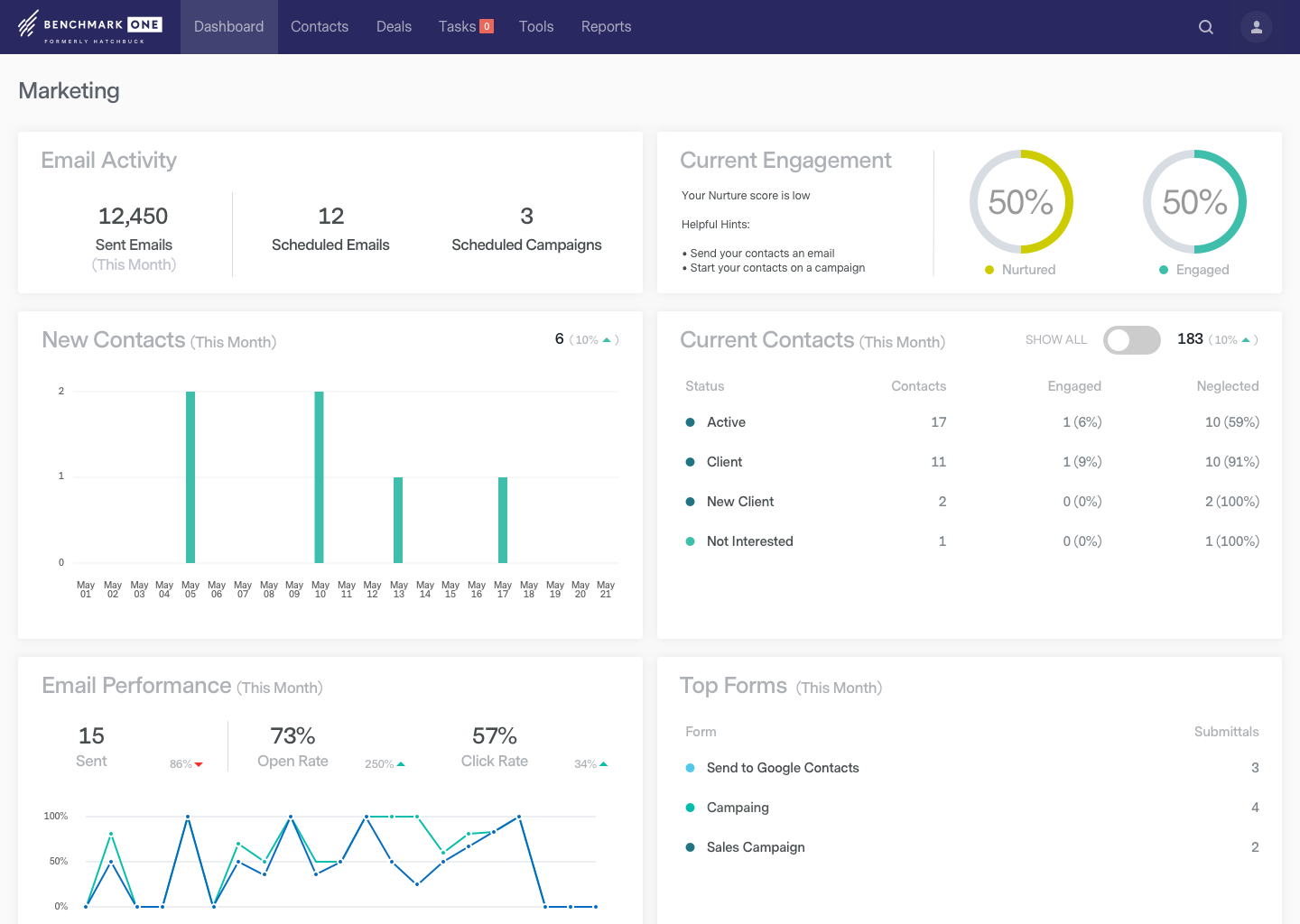
BenchmarkONE (formerly Hatchbuck) is an all-in-one sales and marketing software that includes CRM, marketing automation, and email marketing tools. Users can build online forms, manage and segment contacts, engage prospects with relevant follow-up, manage tasks, and track their pipeline.
$0
per month
Litmus from Validity
Score 8.9 out of 10
N/A
Litmus, from Validity, is an email marketing solution used to create error-free emails in less time. It is also used to build email campaigns, personalize and test them thoroughly, monitor deliverability, and analyze email performance.
N/A
MailUp
Score 10.0 out of 10
N/A
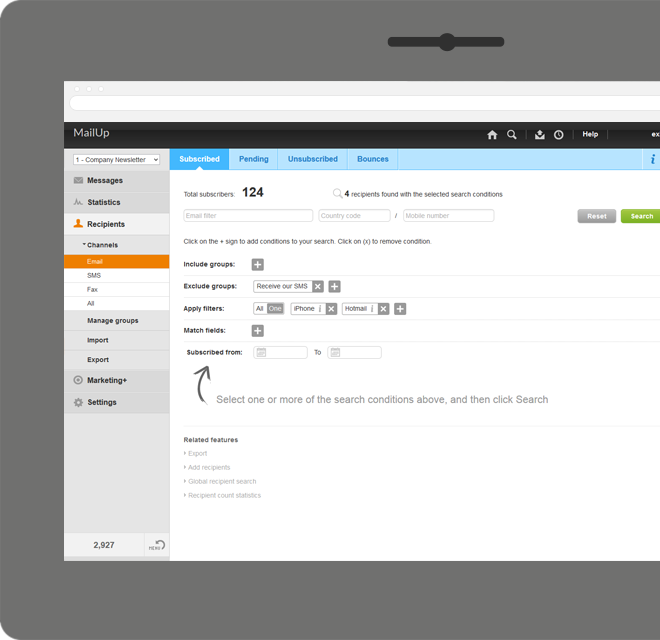
MailUp is the eponymous email & SMS platform from the Italian company that was founded in 2002 that now has a modest but respectable presence across the western world with a diverse customer base (Yamaha, Amnesty International, Korean Air, etc.). Mailup's platform combines email marketing, with transactional email and SMS features, and offers SMTP relay and plugins for ecommerce, CRM and CMS systems.
Their unusual pricing scheme is tiered just on subscribers but on volume of sends and that…
I have had more experience with Hatchbuck, and was introduced to it through someone who is quite familiar. My perspective is that for the money, Hatchbuck does all it needs to, and does it well. I'm sure there are comparable products, but this is the first one that I found …
Hatchbuck is my favorite. It's easy to use and it's budget-friendly. It's much more intuitive than SharpSpring or ActiveCampaign. Because of the price of the tool, it's definitely a serious competition to giants like Hubspot. This is a great choice for solopreneurs and smaller …
We really liked the unique mix of a CRM, an email marketing tool, and a sales funnel tool we found with Hatchbuck. Additionally, the software was easy enough to learn so that multiple team members were able to quickly get up and running using the system. Other tools we …
I use Hubspot sales concurrently with Hatchbuck as it offers capabilities not included with Hatchbuck: email tracking not from the system, integration with Facebook advertising, website popups.
Hatchbuck was selected as an entry-level tool focusing on automation and CRM. Though …
For very basic CRM, email and marketing automation, Hatchbuck is a clear winner on feature set, price and ease of use. Lots of bells and whistles are great if you use them. But many of our clients don't want to learn, maintain and pay for that much technology. However, more …
Hubspot and Infusionsoft are awesome, but, there is too much to understand and layers of tools which sometimes end up taking up more time than the typical small business owner has to invest.
I don't have much experience with similar products at this point in time. Very little experience with Constant Contact and Mail Chimp. What I can tell though is Hatchbuck's features are far more advanced.
Cost wise, Hatchbuck is more expensive than Constant Contact, which it replaced. Feature wise, Hatchbuck provides more functionality and features than Constant Contact.
Microsoft Dynamics CRM was way too complicated and more [robust] than the needs of the company. Hatchbuck makes it easy to automate, segment, and deliver content. Microsoft Dynamics was extremely customizable but that came at both a financial cost and a productivity cost. No …
Verified User
Anonymous
Chose BenchmarkONE
I used Constant Contact in the past. Hatchbuck has a much better CRM system and ways to track and segment customers.
I have tested three major competitors in the same field and Hatchbuck stands above them. I do not wish to mention them, but I can say that the visual appeal, intuitive nature, and ease of which I am learning their system is stellar. It takes a bit of time, but you can be up and …
I demo'd MailChimp. They seemed pretty simliar, but honestly I decided on Hatchbuck because the customer service and special attention they provided during the demo stage.
Hatchbuck has much better integration and segmentation features. It easily allows me to send an email to any segment of my list without having duplicate addresses across multiple lists. Any email creation tasks are also much easier.
We've used Salesforce and Streak. Hatchbuck is vastly more robust than Streak and not nearly as burdensomely complicated as Salesforce. It's the perfect solution for a small business.
We made the decision to purchase hatchbuck back in November and couldn't be happier with the product! We are able to manage all aspects of the customer experience and can do it from any computer in any country in the world. This is a great product for any small to medium size …
I probably reviewed seven or eight CRMs, most notably Salesforce and a host of others. Some didn't seem intuitive to use, some had poor customer service, and some had constraints that were a deal breaker. Salesforce, for example has a daily e-mail limit of 250 ... I send out as …
We evaluated Litmus against Email on Acid and ultimately opted for Litmus due to its more expansive functionality and workflow. In fairness, Email on Acid offered a good rendering tool, but Litmus went further with engagement analytics, heatmaps and read time insights. …
I selected Litmus because it provides an all-in-one powerful tool to update content, collaborate with teams, and analyse data seamlessly. This saves a big amount of time for the whole team. The insights are more granular allowing us to focus deeper into improvements. The …
Having used both, I definitely prefer Litmus over Email on Acid. It's a little more intuitive in terms of UI, and previews load faster. The integration with Salesforce Marketing Cloud also sets it apart further.
We've tried Email on Acid in the past and Litmus has a much more advanced offering. The user interface is superior and they are constantly innovating and rolling out new features.
This is not applicable to my role as I have used Litmus to test emails since I have started. Because of the ease of use, timeliness, consistent quality, and affordability that Litmus offers, I haven't found the need to look at similar products or organizations. If all of these …
I've used Hubspot marketing Hub previously to build marketing emails. In my current role, I do not use Litmus to build emails, only to QA - so I can cannot compare apples to apples. But I do have some familiarity with Hubspot, and I was never able to easily share an email for …
I found that Litmus was able to give a more in-depth review and feedback on accessibility issues in my campaigns, whereas SendForensics lacked any helpful features for this purpose. Litmus' features have helped us better serve all our clients' customers.
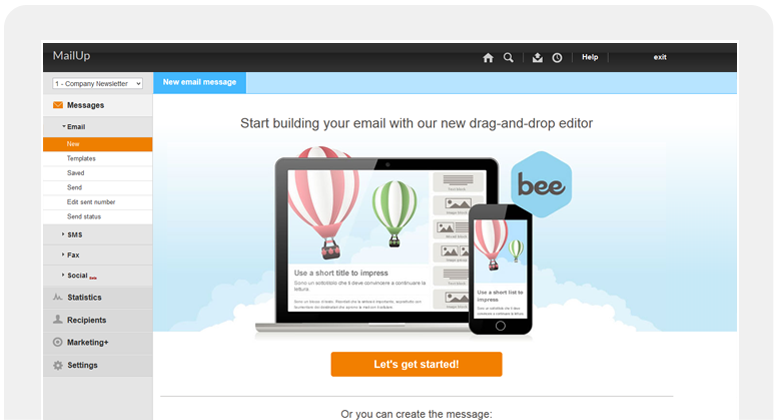
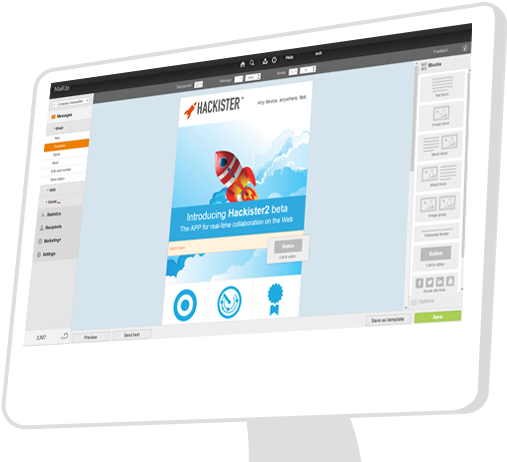
Mailup has hands down the best editor for creating responsive emails, I've tried almost everything out there and this is the best, I recommend this to colleagues all the time!
Both small and large companies alike can utilize it. The simplicity is great and automation is a real winner. It is most appropriate in scenarios where you already have a contact list or an established plan to get emails from contacts. A potential customer should simply talk about their current challenges and let Hatchbuck explain how their product would provide a solution.
Proofing your emails is necessary. This is a tool that allows you to see how your email not only renders on multiple devices but how it performs. Some email building platforms will tell you their drag and drop templates are ready to go, however they stop short of analyzing accessibility, checking links, load speed among other things. I've also experienced drag and drop template issues as new email clients are released. Litmus provides peace of mind that you did your due diligence on crafting your email. While Litmus does provide some reporting you will not see every typical analytic an email report offers. However, you can use your Litmus data to enhance your email reports which in turn creates a robust view of email performance.
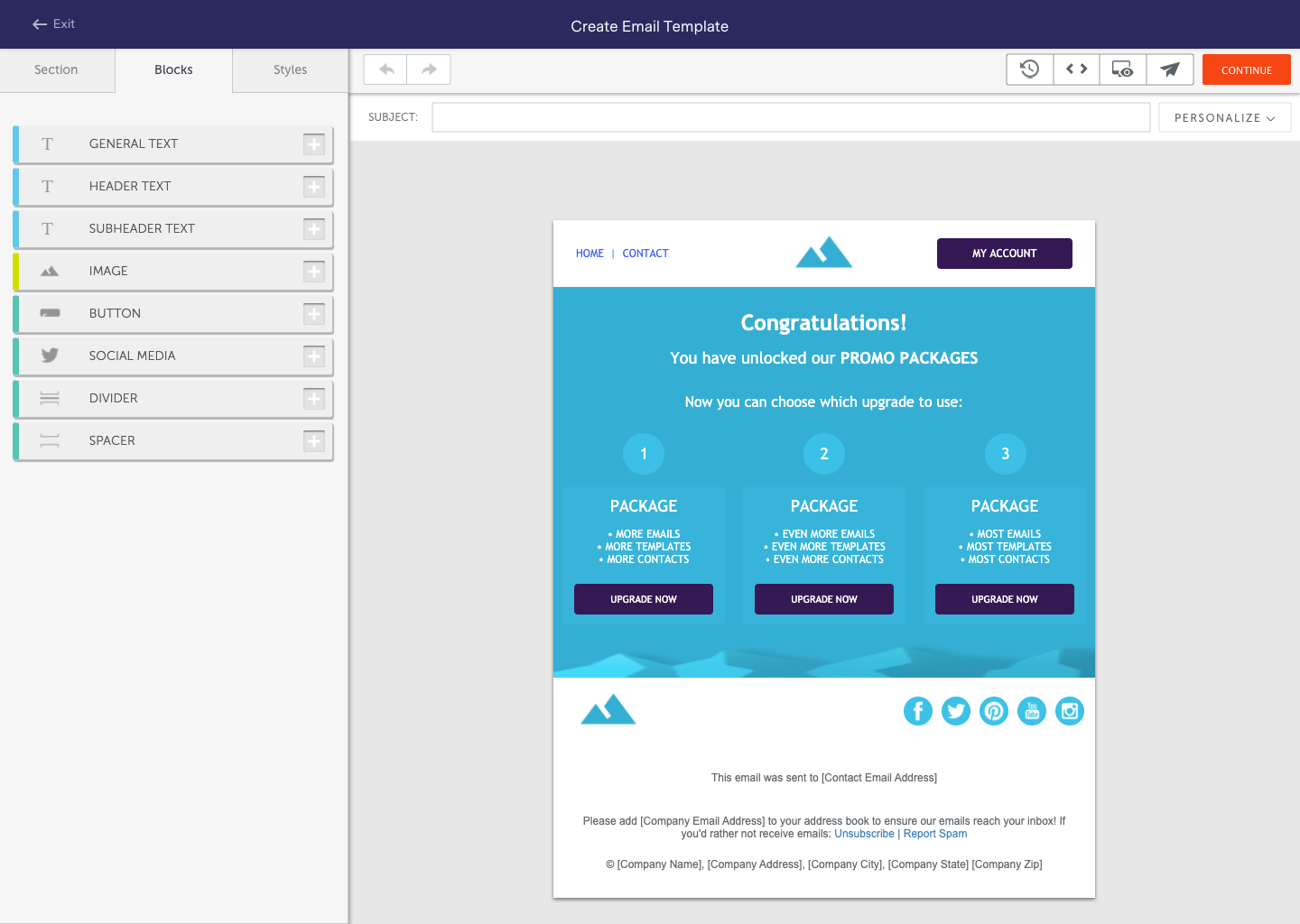
Email marketing. Their WYSIWYG email editor has a lot of options for customization, but also offers templates if you're not great with code or you're in a hurry.
Keeping contacts organized. There are tons of ways to categorize contacts - using tags, labels, and other data.
Automated contact "points." You can set up automations to add or subtract points from contacts based on their behavior (site visits, social media visits, clicks, etc.) to gauge how warm/cold your leads are.
Customer service. Their team is really stellar and they really care about their clients!
The AQ and Approval Process is very seamless. We have a brand team of 20 people, and there are mostly five emails being deployed every day across 3 Hotels and 30 restaurants.
The Preview of the email template on all devices, ranging from mobile phones to laptops and iPads, which we can also check based on ISPs like Gmail, Outlook, and AOL, is a very good feature that we use for each email.
The Analytics tools we use for each email to create a tracking link to insert into our email for a send is a great feature. It helps us to see the email performance based on ISP clients.
For every edits, we receive an email on our inbox, which is very helpful.
It'd be great if the tool had landing pages and calls to action. It would eliminate the need for multiple tools and streamline the efforts and results.
Form design could be better. Although there can be custom coded, the default options are pretty basic.
It has just about everything I want and then some. What I want but they don't have - calendar and e-mail integration, social media integration, and a mobile app, I believe are all in the works for a future release.
I love using Litmus and find that it has been a huge component of the success of our email campaigns. I can't say enough great things about the platform, and I have seen firsthand how it has saved me time building and sending fully optimized email campaigns. I would absolutely renew again.
Hatchbuck offers on-boarding, training, and has a suite of videos, which makes it super easy to get started. As with any software that is the key. Have a plan, stay focused, and get started. Once, you begin to play with Hatchbuck you will see that it is very user friendly.
Litmus has integrations that make the software an integrated part of my work every day. Being able to test right within my email builder is just brilliant. Daily I also use the web interface to review analytics and spam testing. Overall it is one of the pieces of software I use daily without any complaints or issues.
There has never been any downtime for Hatchbuck, which is very reassuring for me as I market and recruit strenuously for the University at Albany's executive Weekend MBA Program. Hatchbuck team members have also been available when I have reached out to them with questions or issues. With one exception, where one of my e-mails became lost in the Internet "black hole," they have gotten back to me in very timely fashion!
We have never had a problem with Litmus being unavailable so I would say their availability is fantastic. There might have been one time years ago that the site was down briefly but it also might have been a server issue on my end. Either way, Litmus was back up and running in a very short time
As with all technology, there are inevitably use-cases where you are unable to get to your original goal without some good old-fashioned experimenting. Some situations will (and are) more urgent which complicates an effective integration of a new process or a new team using an existing process but the "issues" are regularly resolved by re-starting the process specific to when Litmus is introduced to a project. If it doesn't come out the way you're anticipating, run it again and verify there is an issue before declaring all is lost
I always get a response within 24 hours, unless I ask on a weekend. The team seems to work together to resolve my issues, answer my questions, and update me on changes. In fact, they have even connected [with] me to ask how they can improve the Hatchbuck software and their service. This is why I love them so much.
I didn’t really personally participate much in the implementation of Litmus, but from what I observed during the process, it was a smooth process with minimal disruptions. The team was able to get up and running quickly, and the platform’s user-friendly interface made onboarding fairly easy for everyone involved from the start.
We really liked the unique mix of a CRM, an email marketing tool, and a sales funnel tool we found with Hatchbuck. Additionally, the software was easy enough to learn so that multiple team members were able to quickly get up and running using the system. Other tools we evaluated either had too heavy of a sales focus, were too clunky, or were lacking some flexibility within their automation or email options that were important to us.
I selected Litmus because it provides an all-in-one powerful tool to update content, collaborate with teams, and analyse data seamlessly. This saves a big amount of time for the whole team. The insights are more granular allowing us to focus deeper into improvements. The preview tools is one of the most important features we heavily rely on, as we can see how emails are previewed across multiple devices. Speed is also a major factor. Being an organisation sending out many emails, we are happy with the speed and efficiency of accessing and organising emails.
Mailup has hands down the best editor for creating responsive emails, I've tried almost everything out there and this is the best, I recommend this to colleagues all the time!
With our enterprise account, scalability is not an issue. I have not yet seen or heard of significant issues with user access, API connections for integrations etc. This includes down time for "Scheduled Maintenance" as some providers call them, Litmus has the technology backing to support a global team with a 24-hour workday across regions
Litmus has been a huge time-saver for our email designer. We send around 40–50 emails a week in over 10 different markets, so manually testing each one just isn’t realistic. With Litmus, she can skip the testing process and spend more time optimizing our emails for better customer engagement.
We’re just starting to explore Litmus’ personalization features, and they’re already proving valuable. After identifying a gap in our email personalization, the built-in templates are making it easy to start delivering more tailored, customer-focused content.
Continuing education through Litmus has been a valuable resource for our team. The articles take a little time to get through, but the insights are always worth it—they’ve helped us turn ideas into real, actionable steps to improve our email strategy and content.