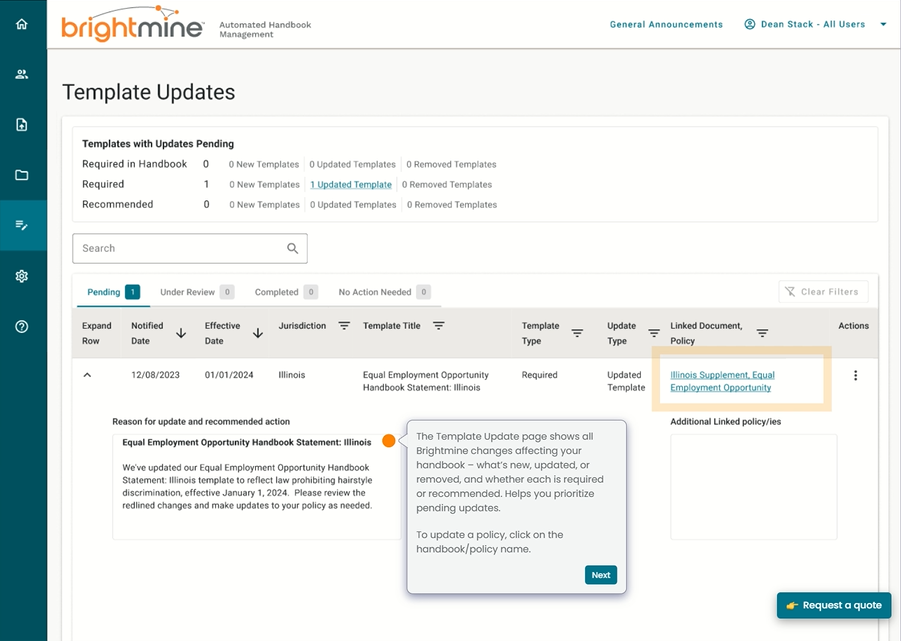
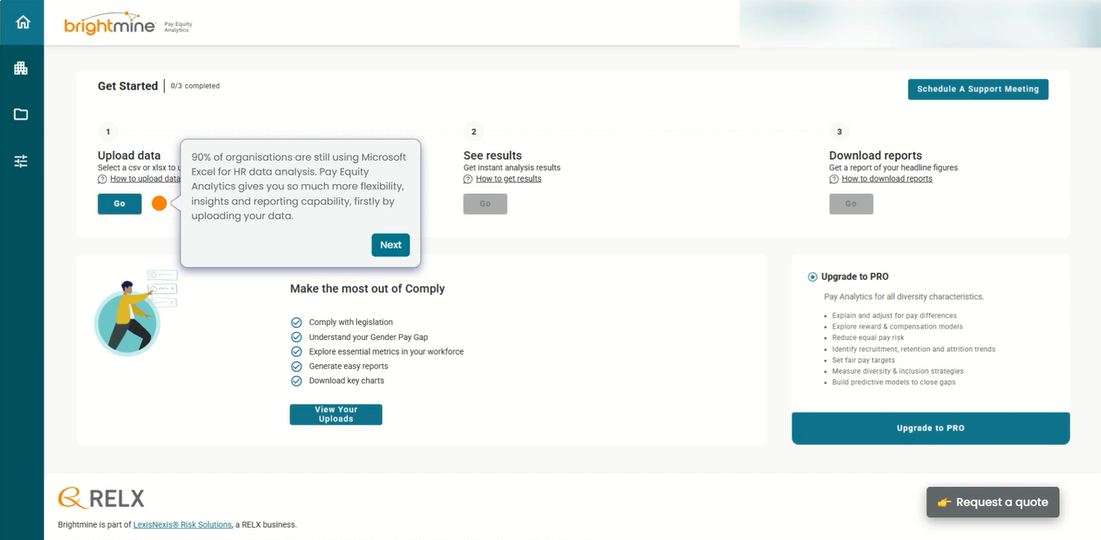
Brightmine (formerly XpertHR) is a global provider of people data, analytics and insight. Brightmine is a division of LexisNexis Data Services, within RELX®, a global provider of information-based analytics and decision tools. RELX serves customers in 180+ countries with 35,000+ employees.
N/A
Cornerstone Galaxy
Score 8.1 out of 10
N/A
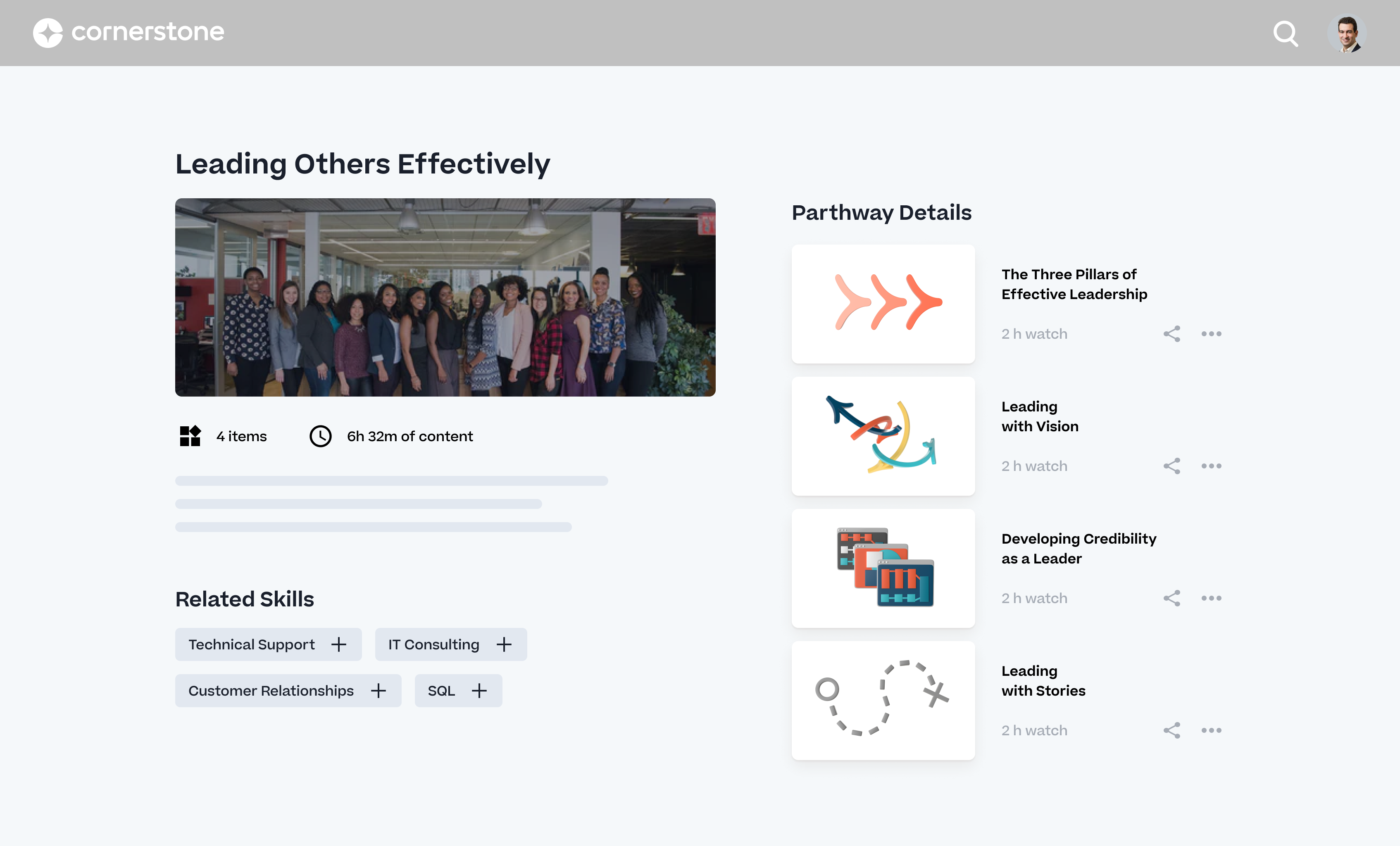
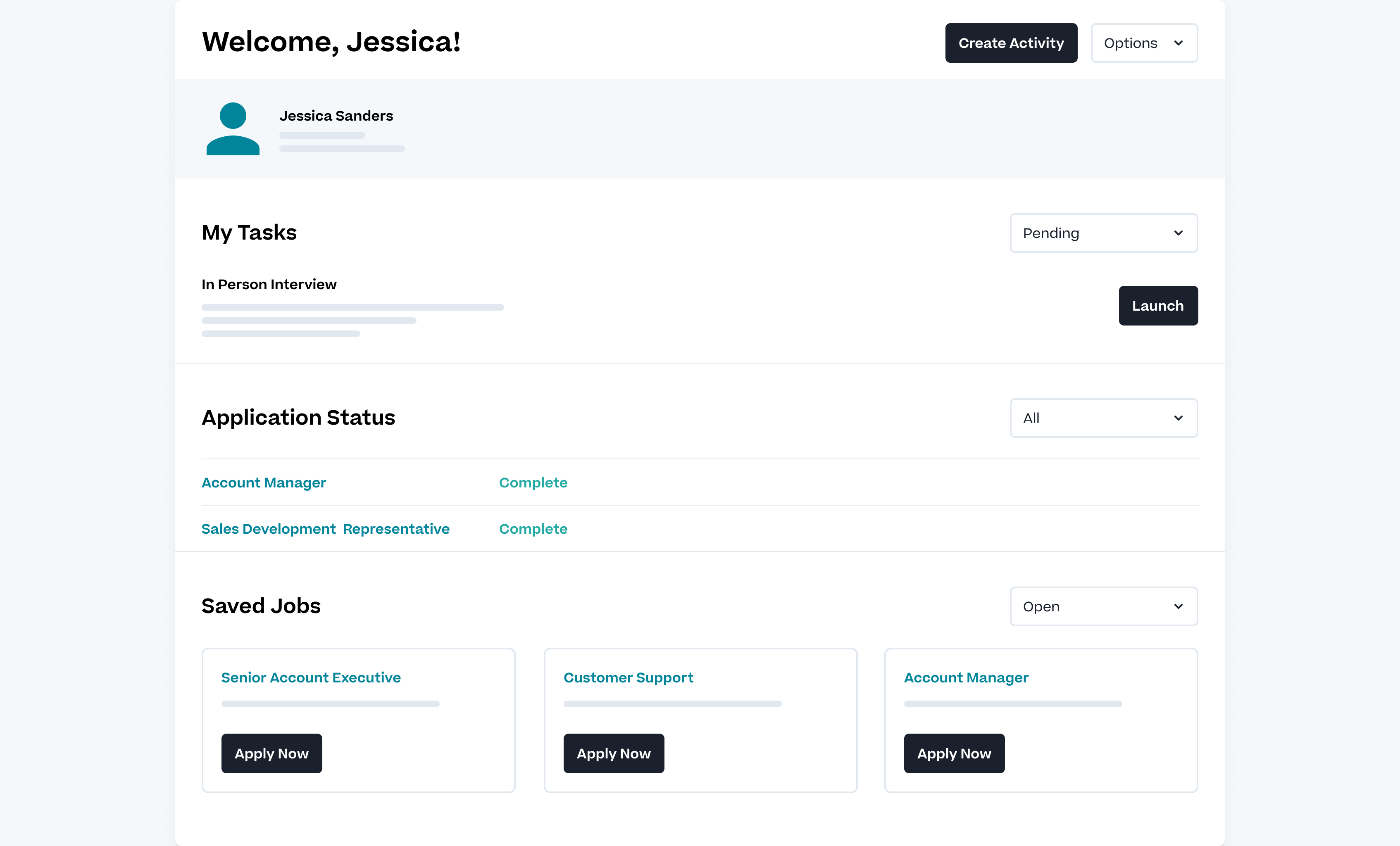
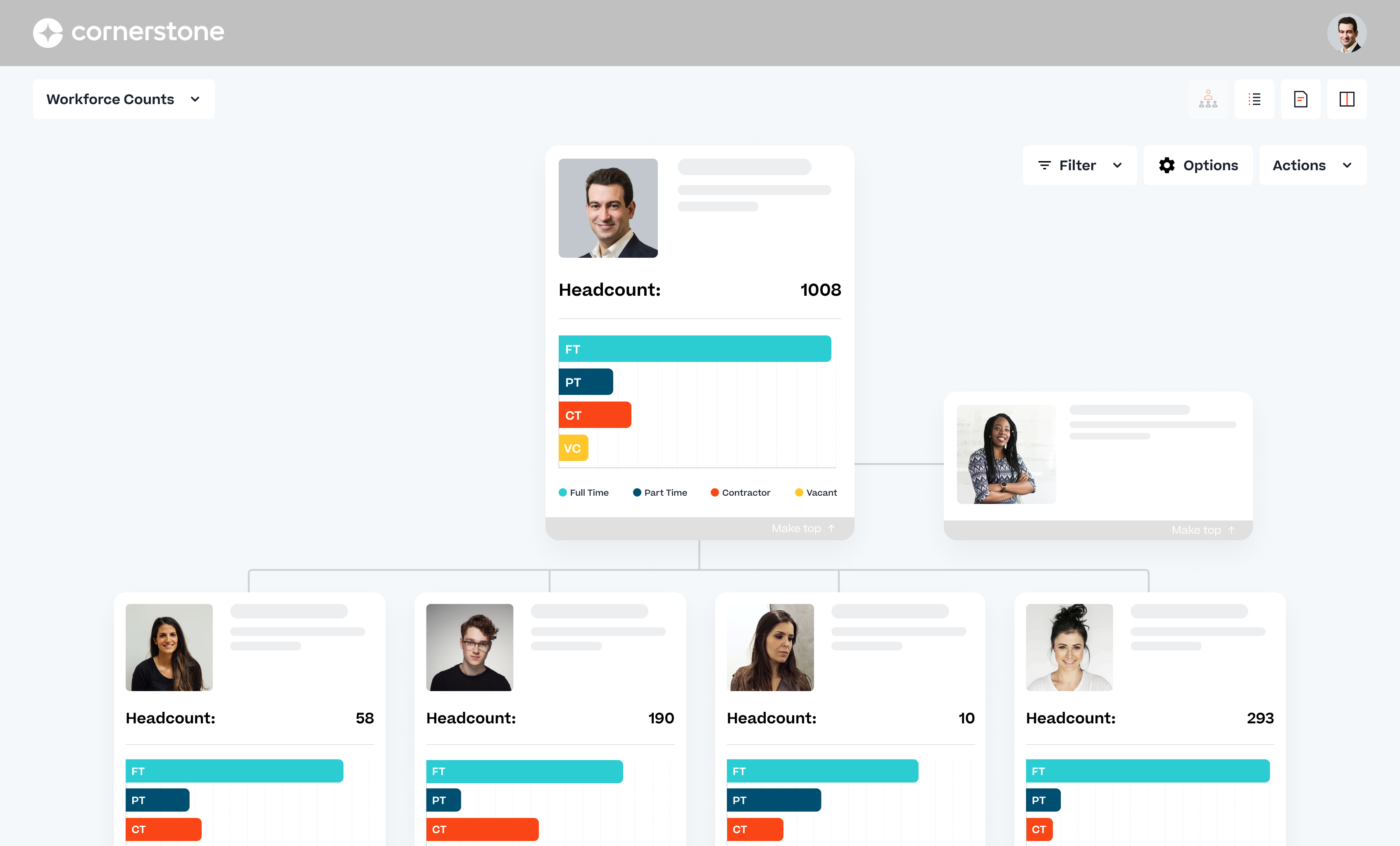
Cornerstone Galaxy is a cloud-based application for talent management. Cornerstone offers suites for recruiting, training, performance monitoring and planning, learning, and HR data management. It is scaled for enterprises.
N/A
WorkBright
Score 9.9 out of 10
Mid-Size Companies (51-1,000 employees)
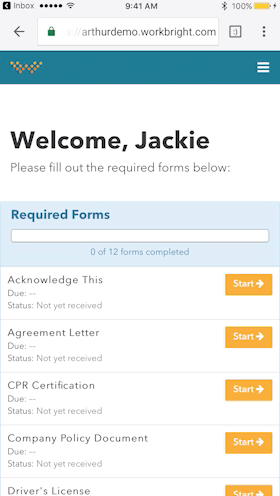
For businesses that are rapidly, seasonally, or just plain constantly hiring, WorkBright aims to take the cumbersome and traditionally paper-heavy process of onboarding and puts it all online. They make it possible for new employees to fill out their W4s, upload photos of licenses and certifications, sign digitally, and complete any paperwork from their laptop, tablet, or smartphone before they show up for their first day on the job. Integrations and an open API…
$158
hires per year
Pricing
Brightmine
Cornerstone Galaxy
WorkBright
Editions & Modules
No answers on this topic
No answers on this topic
Onboarding
Starting at $158/mo
hires per year
Offerings
Pricing Offerings
Brightmine
Cornerstone Galaxy
WorkBright
Free Trial
Yes
No
Yes
Free/Freemium Version
No
No
No
Premium Consulting/Integration Services
No
Yes
No
Entry-level Setup Fee
No setup fee
Required
Required
Additional Details
—
—
Our pricing is based off the number of hires in a given contract year. All contracts are annual but can be billed on a monthly basis.
Brightmine is well suited for UK employment law guidance, policy interpretation, and complex employee relations scenarios requiring quick, reliable insight. It is less appropriate for country specific advice outside the UK or for highly bespoke legal matters that require formal external legal counsel. In these cases you would still require external legal counsel.
Cornerstone Galaxy is a good solution for larger companies that focus on training and want to offer a variety of options to their employees and departments. It is highly customizable. It does require a tech savvy team to set-up, and maintain. This is not a set-it-and-forget-it system. From an LMS perspective, it wouldn't be my top choice for employees who only need a mobile-friendly approach.
Workbright is well suited because of the following reasons: 1. Data transmission between browser and application is highly encrypted 2. Bank grade data encryption for maximum security 3. Data is backed up at various locations 4. Database security is maintained to the highest standards with Engineers 5. Automated reminders and user correction error flow system
Ability to provide multiple customizable access roles from general end user to full system admin and anything in between
Powerful reporting system in the LMS to track a plethora of data points within the platform (user data, training information, transcript information)
Great options to customize the look and feel of your "home page" to best meet your company's needs and goals.
Ability to customize the transcript view for learners (i.e. when Completed training will move to their Archived transcript, what to do with Inactive training on transcripts)
Have a 50 state chart that lists all final pay requirements for a deceased employee.
Policy requirements that are 100% mandatory for the handbook. This could be adjusted to make it crystal clear what is really needed and what an employer may want to add.
Chat support. I don't think this feature has ever worked on the site.
Sometimes finding the right answer to your support question can be a bit more difficult than it should be.
I would like to see more OSHA related courses.
At times, the administrative interface seems to need to be updated, but the tradeoff honestly might be the absolute rock-solid stability of the platform.
Onboarding Paperwork - It would be great if there was only one website we had to log into. For example, I have to log into one to send paperwork, and then log into another domain to check the paperwork sent.
Note Timeline - Anytime any application is touched, viewed, etc. a note is made. We also utilize the note feature to communicate about each applicant. However, it gets quite messy when their are over 40 notes and you are not able to sort or organize them.
Attachments - Can't attach items in notes, would be nice feature for attaching images, snippets, pdfs, etc.
Without realising it we use Brightmine so often and it is so beneficial as our daily roles are onerous. By having a tool there that covers such a wide variety of products we can rest assured we know if we need something we can find it on there easily. With no hassle.
As long as pricing stays reasonable, we will likely stay with Cornerstone for at least one more contract renewal. It would be a large task to migrate all of our content to a new system. However, the LMS landscape is diversifying with new startups that are showing some real innovation.
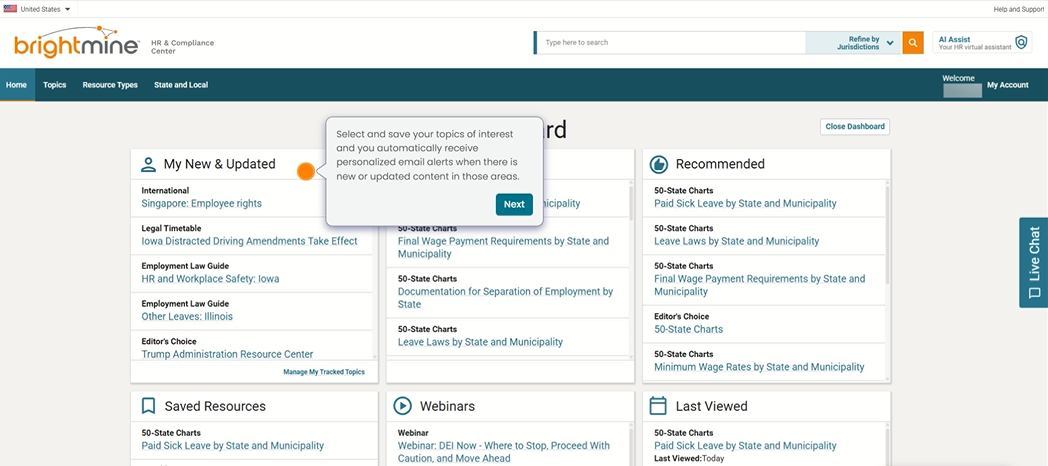
The website is so easy to use and navigate through. I check this website weekly on the states I am responsible for, and it is so well organized to quickly find those states. I also use this to check up on information with policies and laws I run into and all the information is quick and easy to find.
Easy to use, easy to learn, lots of support during the learning process. There are a few parts of the system we don't use and I'm hesitant to begin using because other clients have said they're difficult and cumbersome (certifications) or outdated (libraries)
It is almost always available when I need it. I have only ran into 2 situations where I received an error message and could not get logged in but was told this was a widespread issue that would quickly be resolved.
I haven't really had any major availability problems. The service is practically impeccable but it is true that at times, due to server and latency problems, the application has been slower. But these have been specific issues that have resolved themselves.
Everything loads quickly and is exactly where I need it to be. I like how the sidebar breaks down different sections of policies for each state to help me find what I am looking for or gives suggestions or documents to review that may also be helpful
I haven't seen many issues at all with load times. Sometimes learning assignments will take longer then expected but it is still reasonable. They have taken great effort over the last couple years to speed things up like reports and search results so I expect that effort to continue in the coming year.
The initial support was brilliant with a colleague who showed us how to use the platform, as the platform is so easy to navigate we havent had further support but i know if i needed any i could contact brightmine to offer the support. It is so easy to use so havent needed to
Its always important to have support when you are facing problems and when you are the main admin of the organization. Cornerstone Support is very supporting when you have not found the answer in the help guide. its very useful to have a team support to guide you.
we use also to admin all our training in person events and sessions. Its easy to admin this kind of trainings and automatize some processes we have. Also de user experience and the integration with other systems helps to the employees to use more. All modules integrated oriented to develop people is the principal reason to have CSOD. The training administration is very complete and allows to automate many processes.
The people on the call training us were very friendly and knowledgeable! They helped me learn of new tabs for finding templates to create new trainings to update departments on policies and procedures. It also has great excel sheets so I can see side by side differences between states regarding different laws and compensation changes.
The online modules are pretty good. You can access them at any time, which we have done. You learn a lot in the beginning, but having the ability to retake short lessons when you are working on those items was very helpful.
I didnt implement but just wanted to say the person providing the training was brilliant and guided us through each page so we knew how to navigate, also allowed us to ask a lot of questions if we needed to which was helpful. So we could go away with confidence to use it
The implementation was pretty difficult. We felt they (Cornerstone) didn’t properly allocate the resources to complete our implementation in the timetable we wanted.
For example, we worked on Workday and SSO integrations - work that we had specifically contracted for in advance. When we were ready to work on that project, they didn’t have the people ready to help us, so it took a lot longer than necessary. That was my biggest pain point.
The implementation approach we went with was a self-led implementation. We would speak to the implementation manager once per week, and self-trained. We met with implementation manager to discuss issues, review things that we’d learned for 1 hour. We found that wasn’t enough. Other things would come up outside that one hour window that we couldn’t get answers to. We didn’t have anyone to ask about those things and we had to wait to ask during our weekly meeting.
The advantage of the self-led implementation approach was that it was really inexpensive – significantly less than the implementation cost for the other systems that we looked at. I also liked that we could pace ourselves. There were however big roadblocks. We would have to make sure the right resources were available. We had an implementation/project manager with a lot of experience and felt that the person was knowledgeable but missed on a few things.
In hindsight, I would still go with the self-led implementation, but knowing what I know now, I would ask for the integration person to be available more. I would work that into the contract. With single sign-on, we needed deep linking to build direct links through a Single Sign-On tool, e.g. when someone gets an email, it directs them to training. But it has to go through SSO to get them to the correct link. Deep linking wasn’t turned on in our system and they had to activate it. We encountered little things like that – sequencing pre-requisites which were problematic. We tried to troubleshoot ourselves.
I recommend you consider contracting for some extra implementation hours and determine when they are going to be available. Work it into the contract that you have the ability to call tech support during implementation. In addition to weekly implementation meetings, they have technical webexes – 4 every week, but 2 didn’t apply to us – one as we were using SSO. The challenge is they were not always relevant – we had specific questions that didn’t fall into those categories
HR Inform's documents are written a little better but there is less choice, they are similar in pricing however you can get a discount is you are a CIPD member which is attractive. It would be good if Brightmine can partner with the HR Ninjas very large network and give discounts to members, this would definitely drive subscriptions up for Brightmine and increase their presence.
The user experience is a lot better than using SumTotal as an admin CSOD makes working easy. Without having workarounds. Reporting is a lot better than both platforms. Reporting in CSOD is complex however easy to manage and create when you understand the data points collected
WorkBright was selected as the primary HR software within our company. One of the main reasons it was selected is the intuitive user interface and dashboard. Additionally, the software had excellent features for the cost such as custom reporting, notifications, enhanced security, and training. WorkBright offered many features that other HR software in the same price range did not.
It is important to be familiar with the terms and annual increases in licenses and other aspects of the contract. I recommend analyzing this from the beginning and the permanence is relevant because Cornerstone updates its modules and brings out new features that may allow you to leave a module to acquire another
As I have said before, I have no doubt that the services of the Cornerstone sales people were very good. In particular, our salesperson spent a lot of time in contact with us to make the process go smoothly. Perhaps being a large company in some cases the times were slowed down but it is something normal to take into account.
Brightmine reduces the time it would take me to research certain items on my own. As a consultant, this increases my capacity, allowing me to take on additional clients and increase my revenue.
Using Brightmine saves me from needing to hire someone to help me perform research or to help me stay up-to-date on changing laws. Although I pay for the service, it is at least 80% less than an employee would cost.