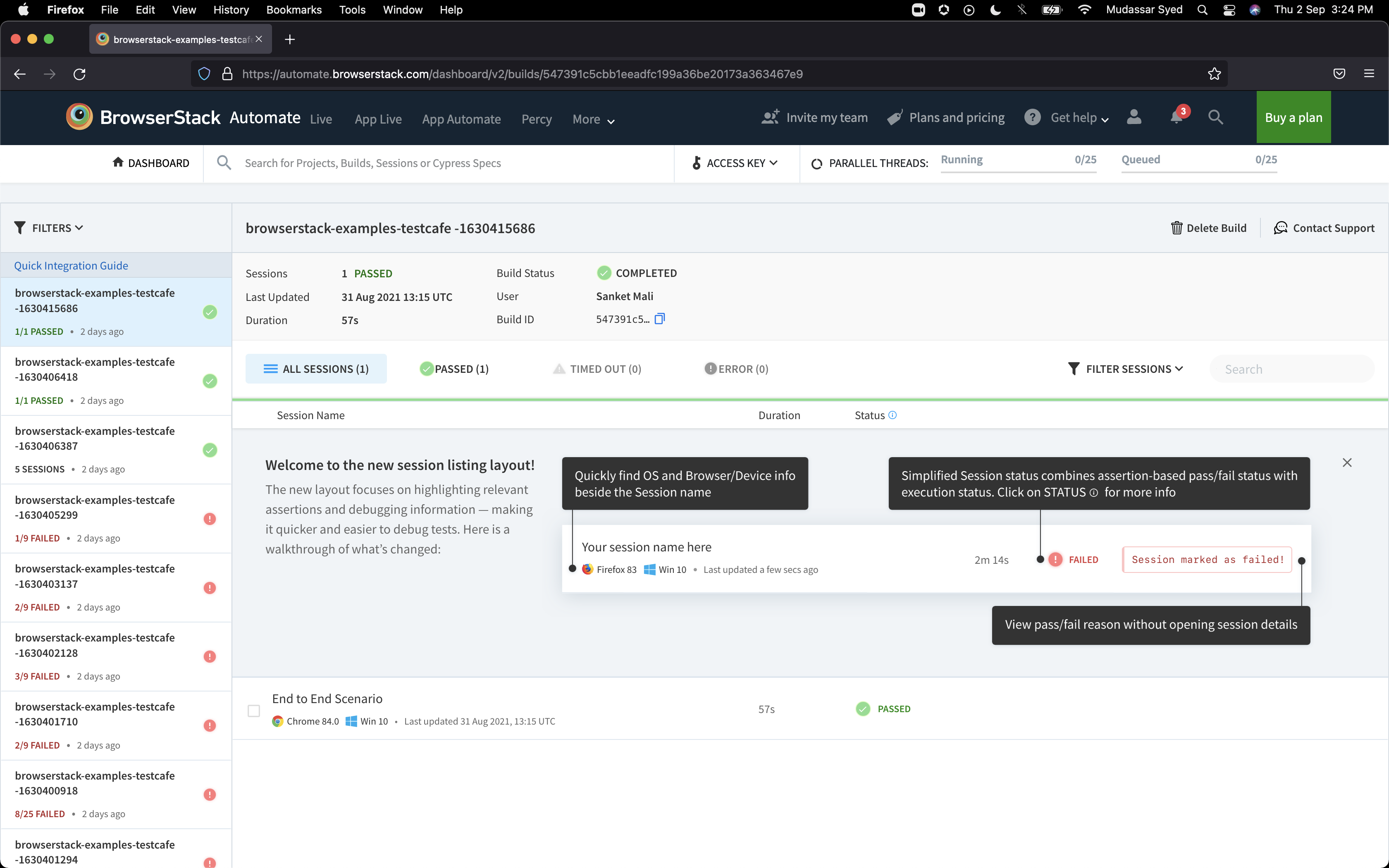
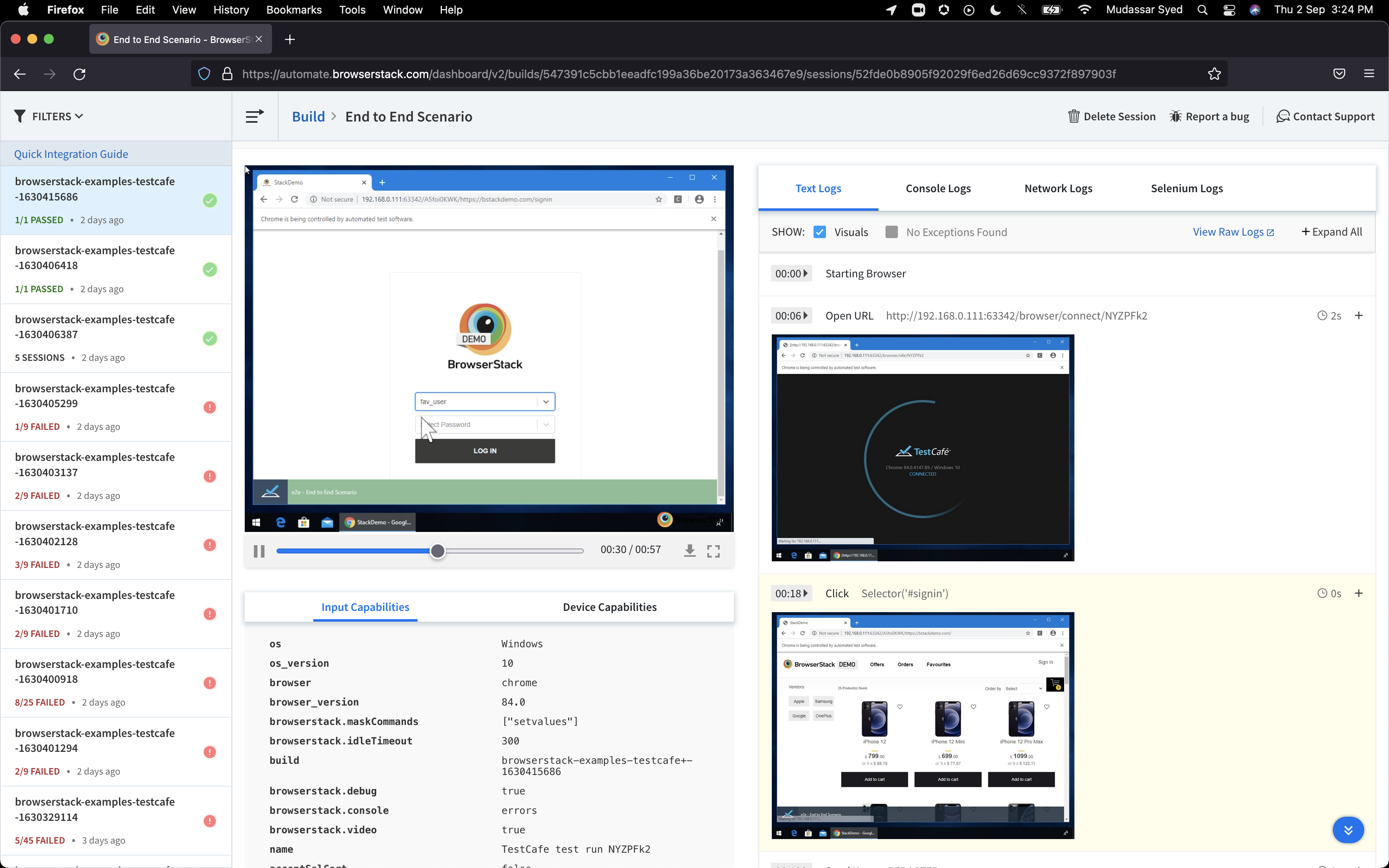
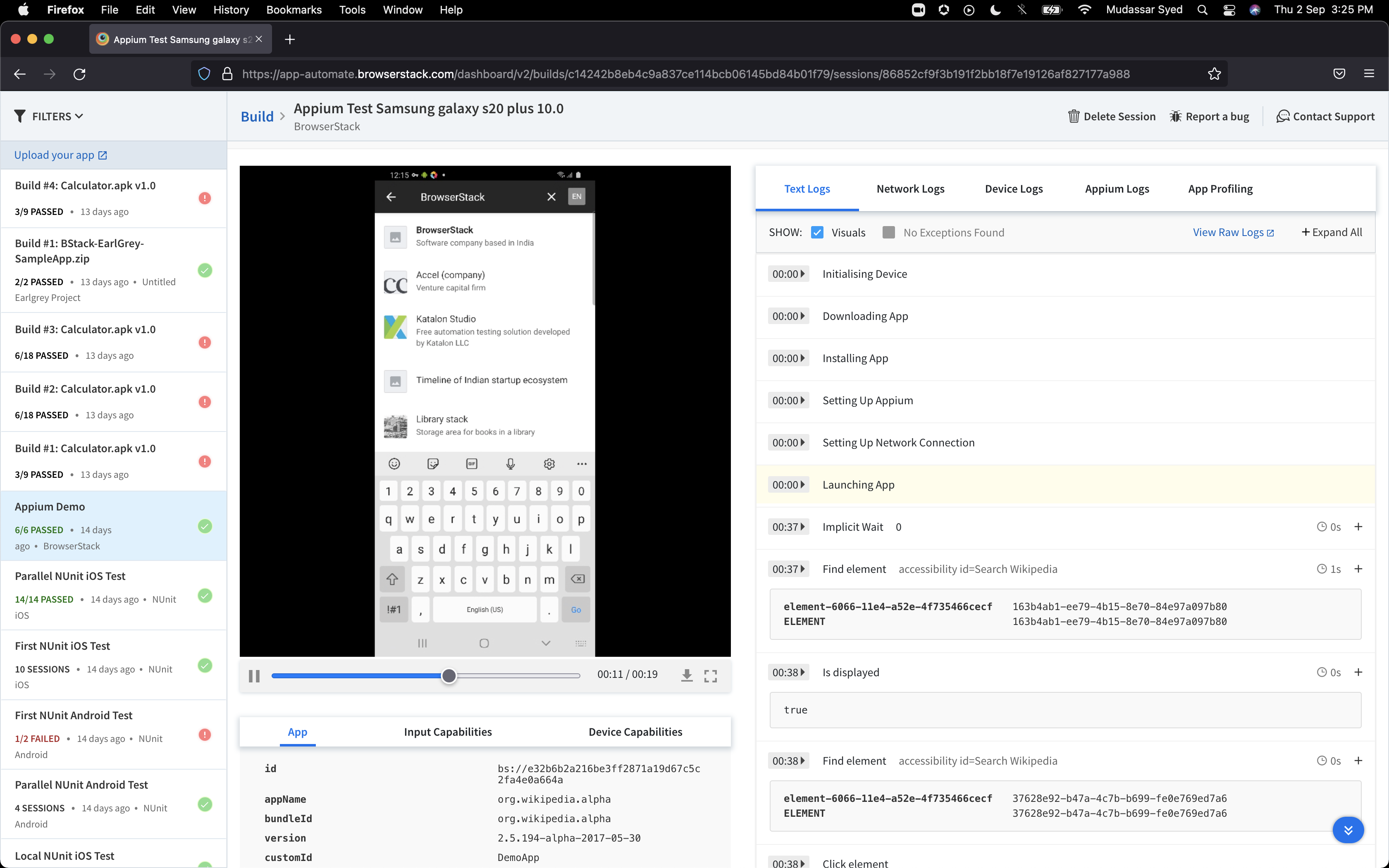
BrowserStack is a test platform built for developers and QAs to expand test coverage, scale and optimize testing with cross-browser, real device cloud, accessibility, visual testing, test management, and test observability. BrowserStack states it currently powers over a billion tests a year for customers who include Amazon, Paypal, Well Fargo Bank, Nvidia, MongoDB, Pfizer, GE, Discovery, React JS, Apache, JQuery and several others rely on BrowserStack to test their web and mobile apps.
$0
per month Unlimited users and 5000 free screenshots
SolarWinds Pingdom
Score 9.5 out of 10
N/A
SolarWinds Pingdom is a website uptime monitoring and alert tool, with additional reporting and Real User Monitoring capabilities. Pingdom is part of SolarWinds’s DevOps package, enabling full-stack monitoring as a service.
$14.95
per month
Pricing
BrowserStack
SolarWinds Pingdom
Editions & Modules
Percy - Free
$0
per month Unlimited users and 5000 free screenshots
App Percy - Free
$0
per month 5000 free screenshots and 100 minutes of infrastructure
If you need immediate testing (for example, from Azure pipelines agents), use BrowserStack instead of LambdaTest (which makes you wait in a "pool" until the device/platform combo you are querying is accessible). If you don't need your tests to be immediate and prefer a wider range of devices, then use Lambdatest.
I believe the scenarios we used it for were quite well covered, from the executive perspective. The downtime alarms worked very well and were easy to setup, uptime monitoring tools were clear and easy to use, even for non-technical people (C-level) and the SLA management tools allowed us to spend less time, and have less friction, with our clients
The PagerDuty integration could be a lot better. When you use the PagerDuty integration, it doesn't send any information about which check failed! It just sends a message like "Timeout (> 30s)" -- this isn't very helpful when we have hundreds of checks. We've worked around this by using both the PagerDuty and Slack integrations and having them both post to the same Slack channel. But this means that when an engineer is paged from PagerDuty, they have to go to Slack (or Pingdom) to find the details about the page; it's not available on the page itself.
It's almost the 3rd year for us and it's renewal time for us. So yes, we are already discussing how many licenses we need to increase as users are increasing internally. So it's 100% sure that we are already planning renewal this year as well BrowserStack with live and app automate.
Recently added features have made Pingdom less intuitive for our requirements. While Pingdom has a broad offering and remains a good value, it is becoming more than we need. Our customer base is becoming more and more global and Pingdom still lacks Asia-Pacific monitoring, which we will need within a year.
So many options that it can be a little overwhelming, but the core functions are easy to find and use and it's usually not too hard to figure things out for the more complex tasks. Very easy to boot up a device and a specific browser from the dashboard to begin a manual website test.
Pingdom is easy to use, very intuitive and has a very short learning curve. From the onset, we've been able to jump in and leverage the tool to accomplish our goals for page speed performance and discover the insights we need to make improvements. Its a well-designed tool and makes for a good user experience.
I rated BrowserStack's availability a 10 because it is consistently reliable, with minimal to no downtime or unplanned outages. The platform is accessible whenever needed, ensuring uninterrupted testing. Its robust infrastructure and proactive monitoring ensure a seamless experience, allowing us to meet deadlines without delays caused by availability issues and all
The tests are fast considering the fact that they're Appium tests. I've seen tests reliably pass or fail when they're supposed to, with next to zero issues on the BrowserStack side of things. Tests launch only seconds after I kick off them off from my CLI.
I've not had much direct interaction with the BrowserStack support team. The help and community are great and we've not run into any issue that has really required us to reach out. I guess having a stable and easy to use system means you may never need to contact support.
Support responded the same day to my query, as I was setting the product up but couldn't find the setting I needed. This was successfully resolved in a short time frame, so I was pleased with how quickly we were able to get this resolved. I haven't needed to contact support since.
Yes, it was online training on meet, and trainer looks like skilled and technical strong, he has covered end to end all the features and he has answers all the queries. because of this trainings we are able to implement it by our own in the organization, thank you for support and training.
It was a quick training from the support of browserstack, it was nice and easy to understand, thanks again for the support given by the team. and regularly I used to receive mails for training from support for any new feature they launch, I was able to spread same training to all my team and dev.
I rated the implementation satisfaction an 8 because while it went smoothly overall, there were some challenges during the initial learning phase and integration with existing tools. Key insights include the importance of providing sufficient training upfront and ensuring seamless integration with other systems to minimize disruptions and improve adoption speed.
BrowserStack products has been found better for low code automations and visual regression techniques. We have been struggling to maintain the API endpoint sanity tests and writing a lot of code for them while releasing the builds, while we chose BrowserStack accessibility solutions, we found it a way easier than we thought and worked it up.
PRTG Network Monitor was a far more complicated tool to use and set up albeit it does both Internal and External monitoring. The setup wasn't intuitive and there are too many configuration options to complete to form an alert
Amazon CloudWatch is specific to AWS resources and cannot be easily use outside of the AWS Ecosystem
I may not be the best person to answer this as I am only using it for 1 department and at 1 site but will still try my best As far as Scalability for Devices for Mobile Automation is concerned, it gets a Solid 10, as the users can run cases on upto 10 device parallel and also have the best choices of devices to choose
Honestly, we have 4 other products that overlap this functionality whose organizations provide far superior support. At this point it is an unnecessary expense.
In my opinion, their lack of support responsiveness and commitment has impacted our IT agility.