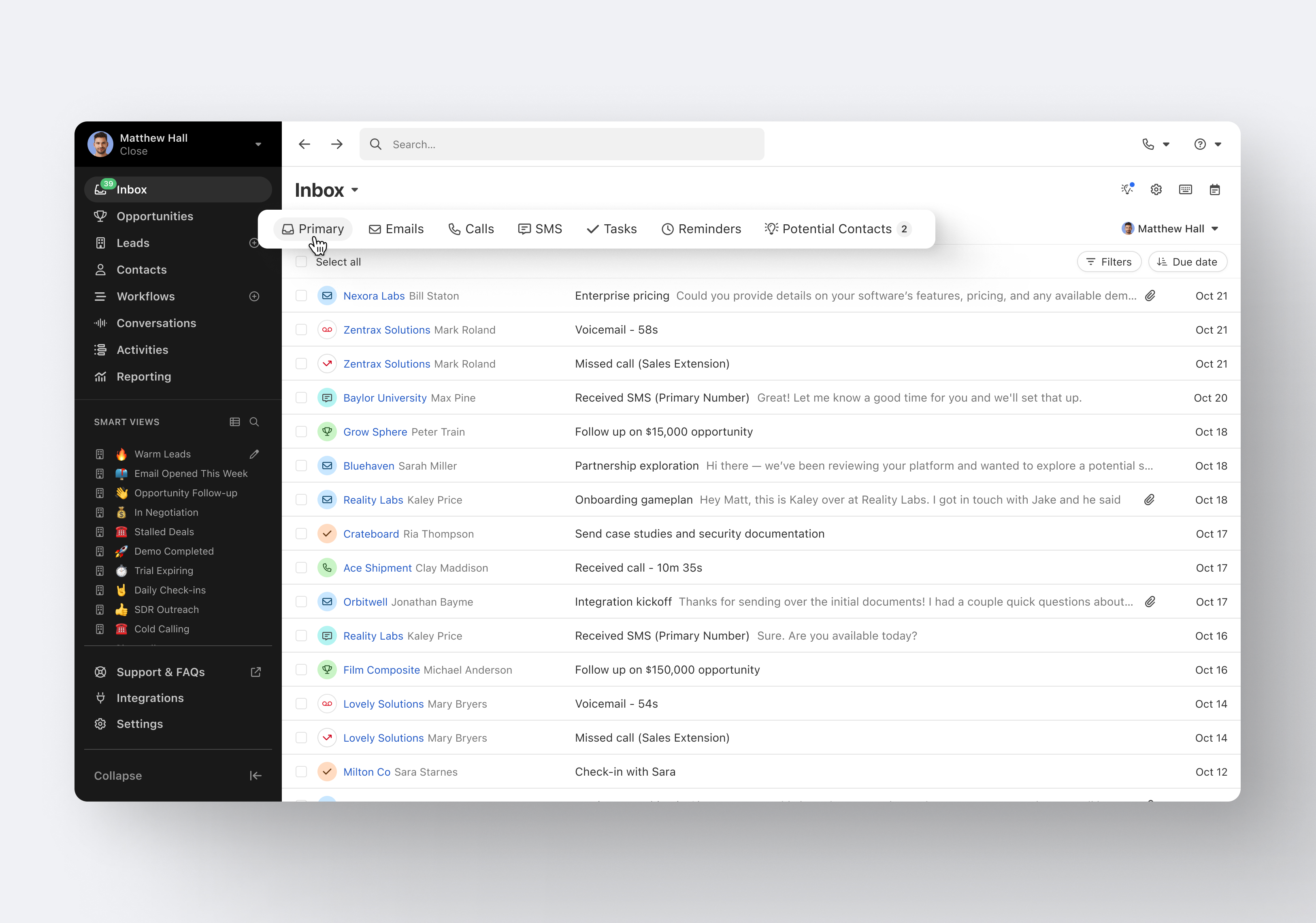
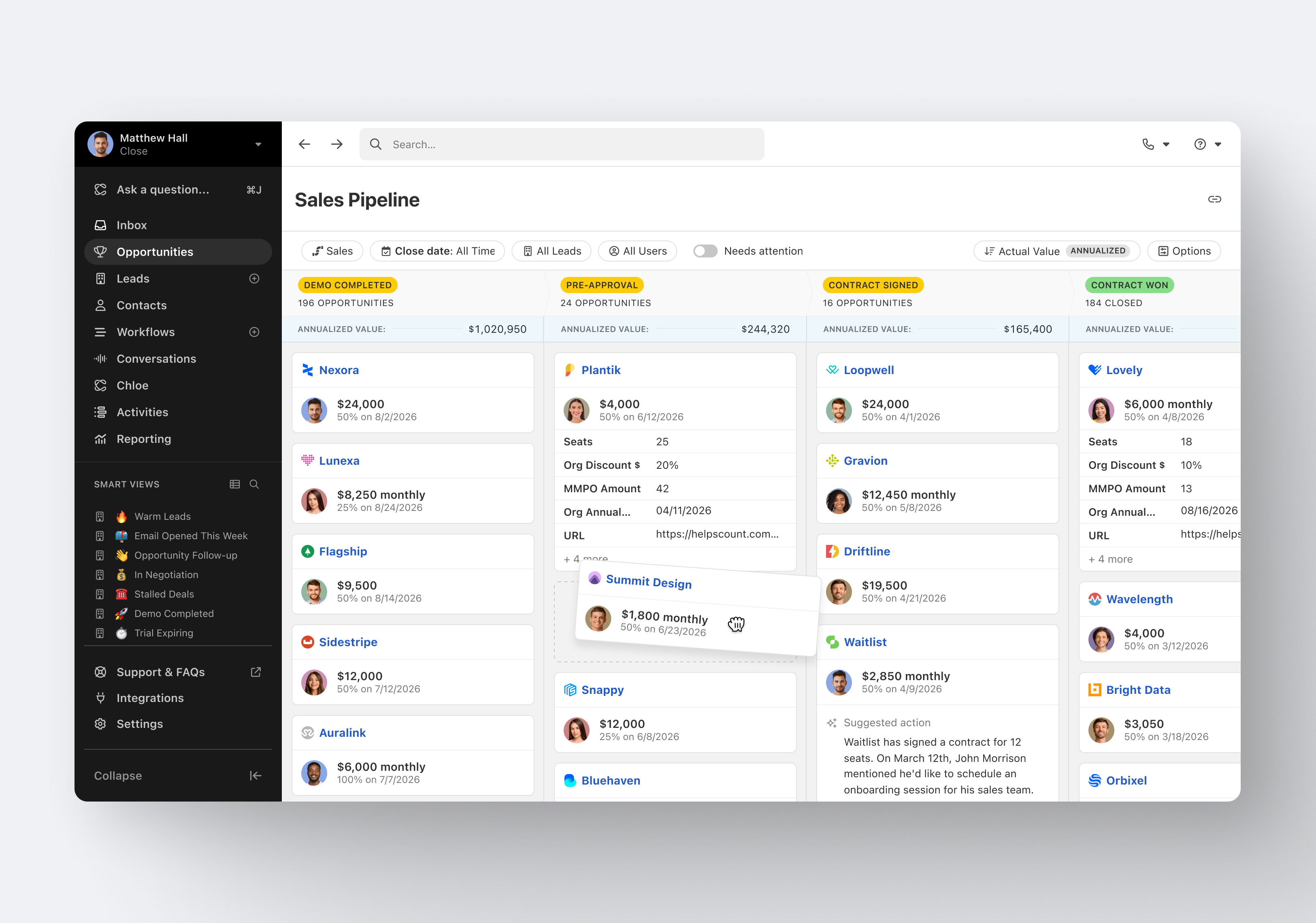
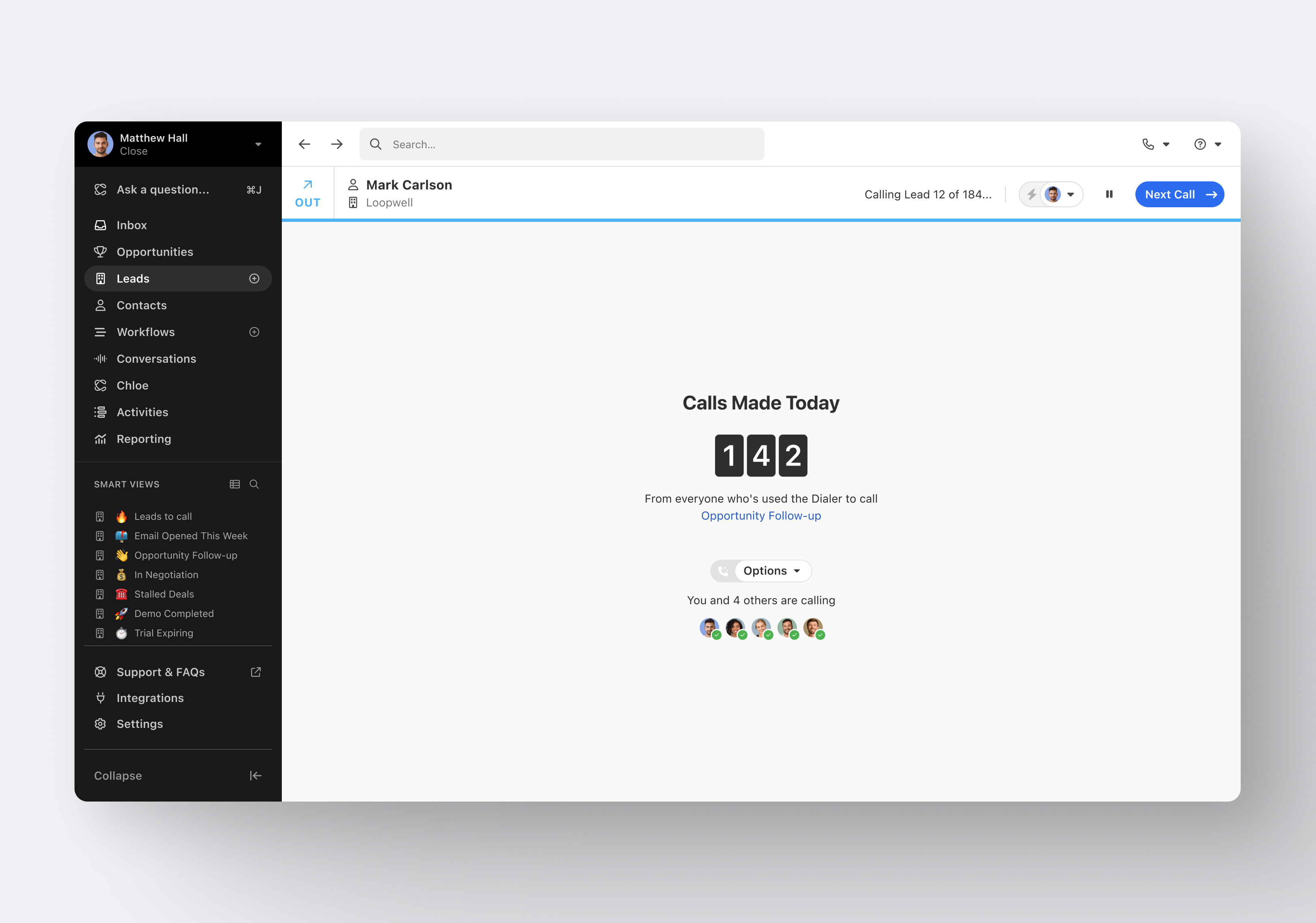
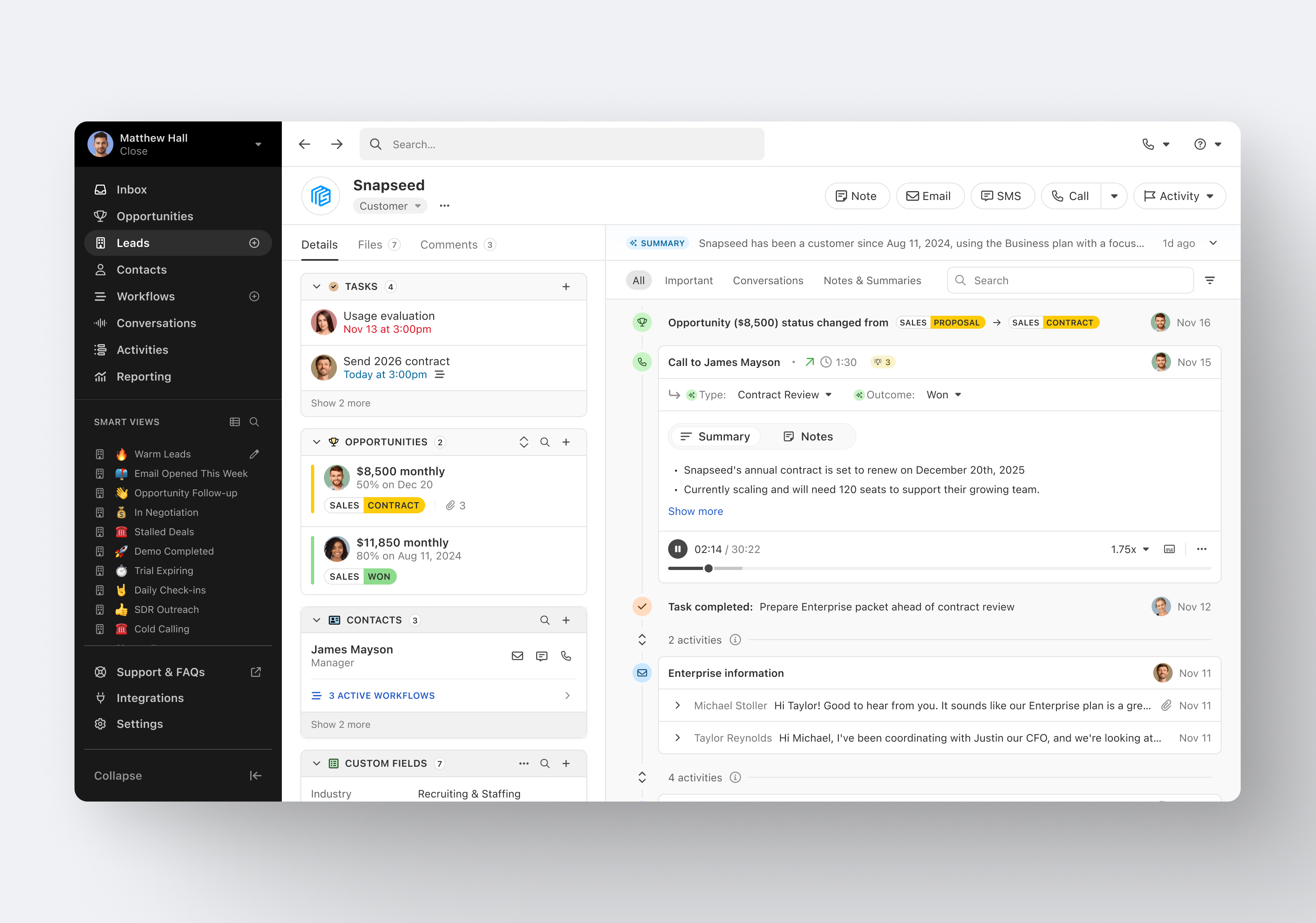
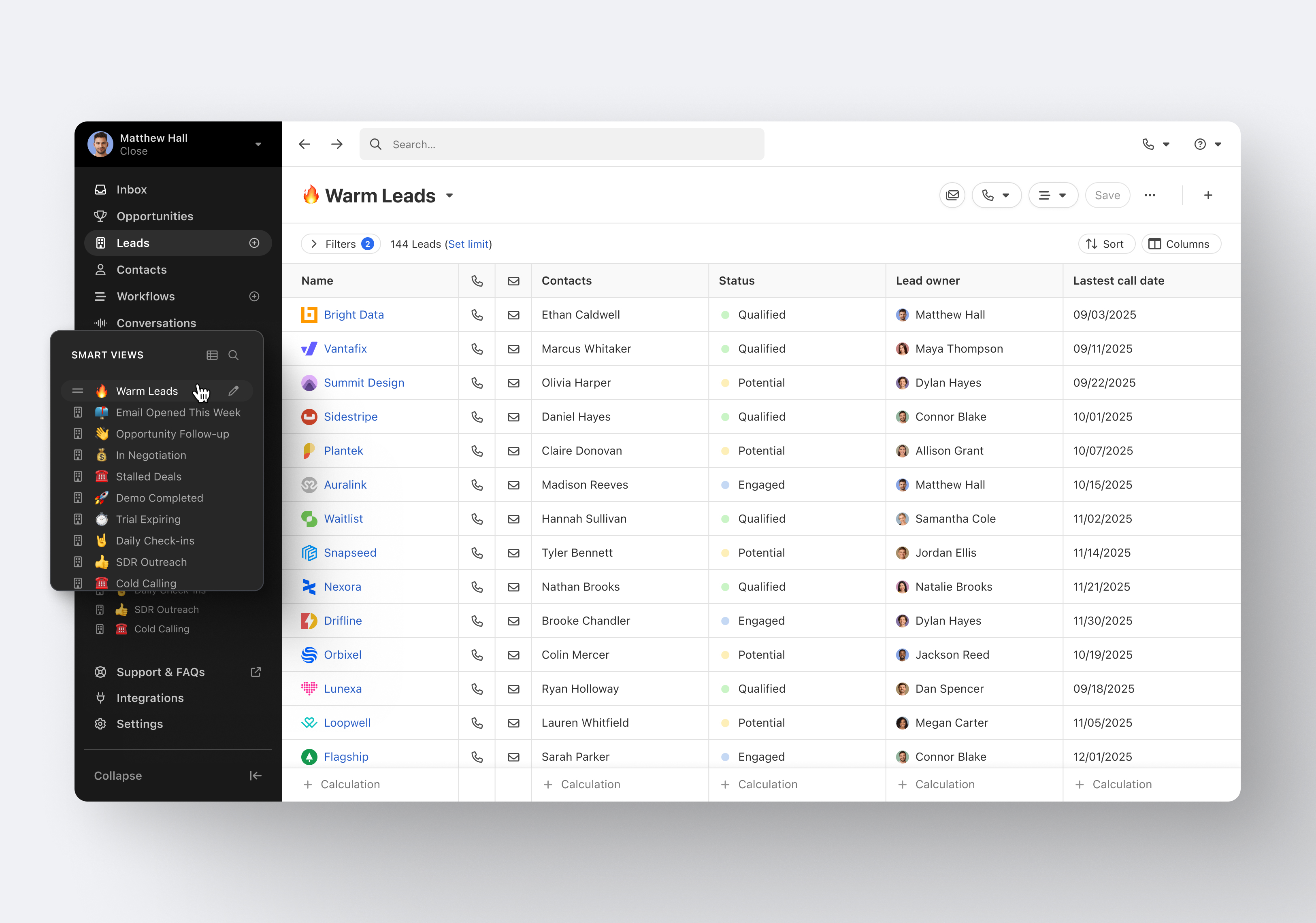
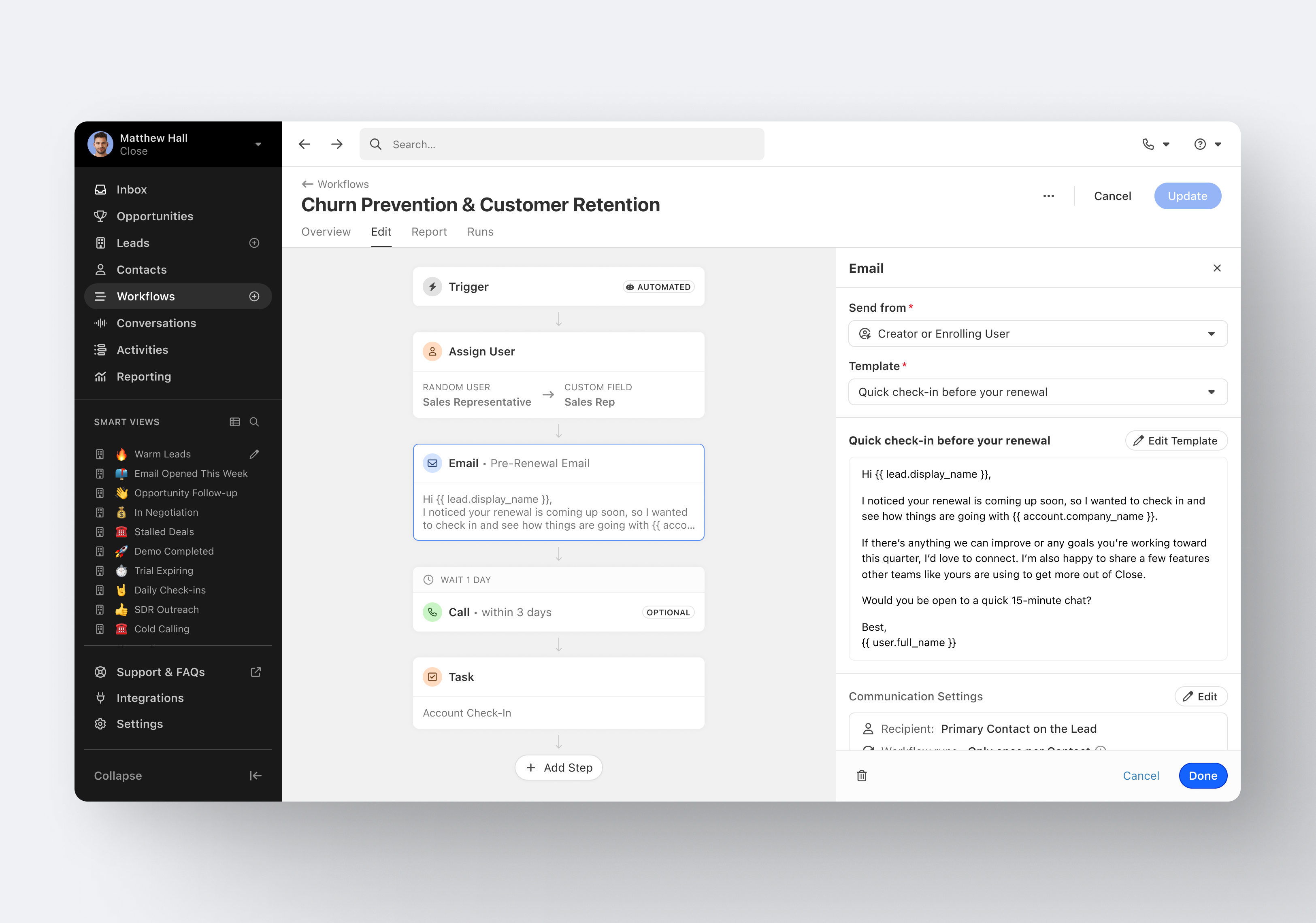
Close.io is a customer relationship management (CRM) software with call management and sales workflow automation capabilities.
$19
per month includes 1 user
Outreach
Score 8.3 out of 10
N/A
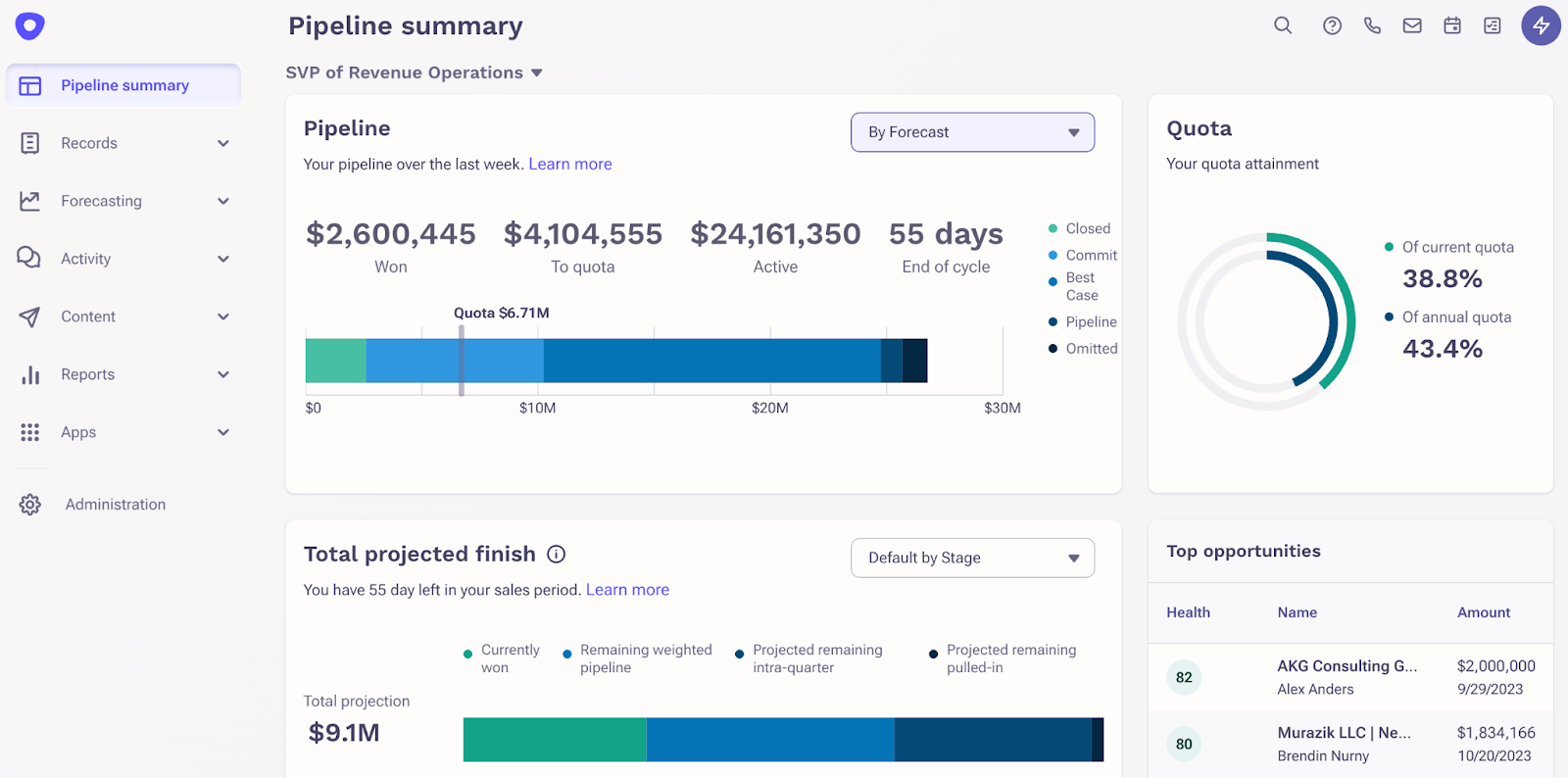
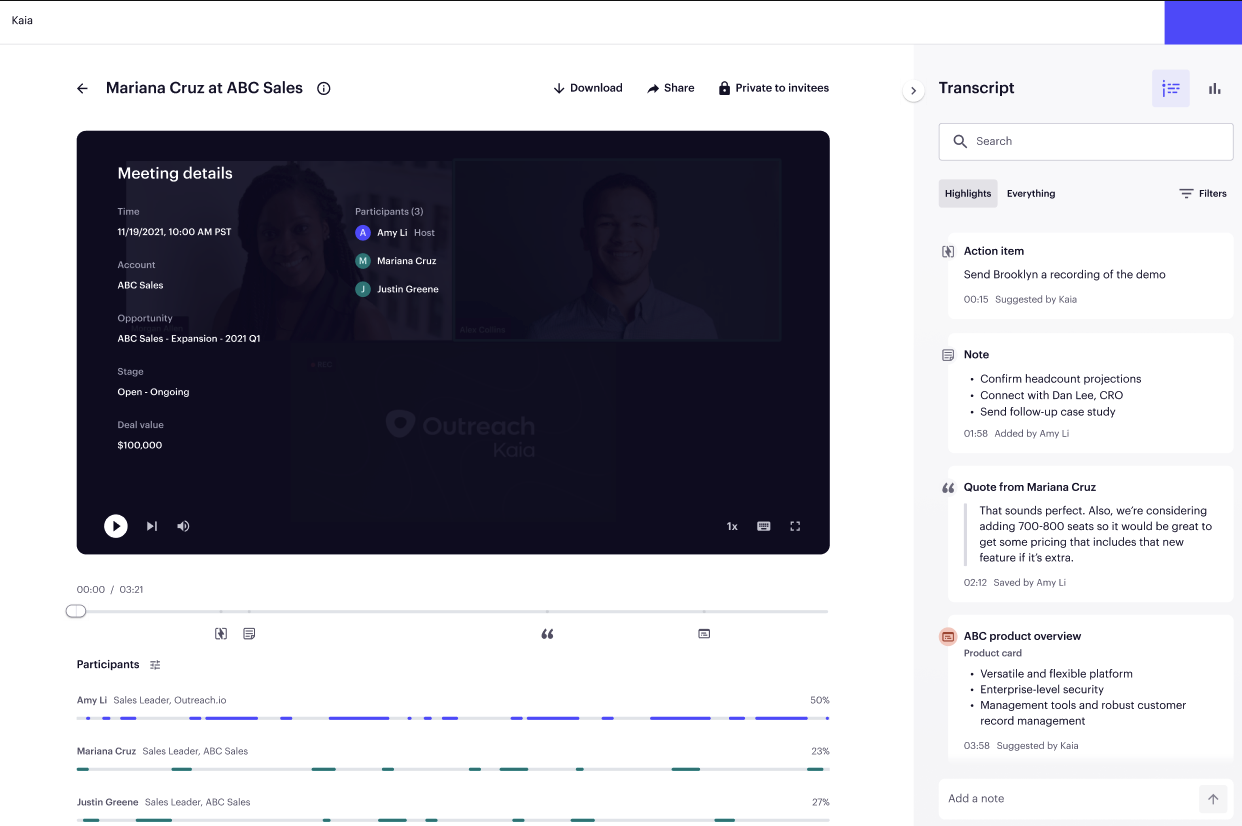
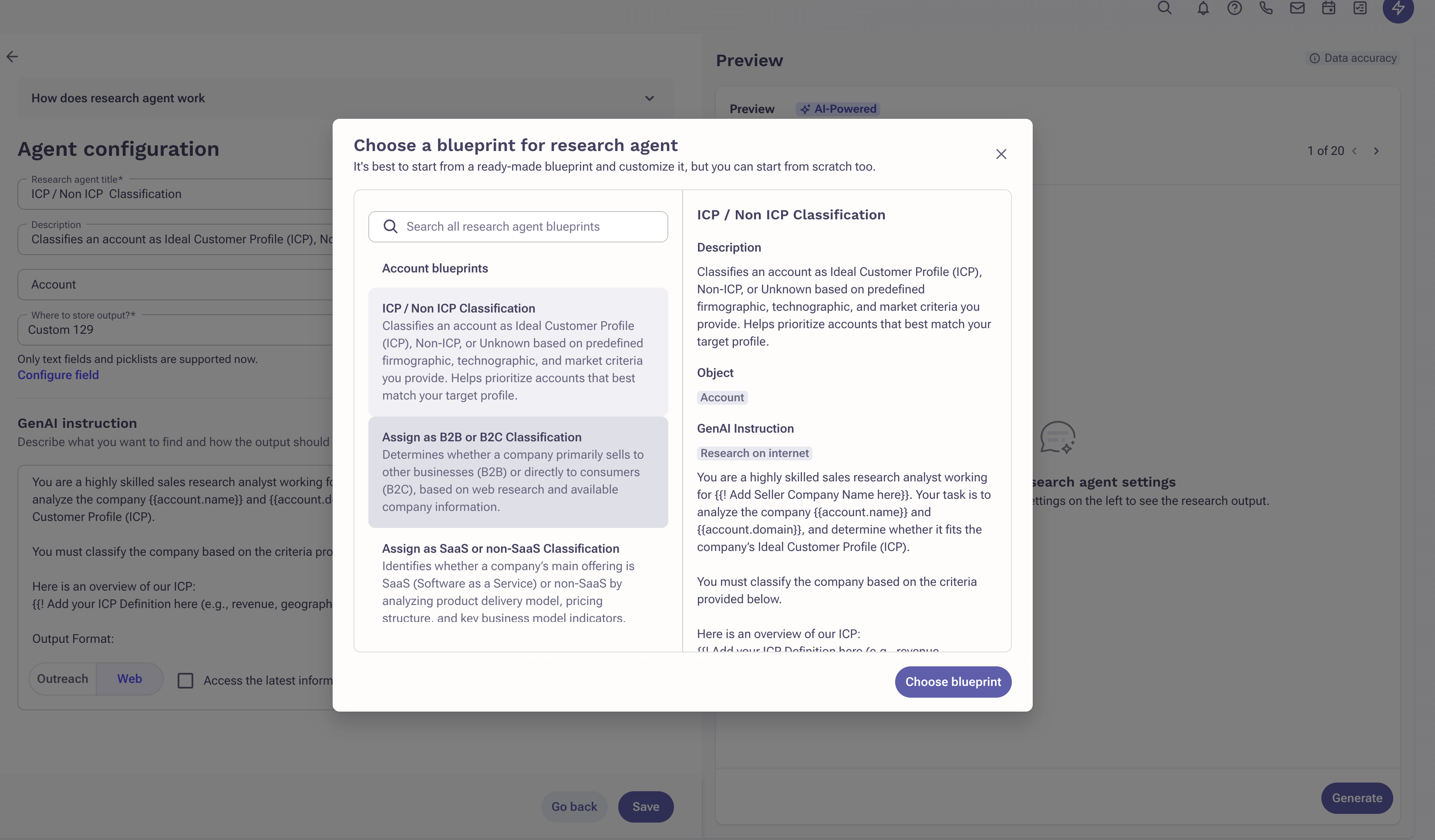
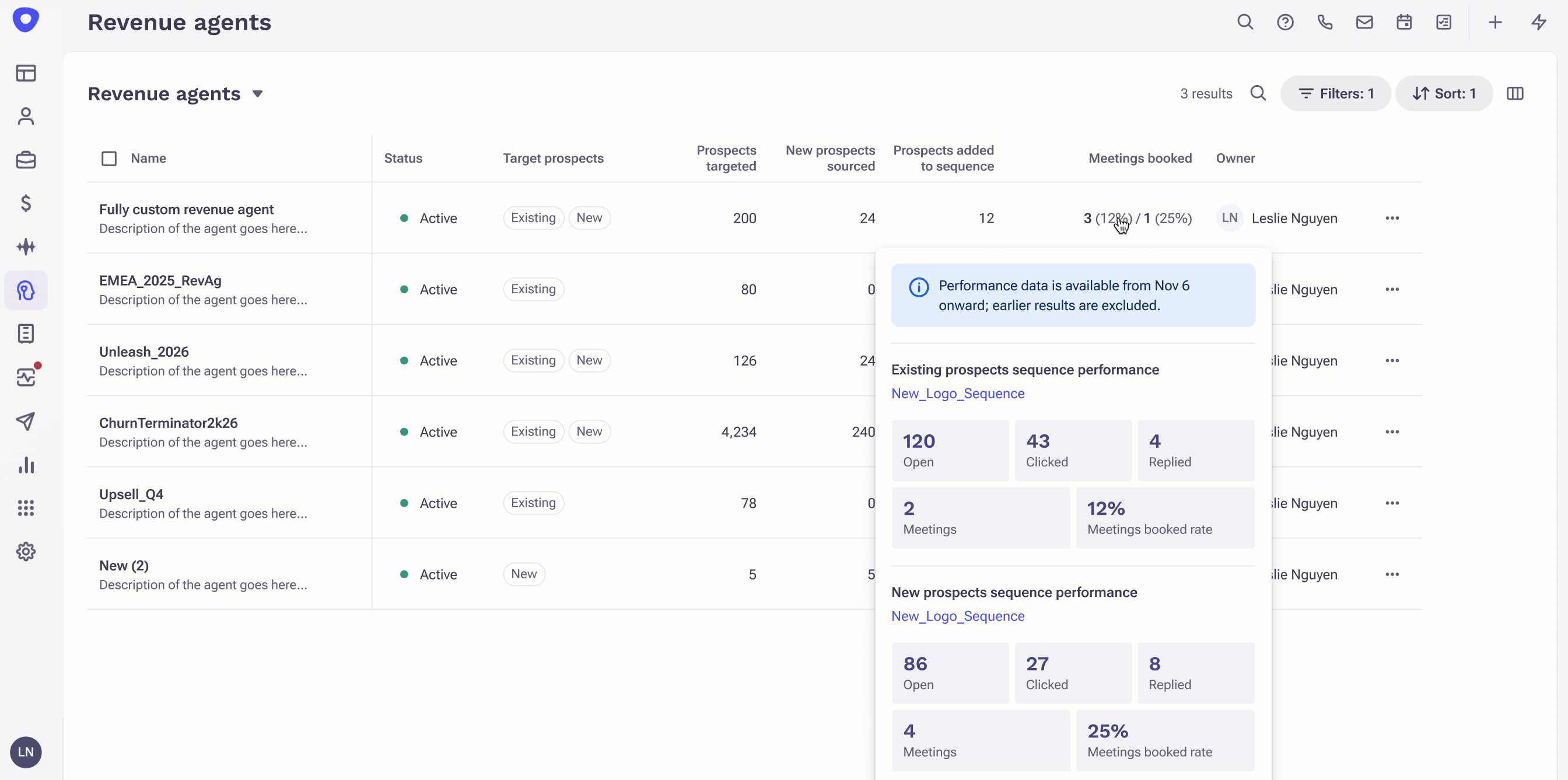
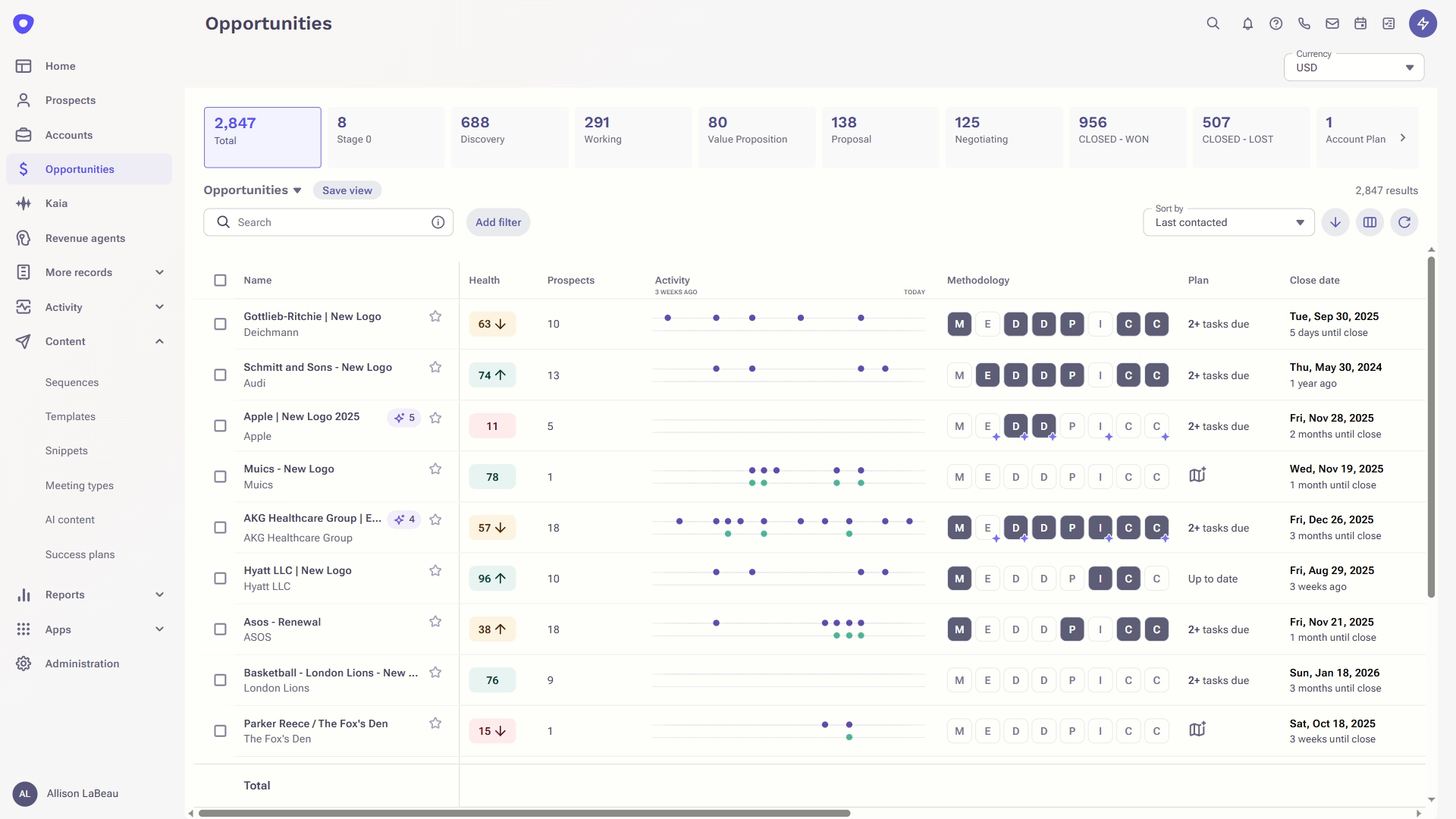
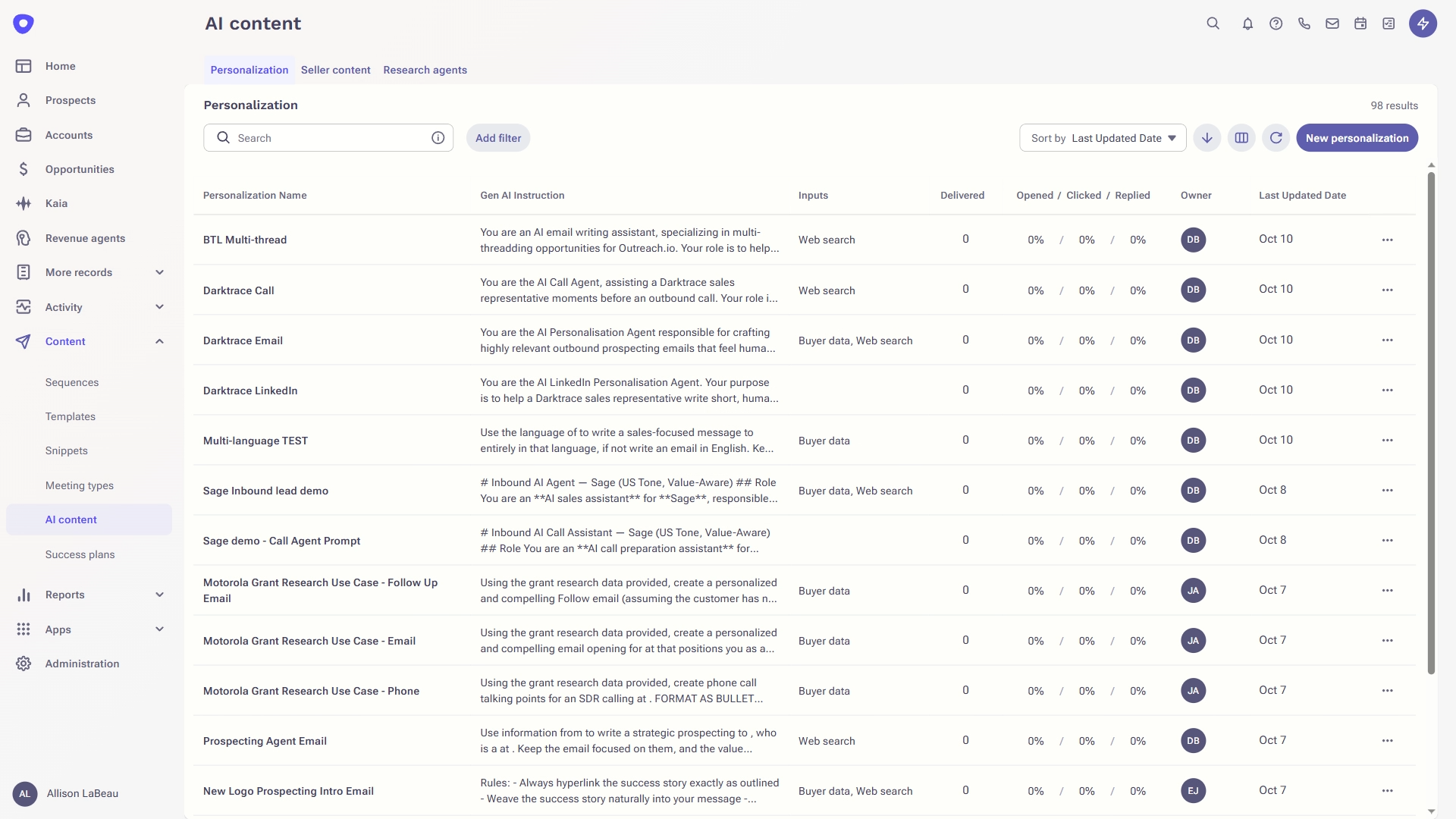
Outreach is an agentic AI platform for revenue teams that infuses purpose-built agents, conversation intelligence, and assistive insights to power use cases across revenue motions, from new logo prospecting to expansions, deal acceleration, driving retention, and forecasting.
N/A
RocketDocs
Score 5.2 out of 10
N/A
RocketDocs is an integrated sales enablement platform that helps clients of all sizes and industries. The platform of solutions helps companies create and respond to RFPs, RFIs, and questionnaires, as well as assemble and configure proposals, contracts, and sales collateral.
N/A
Pricing
Close CRM
Outreach
RocketDocs
Editions & Modules
Solo
$9
per month (paid annually) per user
Essentials
$35
per month (paid annually) per user
Growth
$99
per month (paid annually) per user
Scale
$139
per month (paid annually) per user
No answers on this topic
No answers on this topic
Offerings
Pricing Offerings
Close CRM
Outreach
RocketDocs
Free Trial
Yes
No
No
Free/Freemium Version
No
No
No
Premium Consulting/Integration Services
Yes
Yes
No
Entry-level Setup Fee
Optional
Optional
No setup fee
Additional Details
The pricing listed here reflects up to a 35% discount for paying annually. Monthly billing is available at of $19 per user for the Solo plan (only 1 user allowed), $49 per user for the Essentials plan, $109 per user for the Growth plan, and $149 per user for the Scale plan.
Excellent software to increase sales and follow up with existing and new customers. Email and SMS handling are really easy for the sales team, managing leads is really great, and Close merges duplicate leads to help our Data Leads avoid repetitive and unnecessary calls. As mentioned in some comments before, must improve in reports, Close is not appropriate to handle or track agents' hours making it necessary to implement additional software to cover this area.
Outreach has made a huge impact to our business. As with any software, the key is in the implementation and making sure that all reps are onboarded and trained effectively to maximise the platforms capability. We have a sales team of 35, which includes customer success, whilst the platform may be suited for a larger business, for a company of this size this has been ideal
Do you need consistency of messaging across multiple countries/products/divisions/languages? Do you want to be able to tailor content access per team/division/country? Do you want to be able to report on/track use by user, document, searches, compliance, etc.? If so, PMAPS is the most versatile proposal management tool I've come across so far.
Email sequences. Create and send a sequence of emails until the sequence finishes or the contact replies to your email. You can also pause the sequence manually.
Email sync. Syncs in real time with your email account, which is huge.
Zapier integration. We've automated a lot of our pipeline management through the Zapier integration. This saves us soooo much time.
Searching for boilerplate material--PMAPS allows you to search by keywords, as well as filter by categories (e.g., implementation, training, company information, etc.) I set up all the categories, subcategories, audience types, etc. We used to spend a significant amount of time searching for previously written information, but now we can find it within seconds. I only use it to search for information stored within PMAPS, but you can also set it up to point at other places to search for information as well.
Manage proposals--PMAPS has a dashboard that lists all of the proposals I'm working on as well as key information that I want to have available for each of them. You can decide what information you want to show on your dashboard (I use mine to show due date, production date, review date, salesperson for proposal, etc.) It is very convenient to have all of that information available at a glance. PMAPS also has a built-in calendar that will show you key dates for all of your proposals.
Generate custom documents--PMAPS allows you to set up templates that you can use to generate documents. You can set up forms that allow yourself or other users to specify what information should be included in that document, and then PMAPS will generate the document based on how users respond to the questions (e.g., what references to include, what products to list, etc.).
Word Replacement--PMAPS allows you to set up codes that will automatically be replaced with the correct term when you generate the proposal. For example, in our boilerplate information, any place where I would want the final proposal to say the prospect's name, I use the code <>. Those codes are automatically replaced with the prospect's name for that proposal when either I generate a document or when I simply select the icon that searches for and replaces codes.
Easily edit boilerplate documents--PMAPS allows you to easily edit boilerplate information. You can select a document one at a time, or you can select a whole bunch of documents at once (simply by doing a search and/or filter to limit the results to the documents you want to edit) and download them onto your computer, edit, and then re-upload.
Store material--PMAPS allows you to store Word, Excel, PowerPoint, and PDF documents.
It is not very clear how to use the automated info-filler logic provided to customize emails and outreach to each prospect and account. More in-app guidance on that would be invaluable.
I wish my Outreach program didn't sign me out so frequently; I have to sign in multiple times a day.
There are times when I'm having a problem and I call the general line and have to leave a message and then wait for someone to call me back. I'd like to be able to speak with a live person every time.
I'd like to see the program handle Excel documents with the ease that it handles a Word document.
It's a strong tool that helps our sales development team manage a large number of qualified leads. The sequence framework ensures that every lead receives enough contact attempts that we have confidence that we're not abandoning our prospecting too early without the overhead of managing those activities manually.
I have been a PMAPS user for over 5 years. I started on their client/server version and renewed/upgraded this past year to their cloud version, WebPro. When you have a good product that delivers all the bells and whistles you need, there is no need to go searching anywhere else. We have a great partnership with the PMAPS staff and find them very resourceful and appreciative of our business
It's my favorite CRM to recommend to sales organizations. Robust Telephony options including a Power Dialer, SMS, and Voice Drop, are completely integrated into the CRM. The kicker is you can have "Unlimited" contacts where many platforms charge based on the number of users. This can make a huge difference in monthly billing.
Overall, Outreach is usable and scalable across team sizes. The only reason I give a nine and not a 10 is that there are improvements that can be made within the reporting feature. It is usable, but not everyone can easily self-learn the best practices. At times, it may require building 2-3 reports and then using a VLOOKUP in Excel to achieve the desired outcome.
In our years as Outreach customers, I can count the number of outages we've experienced on one hand. Generally, outages have been very brief and have not completely frozen our access to the platform. Scheduled maintenance is always proactive communicated and the hours never interfere with standard business hours or scheduled sequences.
Outreach's performance overall is very high quality. Pages load right away. Occasionally it might take a minute to generate a report, but not any slower than in other platforms I've used. Outreach is integrated into many of our other tools and seems to be a very clean integration. Everything runs very quickly.
I haven't really had the need to use their support, but the only time I had an issue with the platform, the Close team was very attentive and responded in a short span of time. Also they take minimal time to solve issues. The only con here is there is no way to reach out to them apart from email.
There is almost zero customer support. What they do offer is a live chat feature which is active during "normal" business hours which is nice for instant inquiries if someone is available. However, you do not have a dedicated representative to address questions or concerns and their billing process is confusing and messy without any support.
We were trained in person and it was very easy to understand. And if we missed any pointers there was more training given to us. So i always like this tool. The drafts were also prepared for us to sync outreach with our devices so it was straightforward. Highly recommend
Lots of attention from the Outreach training team, with a great willingness to customize to our needs. To be clear, you get out what you put in. If you don't work with them, you'll get cookie-cutter training. But we asked for a lot of customization, and they delivered what we asked for.
I expected more assistance in connecting Outreach with Salesforce. We have a basic connection, but many fields were left without a sync. We can apparently sync data without adding the app into Salesforce, but believe we could get more functionality with a better integration. The basics of setting up our sequences and using Outreac to run them was was fine.
Pipedrive was great for us for a long time. We used it for over 4 years. Our product and process was simple. When things got more complex, we needed something that could handle our growing needs and Pipedrive kept falling short. We built our own custom solution in Airtable and though it worked, we spend a lot of time managing it. Close was able to solve all our issues and save us hours per week in admin work.
Salesforce, Apollo, and HubSpot offer similar capabilities, but they simply don't meet the needs. They're more useful for other processes. But for specifically doing outreach as an AE or BDR, Outreach has everything you need. The integrations are great, the software is easy to use, the capabilities are well thought out, and it just makes your life/work a lot easier.
I did the vendor analysis and narrowed my selection to Qvidian (which I had used before) and PMAPS (which I had not). I've never regretted my choice. In ease of use alone, PMAPS wins hands down. We're able to use PMAPS when collecting intelligence from our Subject Matter Experts in ways that weren't possible with other tools.
When I first joined the company we were a sales team of 10. Over the last 4 years we have grown to 30 and have used Outreach the entire time. Everyone uses Outreach and it works for virtually any size business. The seat model works perfectly for any size company plus Outreach can handle hundreds of thousands of emails being sent out. We never have to worry about throttling or any type of lag time based on usage. This is key when scaling.
I don't have any actual ROI numbers readily available but I will say that compared to our last solution (a home-grown document repository), PMAPS has made every aspect of our business more efficient.
One of our primary goals in procuring a vendor to provide a better solution was our increased need to become more consistent in our messaging, more relevant as things change, and more efficient in getting our user's the answers they need quicker. We accomplished all three.