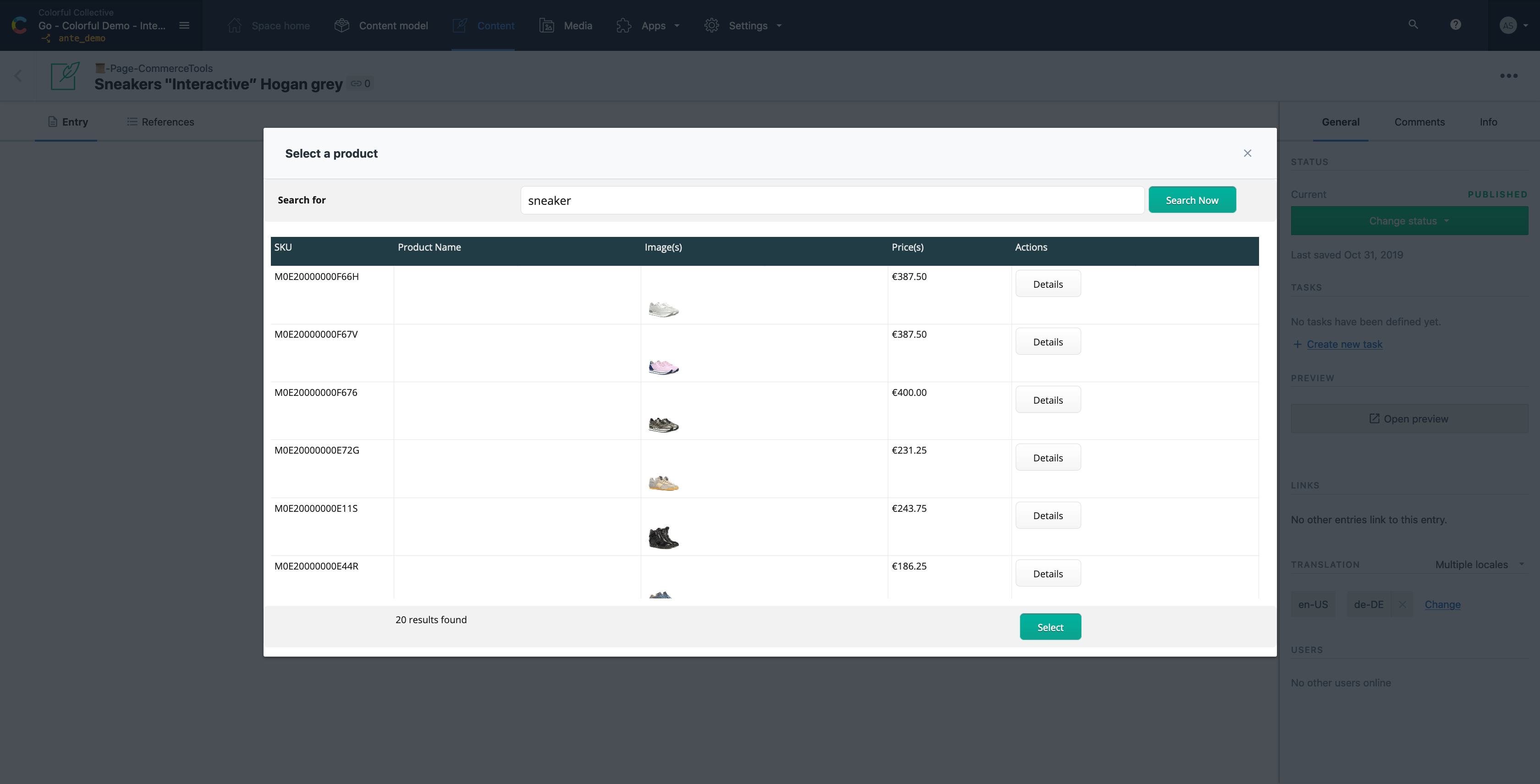
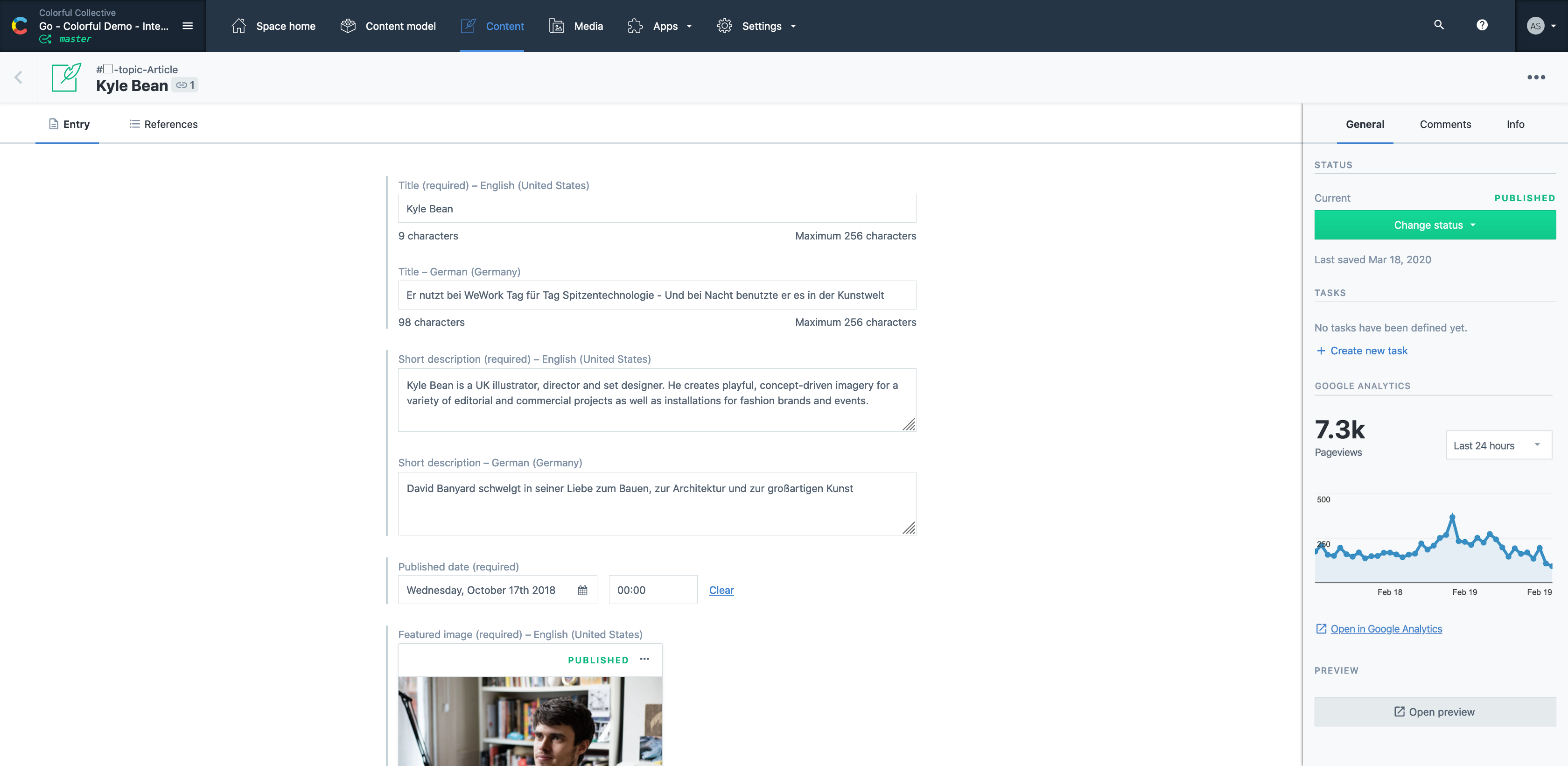
Contentful is a cloud based CMS solution that provides the ability to manage content across multiple platforms.The editing interface allows for managing content interactively and provides developers the ability to deliver the content with the programming language and template framework of their choice.
$0
Elementor
Score 9.1 out of 10
N/A
Elementor is a Wordpress page builder and creative toolkit featuring a drag and drop live editor, 100+ widgets, and tools to landing pages and popups.
$11.99
per month
WordPress
Score 8.6 out of 10
N/A
Wordpress is an open-source publishing platform popular with bloggers, and a content management system, known for its simplicity and modifiability. Websites may host their own blogging communities, controlling and moderating content from a single dashboard.
$3
per month 6 GB storage
Pricing
Contentful
Elementor
WordPress
Editions & Modules
Lite
$300
per month
Community
Free
Enterprise
Custom
Lite
$11.99
per month
Basic
$14.99
per month
Business
$24.99
per month
Grow
$32.99
per month
Expert
$149.00
per year
Personal
$4
per month 6 GB storage
Premium
$8
per month 13 GB storage
Business
$25
per month 50 GB storage
Commerce
$45
per month 50 GB storage
Enterprise
Contact for pricing
Offerings
Pricing Offerings
Contentful
Elementor
WordPress
Free Trial
Yes
No
No
Free/Freemium Version
Yes
No
No
Premium Consulting/Integration Services
Yes
No
No
Entry-level Setup Fee
Optional
No setup fee
No setup fee
Additional Details
—
Prices reflect deployment via WordPress. Options are also available for use with WooCommerce. A discount is offered for annual billing.
Pricing for Business and Commerce plans vary on number of GB.
More Pricing Information
Community Pulse
Contentful
Elementor
WordPress
Considered Multiple Products
Contentful
Verified User
Strategist
Chose Contentful
Contentful was the most user-friendly platform that everyone in our company could understand. It doesn't have the integrations that WordPress does, but it was easier for everyone in our organization to use. We've also seen good ranking and traffic from the pages created in …
For custom solutions, Contentful blows every other CMS I've used out of the water. Unlike WordPress, there's no clutter to wade through, and you can simply build the infrastructure you need. It's more secure by far, and works seamlessly with modern frontend technologies, like …
In the past we've used WordPress to manage documentation content. WordPress was more flexible than Contentful but also prone to inconsistencies and we ended having a lot of hacks to accomplish various WordPress tricks. With Contentful there's less ambiguity so content producers …
Contentful offers a great deal of features for a relatively low price. This is what ended up persuading us to purchase it. We also gathered that this was one of the more well-rated products out there, which was encouraging. It definitely stacks up well against its competitors.
Before Elementor, I developed our site using the WordPress plugin Divi. While the editor was great, I found that the site load times (even with image optimization) were unacceptably slow. The Elementor editor is on par with Divi (better in way[s], less intuitive in others), but …
Elementor stuck out as the clear leader for their online support and ease of use. WordPress has started to adopt some of the core features of WordPress, which means that they must have been good and seen as a clear necessity, but the Elementor still has the clear lead on …
We weighed Elementor against the classic/native WordPress editor and Gutenberg. Elementor provides more functionality and with a greater ease of use than its competitors.
I prefer it to most of them because it's cost effective and I really like WordPress a really good feature base to build websites on. Bricks is WP-based too, but I find Elementor easier to use.
Compared to other providers, Elementor can be easy to use and learn, allowing you to build professional websites in a fraction of the time it takes to build websites with other sites. The AI feature can help non-tech people to easily understand and build a website that is SEO …
Elementor does have some bloat, but nearly as much as Divi has. In comparison, it's extremely light weight and much faster to use with the front end builder. It's so much faster to edit and move elements around with Elementor compaired to Divi. I still have to do some work on D…
We've used Divi and Enfold as well, both of those have a similar goal for visual editors and usability and work well - but Elementor feels more polished and has great support.
I use Optimize Press on a business website. It has a conceptually similar WYSIWYG page builder. They provide a sales funnel capability with their theme, which is why I use them.
I have used the built-in Gutenberg content builder and Visual Composer before. Neither of these are truly "front-end" page builders. They allow you to build with blocks the content you want, but you can not see it live as you design it. That is the true value Elementor has …
Thrive Leads and thrive architect is a pain to update, they've changed version and name in recent years. I am unable to update because every time there was an upgrade or new release of the plugin it caused issues with my website's functionality which has left me stuck updating …
I am not finding the builders that I have used in the past in the prepopulated area. The builders that we have used in the past include Divi, Beaver Builder, WPBakery, Instapages, as well as the classic editor and Gutenberg. I will say that Beaver Builder is probably a close …
Elementor is relatively inexpensive for the features offered. It's simpler than some competitors and allows teams to play around with site content without overwhelming them with sophisticated features.
WordPress simply has so many more options to customize both our and the users experience. Wix also is really expensive in the long run, does not let you add plugins or customize as much as you want. Jimdo is similar, just not quite as expensive. When growing our business, those …
To work with WordPress your company needs a developer, no matter what. Unless you have the experienced developer in house, you will need one. Squarespace is superfriendly and easy to work. Has all the features for a simple and clean website. WordPress lacks this part.
It's the best option for hosting a blog on a website where you can also integrate all major marketing tools and platforms. WordPress gives you [the] freedom to use whatever tool works best for you and integrate it with your website and blog. It makes tracking, measuring, and …
I prefer Wordpress because it is open source and has a huge community of users and developers. So it is incredibly flexible already because of the plugins available, and it can be further customized to any extent by readily available developer talent.
It's a great all rounder for content projects. It's easy in the basics and powerful in the complex, data heavy scenarios. Extending the platform is straightforward and the SDK gives you everything you need. If you have many many varying content types , it gets expensive and perhaps not the best choice .
Wanted to create a website quickly and get it running within a week's time. The step-by-step guide on installing Elementor and creating the basic webpage was easy and time-efficient. Some of the advanced features can be time-consuming, but they are definitely worth it once you start creating professional sites. It fits in from basic to advanced sites; I don't think there could be any scenarios where it can be inappropriate.
Wordpress is a great solution for a website of nearly any type. It may not be as suitable if a fully custom solution or app is needed, and it does have some limitations when it comes to connecting it to external products (especially if the product doesn't have any support from a native system), and it does require a lot of testing. Multiple plugins in one install are common but also increase the risk of conflicts, and when those do occur, it can be exceptionally time-consuming and tedious to identify what is causing the issue. As third parties create many plugins, you're also at risk with each potential security breach, which needs to be kept in mind. I would be cautious to use WordPress to store any sort of sensitive PPI. That said, it's a wonderful, easily customizable solution for many, many different types of websites and can allow even inexperienced client users with low-tech knowledge to update basics.
Contentful uses "references" to allow you to build very modular content. If I have a "slider" content type, I can create a "slide" content type which references a "button" content type, and so forth. This works well, but I occasionally wish there was a better solution for one-off content, like a settings page. Currently, this is done for creating an entire content type called "settings" with a single entry. Not a big deal, but not ideal, either.
There are a few quirks with GatsbyJS integration, etc, but these issues are being fixed and improved upon very quickly.
A minor gripe, but Contentful does not have a way to organize fields within an entry. Entries with many fields are somewhat tiresome to scroll through.
WordPress breaks often so you need to have someone who understands how to troubleshoot, which can take time and money.
Some plugins are easier to customize than others, for example, some don't require any coding knowledge while others do. This can limit your project if you are not a coder.
WordPress can be easily hacked, so you also need someone who can ensure your sites are secure.
The complications we have and the lack of support. Every plugin has a differente team of support in charge and make one plugin work with the other one always affects the website performance. It's a thousand times better to have only one provider with all functionalities included unless you are an expert web developer or have a team dedicated to it
It is a very easy to use and configure application. I find that it is on the user to manage the content after the models have been created, yet I still do not encounter issues finding or creating new components for our site. It is easy to set up and easy to navigate.
1. Very intuitive user interface with very well organized options for basic and advanced design features 2. Integrates very well with wordpress and a variety of plugins 3. Vast collection of Elementor themes available in the market for the small to mid sized businesses who would still prefer desired internal control over tactical/relatively less complex website changes and thus reduce dependency /Expensive annual web design contracts
Extremely easy to use and train users. It took very little time to get everyone trained and onboarded to start using WordPress. Anytime we had any issues, we were able to find an article or video to help out or we were able to contact support. The menu options are well laid out so it is easy to find what you are looking for.
Anyone can visit WordPress.org and download a fully functional copy of WordPress free of charge. Additionally, WordPress is offered to users as open-source software, which means that anyone can customize the code to create new applications and make these available to other WordPress users.
Mostly, any performance issues have to do with using too many plugins and these can sometimes slow down the overall performance of your site. It is very tempting to start adding lots of plugins to your WordPress site, however, as there are thousands of great plugins to choose from and so many of them help you do amazing things on your site. If you begin to notice performance issues with your WordPress site (e.g. pages being slow to load), there are ways to optimize the performance of your site, but this requires learning the process. WordPress users can learn how to optimize their WordPress sites by downloading the WPTrainMe WordPress training plugin (WPTrainMe.com) and going through the detailed step-by-step WordPress optimization tutorials.
There support is slow and at times can be frustrating and this is why many prefer to air out their frustrations within the Facebook group community. I tend to give up as when I'm working on something and something goes wrong I need the help straight away. I do not have the patience to wait anymore.
I give this rating, which I believe to be a great rating for a community based support system that's surrounding it. Most platforms and products have their own, and as WordPress does have their own team that help here and there, a lot of it's handled by community involvement with dedicated users who are experts with the system who love to help people.
Varies by the person providing training. High marks as it's incredibly easy to find experienced individuals in your community to provide training on any aspect of WordPress from content marketing, SEO, plugin development, theme design, etc. Less than 10 though as the training is community based and expectations for a session you find may fall short.
The business team has to stick to its core competencies - Our key turning point occured when we delegated webpage design challenges to a tech. firm with specific mandates (including a certain degree of internal control). Once the initial go-live was completed, the agency trained us on internalizing ad-hoc and tactical change work
WordPress is not a great solution if you have: 1) A larger site with performance / availability requirements. 2) Multiple types of content you want to share - each with its own underlying data structure. 3) Multiple sites you need to manage. For very small sites where these needs are not paramount, WordPress is a decent solution
Easy to use and much more organized as a single platform versus multi. The layout is clean and easy to read and we don’t have to worry about certain users safe guarding data or content then losing it when they leave the company. It’s a one stop shop for imagery
Elementor is a bit of a different platform than, say, easyTithe, Robly, and Apptivo, but it is comparable to Shopify. I feel like Elementor and WooCommerce are a lot easier to use than Shopify, and it doesn't come with such high fees. For our business, it was no choice! Elementor fits great for our needs!
WordPress isn't as pretty or easy to use as certain competitors like Jimdo, Squarespace or HubSpot, but it makes up for it with its affordability, familiarity and the ability to find quality outside help easily. The same can't be said for certain competitors, as you might need to find an expert and it could get costly.
WordPress is completely scalable. You can get started immediately with a very simple "out-of-the box" WordPress installation and then add whatever functionality you need as and when you need it, and continue expanding. Often we will create various WordPress sites on the same domain to handle different aspects of our strategy (e.g. one site for the sales pages, product information and/or a marketing blog, another for delivering products securely through a private membership site, and another for running an affiliate program or other application), and then ties all of these sites together using a common theme and links on each of the site's menus. Additionally, WordPress offers a multisite function that allows organizations and institutions to manage networks of sites managed by separate individual site owners, but centrally administered by the parent organization. You can also expand WordPress into a social networking or community site, forums, etc. The same scalability applies to web design. You can start with a simple design and then scale things up to display sites with amazing visual features, including animations and video effects, sliding images and animated product image galleries, elements that appear and fade from visitor browsers, etc. The scaling possibilities of WordPress are truly endless.
Contentful has saved us valuable development time that was previously spent doing deploys for minor content updates.
Contentful has helped us maintain consistent documentation, reducing time needed to review for consistency.
Can't say we've really experienced any negative ROI impacts from using Contentful, but we've run into some limitations in adding too many content models and the next pricing tier is substantially more expensive.
Elementor has made it possible for our non-profit to stand out in the non-profit space in which we operate. Our website was highly flexible and looked great, which provided confidence to our donors.
Elementor has never been a weak spot in the security of our website. We've had several attempted attacks against our website and yet everything was remained locked down.
We have only used the free version of Elementor, so it has kept our costs low and allowed us to have a professional looking website, but being able to put more money towards our charitable cause rather than IT.