Chose Countly
Google Analytics is a big giant and Countly has impressed me with its features. I say well done.

| Product | Rating | Most Used By | Product Summary | Starting Price |
|---|---|---|---|---|
 Countly | Mid-Size Companies (51-1,000 employees) | Countly is a product analytics solution and innovation enabler that helps teams track product performance and customer journey and behavior across mobile, web, and desktop applications. Ensuring privacy by design, Countly helps the user to innovate and enhance products to provide personalized and customized customer experiences, and meet key business and revenue goals. Countly empowers companies of any size or location to grow their business by helping them securely process billions of… | N/A | |
 Google Analytics | N/A | Google Analytics is perhaps the best-known web analytics product and, as a free product, it has massive adoption. Although it lacks some enterprise-level features compared to its competitors in the space, the launch of the paid Google Analytics Premium edition seems likely to close the gap. | $0 per month | |
 Piwik PRO | N/A | Piwik PRO Analytics Suite is an advanced platform providing a suite of modules centered around analytics that connects with other parts of the client’s tech stack. Piwik PRO Analytics Suite unifies marketing insights, provides a comprehensive view of performance, and facilitates data-driven actions to achieve better results. It offers multiple flexible hosting options and ensures compliance with strict data protection laws, including the GDPR, CCPA, PIPEDA, and… | $36 per month |
| Countly | Google Analytics | Piwik PRO | ||||||||||||||||||||||
|---|---|---|---|---|---|---|---|---|---|---|---|---|---|---|---|---|---|---|---|---|---|---|---|---|
| Editions & Modules |
|
| No answers on this topic | |||||||||||||||||||||
| Offerings |
| |||||||||||||||||||||||
| Entry-level Setup Fee | No setup fee | No setup fee | Optional | |||||||||||||||||||||
| Additional Details | Customizable, with free Community Edition (free forever) and free Enterprise Edition trial (free for 1 Month). | — | — | |||||||||||||||||||||
| More Pricing Information | ||||||||||||||||||||||||
| Countly | Google Analytics | Piwik PRO | |
|---|---|---|---|
| Considered Multiple Products | Countly  Nicolas Van Levi Buenviaje Student Chose Countly Well, Countly is open-source. It got a very helpful community in its back that will surely help you on your projects. Countly is known for its mobile analytics and marketing platform for businesses. It excels at mobile data analysis and working directly with customers to boost … |  Google Analytics No answer on this topic | Piwik PRO  Gerhard Kürner CEO & Founder Chose Piwik PRO Data owned and detailed tracking possibility compared to free Google Analytics and cost advantage and CDP possibilities compared to Google Analytics 360  Devin Mulvey Head Of Marketing Communication Chose Piwik PRO One of the tools that we have used that has a great similarity to Piwik is Google Analytics. The great difference that exists is that Piwik provides us with security in our database, our organization changed to it. It was precisely for that reason Google Analytics Security is …  Wilco Wietsma Digital Technology Specialist Chose Piwik PRO I can sum it up quite easy: - GA isn't that privacy friendly, something we do require on our jobboard. - Matomo is a great program with some unique features compared to Piwik, but the lay-out is - in my eyes - more cluttered. Also the different type of database makes it a bit …  Sourov K Chowdhury Database Software Engineer Chose Piwik PRO Piwik Pro's support for multiple sites saved me a lot of time. To view reports from numerous client sites, I'll have to access a single dashboard. Its digest reports save time and are simple enough for non-technical executives to understand. It gives us access to information … |
| Countly | Google Analytics | Piwik PRO | |||||||||||||||||||||||||||||||||||
|---|---|---|---|---|---|---|---|---|---|---|---|---|---|---|---|---|---|---|---|---|---|---|---|---|---|---|---|---|---|---|---|---|---|---|---|---|---|
| Web Analytics |
|
| Countly | Google Analytics | Piwik PRO | |
|---|---|---|---|
| Small Businesses |  Fullstory Score 9.1 out of 10 |  StatCounter Score 9.0 out of 10 | StatCounter Score 9.0 out of 10 |
| Medium-sized Companies |  Whatfix Score 9.9 out of 10 |  Optimal Score 9.1 out of 10 | Optimal Score 9.1 out of 10 |
| Enterprises | Whatfix Score 9.9 out of 10 | Optimal Score 9.1 out of 10 | Optimal Score 9.1 out of 10 |
| All Alternatives | View all alternatives | View all alternatives | View all alternatives |
| Countly | Google Analytics | Piwik PRO | |
|---|---|---|---|
| Likelihood to Recommend | 8.0 (6 ratings) | 8.5 (192 ratings) | 8.2 (7 ratings) |
| Likelihood to Renew | - (0 ratings) | 9.0 (51 ratings) | - (0 ratings) |
| Usability | - (0 ratings) | 7.4 (19 ratings) | - (0 ratings) |
| Availability | - (0 ratings) | 10.0 (4 ratings) | - (0 ratings) |
| Performance | - (0 ratings) | 10.0 (2 ratings) | - (0 ratings) |
| Support Rating | 7.0 (1 ratings) | 7.0 (42 ratings) | 10.0 (1 ratings) |
| Online Training | - (0 ratings) | 10.0 (2 ratings) | - (0 ratings) |
| Implementation Rating | - (0 ratings) | 9.0 (7 ratings) | - (0 ratings) |
| Configurability | - (0 ratings) | 6.0 (2 ratings) | - (0 ratings) |
| Ease of integration | - (0 ratings) | 10.0 (1 ratings) | - (0 ratings) |
| Product Scalability | - (0 ratings) | 10.0 (2 ratings) | - (0 ratings) |
| Vendor post-sale | - (0 ratings) | 10.0 (1 ratings) | - (0 ratings) |
| Vendor pre-sale | - (0 ratings) | 9.0 (1 ratings) | - (0 ratings) |
| Countly | Google Analytics | Piwik PRO | |
|---|---|---|---|
| Likelihood to Recommend | Countly
Nicolas Van Levi Buenviaje Student | Google
 sandro merkvilishvili Head of e-commerce deparment | Piwik PRO
Wilco Wietsma Digital Technology Specialist |
| Pros | Countly
 Fedor Paretsky Co-Founder/CEO | Google
| Piwik PRO
Devin Mulvey Head Of Marketing Communication |
| Cons | Countly
| Google
| Piwik PRO
Wilco Wietsma Digital Technology Specialist |
| Likelihood to Renew | Countly No answers on this topic | Google
| Piwik PRO No answers on this topic |
| Usability | Countly No answers on this topic | Google
 Victor Campos Web Developer | Piwik PRO No answers on this topic |
| Reliability and Availability | Countly No answers on this topic | Google
| Piwik PRO No answers on this topic |
| Performance | Countly No answers on this topic | Google
| Piwik PRO No answers on this topic |
| Support Rating | Countly
| Google
 Sarah Hoffman Media Director | Piwik PRO
|
| Online Training | Countly No answers on this topic | Google
 Roy Morejon President | Piwik PRO No answers on this topic |
| Implementation Rating | Countly No answers on this topic | Google
 Joshua Van Horsen Marketing Manager | Piwik PRO No answers on this topic |
| Alternatives Considered | Countly
| Google
| Piwik PRO
Sourov K Chowdhury Database Software Engineer |
| Scalability | Countly No answers on this topic | Google
| Piwik PRO No answers on this topic |
| Return on Investment | Countly
| Google
 Heide Rembold Director of Marketing & Analytics | Piwik PRO
Devin Mulvey Head Of Marketing Communication |
| ScreenShots | Countly Screenshots 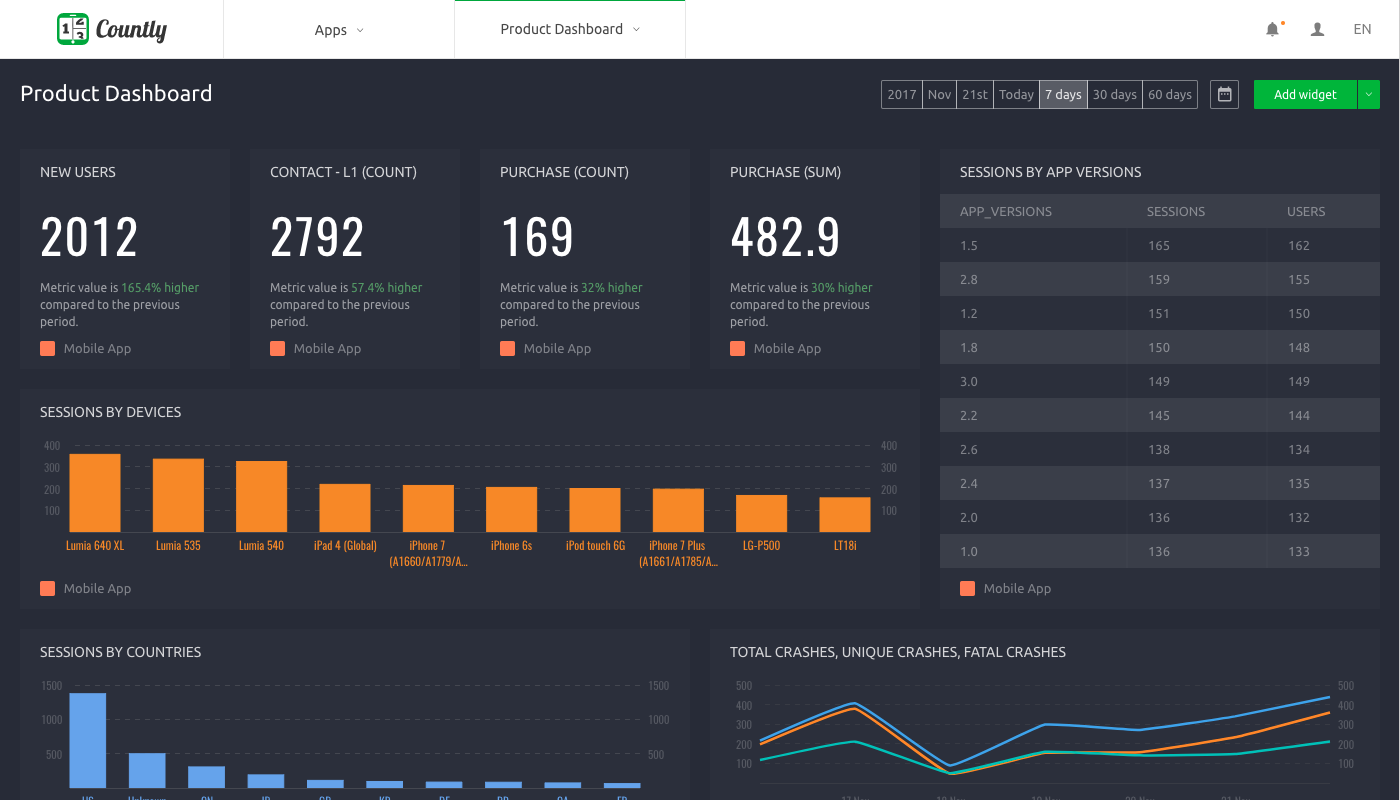  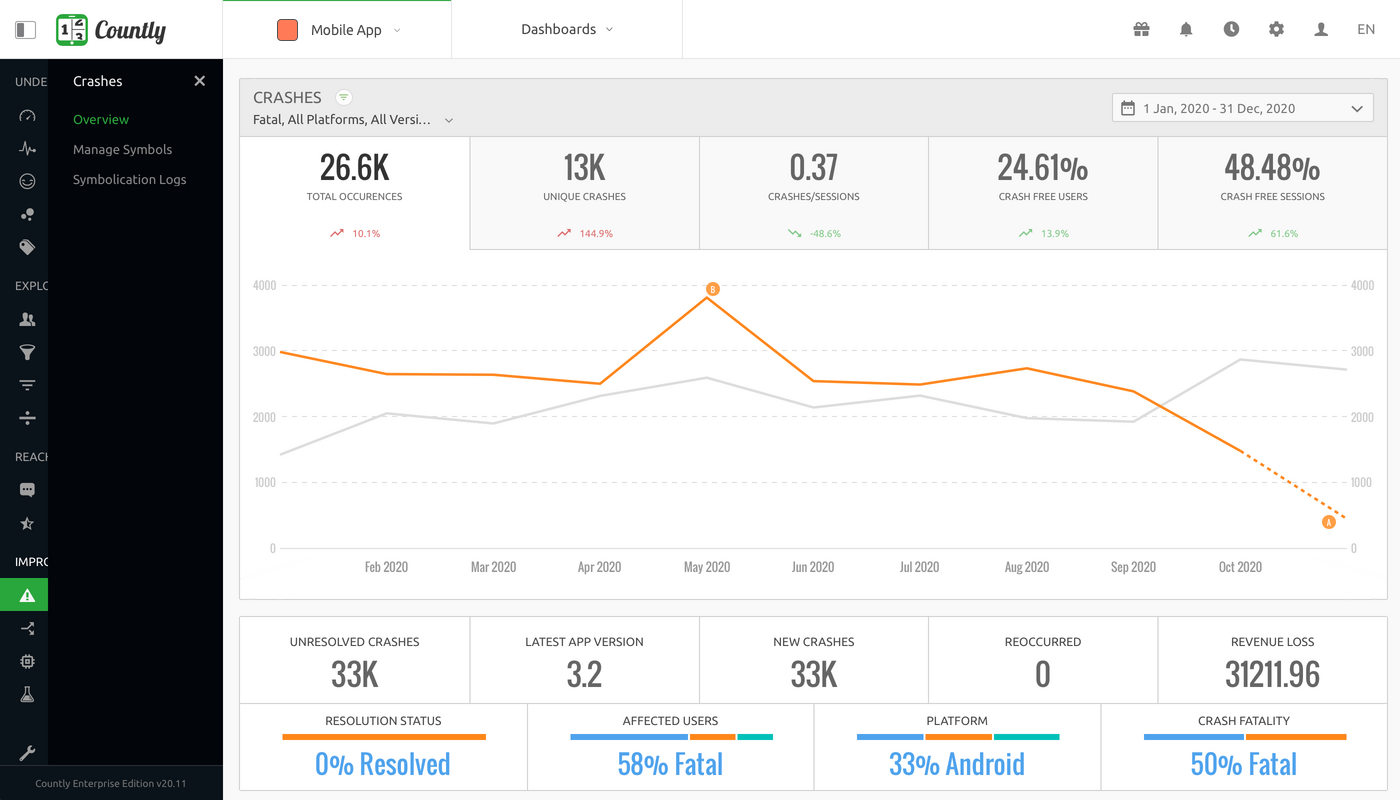  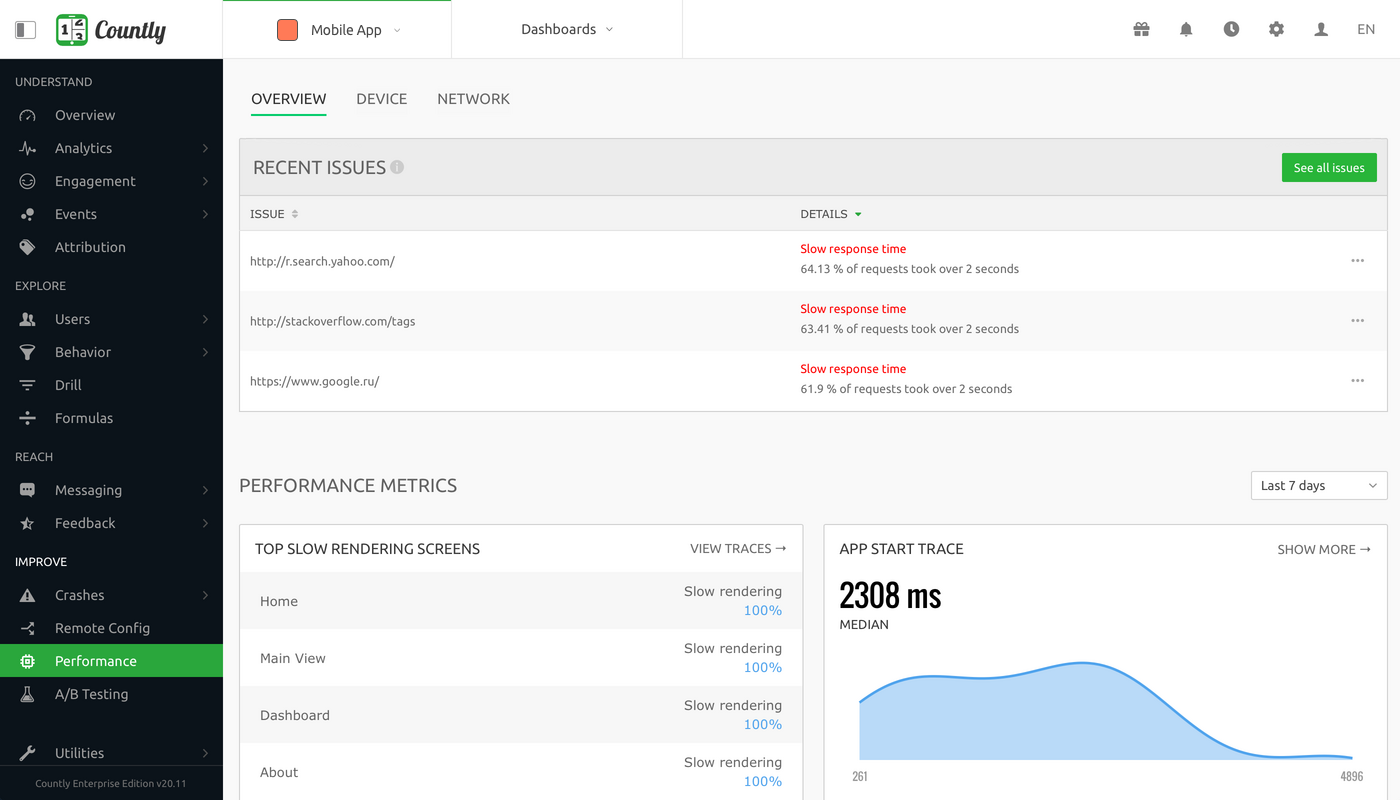 | Piwik PRO Screenshots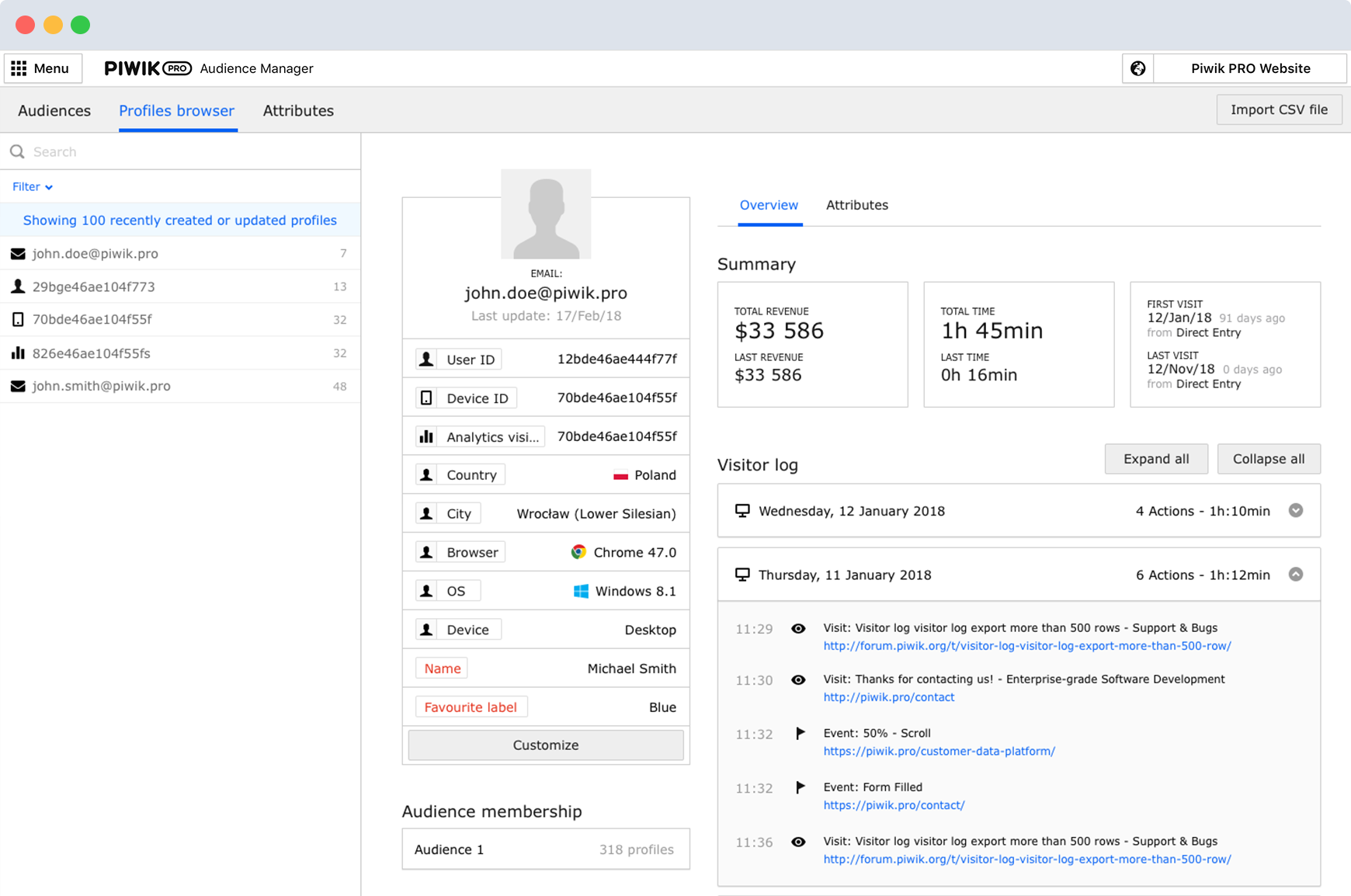    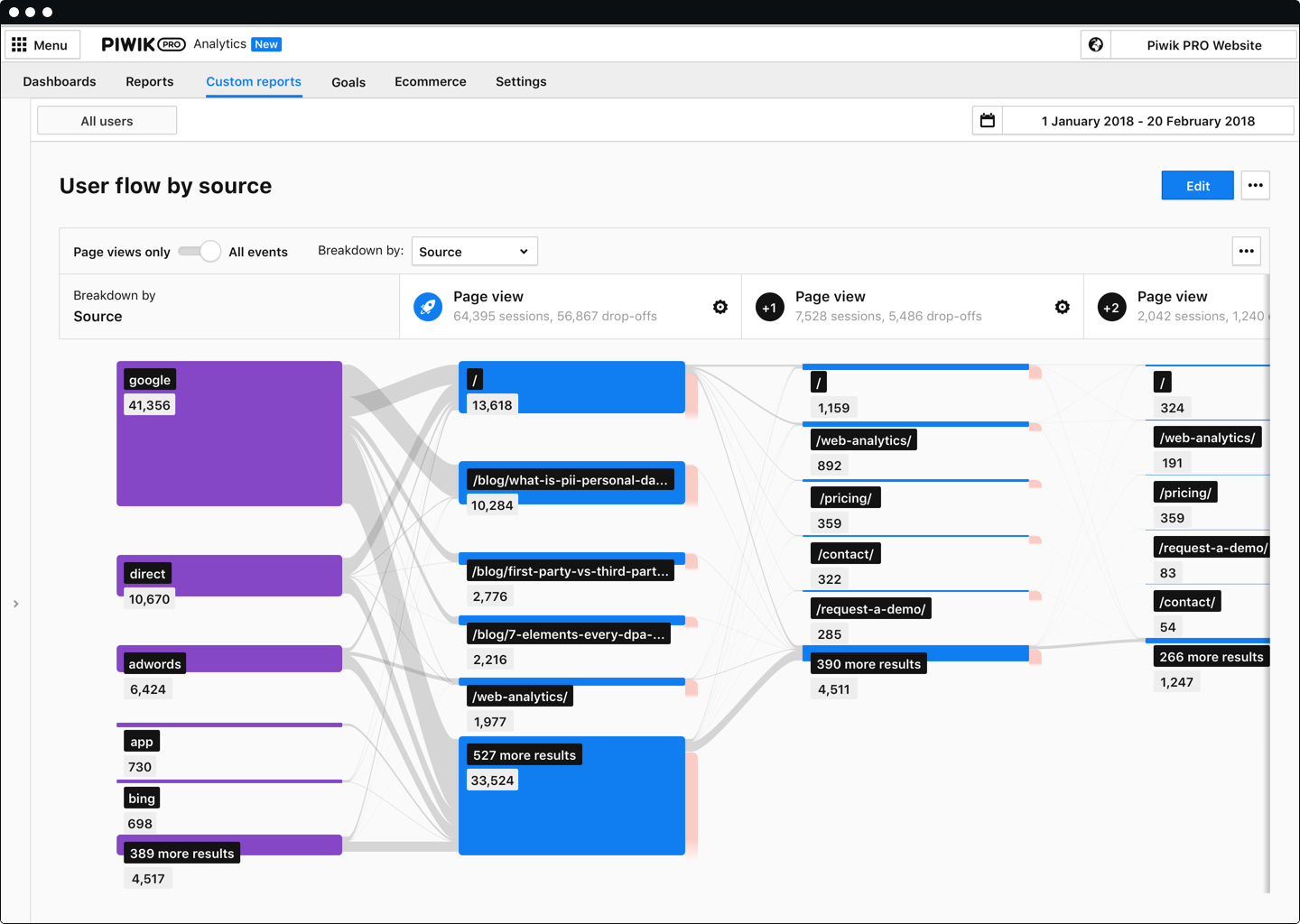  |