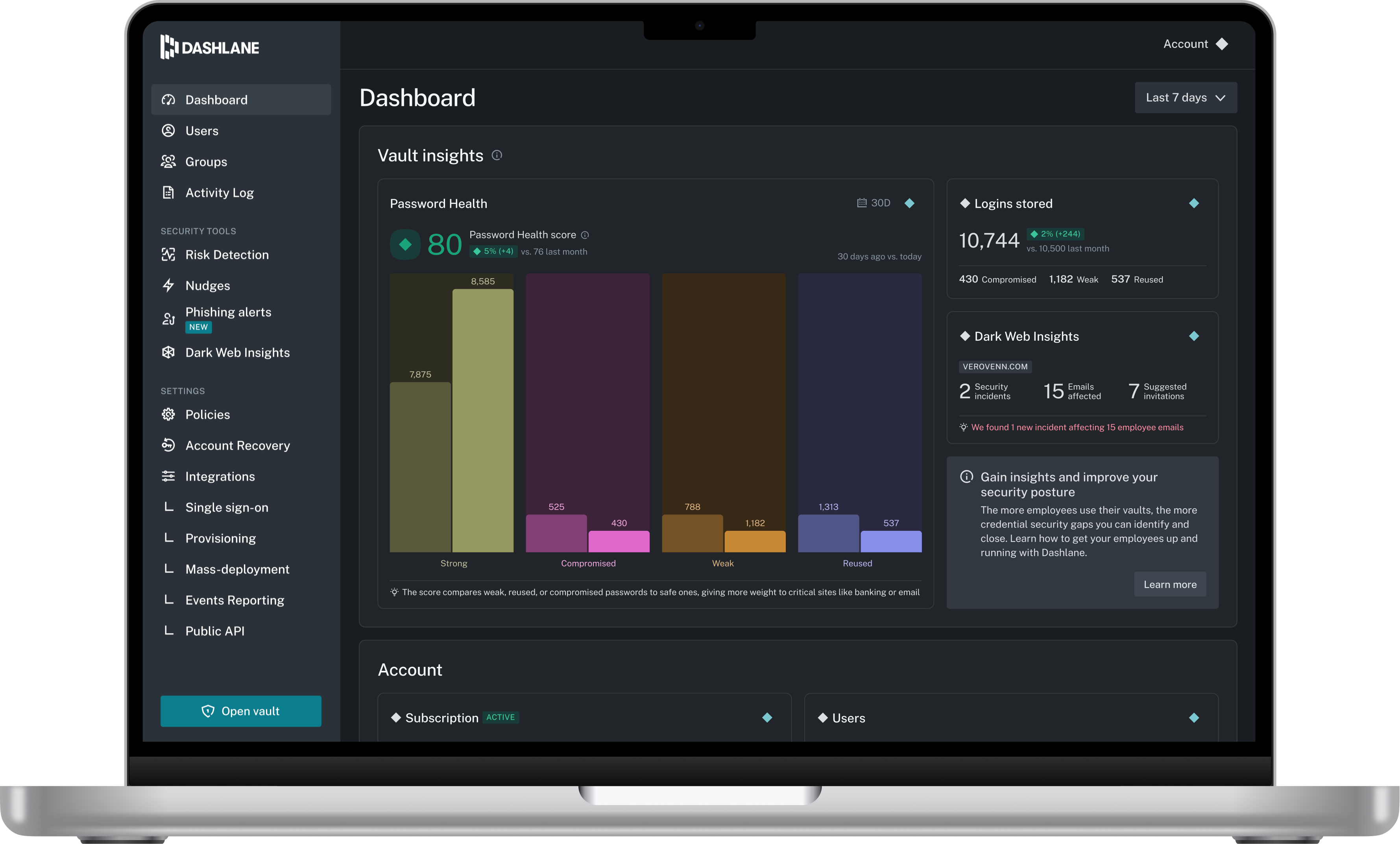
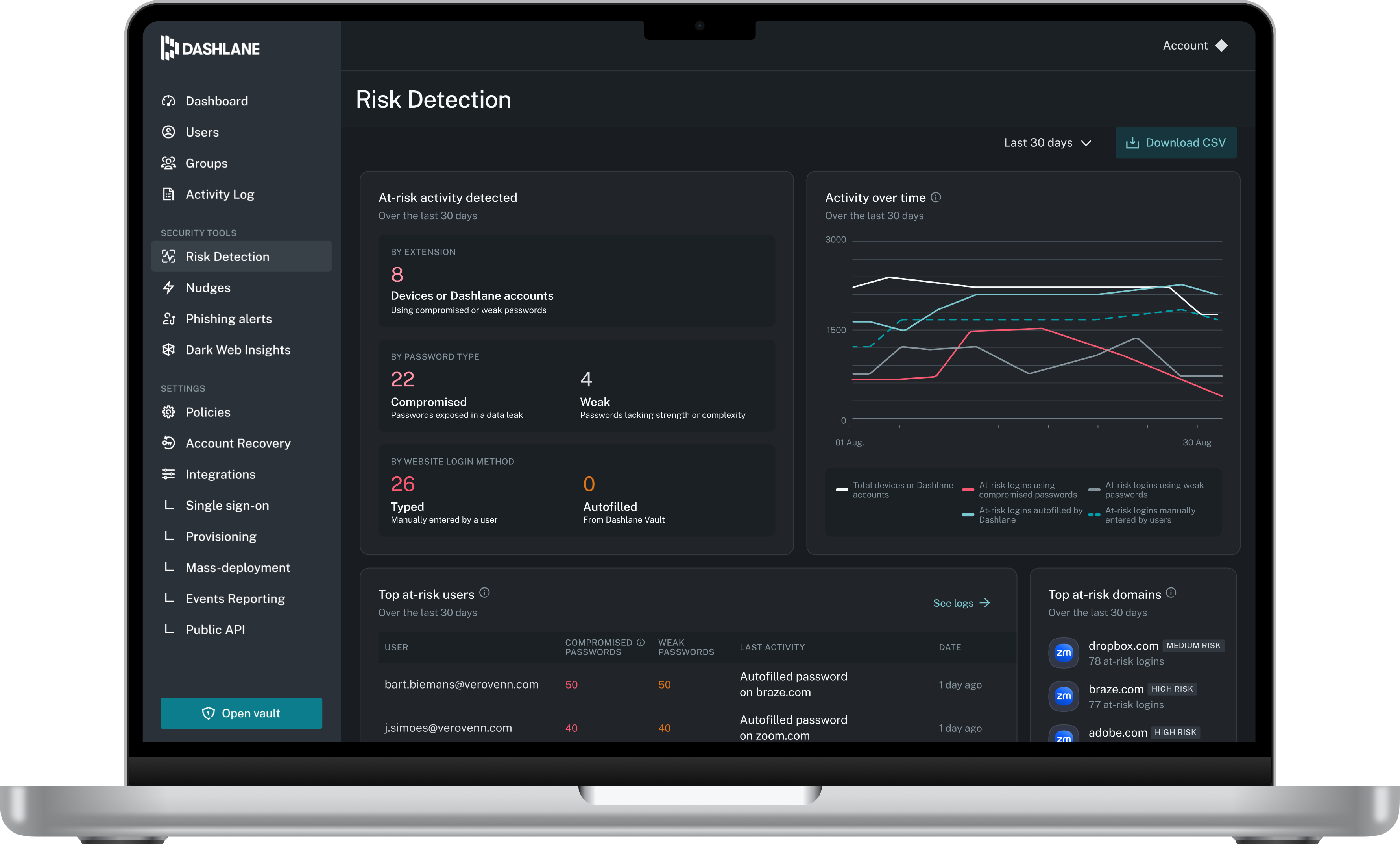
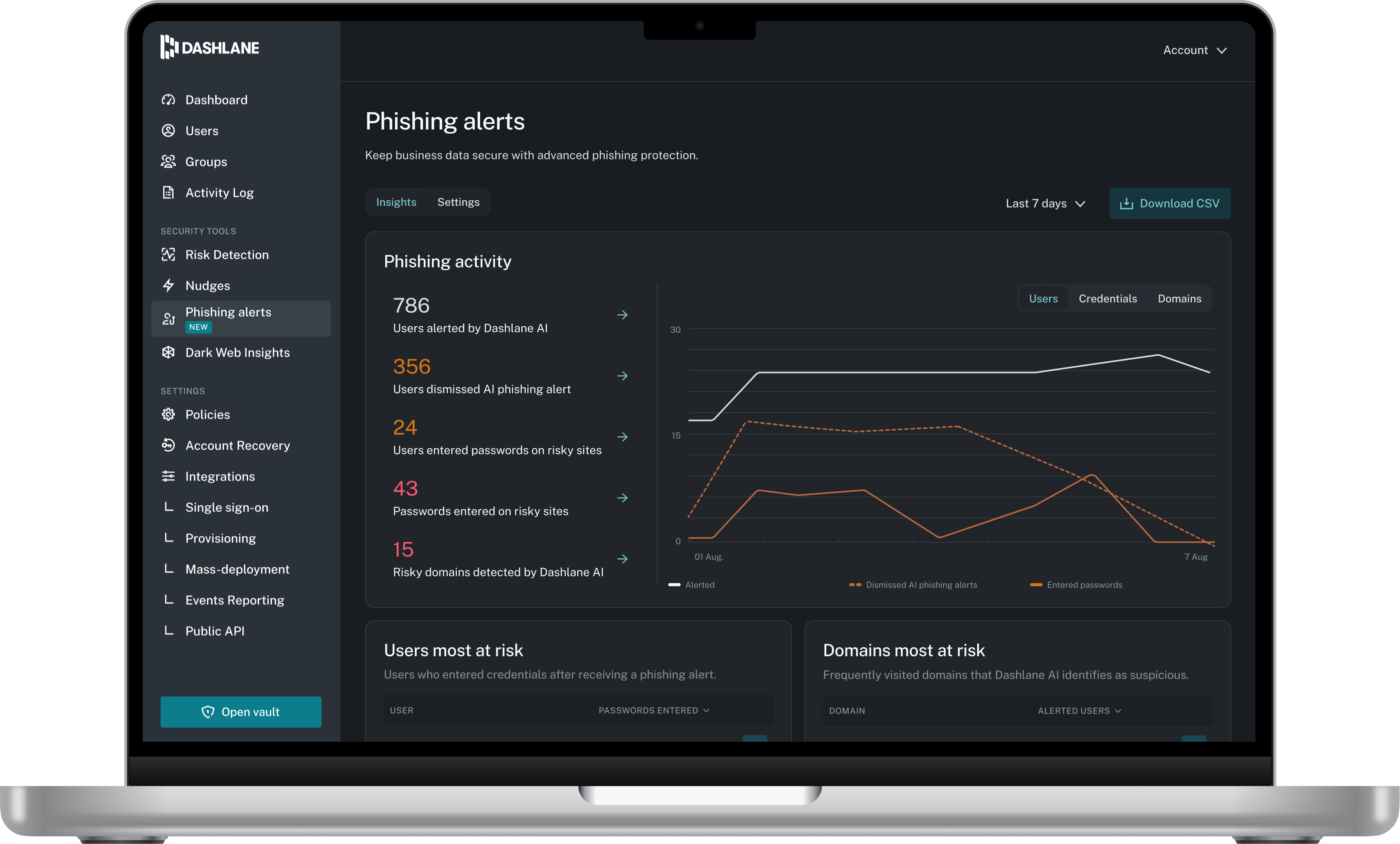
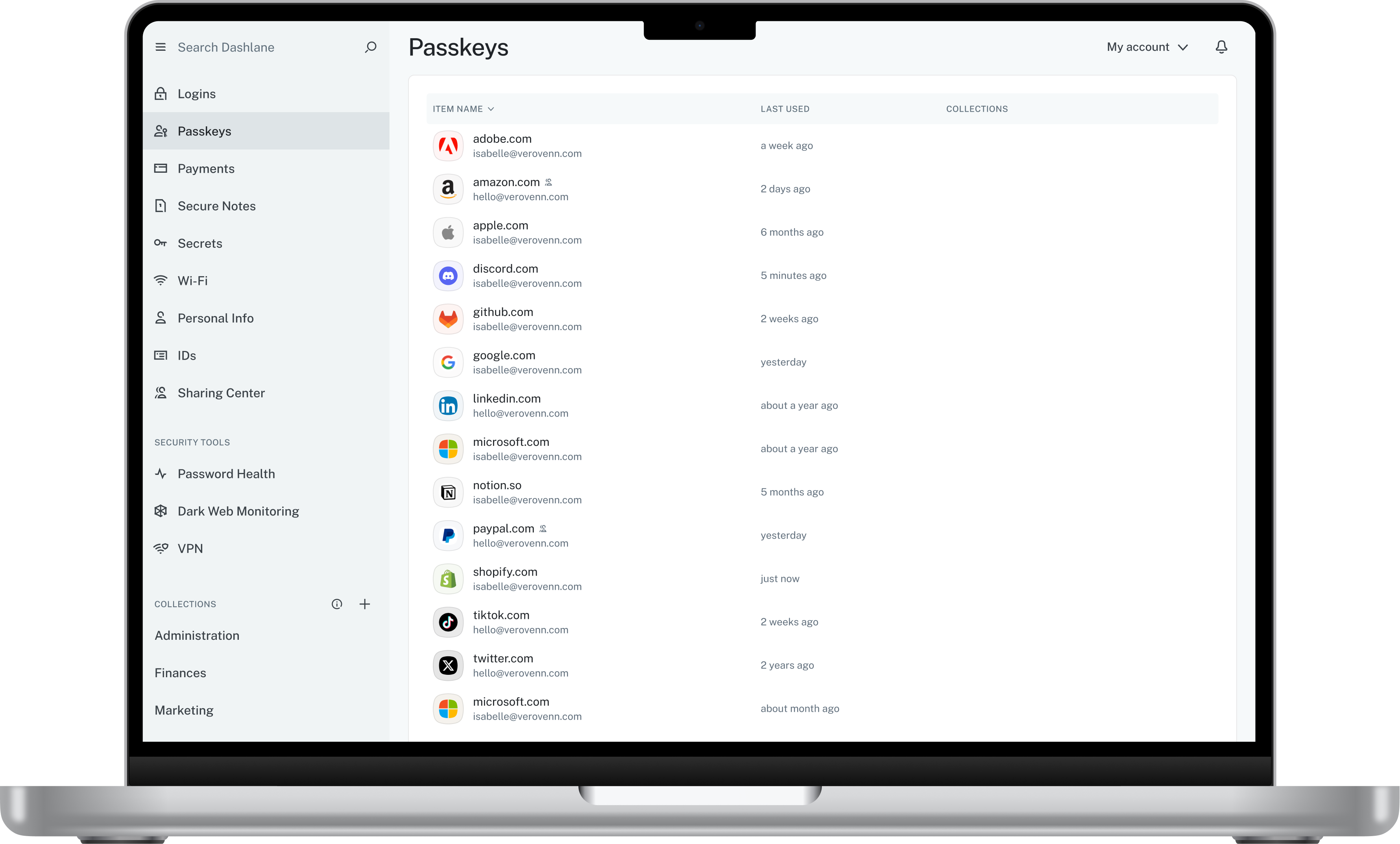
Dashlane is a credential manager that secures every credential, every user, and every employee device to proactively protect against breaches. Brands worldwide can use Dashlane to stay ahead of evolving threats.
$240
per year 10 employees
Delinea Secret Server
Score 7.9 out of 10
N/A
Secret Server (originally from Thycotic, now from Delinea since the 2021 Thycotic merger with Centrify) is an enterprise password management application, which is available with either a cloud-based or on-premise deployment which emphasizes fast deployment, scalability, and simplicity.
N/A
KeePass
Score 8.9 out of 10
N/A
KeePass is an open source password manager which secures passwords in a database locked with a master password or key file.
KeePass didn't have cloud sync or password sharing. When we were investigating options, LastPass didn't seem as robust and had security concerns surrounding it.
Dashlane was the best looking of them, we selected it because it went better with our communication style. 1Password was the second on the list, but we liked Dashlane applications more as well. It is really well design and polished, without compromising ease of use or speed.
KeePass is fine for individual use, but it does not meet the same objectives. There are a lot of products like KeePass that are just not as portable or robust, and do not have the kind of granularity Secret Server has. Being able to assign password permissions based on user …
Besides KeePass, I have used the built-in browser password vaults, like the one for Chrome. These however are not very secure as security can be bypassed. KeePass is lighter weight and could be considered more secure as it is not a website. You can also create alternate modes …
Dashlane was less intuitive and the feature to automatically fill forms with username and password wasn’t working as good as KeePass. Also managing it, creating new passwords etc. took more time.
Delinea Secret Server is a similar product, but I feel it is not as easy to use. I am not sure if it has a mobile app. Its autofill and browser extension is nice to have. It seems like a more robust application than what I am doing which is primarily just password storage.
We considered several packages, but we focused on what best suited our organization. Security was the most important factor, along with flexibility and how we could customize the package to maximize its effectiveness. Then, of course, we considered the cost of the package. And …
KeePass is free and compatible with all the devices you or your customers and it has a lot of different uses. Is not only a password manager like Norton safe password or the avast's one. Like the password managers of the browsers, no, with KeePass every customer can find a …
It isn't in the same league as the others. KeePass is great for a quick and free password manager, but it doesn't have the autofill capabilities as the others.
I think Dashlane is a great service for anyone who uses the internet. We need to create accounts on almost every website, and Dashlane helps generate secure passwords and store them safely, but easily accessible through its seamless browser extension. Any business or personal lifestyle can benefit from Dashlane when you go online
I would recommend Delinea to any organization or colleague, as I have used it to support our shared services model, as well as a dedicated model for people support to customers, for privileged access management. Delinea has provided us with effective methods for handling unnecessary login attempts to the customer infrastructure. Additionally, the connection thread is available in the audit trail for review, which is a valuable feature to have.
[KeePass] works extremely well for personal work passwords and personal-use passwords for home. It allows users to remember 1 single complex password in order to gain access to the entire database of passwords. It doesn't work so well if you want to sync passwords to multiple devices such as your computer or phone. It can be done, but it's not simple.
Password Management: Its entire purpose, really. Secret Server stores passwords in an incredibly easy to use way. They can be organized in groups, they contain all the information about the site or system the password is used for (including URLs for websites), and even a notes field. You can set up specific policies for expirations and complexity, and Secret Server can even generate strong passwords for you. Using a password is simple, too, since you can just click a button to add it to your clipboard; you don't even have to unmask the password.
Security: The passwords are stored encrypted in a SQL database, and the application requires an authenticated login. This could be local, but we tie it into Active Directory. Each folder of passwords has groups assigned (in our case, again, AD, but you can make them local groups) with different permission levels, so we can compartmentalize passwords. Desktop technicians don't have access to network switch passwords, etc.
Easy Setup: It took me about an hour to get the server running, from spinning up the VM to importing our old password list. It took a little longer to organize the passwords into proper folders, and then assigning groups, but it was easy to do.
Personal Passwords: Each user also gets a personal folder, where they can keep their own, unshared passwords. This is nice for sites or systems with individualized logins (e.g., a firewall, VPN, etc.)
Favorites: Secret Server lets you tag passwords as "favorites" so you can easily find ones you use constantly. The search feature is nice, but this is nicer.
The mobile app works fine for quick access, but autofill across different apps can be inconsistent. Sometimes it doesn’t recognize the login field, which slows people down when they’re on the go.
Occasionally the browser extension logs users out or doesn’t sync immediately with the desktop app, which causes frustration if someone just updated a password.
My very good experience in the past 15 years of usage of KeePass makes it easy to decide for a renewal of this friendship. I was never disappointed and KeePass always meets my expectations. The software runs stable and if there should be a software error, it will be fixed in no time. This is customer satisfaction.
Dashlane is usable, but there are 2 key issues that annoy me. 1. The mobile app and the browser extension are not synced and i cannot find passwords in the app that are clearly in the extension. 2. The system doe snot make it easy to assign a password to a specific subdomain. I get hundreds of passwords that i have to go through any time i go to any subdomain on my main site because of the nature of my business. I need the option back to assign a password to only work with a specific subdomain (and all related paged on that subdomain) note: The search features have been annoying in the past. I just went to test them to verify my issues and found that notes inside of a password are finally searchable. This helps
My rating is purely based on the configurational activities, as feature-wise delineation has all the features that are very beneficial for customers, though the implementation is a bit more manual work, which can be reduced with a low-code platform. Along with that, we can have a better UI to have intuitiveness and can manage the platform for shared customers in a better way. Overall, it is a very good tool for PAM.
KeePass is easy to use and requires no prior training using it. I would rate KeePass a score 9 out of 10. It stands out in managing credentials securely and efficiently. No other similar app performs its core function as well, making KeePass an essential tool for password management and security.
We've had no issues with Dashlane. I can't speak to their customer service because I have not personally needed to contact them. I guess that speaks about their product if we've not had any issues to reach out about. Great for supporting data/information on multiple platforms that are shared among team members.
I have almost never had to contact support. This product has a wide community, a very expansive documentation/forum site where generally any question/issue already has an answer/fix or explanation/workaround, or plans for improvement in a future version. On the occasions that I have reached out, answers were fairly quick, useful, and respectful.
Dashlane’s customer support is often rated higher, providing more responsive and helpful assistance. LastPass has a slightly steeper learning curve than Dashlane, but it offers more flexibility with user permissions, which can benefit teams. Dashlane includes unlimited passkey support and a clean breach history, while LastPass is more accommodating for smaller teams.
There were not very many solutions that provided the entire package of taking an account from creation and deactivating it when no longer needed, as well as providing the discovery of unknown service accounts. Other solutions like RoboForm and LastPass did not offer the ability to manage your service accounts and added layers of complication to ensure security.
KeePass is free and compatible with all the devices you or your customers and it has a lot of different uses. Is not only a password manager like Norton safe password or the avast's one. Like the password managers of the browsers, no, with KeePass every customer can find a useful way to share and keep secure I formations