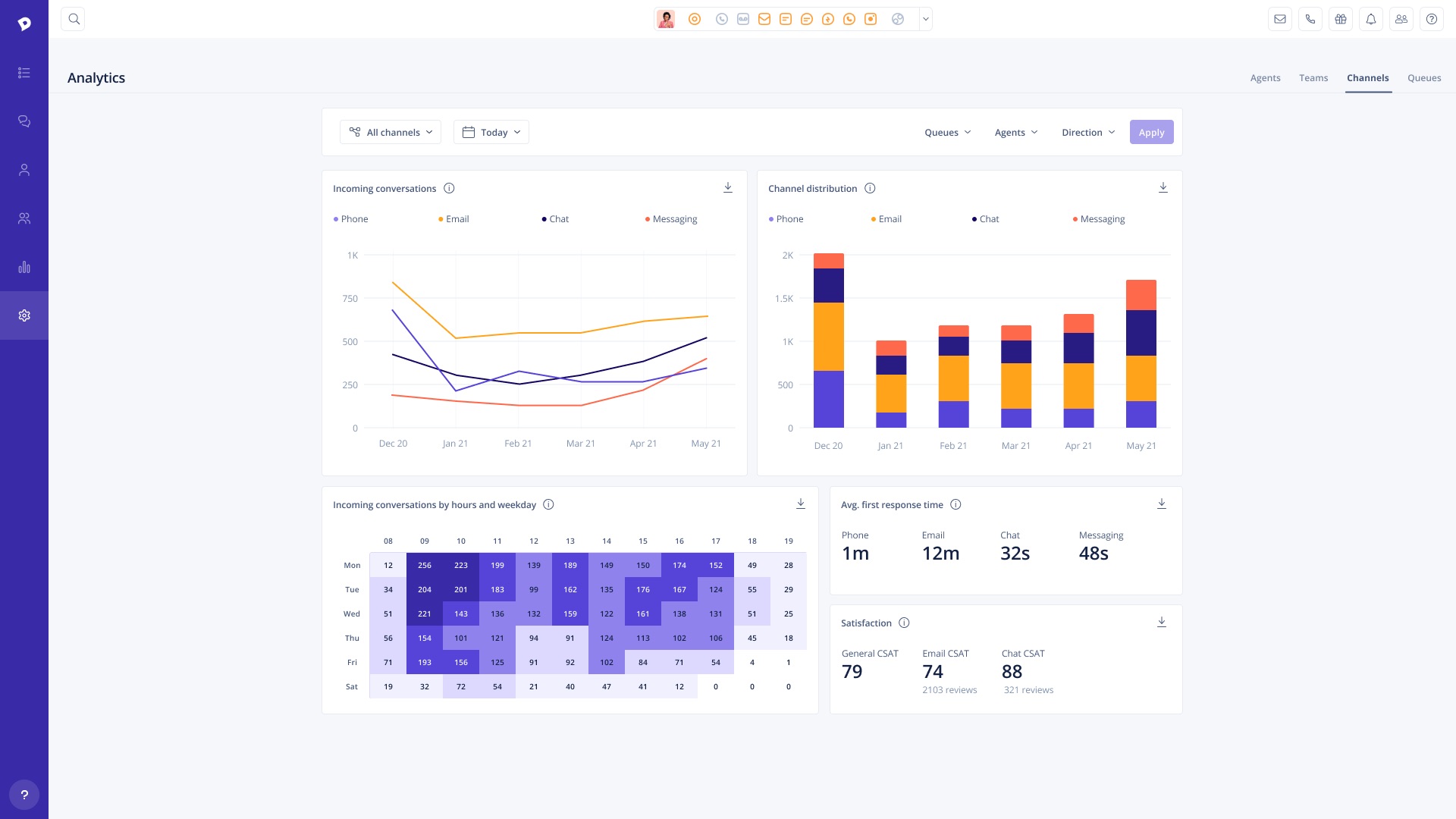
Dixa, headquartered in Copenhagen, offers their VoIP and call center software, featuring browser based phone, email, and live chat, intelligent skill-based call routing and other agent management tools, queue management and prioritization, and other features designed to provide scalable customer support for ecommerce and small businesses.
$39
per month per user
Jitterbit
Score 9.6 out of 10
N/A
Jitterbit is a cloud integration technology for cloud, social or mobile apps. It provides accessibility for
non-technical users, including easily creating API’s and data transformation scripts within the
integrations.
$1,000
per month
Zapier
Score 8.9 out of 10
N/A
The Zapier Automation Platform designed to integrate data between web apps. It is scaled for small to mid-sized businesses, with a functional but limited free version of the program.
$29.99
per month 750 tasks per month
Pricing
Dixa
Jitterbit
Zapier
Editions & Modules
Growth
$109
per month per user
Ultimate
$169
per month per user
Prime
$215
per month per user
*Custom
Contact for quote
per month per user
Jitterbit
$100.00
Starting Price Per Month
Starter
$29.99
per month 750 tasks per month
Professional
$73.50
per month 2k tasks per month
Team
$103.50
per month 2k tasks per month
Company
Contact Sales
Offerings
Pricing Offerings
Dixa
Jitterbit
Zapier
Free Trial
Yes
Yes
No
Free/Freemium Version
No
No
Yes
Premium Consulting/Integration Services
Yes
Yes
No
Entry-level Setup Fee
Optional
No setup fee
No setup fee
Additional Details
Discount offered for annual billing.
Many product add-ons available:
- Dixa Chatbot
- Dixa Quality and Insights
- Collaboration Users
- Seasonal Agents
Service add-ons
- Active Guidance: Dixa Platform
- Active Guidance: Chatbot & Automation
- Custom Card Integration
I'd consider Zapier a "pro-sumer" solution. It's not as powerful as more expensive solutions out there. But it's definitely for the business minded user.
Dixa may be a more cost-effective cash flow program than other programs used in our organization. Dixa does not require us to change our phone number when using the application because it is adaptable to our current number; the Dixa team handles the interface by quickly adding our phone number to their system. Despite the significant additions and updates to Dixa, our company is very pleased with the results obtained so far.
This is a great tool for bringing data out of your locked, internal systems and getting it into the cloud. It meshes well with Salesforce and is fairly easy to use, helping the transition from other older, more complex tools into a more modern environment. It has lots of competition in this space and some are better than others, but if your data is straight forward and you know it well, Jitterbit will get the job done. If you are not as close or comfortable with your data and need to do some wildly complex migrations, there might be better packages out there for you.
If you have processes that are now managed and controlled using a spreadsheet, Zapier will give you a lot more control over what is happening and will help you increase productivity by eliminating simple steps such as sending emails and sharing information with your colleagues. It frees time for very transactional activities.
Ease of use - multiple people in the organization can set up and run Zaps per their specific use cases without much training.
Connectivity - Zapier is able to connect to multiple applications we use on a regular basis.
Functionality - Zapier provides embedded functionality within the app itself (email, data conversion), but also appropriate triggers and actions for apps it connects to.
Versatile - Zapier can execute complicated and simple tasks and thus has many use cases.
Migrating operations from QA to Production work well for initial deployment, however, when migrating an update to an existing job to production, sometimes certain project items are duplicated. This is not the end of the world... the duplicates can be removed, but would be nice if it was not required.
I have not found a way to trap under-the-covers SOAP errors (for example, when a query you are running against Salesforce takes too long). You get a warning error in the operation log that the job only pulled a "partial" file, but it does not fail.
I have been evaluating other tools as a continuous improvement practice. I would like something that would be easier to use for a non-technical user. I work for a small organization and have no back-up for Jitterbit if something happens to me. We don't have the technically savvy employees to understand it.
The interface is very user-friendly, and there are also many tools to help a brand-new user get started. For example, you can put your Zap idea into the AI bot, and it will basically build a shell of your Zap to get started on. The format for each step within a Zap is also very helpful (set up the connection/app, set up the fields/details, then test).
Before we purchased Zapier, I contacted support and asked them if Zapier could support my intended workflow (this is actually a selection on their support form - awesome). Within 2 hours, I was contacted by a support team member who seemed sure it would work, but granted me premium access for 2 weeks to try it out for myself. Sure enough, it did! Ever since then, support has replied rapidly to any problems I have experienced and answered my questions within a few sentences.
Value proposition was by far and away the best. Any other system that had the features was much more expensive. The ease of programming made start up cost almost non existent. You have the ability to modify programming easily and do any special projects that invariable need to be accomplished by customer care.
Evaluated Dell Boomi and Celigo as alternatives prior to purchasing Jitterbit. We went with Jitterbit at that time because we could handle all changes ourselves without any assistance from Jitterbit, and we liked their size and nimbleness. Dell Boomi was too big for us, and Celigo at that time did not have a self-service model. Every change had to go through them (although that has since changed). We were not in a position to be able to wait for someone to make changes for us given the rate of change within the business.
We actually utilize both Integromat and Zapier at our company, for all the reasons detailed in this review. Though Zapier is excellent for simple client integrations, we often run into internal use cases that require complexity that Zapier cannot provide. Specifically working with API calls (not just webhooks), complex multi-step integrations with Routing/parsing/etc, and large volume integrations. Integromat is perfect for these use cases, but doesn’t provide the simplicity and account scalability that Zapier offers.
The time it takes to connect systems has reduced by orders of magnitude. Previously, we would custom-develop connectors between various systems and they would all be managed by different vendors. With Jitterbit speed-to-deploy and the efficiency gained by managing all connections in one dashboard has been the greatest piece of the ROI.