Dropbox is a cloud storage solution, equipped with features that help users to save time, improve productivity, and collaborate with others. Users can edit PDFs, share videos, sign documents, and collaborate with stakeholders without leaving Dropbox.
$9.99
per month
Miro
Score 9.1 out of 10
N/A
Miro is the AI Innovation Workspace that brings teams and AI together to plan, co-create, and build the next big thing, faster. With the canvas as the prompt, Miro's collaborative AI workflows keep teams in the flow of work, scale shifts in ways of working, and drive organization-wide transformation.
$10
per month per user
Tresorit
Score 6.2 out of 10
N/A
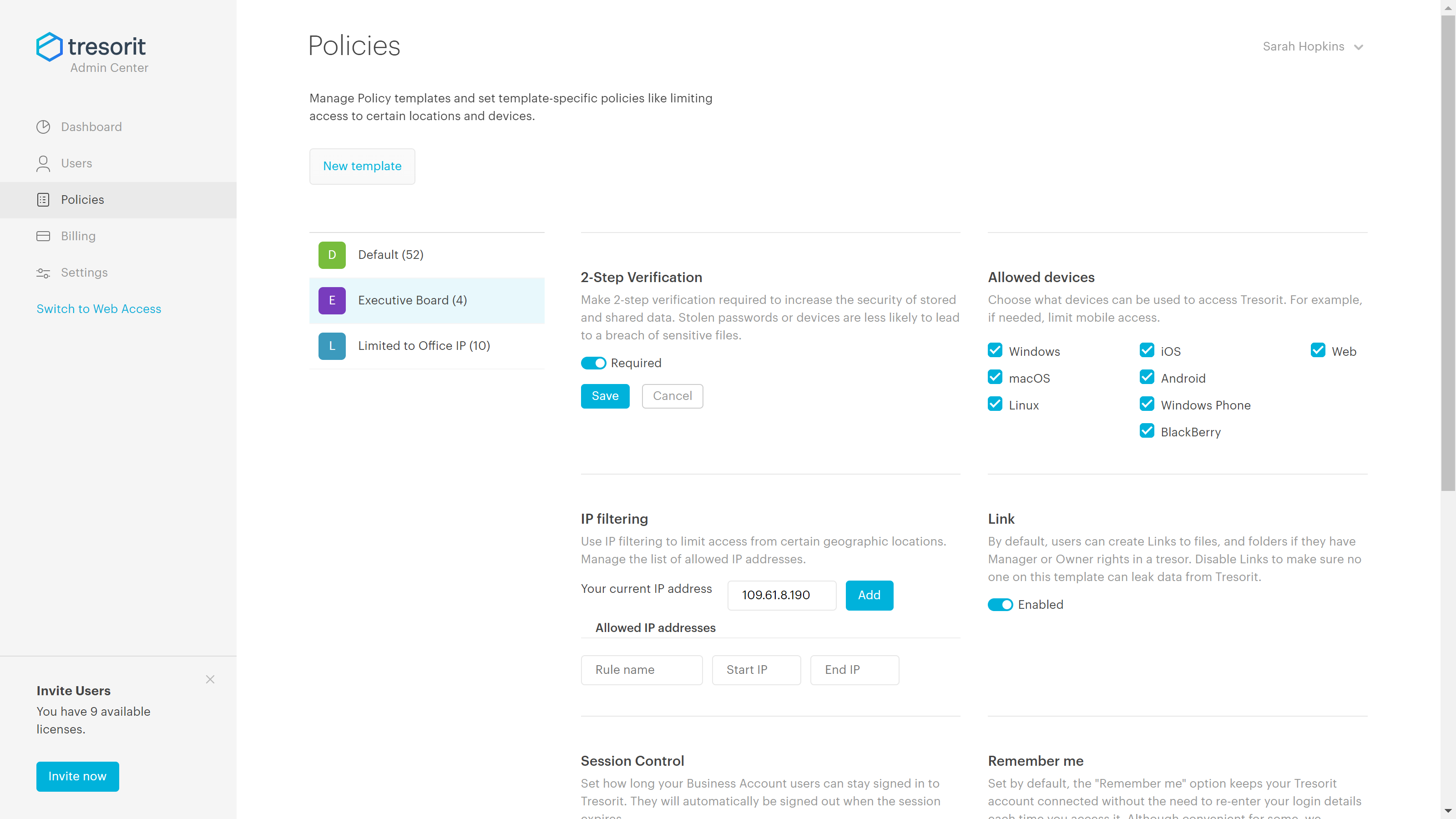
Tresorit offers end-to-end encrypted file
sync & sharing. The vendor promises an ultra-secure place in the cloud to store,
sync and share files easily from anywhere, anytime. The vendor says Tresorit is powered by
end-to-end encryption and enhanced with a flexible permission system, therefore
it seals your files away from internal data breaches and hackers. All the data
is securely stored according to the GDPR in Europe in Microsoft Azure
datacenters.
Tresorit promises to help secure…
$13.99
per month 1TB of encrypted storage
Pricing
Dropbox
Miro
Tresorit
Editions & Modules
Plus
$9.99
per month
Essentials
$18
per month
Business
$20
per month per user
Business Plus
$26
per month per user
Basic
Free
1. Free - To discover what Miro can do. Always free
$0
2. Starter - Unlimited and private boards with essential features
$8
per month (billed annually) per user
3. Business - Scales collaboration with advanced features and security
$16
per month (billed annually) per user
4. Enterprise - For work across the entire organization, with support, security and control, to scale
contact sales
annual billing per user
Personal
$13.99
per month 1TB of encrypted storage
Business Standard
$18
per month 1TB of encrypted storage
Business Plus
$24
per month per user (2TB of encrypted storage per user)
Professional
$33.99
per month 4TB of encrypted storage
Enterprise
Custom
Starts from 50 users
Offerings
Pricing Offerings
Dropbox
Miro
Tresorit
Free Trial
No
Yes
Yes
Free/Freemium Version
No
Yes
No
Premium Consulting/Integration Services
No
No
Yes
Entry-level Setup Fee
No setup fee
Optional
No setup fee
Additional Details
—
Monthly billing also available at $10 per month for the Starter plan, or $20 for the Business plan.
Dropbox has better features overall than these alternatives.
Verified User
Analyst
Chose Dropbox
We use both Dropbox and Google Drive. In recent months, the company has started adopting using Google Drive more than Dropbox. However, file sharing with Dropbox still tends to be easier to use between employee and contractors.
It's far more user-friendly and straight forward than the others.
Miro
Verified User
Manager
Chose Miro
Freeform (Apple), Canva workspaces, and Dropbox Paper. I don't use any of those because I like when an app is single-use in its function. Dropbox and Canva are trying to create a whole ecosystem and I think this means that some of the products (like Paper or Workspaces) will be …
The only other thing I've used that's sort of similar is Google Slides and that's really more of a PowerPoint alternative than a whiteboard space. It's collaborative but otherwise, you're limited to different pages which I find challenging. I went straight from using physical …
Miro is small in comparison of others software in my knowled they aren't rule by a big corporation. So I give them more trust about my data policies, also I heard a lot of positive feedback for Miro from Friend and teammates. It was way more efficient and well suited for my …
Miro is different than Trello in that it's all in ONE spot in ONE space versus various boards, lists, dropdowns, etc. Trello is also used in our business but when it comes to mapping out workflows/charts and things of that nature, our team chooses Miro over anything else out …
Verified User
Employee
Chose Miro
Miro provides a clean and open format similar to Keynote, which we like, but Miro has much more flexibility. Miro's use of links with thumbnails allows us to work with images and links to other files all in one place. Miro also allows multiple users at the same time with …
Miro blows the other collaboration tools out of the water due to its ease of use, intuitive functions, visualization, and APIs. The only one that is a close complement (wouldn't say competitor) is Box because people can comment and add notes on documents, but Miro is better for …
We played with different to tools but in the end preferred the visual style of communication and integration into existing tools and of course the ease of use.
Miro feels more intuitive than InVision. I think of the two as Apple (Miro) and Android (InVision). Both are very good products and you can ultimately do what you need to with them, but Miro has that X-Factor where everything "just works". I was invited to a board, having never …
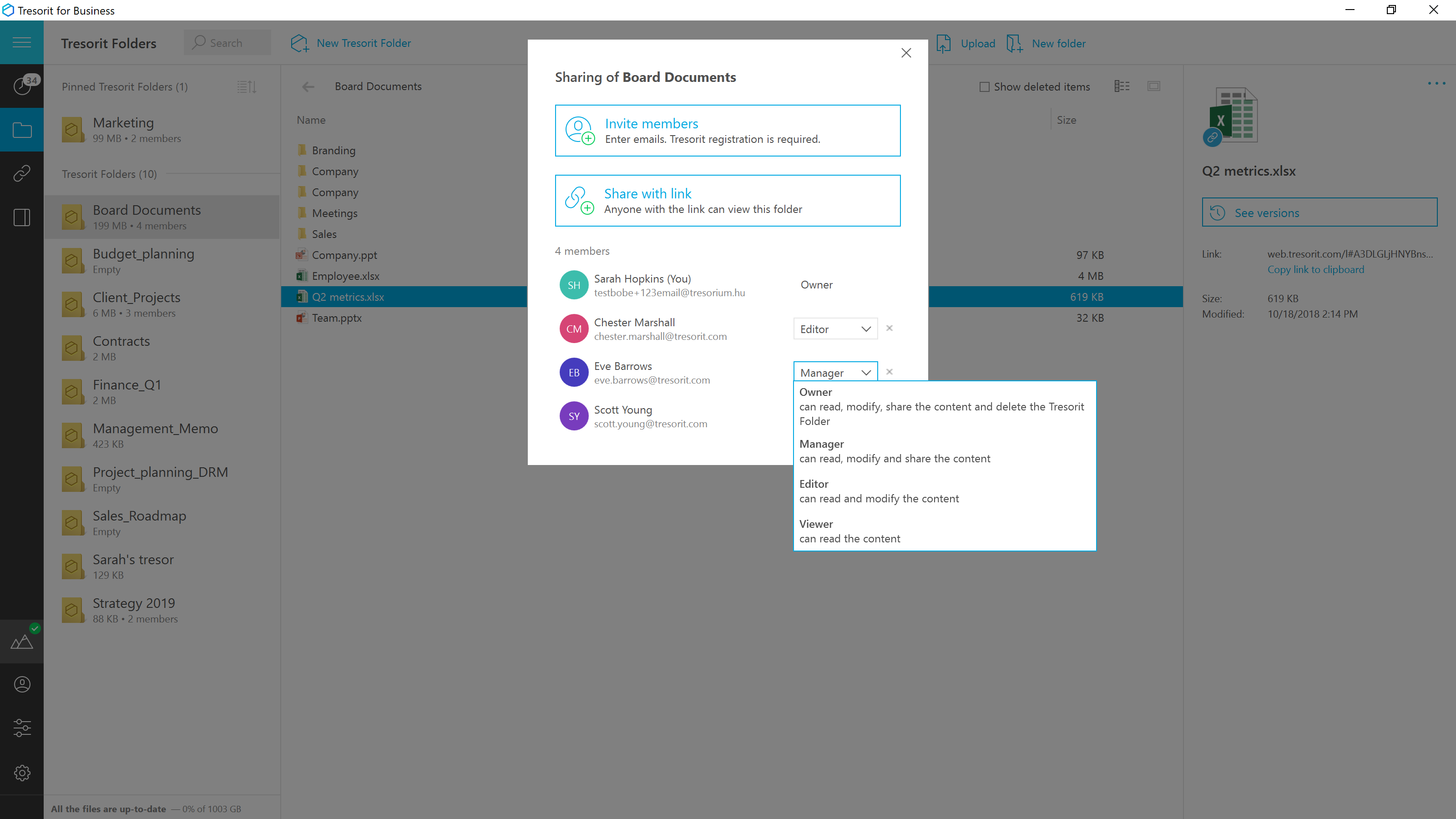
Secure and independently operated. We selected Tresorit for its secure file storage capabilities that the other services (except SpiderOak) did not provide. Tresorit is a zero-knowledge system, which gives us a lot of comforts when it comes to secure data storage. SpiderOak was …
Let me describe a scenario that happened recently in our organization's marketing team storing thousands of images videos and pdfs and Dropbox is done a great perfomer in this situation by the product features which is very helpful for the team, such as smart sync reduces disc usage, preview support for many media formats & Integrate with Adobe Creative Cloud.
I first used Miro in a service design module at university, where we used it for personas, customer journey mapping, and more. I've since used it in marketing for SWOT analysis, RACI models, project planning, and more. I've yet to use it in a wider team setting, but from my experience, some team activities, even a SWOT analysis, for instance, where it is brainstorming-based, are better done in a physical space and then brought onto a digital tool, rather than done purely digitally.
Good scenario: Wanting to have your files stored by an independent group that specializes in secure file storage. The ability to have files stored on servers that are not domestic is a big plus too. We had issues in the past with a solution that went down when the US AWS East Coast servers had an issue; Tresorit is insulated from these problems and appears to handle load balancing as well. Not good scenario: If you want to have outside parties, upload files/share files with you within your Tresorit environment. There is no way of doing this, and this is a real operational problem.
I can make projects available to editors so that they can do their work.
Dropbox is a place where I can store files that I can access from anywhere, even if I don't have my laptop with me at the time.
I have an old friend who is an acting professor in Tokyo. He loves the dialogue that I write in my novels. He converts chapters into scenework for his acting students. They get very excited when there's new material!
Makes internal coordination between admin team and tutors extremely painless. It's like a single place where everyone can drop ideas, get updates and notes without loss of context which usually happens in long email threads.
Versioning and board history are handled very well, which drastically reduces the workload. They help me track how a policy or math guideline has evolved, and also make it easy to revert changes if something doesn't work.
Comments stick exactly where they are meant to, making internal reviews much clearer. Admins don't have to guess which note refers to which rule or section.
Exports are clean, so even non-Miro teammates get it instantly.
I’d like to be able to hover over an image/document and have it expand/enlarge without actually opening it
I’d love to see a carousel that lets me thumb through more quickly
I’m almost always in thumbnail view. I’d like to see them re-organize automatically when something is moved or deleted instead of leaving an empty space.
As a designer, I miss some more creative features. I can't even get really into designing small things (like paths). Many of my colleagues have already switched to the Figma board because it is possible there.
Things often get lost in the workflow, especially in teams. Working on the same file often leads to misunderstandings and can be frustrating. For example, if text is accidentally deleted and cannot be recovered, or if images become distorted.
The scale on the board is missing, which often leads to size differences.
Dropbox is a user-friendly, easy tool which requires little to no skill and they offer a free version with a good amount of storage available. There are other file sharing tools available however at a cost. Dropbox free version I have used for years and it serves every purpose I need.
Miro saves my day. I would spend at least 4x more time on documenting my projects and work without this tool. It support my day to day role and helps me be successful while saving my capacity. It is not only very easy to start working on it without additional training required, but also adapts to any use case that I might need to implement
It works extremely well, and we have never had any issues with connecting or sharing files. It's very easy to use, and any team member can share, add, and delete files to a virtual drive. This is extremely helpful, and it's an amazing tool to use, ensuring everyone can connect and work together effectively.
It's very easy to use, while having endless features. When I start a new board, I know that there's almost nothing that I cannot put on it, whether these are builtin tools, like documents and diagrams, or whether these are 3rd party services that can be imported onto the board. Using Miro is very easy. When I'm onboarding a new user, I focus on what can be done and not on how, as everything is very intuitive.
I really recommend the product for the Dropbox availability is a great having very very less downtimes, they errors are less I have been faced yet, due to connectivity sometimes we are getting errors. Only sometimes the limitations of some features show some errors.
I have not encountered events where Miro is not available. It is quite nice and reliable to be fair, even on my freemium version (startup) I don't have reliability issues. It does have sometimes where the screen refresh or "freezes" or "consumes a lot of data" and we have to rewind windows and the likes, this instances are very less
Dropbox is really useful, you can access any file from anywhere and you can upload and even edit files online, but, sometimes it can be slow. Downloading, uploading, and syncing is a bit slow, it can take several minutes. Furthermore, the search engine for large amounts of data can be slow too and it is not powerful.
I took the loading quickly to be related to availability which I commented on before, so ditto with those comment on load time here. Although to reemphasize, Miro doesn't crash or just refuse to load like some other programs. The weak point of Miro for me is integration of files like Word, Excel, or PowerPoint (especially the later two). When you embed these, it gets slow, and complicated to bring them up while you're in the application.
They immediately responded like in an example that I gave where one of our staff members accidentally deleted the whole Special Hope Network Dropbox, we immediately contacted Dropbox they walked us through the steps of how to retrieve the information and luckily enough we were able to retrieve the entire Dropbox and we have had back and forth with Dropbox on what to do when an employee leaves how to remove them how to add another employee.
We have never reached out to or contacted support because Miro's platform has been incredibly intuitive and user-friendly. The comprehensive resources available, such as tutorials, documentation, and community forums, have provided all the guidance we needed. The seamless integration with our existing tools and the reliability of the platform have ensured that we rarely encounter issues that require external assistance. This self-sufficiency has allowed us to focus more on our projects and collaboration without interruptions. Overall, our experience with Miro has been smooth and efficient, eliminating the need for additional support
Exceptionally responsive. This is something we needed from our storage provider. We are continuously accessing the information, and downtime or technical issues would be and are unacceptable. We have had no downtime issues so far, and Support has been responsive to us whenever needed. Exactly what we needed from their service.
The person for corporate product dealing and knowledge of the product explore and better and secure use are properly handover to us. Also provide full software and tool training from the basic to the pro level with each and every possible explanation. Provide many sessions regarding every doubt. Also Guide better suitable options for our business to migrate and integrate for the expansion in all places employee smoothly.
I did not personally take any training for Dropbox so I am self taught but I know when our Vice President selected Dropbox, he personally did do some training modules on it and I'm assuming it was very easy and simple to understand since he now acts like he is a pro at it!
There was a series of webinars which Miro hosted with our organization that went over the basics, then progressively became more advanced with additional sections. The instructors were knowledgeable, and provided examples throughout the sessions, as well as answered peoples' questions. There was ample time and experience on the calls to cover a range of topics. The instructors were also very friendly and sociable, as well as honest. Of course Miro isn't a "God-tool" that does absolutely everything, but the instructors were aware and emphasized the strengths where Miro had them and sincerely accepted feedback.
I needed to stay current in improving my daily operations. Dropbox was suggested to me by a former colleague two-years ago and I've been using it just fine ever since.
Easy to learn, Miro has a series of videos on YouTube that effectively taught this program to my team members and me. The program is drag-and-drop and works excellently. People pick up on how to use it efficiently, and it's great for organizing ideas more freely. This product is more challenging for some older audiences who are not accustomed to using a touchpad, but for most, it was very easy to use.
I prefer the layout and visual aspect of Dropbox as it mirrors my files on my computer. I feel that I am more organized, and it's easier to find my files in Dropbox than it was with Google Drive.
Both FigJam and ClickUp have similar features where we can do collective brainstorming and idea mapping. We have gone back to Miro from both of those platforms because of the intuitive nature and usability of the Miro interface. Surprisingly, we do still pay for ClickUp and Figma. Miro has not been able to replace either of these for us because we use them for different use cases. Our team expressed the most comfort and ease of use with Miro versus these two platforms, so we gladly have decided to stay.
Secure and independently operated. We selected Tresorit for its secure file storage capabilities that the other services (except SpiderOak) did not provide. Tresorit is a zero-knowledge system, which gives us a lot of comforts when it comes to secure data storage. SpiderOak was a close alternative, but they have been in continuous development to provide competitive features, and still haven't provided what we needed (SpiderOak has promised features for several years at this point).
I would recommend to this product directly to the sales team of Dropbox for the best deal provide to my referred person and provide the best service to them.
It's easy to integrate with the systems of Windows and Linux, easy to have web versions accessible, which provide the web login credentials. Also, it can be installed for individuals for the best autosync features.
Maybe is possible now so... Could be useful to manage in some way source code for the projects? not to edit so when we make solutions with different components in MIro, maybe each component could redirect to the source code of this component
When it works (usually if a client already has Dropbox, so they don't get the solicitation to sign up), it works flawlessly.
I've had multiple clients not see the "continue with download only" at the bottom and email me to resend the media another way because they don't have a Dropbox account.
Miro allows me to plan work for the future without having to reference tedious spreadsheets. This gives me better insight into workload forecasting.
Just today, I was able to quickly put together a Miro to show a team member who was confused the workflow for a problem. The easy 'on-the-fly' tools let me create something quickly in real time.
Flowcharts often get a bad rap because people think they are too complicated, but Miro lets me get more work done quickly than just using a doc or sheet.