Exclaimer is a provider of email signature solutions, operating with the goal of empowering businesses to u
$0.90
per month (billed annually) per user
Mailtrack
Score9.7 out of 10
N/A
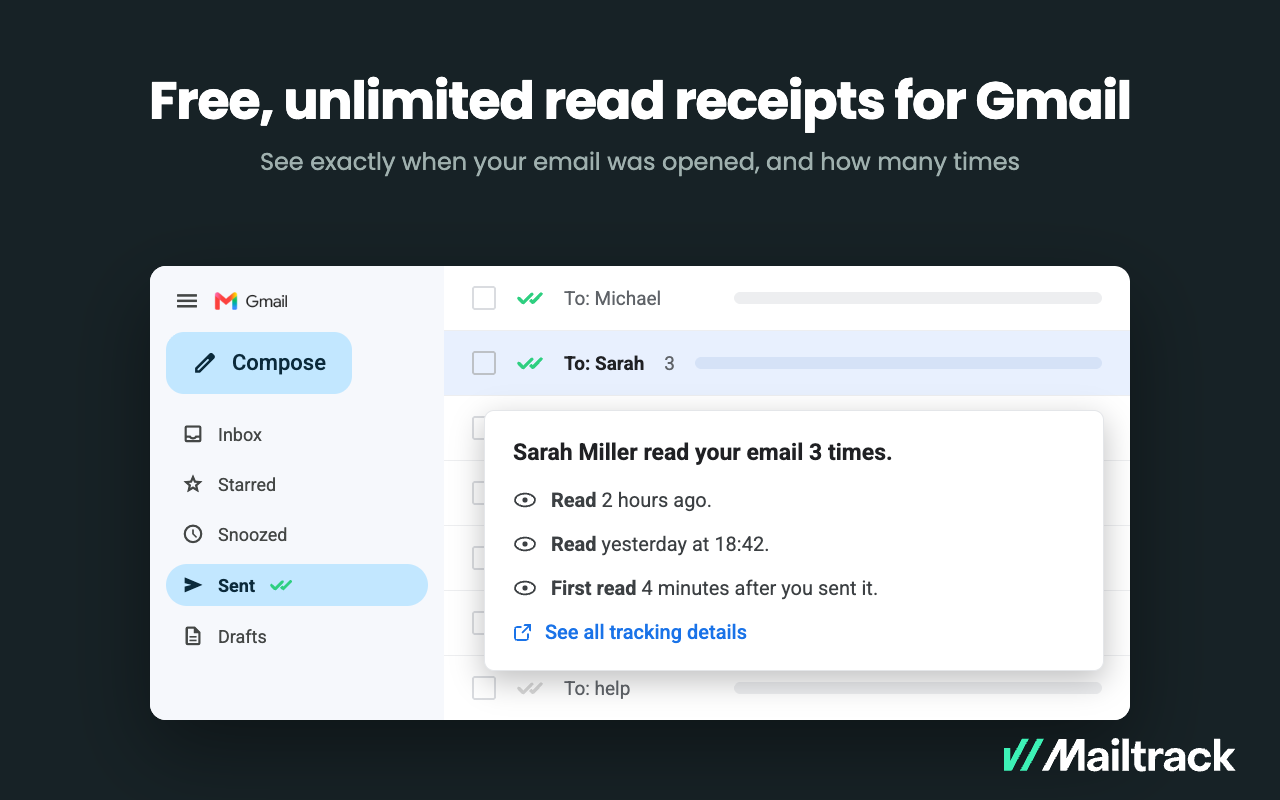
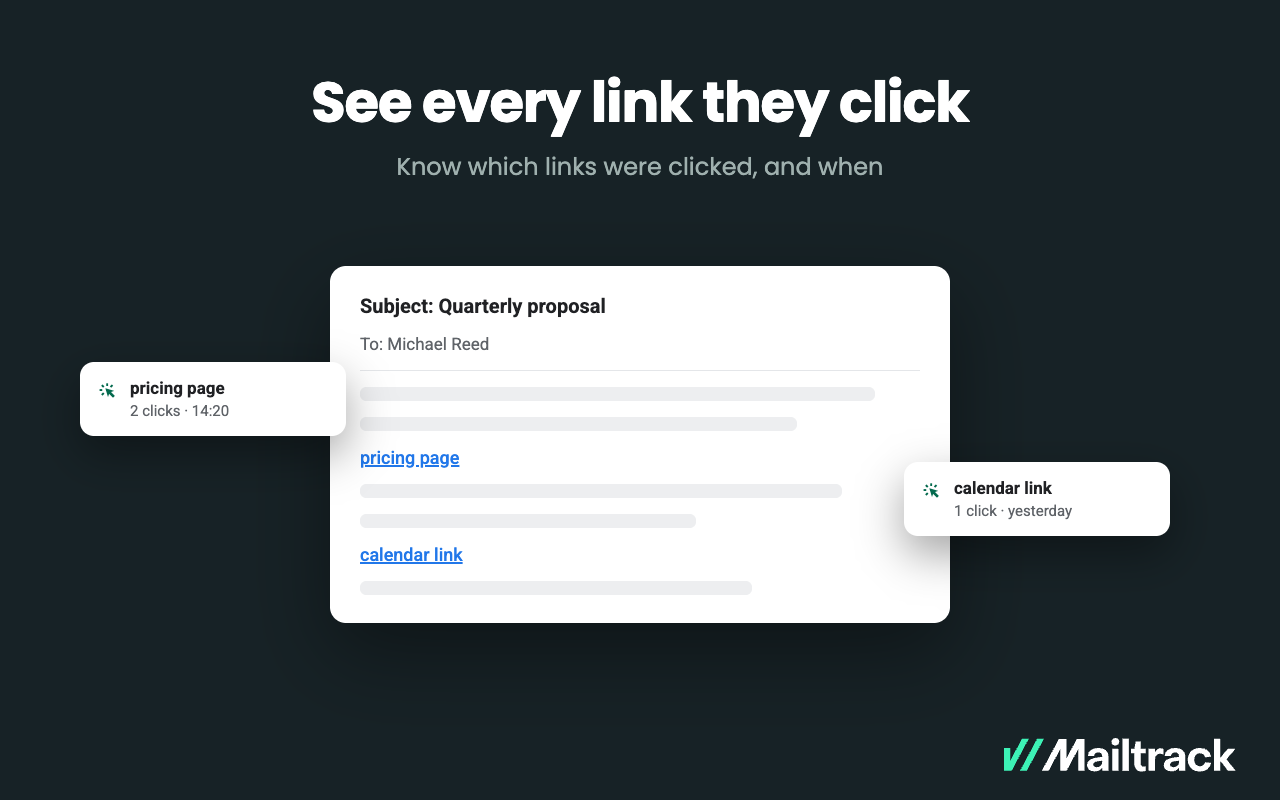
Mailtrack is an email-tracking extension for Gmail and part of Mailsuite. It adds delivery and read-status indicators to sent messages, showing when recipients open an email or click a tracked link without requiring users to leave Gmail. Key Capabilities Gmail read receipts: Mailtrack adds one or two checkmarks to sent messages. Grey checkmarks indicate delivery; green checkmarks indicate that the message was opened. Open and…
$2.99
per month per user
Pricing
Exclaimer
Mailtrack
Editions & Modules
Starter
$0.90
per month (billed annually) per user
Standard
$1.45
per month (billed annually) per user
Pro
$1.75
per month (billed annually) per user
Free
$0
per month per user
Mailtrack
2,99
per month per user
Mailsuite
9,99
per month per user
Offerings
Pricing Offerings
Exclaimer
Mailtrack
Free Trial
Yes
No
Free/Freemium Version
No
Yes
Premium Consulting/Integration Services
Yes
No
Entry-level Setup Fee
No setup fee
No setup fee
Additional Details
Licensing is based on the number of active mailboxes Exclaimer adds email signatures to. Subscriptions are on a monthly or annual basis. Volume and charitable discounts are available. Minimum number of users is 10 per month.
Exclaimer is highly beneficial for larger companies that have a range of business units and requirements around the look and feel of signatures. Smaller organisations are unlikely to need the same degree of customisation, so the requirement is diminished. Particularly as there is something of a cost premium and another platform to manage.
A de minimis incentive was given to thank the reviewer for their time. The incentive was not used to bias or drive a particular response, nor was the incentive contingent on a positive endorsement. More Info
Mailtrack is great for tracking emails if you do not want to pay for larger more complicated tools that do the same thing. If you already love your system but just want to add some convenient read tracking, that's exactly what this is for. If you have a system that doesn't work well, I would take the time to evaluate alternatives that also include read tracking (Salesforce for example). This also applies if you're trying to use this for large outbound sales emails - there are a lot of applications that have email tracking built in (Outreach.io is a great example) so it may just be worth switching your whole system.
A de minimis incentive was given to thank the reviewer for their time. The incentive was not used to bias or drive a particular response, nor was the incentive contingent on a positive endorsement. More Info
A de minimis incentive was given to thank the reviewer for their time. The incentive was not used to bias or drive a particular response, nor was the incentive contingent on a positive endorsement. More Info
A de minimis incentive was given to thank the reviewer for their time. The incentive was not used to bias or drive a particular response, nor was the incentive contingent on a positive endorsement. More Info
A de minimis incentive was given to thank the reviewer for their time. The incentive was not used to bias or drive a particular response, nor was the incentive contingent on a positive endorsement. More Info
We are very happy with exclaimer it runs 99.9% of the time without any issues. It also very easy to use and maintain and the design team are happy to use it as its so user friendly. When compared to how much time we used to spend updating banners exclaimer saves us hours. This more than justifies the cost and when it comes to renew we wont be thinking twice about doing so
A de minimis incentive was given to thank the reviewer for their time. The incentive was not used to bias or drive a particular response, nor was the incentive contingent on a positive endorsement. More Info
In the order that I recall the setup process: Signature templates need to be set up (attribute mapping to AD) Office 365 connector needs to be set up (global admin needed and exclaimer engineer for guidance) Signature policies need to be set up (who gets which signatures) Office membership groups need to be setup (who in the org will use exclaimer) Members need to be added to those groups (user membership) Agents need to be deployed on the end-user hosts (local agent)
A de minimis incentive was given to thank the reviewer for their time. The incentive was not used to bias or drive a particular response, nor was the incentive contingent on a positive endorsement. More Info
I would rate Mailtrack's overall usability as a ten out of ten. The reasons for this are actually quite simple. For now, only I have been using Mailtrack. However, looking at the rather easy to use characteristics Mailtrack has to offer, I would not hesitate to recommend it to the rest of my colleagues.
A de minimis incentive was given to thank the reviewer for their time. The incentive was not used to bias or drive a particular response, nor was the incentive contingent on a positive endorsement. More Info
A de minimis incentive was given to thank the reviewer for their time. The incentive was not used to bias or drive a particular response, nor was the incentive contingent on a positive endorsement. More Info
A de minimis incentive was given to thank the reviewer for their time. The incentive was not used to bias or drive a particular response, nor was the incentive contingent on a positive endorsement. More Info
I've only had one issue in 7 years where I needed to reach out to Exclaimer for support, but it was handled quickly and resolved my issue. No messing around to provide additional information. Just a quick solution to what I was facing which resolved the issue on the first go around.
A de minimis incentive was given to thank the reviewer for their time. The incentive was not used to bias or drive a particular response, nor was the incentive contingent on a positive endorsement. More Info
I didn't really need to use the customer support but the fact that they proactively make the installation process so easy by providing step by step instructions with videos and everything is kind of pro-active customer support that is needed. Good for them because at the end of the day, it's everyone's dream to use a product that they don't need support for.
Our implementation was relatively easy as we weren't cutting over from anything. We just got the software installed, set up the file share and got active directory set up. We got exsync on a scheduled task and it just worked. We built our templates and policies and it has always been relatively smooth.
A de minimis incentive was given to thank the reviewer for their time. The incentive was not used to bias or drive a particular response, nor was the incentive contingent on a positive endorsement. More Info
Exclaimer blows the doors off compared to Letsignit. Exclaimer is a little more expensive, but you get what you pay for. What you get is a much better user interface, real analytics instead of one crappy report you have to manually sort, and a much more robust campaign area. With Letsignit I was constantly getting messages that they were experiencing one problem or another, leading to service outages that impacted our users. Gotta love it when the CEO calls because he can't find his email signature. I've had no service interruptions with Exclaim and no email "excuses." That's the sort of thing that makes you lose confidence in a supplier quickly. Oh, and no communication/bills in French. I lived near the Canadian border, I get it, but you have customer databases, communicate appropriately.
A de minimis incentive was given to thank the reviewer for their time. The incentive was not used to bias or drive a particular response, nor was the incentive contingent on a positive endorsement. More Info
There's a free tier. Obviously, there are other things to love, like notifications about your email being read, the fact that if an email hasn't been responded to in some time it gets bumped up. The fact that if other people have Mailtrack you will actually get notified who read your email. But the fact that there is a free tier is HUGE.
A de minimis incentive was given to thank the reviewer for their time. The incentive was not used to bias or drive a particular response, nor was the incentive contingent on a positive endorsement. More Info
A de minimis incentive was given to thank the reviewer for their time. The incentive was not used to bias or drive a particular response, nor was the incentive contingent on a positive endorsement. More Info
We used the Design Template service; this was a very pleasant experience and the design team we in constant communication with us to ensure the templates were designed exactly to our remit.
A de minimis incentive was given to thank the reviewer for their time. The incentive was not used to bias or drive a particular response, nor was the incentive contingent on a positive endorsement. More Info
A de minimis incentive was given to thank the reviewer for their time. The incentive was not used to bias or drive a particular response, nor was the incentive contingent on a positive endorsement. More Info
I'm currently using the free version so my investment was time spent downloading the browser extension. I would say it's worth the investment because I can make more value through each email by finding the right time to send replies or know when is the exact time I should follow up.
Knowing when an email is read multiple times helps me know the importance of the content in my email.
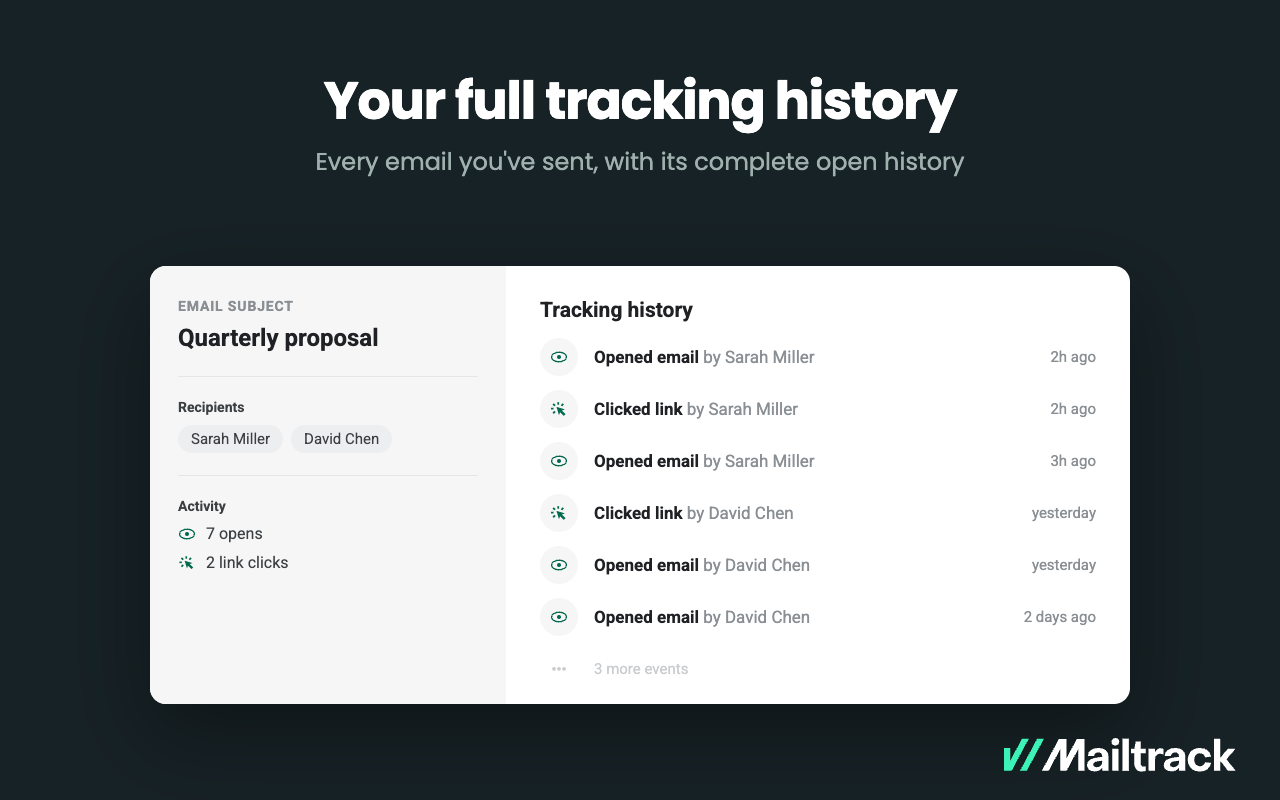
The paid version allows Mailtrack to tell you which recipient read the email if there was more than 1.