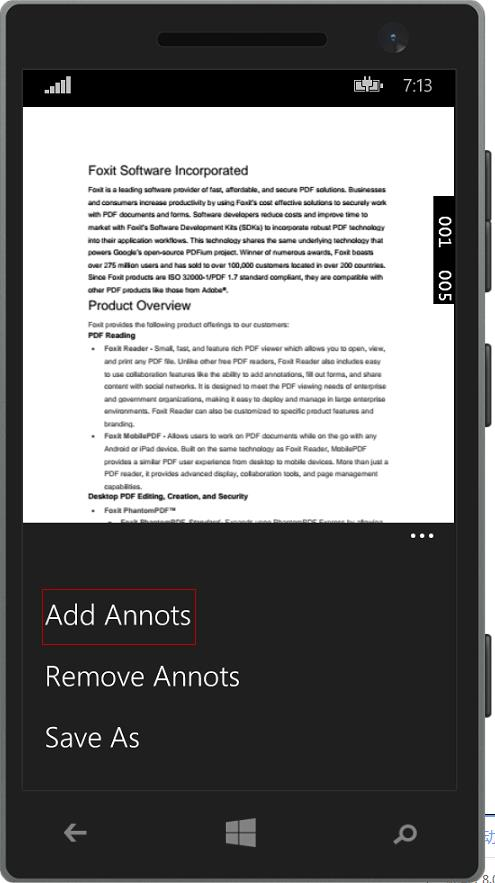
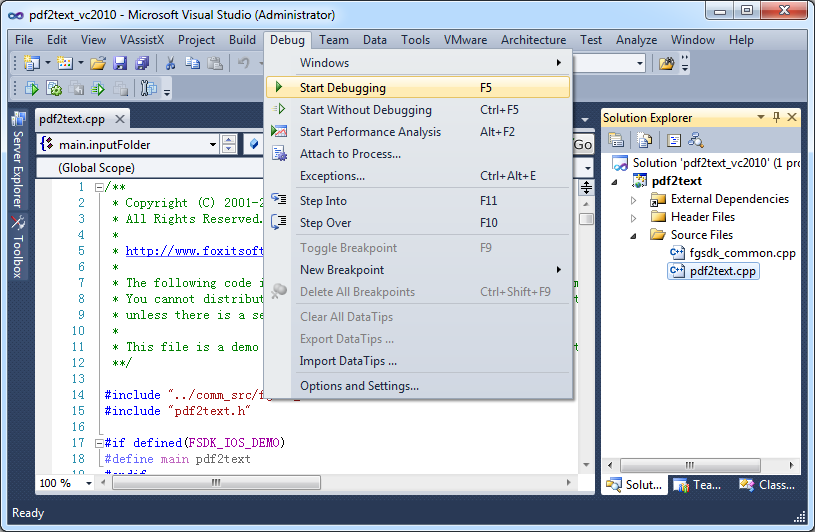
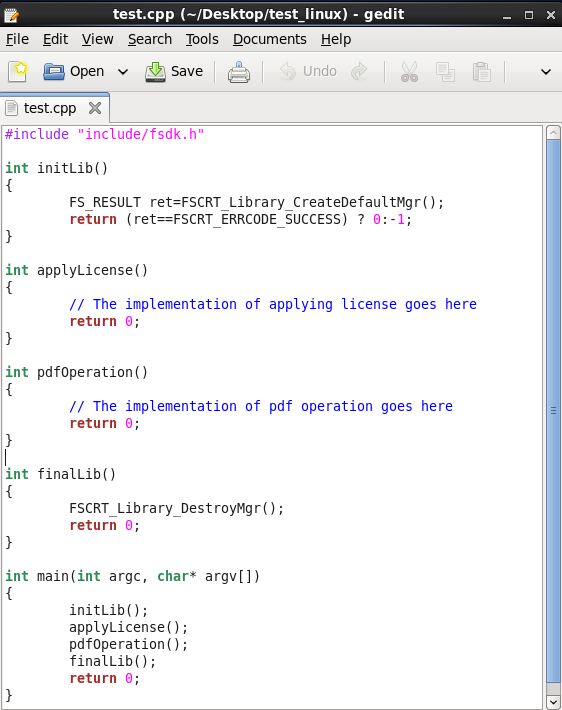
Foxit PDF SDK offers high performance pdf libraries to help developers build pdf technology. According to the vendor, key features include: Render PDFs: High performance PDF libraries to render PDF pages, page objects, annotations, and forms the way they were intended to be viewed: sharp, clear, accurate, and easy to read. Allows applications to view, zoom in, zoom out, and print PDF documents and forms. Reflow: PDF is a fixed-layout flat document format, it cannot…
$3,000
per platform/per year
OpenText Documentum
Score9 out of 10
N/A
OpenText acquired Documentum from Dell EMC in 2017, and now supports the enterprise content management (ECM) system. The vendor says users can build content-centric applications and solutions from collaborating on business documents to delivering case-based applications to managing highly precise processes in the most regulated business environments.
N/A
Tungsten Power PDF
Score9.8 out of 10
Small Businesses (1-50 employees)
Tungsten Power PDF (formerly Kofax) is an easy-to-use, secure and inexpensive solution to manage PDFs for businesses
and individuals. Benefits:
Ease of Use: Works
like Office desktop products, so it's easier to learn
Compatibility: Works
across devices and platforms, share documents in a storage cloud
…
$129
one-time fee per license
Pricing
Foxit PDF SDK
OpenText Documentum
Tungsten Power PDF
Editions & Modules
Licensing PDF SDK
$3,000.00
per platform/per year
Foxit.NET PDF SDK
Contact sales team
No answers on this topic
Power PDF Standard
$129
one-time fee per license
Power PDF for Mac
$129
one-time fee per license
Power PDF Advanced
$179
one-time fee per license
Power PDF Business
Get a Quote: Subscription and Perpetual available
per year per seat
Offerings
Pricing Offerings
Foxit PDF SDK
OpenText Documentum
Tungsten Power PDF
Free Trial
Yes
No
Yes
Free/Freemium Version
No
No
No
Premium Consulting/Integration Services
Yes
Yes
Yes
Entry-level Setup Fee
Required
Optional
No setup fee
Additional Details
—
—
Desktop licenses are buy once, own forever. No subscription fees.
Business server licenses are term-based or perpetual with optional maintenance & support contract.
Volume and upgrade discounts available.
A de minimis incentive was given to thank the reviewer for their time. The incentive was not used to bias or drive a particular response, nor was the incentive contingent on a positive endorsement. More Info
Verified User
Chose Tungsten Power PDF
Power PDF stacks up very well, has all the functionality of Acrobat which many consider the benchmark of PDF file processing, the one that has some interesting features is PDFfiller, in fact I use both because there are some features which are not available in Kofax such as …
A de minimis incentive was given to thank the reviewer for their time. The incentive was not used to bias or drive a particular response, nor was the incentive contingent on a positive endorsement. More Info
President/CTO in Corporate at My IT Company (Computer & Network Security, 11-50 employees)
Chose Tungsten Power PDF
None of these software packages worked as well or offered the value that Kofax Power PDF Advanced offered. Though a few may cost less, the value for what you get, time spent on the project, and the dollar investment, quickly stack the deck towards Kofax. In my opinion, Kofax is …
A de minimis incentive was given to thank the reviewer for their time. The incentive was not used to bias or drive a particular response, nor was the incentive contingent on a positive endorsement. More Info
Verified User
Chose Tungsten Power PDF
There are a lot of free or inexpensive readers but few are as full featured as Power PDF. Adobe isn't the easiest to use and Foxit features are not all inclusive.
A de minimis incentive was given to thank the reviewer for their time. The incentive was not used to bias or drive a particular response, nor was the incentive contingent on a positive endorsement. More Info
A de minimis incentive was given to thank the reviewer for their time. The incentive was not used to bias or drive a particular response, nor was the incentive contingent on a positive endorsement. More Info
Verified User
Chose Tungsten Power PDF
Purchasing licenses are simple without monthly charges. User interface is efficient.
A de minimis incentive was given to thank the reviewer for their time. The incentive was not used to bias or drive a particular response, nor was the incentive contingent on a positive endorsement. TR verified that a representative sample of customers was invited. More Info
Mechanical Engineer in Engineering at Claitman Engineering (Mechanical Or Industrial Engineering, 11-50 employees)
Chose Tungsten Power PDF
Nuance outclasses Foxit and Adobe Reader in most categories. It is significantly less expensive than Adobe, easier to use than both of them, and quicker than both as well. Bluebeam is the closest competitor in my opinion. The cost difference makes the difference between the two …
A de minimis incentive was given to thank the reviewer for their time. The incentive was not used to bias or drive a particular response, nor was the incentive contingent on a positive endorsement. More Info
Information Technology Analyst in Information Technology at DLC Management Corp. (Real Estate, 51-200 employees)
Chose Tungsten Power PDF
Kofax offers a perpetual license so it is a much more competitive option. The features that come with Kofax Power PDF are usually more expensive with other vendors, especially Adobe.
A de minimis incentive was given to thank the reviewer for their time. The incentive was not used to bias or drive a particular response, nor was the incentive contingent on a positive endorsement. More Info
Verified User
Chose Tungsten Power PDF
The use of Kofax Power PDF as opposed to the other products was just easier. It felt more natural using Kofax Power PDF, and less of a learning curve to understand all the features. I also liked that it was not a subscription service, which seems to be the norm with all the …
A de minimis incentive was given to thank the reviewer for their time. The incentive was not used to bias or drive a particular response, nor was the incentive contingent on a positive endorsement. More Info
IT manager in Sales at Stone-Drew/Ashe & Jones, Inc. (Construction, 11-50 employees)
Chose Tungsten Power PDF
Beats them all hands down. The rest of them lack tools, are difficult to navigate, do not have the thumbnail viewer that I find very important. I keep between 20 and 50 PDF's on my desktop at any time, to be able to glance and find the one I need without reading the file name …
A de minimis incentive was given to thank the reviewer for their time. The incentive was not used to bias or drive a particular response, nor was the incentive contingent on a positive endorsement. More Info
Verified User
Chose Tungsten Power PDF
The Kofax Power PDF provides us with better compatibility than Adobe Acrobat, doesn't freeze computer. I found it good to replace all the other software, excellent managing, editing program has many features and functionality, and multiple files at same time. From Adobe that I …
A de minimis incentive was given to thank the reviewer for their time. The incentive was not used to bias or drive a particular response, nor was the incentive contingent on a positive endorsement. More Info
Where FoxIt suites best is if you need an alternative to the big-name PDF editors. It's pretty easy to use and it's comparable to Adobe or any other document editor. It is best used when mocking up proposals for work, creating employee handbooks, putting together offer letters, and essentially any other important document. This is not suitable for creating brochures or pamphlets.
A de minimis incentive was given to thank the reviewer for their time. The incentive was not used to bias or drive a particular response, nor was the incentive contingent on a positive endorsement. More Info
Documentum is best used in medium to large institutions that can afford it, have alternate solutions for web publishing, and who have either in-house developers or can hire good Documentum developers (not the ones who know Java but do not understand ECM). It is, in my opinion, the best heavy duty ECM solution out there, assuming OT is not gutting it as we speak. That is my only hesitation to not giving it a 10, OpenText is an unknown quantity in this and I worry that they will only support Documentum until they have figured out how to fill the gap between Documentum and OT and then offer a migration path to OT with a Documentum sunsetting as an incentive.
A de minimis incentive was given to thank the reviewer for their time. The incentive was not used to bias or drive a particular response, nor was the incentive contingent on a positive endorsement. More Info
Tungsten Power PDF works well in all situations and scenarios where I work on PDFs. In my work, I create many forms where I need to let clients add information and sign (contracts, statements of work, scoping documents, project plans) and the form features are easy to use and I am able to request digital signatures. I also create resources such as role profile templates that I share, and the forms allow me to protect my IP while giving clients the ability to add their own situational information. The merging multiple documents, page organization, and extraction features make it easy to create individual resources but also package them together as a bundle without needing to recreate them.
A de minimis incentive was given to thank the reviewer for their time. The incentive was not used to bias or drive a particular response, nor was the incentive contingent on a positive endorsement. More Info
It is a very cool development kit to integration different PDF functions.
It is user-friendly and convenient to work with.
It has great functionality for text. For example: adding quick markup, highlighting the text, underlining, and doing strikethrough, and adding signatures is pretty easy.
It offers to do encryption and add passwords for security.
Great search capability that helps finding the text without hassle.
A de minimis incentive was given to thank the reviewer for their time. The incentive was not used to bias or drive a particular response, nor was the incentive contingent on a positive endorsement. More Info
Records management: Compared to other content management systems, this provides a efficient and scalable solution. It gives lot of flexibility in managing the content as Records or Legal holds.
Workflow system has external plugins to connect with FAX, Mail, Database and FTP servers etc. which gives an option to integrate with any system with documentum.
Creation of websites and maintenance is easy. Content authors can create the pages with effective mechanism.
A de minimis incentive was given to thank the reviewer for their time. The incentive was not used to bias or drive a particular response, nor was the incentive contingent on a positive endorsement. More Info
Typewriter functionality is great, although can take some time to load. This allows you to fill in text wherever applicable without turning the rest of the pdf into editable text.
Fast load times
Has autogenerated text feature so anything in the pdf can become editable
A de minimis incentive was given to thank the reviewer for their time. The incentive was not used to bias or drive a particular response, nor was the incentive contingent on a positive endorsement. More Info
In the C# SDK, which is a wrapper of native C++ code. We need to be extra careful in coding and protecting the calls, because it can be very easy to crash the application in case of errors.
A de minimis incentive was given to thank the reviewer for their time. The incentive was not used to bias or drive a particular response, nor was the incentive contingent on a positive endorsement. More Info
WDK framework has been the biggest drawbacks from the application speed point of view, as well as client complexity and not so natural look and feel. Yes, with the latest releases much of these features are improved.
EMC is very expensive to buy, own and support, where some products require many dependent Docuemntum products to be installed to work at its best.
A de minimis incentive was given to thank the reviewer for their time. The incentive was not used to bias or drive a particular response, nor was the incentive contingent on a positive endorsement. TR verified that a representative sample of customers was invited. More Info
Stability is a key factor as well as its flexibility. Also, any organization that deploys Documentum will have made a significant investment in terms of time and money, so not renewing its commitment can come with a significant cost. That said, the decision to deploy Documentum initially should come only after extensive evaluation, knowing that once deployed it will likely remain the platform of choice.
A de minimis incentive was given to thank the reviewer for their time. The incentive was not used to bias or drive a particular response, nor was the incentive contingent on a positive endorsement. More Info
Tungsten Power PDF is easy to use, the staff all like it, and there are no issues with it on any level. It is a more cost-effective solution to our PDF needs than other products currently available on the market. This product works as intended and it fits our business needs perfectly.
A de minimis incentive was given to thank the reviewer for their time. The incentive was not used to bias or drive a particular response, nor was the incentive contingent on a positive endorsement. TR verified that a representative sample of customers was invited. More Info
Our whole takeoff department uses the Foxit PDF SDK. To read plan files, produce pdf files, and take notes, we utilize it in conjunction with other tools. We may utilize the Foxit PDF SDK to read, edit, markup, print, and produce PDF files for internal use or to distribute to clients. Some of our users adore the software, but others choose to use alternative programs because they believe Foxit PDF SDK is too restrictive.
A de minimis incentive was given to thank the reviewer for their time. The incentive was not used to bias or drive a particular response, nor was the incentive contingent on a positive endorsement. More Info
It is fast and easy to get the hang of. It really didn't take a lot of effort to learn how to use this program and I appreciated that it was pretty "plug and play" and there wasn't a long learning curve.
A de minimis incentive was given to thank the reviewer for their time. The incentive was not used to bias or drive a particular response, nor was the incentive contingent on a positive endorsement. More Info
Other that a PDF partially disappearing if left up for a long period of time - no issues. (If you close it and reopen it, it is all there. We have some PDFs that are 400-600 pages long.)
A de minimis incentive was given to thank the reviewer for their time. The incentive was not used to bias or drive a particular response, nor was the incentive contingent on a positive endorsement. More Info
I rated this software very high on performance because it is really very quick on my Windows system. It can create any type of PDF files in seconds. It also gives good upload speed when I try to modify my documents for inserting digital signature space. It also gives very good encryption speed to secure my documents.
A de minimis incentive was given to thank the reviewer for their time. The incentive was not used to bias or drive a particular response, nor was the incentive contingent on a positive endorsement. More Info
Pages nearly always load at the expected rapid speed. Some documents that print quickly from Adobe Reader print much more slowly from Power PDF. I have never generated a report - that's a feature I didn't know existed until now and do not know what it's for
A de minimis incentive was given to thank the reviewer for their time. The incentive was not used to bias or drive a particular response, nor was the incentive contingent on a positive endorsement. More Info
I would give it this rating because I personally have never had to contact support regarding Foxit PDF SDK or anything I am trying to do within the program. As I mentioned before, it is very user-friendly and easy to navigate. I think the program in itself lends support to the user because it is so user-friendly and has an easy to use interface.
A de minimis incentive was given to thank the reviewer for their time. The incentive was not used to bias or drive a particular response, nor was the incentive contingent on a positive endorsement. More Info
A de minimis incentive was given to thank the reviewer for their time. The incentive was not used to bias or drive a particular response, nor was the incentive contingent on a positive endorsement. More Info
I have used it for 15 years and have only needed support once: a simple update that allowed me to use the software as intended. The support team was attentive and responsive, and I was on my way very quickly.
A de minimis incentive was given to thank the reviewer for their time. The incentive was not used to bias or drive a particular response, nor was the incentive contingent on a positive endorsement. TR verified that a representative sample of customers was invited. More Info
I got an overview of the product from my predecessor who was about to retire from the job I now hold. He did not go into very many of the features and probably only knew about the ones he used most frequently.
A de minimis incentive was given to thank the reviewer for their time. The incentive was not used to bias or drive a particular response, nor was the incentive contingent on a positive endorsement. More Info
We watched the training videos and tested out the features and functionality side by side. Some features are not used on a regular basis is it is convenient to go back and review training on that particular functionality when needed.
A de minimis incentive was given to thank the reviewer for their time. The incentive was not used to bias or drive a particular response, nor was the incentive contingent on a positive endorsement. More Info
Easy and quick, with no problems or support needed. Worked as intended right out of the box. E-signing was the only area that implementation was dificult and required support
A de minimis incentive was given to thank the reviewer for their time. The incentive was not used to bias or drive a particular response, nor was the incentive contingent on a positive endorsement. More Info
Adobe Sign can be really frustrating and difficult to log into, renew subscription, and other background functions. Tech support is between useless and non-existent. On the other hand, there is better control over when recipients have been contacted. Overall, Foxit PDF SDK is a much better product, especially for smaller businesses or ones which don't use it consistently every day, year-round (if that's you, you will get used to Adobe, and it will be less annoying.)
A de minimis incentive was given to thank the reviewer for their time. The incentive was not used to bias or drive a particular response, nor was the incentive contingent on a positive endorsement. More Info
A de minimis incentive was given to thank the reviewer for their time. The incentive was not used to bias or drive a particular response, nor was the incentive contingent on a positive endorsement. More Info
There is nothing to compare it to. Tungsten Power PDF is by far an easier and more efficient option. The one advantage of CutePDF is the functionality of overlay and underlay with headers and footers. The other functions in Tungsten Power PDF are much easier to use. Pricing is also an attractive option.
A de minimis incentive was given to thank the reviewer for their time. The incentive was not used to bias or drive a particular response, nor was the incentive contingent on a positive endorsement. TR verified that a representative sample of customers was invited. More Info
Not really familiar since I'm the only person who uses it. But in the past it has been my understanding that Power PDF was offered only on a single-license basis, so it's been expensive for me to use it at home and at work because I had to pay for it on my own. In my current position management supports it so I at least only have to pay for it once.
A de minimis incentive was given to thank the reviewer for their time. The incentive was not used to bias or drive a particular response, nor was the incentive contingent on a positive endorsement. More Info
A de minimis incentive was given to thank the reviewer for their time. The incentive was not used to bias or drive a particular response, nor was the incentive contingent on a positive endorsement. More Info
After this product, the client is able to manage content security and due to it, the client is able to use the business process, and this really reduces effort and increases the profit in business.
It provides integration with SAP easily which really helps the client to manage this effectively and with minimum effort system is ready to use.
Also searching, automated flows also create a bigger impact and reduce a lot manual effort.
A de minimis incentive was given to thank the reviewer for their time. The incentive was not used to bias or drive a particular response, nor was the incentive contingent on a positive endorsement. More Info
As a freelance desktop publisher and proofreader, I've reduced overhead by buying Kofax Power PDF instead of the competition. The fact that I have all the tools I need without worrying about subscription renewal costs is a relief. People who have tried other PDF apps will appreciate that Kofax Power PDF is a workhorse, totally reliable, and delivering on its promises.
A de minimis incentive was given to thank the reviewer for their time. The incentive was not used to bias or drive a particular response, nor was the incentive contingent on a positive endorsement. More Info