From Google, the Google Tag Manager is a tag management application that facilitates creating, embedding, and updating tags across websites and mobile apps. It is a free option, vs. the company's enterprise-tier Google Tag Manager 360.
$0
Mixpanel
Score 8.3 out of 10
N/A
Mixpanel helps companies measure what matters, make decisions fast, and build better products through data. With self-serve product analytics solution, teams can analyze how and why people engage, convert, and retain—in real-time, across devices—to improve their user experience. Mixpanel serves over 26,000 companies from different industries around the world, including Expedia, Uber, Ancestry, DocuSign, and Lemonade. Headquartered in San Francisco, Mixpanel has offices in New York,…
$0
per month
Piwik PRO
Score 8.6 out of 10
N/A
Piwik PRO Analytics Suite is an advanced platform providing a suite of modules centered around analytics that connects with other parts of the client’s tech stack. Piwik PRO Analytics Suite unifies marketing insights, provides a comprehensive view of performance, and facilitates data-driven actions to achieve better results. It offers multiple flexible hosting options and ensures compliance with strict data protection laws, including the GDPR, CCPA, PIPEDA, and…
$36
per month
Pricing
Google Tag Manager
Mixpanel
Piwik PRO
Editions & Modules
No answers on this topic
Free
$0
per month
Growth
$17
per month
Enterprise
Contact sales
No answers on this topic
Offerings
Pricing Offerings
Google Tag Manager
Mixpanel
Piwik PRO
Free Trial
No
No
Yes
Free/Freemium Version
Yes
Yes
No
Premium Consulting/Integration Services
No
No
Yes
Entry-level Setup Fee
No setup fee
No setup fee
Optional
Additional Details
—
Mixpanel uses MTU (Monthly Tracked User) pricing, which is designed to scale with your company. MTUs are roughly equivalent to the number of unique visitors on your product and each user is counted once per month, even if they use multiple devices. If Events based pricing makes more sense for your business, reach out to us and we can work with you!
—
More Pricing Information
Community Pulse
Google Tag Manager
Mixpanel
Piwik PRO
Considered Multiple Products
Google Tag Manager
Verified User
Project Manager
Chose Google Tag Manager
Google Tag Manager is naturally the first one to implement as I use Google Analytics. However I do use the others too as they provide functionality that GTM doesn't. But you do also have to pay for some of these functions. I use these tools for growth hacker marketing, so …
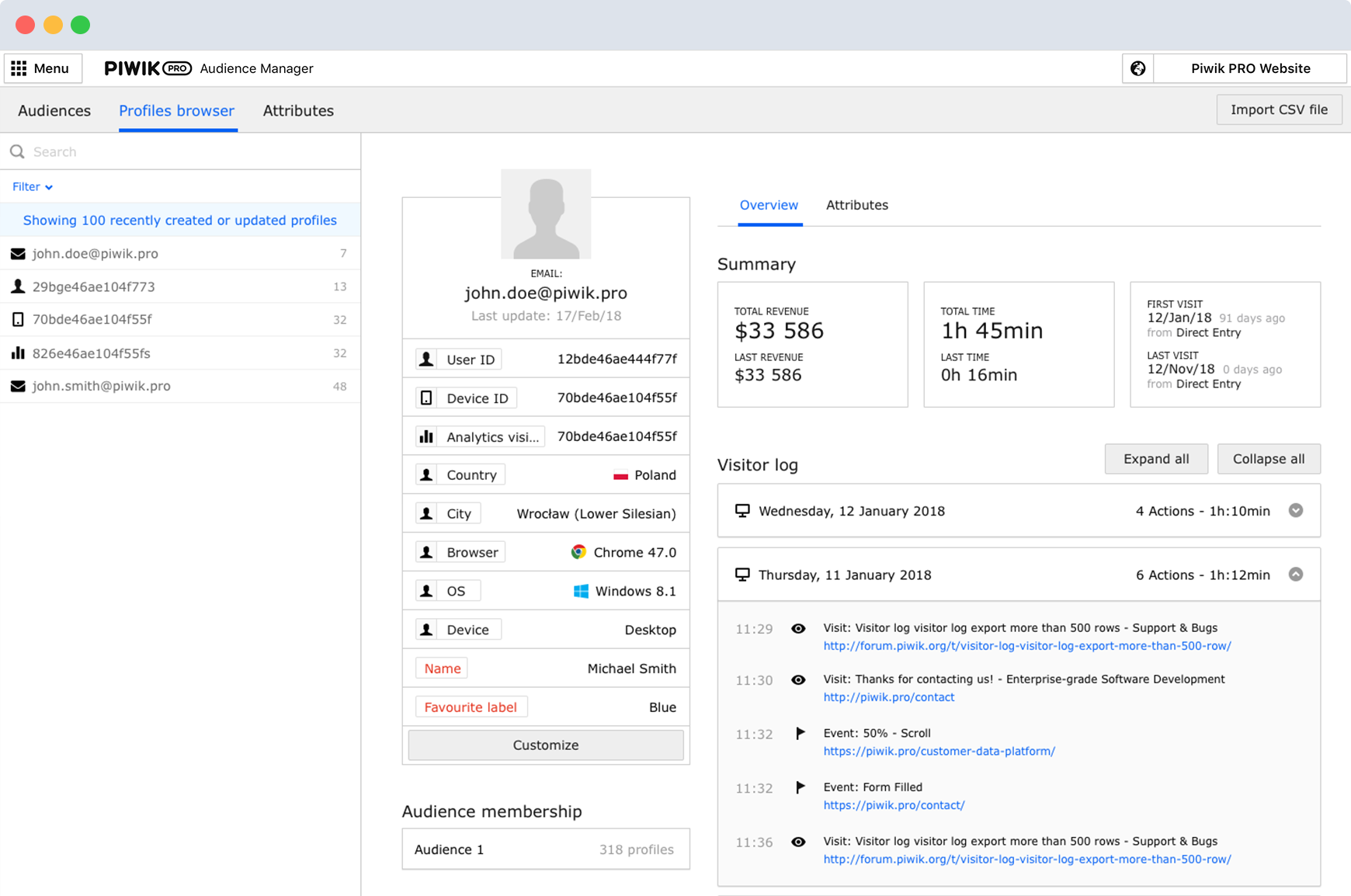
Piwik Pro's support for multiple sites saved me a lot of time. To view reports from numerous client sites, I'll have to access a single dashboard. Its digest reports save time and are simple enough for non-technical executives to understand. It gives us access to information …
I have found Google Tag Manager as the go to solution for managing all of your event and conversion tags for your website. Not only does it make it easy to manage all of your tags in the one place, it is fairly intuitive to use and there is plenty of videos and help documentation online to help set up what ever you need. No scenarios come to mind at the moment on where it is less appropriate to use.
As a worker in the sales area, I see closely how complex it can be to evaluate the commercial funnel and Mixpanel has been an indispensable guide to prioritize above all what customers expect to receive from our company, and thus be able to determine the main service we offer. Without a doubt, Mixpanel has special functions to be the one that guides the route and marks the objectives much more clearly.
Piwik Pro Core is especially perfect for smaller businesses that want to have an alternative to Google's ecosystem. You can do a lot of the great stuff you can do with GA UA and GA4. But it still needs some tweaking. Especially for some bigger companies who have a lot of events, it would be great to have some smaller payment steps, as of right now it can be quite steep for some companies to pay the bill if you go above 500.000 events per month. Nevertheless, I believe this is one of the better options available when data ownership and privacy come to mind.
Selecting elements on a site [object, class, cookie, etc] (to later fire an event, send some data, etc) is very easy with triggers. Want to add an event when someone clicks on a button? Super easy. It was many many DOM selectors and you can even add custom functions if you need to do something more specific
In general, firing events in different circumstances is very easy mixing triggers and tags. You can track almost any element of the DOM and do whatever you want with it.
Testing is a great functionality. Only you can see what's on the site and you can debug it easily by seeing which events or tags were triggered and all the DOM elements involved (and why they matched the trigger).
Working in environments (staging, production) and versioning is easy to do, deploying changes in 2 clicks.
Mixpanel is a daily use application for everyone in my organization; it helps us have a better flow of information and interaction between work teams.
The user interface of this platform is simple and has a wide variety of functions and resources to help us work in the most organized way, have better team coordination, and keep efficiency high.
I love that it is so easy to program our calendar to our liking, so we can prioritize our activities and know what is pending, and the best thing is that I can update the calendar if necessary.
The chat function is great to improve the interaction between colleagues and share work schedules and any information with third parties.
There are several good integrations, but there can always be more. Native tracking for call tracking solutions, analytics providers, non-Google advertisers would be top of my list.
Documentation is just dreadful. Luckily there are some awesome folks out there doing crowdsourced tutorials (shout out to Simo Ahava) but by and large the Google Tag Manager instructions are worth what you pay for them.
Mixpanel requires an explicit setting of events from your app. This means you need to be very thoughtful in the design of your events because missing one means you aren't collecting any data from it. Inserting it into the process later on then brings challenges in tracking when certain events came online.
A tool like Mixpanel comes packed with features that sometimes are harder to discover. It's very easy to get sucked into one part of its toolset and not be aware of other tools which may be very useful.
I haven't found another option for us to use especially one that is free. Down the road we may go a different route but for now GTM is a good option and does what we need it to do. It'd be nice to get more support or more integrations but with the free version there's only so much one can expect to get I suppose.
It's not an all encompassing solution like Google Analytics tries to be, but MixPanel offers much easier to use and understandable data insights. That's valuable when juggling many responsibilities as startup life demands, so a renewal would be easily justified.
No difficult obstacle to overcome but Google Tag Manager can still be difficult for many users to deploy. Sure the basic HTML script can be deployed quite easily, but when you start to require triggers, variables, etc, it can be a little daunting.
Relativity easy to use. Once you get the hang of it, very easy to create dashboards for different use cases. I split my dashboards between customers or use cases
GTM does not provide support. This is one of GTM's biggest issues but it's due to the level of customization for each website. If your team thinks they would heavily rely on the need for a support staff it is probably better to invest in a paid service with a team that can support your needs.
We have only ever had to use their support once, when we were setting up the account, but their responses were prompt and the solutions were well documented. The people who solved our issues were helpful, even to non-tech people.
We had to contact the support several times in the beginning and they really took their time to explain the different functions in detail. So in terms of support I can definitely recommend Piwik PRO.
Mixpanel has a great resource about their product, with videos on how to use it and real world examples from other companies on how they integrate Mixpanel into their business processes.
Planning and communication will help greatly with an in-house implementation. If there are large teams, try to limit the number of people involved to 1-2 developers (back-end dev may be necessary depending on your platform), one analytics marketer and one project manager.
Again, somewhat annoying to be charged based on data points when many other analytics providers have one flat fee. Implementation was good, but I might have tracked a few more detailed points if I had the option.
We moved to GTM from a standard Google Analytics implementation. GTM is much more flexible and easier to make changes, especially as the changes relate to multiple sites and environments. While there is a learning curve when figuring out how to use GTM, I believe the change has been worth it because it helps us understand at a more fundamental level how our tracking works and gives us a lot more control over what we track and how.
Piwik Pro's support for multiple sites saved me a lot of time. To view reports from numerous client sites, I'll have to access a single dashboard. Its digest reports save time and are simple enough for non-technical executives to understand. It gives us access to information about individual users that Google doesn't allow us to see as a whole. It will allow users to express their desires more clearly. As a result, this one is significantly more useful compared to other tools.
GTM is very useful to determine if a particular element on the site is useful (i.e. is it being watched, is it being clicked, does it help customers navigate through more pages). As an SEO person, I can use this information to decide what to optimize for but also to track progress and see improvements in engagement.
With the use of Google Tag Manager, I was able to easily inject an A/B testing tool which lead to several improvements in lead generation.
We've been able to increase the funnel conversions of one of our new product funnels from a 1% conversion rate to a 5% conversion rate.
We've been able to increase the CTR on another of our main product pages from ~3% to ~10% (so far)
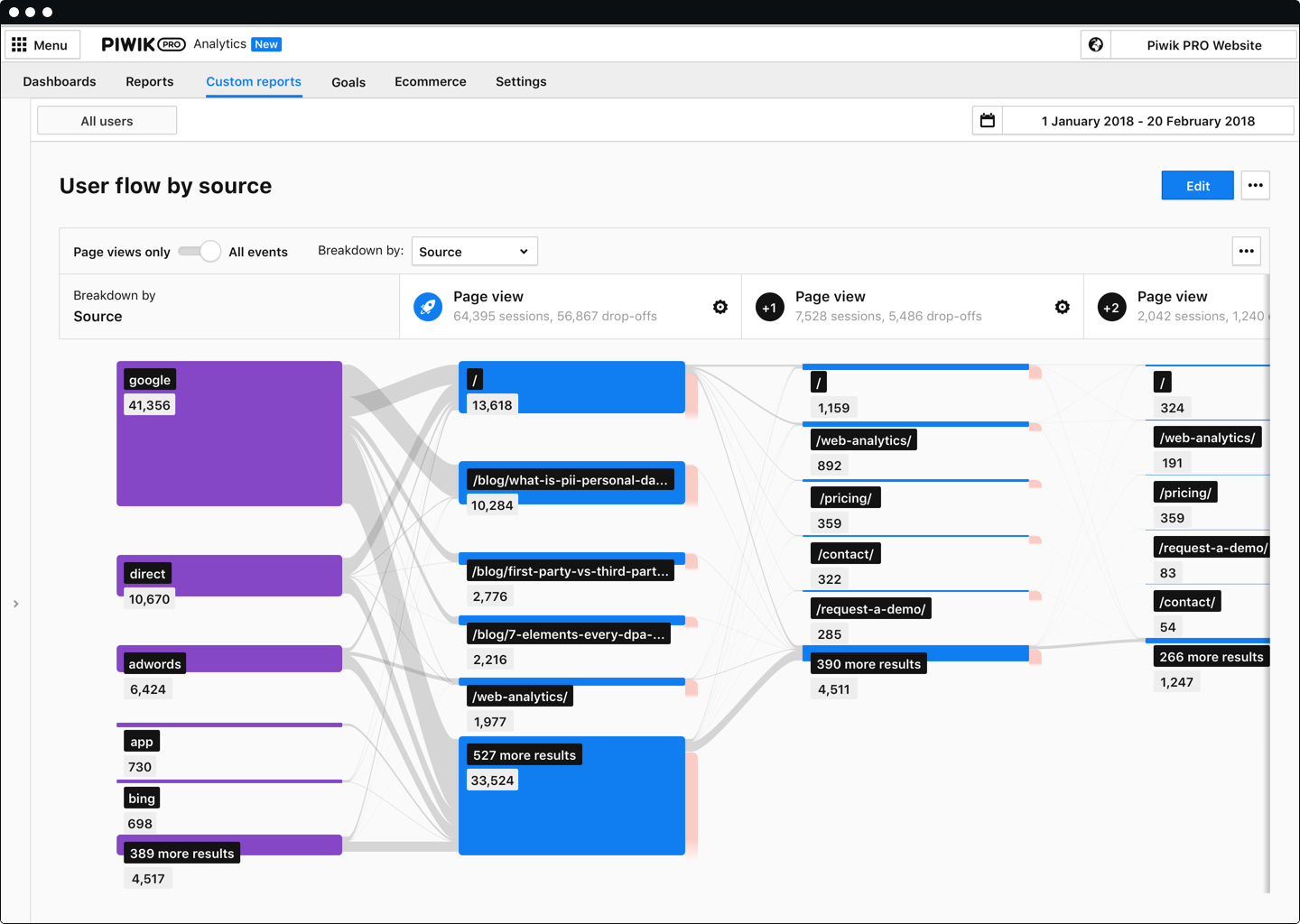
We've been able to segment out how users from different traffic sources behave, allowing us to eliminate thousands of dollars of wasteful spending on advertising campaigns that weren't working.
We have obtained a good impact both economically and in data integration.
It has allowed us to collect and analyze all the data of our clients, and to create groups that allow us to divide potential clients and make personalized messages.
We use the Enterprise plan because it provides us with the necessary tools and unlimited features.