Hipchat was discontinued by Atlassian. Users are being migrated to Slack.
N/A
Pop
Score9.7 out of 10
N/A
The makers of Screenhero now offer Pop, a remote collaboration platform with features like multiple mouse cursors, voice chat, and high definition screen resolution. Pop supports voice and video collaboration, screen sharing, multiplayer meetings, drawing and highlighting, and the ability to interact from a variety of devices (Mac, Windows, Linux, mobile devices, etc.).
Sr. Visual Design in Engineering at GLG (Computer Software, 501-1000 employees)
Chose HipChat (discontinued)
HipChat really cannot compete with Slack so it doesn't surprise me that they've purchased the code base from Atlassian. As I mentioned earlier in the review it's screen sharing, video/audio quality and file transfers abilities are almost universally done better by the …
A de minimis incentive was given to thank the reviewer for their time. The incentive was not used to bias or drive a particular response, nor was the incentive contingent on a positive endorsement. More Info
Pop Technologies, Inc.
No answer on this topic
Key User Insights
Would buy again
No answers on this topic
No answers on this topic
Delivers good value for the price
No answers on this topic
No answers on this topic
Happy with the feature set
No answers on this topic
No answers on this topic
Lived up to sales and marketing promises
No answers on this topic
No answers on this topic
Implementation went as expected
No answers on this topic
No answers on this topic
Features
HipChat (discontinued)
Pop
Project Management
Comparison of Project Management features of HipChat (discontinued) and Pop
Feature
HipChat (discontinued)
7.3
106 Ratings
6% below category average
Pop
-
Ratings
Mobile Access
7.397 Ratings
00 Ratings
Search
7.2103 Ratings
00 Ratings
Communication
Comparison of Communication features of HipChat (discontinued) and Pop
Feature
HipChat (discontinued)
7.3
132 Ratings
9% below category average
Pop
-
Ratings
Chat
7.7132 Ratings
00 Ratings
Notifications
7.7130 Ratings
00 Ratings
Discussions
6.5110 Ratings
00 Ratings
Surveys
7.834 Ratings
00 Ratings
Internal knowledgebase
7.043 Ratings
00 Ratings
Integrates with GoToMeeting
7.023 Ratings
00 Ratings
File Sharing & Management
Comparison of File Sharing & Management features of HipChat (discontinued) and Pop
A de minimis incentive was given to thank the reviewer for their time. The incentive was not used to bias or drive a particular response, nor was the incentive contingent on a positive endorsement. More Info
Copy/Paste works flawlessly from my computer to another screenhero users computer.
Screenhero works with screen-recording software, so not only can I pair-develop, I can take video of a pair development session.
I can't think of any reason why Screenhero wouldn't be suited for any situation. I would say that they need to bring back the option for a native app capability outside of the slack app like they did during the Slack merge transition.
A de minimis incentive was given to thank the reviewer for their time. The incentive was not used to bias or drive a particular response, nor was the incentive contingent on a positive endorsement. More Info
HipChat is very stable and reliable. I have never had issues with not being able to connect or being able to communicate with others on HipChat.
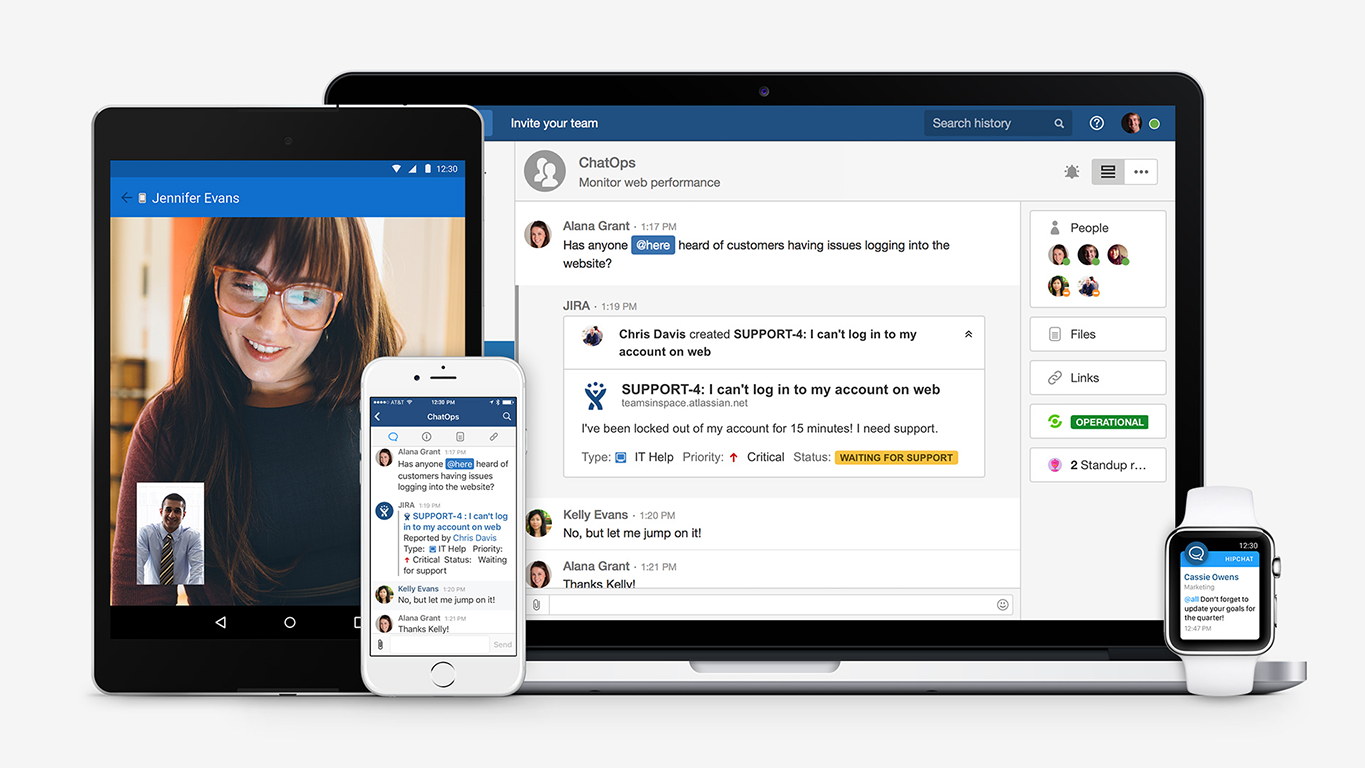
HipChat integrates quite well with other applications, such as Jira and Stash. This is a main selling point for my team. It provides a convenient feed of actions on a JIRA story or Stash pull request.
HipCat does a good job of allowing 1-1 and group chats. It is simple to start a new conversation and it is easy to hold a group conversation and keep track of who is in the room.
I like how HipChat has away/here/on mobile statuses. This makes it easy to see if a person is available to be contacted.
A de minimis incentive was given to thank the reviewer for their time. The incentive was not used to bias or drive a particular response, nor was the incentive contingent on a positive endorsement. TR verified that a representative sample of customers was invited. More Info
EASY! A simply to use and understand UI cannot be understated. I needed no additional training and did not need to reference and support documentation to pick up and use Screenhero with my team. It's easy to add new folks to connect with, easy to call them, easy to end the call, and so forth. I would liken the UI to a more sleek Yahoo Instant Messenger (for those who remember that service!).
Painless. I rarely ever had connectivity issues or grainy audio/video quality. When I did occasionally encounter that (rough guess maybe 1 in 20), it usually cleared itself up after a few seconds. I think it's only ever "locked up" on me twice, meaning I had to disconnect and reconnect in order for the issue to be resolved. Overall, a painless experience.
A de minimis incentive was given to thank the reviewer for their time. The incentive was not used to bias or drive a particular response, nor was the incentive contingent on a positive endorsement. More Info
Mobile app is not very responsive on iOS. Sometimes connection to Hipchat servers is taking too long even on good networks.
Both mobile and desktop versions have no alphabetical or recent sorting for groups and chat rooms.
Video and audio calls are pretty useless, they're slow and not always work.
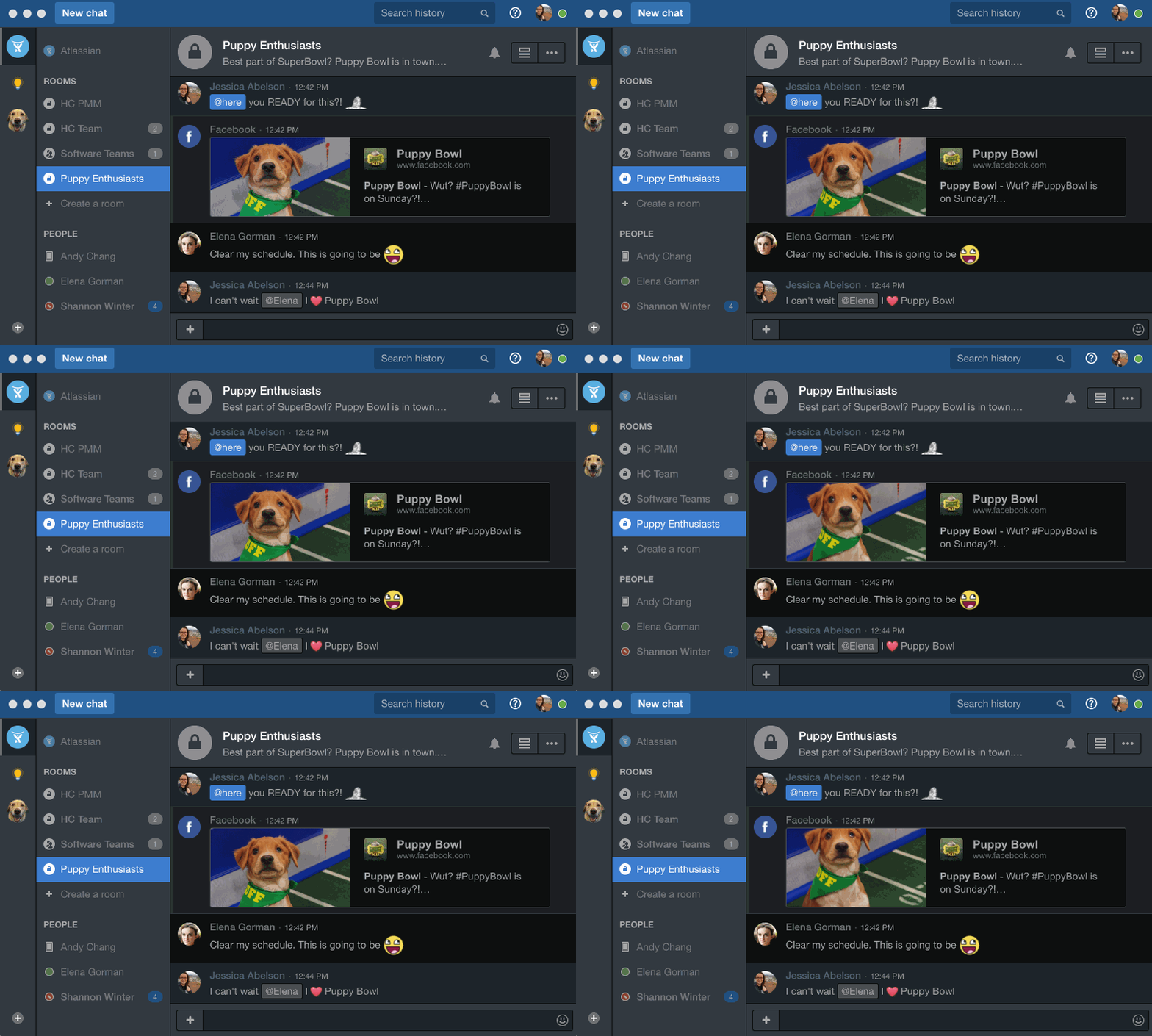
The whole user interface is simple but very outdated - apparently Atlassian didn't focus too much on Hipchat even though they tried in the last 2 years.
A de minimis incentive was given to thank the reviewer for their time. The incentive was not used to bias or drive a particular response, nor was the incentive contingent on a positive endorsement. More Info
I'm not sure how to sign up right now. I guess until it's integrated into Slack as a full-blown feature it'll stay like that.
Most probably it'll be monetized as an extra feature.
This is true for most of the remote management solutions: security concerns. Slack had some break-ins in the past, giving remote control to your computer can be dangerous.
Another issue which is problematic for similar product too: watch out if there's an extra remote server is involved. Say you and your client you want to guide with Screenhero both log in to a remote server through RDP. Both the RDP and Screenhero capture hotkeys, and depenfing on if your other peer logs into screenhero on the server itself or his machine, things like copy-paste won't work because the RDP is interfering with the remote management software.
A de minimis incentive was given to thank the reviewer for their time. The incentive was not used to bias or drive a particular response, nor was the incentive contingent on a positive endorsement. More Info
A de minimis incentive was given to thank the reviewer for their time. The incentive was not used to bias or drive a particular response, nor was the incentive contingent on a positive endorsement. More Info
The app itself had a pleasant if not generic interface. As a user experience expert and engineer I can say the interface is fairly intuitive if not bland. It does what you expect it to do and it's available on iOS and Android devices. If I recall it was generally pretty light weight in terms of installation size.
A de minimis incentive was given to thank the reviewer for their time. The incentive was not used to bias or drive a particular response, nor was the incentive contingent on a positive endorsement. More Info
HipChat support is good . Responds in timely manner when ever we have raised the request via email , phone and gives us continue update on the request .Though most of the questions are answered by HipChat FAQs , but they can still improve it and add more to the knowledge base .
A de minimis incentive was given to thank the reviewer for their time. The incentive was not used to bias or drive a particular response, nor was the incentive contingent on a positive endorsement. More Info
A de minimis incentive was given to thank the reviewer for their time. The incentive was not used to bias or drive a particular response, nor was the incentive contingent on a positive endorsement. TR verified that a representative sample of customers was invited. More Info
We tried a lot of chat clients before choosing HipChat. The Skype for Business UI on the Mac side was 5 years old and terrible. Mac users hated the app including our CTO. Cisco Jabber was expensive to license and maintain; Skype was open to the public which took time away due to users dealing with spam and could allow viruses and malware. HipChat being a closed product, centrally managed and available to try without an upfront investment was perfect for our environment. All our Agile teams have their own room, chat and can communicate with others quickly and easily.
A de minimis incentive was given to thank the reviewer for their time. The incentive was not used to bias or drive a particular response, nor was the incentive contingent on a positive endorsement. More Info
Screenhero being acquired by Slack was honestly the primary reason we selected it over TeamViewer. Our organization is heavily invested in Slack's enterprise solution, so choosing Screenhero was a pretty easy decision. On top of that, Screenhero delivers very well on its core competencies, so there doesn't seem to be a very good reason to not use it given its relationship with Slack.
A de minimis incentive was given to thank the reviewer for their time. The incentive was not used to bias or drive a particular response, nor was the incentive contingent on a positive endorsement. More Info
Actually I never shared of HipChat using with more than 25 persons in team simultaneously, but I believe it can be scaled for much largest collaboration teams. At least it works flawlessly for us, with transparent integration with Jira, and I am not see any reasons for some troubles for work at big scale.
A de minimis incentive was given to thank the reviewer for their time. The incentive was not used to bias or drive a particular response, nor was the incentive contingent on a positive endorsement. TR verified that a representative sample of customers was invited. More Info
HipChat has increased the effiency with which I am able to communicate with my coworkers, particularly those who work out of other offices. Having a light, portable messaging solution has been beneficial for checking in on small things without the need to send emails or schedule phone calls.
A de minimis incentive was given to thank the reviewer for their time. The incentive was not used to bias or drive a particular response, nor was the incentive contingent on a positive endorsement. More Info
A de minimis incentive was given to thank the reviewer for their time. The incentive was not used to bias or drive a particular response, nor was the incentive contingent on a positive endorsement. More Info