Chose Jamf Pro
More options and future proof for our organisation.

| Product | Rating | Most Used By | Product Summary | Starting Price |
|---|---|---|---|---|
 Jamf Now | N/A | Jamf Now, formerly Bushel, is a cloud-based Mobile Device Management (MDM) solution for iPads, iPhones, and Macs in the workplace. According to the vendor, Jamf Now makes device management accessible and affordable for everyone, so businesses can support their users without help from IT. Jamf Now helps configure settings on all Apple devices quickly and consistently over the air and allows users to manage their devices by centrally deploying apps anytime from anywhere. Jamf Now can be… | N/A | |
 Jamf Pro | N/A | Jamf Pro (formerly Casper Suite) is designed to automate device management for users while driving end-user productivity and creativity. According to the vendor, it is the EMM tool that delights IT pros and the users they support by delivering on the promise of unified endpoint management for Apple devices. | N/A | |
 Rippling | N/A | Rippling’s platform for HR, IT, payroll, and spend management automates the entire employee lifecycle, ensures compliance, supports device management, and provides real-time financial visibility from a central dashboard. | $8 per month per user |
| Jamf Now | Jamf Pro | Rippling | ||||||||||||||||||||||
|---|---|---|---|---|---|---|---|---|---|---|---|---|---|---|---|---|---|---|---|---|---|---|---|---|
| Editions & Modules | No answers on this topic | No answers on this topic |
| |||||||||||||||||||||
| Offerings |
| |||||||||||||||||||||||
| Entry-level Setup Fee | No setup fee | No setup fee | No setup fee | |||||||||||||||||||||
| Additional Details | $2 per month per Mac or iOS device. First 3 devices are free. Price per month per device, billed monthly. No minimum. Cancel at any time; no questions asked. As your needs change, add or remove devices. We bill you based on current number of managed devices. | $3.33 per month per iOS device $6.25 per month per Mac Education and volume discounts available. Onboarding 3-Day for Mac + iOS: $7,500 2-Day for Mac only: $6,000 4hr Remote for iOS only: $750 Billed Annually | For additional pricing details visit the Rippling pricing page. | |||||||||||||||||||||
| More Pricing Information | ||||||||||||||||||||||||
| Jamf Now | Jamf Pro | Rippling | |
|---|---|---|---|
| Considered Multiple Products | Jamf Now No answer on this topic | Jamf Pro  Ryne Haley Apple Service Engineer Chose Jamf Pro Jamf Pro has the most mature, best supported product. | Rippling No answer on this topic |
| Jamf Now | Jamf Pro | Rippling | |||||||||||||||||||||||||||||||
|---|---|---|---|---|---|---|---|---|---|---|---|---|---|---|---|---|---|---|---|---|---|---|---|---|---|---|---|---|---|---|---|---|---|
| Human Resource Management |
| ||||||||||||||||||||||||||||||||
| Payroll Management |
| ||||||||||||||||||||||||||||||||
| Leave and Attendance Management |
| ||||||||||||||||||||||||||||||||
| Employee Self Service |
| ||||||||||||||||||||||||||||||||
| Asset Management |
| ||||||||||||||||||||||||||||||||
| HR Reporting |
| ||||||||||||||||||||||||||||||||
| Onboarding |
| ||||||||||||||||||||||||||||||||
| Performance and Goals |
| ||||||||||||||||||||||||||||||||
| Performance Management |
| ||||||||||||||||||||||||||||||||
| Succession Planning |
| ||||||||||||||||||||||||||||||||
| Recruiting / ATS |
|
| Jamf Now | Jamf Pro | Rippling | |
|---|---|---|---|
| Small Businesses |  NinjaOne Score 9.1 out of 10 | NinjaOne Score 9.1 out of 10 |  Dayforce Powerpay Score 9.3 out of 10 |
| Medium-sized Companies |  Cisco Meraki SM Score 9.7 out of 10 | Cisco Meraki SM Score 9.7 out of 10 |  Paypro Workforce Management Score 9.1 out of 10 |
| Enterprises | Cisco Meraki SM Score 9.7 out of 10 | Cisco Meraki SM Score 9.7 out of 10 |  PeopleStrong Score 10.0 out of 10 |
| All Alternatives | View all alternatives | View all alternatives | View all alternatives |
| Jamf Now | Jamf Pro | Rippling | |
|---|---|---|---|
| Likelihood to Recommend | 8.0 (5 ratings) | 10.0 (184 ratings) | 9.2 (1162 ratings) |
| Likelihood to Renew | - (0 ratings) | 10.0 (9 ratings) | 8.9 (20 ratings) |
| Usability | 8.0 (1 ratings) | 8.0 (15 ratings) | 9.4 (1161 ratings) |
| Availability | - (0 ratings) | 9.1 (2 ratings) | 9.1 (4 ratings) |
| Performance | - (0 ratings) | 9.1 (2 ratings) | 8.7 (4 ratings) |
| Support Rating | 8.9 (2 ratings) | 8.0 (53 ratings) | 9.1 (877 ratings) |
| In-Person Training | - (0 ratings) | 9.1 (2 ratings) | 8.6 (2 ratings) |
| Online Training | - (0 ratings) | 9.1 (1 ratings) | - (0 ratings) |
| Implementation Rating | - (0 ratings) | 8.0 (6 ratings) | 7.8 (9 ratings) |
| Configurability | - (0 ratings) | 9.1 (2 ratings) | 6.8 (3 ratings) |
| Ease of integration | - (0 ratings) | 9.1 (2 ratings) | 9.1 (2 ratings) |
| Product Scalability | - (0 ratings) | 9.1 (2 ratings) | 9.1 (3 ratings) |
| Vendor post-sale | - (0 ratings) | 9.1 (2 ratings) | 9.1 (2 ratings) |
| Vendor pre-sale | - (0 ratings) | 9.1 (2 ratings) | 8.6 (2 ratings) |
| Jamf Now | Jamf Pro | Rippling | |
|---|---|---|---|
| Likelihood to Recommend | Jamf Software, LLC
 Logan Wiser IT Director | Jamf Software, LLC
| Rippling
 Stephanie Murray Human Resources Coordinator |
| Pros | Jamf Software, LLC
 Steven Nielsen Senior Project Manager | Jamf Software, LLC
| Rippling
|
| Cons | Jamf Software, LLC
 Ricky Jordan Senior Computer Systems Admin | Jamf Software, LLC
| Rippling
 Joseph Cooper Learning and Organisational Consultant |
| Likelihood to Renew | Jamf Software, LLC No answers on this topic | Jamf Software, LLC
 Laurance J. Specht Manager of Personalized Learning and Dean of Instruction | Rippling
 Robert Johnson Finance Manager |
| Usability | Jamf Software, LLC
 Ryan Meza Systems Engineer | Jamf Software, LLC
 John Hathcock Help Desk & Server Support | Rippling
 Micah King Sr. IT Security Administrator |
| Reliability and Availability | Jamf Software, LLC No answers on this topic | Jamf Software, LLC No answers on this topic | Rippling
|
| Performance | Jamf Software, LLC No answers on this topic | Jamf Software, LLC No answers on this topic | Rippling
|
| Support Rating | Jamf Software, LLC
Steven Nielsen Senior Project Manager | Jamf Software, LLC
| Rippling
 Gustavo Andrei Almeida Mendes QA Engineer |
| In-Person Training | Jamf Software, LLC No answers on this topic | Jamf Software, LLC
| Rippling
Robert Johnson Finance Manager |
| Online Training | Jamf Software, LLC No answers on this topic | Jamf Software, LLC
| Rippling No answers on this topic |
| Implementation Rating | Jamf Software, LLC No answers on this topic | Jamf Software, LLC
| Rippling
|
| Alternatives Considered | Jamf Software, LLC
| Jamf Software, LLC
| Rippling
|
| Scalability | Jamf Software, LLC No answers on this topic | Jamf Software, LLC No answers on this topic | Rippling
|
| Return on Investment | Jamf Software, LLC
Logan Wiser IT Director | Jamf Software, LLC
| Rippling
 Angelina Crownover Compliance Director |
| ScreenShots | Jamf Now Screenshots 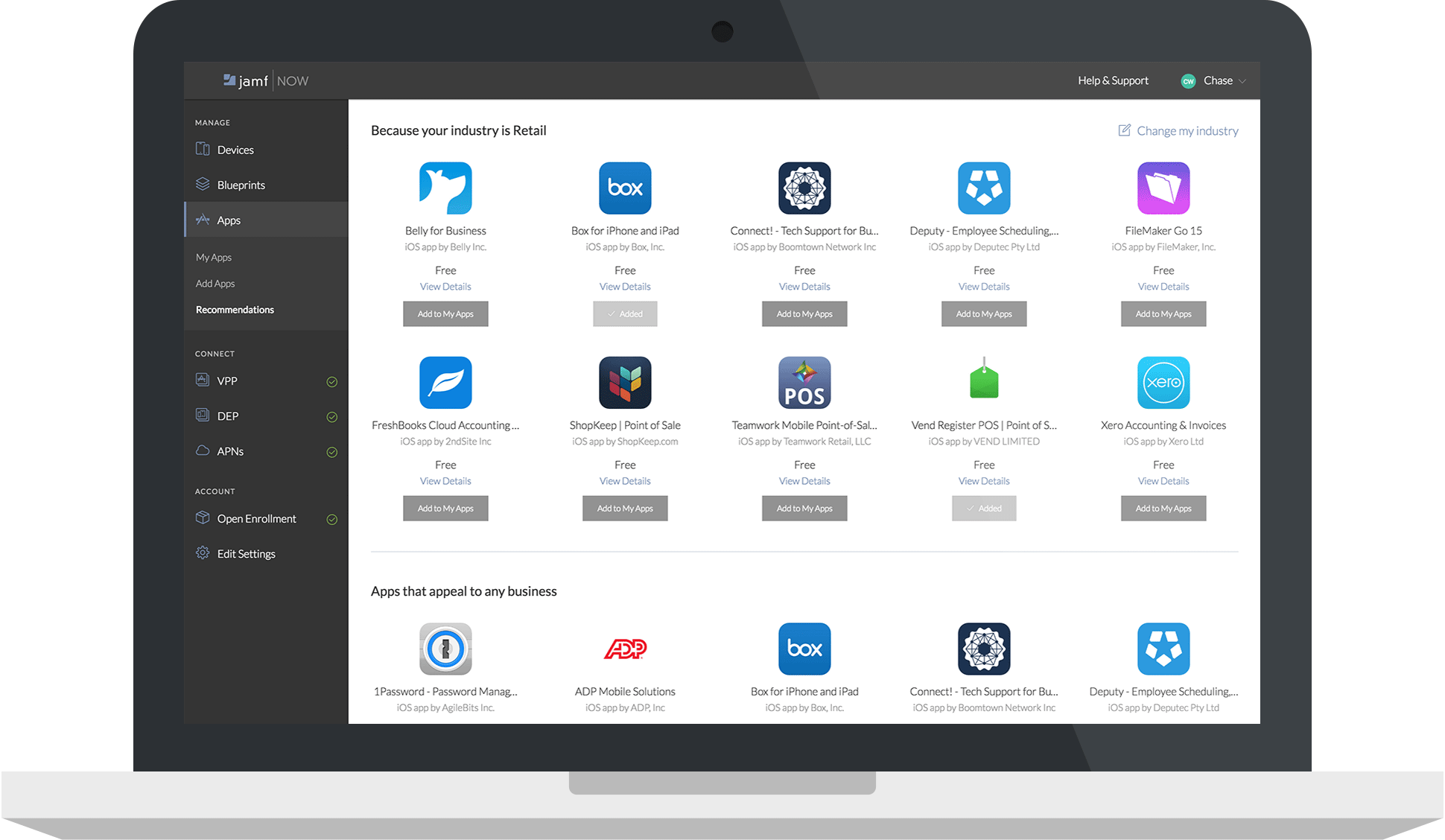  | Jamf Pro Screenshots | Rippling Screenshots      |