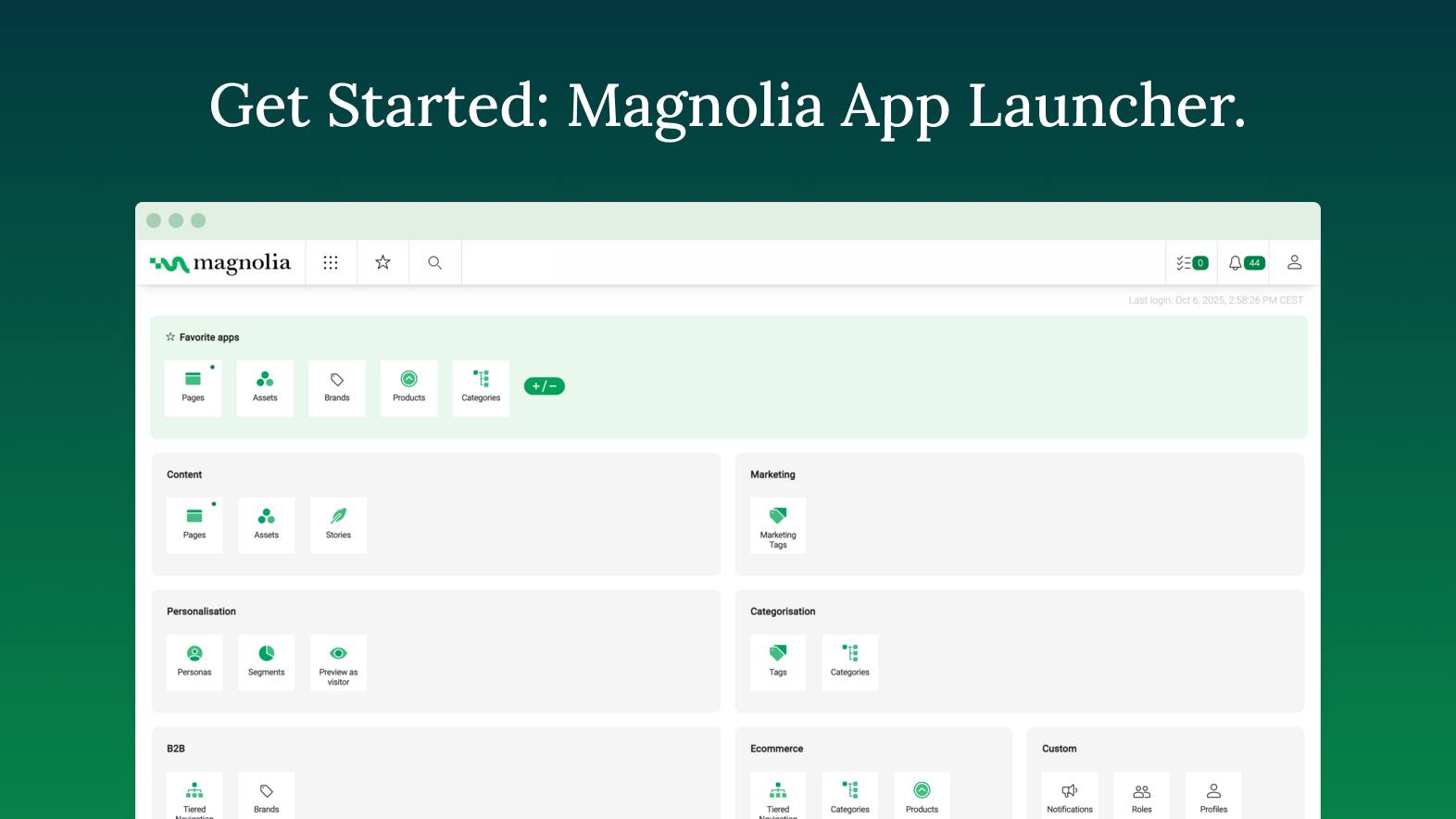
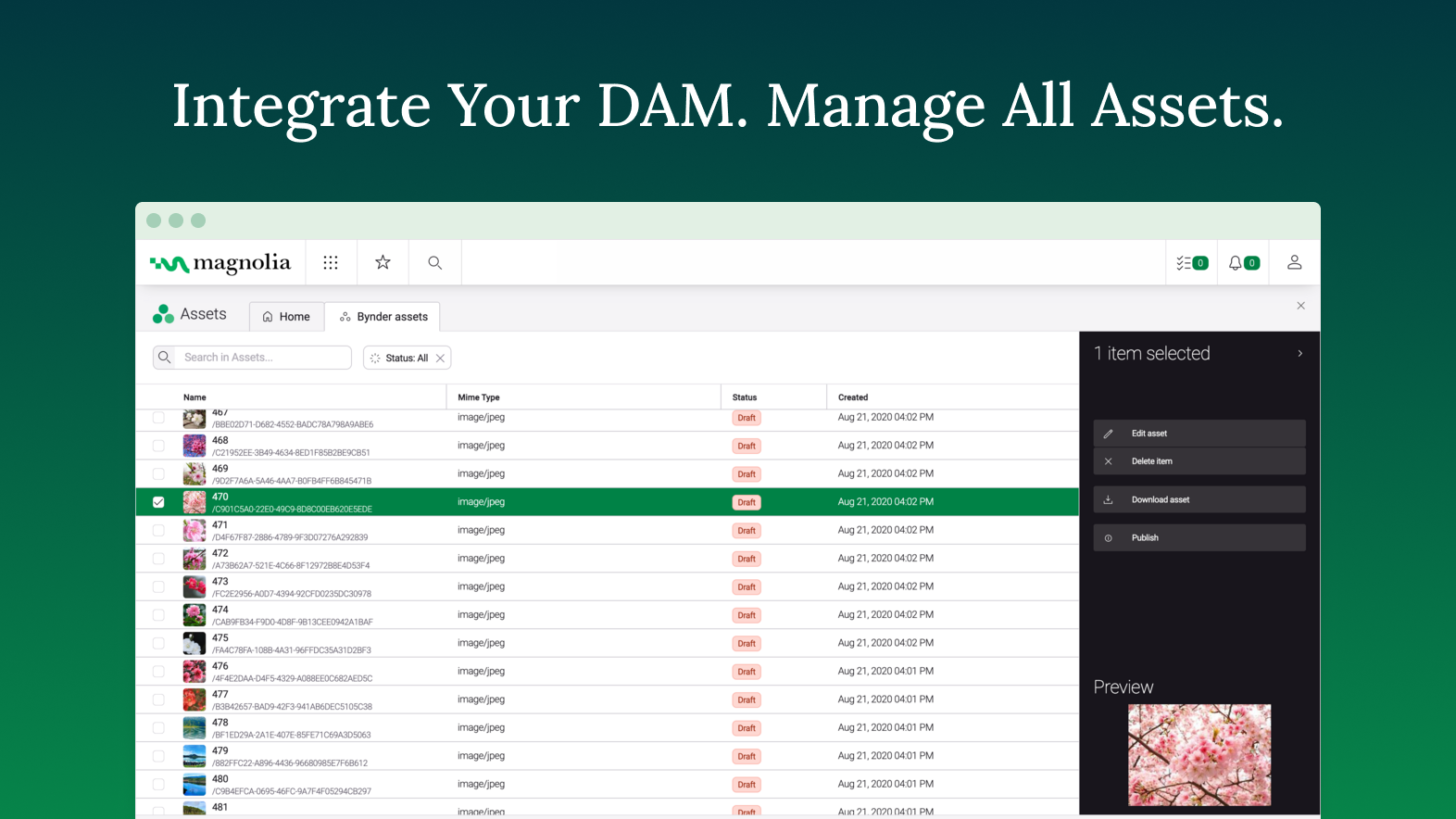
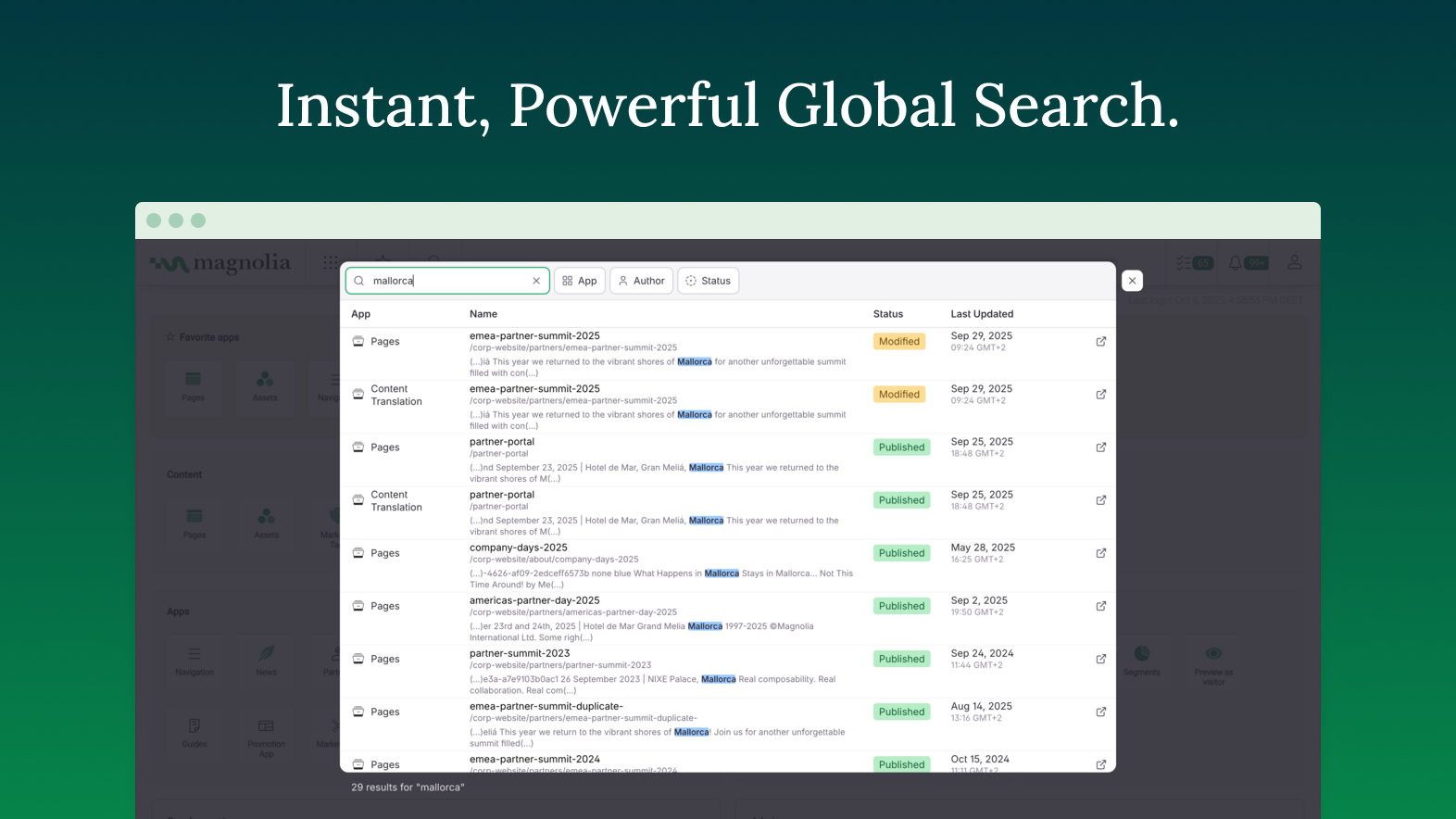
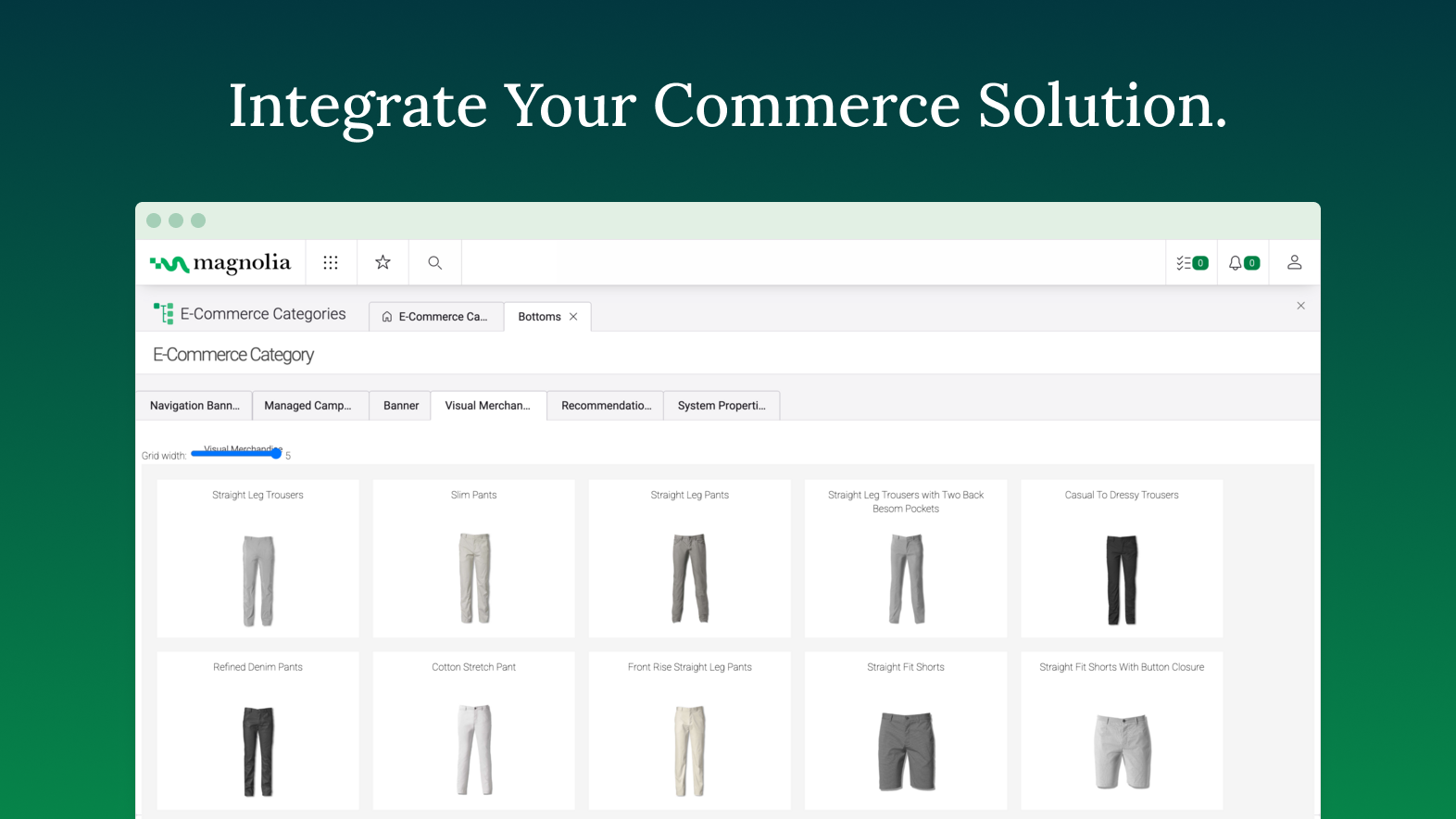
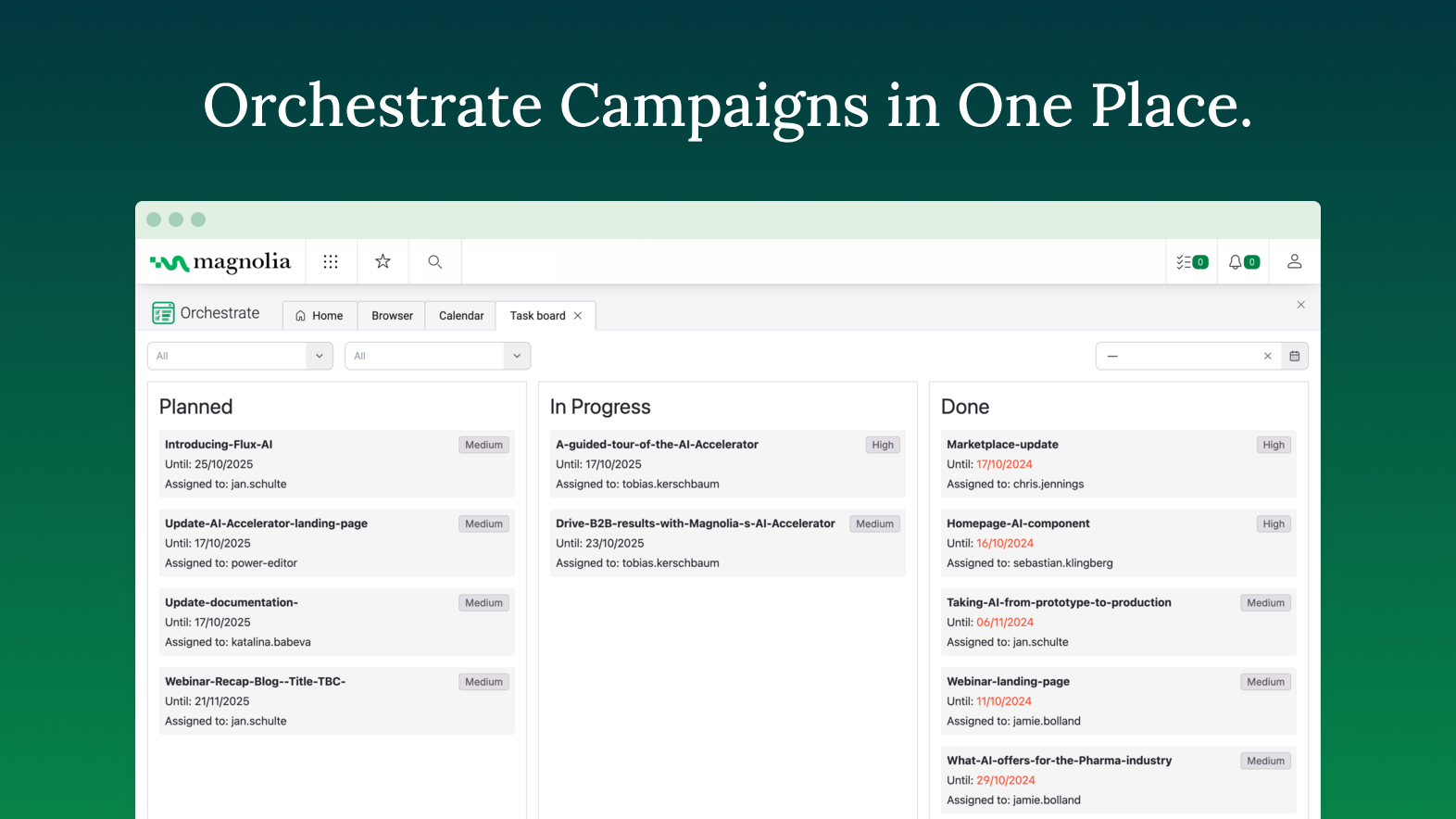
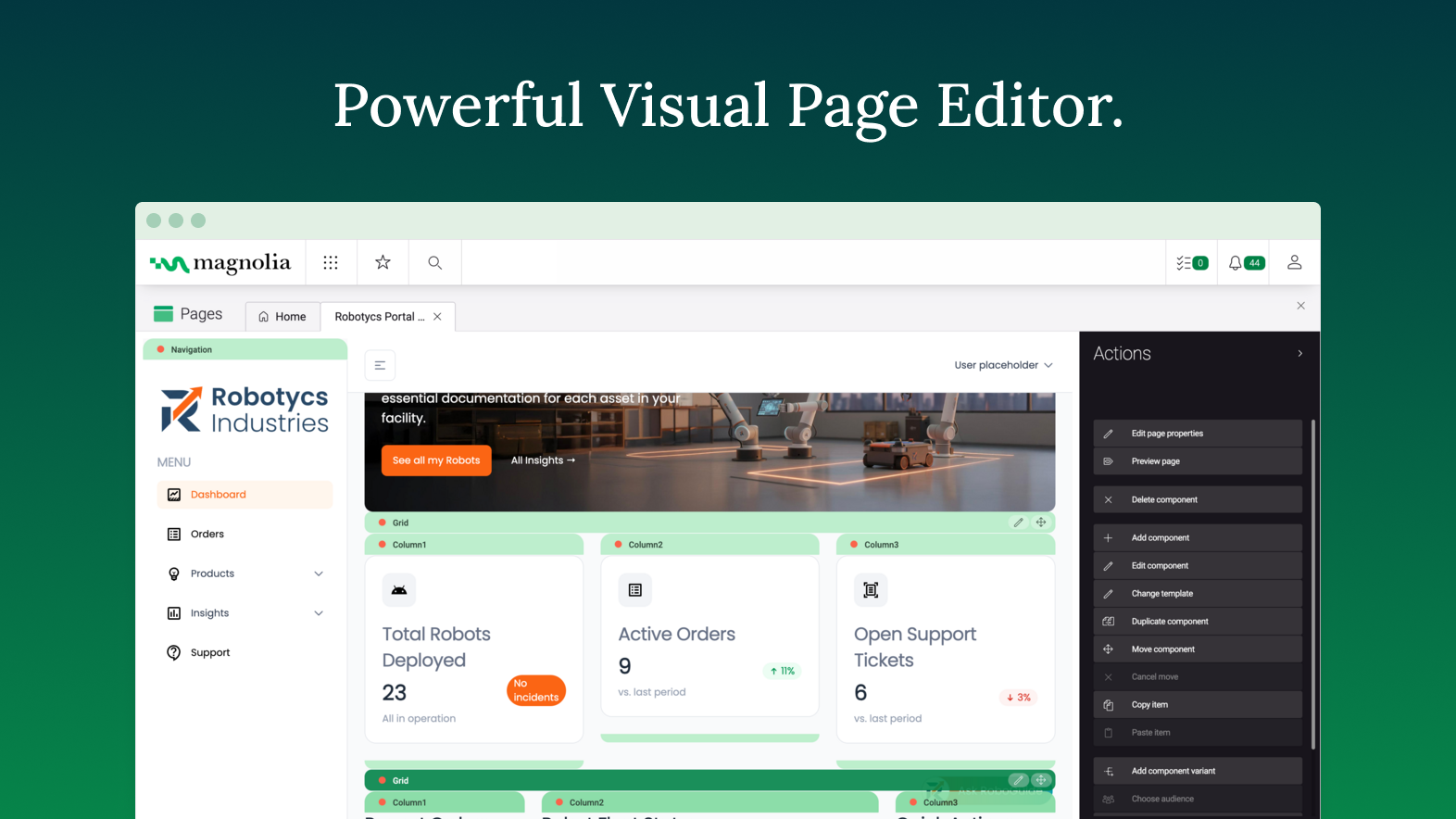
Founded in Switzerland in 1997, Magnolia is a CMS used to build composable digital experiences. Magnolia helps create fully integrated customer experiences and speeds up digital delivery of content. Magnolia boasts 480 enterprise customers, thousands of Community Edition deployments, and more than 200 certified Magnolia Partners around the world. They further state that their enterprise customers include Sanofi, Generali, the Atlassian, The New York Times, Harley Davidson, and Union…
$3,500
per month
Salesforce Experience Cloud
Score 8.2 out of 10
N/A
Salesforce Marketing Cloud Engagement (formerly Salesforce Experience Cloud or Salesforce Community Cloud) is an online forum powered by Salesforce that enables businesses to connect with their employees, customers, partner organizations, and prospects. Designed to help facilitate communication and information sharing, customers can ask questions and request help, administrators can integrate data from third-party apps, and employees can collaborate across projects and…
N/A
WordPress
Score 8.6 out of 10
N/A
Wordpress is an open-source publishing platform popular with bloggers, and a content management system, known for its simplicity and modifiability. Websites may host their own blogging communities, controlling and moderating content from a single dashboard.
$3
per month 6 GB storage
Pricing
Magnolia
Salesforce Experience Cloud
WordPress
Editions & Modules
DX Core
$3500
per month
DX Cloud
$6000
per month
No answers on this topic
Personal
$4
per month 6 GB storage
Premium
$8
per month 13 GB storage
Business
$25
per month 50 GB storage
Commerce
$45
per month 50 GB storage
Enterprise
Contact for pricing
Offerings
Pricing Offerings
Magnolia
Salesforce Experience Cloud
WordPress
Free Trial
Yes
No
No
Free/Freemium Version
No
No
No
Premium Consulting/Integration Services
Yes
No
No
Entry-level Setup Fee
No setup fee
No setup fee
No setup fee
Additional Details
—
—
Pricing for Business and Commerce plans vary on number of GB.
More Pricing Information
Community Pulse
Magnolia
Salesforce Experience Cloud
WordPress
Considered Multiple Products
Magnolia
Verified User
Professional
Chose Magnolia
Prior to using Magnolia as an enterprise CMS solution, different teams leveraged different website platforms including WordPress, Weebly, and others. While these other platforms may be slightly more user friendly to the content editor, they don't offer nearly the same amount of …
For us, Magnolia is the best option for our needs. FirstSpirit by eSpirit is missing on the list. We are moving away from FirstSpirit as it feels outdated. Wix has better usability, but is not suitable for enterprise. WordPress I would only recommend for private projects. …
The Broadleaf CMS was quite basic and was not a full fledged CMS and hence we had to chose Magnolia to address the business requirement for our B2B platform
Magnolia is not as costly as other enterprise grade platforms and is easier to deploy, more reliable and less resource hungry. It's often also easier to use and certainly easier to use than it's Open Source counterparts. It also manages content in a much more structured manner …
Similar to how one might choose a specific programming language to solve a specific problem, Magnolia has its place among the rest, depending on the use case. While it does not have the most pleasant user experience compared to others, its customization options are streets …
Of all the ones we looked at that met our requirements Magnolia was clearly the best value for money and had a solid background that you could trust and that could take care of you in case of problems.
Putting all together: capabilities, support, community and price... Magnolia is the best combination, maybe not the best on each aspect, but for sure in the combination
I choose Magnolia in front of everyone since it is one of the content managers that best adapts to all the modifications that are required by businesses
One of the most important points that magnolia has over other products is the possibility of extending its functionalities. Being open-source, it is possible to inspect how everything is done and replicate it to change functionalities. In this way, many features that customers …
I use magnolia because my client asked for it in the beginning because he had a long history of using magnolia for years. I think magnolia is middle-hight rated in the stack of similar products. Maybe it's not very well-publicized and it needs better marketing techniques or …
Good documentation and examples Online demos to mess with and test functionalities Easier to install Better knowledge about the product Ability to centralize content of the same type in apps Better performance in some scenarios Better usability: In the newest versions, …
Magnolia is affordable and better for small scale projects. Also, the features are easy to understand and use. Magnolia offers just what we need. We couldn't have chosen a better tool.
There is much to desire about Magnolia over the alternatives. First I would say is the cost which is relatively lower. In addition, no one can despite the capabilities of Magnolia thanks to the many features.
Magnolia is a good solution where you have a very simple buying and checkout process and don't require the additional flexibility or additional functionality built on top of the framework.
I've used a number of Content Management Systems in the past that have similar features to Magnolia including custom ones that aren't widely used or can be listed, but Drupal is probably the most comparable. I would say that Drupal is more kind to custom code and overall …
Magnolia is the most flexible, with the best ease of use in all cases. It just has the best of both worlds. It is significantly more than just a CMS. And you have a good foundation for building up your platform without losing possibilities to change parts in the future.
Does not have direct access to the Salesforce data, must integrate and maintatin that integration which is costly. Just having a single source login is valuable.
Salesforce Community cloud stacks fairly well, as it's a unique product. To get a lot of the functionality, we looked at building a custom application that would serve something similar to this. The amount of time to build that application vs using Community Cloud was quite …
Magnolia is a very capable DXP, that provides client with lots of flexibility in composing its own stack. While the core of the platform is a content management system, the open architecture of Magnolia DXP allows it to connect to any platform, allowing client to extend the capabilities. One scenario would be a centralized content hub - where through a single platform, content authors can choose which channel to distribute what content. For example, long form content for consumers viewing on a laptop, short form content for those using a mobile browser. This allow the client to personalized the experience based on channels. Another scenarios would be leveraging on GenAI - using Magnolia's built-in connector to ChatGPT. If that is not the service that one desire, you can always connect to another AI service such as Google Gemini. With GenAI, connected, content author can use AI as co-pilot to help them scale up their content production.
For well-suited, this product is great for your external clientele groups that you would not necessarily want to have a high user fee rate for. So basically general public or a group that will be authorized to come in and just do a few things here and there, but you don't necessarily want them access to all of your systems and your data points for groups that it would not be a great use for. I'd say probably your high level internal staff, they're going to be using a lot of the backend functionality automations, evaluating data, managing data, and doing custom inputs. That's just not what's intended for.
Wordpress is a great solution for a website of nearly any type. It may not be as suitable if a fully custom solution or app is needed, and it does have some limitations when it comes to connecting it to external products (especially if the product doesn't have any support from a native system), and it does require a lot of testing. Multiple plugins in one install are common but also increase the risk of conflicts, and when those do occur, it can be exceptionally time-consuming and tedious to identify what is causing the issue. As third parties create many plugins, you're also at risk with each potential security breach, which needs to be kept in mind. I would be cautious to use WordPress to store any sort of sensitive PPI. That said, it's a wonderful, easily customizable solution for many, many different types of websites and can allow even inexperienced client users with low-tech knowledge to update basics.
Speed of development - time to delivery from zero to MVP was excellent
Ease of use - the authoring experience is very easy to build and train
PAAS/SAAS - the managed service platform removed the traditional overhead of running in-house technologies, meaning we could focus on value add, with less time spent keeping the lights on.
Easy to use, just like Salesforce's other products. Many users can sit down and figure it out in no time, and with a little training become power users.
Fast and secure - Salesforce is a leader in the cloud world so you get consistently fast results and security that is top notch in the industry.
Accessible from anywhere - if you use cloud CMS already this is a no-brainer, but for those that do in-house CMS still, this is a major difference. Mobile access from anywhere on the planet without a VPN is something you just can't do without the cloud.
The documentation provides samples that are often out of context, and difficult to know where the provided example code should be implemented. More tutorials providing the full project or step-by-step instructions on how to implement subject material would help greatly. Baeldung is a resource I would consider the gold standard in how this is done in other spaces.
The use of JCR and Nodes makes object serialization/deserialization painful. Jackson compatibility or similar would be a welcome enhancement to the developer experience. Maybe leveraging code-gen from light modules to build model classes when possible could help accomplish this.
Modifying the home layout from light modules is frustrating. It seems that any configuration overrides made merge with the default rather than overwriting, which makes for a difficult combination of guess-and-check while referencing the documentation to see what should be in each row/column when making changes.
Including "mark all as read" or "delete all" in the notifications app would be a great quality of life improvement. It seems that by default, users have to individually select messages and operate them.
Unlike other CMS platforms like Wordpress and Adobe Experience Manager, Salesforce does not provide a fully featured editor with a drag-and-drop design tool.
Our content creators and marketing team often struggle with permissions and how to distribute content across different experience cloud sites.
Also, there is no side-to-side comparison view for content editors to update the content easily.
WordPress breaks often so you need to have someone who understands how to troubleshoot, which can take time and money.
Some plugins are easier to customize than others, for example, some don't require any coding knowledge while others do. This can limit your project if you are not a coder.
WordPress can be easily hacked, so you also need someone who can ensure your sites are secure.
The complications we have and the lack of support. Every plugin has a differente team of support in charge and make one plugin work with the other one always affects the website performance. It's a thousand times better to have only one provider with all functionalities included unless you are an expert web developer or have a team dedicated to it
We've shown it to a number of users both clients and our own team and despite initial apprehensions, they "get it" very quickly. It's intuitive and friendly and quick to perform daily tasks. We once had a client tell us "Using Magnolia makes me smile" which says it all for us.
Strengths: - Intuitive for Salesforce Users – If you’re already working within the Salesforce ecosystem, the Salesforce CMS is easy to navigate, with a clean UI, drag-and-drop content management, and reusable assets for quick updates. - Seamless Integration – Since it connects natively with Experience Cloud, Marketing Cloud, and CRM, it allows for efficient multi-channel content distribution without needing extra third-party tools. - AI-Powered Personalization – The ability to deliver dynamic content based on user profiles and engagement data is a huge plus, making content delivery more relevant and impactful. Challenges: - Learning Curve for New Users – If you're not already familiar with Salesforce, the interface can feel overwhelming, requiring training to fully leverage all features. - Limited Customization & Workflow Automation – While it works well for structured content, advanced approval workflows and deep editorial customization are limited compared to enterprise CMS platforms like Adobe Experience Manager. - Media & Design Limitations – Salesforce CMS is not as robust for managing rich media-heavy content, which can be frustrating for teams needing more flexibility in multimedia presentation.
Extremely easy to use and train users. It took very little time to get everyone trained and onboarded to start using WordPress. Anytime we had any issues, we were able to find an article or video to help out or we were able to contact support. The menu options are well laid out so it is easy to find what you are looking for.
Anyone can visit WordPress.org and download a fully functional copy of WordPress free of charge. Additionally, WordPress is offered to users as open-source software, which means that anyone can customize the code to create new applications and make these available to other WordPress users.
I gave [it] 7/10 only because of the loading time of pages. Otherwise, I think it deserves an 8. Normally this is not an issue per [se] but considering the rating matrix and as I have been asked to honestly write about it. Yes, the page loading times could be improved.
Again, since we provide and recommend solutions, I can't speak to every client's individual experience, but can offer general reflections as to keep their collaborations private, that they are satisfied with the experience. We hear a lot about how this system helps to encourage collaborations between their own business partners, customers, and internal members, and enables quality integrations with other products that help drive revenue.
Mostly, any performance issues have to do with using too many plugins and these can sometimes slow down the overall performance of your site. It is very tempting to start adding lots of plugins to your WordPress site, however, as there are thousands of great plugins to choose from and so many of them help you do amazing things on your site. If you begin to notice performance issues with your WordPress site (e.g. pages being slow to load), there are ways to optimize the performance of your site, but this requires learning the process. WordPress users can learn how to optimize their WordPress sites by downloading the WPTrainMe WordPress training plugin (WPTrainMe.com) and going through the detailed step-by-step WordPress optimization tutorials.
You always get an answer based on your SLA. But you always get a solution. That's the successfactor in this case. To often i was frustrated about people in a company without even a clue what there product is about or how to solve a problem. Magnolia's Support Team does a very good job and try to help you in most of the cases
Although support from Salesforce itself can be quite unresponsive sometimes, the community hub is incredibly helpful. The large user base of Salesforce products contribute to troubleshooting and the forums are a powerful tool for finding solutions and possible bugs and response times can be quite fast compared to your regular support channels.
I give this rating, which I believe to be a great rating for a community based support system that's surrounding it. Most platforms and products have their own, and as WordPress does have their own team that help here and there, a lot of it's handled by community involvement with dedicated users who are experts with the system who love to help people.
Varies by the person providing training. High marks as it's incredibly easy to find experienced individuals in your community to provide training on any aspect of WordPress from content marketing, SEO, plugin development, theme design, etc. Less than 10 though as the training is community based and expectations for a session you find may fall short.
WordPress is not a great solution if you have: 1) A larger site with performance / availability requirements. 2) Multiple types of content you want to share - each with its own underlying data structure. 3) Multiple sites you need to manage. For very small sites where these needs are not paramount, WordPress is a decent solution
I've used several CMSs like AEM and EpiServer, and comparatively, they all excel at different things. Magnolia is the best to develop for/against. Episerver has the best/most fluid UI in terms of content editing, and the overall admin experience AEM is just all around sucks.
Salesforce Experience Cloud was selected due to its tight integration with our existing Salesforce CRM platform. Customization of the portal was much, much simpler compared to Sharepoint - especially with role-based security parameters that are ultimately inherited based on attributes within the Salesforce CRM platform. Salesforce Experience Cloud was a natural fit for this customer-facing purpose.
WordPress isn't as pretty or easy to use as certain competitors like Jimdo, Squarespace or HubSpot, but it makes up for it with its affordability, familiarity and the ability to find quality outside help easily. The same can't be said for certain competitors, as you might need to find an expert and it could get costly.
WordPress is completely scalable. You can get started immediately with a very simple "out-of-the box" WordPress installation and then add whatever functionality you need as and when you need it, and continue expanding. Often we will create various WordPress sites on the same domain to handle different aspects of our strategy (e.g. one site for the sales pages, product information and/or a marketing blog, another for delivering products securely through a private membership site, and another for running an affiliate program or other application), and then ties all of these sites together using a common theme and links on each of the site's menus. Additionally, WordPress offers a multisite function that allows organizations and institutions to manage networks of sites managed by separate individual site owners, but centrally administered by the parent organization. You can also expand WordPress into a social networking or community site, forums, etc. The same scalability applies to web design. You can start with a simple design and then scale things up to display sites with amazing visual features, including animations and video effects, sliding images and animated product image galleries, elements that appear and fade from visitor browsers, etc. The scaling possibilities of WordPress are truly endless.
Magnolia has brought about positive impacts. For instance, we need not outsource web design and marketing services because thanks to this software, we can handle most work inhouse
The software is affordable with no compromises on capabilities and therefore it is gives us value for money.