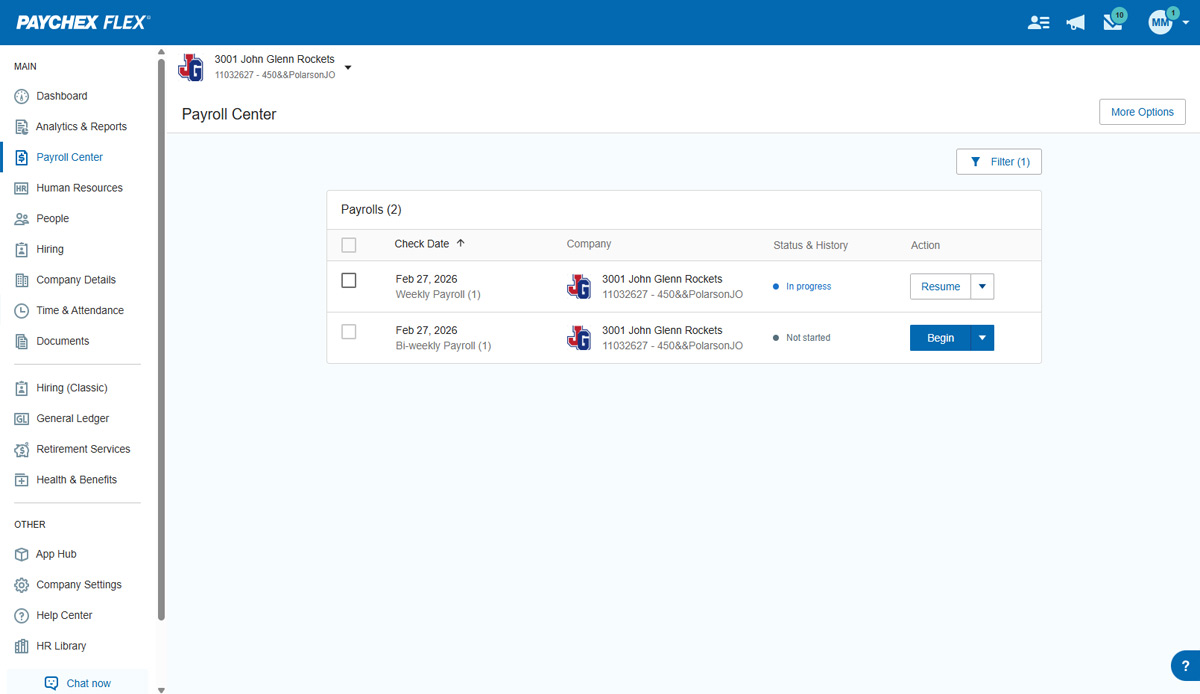
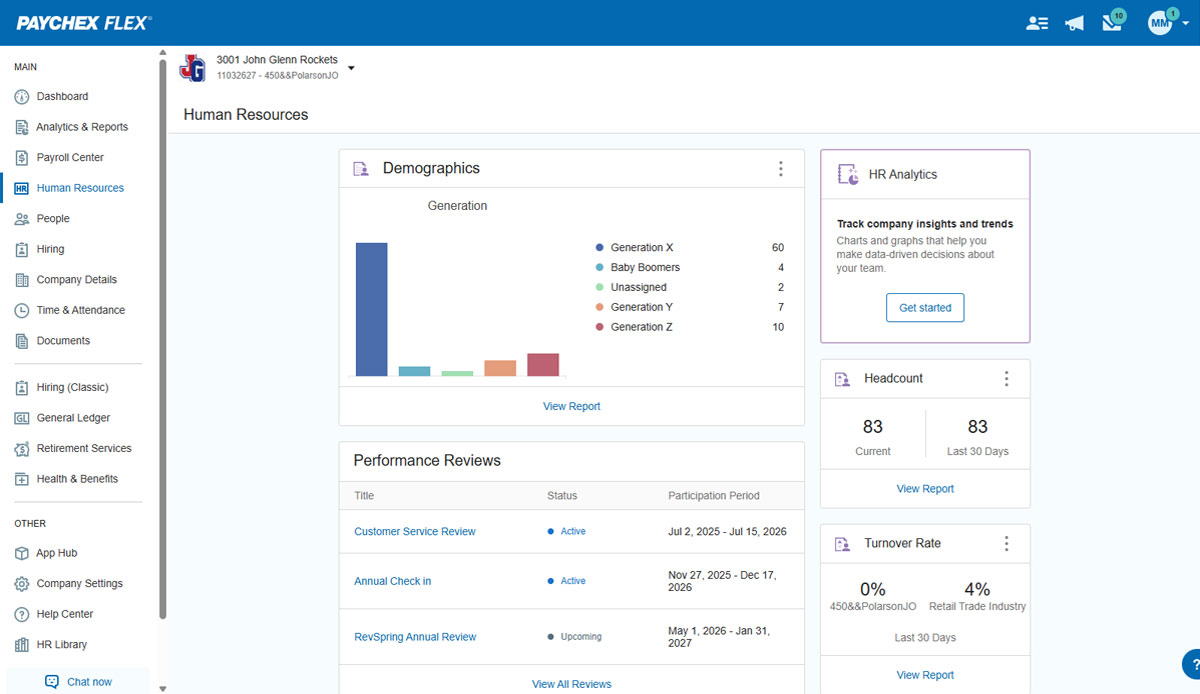
Paychex Flex, of Paychex' Online Payroll Services, is a cloud-based human resource management and payroll platform. Paychex offers core and specialized services, and scales to meet the needs of small businesses, SMBs, and large enterprises.
N/A
QuickBooks Desktop Premier
Score 8.0 out of 10
N/A
QuickBooks Desktop Premier is an installed version of QuickBooks for general business, contractors, manufacturing and warehouse accounting, as well as nonprofits, professional services, and retail.
They used ADP before I started, but the previous office manager did tell me that Paychex was more streamlined, more user friendly, and she loved the features that Paychex had to offer over ADP. I will say in my experience, that customer service is a lot quicker with Paychex.
Most of the reporting is a little easier to find and create in Paychex Flex. Most of the web interfaces for submitting payroll are fairly easy just like Paychex Flex.
Paychex Flex is geared towards a larger and more sophisticated organization than Xero. Xero is really only the better solution to an organization that was previously keeping its books in Excel. Paychex Flex helps companies program future payroll decisions and inputs ahead of …
I was not here when the decision was made to move to the Paychex Flex system. I had used Paychex as a payroll processing company at a previous job, so it has been interesting and beneficial to see the other things they can offer. It is also a much better team behind it than …
QuickBooks Desktop Premier
No answer on this topic
Features
Paychex
QuickBooks Desktop Premier
Human Resource Management
Comparison of Human Resource Management features of Product A and Product B
Paychex
6.7
272 Ratings
19% below category average
QuickBooks Desktop Premier
-
Ratings
Employee demographic data
7.8219 Ratings
00 Ratings
Employment history
8.1242 Ratings
00 Ratings
Job profiles and administration
7.8177 Ratings
00 Ratings
Workflow for transfers, promotions, pay raises, etc.
7.8172 Ratings
00 Ratings
Organizational charting
1.01 Ratings
00 Ratings
Organization and location management
7.5158 Ratings
00 Ratings
Compliance data (COBRA, OSHA, etc.)
6.7146 Ratings
00 Ratings
Payroll Management
Comparison of Payroll Management features of Product A and Product B
Paychex
7.7
313 Ratings
5% below category average
QuickBooks Desktop Premier
8.5
54 Ratings
12% above category average
Pay calculation
8.0295 Ratings
9.252 Ratings
Off-cycle/On-Demand payment
7.1153 Ratings
00 Ratings
Benefit plan administration
6.9174 Ratings
8.425 Ratings
Direct deposit files
8.3294 Ratings
8.242 Ratings
Salary revision and increment management
8.0209 Ratings
8.433 Ratings
Reimbursement management
7.7118 Ratings
8.436 Ratings
Leave and Attendance Management
Comparison of Leave and Attendance Management features of Product A and Product B
Paychex
7.3
159 Ratings
11% below category average
QuickBooks Desktop Premier
-
Ratings
Approval workflow
7.3113 Ratings
00 Ratings
Balance details
7.5151 Ratings
00 Ratings
Annual carry-forward and encashment
7.0119 Ratings
00 Ratings
Employee Self Service
Comparison of Employee Self Service features of Product A and Product B
Paychex
7.8
270 Ratings
5% below category average
QuickBooks Desktop Premier
-
Ratings
View and generate pay and benefit information
7.7248 Ratings
00 Ratings
Update personal information
7.9260 Ratings
00 Ratings
View company policy documentation
7.7121 Ratings
00 Ratings
View job history
7.9184 Ratings
00 Ratings
Asset Management
Comparison of Asset Management features of Product A and Product B
Paychex
4.9
43 Ratings
49% below category average
QuickBooks Desktop Premier
-
Ratings
Tracking of all physical assets
4.943 Ratings
00 Ratings
HR Reporting
Comparison of HR Reporting features of Product A and Product B
Paychex
5.9
177 Ratings
24% below category average
QuickBooks Desktop Premier
-
Ratings
Report builder
6.3147 Ratings
00 Ratings
Pre-built reports
6.3165 Ratings
00 Ratings
Ability to combine HR data with external data
5.191 Ratings
00 Ratings
Onboarding
Comparison of Onboarding features of Product A and Product B
Paychex
6.4
173 Ratings
22% below category average
QuickBooks Desktop Premier
-
Ratings
New hire portal
6.7165 Ratings
00 Ratings
Manager tracking tools
6.1109 Ratings
00 Ratings
Recruiting / ATS
Comparison of Recruiting / ATS features of Product A and Product B
Paychex
5.1
70 Ratings
42% below category average
QuickBooks Desktop Premier
-
Ratings
Job Requisition Management
5.536 Ratings
00 Ratings
Company Website Posting
5.234 Ratings
00 Ratings
Publish to Social Media
4.728 Ratings
00 Ratings
Job Search Site Posting
5.235 Ratings
00 Ratings
Duplicate Candidate Prevention
4.734 Ratings
00 Ratings
Applicant Tracking
4.839 Ratings
00 Ratings
Notifications and Alerts
5.964 Ratings
00 Ratings
Customization
Comparison of Customization features of Product A and Product B
Paychex
-
Ratings
QuickBooks Desktop Premier
7.5
24 Ratings
1% below category average
API for custom integration
00 Ratings
8.017 Ratings
Plug-ins
00 Ratings
7.024 Ratings
Security
Comparison of Security features of Product A and Product B
Paychex
-
Ratings
QuickBooks Desktop Premier
8.4
58 Ratings
2% above category average
Single sign-on capability
00 Ratings
8.550 Ratings
Role-based user permissions
00 Ratings
8.349 Ratings
Reporting & Analytics
Comparison of Reporting & Analytics features of Product A and Product B
Paychex
-
Ratings
QuickBooks Desktop Premier
8.3
69 Ratings
6% above category average
Dashboards
00 Ratings
8.858 Ratings
Standard reports
00 Ratings
8.468 Ratings
Custom reports
00 Ratings
7.766 Ratings
General Ledger and Configurable Accounting
Comparison of General Ledger and Configurable Accounting features of Product A and Product B
Paychex
-
Ratings
QuickBooks Desktop Premier
7.8
72 Ratings
2% above category average
Accounts payable
00 Ratings
8.470 Ratings
Accounts receivable
00 Ratings
8.671 Ratings
Cash management
00 Ratings
8.765 Ratings
Bank reconciliation
00 Ratings
8.869 Ratings
Expense management
00 Ratings
8.868 Ratings
Time tracking
00 Ratings
7.535 Ratings
Fixed asset management
00 Ratings
6.249 Ratings
Multi-currency support
00 Ratings
7.623 Ratings
Multi-division support
00 Ratings
8.239 Ratings
Regulations compliance
00 Ratings
8.224 Ratings
Electronic tax filing
00 Ratings
7.936 Ratings
Self-service portal
00 Ratings
5.923 Ratings
Global Financial Support
00 Ratings
6.09 Ratings
Primary and Secondary Ledgers
00 Ratings
7.014 Ratings
Intercompany Accounting
00 Ratings
8.017 Ratings
Localizations
00 Ratings
7.76 Ratings
Journals and Reconciliations
00 Ratings
8.825 Ratings
Enterprise Accounting
00 Ratings
8.413 Ratings
Configurable Accounting
00 Ratings
8.015 Ratings
Centralized Rules Framework
00 Ratings
7.410 Ratings
Standardized Processes
00 Ratings
8.415 Ratings
Inventory Management
Comparison of Inventory Management features of Product A and Product B
Paychex
-
Ratings
QuickBooks Desktop Premier
8.0
43 Ratings
9% above category average
Inventory tracking
00 Ratings
8.342 Ratings
Automatic reordering
00 Ratings
7.321 Ratings
Location management
00 Ratings
8.825 Ratings
Manufacturing module
00 Ratings
7.722 Ratings
Order Management
Comparison of Order Management features of Product A and Product B
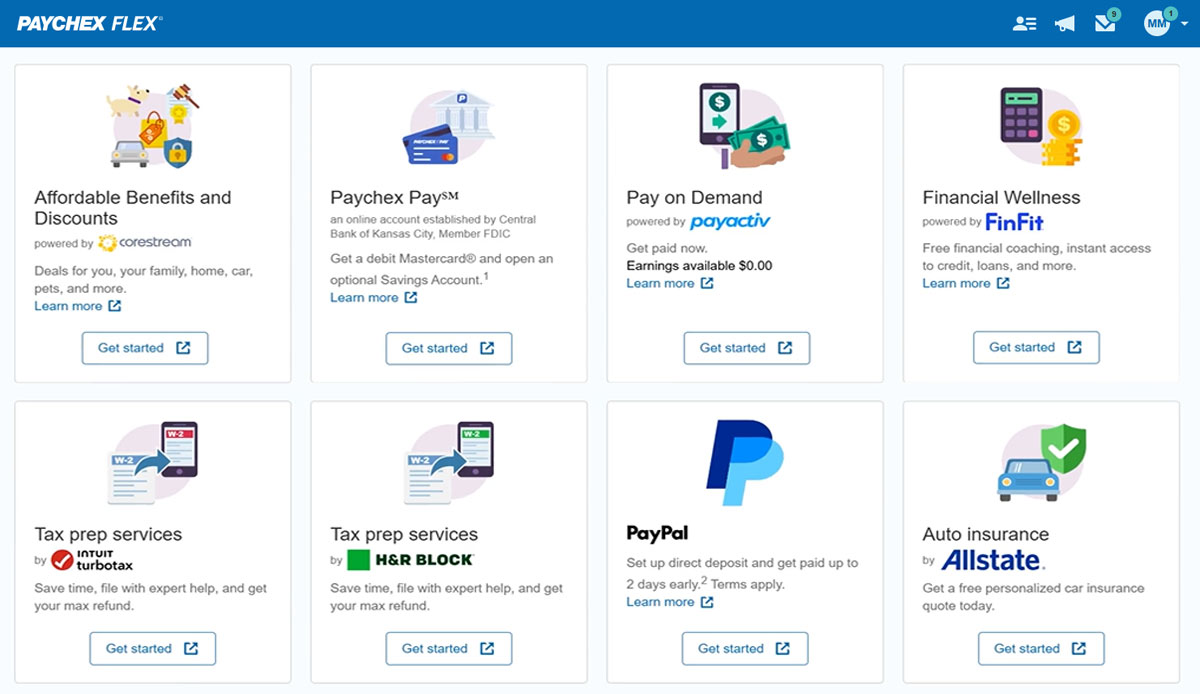
Paychex is great option for smaller employers as the site offers perk benefits to employees at no cost to the employer. I don't see anything like this being offered at competitors such as ADP RUN/Total Source, Bamboo, Trinet, Justworks or Gusto. Also, the initial set up is relatively easy and the dedicated support for set up is great along with our regular dedicated payroll support.
We really think that ANY typical business would be a reasonable fit for QuickBooks Desktop Premier. While not necessary, even a comparatively unexperienced accounting person could look at the "Home" screen and follow their nose thru typical daily accounting processes without much detailed knowledge. Reporting is simple, looking up customer info and prior transactions is simple, looking up vendors and prior payments is simple... all in all, quite straightforward. I really can't think of an instance where it would be 'less appropriate'.
I understand logging you out is a security function, but I'd prefer it not to log you out so soon.
The training we received for the team's meeting was subpar, in my opinion. Probably better geared for people with little to no computer experience. Very slow pace; we could have easily received all of this from some tutorials in a few minutes.
Support for older versions of QuickBooks ends after three years, then users must purchase the newest version at full price. Renewals should be deeply discounted for existing users.
I would like to see better in-product inventory tracking, so we can choose LIFO or FIFO rather than the ambiguous "average cost" method.
I would like to be able to assign payroll taxes to jobs for better job costing.
Overall I like the features that Paychex Flex offers. I am sure that there are other features that I am unaware of, so I am excited to see if there is more that Flex is capable of to make my job easier. The basic features are really user friendly and easy to access. If there ever is an issue customer service is great
Because we have been extremely happy with the product and our organization tends to be creatures of habit. We rarely leave a product that works this well for the latest and greatest. Typically we follow the "if it's not broken, don't fix it rule". While QB does make changes we typically just roll with it. If we do find something we don't like we work through it until we fully understand its functionality.
Employee usability is very good and user-friendly. For the most part, the employer usability is good, but for complicated rules and policies, it requires technical assistance, which in our case, was clunky and slow in implementation. Once is place, everything works as it should
We switched to a more "robust" software program with the hiring of a new CFO. The migration of historical data and ancillary information has been cumbersome and riddle with errors and issues. In hindsight much of what the new software program was touted to accomplish is not come to fruition. QB Desktop Premier was sufficient for the organization needs
We have not experienced any difficulties with unplanned outages. Notifications are always made for outages, and they do not effect normal business operations.
Unless there is lag time within the internet, the Paychex Flex website loads exceptional fast, pages load quickly and reports that I need to print or download load quickly. If I need to create a specialized report, once I complete it I receive an e-mail telling me my report is ready to be downloaded. Changing between web pages is fast as well.
Chat has been helpful but the person I chat with isn't always able to help me with my questions. Phone support is ok, depending on your payroll specialist. We have a great one currently, but the few before that were never available and did not return calls.
This is where QuickBooks falls short. Many times my staff has had questions that have not been able to get resolved easily with a chat or call. I personally have had more general questions that have not been answered easily as well. I think QuickBooks needs to provide the resources of having readily accessible help in order to make it simpler to get solutions.
It was easy to understand and follow along. I do like the informational videos that we can utilize before we opt to call in for customer service support. It has made a difference since sometimes that resolves the issue I may have had and saved myself a phone call to Paychex support.
Implementation was very smooth. The most cumbersome task was entering the current employees into the system during initial set up, but Paychex staff handled most of that and verified against prior system reports as well as internal reports provided to ensure 100% accuracy.
It is important to do your research. There are tutorial videos online that could help new user of this accounting system. These tutorials are straightforward and easily understandable.
We still use QB Desktop Pro to maintain a Check Register / Overall Balance for the company, but once having tried QB Payroll Online for about 3 months prior to finding Paychex Flex I can tell you that there's just no comparison. QB online is VERY EXPENSIVE and not so user-friendly. I hated every minute of those 6 payrolls we ran through QB online.
QuickBooks Premier handles most of my business functions efficiently in one package. It is not my "everything." I use Replicon for time rather than QuickBooks. I don't want my WIP data interfering with my accounting. I use PaySimple for it's web interface and back office processing. I don't have security issues since I don't have any credit card data in my possession. With today's identity theft environment, I have to protect myself as much as I can. Not having credit card data in my accounting software lets me sleep much better at night. Quicken will do basic accounting but does not have all the double entry accounting systems contained in QuickBooks. QuickBooks Online does much of the basic business functions but I don't like the pricing structure. As a professional accountant, that is very important to me. Bill.com provided a good service but the ability of QuickBooks to add bills and receipts to transactions makes it redundant.
I generally do payroll at the office, however I have had to go remote due to internet issues and also had to take payroll on vacation with me. Very easy to log in wherever you are and manage your TAA and payroll
Most of our business clients use QuickBooks which makes it efficient for us to work on clients that use the program. We can import QuickBooks data into our software which adds efficiencies to our tax practice.
Having staff that are familiar with the software enables our firm to provide quality service to the clients that use QuickBooks.
We receive referrals from satisfied QuickBooks clients.