Automation Anywhere, headquartered in San Jose, California, offers their robotic process automation (RPA) software.
$750
per month
BrowserStack
Score 8.4 out of 10
N/A
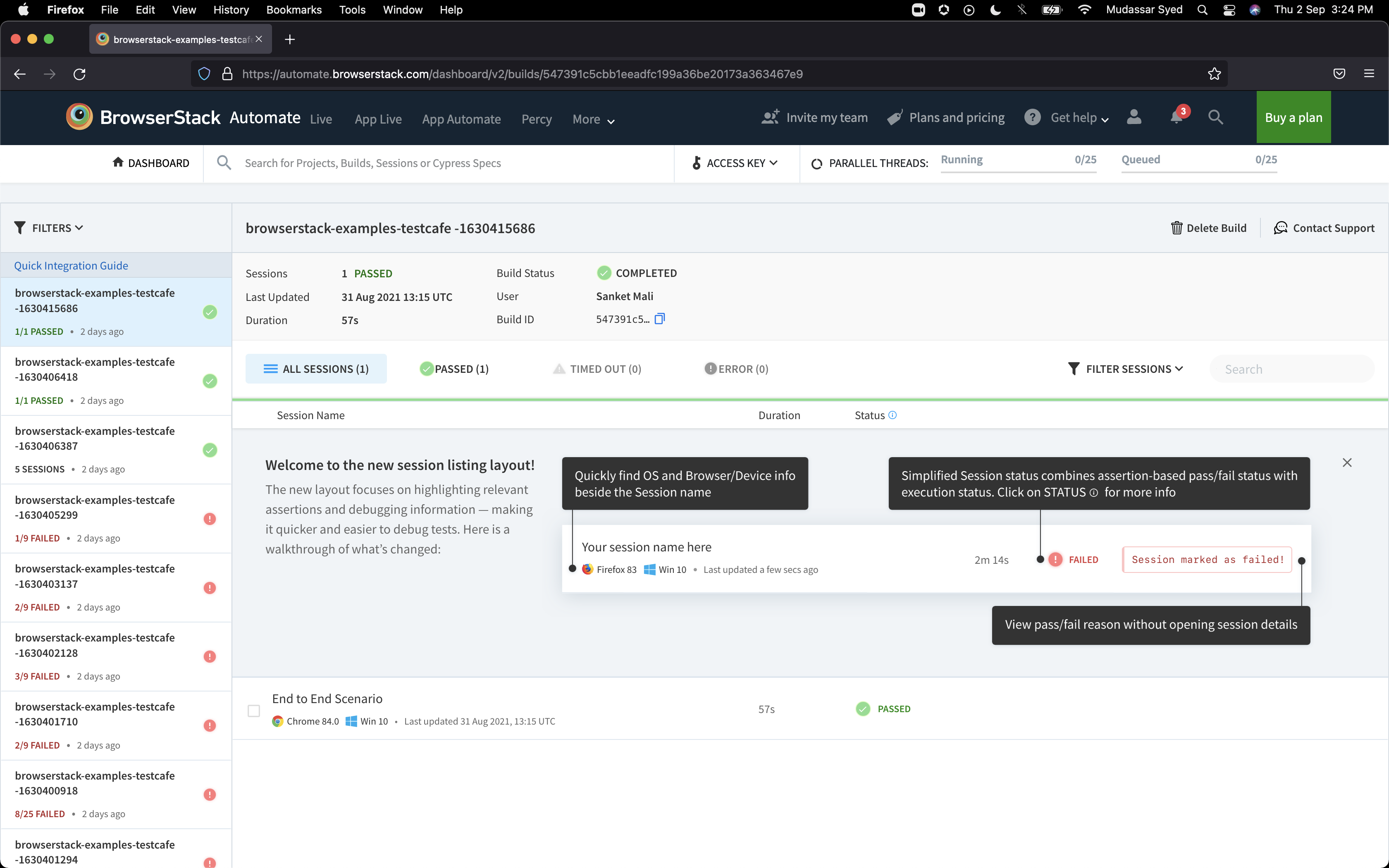
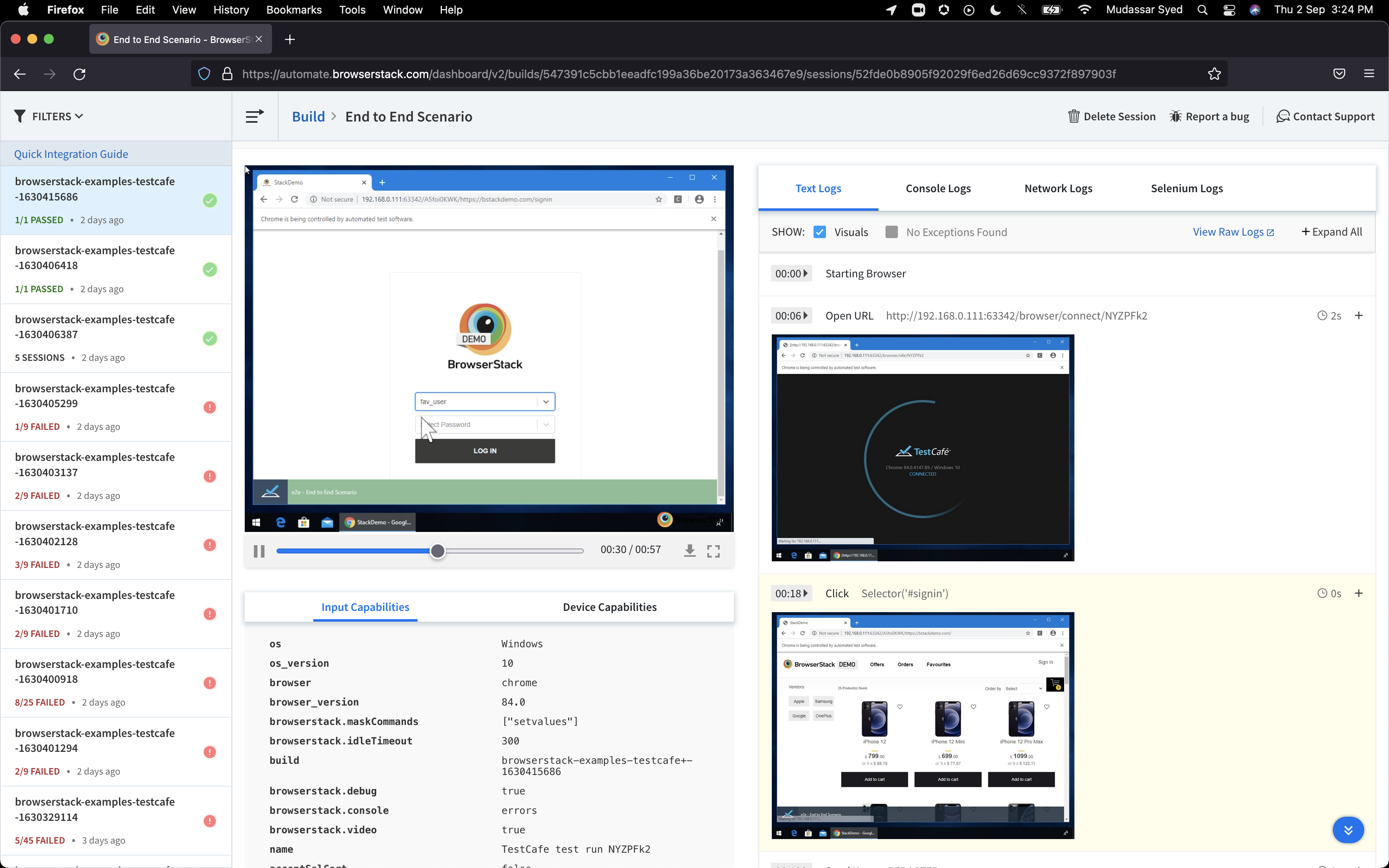
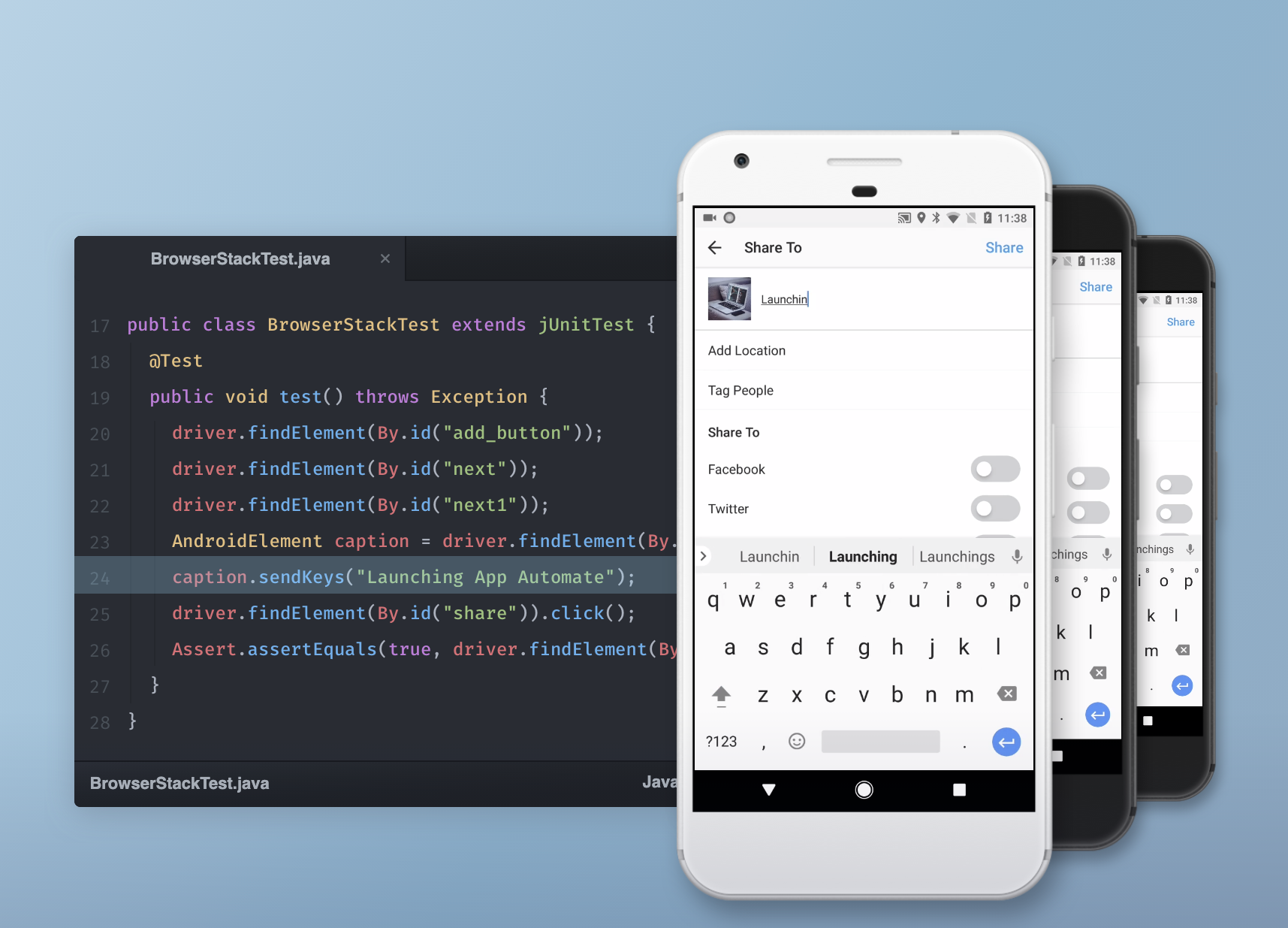
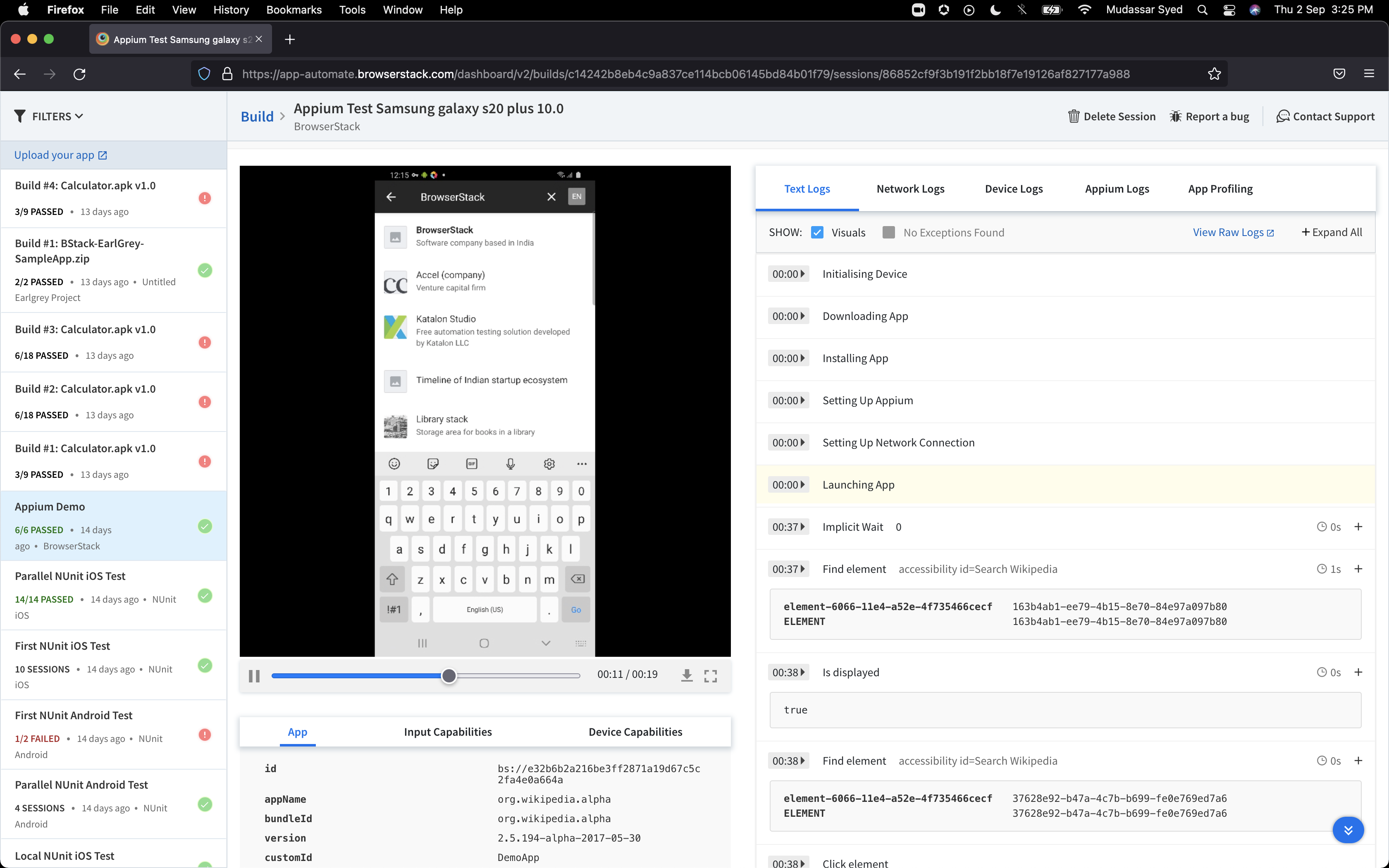
BrowserStack is a test platform built for developers and QAs to expand test coverage, scale and optimize testing with cross-browser, real device cloud, accessibility, visual testing, test management, and test observability. BrowserStack states it currently powers over a billion tests a year for customers who include Amazon, Paypal, Well Fargo Bank, Nvidia, MongoDB, Pfizer, GE, Discovery, React JS, Apache, JQuery and several others rely on BrowserStack to test their web and mobile apps.
$0
per month Unlimited users and 5000 free screenshots
BitBar
Score 6.6 out of 10
N/A
BitBar allows users to test applications across the latest and most popular real browsers and devices. Users can scale testing by increasing test coverage and decreasing test execution time by running automated tests in parallel across browsers and devices. BitBar integrates with the user's current tech stack or CI/CD pipeline. Key Features: * BitBar offers one cloud for all testing platforms whether it be web, native, or hybrid applications. * Test an application across real…
$39
per month
Pricing
Automation Anywhere
BrowserStack
BitBar
Editions & Modules
Cloud-Only Starter Pack
$750
per month
Advanced Pack (Cloud or On-Premises)
Contact for quote
Percy - Free
$0
per month Unlimited users and 5000 free screenshots
App Percy - Free
$0
per month 5000 free screenshots and 100 minutes of infrastructure
Test Observability - Unlimited Free
$0
Accessibility Testing - Free
$0
Test Observability - Observability Pro
$0.01
per month per test execution
Percy - Desktop
$0.02
per month per screenshot
App Percy - Visual Core
$0.02
per month per screenshot
Percy - Desktop & Mobile
$0.02
per month per screenshot
App Percy - Visual Cloud
$0.03
per month per screenshot
Live - Desktop
$39
per month per user
Live - Desktop & Mobile
$49
per month per user
App Live - Individual
$49
per month per user
Automate - Desktop
$129
per month 1 parallel test
Live - Team
$175
per month 5 users
App Live - Team
$175
per month 5 users
Accessibility Testing - Team
$199
per month 5 users
Automate - Desktop & Mobile
$225
per month 1 parallel test
App Automate - Device Cloud
$249
per month 1 parallel test
App Live - Team Pro
$289
per month 5 users
App Automate - Device Cloud Pro
$299
per month 1 parallel test
Automate - Enterprise
Contact sales team
Percy - Enterprise
Contact Sales
App Automate - Enterprise
Contact Sales
App Live - Enterprise
Contact sales team
Live - Enterprise
Contact sales team
App Automate - Device Cloud Pro + Visual Cloud
Contact Sales
App Percy - Enterprise
Contact Sales
Test Observability - Enterprise
Contact Sales
Accessibility Testing - Enterprise
Contact Sales
No answers on this topic
Offerings
Pricing Offerings
Automation Anywhere
BrowserStack
BitBar
Free Trial
No
Yes
Yes
Free/Freemium Version
No
No
No
Premium Consulting/Integration Services
No
No
No
Entry-level Setup Fee
No setup fee
No setup fee
No setup fee
Additional Details
—
—
Enterprise packages are available for larger teams and customers.
I actually tried BitBar back when they were still called CrossBrowserTesting. They offered a free trial when Browserstack got hacked in 2014. I wasn't a huge fan of their service vs Browserstack, mainly because the UI was less intuitive. I ultimately ended up going back to …
We use BrowserStack not because we consider it the best but because it's good enough and has other pros. Maybe LambdaTest has one function that we love and we need but BrowserStack is well known and is good enough for our needs. It is easy to use and everyone can make it work, …
I looked into other software, but I did not find any of them to be as intuitive as BrowserStack. It was easy to use and had all of the devices we required for testing. The pricing structure also suited the needs of our team. Other team members had familiarity with BrowserStack …
The main, direct competition to Browserstack is CrossBrowserTesting platform. It is very similar really. Has the same features plus a few more i.e. you can connect it to Slack and JIRA which we are using on daily basis. You can also take multiple screenshots of various devices …
Automation Anywhere is well suited for automating repetitive or complex tasks that can be performed on a timeline such as data processing, data extraction, and file transfers. Automation Anywhere also has capabilities for integration with legacy applications and APIs to automate more complex data flows. Automation Anywhere is also ideal for automating document processing, form filling and other web activities since it has both image recognition and image-based automation capabilities.
On the other hand, Automation Anywhere is less appropriate for tasks requiring high levels of system intelligence such as machine learning or natural language processing as these require different types of technology. Additionally, if a task requires manual elements such as validations or reviews then Automation Anywhere may not be the most suitable solution either. It can be possible to set up automated validations but that might not always result in an ideal solution due to its limitations.
If you need immediate testing (for example, from Azure pipelines agents), use BrowserStack instead of LambdaTest (which makes you wait in a "pool" until the device/platform combo you are querying is accessible). If you don't need your tests to be immediate and prefer a wider range of devices, then use Lambdatest.
CrossBrowserTesting is a great tool to use when you have a new page or new content that you want to test on an array of devices/browsers. In the diverse online world nowadays, it is nearly impossible to ensure optimization for every case. CBT allows you to get closer to that goal.
Now I easily generate the invoices and quotation generation is an easy task now. Previously it was very time consuming as we have to drag the data from the excel sheets.
I will praise its integration with other software that has facilitated us to make amendments in the data across those platforms.
Automation Anywhere doesn't come with easy installation, We need to install Java, IDEs and Databases in an orderly fashion which we are not able to do.
Automation Anywhere has no workflow design which is not making us to understand the process.
Automation Anywhere has no fit to size object cloning.
It's almost the 3rd year for us and it's renewal time for us. So yes, we are already discussing how many licenses we need to increase as users are increasing internally. So it's 100% sure that we are already planning renewal this year as well BrowserStack with live and app automate.
On more complex use cases, Automation Anywhere requires technical background like knowledge on network protocols and database language on task creation, and even people with technical background might have some trouble in the beginning because of the product particularities on how variable manipulation works, or how to get the object cloning (a more resilient screen manipulation command) to work as intended. The scheduling of tasks on the Control Room and the autologin feature isn't intuitive as they should, so much of this works requires documentation analysis to get it done on the first time.
So many options that it can be a little overwhelming, but the core functions are easy to find and use and it's usually not too hard to figure things out for the more complex tasks. Very easy to boot up a device and a specific browser from the dashboard to begin a manual website test.
I rated BrowserStack's availability a 10 because it is consistently reliable, with minimal to no downtime or unplanned outages. The platform is accessible whenever needed, ensuring uninterrupted testing. Its robust infrastructure and proactive monitoring ensure a seamless experience, allowing us to meet deadlines without delays caused by availability issues and all
The tests are fast considering the fact that they're Appium tests. I've seen tests reliably pass or fail when they're supposed to, with next to zero issues on the BrowserStack side of things. Tests launch only seconds after I kick off them off from my CLI.
Automation Anywhere is a great tool for a low cost, fairly easily scalable, and quickly learned. The company is growing by leaps and bounds and continually pushing the automation boundaries. The problem with fast expansion is that sometimes you can grow more quickly than you can appropriately support your products. While Automation Anywhere has an excellent support structure in place, every company and situation is different, and they often struggle with why problems arise in the system and how to fix them.
I've not had much direct interaction with the BrowserStack support team. The help and community are great and we've not run into any issue that has really required us to reach out. I guess having a stable and easy to use system means you may never need to contact support.
Yes, it was online training on meet, and trainer looks like skilled and technical strong, he has covered end to end all the features and he has answers all the queries. because of this trainings we are able to implement it by our own in the organization, thank you for support and training.
It was a quick training from the support of browserstack, it was nice and easy to understand, thanks again for the support given by the team. and regularly I used to receive mails for training from support for any new feature they launch, I was able to spread same training to all my team and dev.
I rated the implementation satisfaction an 8 because while it went smoothly overall, there were some challenges during the initial learning phase and integration with existing tools. Key insights include the importance of providing sufficient training upfront and ensuring seamless integration with other systems to minimize disruptions and improve adoption speed.
Automation anywhere scores well with respect to other solutions when we look at bot implementation, bot management, and basic automation. From a security perspective as well, AA fares well as compared to other solutions. UIpath is better suited when we operate using VPN systems and integrating with homegrown solutions.
BrowserStack products has been found better for low code automations and visual regression techniques. We have been struggling to maintain the API endpoint sanity tests and writing a lot of code for them while releasing the builds, while we chose BrowserStack accessibility solutions, we found it a way easier than we thought and worked it up.
Selenium: 1. Selenium is Open source tool 2. Needs proper framework development and integration with multiple 3rd party tools 3. Not much secure 4. Needs scripting knowledge for people working on it 5. takes time and effort CrossBrowser Testing: 1. Licensed , so secure 2. Less time , less effort 3. Quick results 4. No scripting language knowledge needed 5. More coverage 6. Without any framework creation also we can test on multiple devices/browsers
Highly reliable once you start experiencing the results. It helps you to have a clear cut results with better productivity numbers and financial savings
I may not be the best person to answer this as I am only using it for 1 department and at 1 site but will still try my best As far as Scalability for Devices for Mobile Automation is concerned, it gets a Solid 10, as the users can run cases on upto 10 device parallel and also have the best choices of devices to choose
By using CrossBrowserTesting we are saving many hours a week in manual work hours.
Our automated Selenium tests run in a fraction of the time it takes to manually test our components, so we can spend more time building great user experiences and less time triaging bugs.