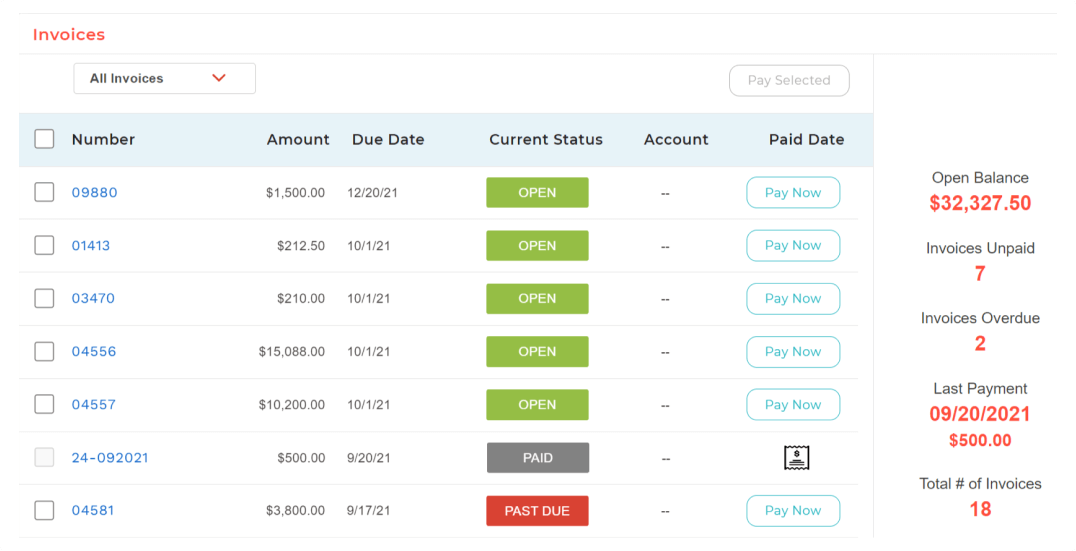
BigTime IQ is time and expense tracking software from Chicago-based BigTime Software.
$20
User per Month
Paymo
Score 9.0 out of 10
N/A
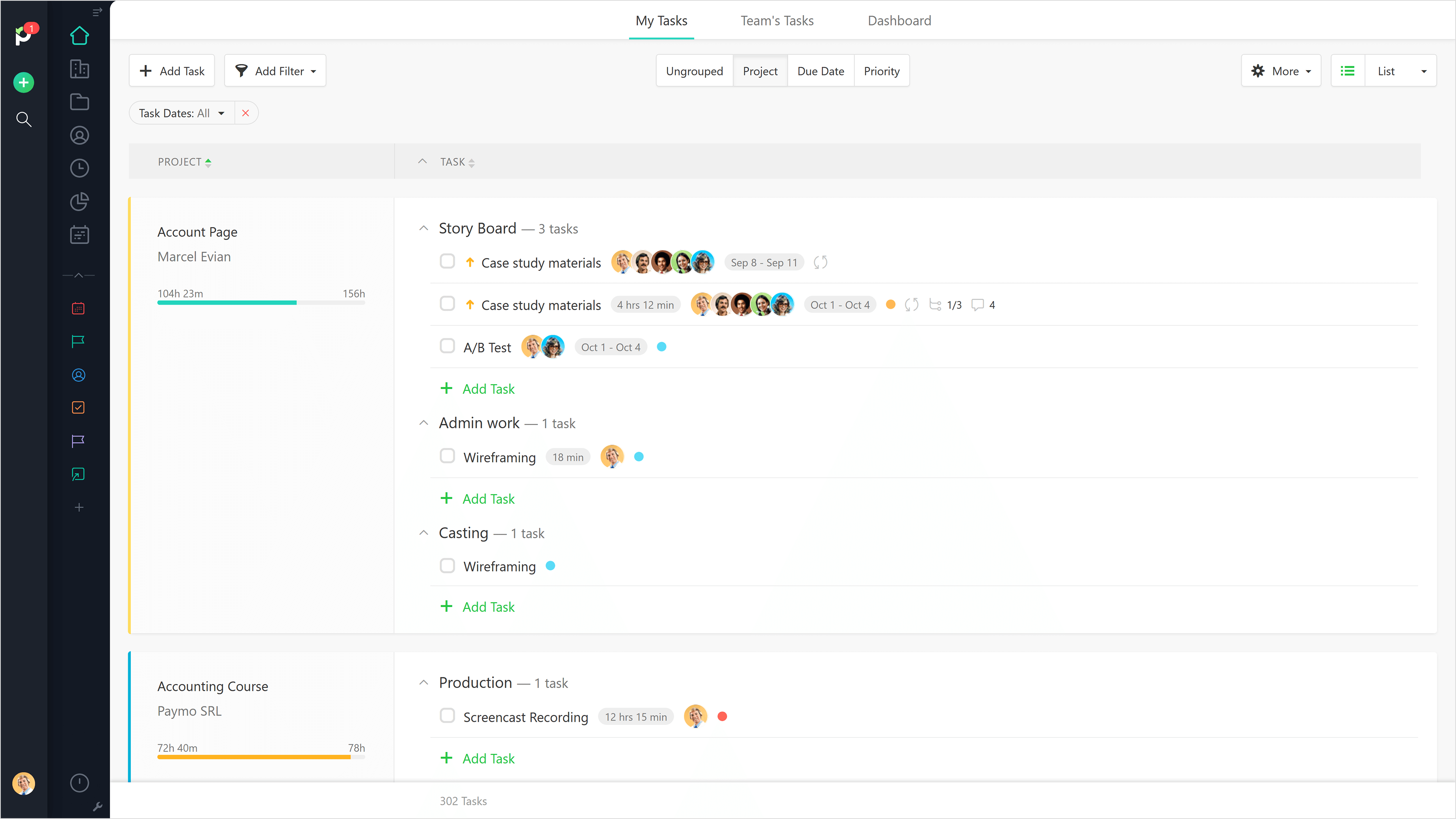
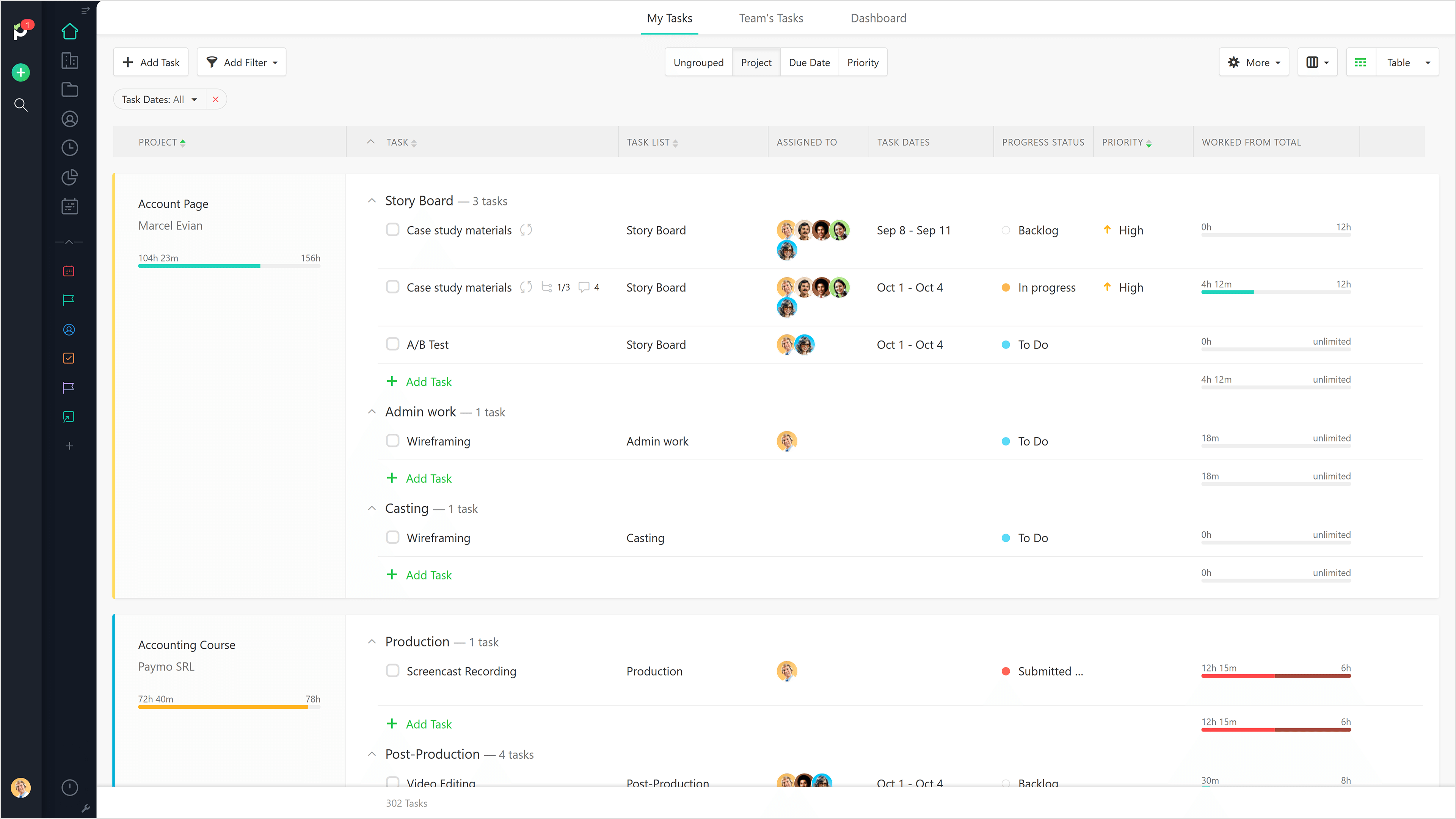
Paymo is a collaborative work management platform that helps track team progress, collaborate in context, and make smarter decisions. It acts as a single source of truth, where project planning, resource scheduling, file proofing, time tracking, and billing feed into each other to co-exist under the same roof.
$0
Up to 10 users
Toggl Track
Score 9.2 out of 10
N/A
A solution for employee time tracking software that allows your team to track time on multiple platforms with just one click, featuring integrations with 100+ apps via browser extensions, and native calendar and integrations for any preferred project management tools.
$10
per month
Pricing
BigTime Software
Paymo
Toggl Track
Editions & Modules
Essentials
$20
User per Month
Advanced
$35
User per Month
Premier
$45
User per Month
Projector
$60
Free
$0
Up to 10 users
Small Office
$11.95
per user/per month
Business
$18.95
per user/per month
Starter
$10.00
per month
Premium
$20.00
per month
Enterprise
Custom
Offerings
Pricing Offerings
BigTime Software
Paymo
Toggl Track
Free Trial
Yes
Yes
Yes
Free/Freemium Version
No
Yes
Yes
Premium Consulting/Integration Services
Yes
No
No
Entry-level Setup Fee
Optional
No setup fee
No setup fee
Additional Details
—
Free version available for freelancers.
—
More Pricing Information
Community Pulse
BigTime Software
Paymo
Toggl Track
Features
BigTime Software
Paymo
Toggl Track
Project Management
Comparison of Project Management features of Product A and Product B
BigTime Software
-
Ratings
Paymo
5.9
9 Ratings
27% below category average
Toggl Track
-
Ratings
Task Management
00 Ratings
3.59 Ratings
00 Ratings
Resource Management
00 Ratings
5.36 Ratings
00 Ratings
Gantt Charts
00 Ratings
4.43 Ratings
00 Ratings
Scheduling
00 Ratings
7.06 Ratings
00 Ratings
Team Collaboration
00 Ratings
4.16 Ratings
00 Ratings
Support for Waterfall Methodology
00 Ratings
7.82 Ratings
00 Ratings
Document Management
00 Ratings
5.06 Ratings
00 Ratings
Email integration
00 Ratings
5.04 Ratings
00 Ratings
Mobile Access
00 Ratings
5.37 Ratings
00 Ratings
Timesheet Tracking
00 Ratings
9.09 Ratings
00 Ratings
Budget and Expense Management
00 Ratings
8.88 Ratings
00 Ratings
Professional Services Automation
Comparison of Professional Services Automation features of Product A and Product B
I'd like to start by saying, I rarely give 10's on anything, almost always 9's, the main reason for my 10 rating is the support I've received from this team/company. BigTime Software has been well suited for our company b/c it's giving a window into the project budget and time frames to our Project Managers to proactively manage their projects and look for areas to improve and celebrate with support staff. I would say efficiency in time management. BigTime Software is not an accounting software and I love that about it. We were looking for a tool for staff to manage their projects and stay on budget and track time and generate invoices all in one place and we've found that with BigTime Software.
Beautiful interface throughout, easy setup, most natural progressions are fluid and easy to use. Browser functionality allows us to use it cross-platform. Very reasonable pricing model as well. We have had a little trouble using Paymo for the entire creative process to have proofs reviewed and approved. Also, have to use external forms to have work submitted from campus.
I have been using Toggl for about seven years now, and I absolutely love it. It keeps me on track with the tasks I complete throughout the day. Tracking my time makes me more accountable for the work I produce and how much time my work takes. Having the breakdown of my tasks helps inform decisions on hiring support staff. I can see exactly where my time goes and then formulate a strategy to either bring in more help, delegate work, or re-prioritize. When coupled with other productivity apps (I particularly use ToDoist), you can unlock even more of Toggl's power. Toggl Track isn't so much a checklist tool--it's a time tracker; but when I integrate my to-do app with the time tracking, I can quickly and easily switch between tasks without disrupting workflow.
The ability to code exactly what time I worked on a project enables me to bill clients more accurately and within different minimums, which besides more accurately tracking time, this has been extremely helpful as I negotiate contracts for services and offer different deals with potential clients. Some are billed to the minute, some in 15-minute minimums, and some in 20-minute blocks.
The live reports are great, showing time spent in the minimums that I've set, while also including as much detail as I wish to share.
I've now started just writing my notes into the tracker, which are then carried into the live reports - this eases my needing to send logs to clients, as well as helping me to keep projects on track.
Toggl integrates smoothly across multiple devices. I can seamlessly move from the field on my phone to the office on my computer and utilize Toggl the entire time.
It has great customization. Setting up multiple customers in a variety of ways is easy and quick to do. We haven't found something we needed that we couldn't set up.
The reporting is clean and informative. Reports can be generated for multiple criteria.
For some types of projects, we are unable to use BigTime's invoicing feature. It would be nice if we could further customize invoices to fit our needs. We still have to use Quickbooks to complete certain invoices.
Being able to create Purchase Orders in BigTime would be extremely useful to us. We currently use Quickbooks for this.
It would be really helpful if on the timer tool, they asked you to switch projects when you stop the timer, so it could fill that time in right away for you.
I never use the 'My Tasks' because I don't fully understand how to integrate it to be useful to what our purposes are in Paymo. Some Youtube tutorials might be helpful
I am genuinely trying to come up with room for improvement, but I am struggling
Toggl is seriously my favorite tool I use as a freelancer, and they offer so much functionality for free - that's why I always write reviews
Maybe they could make it a little easier to adjust time tracking mistakes (leaving the timer running too long) -- I have to do several clicks to fix it and I make this error frequently
Overall most areas of the software are easy to use. I tend to spend a lot of time in analytics and reports. Those are not as user friendly, in my opinion, and could use some improvements. I think it just takes time to get familiar with where items are stored in the program and what changes affect what.
It is a complete, a bit overambitious app but with many features that are needed. I didn't need most of the features but managed to make the most of the two I was using. Also, I think it is a well-rounded app and I am considering moving some team collab there.
Very easy to use, can enter projects and tasks on the fly, can use either a timer or enter hours later manually, the interface is simple and intuitive. Has a mobile app that is also easy to use.
The support is amazing! They are always available through the chat interface in the program. Each support person has fully answered my questions the first time. I have had a positive experience with each inquiry. It is very important to me that I am able to get instant access to help so that I can make the most of the software and all of its capabilities.
Good! Fast, excellent, speedy responses. They always wanted to know why and how they could improve on something (good on receiving feedback, too). Not that they were much needed, but my limited experience with them is good; they were really keen to understand what the problem was really about and how they could help with it.
I haven't needed much support from Toggl, as it's mostly come from a small team trying out the tool. I'm not entirely sure what the best way to reach them would be if I did need them. I'm also not sure how responsive they would be to support requests. But I think it's positive that I have not needed them
I touched on this briefly, in another survey section, but my implementation manager, Kevin, was exceptional. The actual implementation process took 3 months, not 1 before I was comfortable rolling it out to staff. We also had to wait/schedule time and coordinate for our custom xml. invoice to be generated and in a place we felt comfortable sending it out to clients. In the end I was very satisfied, but during the first few months it was challenging.
I liked the client management, but it didn't do time tracking, billing or syncing with quickbooks. It was too robust for my needs. I tried it for the client management and thought I might use it along with bigtime, but it was too cumbersome and would involve too much double entry. And it didn't track time or bill which are necessary functions
We still use Trello and Slack, but Basecamp and HubSpot are too much for our operation to manage or integrate. Paymo is missing some of the tracking features of HubSpot and isn't as universally used as Basecamp but we've been with them for 8 years and they seem to know what matters most to their user base
One year ago I compared it to several tools, trying to use them in parallel. Now I don't remember the exact names of those tools, but Toggl was the best for its simplicity. It is easier to use, with fewer clicks and hence less destruction
The product is useful for faster billing and efficient timesheet logs. I do like the report features however there are many options and can be overwhelming for the user. It is most helpful to set up reports speaking to an agent to ensure the right fields are set, etc.
Before BigTime, we were using Excel to track everything, creating invoices, and run reports. Getting on BigTime has saved us tons of time and effort which equates to dollars saved on labor.
From a legal standpoint, BigTime has allowed us to be organized and prepared in the event we would need to present financial details to anyone.
Gives me more accurate time that I've spent on projects compared to older methods I've used.
Has data that I can pull together, for example my boss wanted to know the percentage of time I'd spent working on projects for one client compared to everything else - I was able to give them an accurate percentage.
Forces you to stay on top of jobs, which can lengthen the time to complete something
My timetracking needs are simple, so this is a great tool for me. Start the timer, stop the timer as client work is performed, whether that is uninterrupted time or not.
It is very easy to review work time invested for each of my clients, making it easy for me to track my daily time and review monthly hours for preparing invoices.
Daily time is automatically aggregated.
Each time entry can be tagged with work activity, or projects can be segmented and time assigned to the segments with start and stop times.