Chose CleverTap
We use a mix of all 3 tools

| Product | Rating | Most Used By | Product Summary | Starting Price |
|---|---|---|---|---|
 CleverTap | Mid-Size Companies (51-1,000 employees) | CleverTap is a mobile marketing solution that helps marketers create differentiated customer engagement strategies that are designed to drive growth. The vendor’s value proposition is that thousands of brands continue to build valuable relationships with their customers using CleverTap’s Intelligent Mobile Marketing Platform, which provides actionable, real-time insights for building amazing customer experiences. According to the vendor, key features and… | N/A | |
 Gainsight CS | Mid-Size Companies (51-1,000 employees) | Gainsight Customer Success (CS) is presented as a growth engine for modern post-sale teams. Built for CROs, CS leaders, and operations pros, it provides visibility into customer health, expansion potential, and revenue risk. With automation, AI, and health scoring, Gainsight helps scale outcomes without scaling headcount. With its playbooks and success plans to CSQL tracking and journey orchestration, Gainsight CS helps teams to take the right action at the right time, every time. Access to… | $2,500 Per Company Per Month | |
 Mixpanel | N/A | Mixpanel helps companies measure what matters, make decisions fast, and build better products through data. With self-serve product analytics solution, teams can analyze how and why people engage, convert, and retain—in real-time, across devices—to improve their user experience. Mixpanel serves over 26,000 companies from different industries around the world, including Expedia, Uber, Ancestry, DocuSign, and Lemonade. Headquartered in San Francisco, Mixpanel has offices in New York,… | $0 per month |
| CleverTap | Gainsight CS | Mixpanel | ||||||||||||||||||||||
|---|---|---|---|---|---|---|---|---|---|---|---|---|---|---|---|---|---|---|---|---|---|---|---|---|
| Editions & Modules | No answers on this topic |
|
| |||||||||||||||||||||
| Offerings |
| |||||||||||||||||||||||
| Entry-level Setup Fee | Optional | Required | No setup fee | |||||||||||||||||||||
| Additional Details | — | — | Mixpanel uses MTU (Monthly Tracked User) pricing, which is designed to scale with your company. MTUs are roughly equivalent to the number of unique visitors on your product and each user is counted once per month, even if they use multiple devices. If Events based pricing makes more sense for your business, reach out to us and we can work with you! | |||||||||||||||||||||
| More Pricing Information | ||||||||||||||||||||||||
| CleverTap | Gainsight CS | Mixpanel | |
|---|---|---|---|
| Considered Multiple Products | CleverTap  Manan Shah Senior Manager - Digital Campaigns Chose CleverTap Integration is easier with CleverTap. All the features are in one product, doesn't require to buy add ons for Segmentation and analytics Few of the campaign features are quite advanced Value for Money if used rightly.  Julio Boschi Marketing Supervisor Chose CleverTap Edit: Clevertap added attribution tools to its features, making it possible to track your user acquisition sources. CleverTap is as complete as Localytics. It provides us good segmentation, analysis and engagement tools for a good competitive price. T̶h̶e̶ ̶o̶n̶l̶y̶ … |  Gainsight CS  RaviShankar Sundaresan Senior Enterprise Cloud Architect Chose Gainsight CS Excellent integration with Salesforce, Able to handle Large volume of Enterprise customers information data, minimum training required for the Sales, marketing team to handle the customer relationship and success management. Deeper analytics, 360-degree customer view, advanced …  Michelle Ali Customer Success Manager Chose Gainsight CS Gainsight is much easier to use than Catalyst.  Sarah Ager Sr. Product Marketing Manager Chose Gainsight CS They're pretty neck and neck. Both are super similar. I love the icons for logging account activity in Totango. I also like the dropdown activity tab we have in Gainsight. We need to improve our auto forms for QBR notes and cancellation notes, but I do like that we can have …  Kimberly Stone Program Manager Chose Gainsight CS Gainsight CS is superior for our customer management. Asana and Outreach don't have the capabilities or integrations that Gainsight CS does.  Angela Devall VP Customer Experience Chose Gainsight CS Gainsight CS was the only CSP that could manage our data in the way that we needed.  Emily Smeltz Director, Enterprise CS Chose Gainsight CS Gainsight CS has more features and functionality than planhat |  Mixpanel  Carlos Begazo Sales Manager Chose Mixpanel Datanomix is an excellent tool, with similar characteristics; however, Mixpanel has been our preference for two main reasons: one, to have customization and to be able to adapt the interface and tools to our use, and two, to be able to count on reports that it automates the …  Rober Thendrickson Agile Developer Chose Mixpanel Mixpanel is critical for measuring customer and consumer actions through behavioral messaging by allowing notifications to be sent based on their actions; can be deployed on all major platforms, including mobile; facilitates interactive reports to answer questions about …  Manan Vora CEO (Chief Executive Officer) Chose Mixpanel Mixpanel was fairly simpler to set up and the pricing metrics were easier for us to keep track of. Besides that, Mixpanel integrated with many of the other products we were using which made it simpler for us to keep all our data integrated and easy to keep track of. Mixpanel's …  Tom Davies Product Marketing Manager Chose Mixpanel These two aren't the same but can fulfill some of the funnel optimisation purposes of Mixpanel.  Matthew Gardner Director of Customer Success Chose Mixpanel Mixpanel is way more granular. We do use Google Analytics for top-level trends, but Mixpanel, when properly integrated, shows you the details. Even our marketing team is able to log events, etc. that they care about.  Frank Ramirez Co-Founder, CTO and Product Lead Chose Mixpanel Mixpanel does what it does very well. We sometimes don't see it as the only tool in the arsenal. When combined with other solutions, we get a more complete picture. It also allows us to validate data across different tools. While Heap isn't as simple as Mixpanel, its major …  Gabriel Samaroo Senior Software Engineer Chose Mixpanel Mixpanel has been my favorite tool I've used thus far because of how simple it is to use. While Google Analytics is quick to setup also, Mixpanel provides a lot more functionality. The reporting and visualization capabilities that are provided out-of-the-box make it a good tool …  Vadim Peskov CEO & Co-founder Chose Mixpanel Mixpanel has pretty powerful mobile users' behavior analytics when comparing to its competitors on a market. Also, Mixpanel offers a lot of capabilities for free, it has an up-to-date, user friendly interface, quick and very professional customer support, reports that you can …  Michael Ball-Marian Intrapreneur, Internal Startup Co-Founder Chose Mixpanel Mixpanel got lots of praise from trusted colleagues. And they were right. It is powerful, affordable, and easy to use. It integrates with Segment which made it very easy for us to implement multiple metrics tools. It has great visuals and powerful |
| CleverTap | Gainsight CS | Mixpanel | |||||||||||||||||||||||||||||||
|---|---|---|---|---|---|---|---|---|---|---|---|---|---|---|---|---|---|---|---|---|---|---|---|---|---|---|---|---|---|---|---|---|---|
| Security |
| ||||||||||||||||||||||||||||||||
| Platform & Infrastructure |
| ||||||||||||||||||||||||||||||||
| Customer Data Extraction / Integration |
| ||||||||||||||||||||||||||||||||
| Customer Success Management |
| ||||||||||||||||||||||||||||||||
| CSM Reporting & Analytics |
|
| CleverTap | Gainsight CS | Mixpanel | |
|---|---|---|---|
| Small Businesses |  OneSignal Score 8.0 out of 10 |  ChurnZero Score 7.9 out of 10 |  Fullstory Score 9.1 out of 10 |
| Medium-sized Companies |  Flurry Analytics (discontinued) Score 9.0 out of 10 |  CustomerSuccessBox Score 9.5 out of 10 |  Whatfix Score 9.9 out of 10 |
| Enterprises | Flurry Analytics (discontinued) Score 9.0 out of 10 |  Cisco Webex Experience Management (discontinued) Score 8.8 out of 10 | Whatfix Score 9.9 out of 10 |
| All Alternatives | View all alternatives | View all alternatives | View all alternatives |
| CleverTap | Gainsight CS | Mixpanel | |
|---|---|---|---|
| Likelihood to Recommend | 7.7 (0 ratings) | 8.9 (0 ratings) | 9.0 (0 ratings) |
| Likelihood to Renew | - (0 ratings) | 9.2 (0 ratings) | 10.0 (0 ratings) |
| Usability | - (0 ratings) | 8.3 (0 ratings) | 9.0 (0 ratings) |
| Availability | - (0 ratings) | 9.1 (0 ratings) | - (0 ratings) |
| Performance | - (0 ratings) | 8.7 (0 ratings) | - (0 ratings) |
| Support Rating | 10.0 (0 ratings) | 8.2 (0 ratings) | 1.0 (0 ratings) |
| Online Training | - (0 ratings) | 8.6 (0 ratings) | 8.0 (0 ratings) |
| Implementation Rating | - (0 ratings) | 9.1 (0 ratings) | 8.9 (0 ratings) |
| Configurability | - (0 ratings) | 8.2 (0 ratings) | - (0 ratings) |
| Ease of integration | - (0 ratings) | 9.1 (0 ratings) | - (0 ratings) |
| Product Scalability | - (0 ratings) | 8.0 (0 ratings) | - (0 ratings) |
| Vendor post-sale | - (0 ratings) | 9.1 (0 ratings) | - (0 ratings) |
| Vendor pre-sale | - (0 ratings) | 9.1 (0 ratings) | - (0 ratings) |
| CleverTap | Gainsight CS | Mixpanel | |
|---|---|---|---|
| Likelihood to Recommend |
|
|
|
| Pros |
|
|
Frank Ramirez Co-Founder, CTO and Product Lead |
| Cons |
Julio Boschi Marketing Supervisor |
|
|
| Likelihood to Renew | No answers on this topic |
 Vinny Poliseno Director, Salesforce & Business Systems |
|
| Usability | No answers on this topic |
|
|
| Reliability and Availability | No answers on this topic |
| No answers on this topic |
| Performance | No answers on this topic |
 Greg Haugen Customer Success Territory Manager | No answers on this topic |
| Support Rating |
|
|
|
| Online Training | No answers on this topic |
Greg Haugen Customer Success Territory Manager |
 Douglas Wright Conversion Optimization Manager |
| Implementation Rating | No answers on this topic |
 Ben Michael Sr. Manager, Customer Success |
Douglas Wright Conversion Optimization Manager |
| Alternatives Considered |
|
|
Carlos Begazo Sales Manager |
| Scalability | No answers on this topic |
| No answers on this topic |
| Return on Investment |
|
|
Manan Vora CEO (Chief Executive Officer) |
| ScreenShots | CleverTap Screenshots 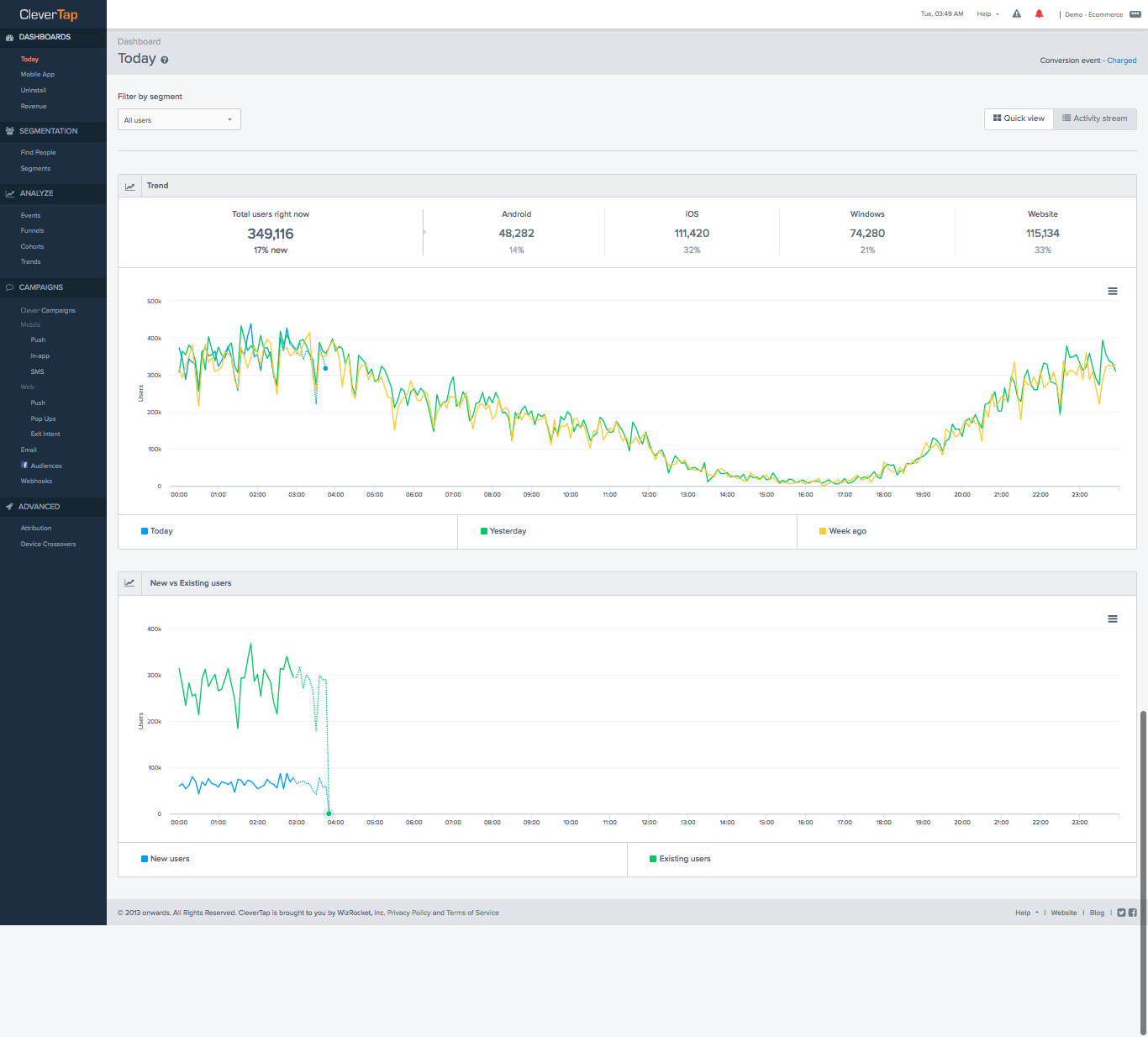  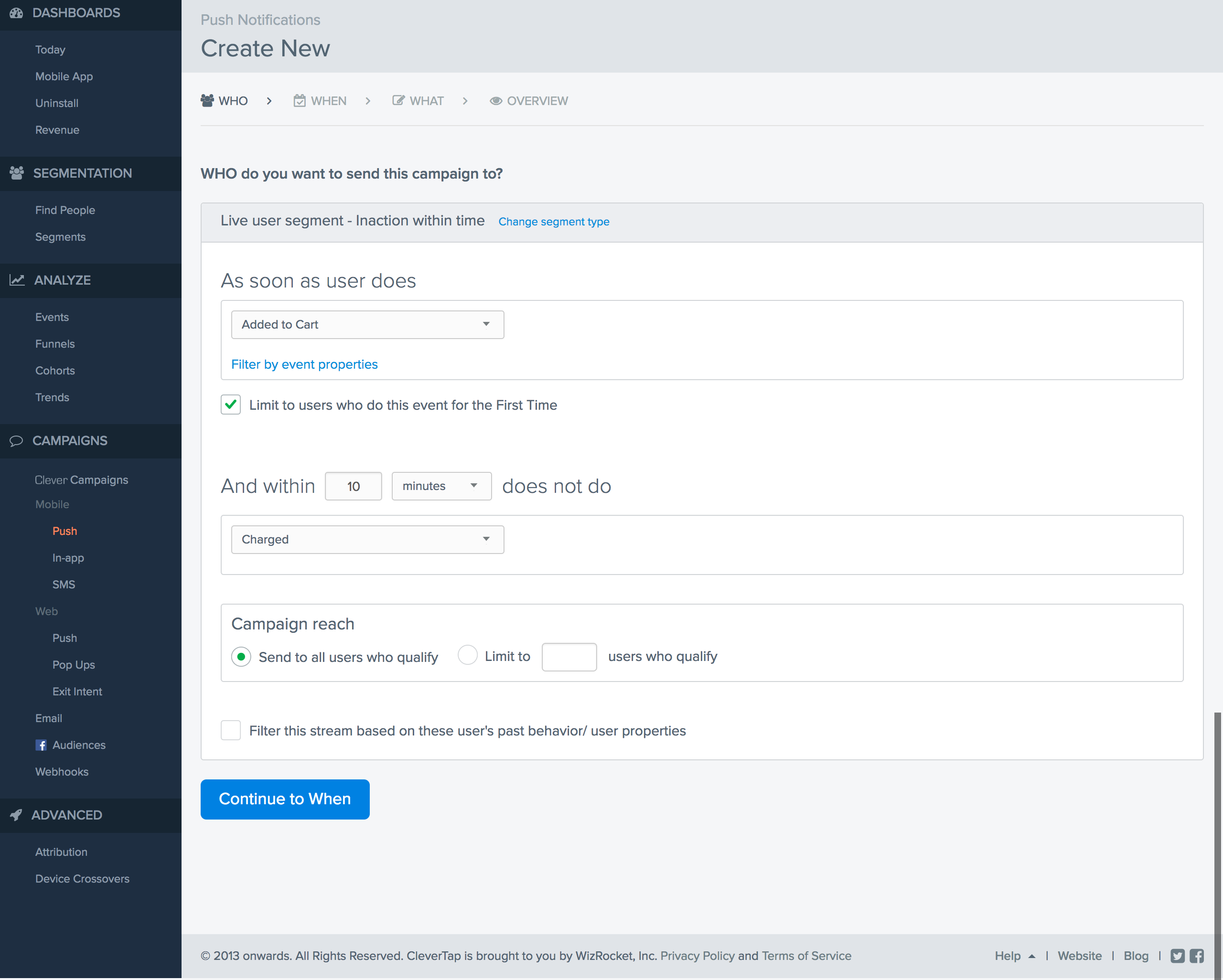 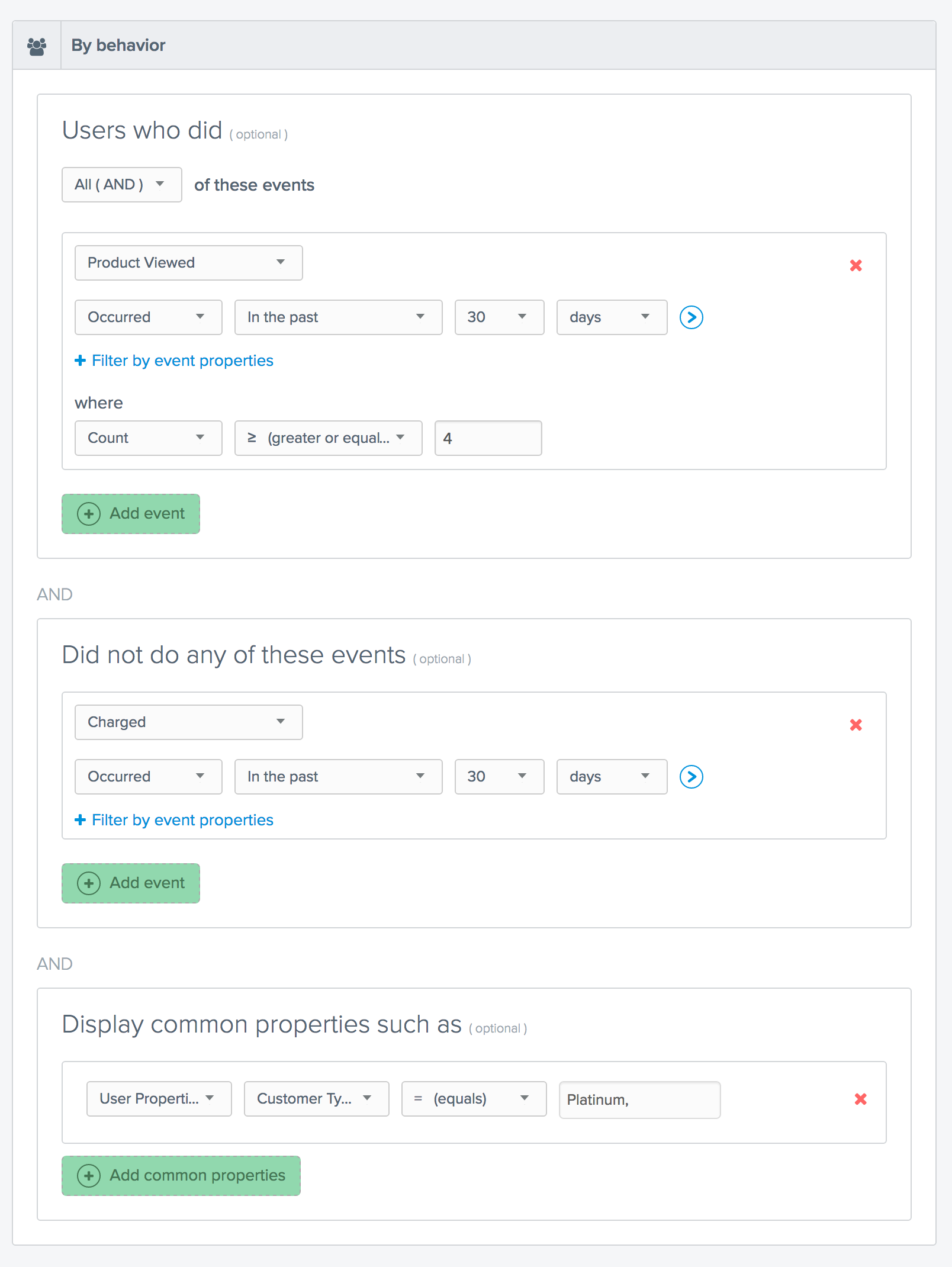  | Gainsight CS Screenshots      | Mixpanel Screenshots   |